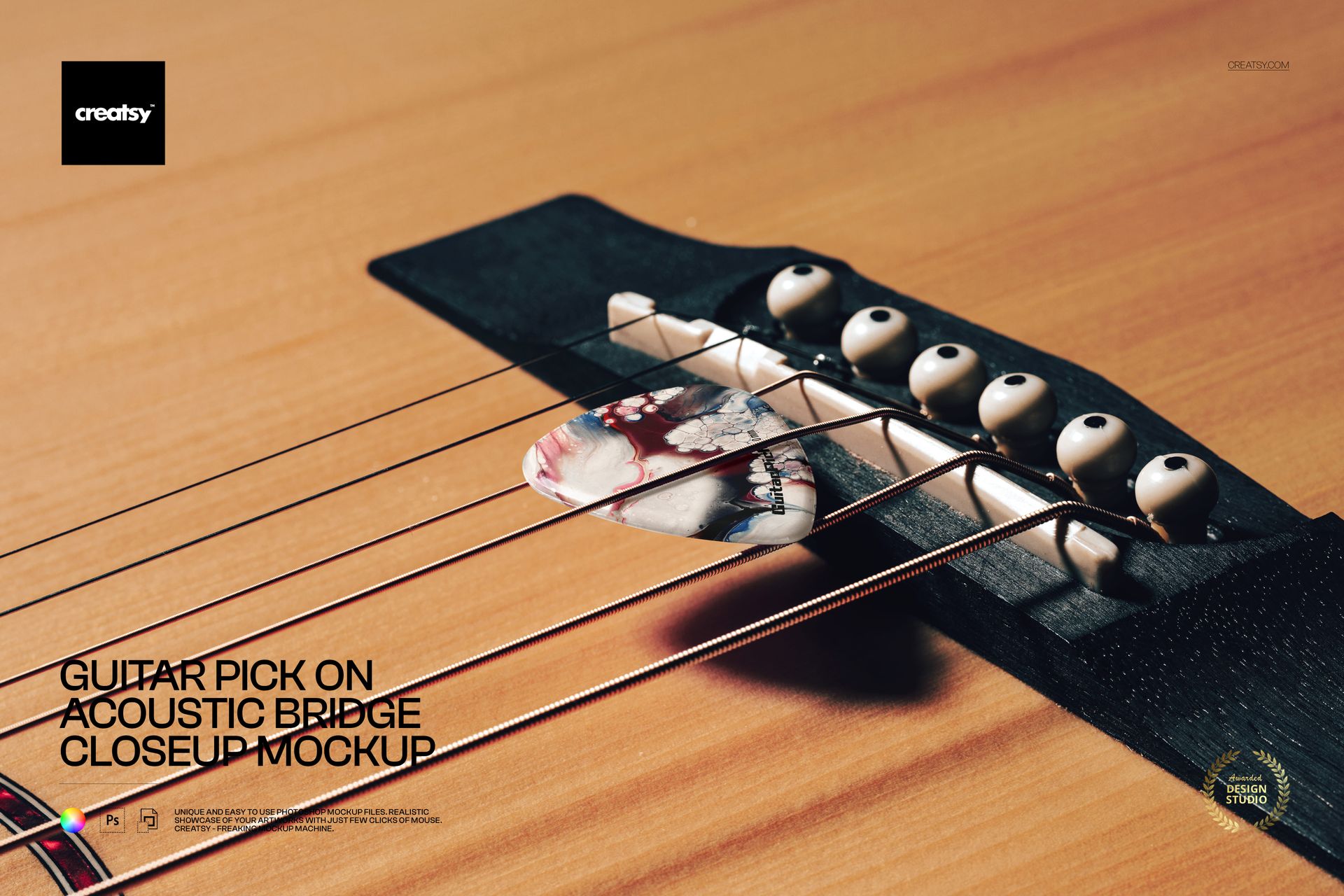
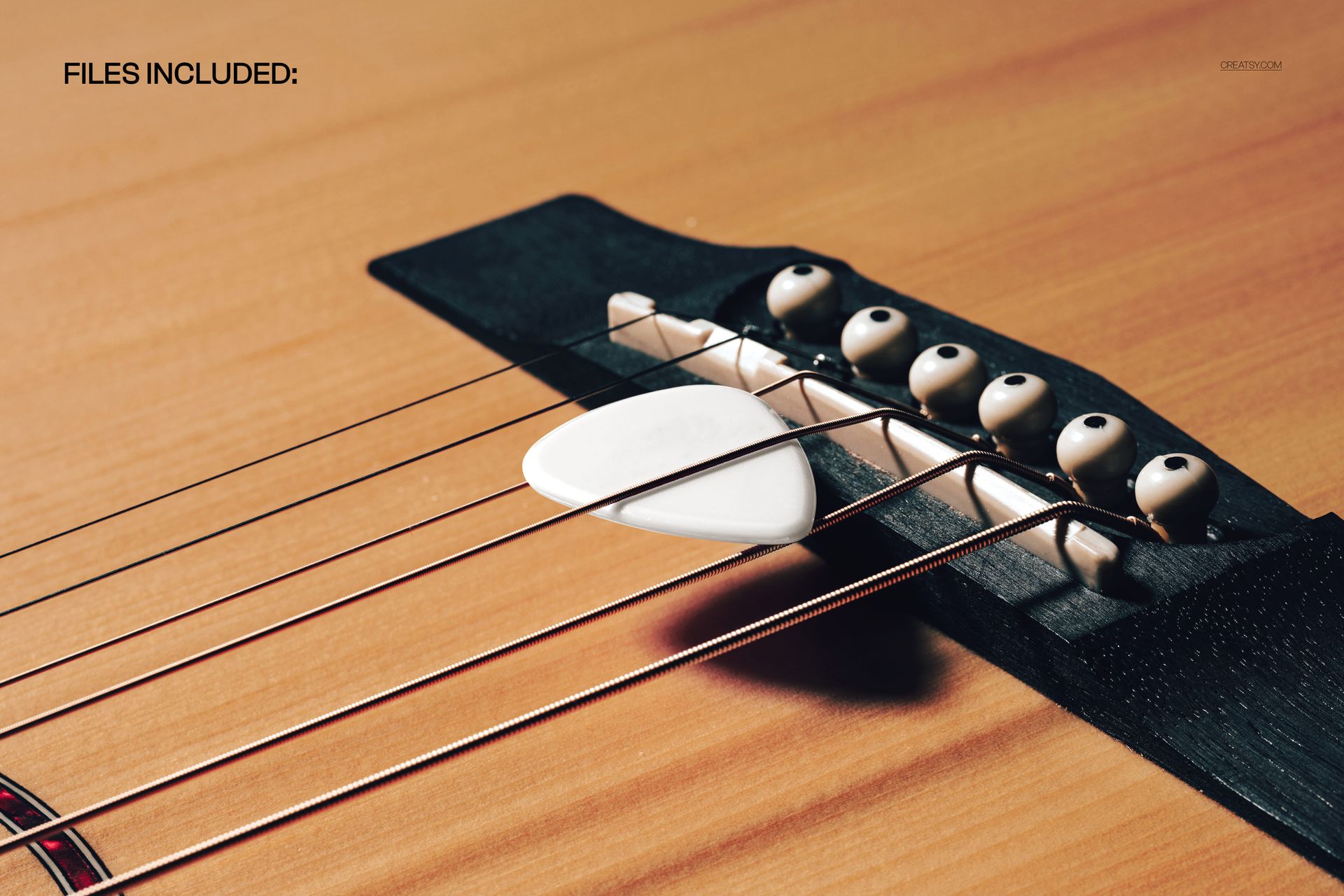
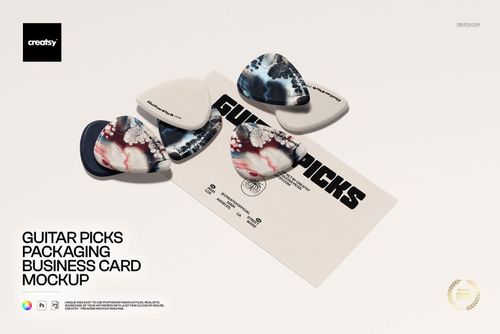
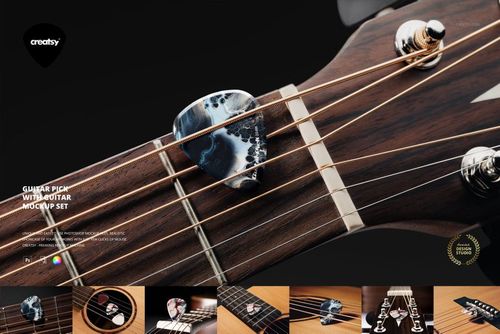
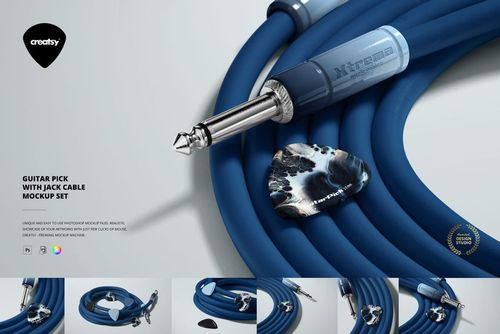
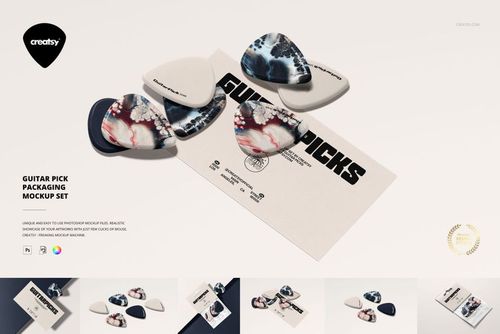
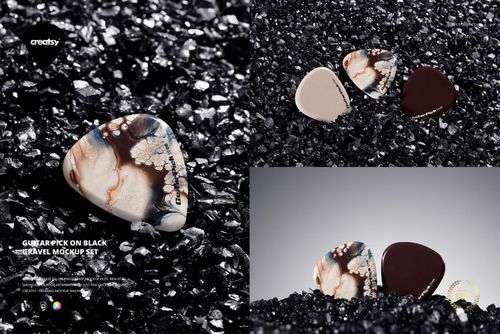
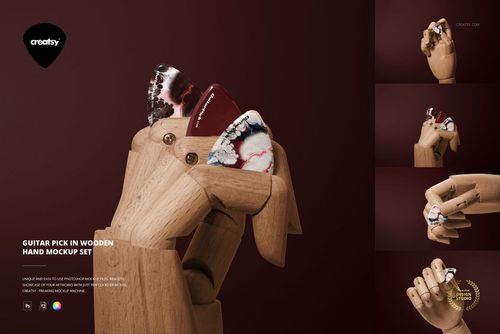
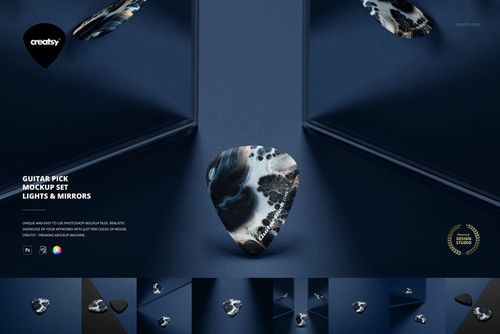
Strike the right note with this free Guitar Pick on Acoustic Bridge Closeup Mockup. Drop your artwork into the Smart Object to see it printed on a realistic guitar pick resting between acoustic strings on a warm wooden bridge. Customize the color and design of the pick, keep the detailed guitar background as it is, and export atmospheric visuals for music brands, merch, or album art – all free for commercial use (see license for details).
Highlights
- Format: 1× PSD, 6000×4000 px, 300 dpi
- Workflow: Smart Object; well-organized layers
- Apps: Photoshop (min. CC 2020) + Photopea (free online editor)
- Scene: Closeup of an acoustic guitar bridge with a pick tucked under the strings in natural light
- Use cases: band & artist merch, music schools, guitar accessories, ecommerce listings, promo graphics
What’s inside / Specs
- Files: 1× PSD (+ JPG preview)
- Canvas: 6000×4000 px, 300 dpi
- Editable elements: Guitar pick design (via Smart Object); guitar pick color
- Fixed elements: guitar body, bridge, strings, and lighting (background not editable)
- Effects & details: realistic plastic sheen on the pick, metal string reflections, wood grain, and soft shadows
- Compatibility: Photoshop CC 2020 or newer; works in Photopea
- Approx. size: ~59.5–62.4 MB (archive may vary by compression)
How-to (Photoshop & Photopea)
- Open the PSD in Photoshop (CC2020+) or Photopea.
- Double-click the pick Smart Object, paste your artwork, save, and return to the main file.
- Adjust the color layer for the pick to match your branding or collection palette.
- Optionally tweak global contrast and shadows for your final mood.
- Export high-resolution JPG/PNG/WebP for web, print, or client presentations.
License & usage
Free for personal & commercial use (for 1 business, up to 5,000 end products). Source files may not be resold, shared, or redistributed in any form. See the full license on the product page – check the “Freebie” row for complete details.