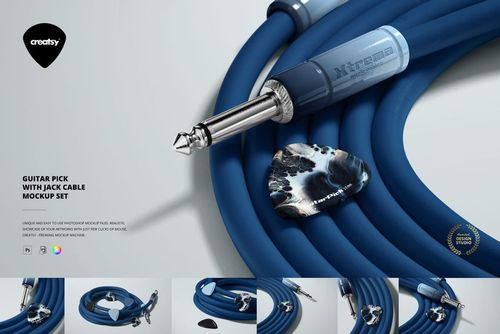
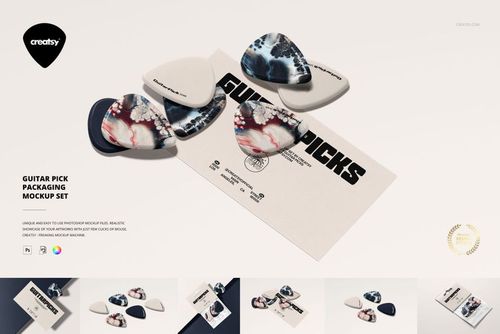
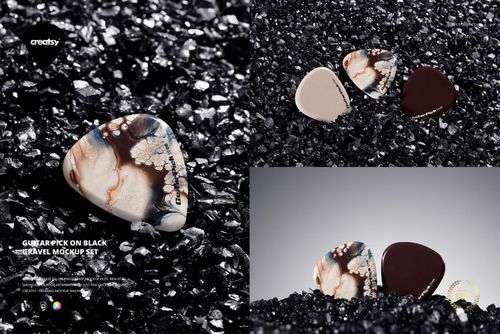
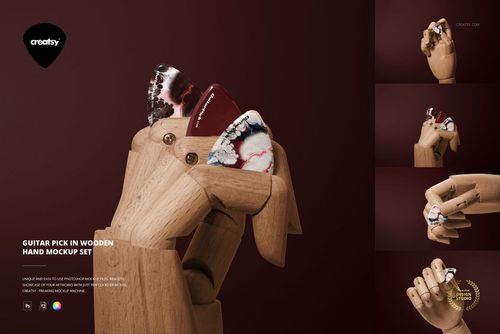
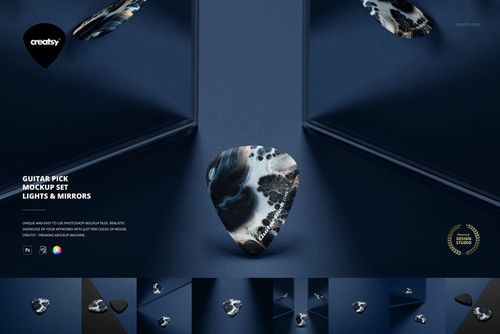
Guitar Pick Mockup Set (many types)

ID: 2070864213 | Updated: Mar 5, 2023

Product Details

Guitar Pick Mockup Set (many types)

A guitar pick may be one of the smallest pieces of music gear, but its shape, thickness and finish can completely change the way a design looks.

Artwork that feels balanced on a broad pick may become crowded on a narrower shape. A transparent pick changes how color and negative space behave. A thick or heavy-gauge pick makes the edge profile part of the presentation, while a thin pick creates a lighter and more subtle product appearance.

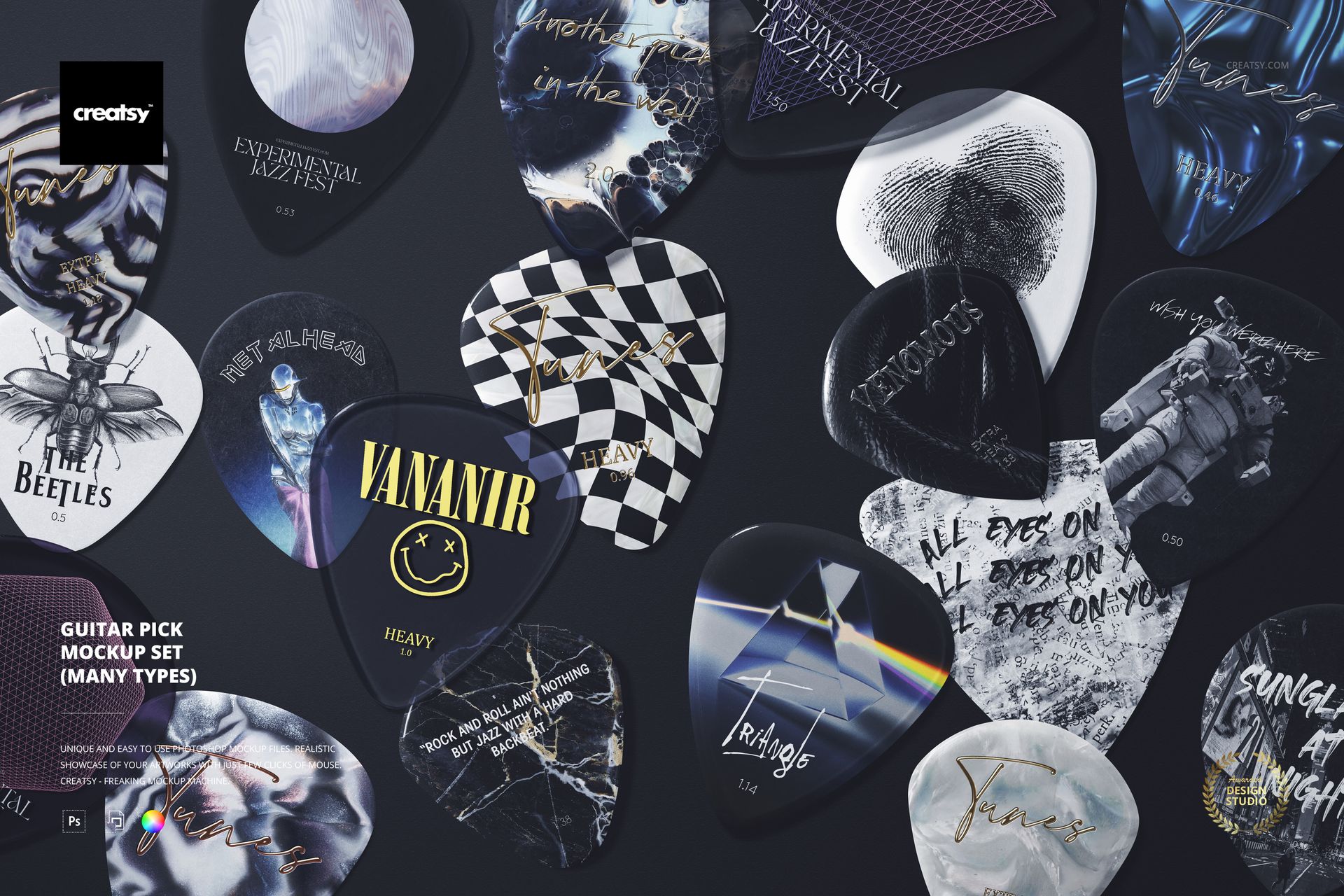
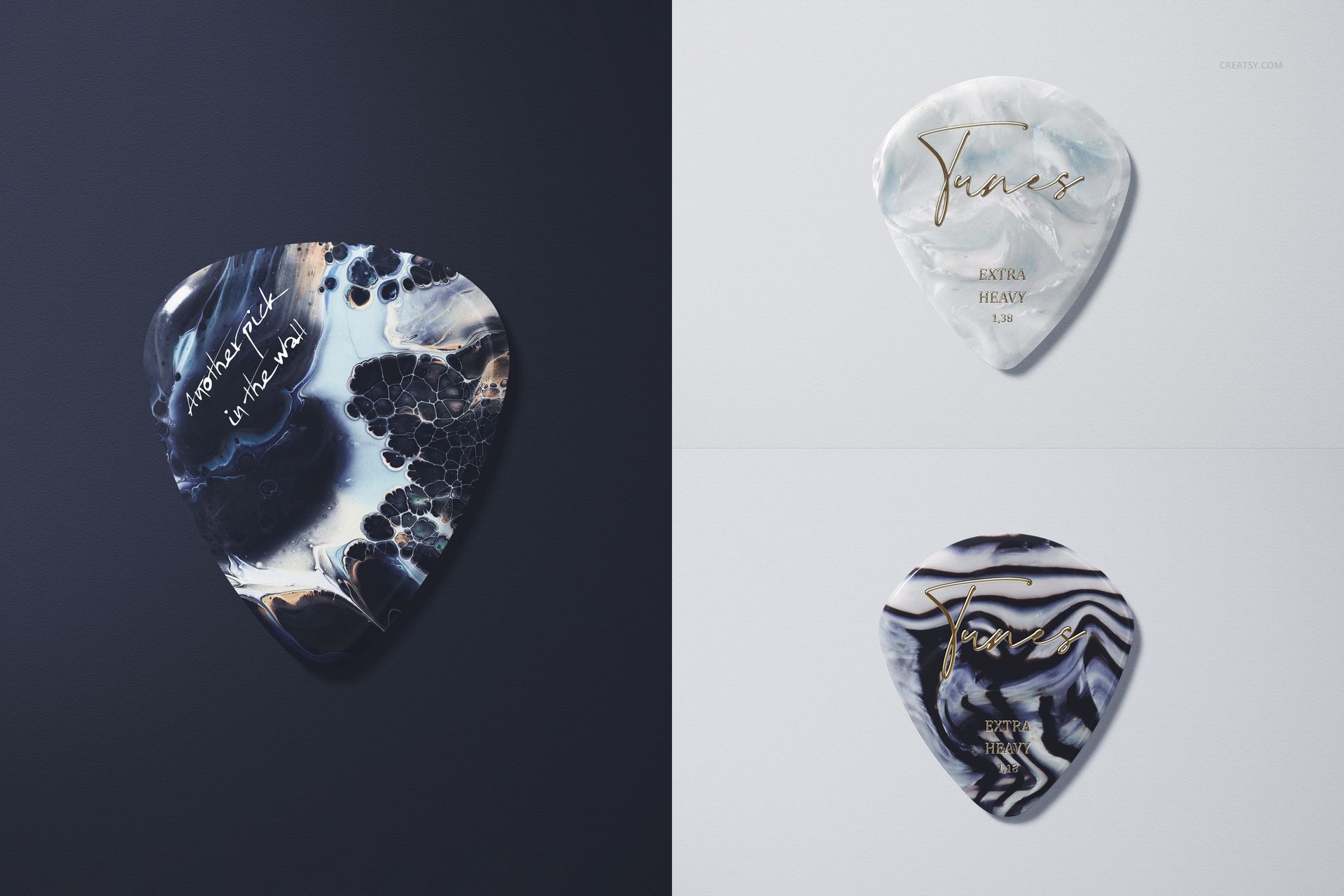
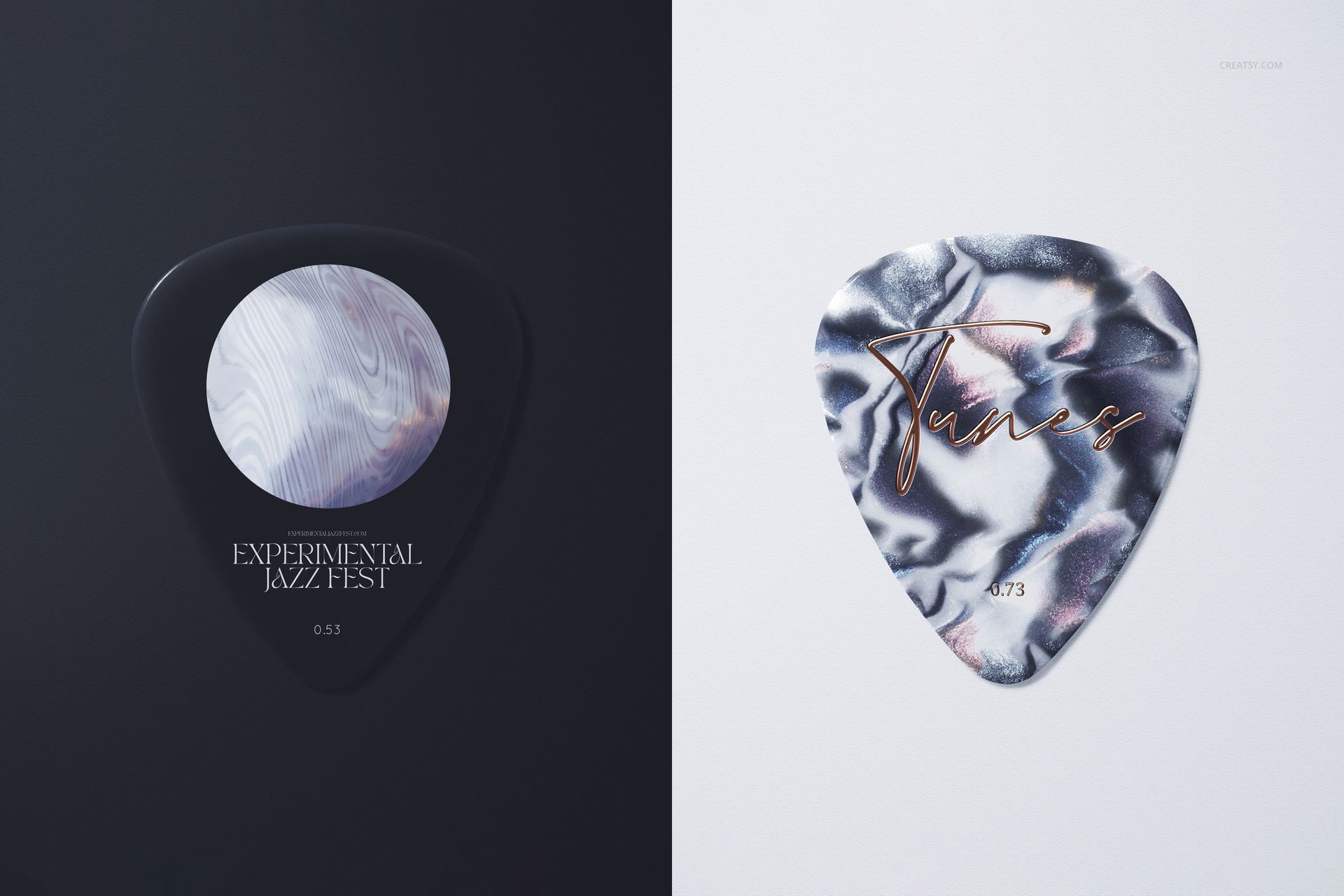
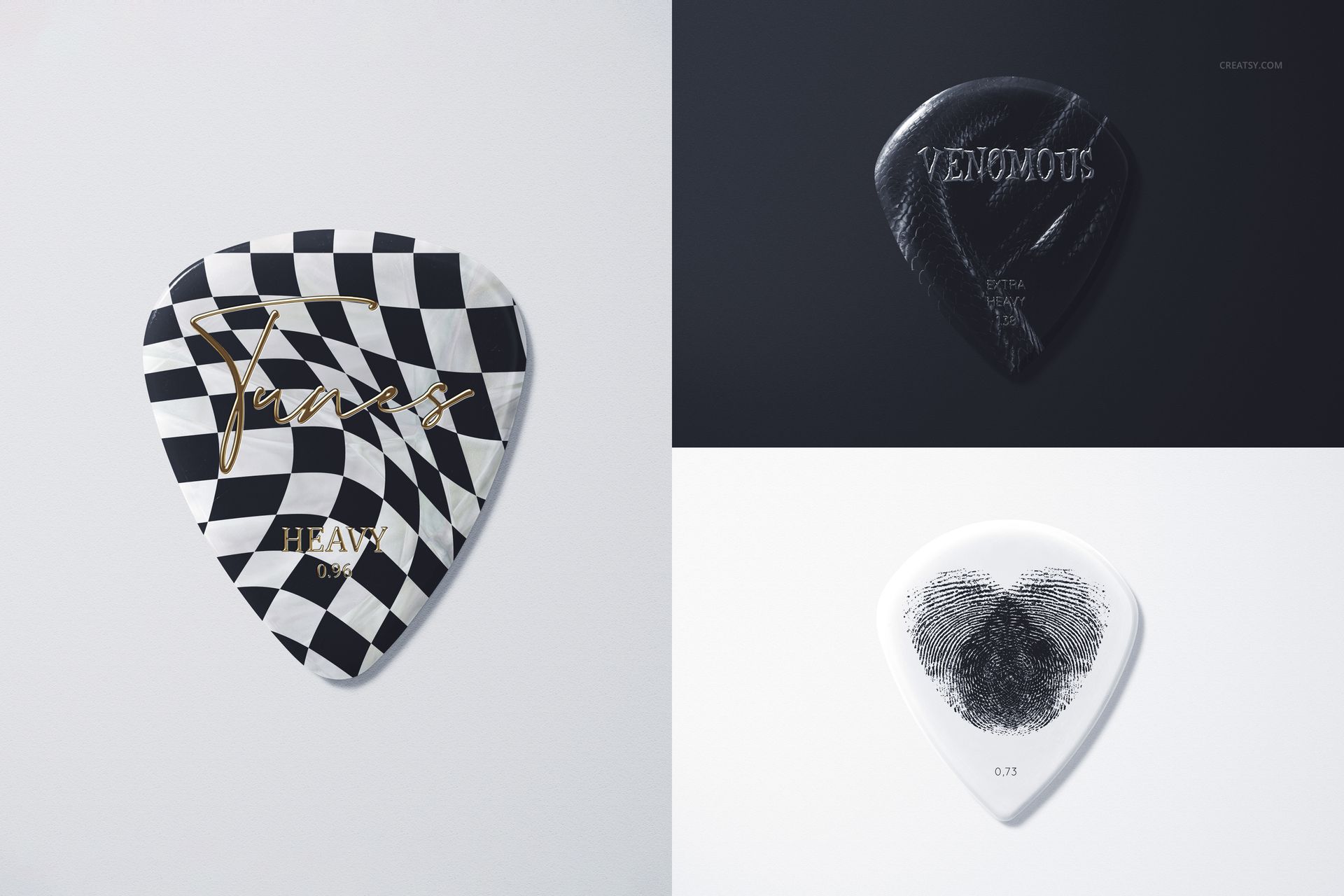
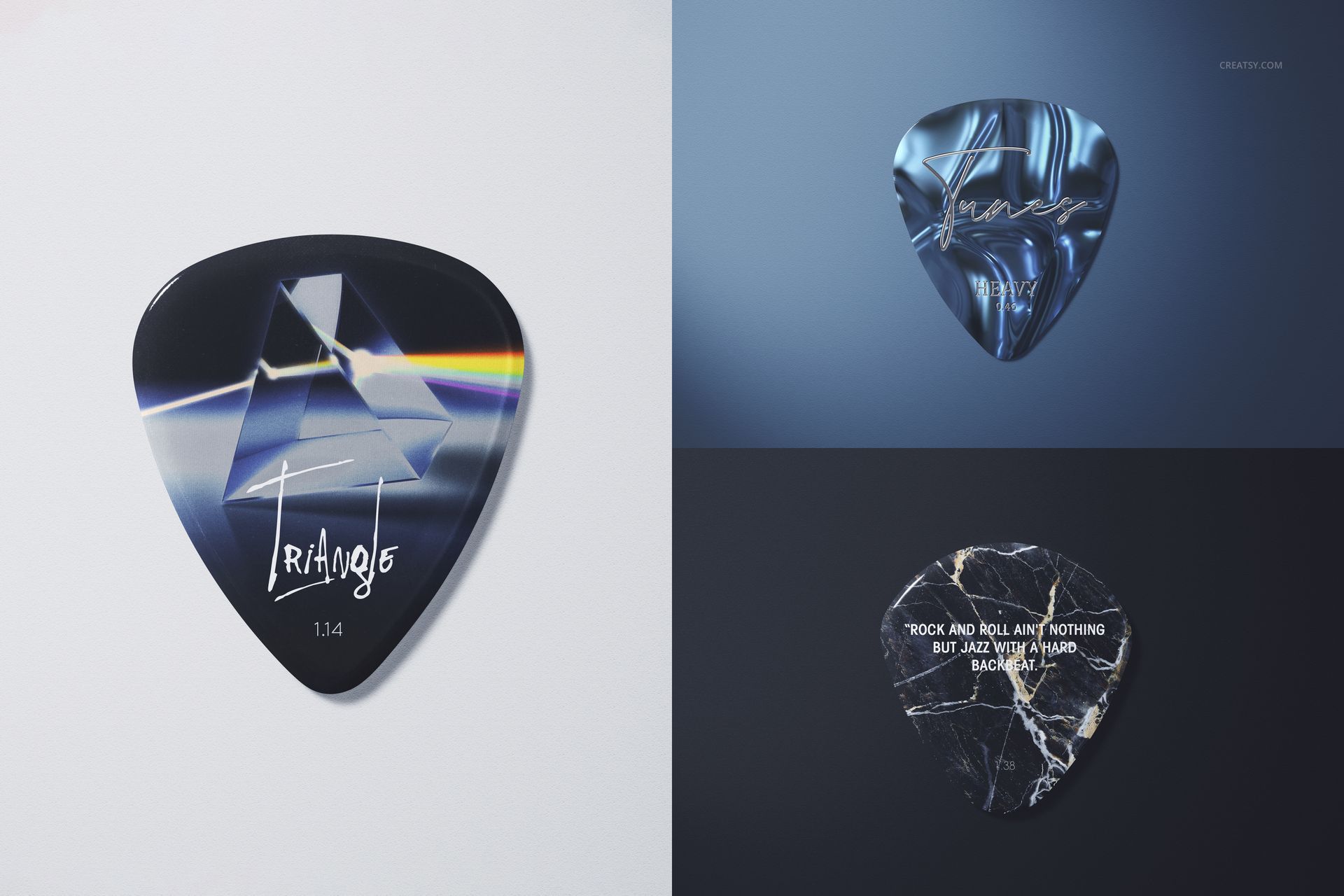
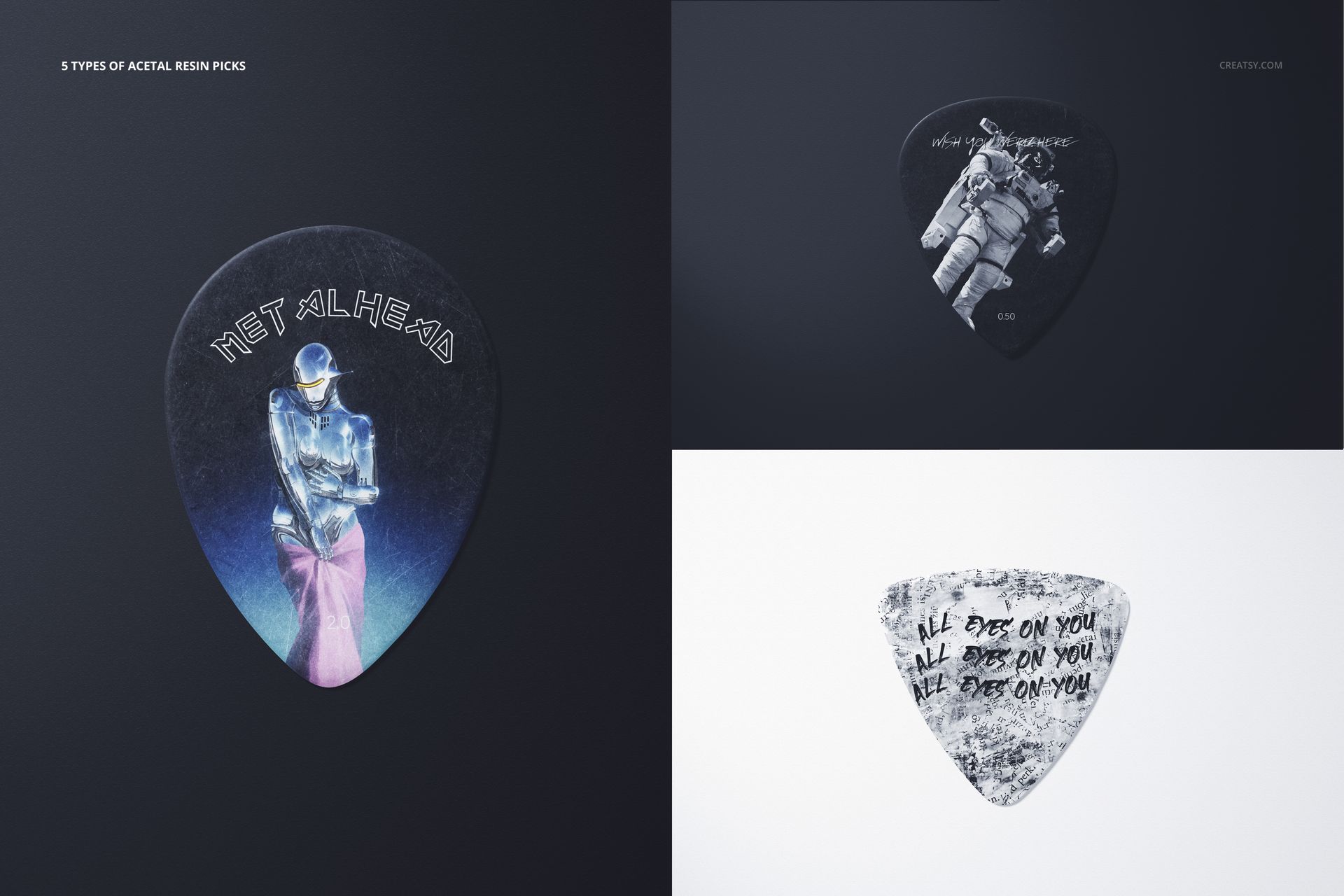
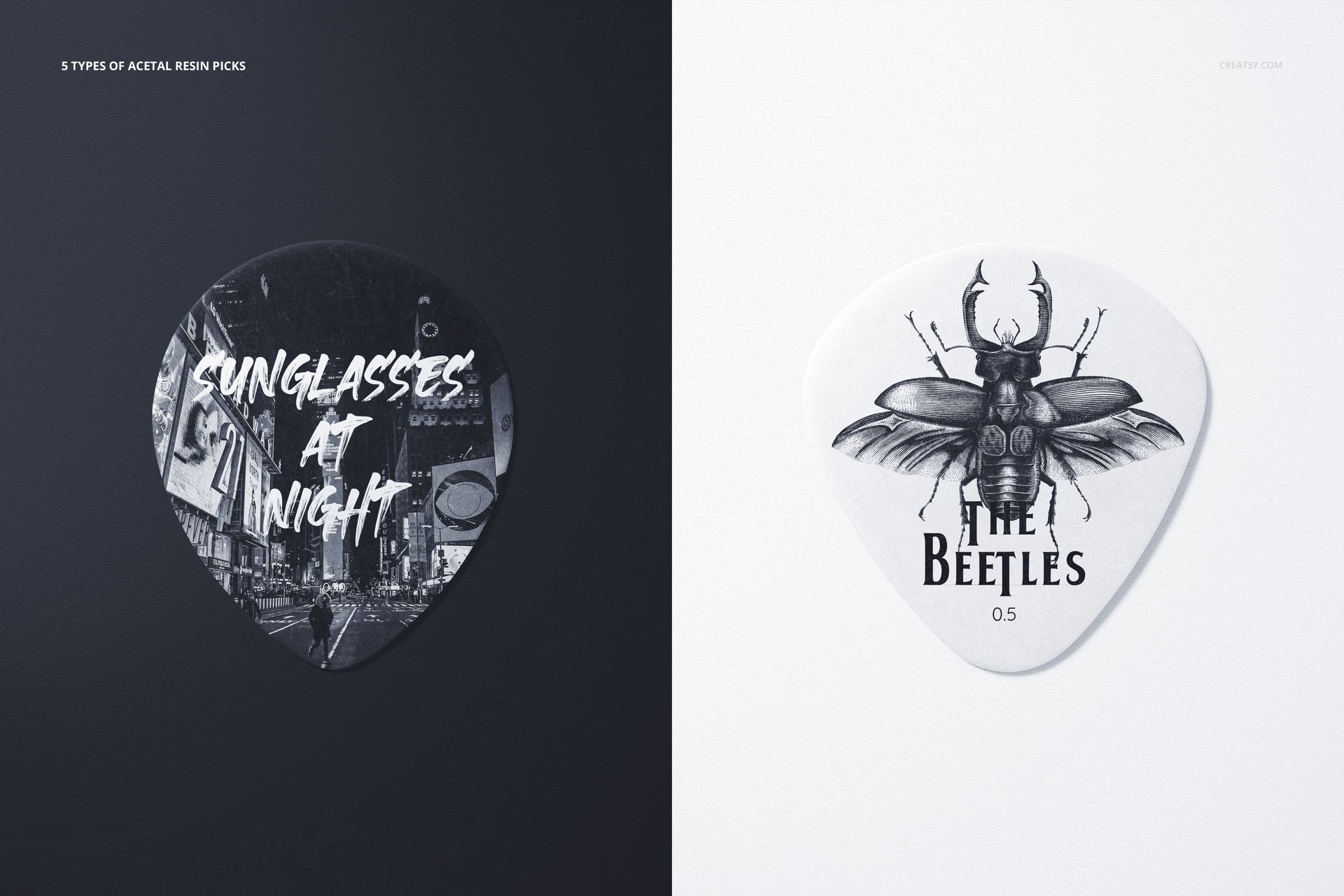
The Guitar Pick Mockup Set (many types) was created around those differences. Instead of repeating one generic plectrum across every scene, the collection lets you present artwork on thin and thick picks, transparent and opaque options, and a variety of shapes and proportions.

Use the same design across several pick types to compare placement, or create a complete collection where every guitar pick has its own artwork.

More Than One Standard Guitar Pick

There is no single guitar pick format that works for every player, product line or design.

Some picks are thin and lightweight. Others have a visibly thicker, heavier profile. Transparent picks reveal the background through the material, while solid picks provide a fully opaque surface. Different silhouettes also change the amount of space available for logos, illustrations and typography.

This set helps you show those differences clearly in a professional presentation.

It can be used to preview:

Thin guitar pick designs
Thick and heavy-gauge picks
Transparent and clear picks
Solid and opaque picks
Different guitar pick shapes
Rounded and more pointed profiles
Custom logo picks
Illustrated plectrums
Patterned guitar picks
Coordinated pick collections

The variety makes the set particularly useful when you are designing more than one product or need to show how an identity adapts across several pick styles.

See How Shape Changes the Artwork

A guitar pick is not simply a small triangular canvas.

Each shape creates different visual proportions. A centered logo may work well on one pick but feel too low or too large on another. Long typography may fit a broad pick but become difficult to read on a narrow profile. Detailed illustrations may need a different scale depending on the available surface.

Use the mockups to evaluate:

Logo size and placement
Typography legibility
Illustration scale
Spacing around the edges
How a pattern follows the pick shape
The balance between artwork and negative space
Whether the same design works across several silhouettes
Which pick type best suits a specific concept

This gives you a more practical preview than placing artwork on one generic template and assuming it will work on every product.

Present Transparent Picks Properly

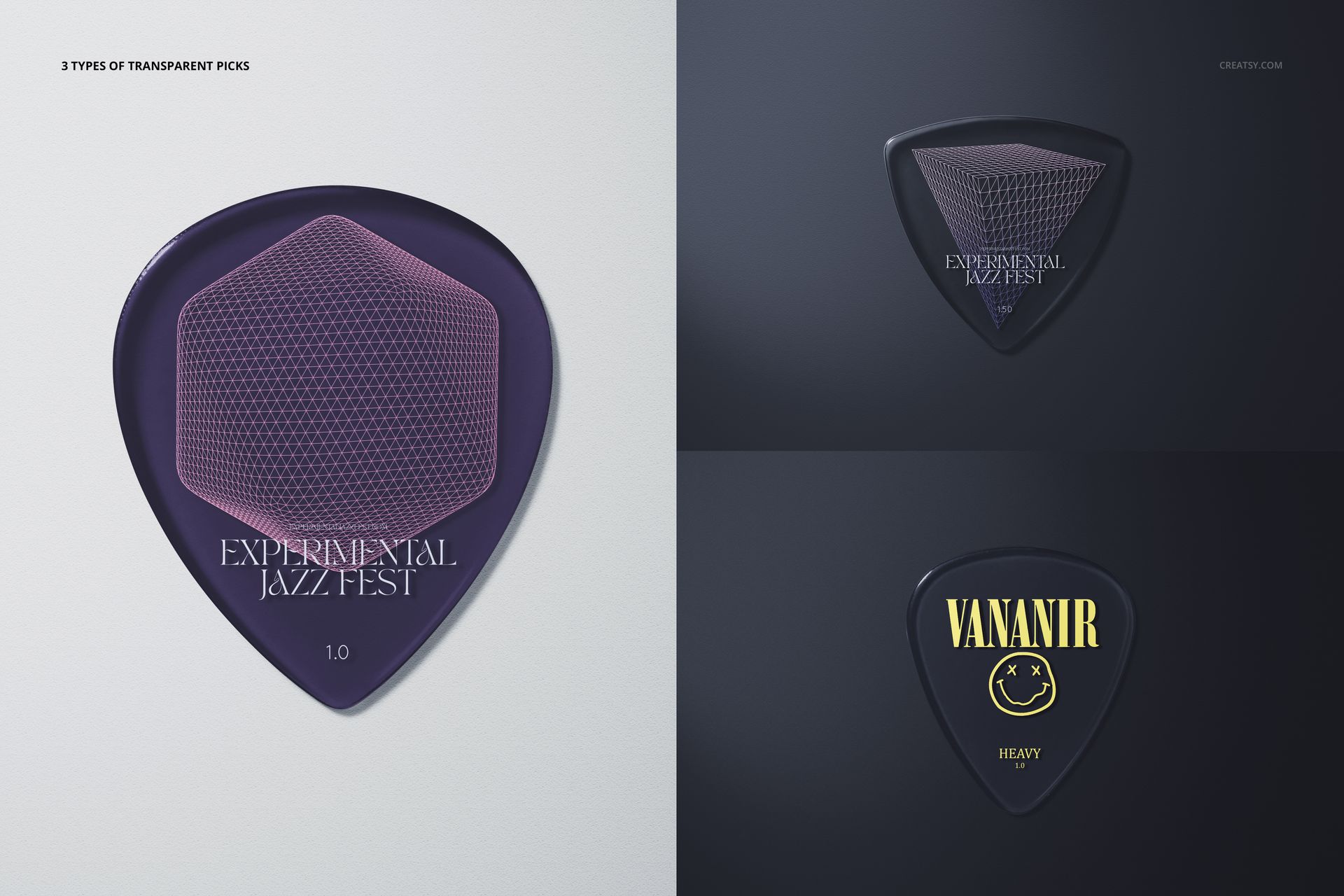
Transparent guitar picks need a different kind of preview than opaque ones.

The artwork may interact with the background, shadows and objects visible through the material. Pale colors can become more subtle, while darker graphics may create stronger contrast. Areas without print also become an intentional part of the final design.

The transparent guitar pick scenes help you review:

How artwork looks on clear material
Whether colors remain visible
How transparent areas affect the composition
The relationship between printed and unprinted sections
How the design performs against light and dark backgrounds
Whether the final pick feels minimal, bold or layered

This is especially valuable for designs created specifically for clear, translucent or semi-transparent plectrums.

Show Thin and Thick Pick Profiles

Thickness can influence the visual character of the finished product.

A thin pick may feel lightweight and flexible, while a thick or heavy-gauge pick often appears more substantial and premium. In angled and close-up scenes, the edge becomes visible and contributes to the overall product presentation.

Use these views when you need to communicate more than the artwork printed on the front. They can help demonstrate that your collection includes physically different products, not only several graphic variations of the same pick.

The mockups are suitable for comparing:

Thin and heavy-gauge styles
Flat front views and visible edge profiles
Different proportions and corner shapes
Transparent and opaque materials
Individual picks and grouped product collections

Real Macro Photography and Natural Surface Detail

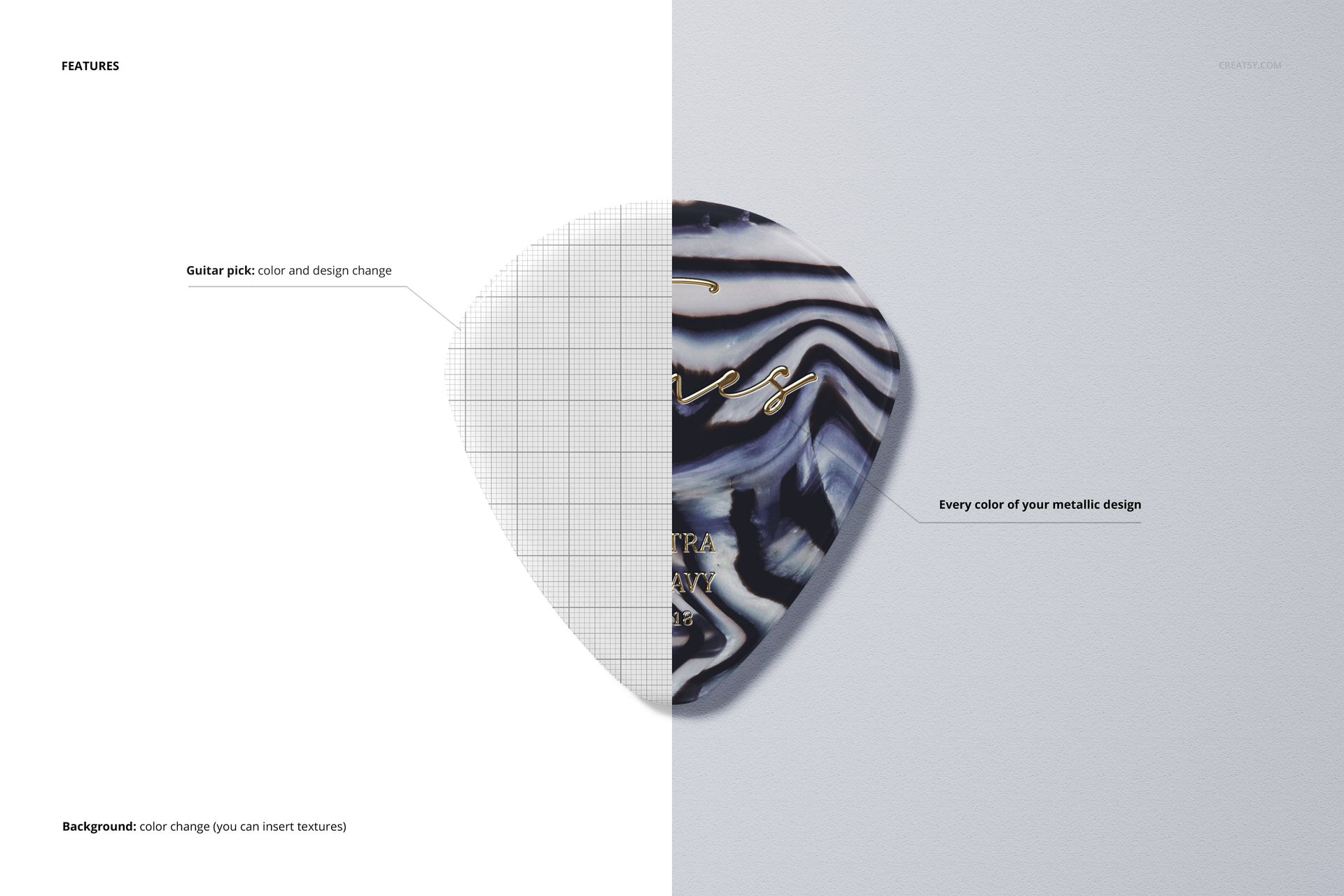
The mockups are based on real macro photographs rather than perfectly smooth, artificial-looking product renders. Small scratches and natural surface marks remain visible in the images, helping the picks feel like physical products that have been photographed up close.

These details are particularly effective on transparent and glossy surfaces, where an unrealistically perfect finish can make a mockup look flat or computer-generated.

The natural texture helps your design blend with:

Realistic reflections
Small surface imperfections
Edge thickness
Macro lighting
Transparent material
Natural product shadows
Close-up photographic detail

The result is suitable for polished presentations without removing the physical character of an actual guitar pick.

Build a Complete Guitar Pick Collection

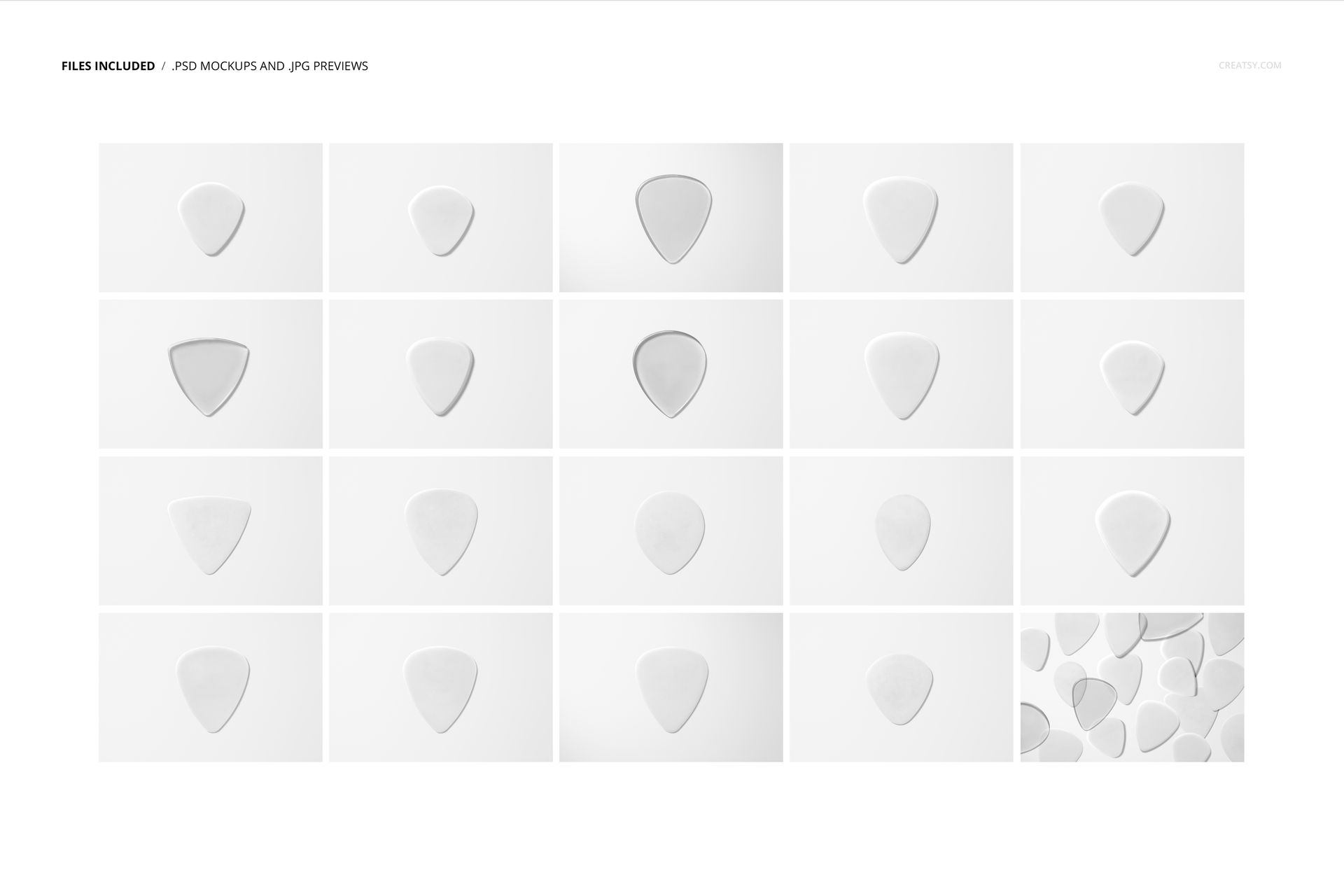
With 20 editable PSD scenes, you can create more than one hero image.

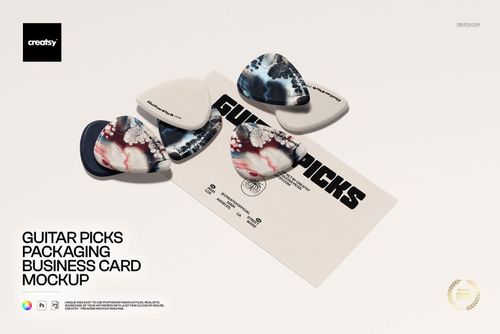
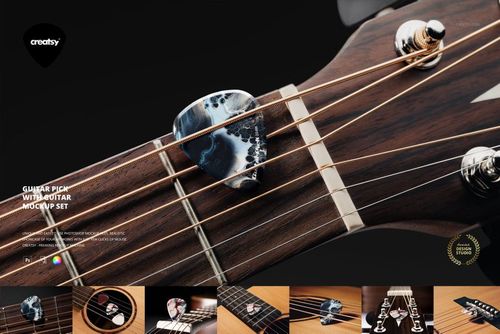
Use individual pick views to focus on a single design. Add close-ups to show artwork and surface detail. Use grouped compositions to present a coordinated range, compare shapes or introduce multiple colorways.

The previews include single picks, pairs and groups, as well as transparent options, different shapes, varied angles and both light and dark presentation backgrounds.

A complete product gallery could include:

A main image showing several pick types
A close-up of a transparent pick
A side view showing thickness
A comparison of different shapes
Several designs from one collection
A logo-focused product image
A detailed macro view
A light and dark background variation

This gives customers or clients a much clearer understanding of the product range than one isolated guitar pick image.

Made for Music Brands and Creative Merchandise

The set works well for anyone developing custom guitar picks as a product, promotional item or piece of artist merchandise.

It is a strong choice for:

Bands creating tour merchandise
Musicians developing signature picks
Guitar accessory brands
Custom guitar pick manufacturers
Music shops and instrument stores
Record labels and artist management teams
Festivals and music events
Graphic designers working with musicians
Illustrators creating music merchandise
Luthiers and custom guitar studios
Promotional product designers
Music-related branding projects

Use it for album campaigns, tour announcements, limited-edition merchandise, artist collaborations, custom gift collections or promotional giveaways.

Test Designs Before Production

A flat artwork file does not show how a design will fit on different pick shapes or how it will look on transparent material.

The mockups can help you review the visual direction before ordering printed samples. You can compare several variations and identify potential issues with scale, contrast or placement while changes are still easy to make.

Use the set to test:

One design on several pick types
Several designs on one shape
Light and dark artwork
Transparent and solid product options
Logo-led and illustration-led concepts
Different pattern scales
Alternative colorways
A coordinated merchandise collection

The files are intended for visual presentation and design approval. They are not technical manufacturing templates or precise production specifications for guitar pick dimensions and gauge.

Easy PSD Editing

Open the selected PSD in Adobe Photoshop or Photopea, locate the editable design area, place your artwork and save the file. The mockup applies the design within the photographed lighting, shadows, surface texture and product perspective.

The organized layer structure helps you move between scenes and create a consistent set of visuals without manually rebuilding each guitar pick presentation.

Check the product screenshots and included instructions for the exact editable options available in individual PSD files.

What You Can Showcase

Use the Guitar Pick Mockup Set (many types) to present:

Custom guitar pick artwork
Band logos
Tour merchandise
Artist signature picks
Transparent plectrum designs
Thin guitar picks
Thick and heavy-gauge picks
Different pick silhouettes
Music brand identity
Album-inspired artwork
Promotional guitar picks
Illustrated pick collections
Patterns and textures
Limited-edition merchandise
Client design concepts
Music accessory product ranges

File Specifications

Product title: Guitar Pick Mockup Set (many types)
Category: Music / Guitars & Guitar Picks
Pack includes 20 editable PSD files
41 files included in total
File formats: PSD, JPG and PDF
PSD dimensions: 6000x4000 px
Resolution: 300 DPI
Minimum Photoshop version listed: Adobe Photoshop CS6
Photopea compatibility is displayed in the File details section
Well-organized layers
Real macro photography with subtle scratches and surface details
Package size: approximately 5.1 GB for Windows and 5.47 GB for macOS
Preview patterns and artwork are not included with the mockups

Give Every Pick Type the Right Presentation

A custom guitar pick collection should not look like the same product repeated twenty times.

The Guitar Pick Mockup Set (many types) gives you the variety needed to show how artwork changes across different shapes, thicknesses and finishes. Thin picks, thick profiles, transparent materials and varied silhouettes can all become part of the product story.

Use the set when you need a broader and more realistic presentation of custom guitar picks, whether you are preparing band merchandise, developing a signature collection or presenting a music accessory concept to a client.

File details

Compatibility
PhotopeaAdobe PhotoshopAffinity Designer
Package size
5.1 GB5.1 GB|5.47 GB5.47 GB
Files type
.psd, .jpg, .pdf
Files size
6000x4000
TEST FOR FREE

41 files total: 20 JPG, 20 PSD, 1 PDF.

MEET THE SHOP

Creatsy logo

Creatsy

Poland
4.7 (665)

Bring your ideas to life.

We're a family-run studio in Katowice, Poland, making PSD mockups by hand since 2016. Everything in this shop starts in our own studio. We shoot the photography, build the 3D, and put together every Smart Object PSD ourselves - then we test it, organize the layers, and only ship it once it actually works...
GO TO SHOP

HOW IT WORKS

3 clicks. That's it.

No tutorial needed. If you can copy-paste, you can use this.

  1. 1OpenDouble-click the smart object inside the PSD - in Adobe Photoshop, or free in your browser with Photopea.
  2. 2PasteDrop in your pattern, print, or artwork. Any design, any style.
  3. 3SaveHit save and the mockup wraps it in for you - shadows, folds, and lighting included.
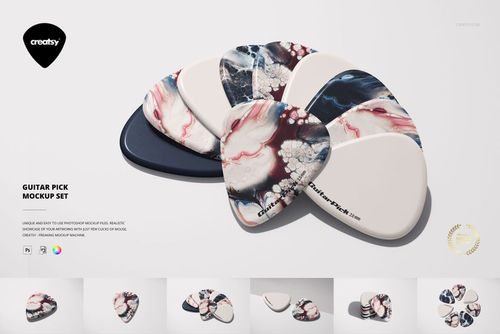
FROM IDEA TO IMAGE

Built for real workflows

Skip the photo shoot Show your artwork on the real product type for approvals or listings - no studio, no model, no sample.

See it on the product, not a swatch Drop your file into the smart object and the scene's lighting and folds wrap around it, so you judge the real thing before you commit.

Smart Objects

Edit once and you're done. Your artwork drops into a smart object and the mockup updates itself - no masking, no warping by hand.

Perfectly Organized

Named layers and folders you can actually navigate. Find what you need, change what you want, and get out fast.

Print-Ready

High-resolution files built to hold up on screen and in print. Exact size and DPI are in this product's Details above.