Guitar Pick on Black Gravel Mockup Set
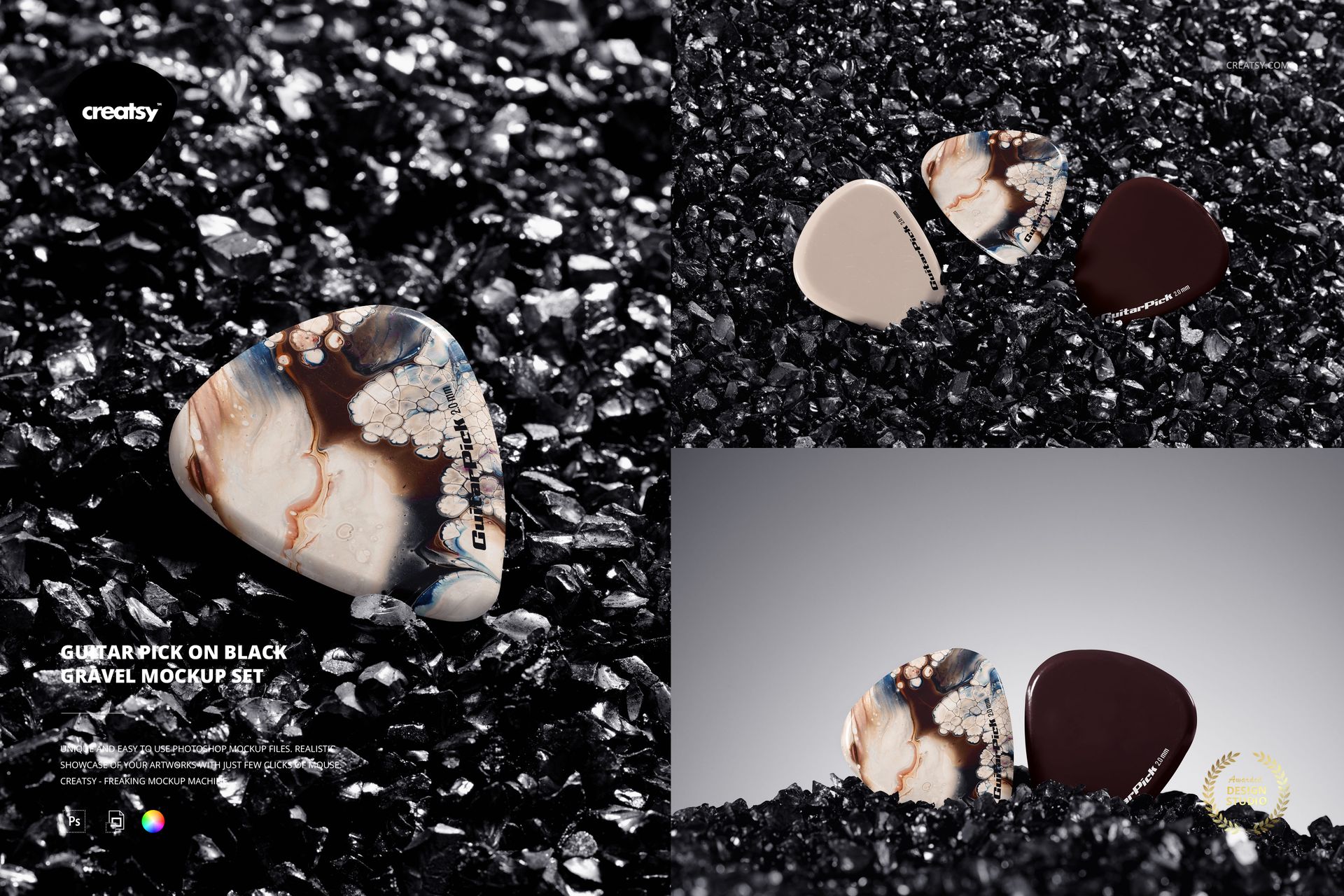
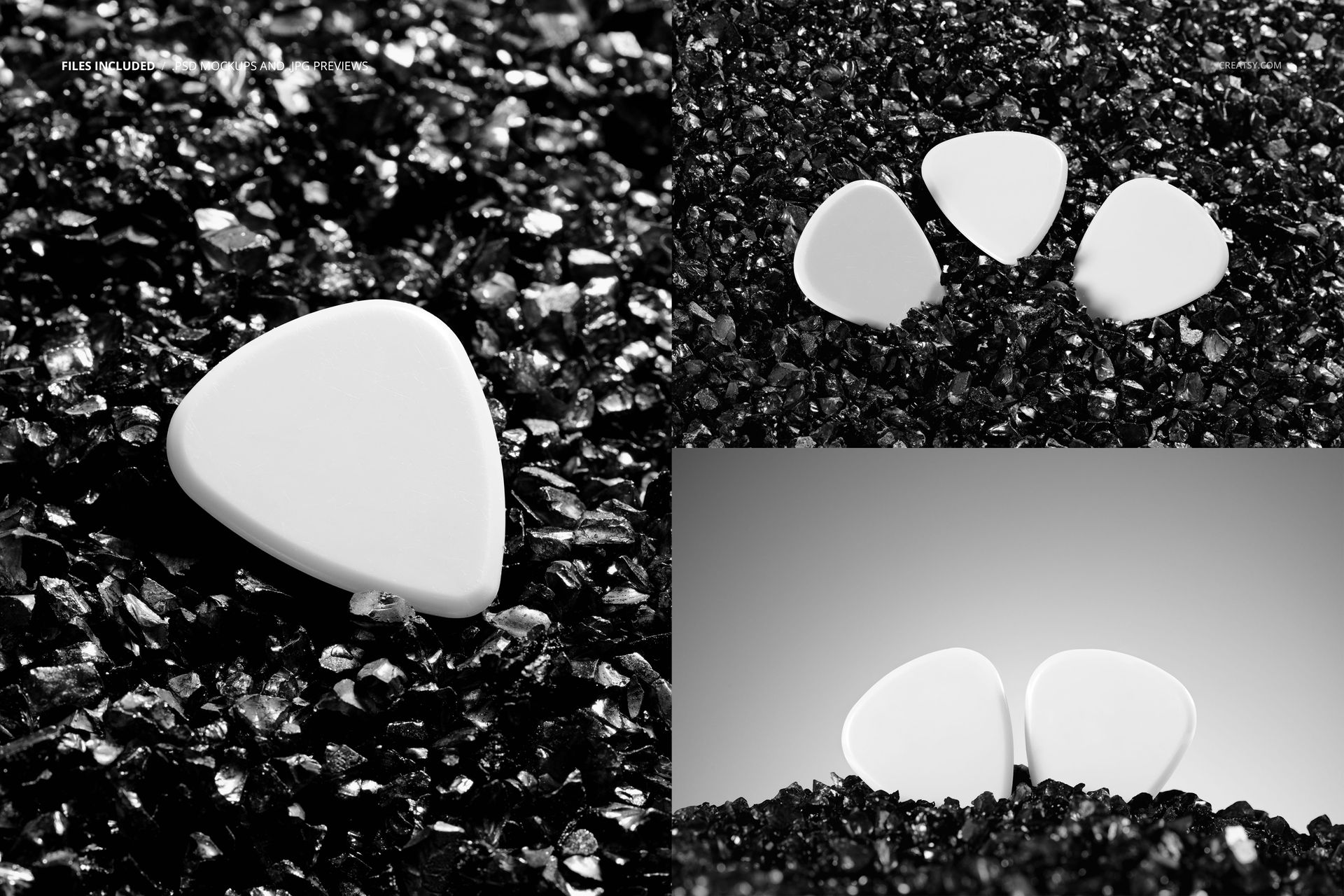
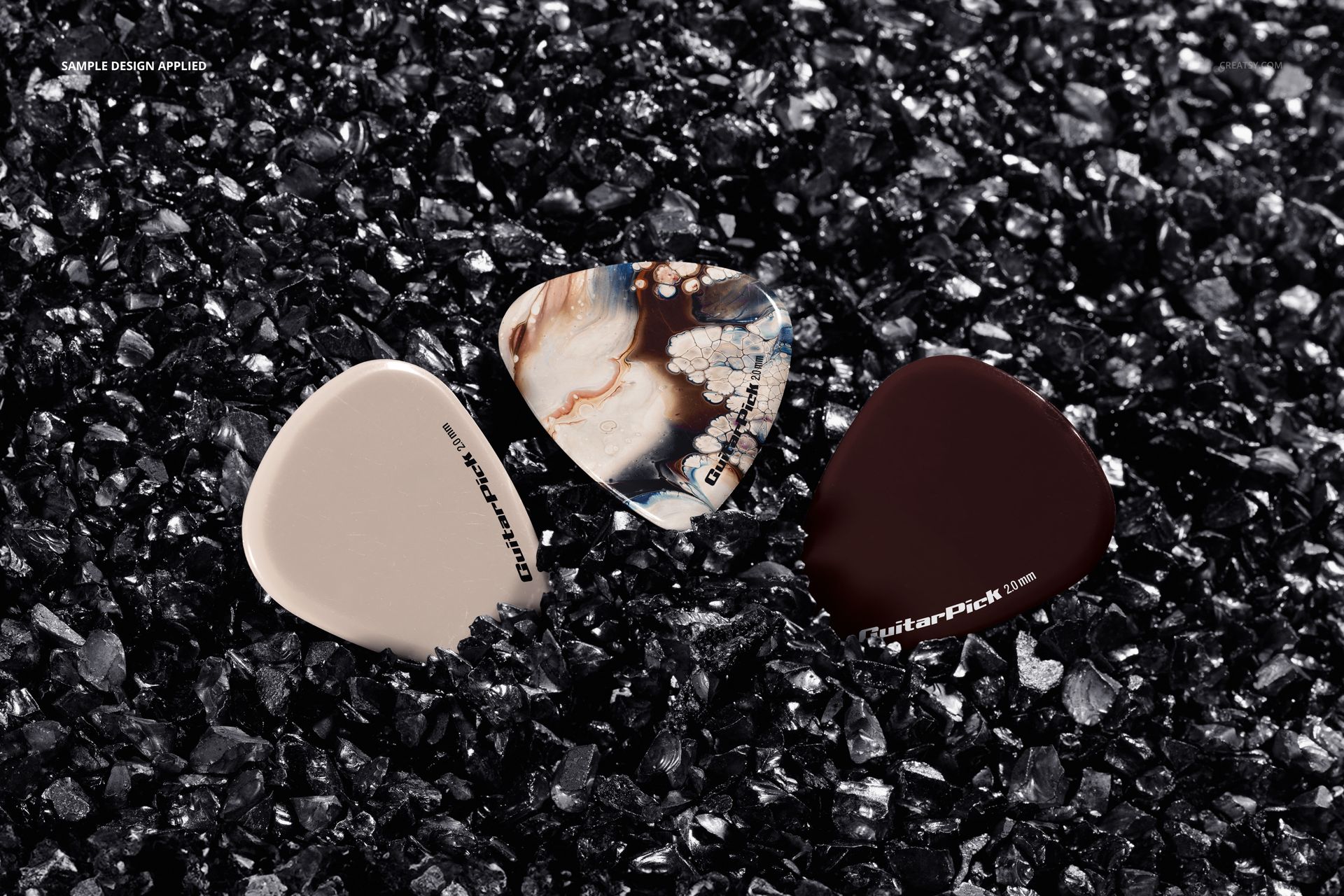
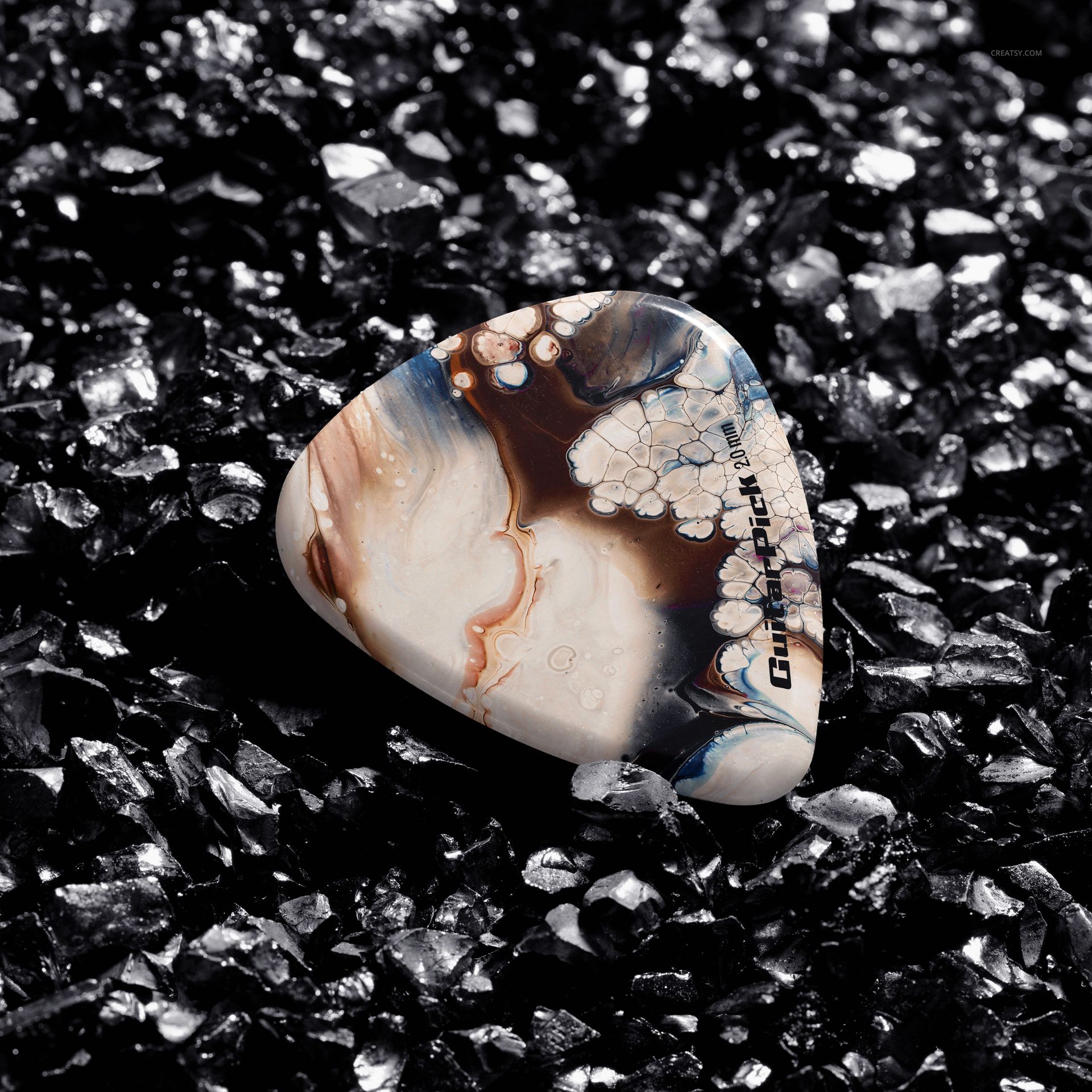
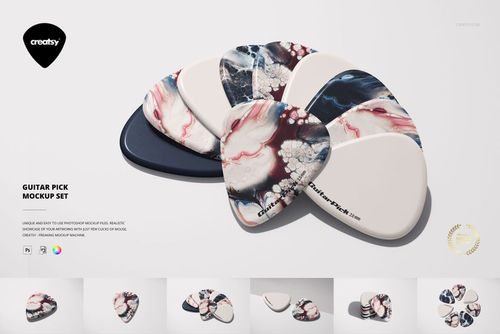
Glossy black gravel gives a small guitar pick a strong visual setting. This three-scene PSD set pairs the smooth surface of a plectrum with jagged dark stones, using single, double and trio arrangements to show one artwork in detail or compare a small collection.
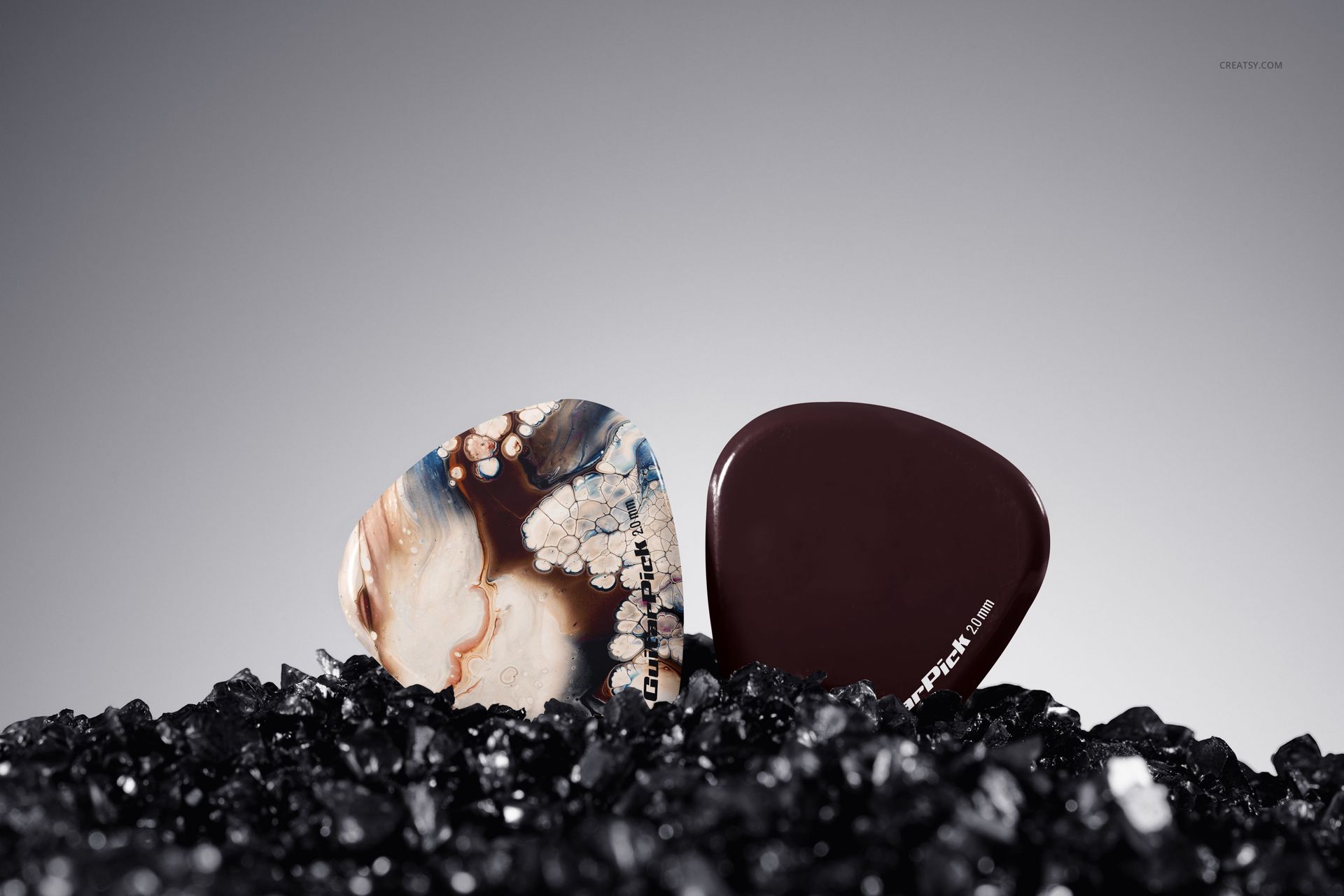
The close views suit bold logos, marbled artwork and compact signatures. A low-angle composition adds open space above the gravel, while the tighter views emphasize the relationship between the print and the pick shape.
What Is Included
3 layered PSD mockups featuring guitar picks on black gravel.
3 JPG reference previews, 6 files in total.
PSD scenes 1 and 3: 6000 × 4000 px; scene 2: 4000 × 6000 px, all at 300 DPI.
Single-pick, two-pick and three-pick compositions.
Organized layers for editing pick colors and artwork.
Use the Dark Texture to Test Contrast
Pale graphics can stand out against the stones, while dark pick designs create a subtler presentation. Compare both approaches with the same logo and assess whether the outline and lettering remain easy to identify. The gravel is part of the visual setting, not a texture supplied for manufacturing the picks.
Easy Smart Object Editing
Use Adobe Photoshop CC2020 or newer, or Photopea, to open the PSD. Add your artwork through the pick Smart Objects, save the changes and review the design in the scene. Adjust the pick colors to suit the artwork and export a single image or a sequence of complementary views.
Perfect For
Rock and alternative music merchandise campaigns.
Guitar accessory branding and signature pick presentations.
Illustrator portfolios and small plectrum collection previews.
Digital mockup files only. Physical picks and gravel are not supplied, and the example artwork in the previews is not included.