Baby Knotted Gown Mockup Set
This product is a part of Little Fashion 3 Mockup Bundle
Product Details
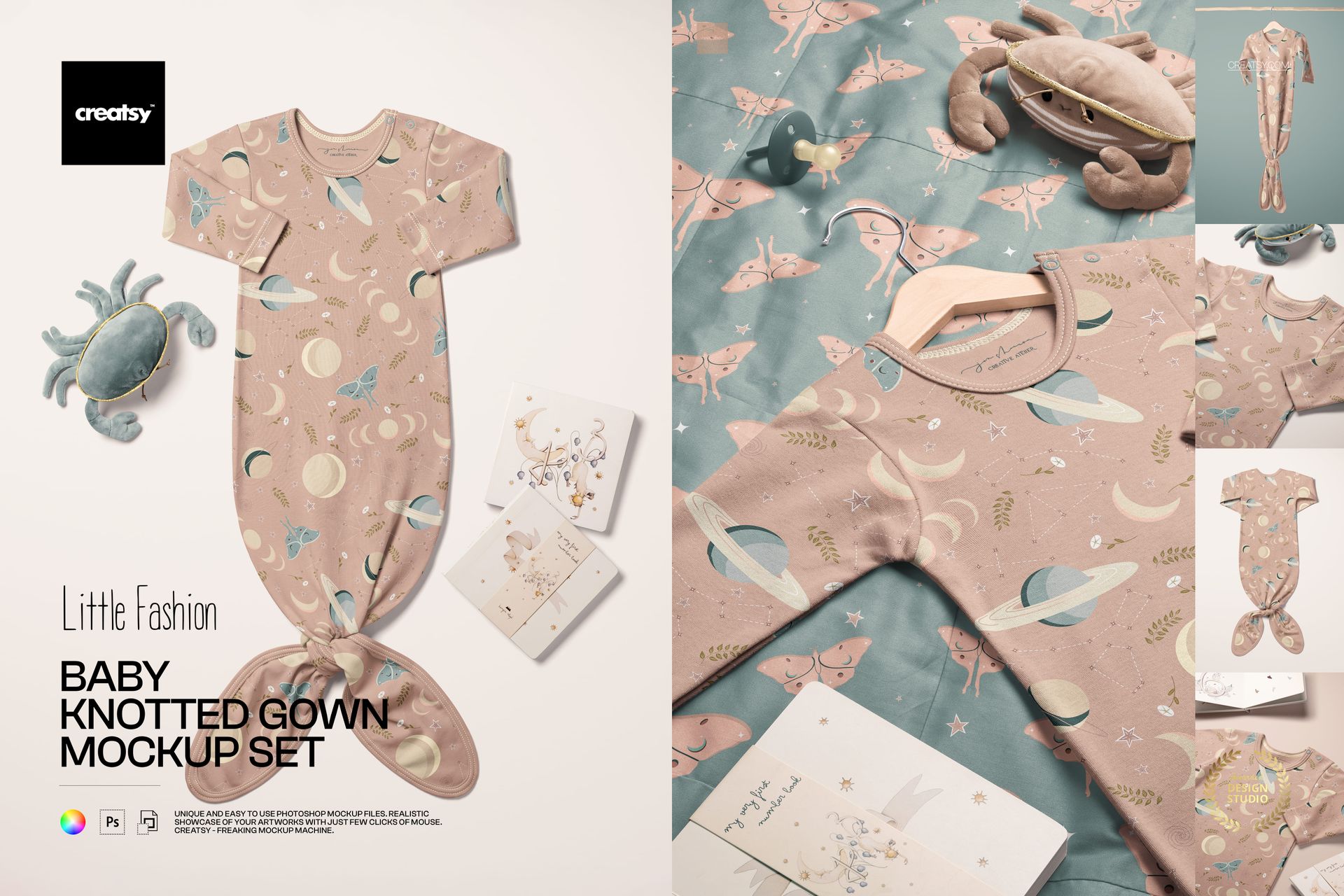
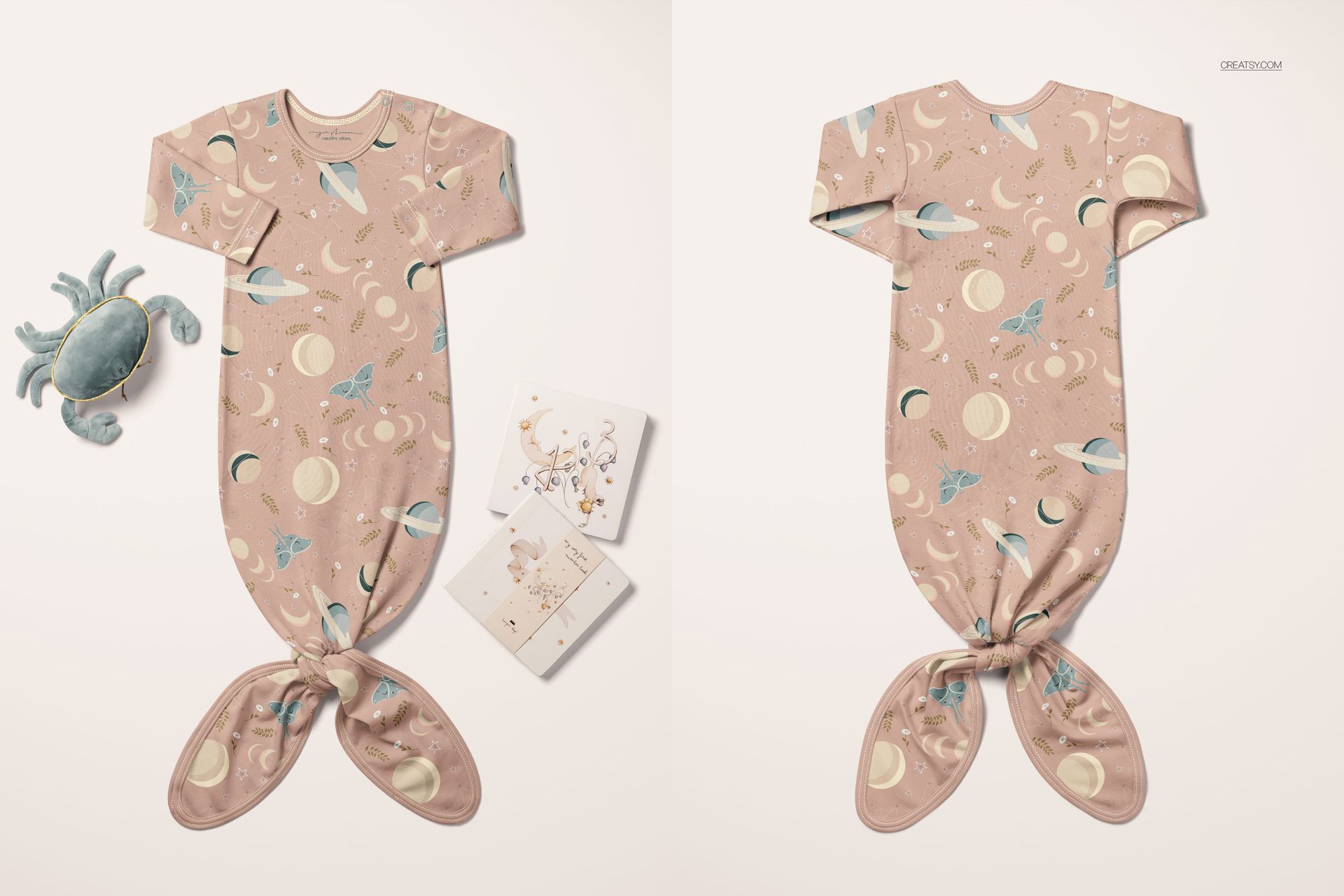
The Baby Knotted Gown Mockup Set gives you six photorealistic scenes to showcase your textile patterns, illustrations, and surface designs on one of the most popular newborn garments sold online. A knotted baby gown is a staple product for organic babywear brands, Etsy baby clothing shops, and print-on-demand sellers - and this set lets you present your artwork on it without sewing a single sample.
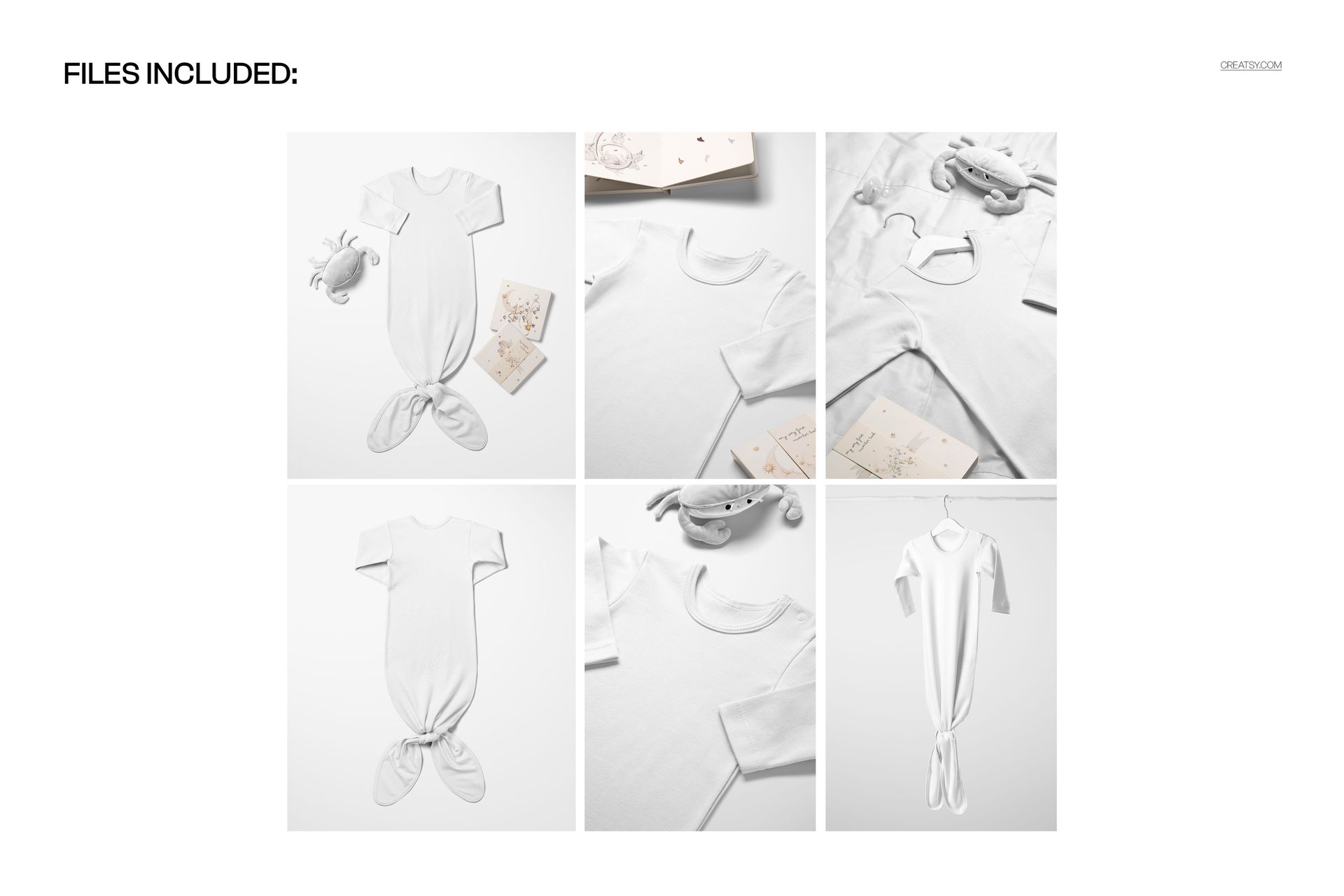
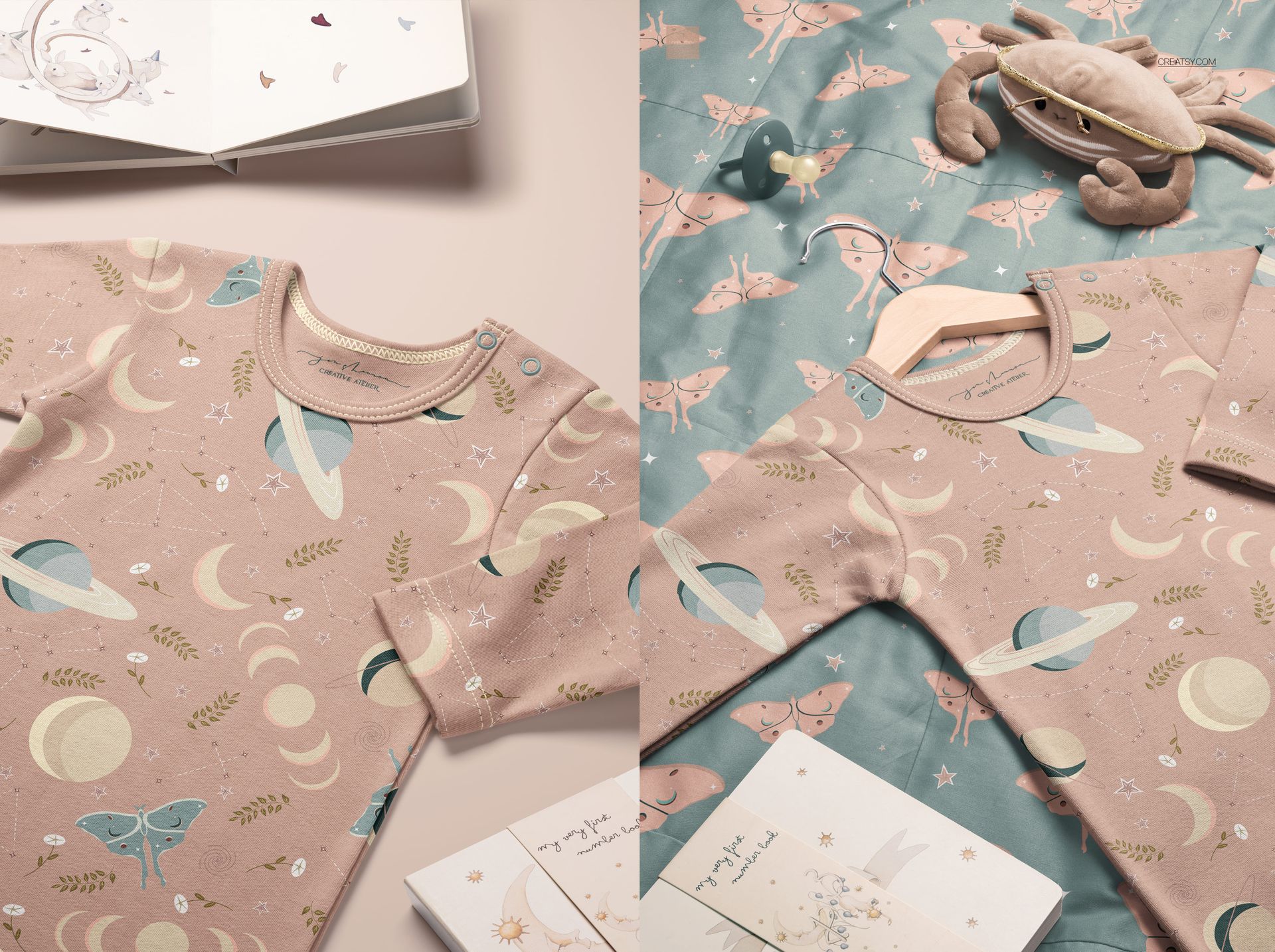
Each of the 6 PSD files captures the gown from a different angle and in a different context: flat lays on textured surfaces, hanging shots, close-ups of the knotted bottom detail, and styled bedroom scenes. That variety means you can build an entire product listing, social media campaign, or wholesale lookbook from a single mockup pack.
Why This Mockup Set Exists
Babywear is one of the fastest-growing segments in surface pattern licensing and print-on-demand. But getting professional product photos of a baby gown is expensive and time-consuming - you need a seamstress, a sample, a photographer, and a stylist. This mockup set replaces that entire production pipeline. Drop your pattern into a smart object, save, and you have a print-ready product image in under five minutes.
The gown silhouette is deliberately kept classic - a simple knotted bottom with long sleeves and a crew neck. That makes it a neutral canvas for any pattern style: ditsy florals, geometric prints, animal motifs, abstract watercolor, botanical line art, or bold graphic repeats. Your design becomes the star, not the garment shape.
What You Get
6 layered PSD files, each approximately 6000x4000 pixels at 300 DPI. That resolution is sharp enough for large-format print, e-commerce product pages, and social media at any crop. The pack also includes JPG preview files for quick reference. Total download size is approximately 2.09 to 2.25 GB - make sure you have the storage space before downloading.
Every PSD uses organized, clearly labeled layers. Smart object layers handle the design placement, so the perspective, shadows, and fabric folds update automatically when you paste your artwork. No manual warping or masking required.
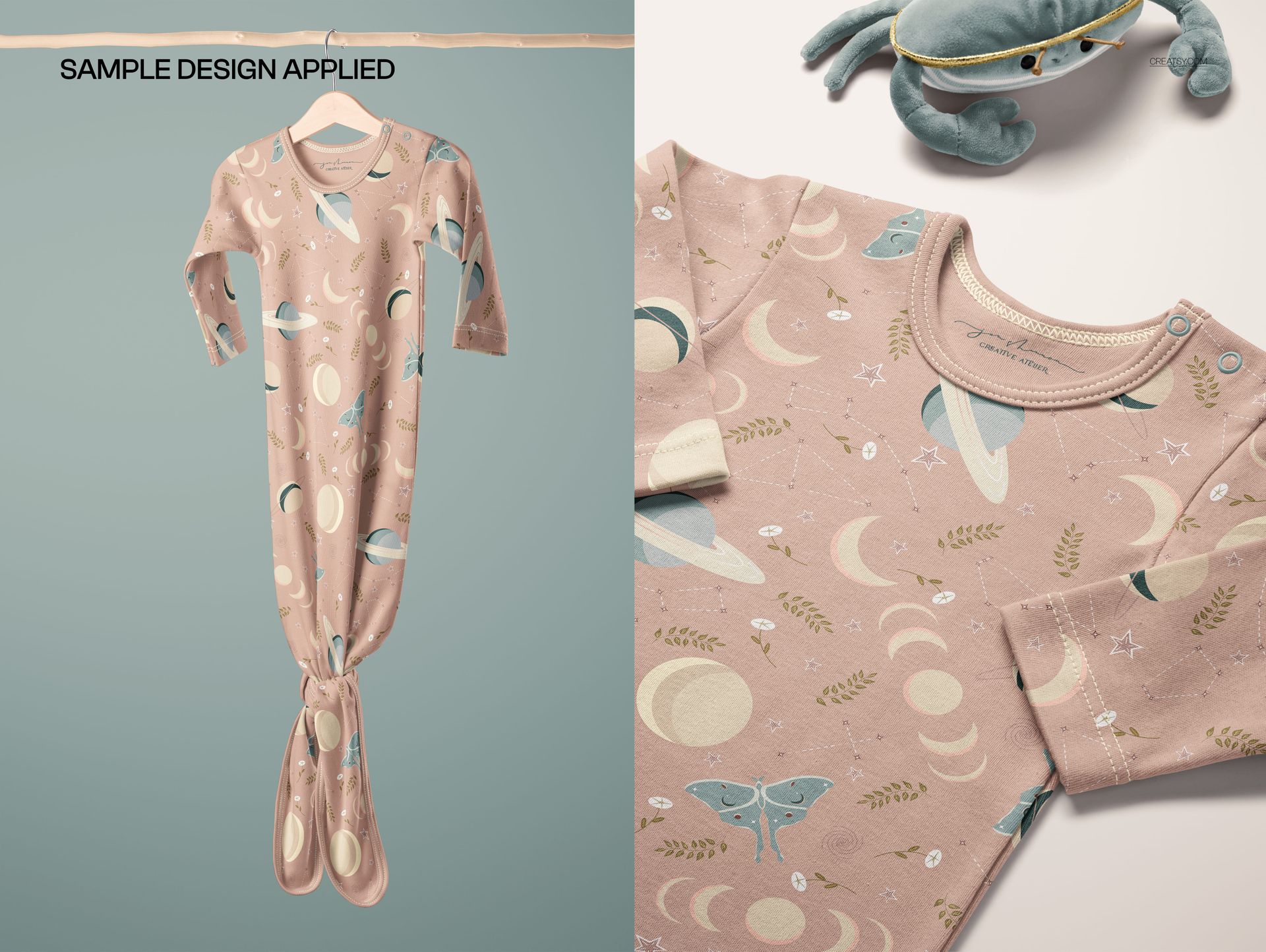
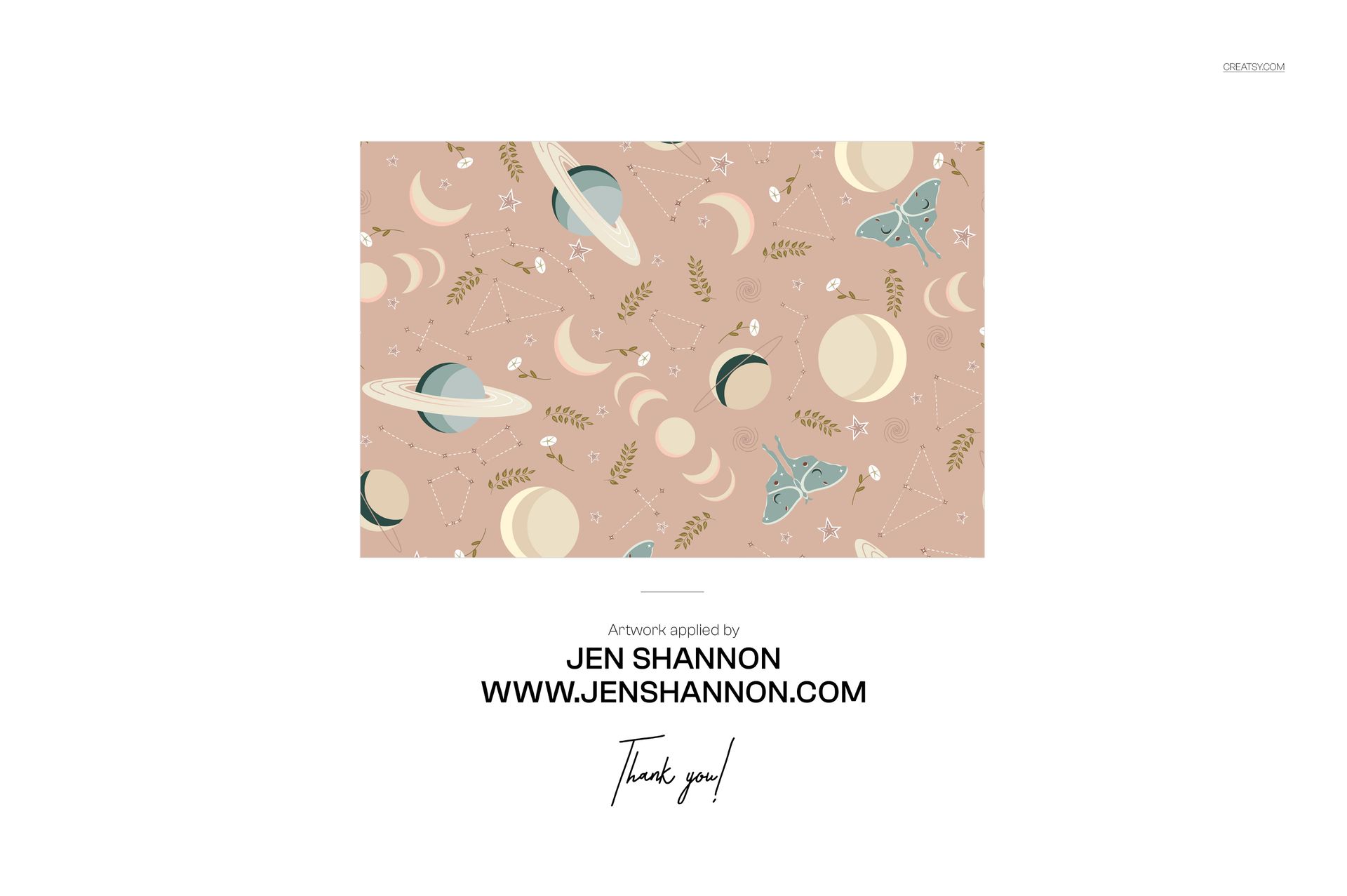
Compatibility: Adobe Photoshop CC 2020 or newer, and Photopea (free online editor). Preview artwork by Jen Shannon is shown for demonstration only and is not included in the download.
The 6 Scenes Inside the Pack
Each scene serves a different purpose in your marketing toolkit. A clean flat lay on a light background works as a primary product image for your shop listing. A hanging shot adds dimension and shows how the fabric drapes naturally. A close-up of the knotted bottom highlights the garment detail that buyers care about most. A styled bedroom scene with props creates the lifestyle context that drives social media engagement and higher conversion rates. Together, these angles tell the complete product story that a single photo never can.
What You Can Customize
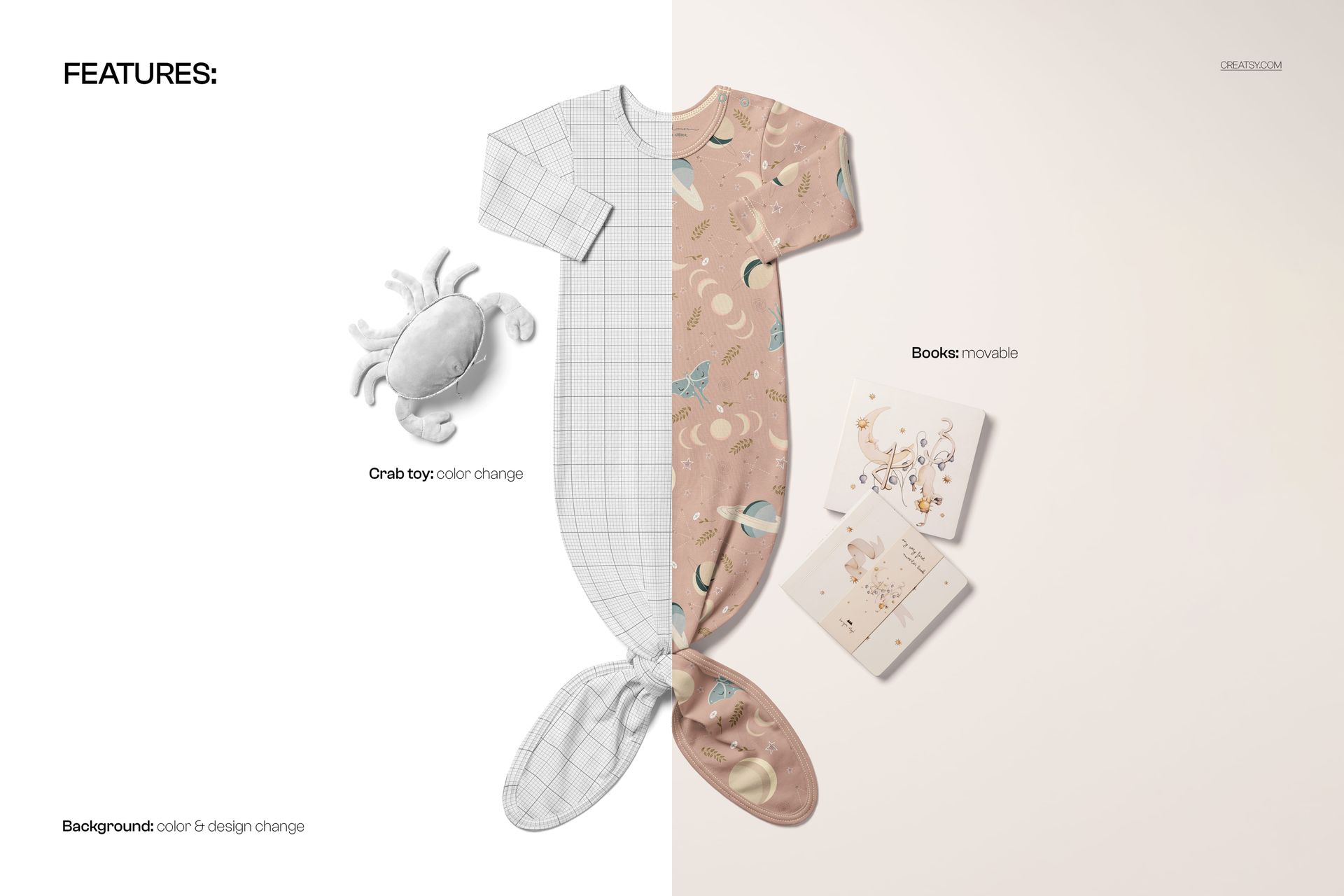
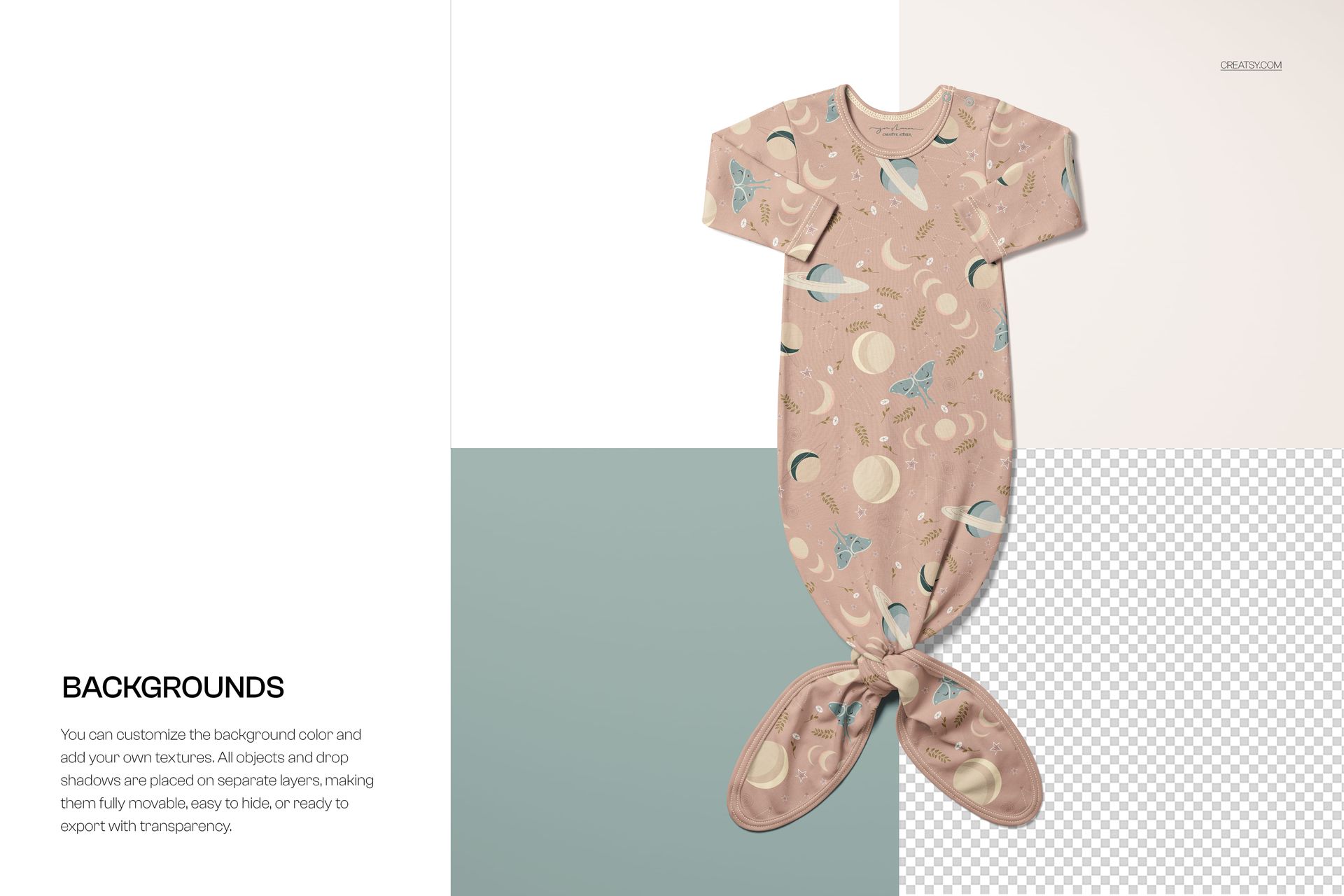
Place your repeat pattern, illustration, or surface design onto the gown fabric via smart object layers. The mockup handles the realistic wrinkles, shadows, and perspective mapping automatically. Test different colorways by swapping your artwork - compare a pastel floral against a bold geometric on the same gown shape in minutes. Check pattern scale: see whether your ditsy print reads well at newborn garment size, or whether you need to scale it up. Some scenes let you adjust background elements to match your brand palette.
Who Needs This Mockup
Surface pattern designers selling or licensing baby textile collections. Print-on-demand sellers listing baby clothing on Etsy, Shopify, Amazon Handmade, or Redbubble. Babywear brands preparing product photography before production samples arrive. Textile designers pitching nursery and children's fabric collections to manufacturers. Freelance illustrators building a portfolio of applied artwork on real products. Branding designers creating visual identity systems for children's clothing labels.
File Specifications
Format: PSD (Adobe Photoshop) + JPG previews. Number of files: 6 PSD scenes. Resolution: approximately 6000x4000 pixels at 300 DPI per scene. Download size: approximately 2.09 to 2.25 GB. Layer structure: organized, labeled layers with smart objects. Compatibility: Adobe Photoshop CC 2020+, Photopea. Design credit: preview patterns by Jen Shannon (not included in download).
File details
- Compatibility
- Number of files included
- 12
- Package size
- 2.09 GB
|2.25 GB
- Files type
- .psd, .jpg
- Files size
- 6000x4000


MEET THE SHOP

HOW IT WORKS
3 clicks. That's it.
No tutorial needed. If you can copy-paste, you can use this.
- 1OpenDouble-click the smart object inside the PSD - in Adobe Photoshop, or free in your browser with Photopea.
- 2PasteDrop in your pattern, print, or artwork. Any design, any style.
- 3SaveHit save and the mockup wraps it in for you - shadows, folds, and lighting included.
FROM IDEA TO IMAGE
Built for real workflows
Skip the photo shoot Show your artwork on the real product type for approvals or listings - no studio, no model, no sample.
See it on the product, not a swatch Drop your file into the smart object and the scene's lighting and folds wrap around it, so you judge the real thing before you commit.
Smart Objects
Edit once and you're done. Your artwork drops into a smart object and the mockup updates itself - no masking, no warping by hand.
Perfectly Organized
Named layers and folders you can actually navigate. Find what you need, change what you want, and get out fast.
Print-Ready
High-resolution files built to hold up on screen and in print. Exact size and DPI are in this product's Details above.