Baby Sneakers Mockup

Product Details
Baby Sneakers Mockup - Crafting Every Step
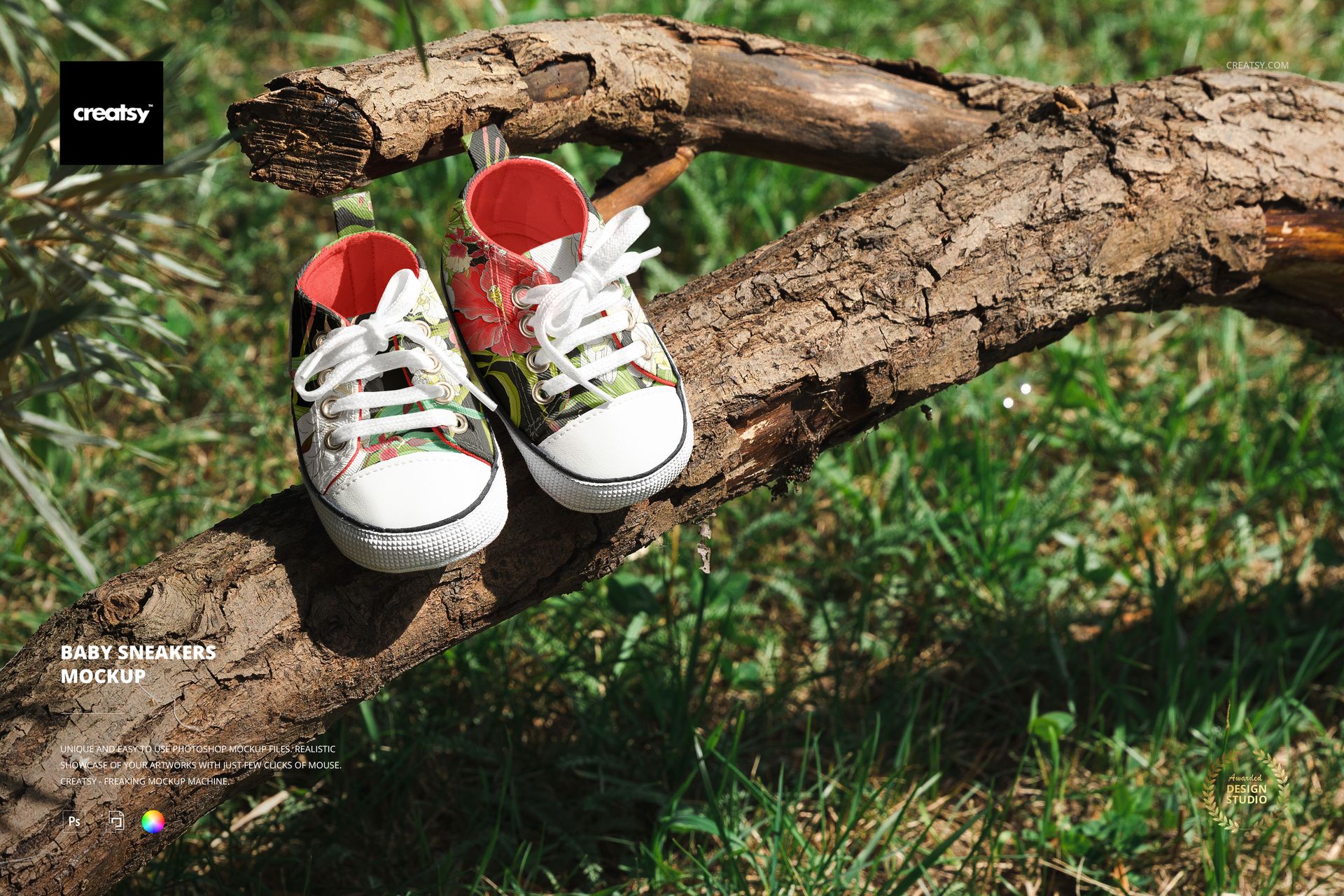
Introducing the Baby Sneakers Mockup – a canvas that encapsulates the essence of every tiny stride. As the cradle for your creative visions, Creatsy's mockup takes your designs to new heights, capturing the spirit of innocence and charm. Craft your design story with meticulous attention to detail and artistic precision.
Unveiling the Baby Sneakers Mockup
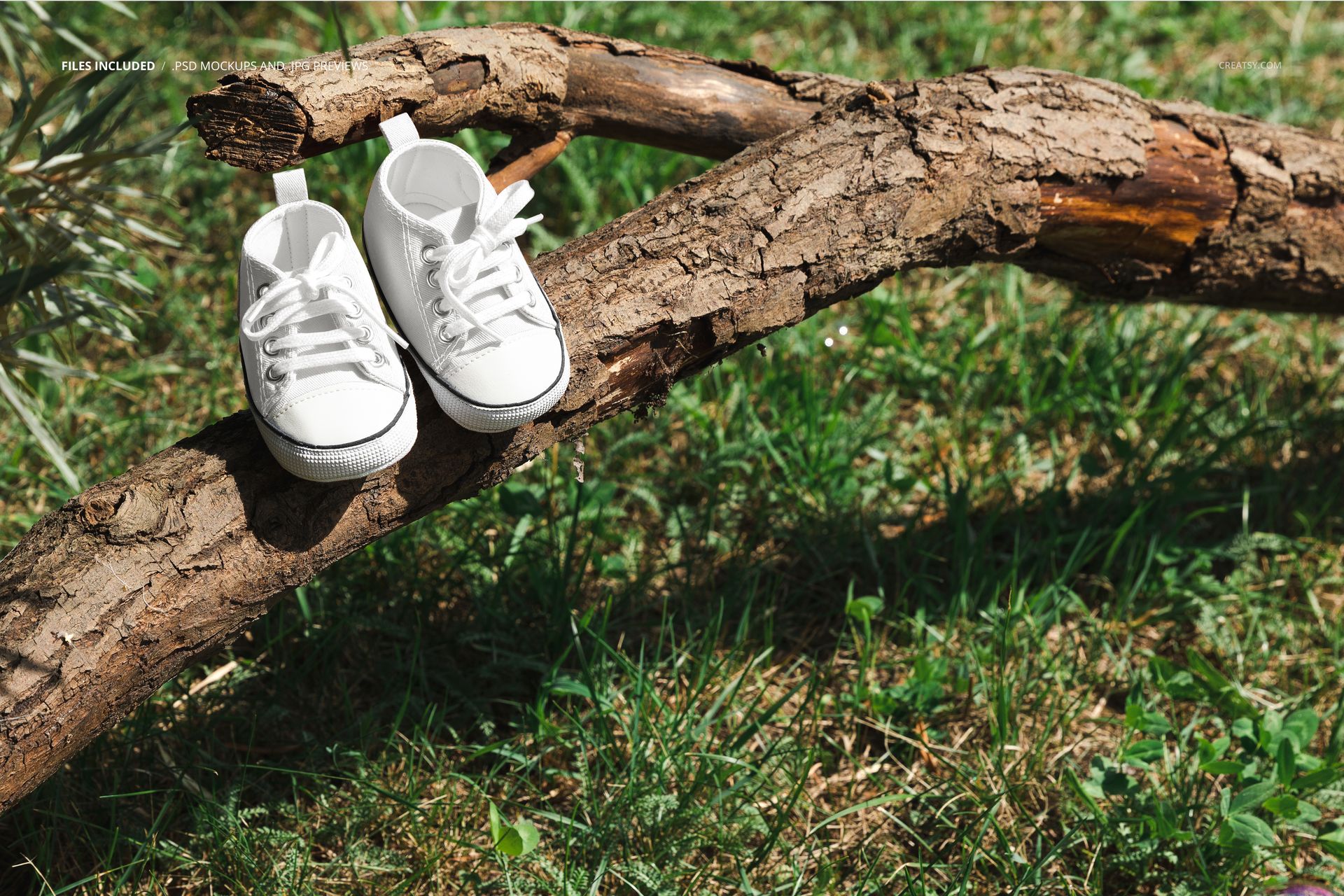
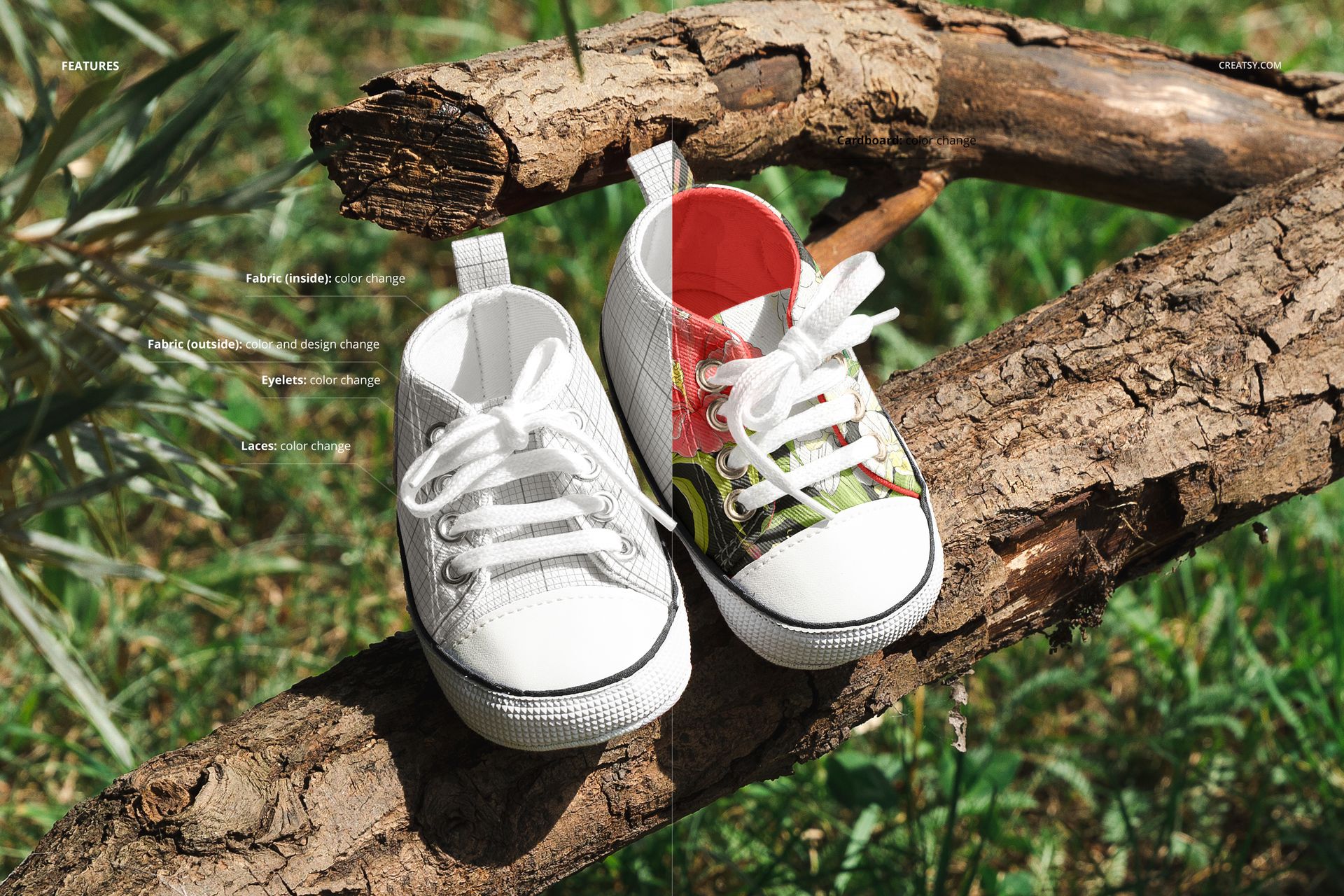
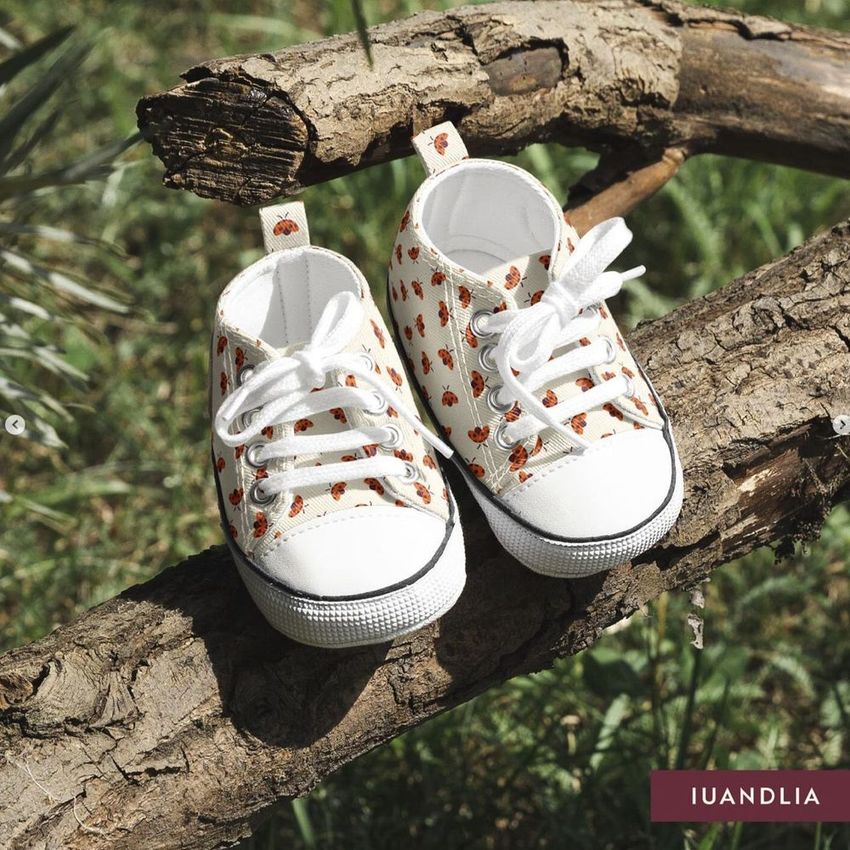
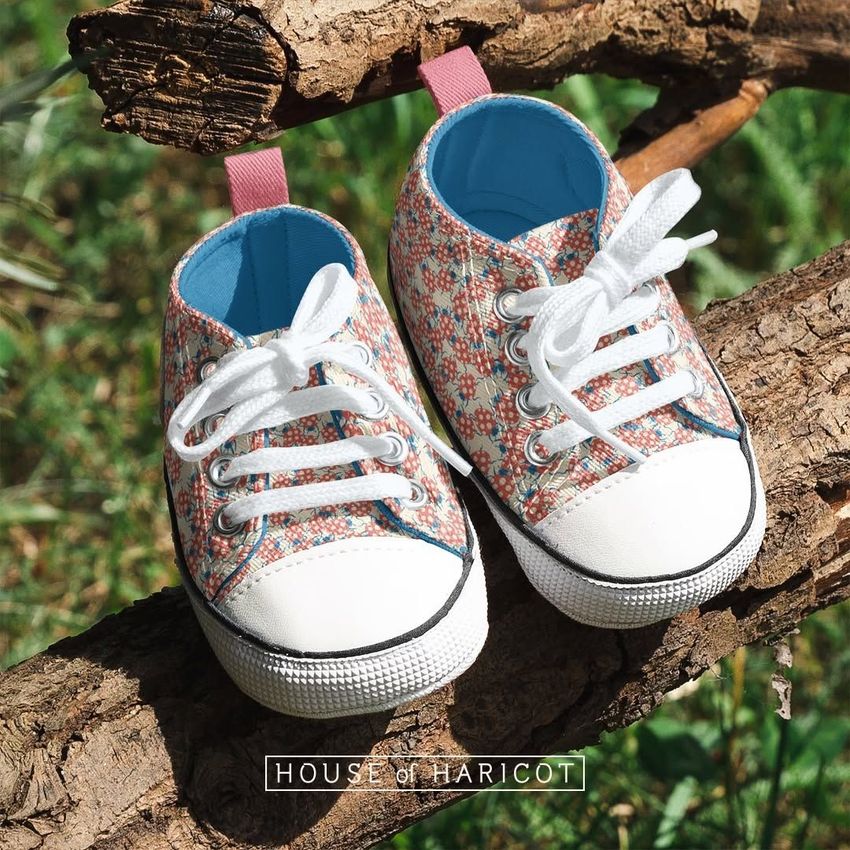
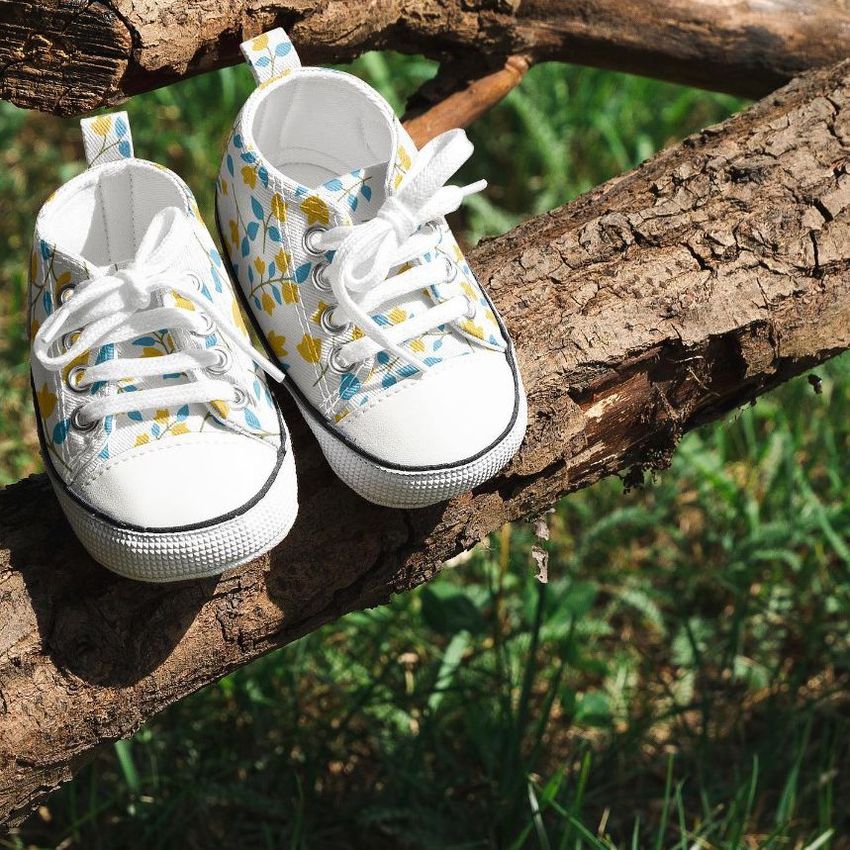
Embark on a journey of design innovation with our Baby Sneakers Mockup. This single PSD file demonstrates our commitment to quality. This shoe mockup is compatible with Photoshop CC and Photopea, providing smooth integration into your design process. The scene comes alive with a touch of nature as the sneakers find their place in the heart of the park's greenery. Customize the sneakers to perfection, altering the color of the inner and outer parts, as well as the shoelaces and eyelets. Every element can be tailored to reflect your unique design vision.
- Compatibility: Adobe Photoshop min. version CC 2020, photopea.com,
- Includes: 1 PSD file with well-organized layers: 6000x4000 px, 300 dpi,
- Check screenshots for all the features,
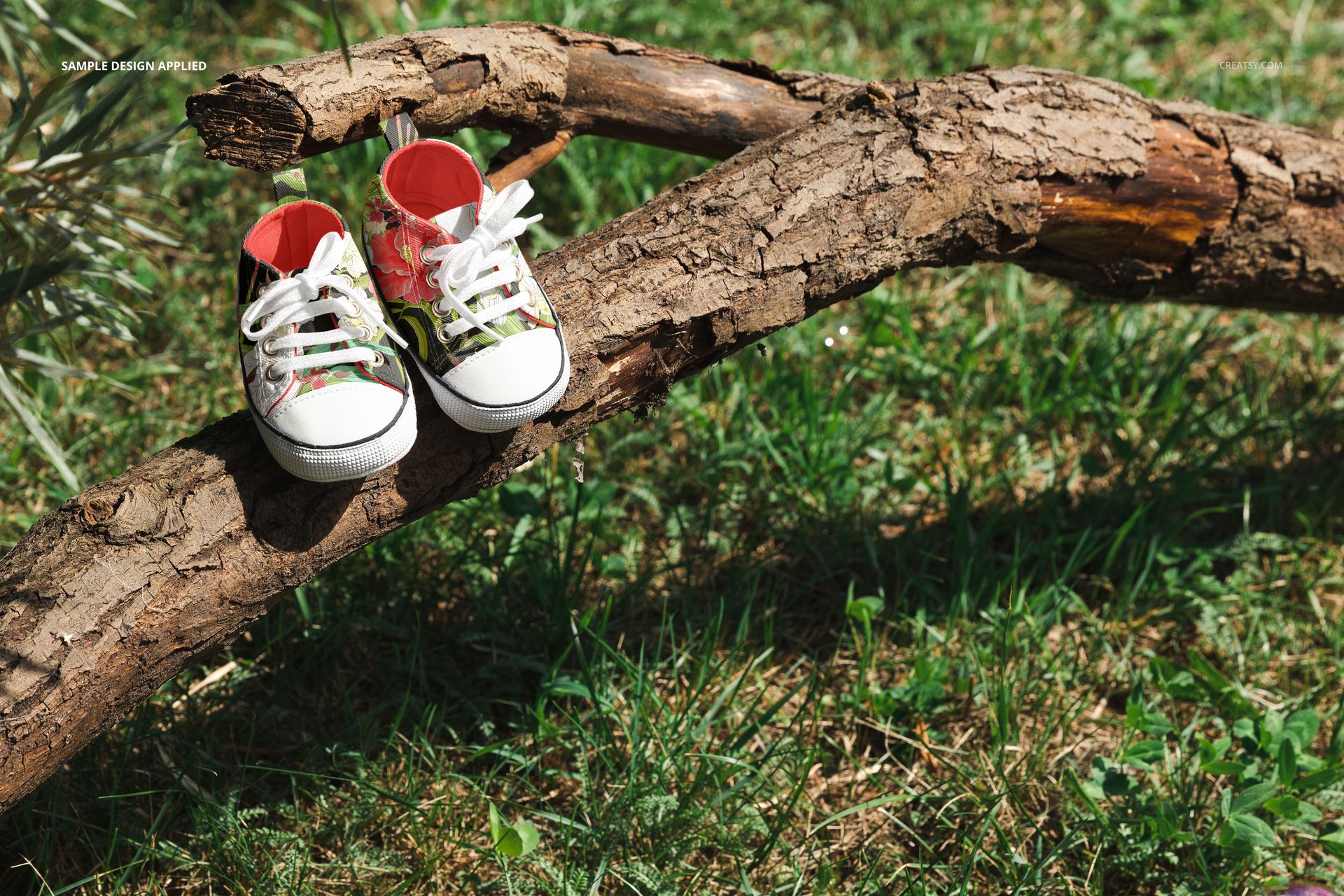
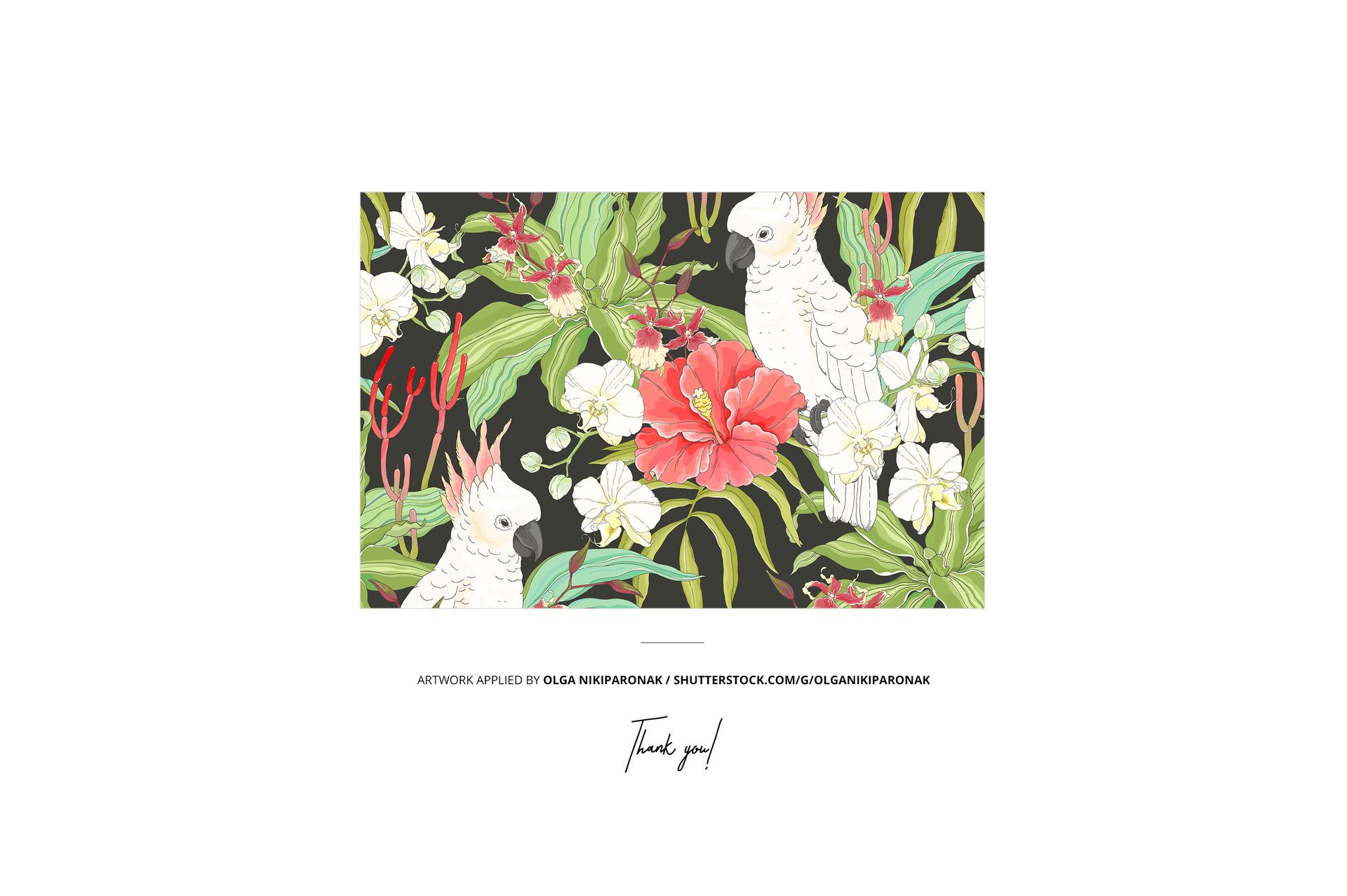
- Example artwork by Olga Nikiparonak / shutterstock.com/g/olganikiparonak
- Designs are for example only and are not included in your purchase.
File details
- Compatibility
- Number of files included
- 2
- Package size
- 79.1 MB
|82.9 MB
- Files type
- .psd, .jpg, .pdf
- Files size
- 6000x4000


Reviews
Professional PSD mockups built in-house - editable, realistic, high-resolution, and supported by real people.
Cute mockup, recommend
Thank you so much! We’re so happy you like the mockup, and we really appreciate your recommendation.
i like it
Thank you so much! We’re so happy you like the mockup and truly appreciate your support.
Made with Creatsy
Real designs. Real customers. See how creatives use Creatsy mockups to turn their artwork, branding, and product ideas into polished visuals.
MEET THE SHOP

HOW IT WORKS
3 clicks. That's it.
No tutorial needed. If you can copy-paste, you can use this.
- 1OpenDouble-click the smart object inside the PSD - in Adobe Photoshop, or free in your browser with Photopea.
- 2PasteDrop in your pattern, print, or artwork. Any design, any style.
- 3SaveHit save and the mockup wraps it in for you - shadows, folds, and lighting included.
FROM IDEA TO IMAGE
Built for real workflows
Skip the photo shoot Show your artwork on the real product type for approvals or listings - no studio, no model, no sample.
See it on the product, not a swatch Drop your file into the smart object and the scene's lighting and folds wrap around it, so you judge the real thing before you commit.
Smart Objects
Edit once and you're done. Your artwork drops into a smart object and the mockup updates itself - no masking, no warping by hand.
Perfectly Organized
Named layers and folders you can actually navigate. Find what you need, change what you want, and get out fast.
Print-Ready
High-resolution files built to hold up on screen and in print. Exact size and DPI are in this product's Details above.


Creatsy make the best Mockups on the market, no matter what you need to showcase. These mockups are highly customizable, and the lighting in them makes everything look very realistic. You can keep or turn off many of the Items in the mockup, also a great feature giving control over the look you want. They have the most friendly and very helpful support. I highly recommend these mockups!
Thank you so much for your lovely review! We’re delighted to hear you enjoy the editable elements and realistic lighting in the mockup. We truly appreciate your support and recommendation.