Noissue Food Safe Paper Mockup (french fries)
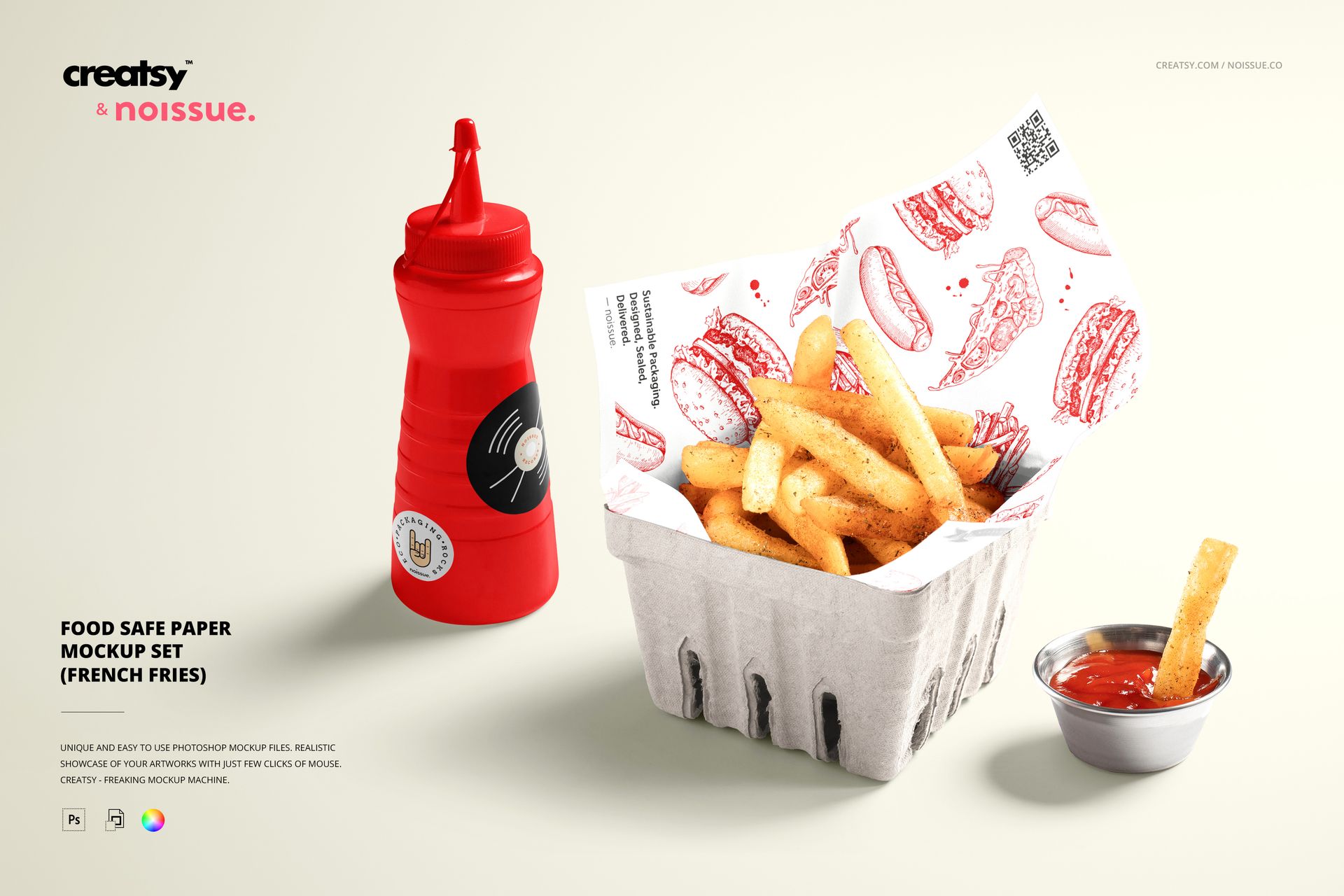
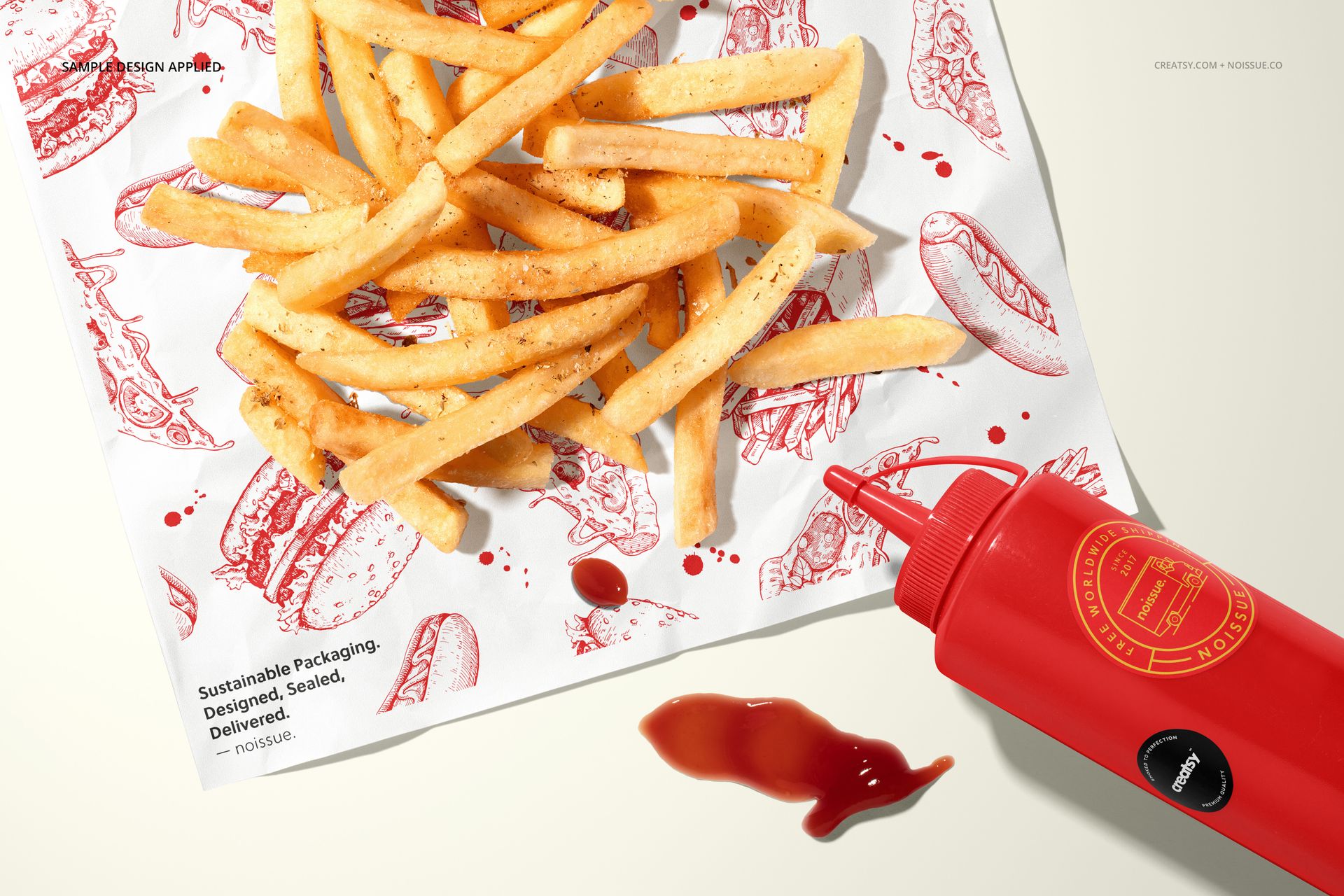
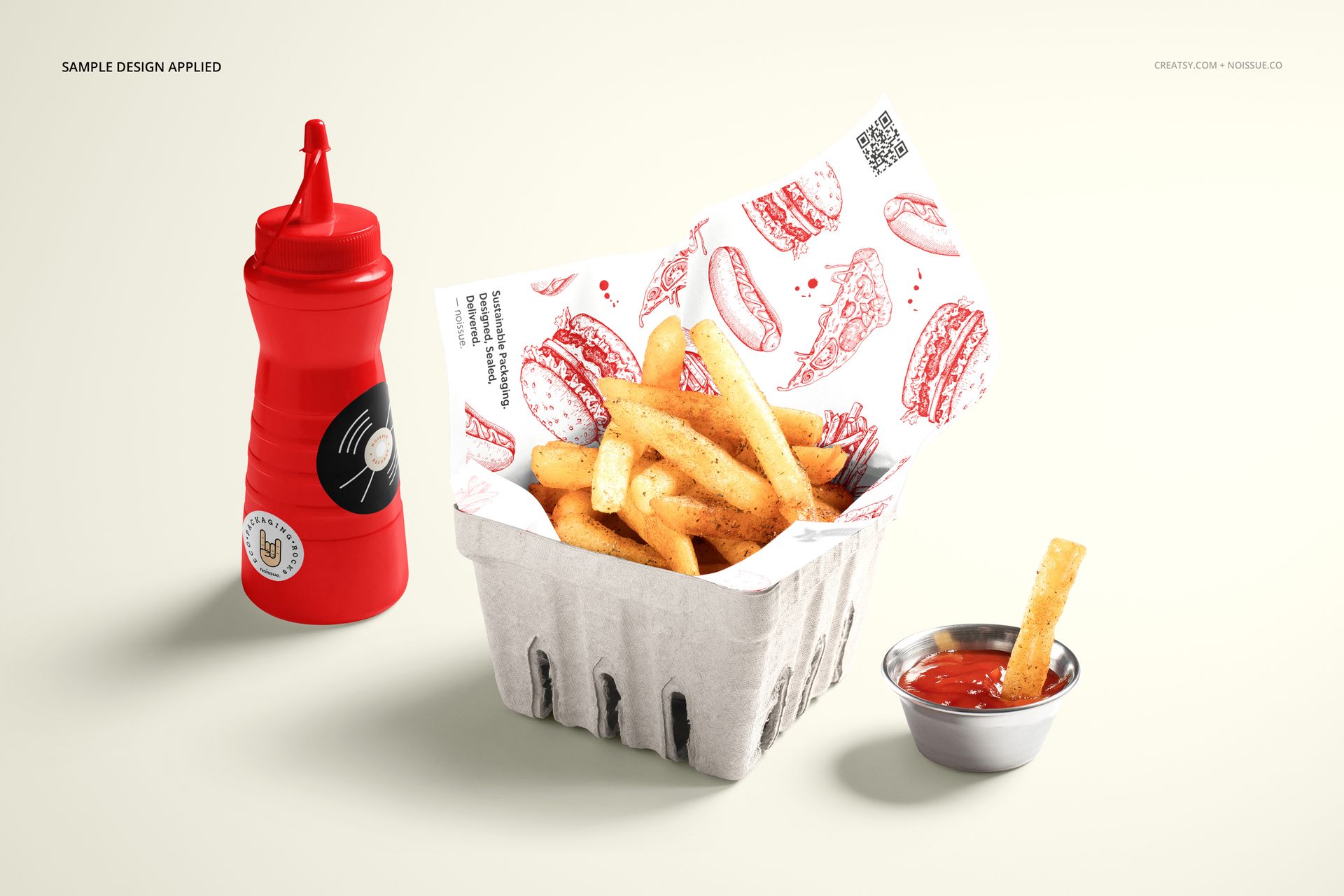
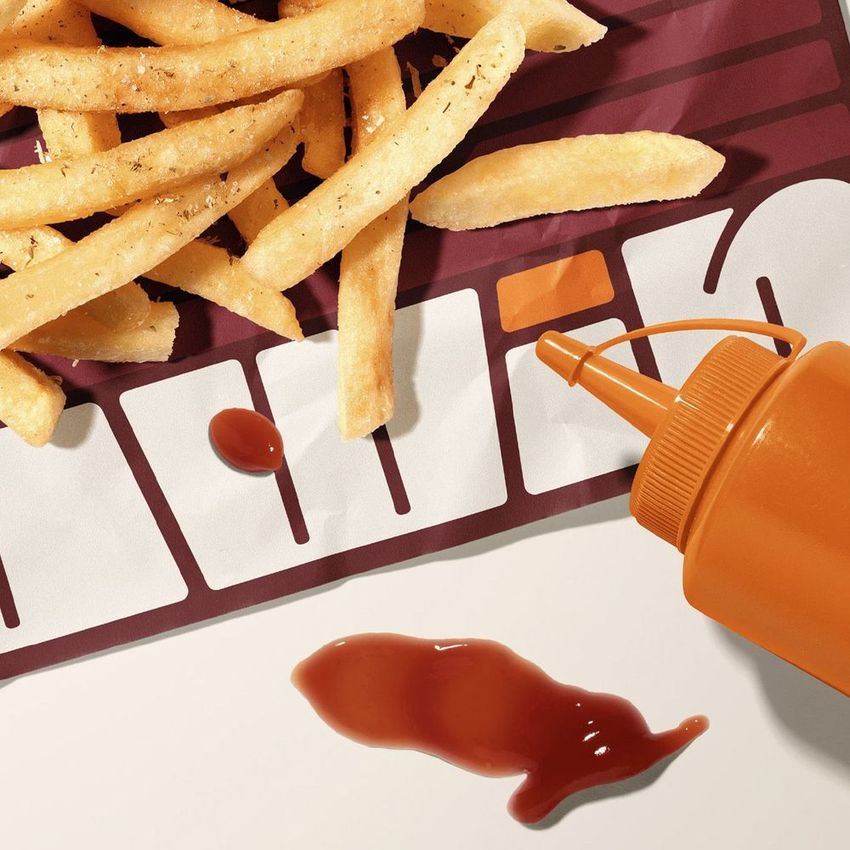
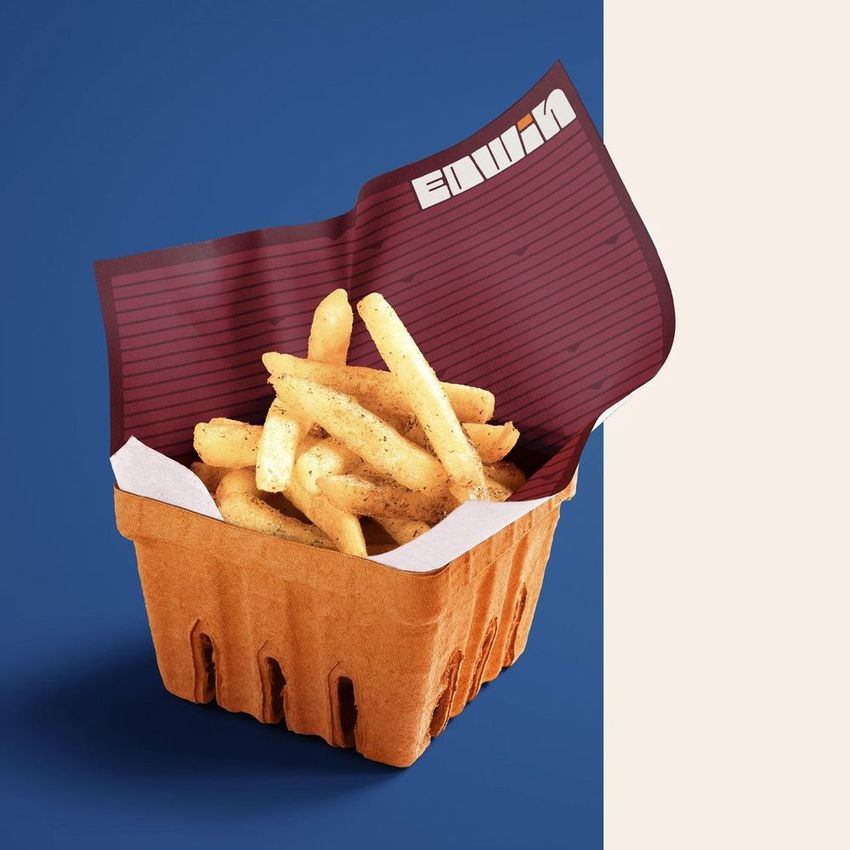
The same paper design reads differently behind a filled fries basket and beneath food in an overhead composition. This two-scene french fries paper mockup gives you both perspectives, with a squeeze bottle and sauce details that place the liner in a recognizable snack-bar setting. Show the pattern in context and compare how much of it remains visible.
What Is Included
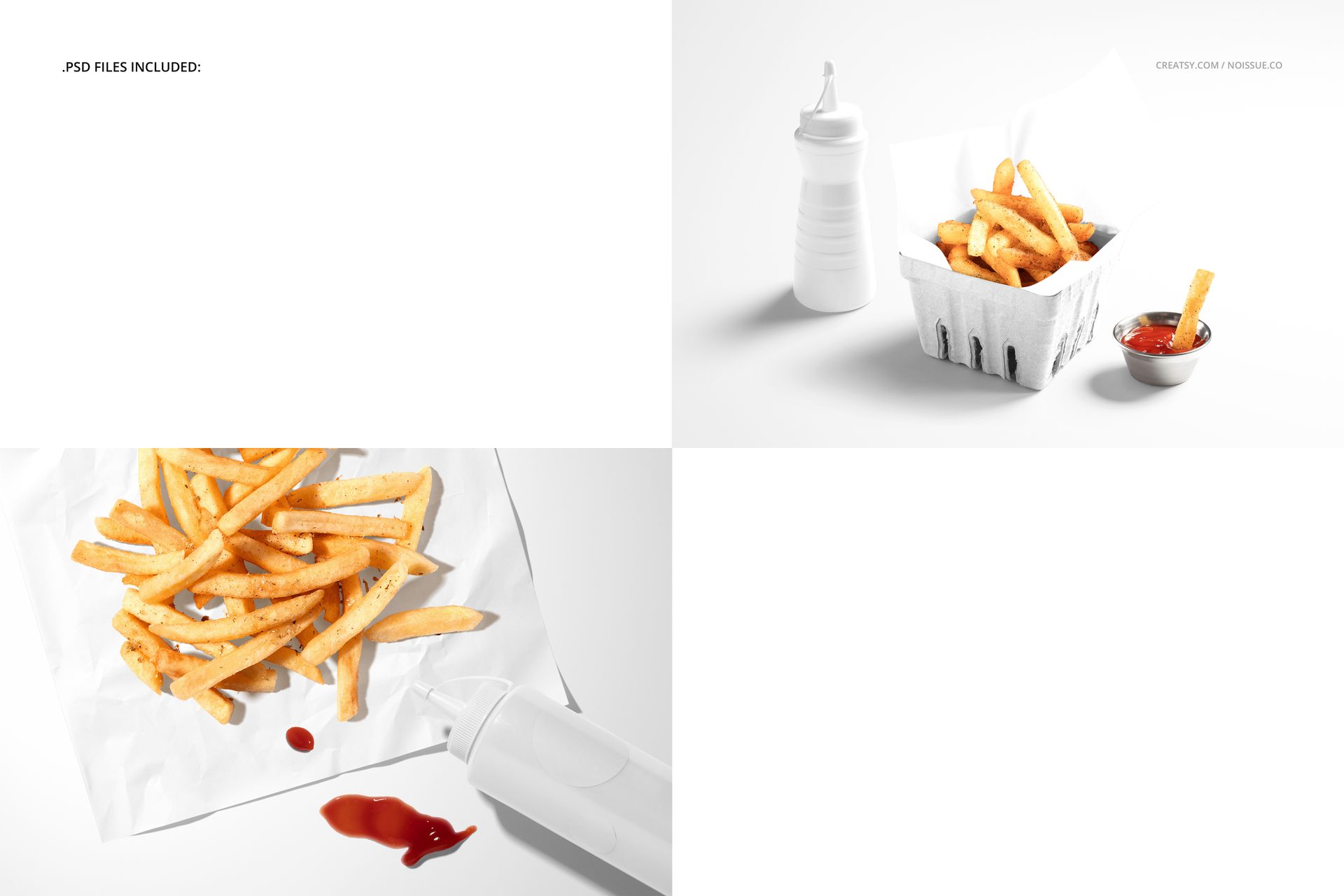
2 layered PSD scenes at 6000 × 4000 px and 300 DPI each.
2 JPG previews and 1 PDF user manual; 5 files total.
A paper-lined fries basket and an overhead fries-on-paper composition.
Style the Paper and Condiment Details
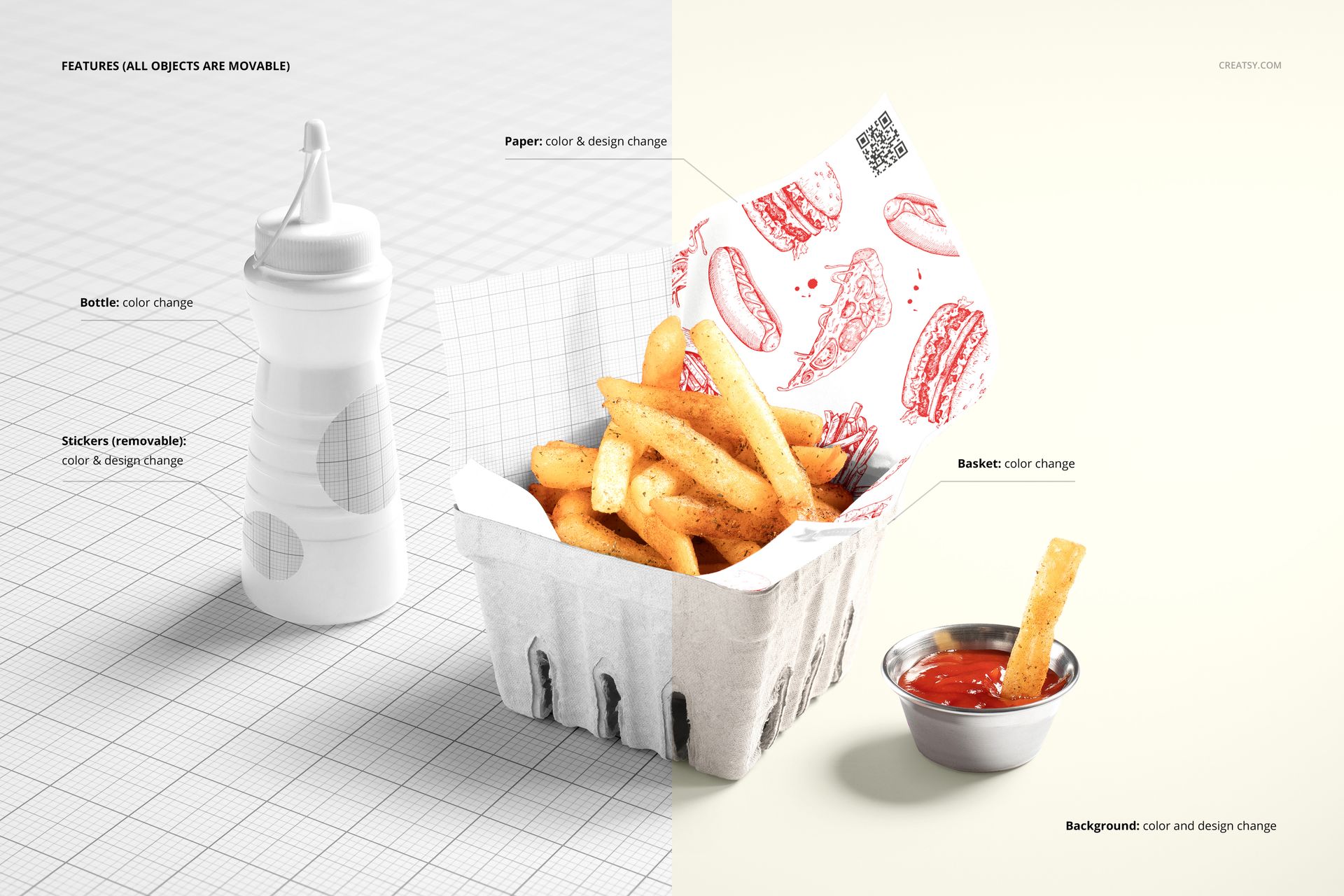
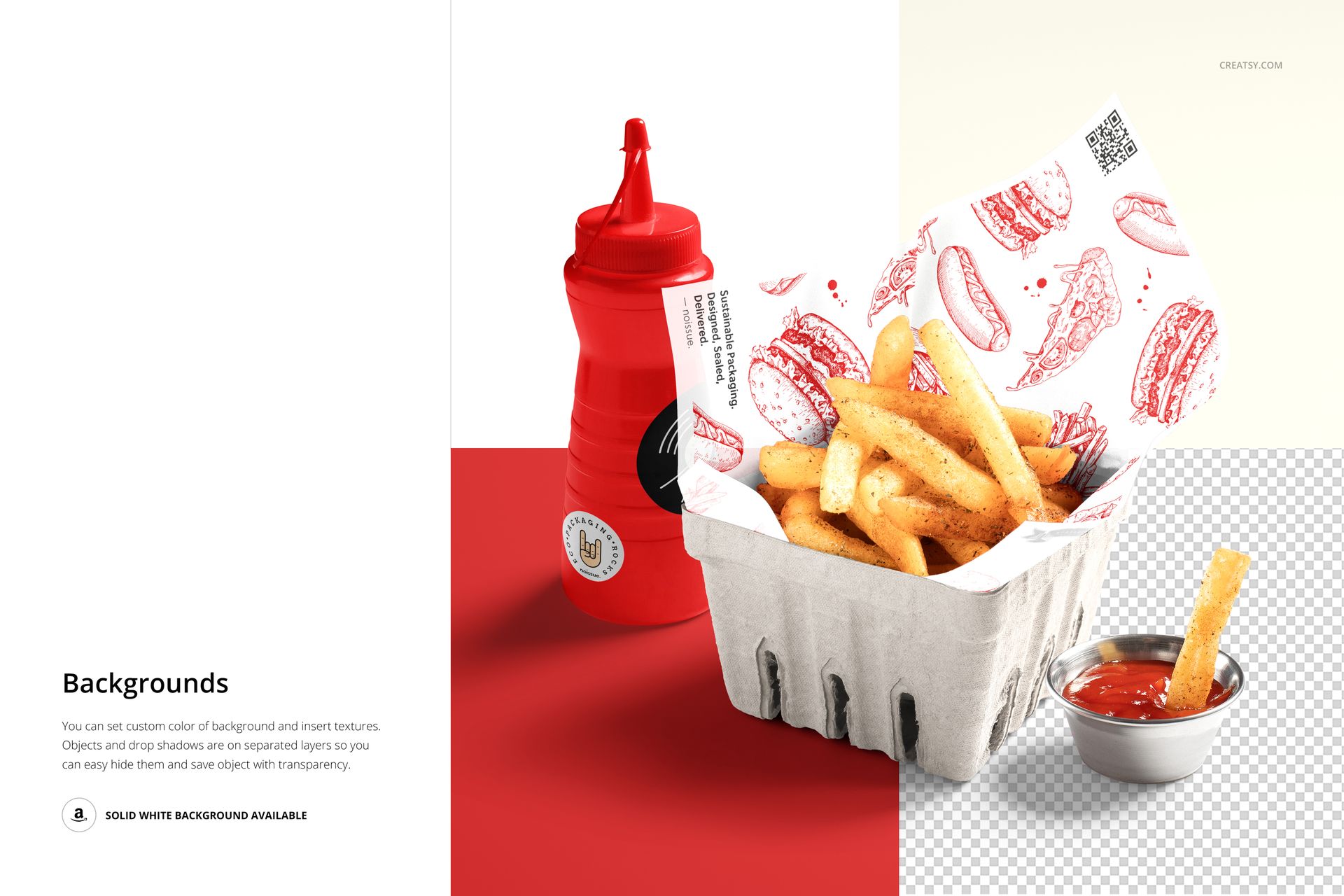
Change the paper color and design, recolor the squeeze bottle and basket, and personalize the removable bottle stickers. The feature preview identifies all objects as movable. Customize the background color or texture, or hide the background for a transparent presentation using the separate object and shadow layers.
Easy Smart Object Editing
Edit the files in Adobe Photoshop CC2015 or newer, or Photopea. Insert the paper and sticker artwork into the relevant Smart Objects, save their contents and review both scenes. Use the organized color layers to coordinate the supporting props with the print.
Perfect For
Fries shops, snack bars and street-food branding concepts.
Illustrated liners and printed food-service paper collections.
Side-order packaging proposals and restaurant portfolio images.
Digital mockup files only. Physical food, packaging, condiment bottles and example patterns are not included.