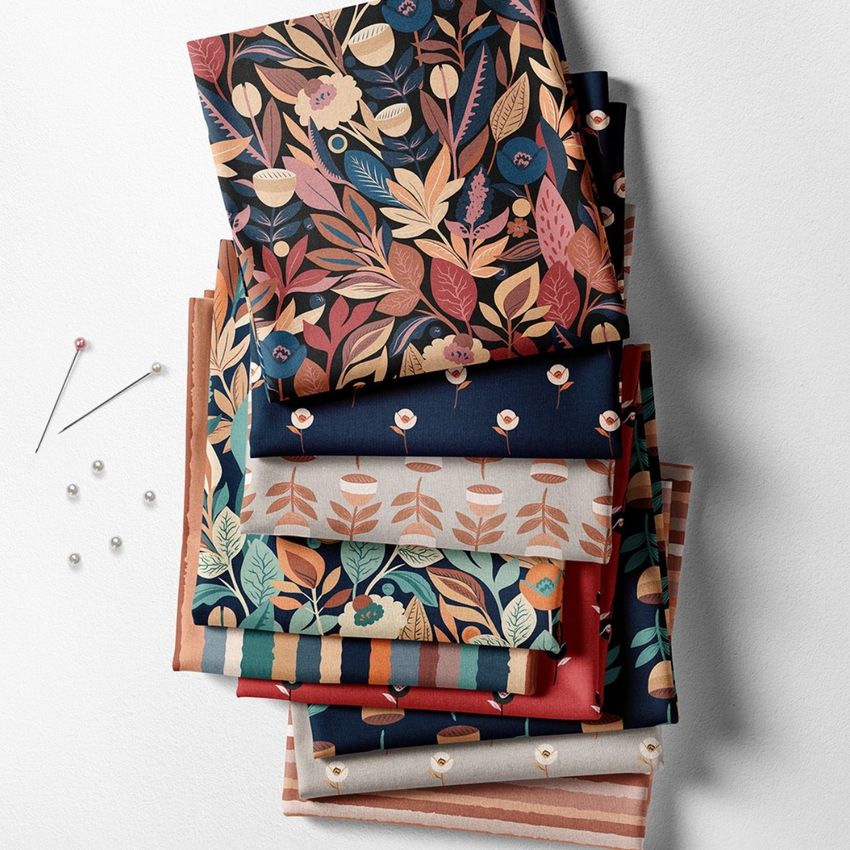
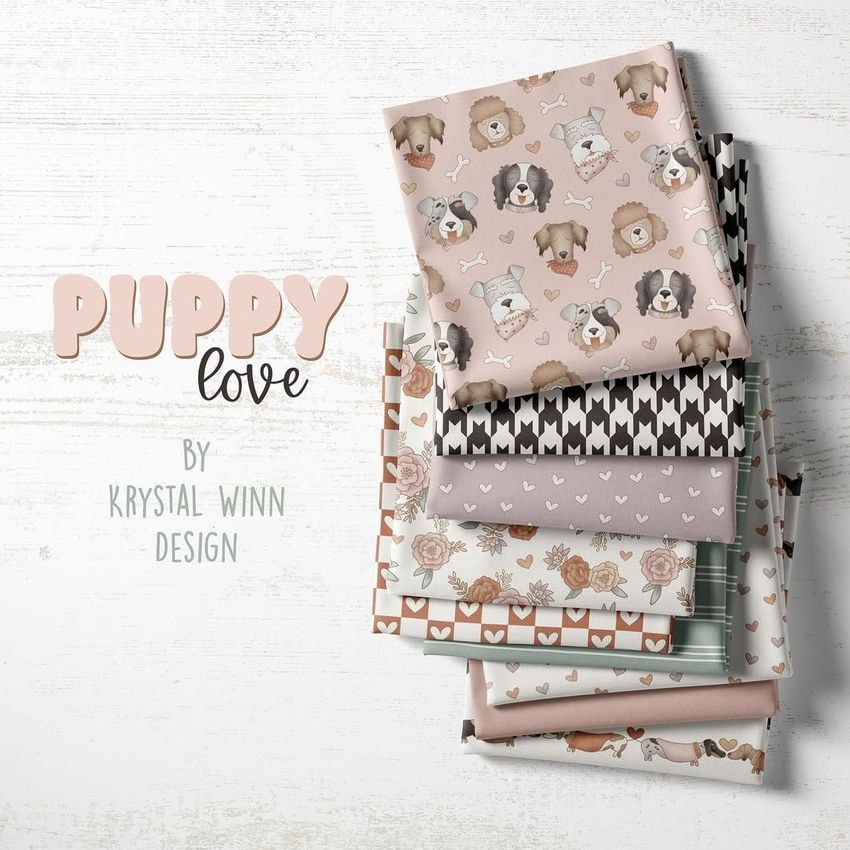
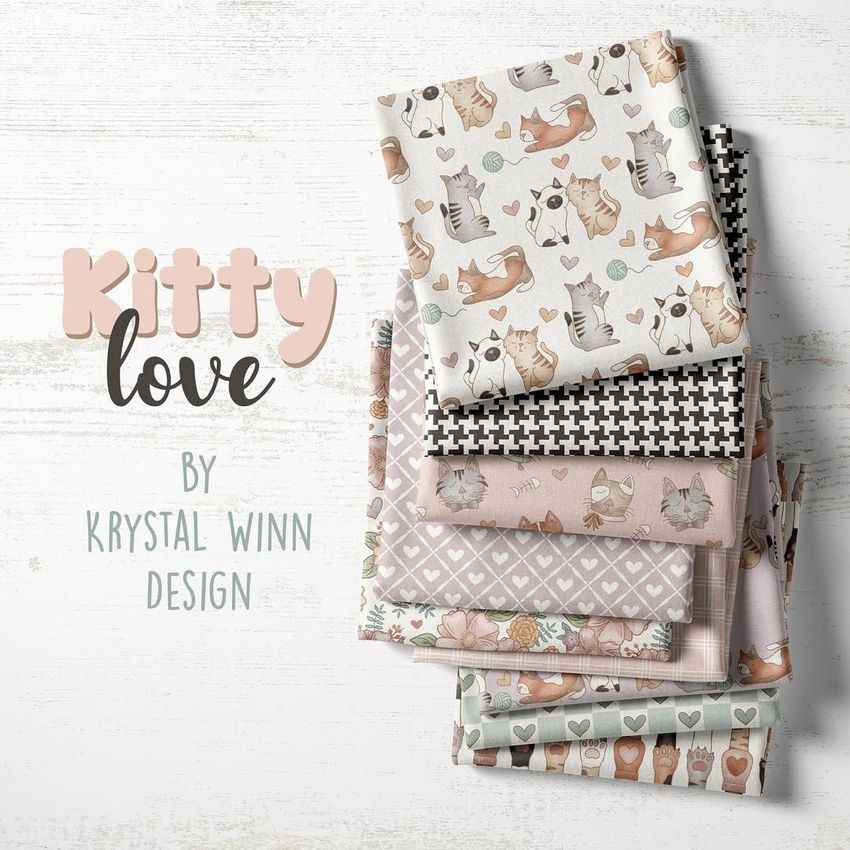
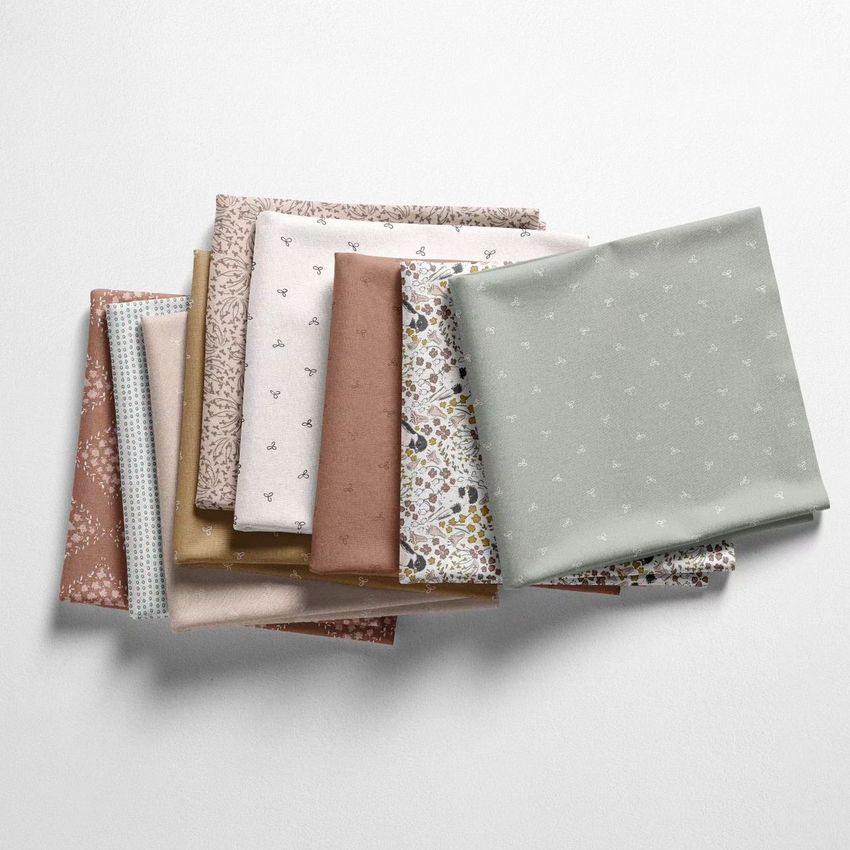
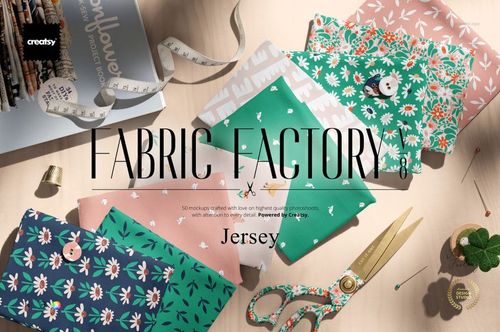
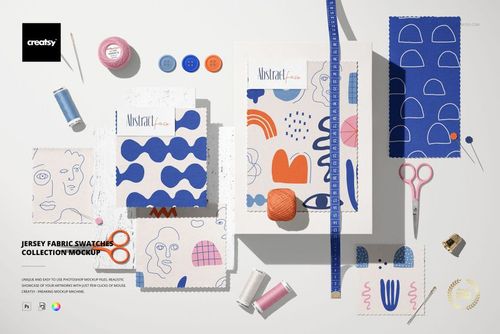
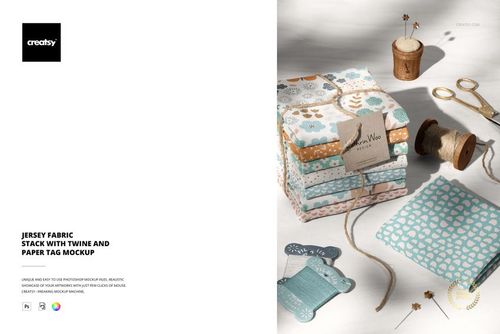
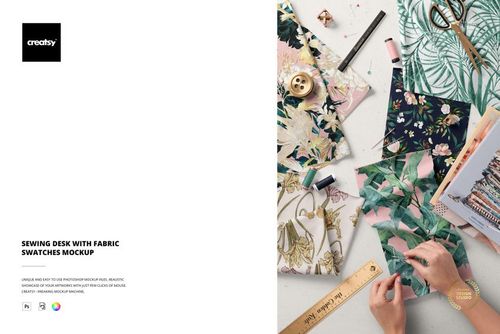
Fabric Stack Mockup Set (01/FFv.6)
This product is a part of Fabric Factory v.6 Fabrics Mockup Bundle
Product Details
What is the Fabric Stack Mockup (01/FFv.6)?
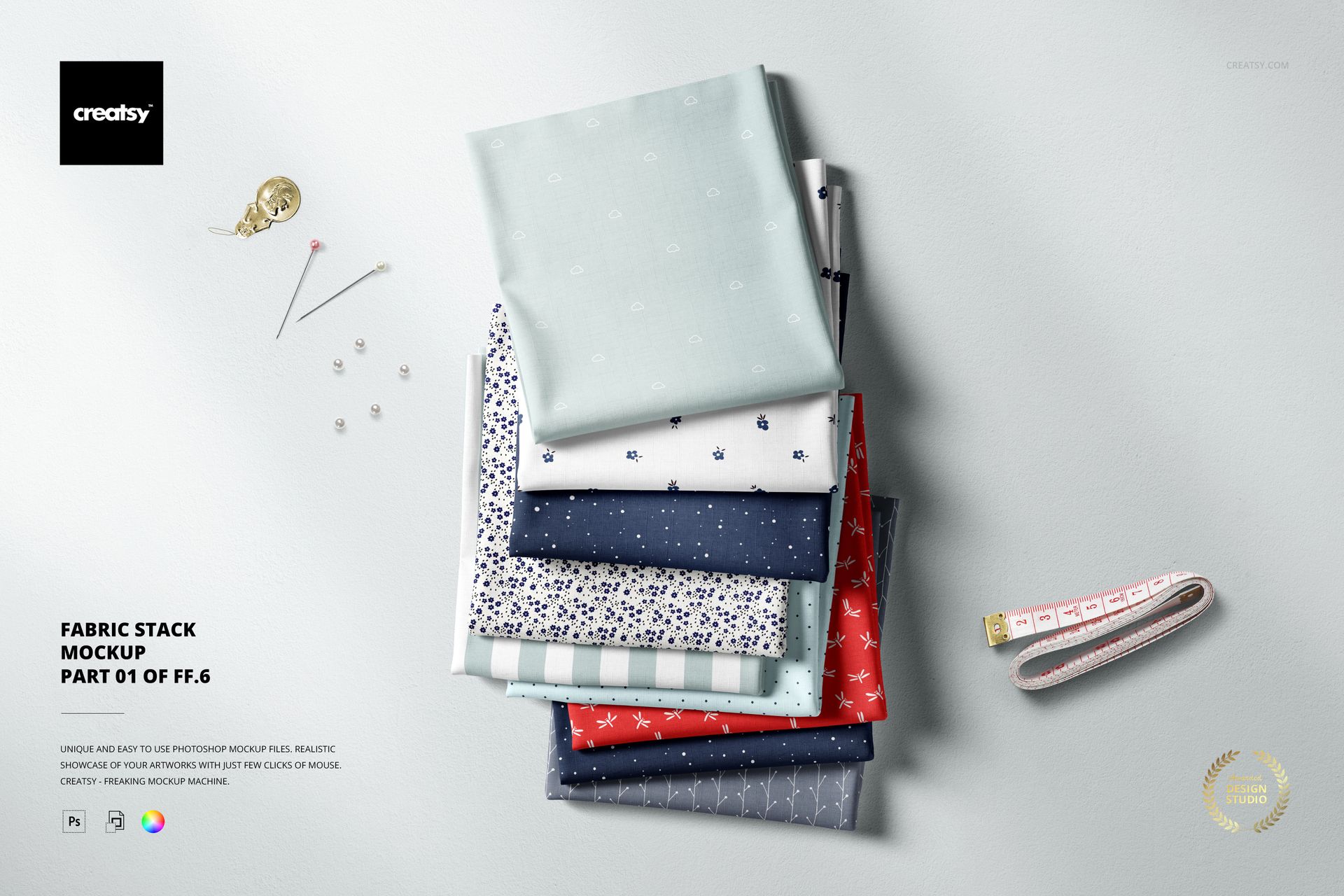
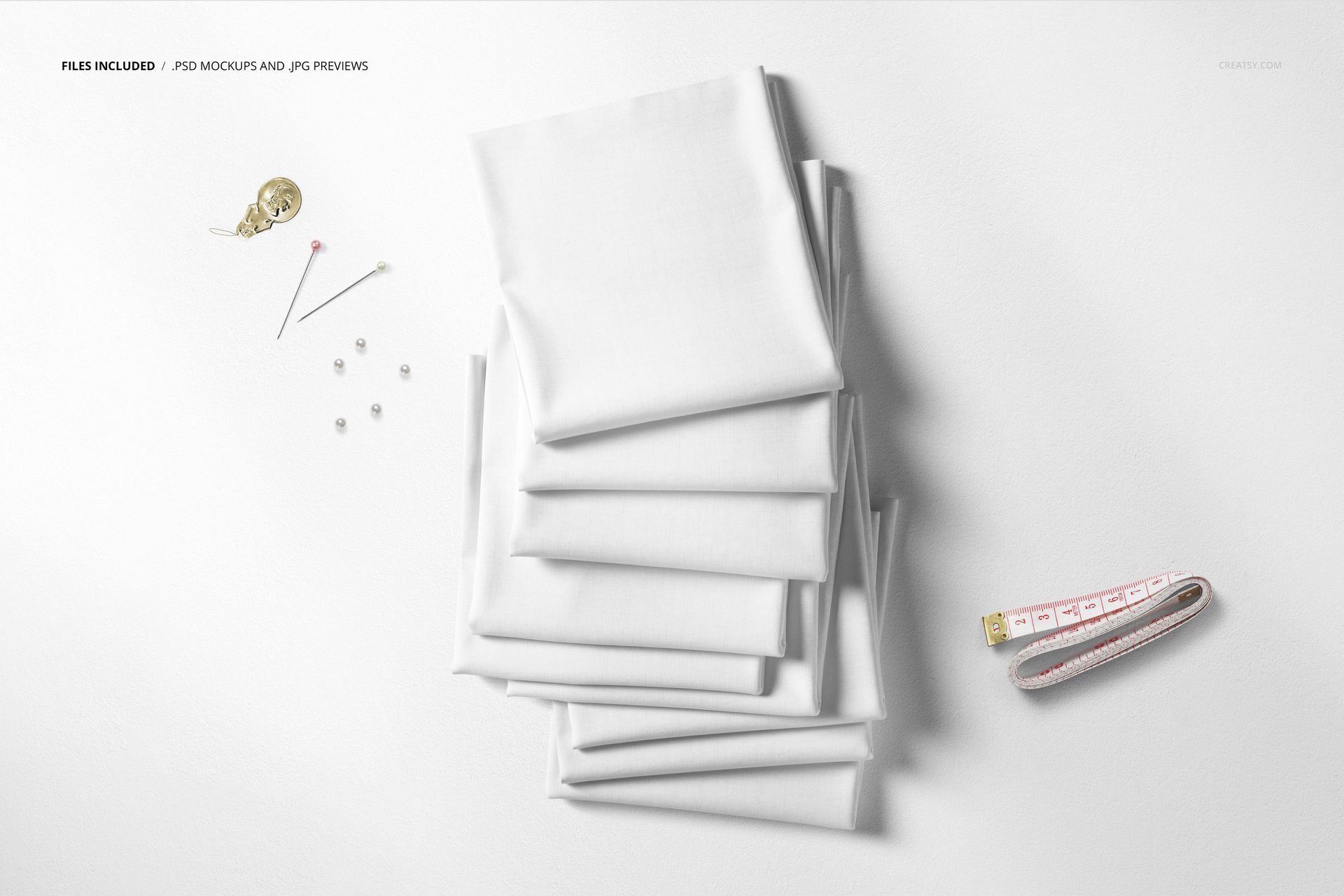
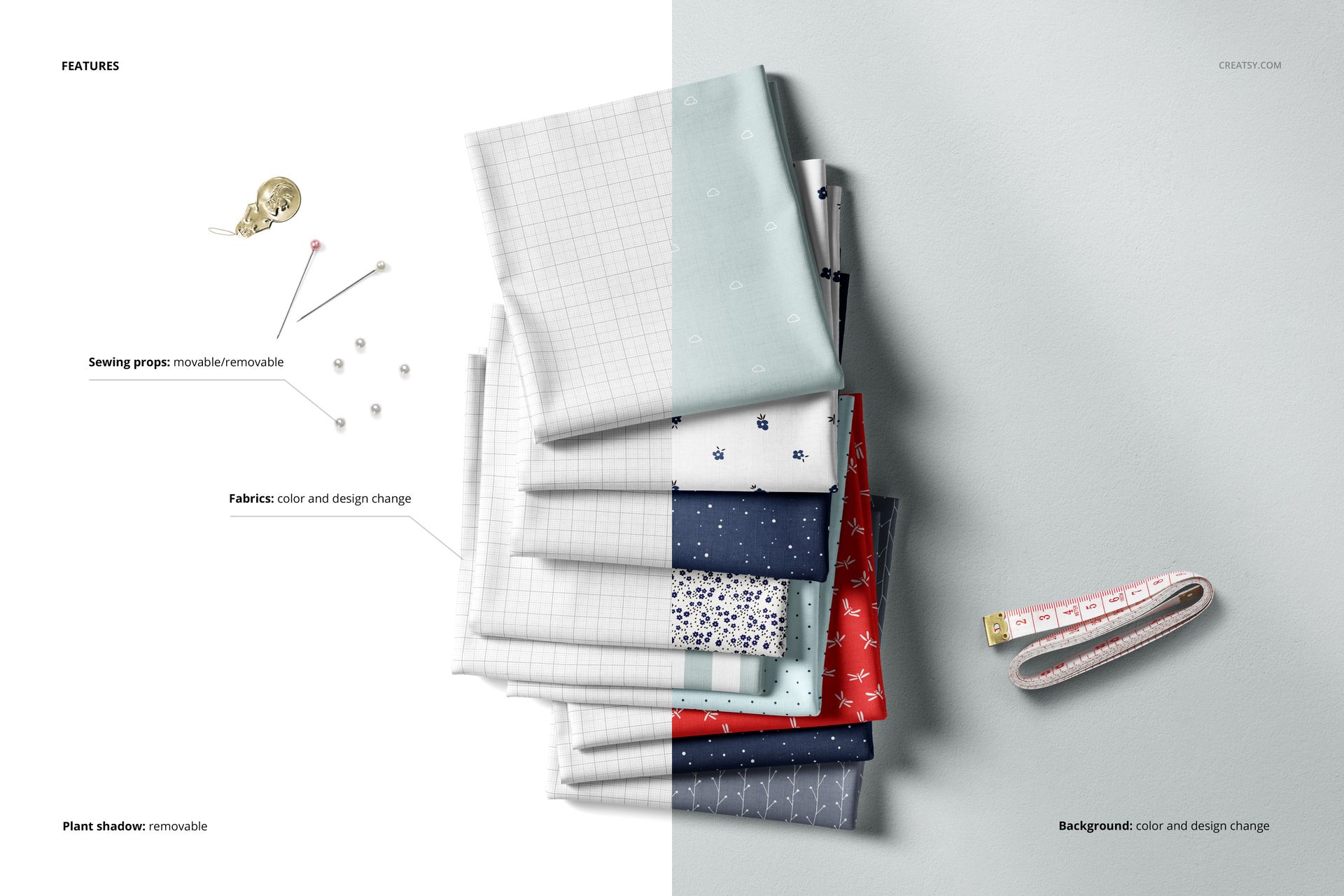
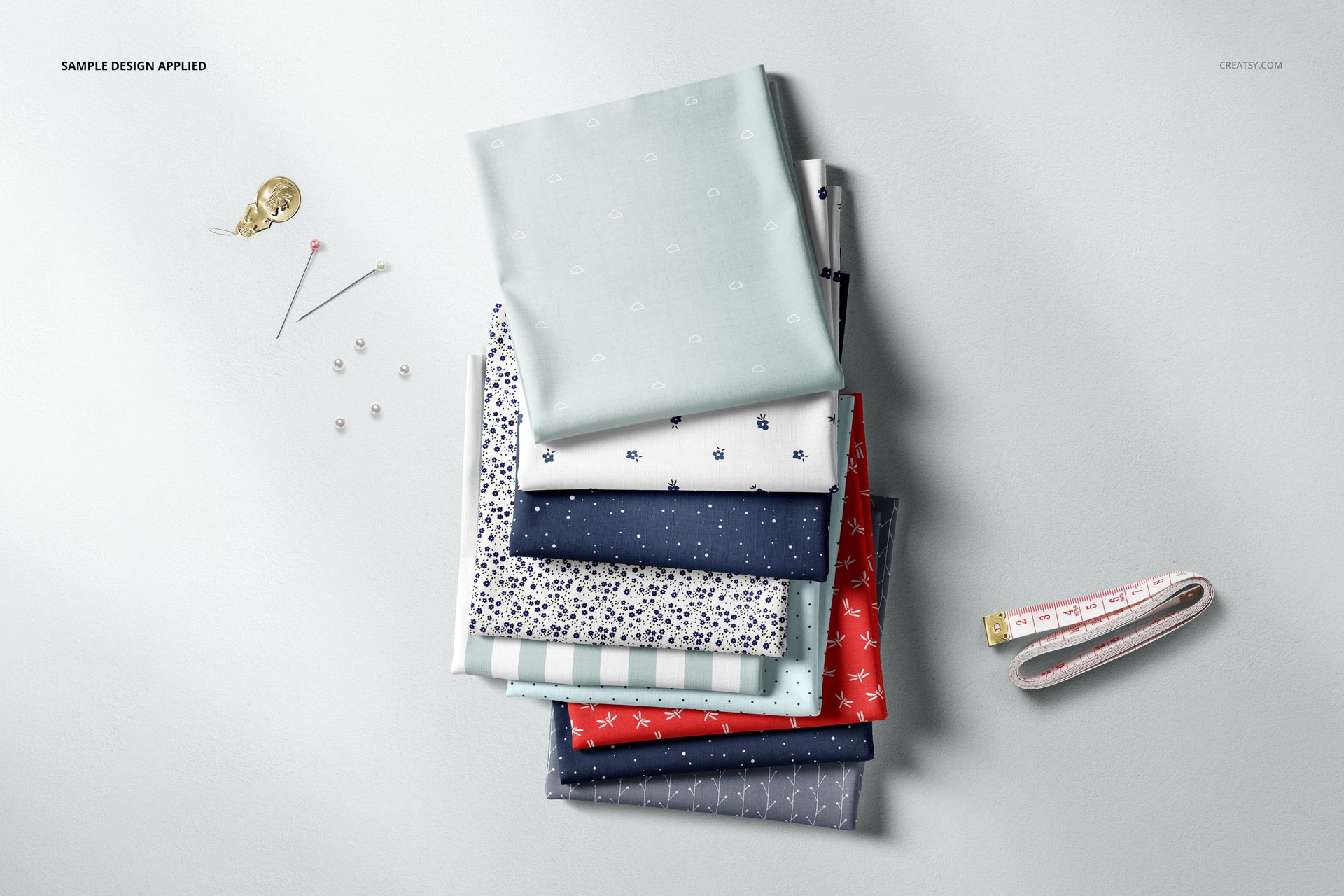
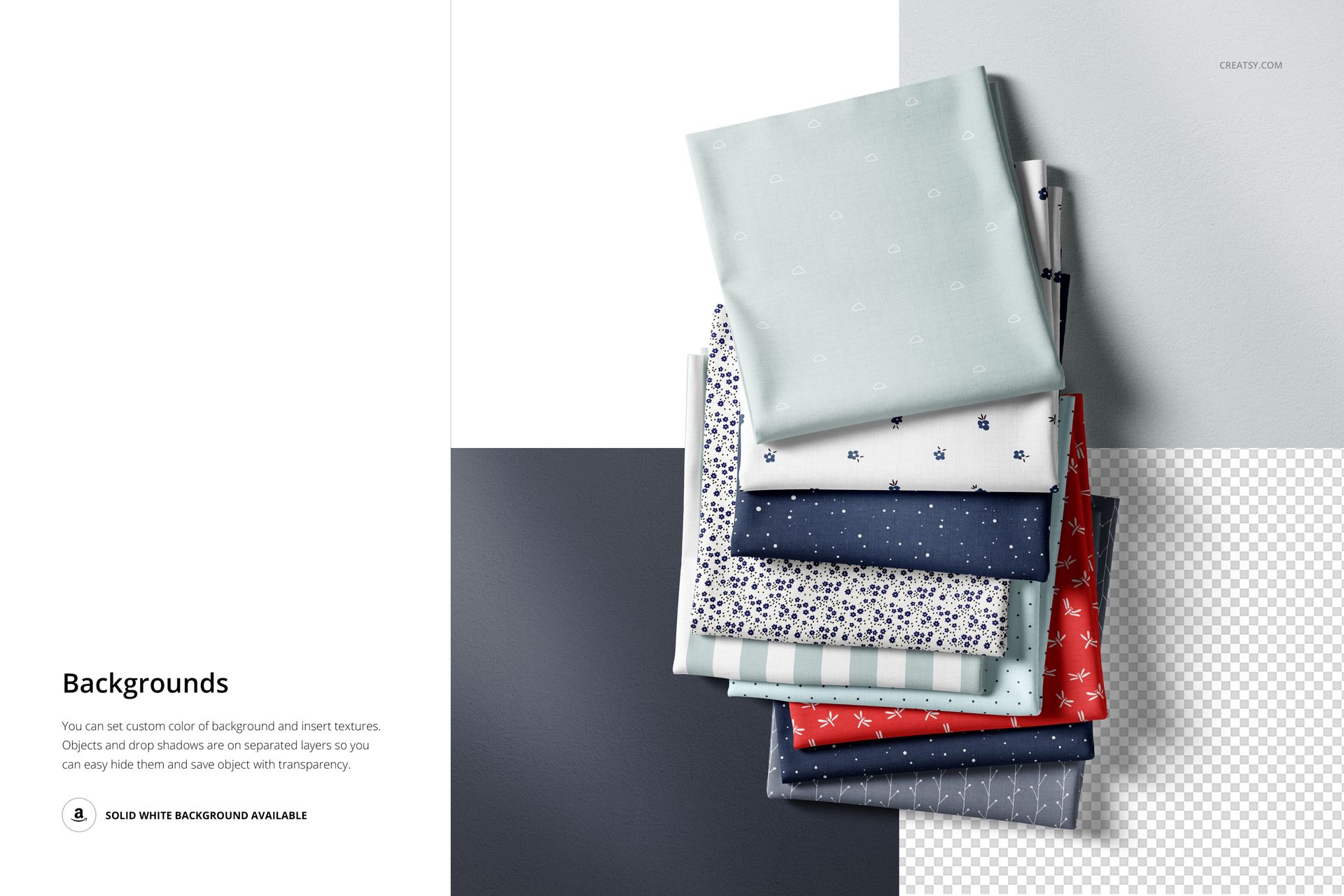
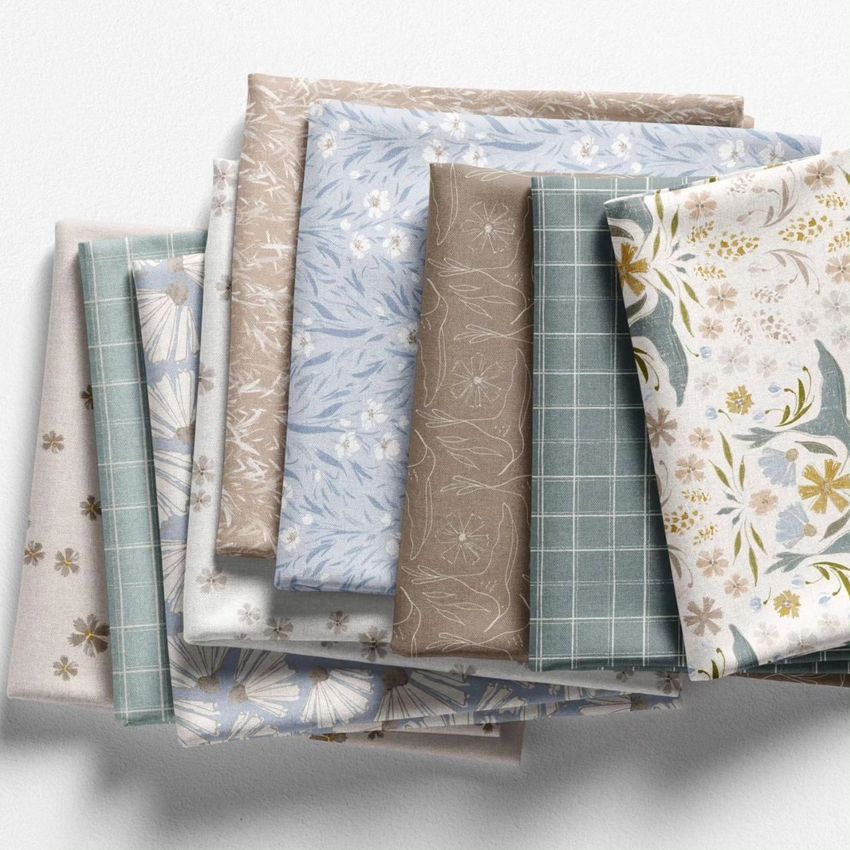
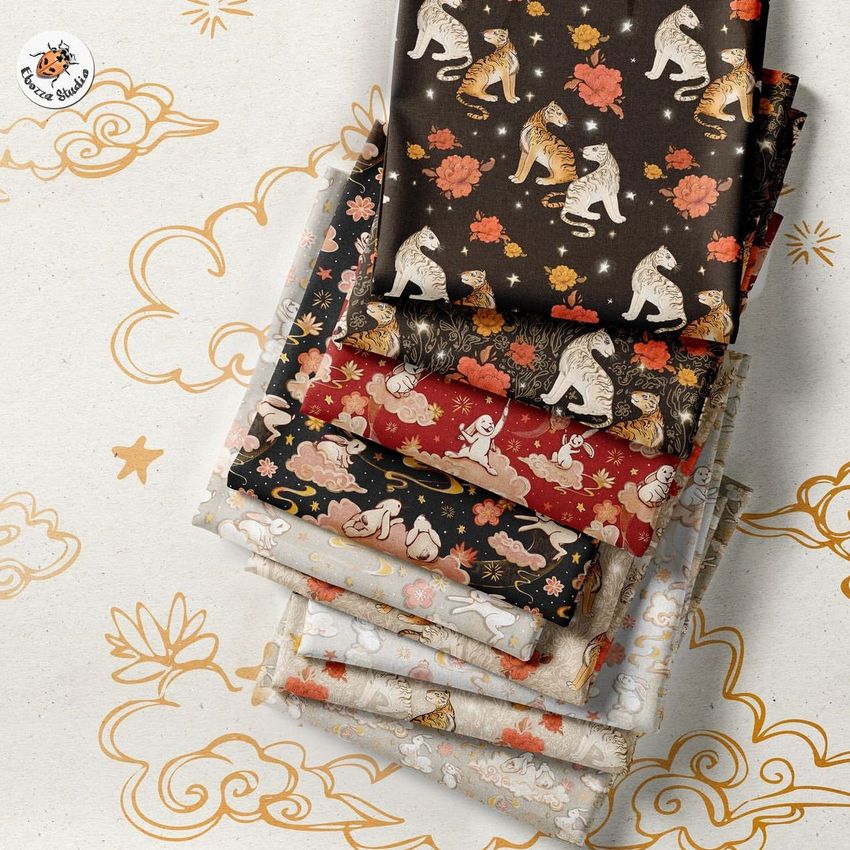
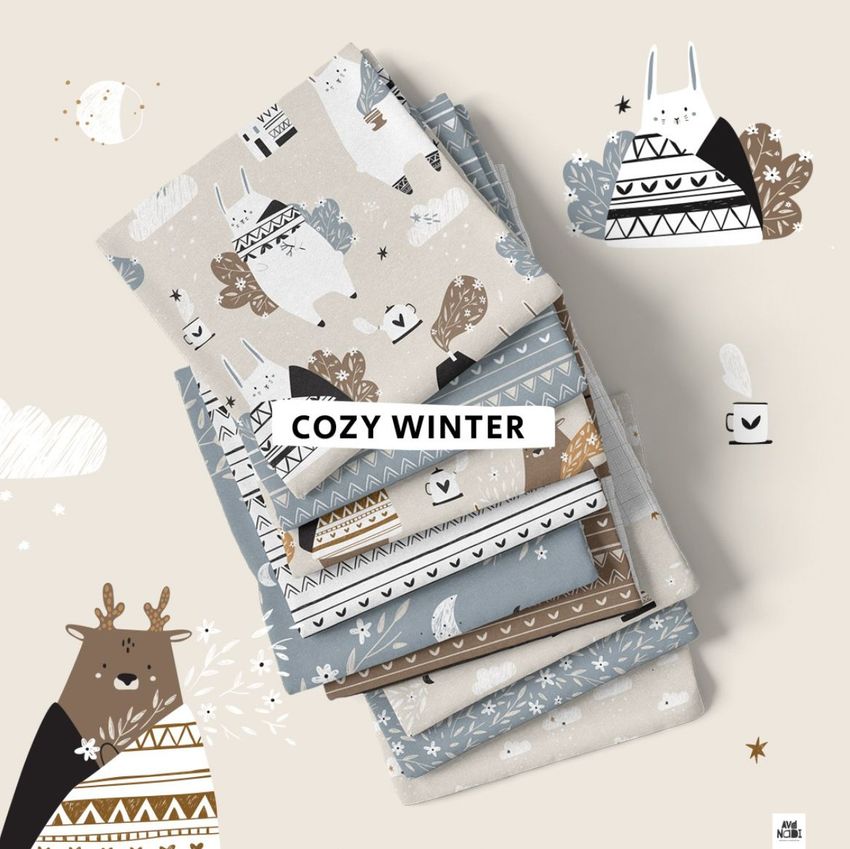
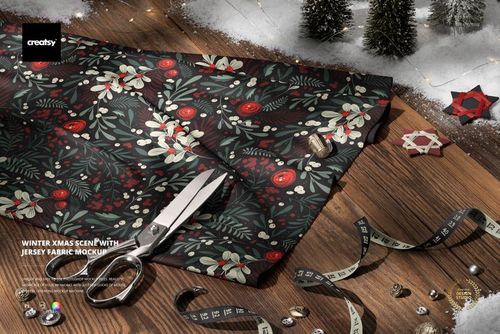
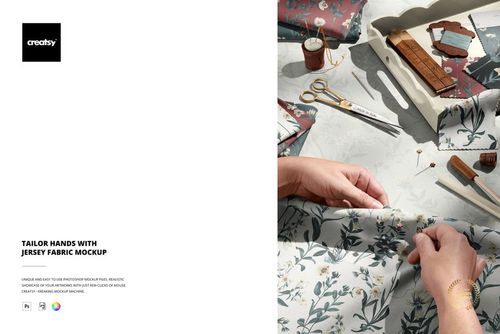
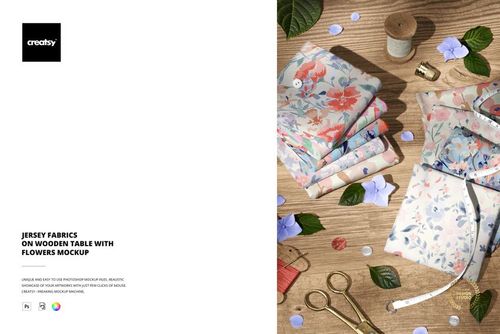
Prepare to be mesmerized by the riveting Fabric Stack Mockup Set (01/FFv.6) mockup template crafted by Creatsy! This exceptional tool transforms high-quality images into stunning Adobe Photoshop product mockup scenes that beautifully complement your artwork, logos, and designs. With the Fabric Stack Mockup Set (01/FFv.6) at your disposal, your motifs and patterns take center stage, captivating viewers with realism and charm. The meticulously organized Adobe Photoshop layers within the mockup set offer unparalleled customization options, allowing you to showcase your designs with precision and creativity. Seamlessly edit smart objects and color layers to effortlessly relocate, customize, or remove elements, ensuring a fully personalized composition that reflects your unique vision. Perfect for artists, surface pattern designers, and hobbyists alike, our mockups advance your brand and add a touch of professionalism to every creator's portfolio.
Compatibility: Adobe Photoshop min. version PS CC2015, Photopea,
Includes: 1 PSD file with well-organized layers: 6000x4000 px, 300 dpi,
Editable components: color and design change, removable sewing props,
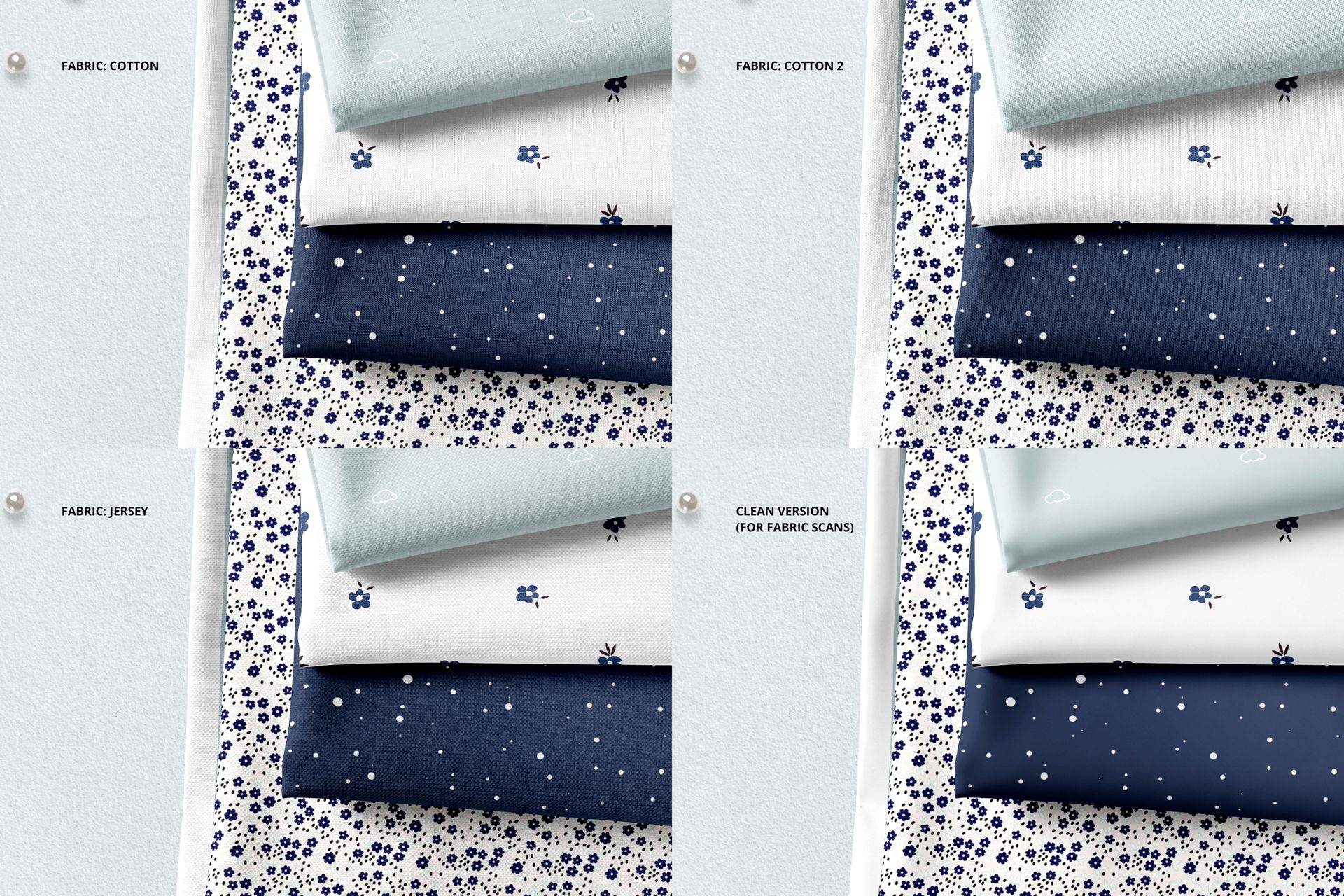
3 fabric types: cotton, cotton 2, jersey + clean version,
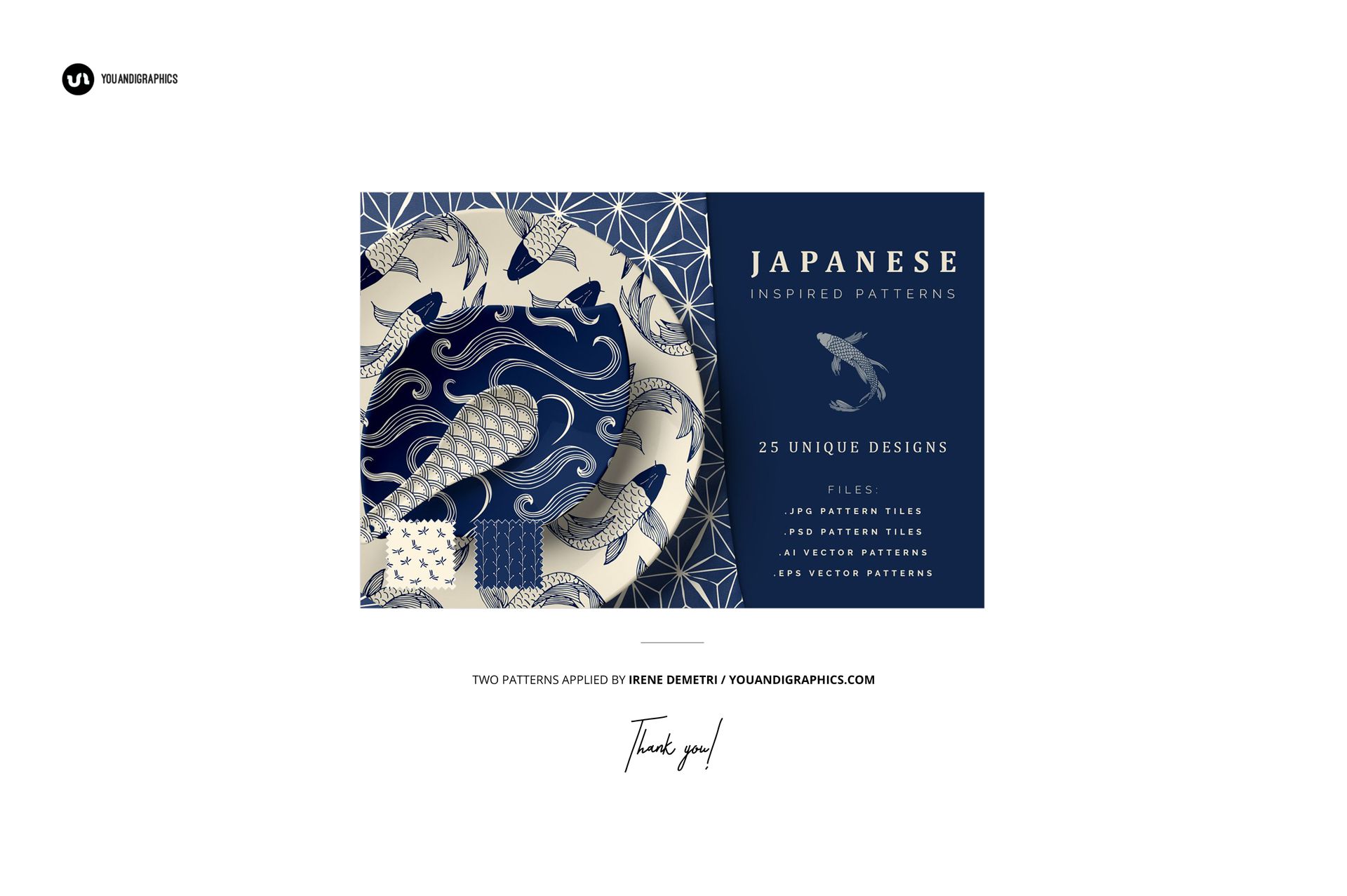
Example artwork by Irene Demetri / creativemarket.com/irenedemetri,
Patterns are NOT included, this product is a mockup intended for you to add your own designs.
File details
- Compatibility
- Number of files included
- 2
- Package size
- 129 MB
|135 MB
- Files type
- .psd, .jpg, .pdf
- Files size
- 6000x4000


Made with Creatsy
Real designs. Real customers. See how creatives use Creatsy mockups to turn their artwork, branding, and product ideas into polished visuals.
MEET THE SHOP

HOW IT WORKS
3 clicks. That's it.
No tutorial needed. If you can copy-paste, you can use this.
- 1OpenDouble-click the smart object inside the PSD - in Adobe Photoshop, or free in your browser with Photopea.
- 2PasteDrop in your pattern, print, or artwork. Any design, any style.
- 3SaveHit save and the mockup wraps it in for you - shadows, folds, and lighting included.
FROM IDEA TO IMAGE
Built for real workflows
Skip the photo shoot Show your artwork on the real product type for approvals or listings - no studio, no model, no sample.
See it on the product, not a swatch Drop your file into the smart object and the scene's lighting and folds wrap around it, so you judge the real thing before you commit.
Smart Objects
Edit once and you're done. Your artwork drops into a smart object and the mockup updates itself - no masking, no warping by hand.
Perfectly Organized
Named layers and folders you can actually navigate. Find what you need, change what you want, and get out fast.
Print-Ready
High-resolution files built to hold up on screen and in print. Exact size and DPI are in this product's Details above.