ID: 1919514965 | Updated: Sep 3, 2025

Product Details

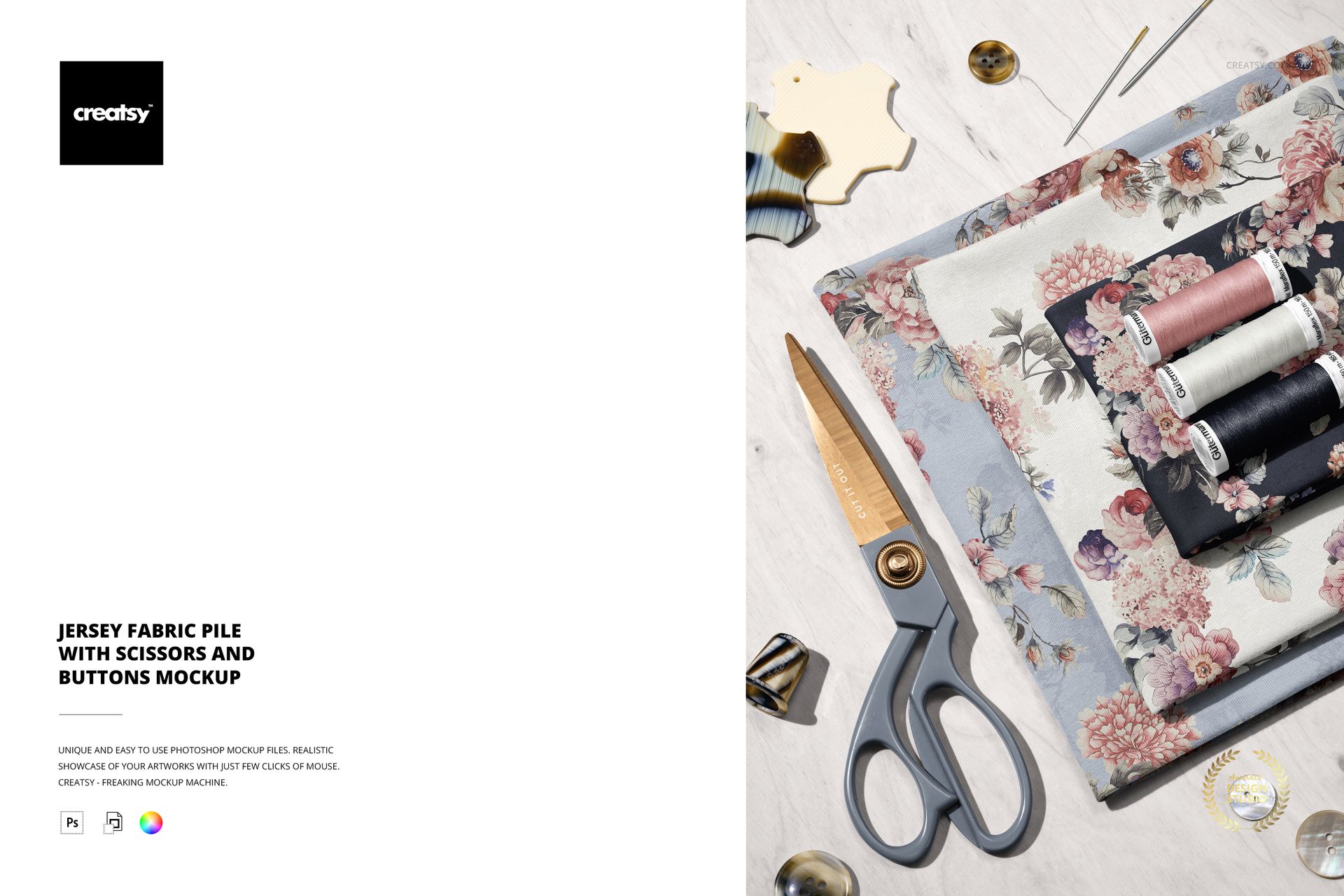
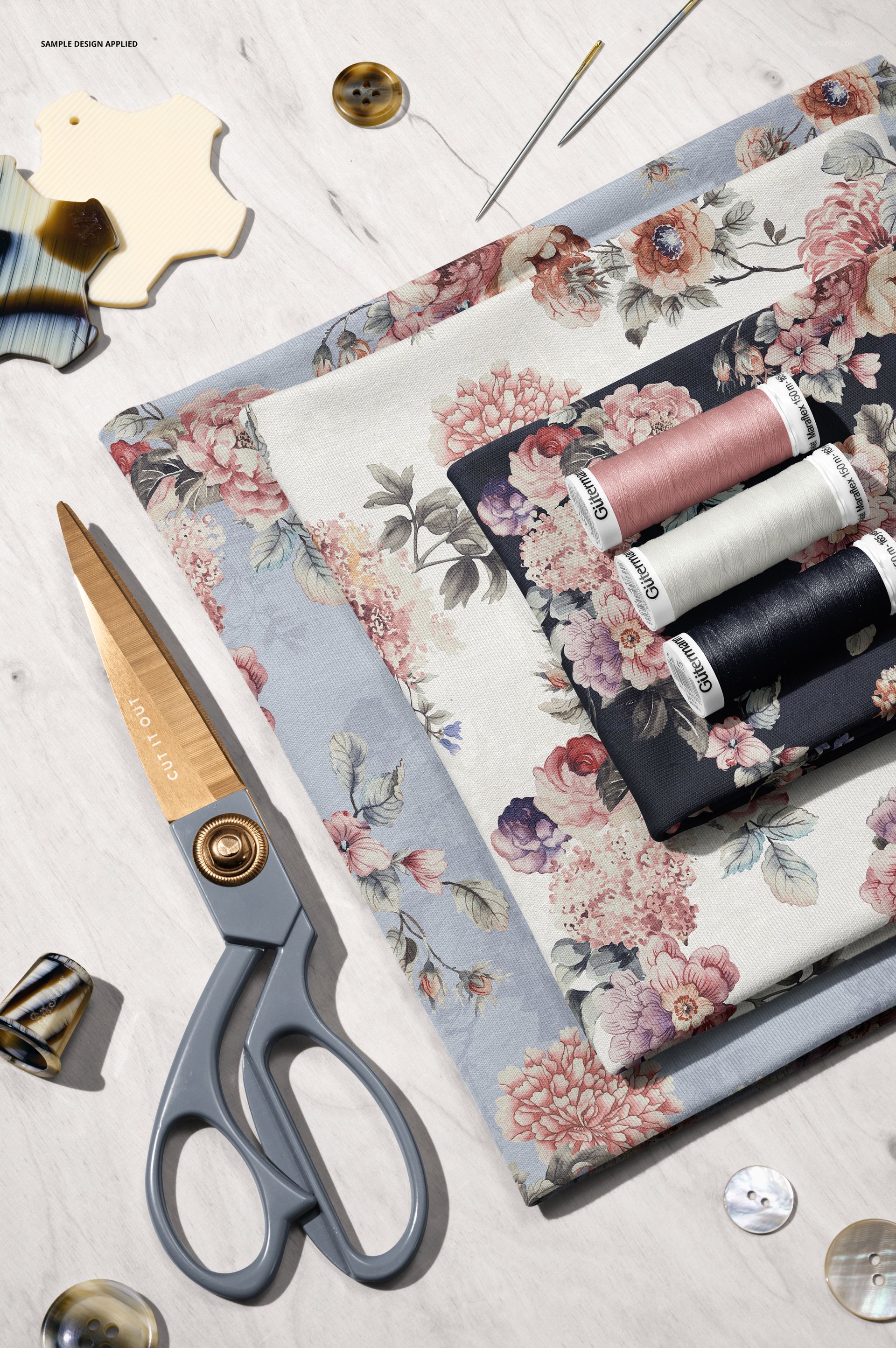
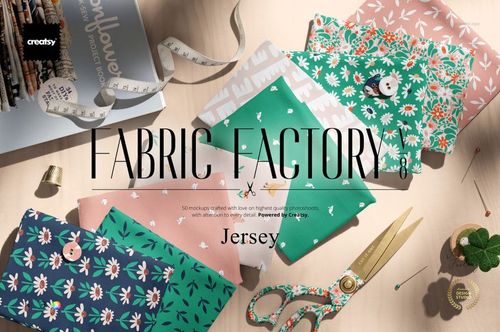
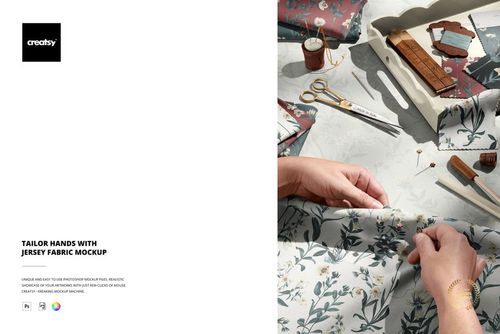
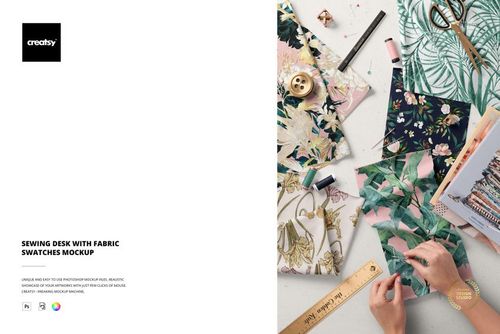
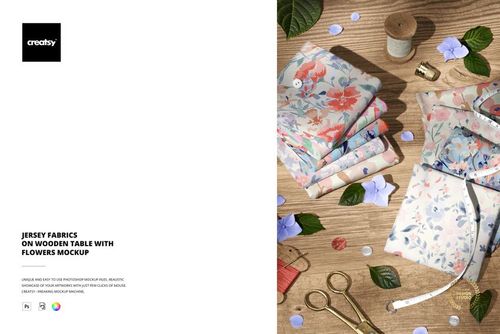
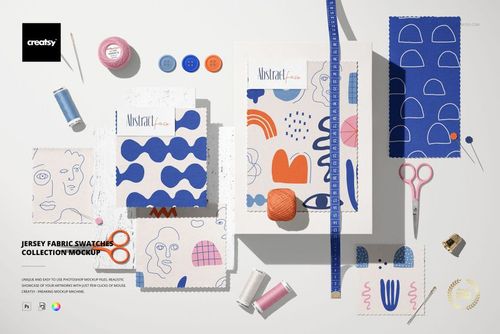
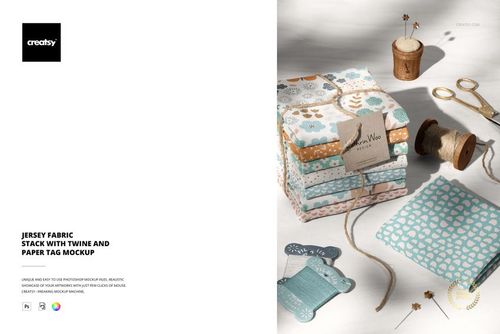
Show your print on a pile of folded fabric. This fabric mockup is one Photoshop scene of stacked jersey fabric on a sewing table, with scissors, thread spools, buttons and needles around it, where you drop your own pattern onto the cloth. The fabric takes your color and design, the scissors take a color and design, and the thread, needles and background take a color, so one file turns a repeating print into a real fabric flat lay.

You get 1 PSD file at 6000 x 4000 px, 300 dpi, built for Adobe Photoshop from version CC2020, and it also opens in Photopea, the free online editor. The fabric sits on a smart object with named, well organized layers, so your artwork maps onto the folds in a couple of clicks.

What is in the scene

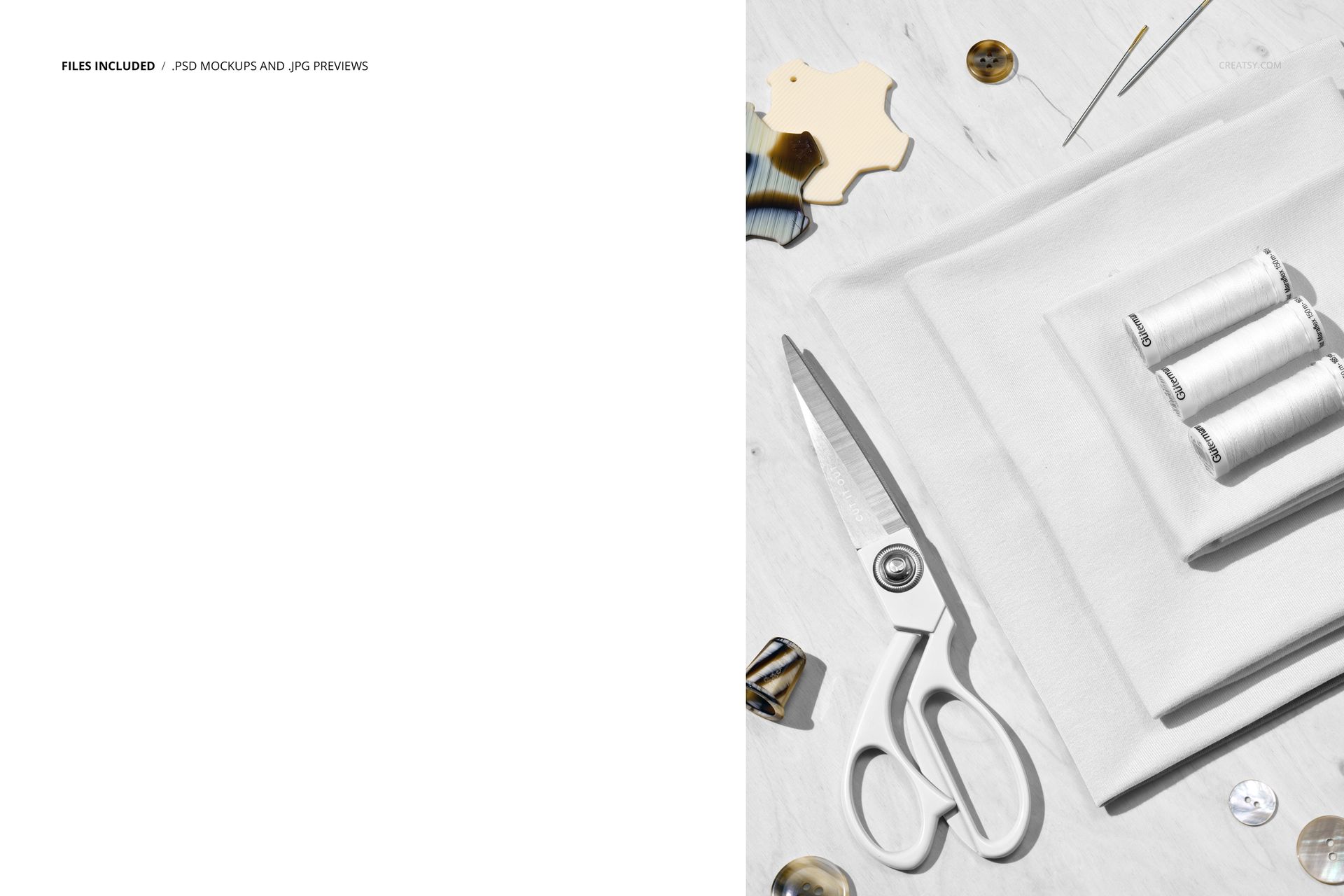
A pile of folded jersey fabric sits on a light table with a pair of tailor scissors, three thread spools, loose buttons, needles and a thimble around it, lit like a soft studio flat lay. It reads like a fabric shop or a sewing bench, ready for your own print.

What you can change

The fabric carries your pattern, and the props take a color:

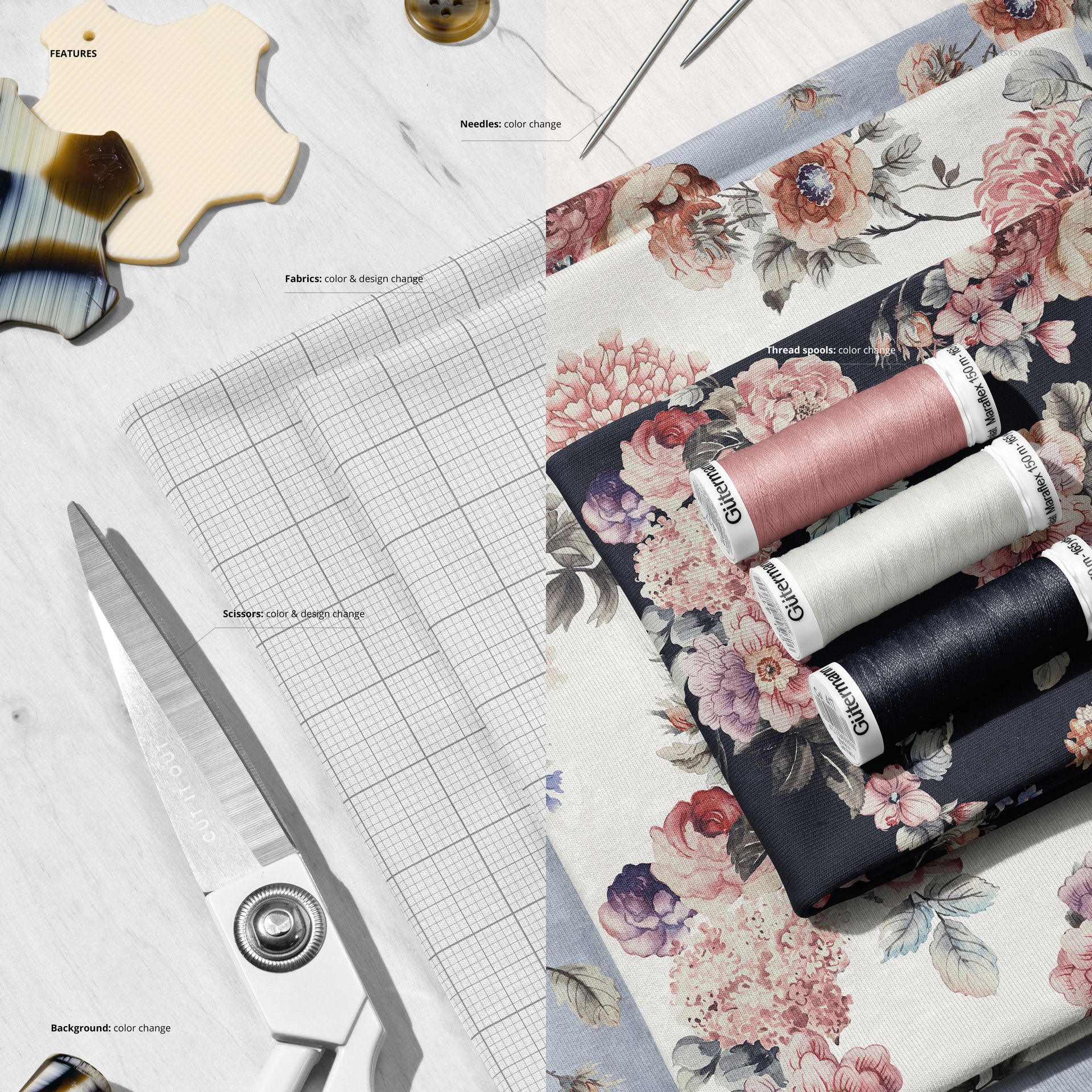
  • Fabric: color and design, for your own repeating print on the folded jersey.

  • Scissors: color and design, on the tailor shears.

  • Thread spools: color, to match the spools to your palette.

  • Needles: color, for the pins and needles.

  • Background: color, to set the table tone behind the fabric.

How the edit works

Open the fabric smart object, paste your artwork, save, and it maps across the folded cloth with the light, shadow and drape of the pile kept over it. Set the color of the thread, the needles and the background, and export. Because the print sits on a smart object, you can try a new pattern or a new colorway in a few seconds and show several prints from one file.

Made for fabric and surface pattern designers

Drop a repeating print onto the folded jersey and it reads like a real bolt of printed fabric, which makes this a strong fit for surface and textile designers presenting a pattern. Show a floral, a geometric or a small ditsy print on cloth, set the thread and buttons to match, and you have a listing image without cutting or sewing a sample.

Who it is for

Surface and textile pattern designers, fabric and apparel brands, quilting and sewing shops, and Etsy or Shopify sellers who license or print fabric by the yard. Use it to present a print collection, a single design or a seasonal range on real folded cloth without a photo shoot.

What is in the download

One layered PSD scene, plus a JPG preview, in a single download. Layers are named and grouped by element, so you always know which smart object holds the fabric, the scissors or the background.

File and software details

  • 1 layered PSD file

  • 6000 x 4000 px, 300 dpi

  • Adobe Photoshop CC2020 or newer, and Photopea (free online editor)

  • fabric and scissors take color and design

  • thread spools, needles and background take color

  • named, well organized layers, JPG preview included

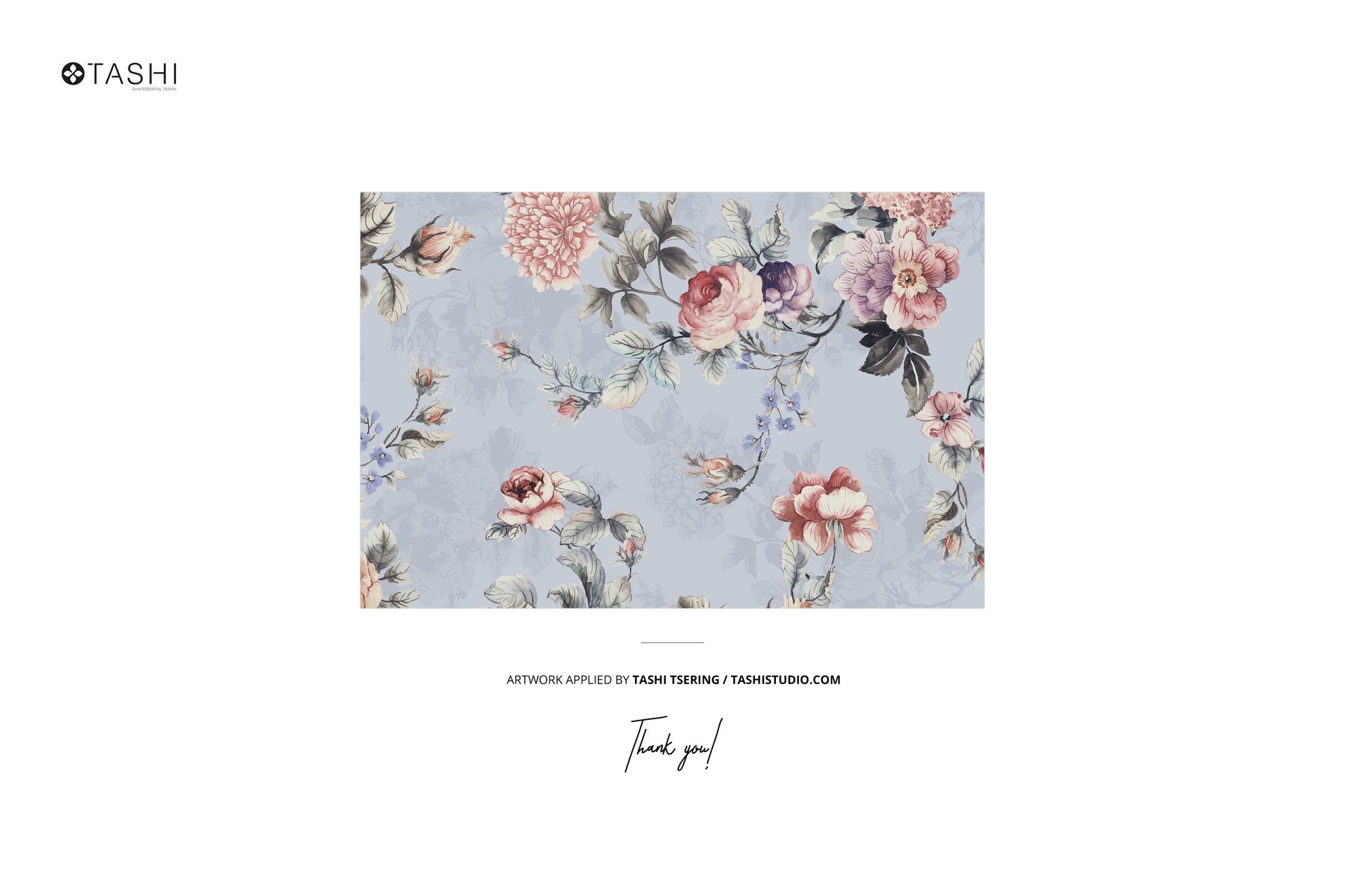
Pattern shown in the previews by Tashi Studio, for display and not included in the download.

No printed sample, no photo shoot

Showing a print on fabric usually means printing a sample, folding it, styling a bench and lighting a flat lay. This mockup skips that: you place your pattern on the smart object, set the colors and export a clean, styled shot, then try the next print. It is a fast way to pitch a design to a client, test a colorway or fill a fabric listing before anything goes to print.

Ideas you can show with it

Present a floral for home textiles, a ditsy for apparel, a geometric for quilting cotton, or a kids print for a nursery line. Because the thread, needles and background all take a color, you can tune the whole flat lay to each print and keep a shop of fabric listings looking like one set.

File details

Compatibility
PhotopeaAdobe Photoshop
Package size
384 MB384 MB|403 MB403 MB
Files type
.psd, .jpg
Files size
6000x4000
TEST FOR FREE

Made with Creatsy

Real designs. Real customers. See how creatives use Creatsy mockups to turn their artwork, branding, and product ideas into polished visuals.

MEET THE SHOP

Creatsy logo

Creatsy

Poland
4.7 (665)

Bring your ideas to life.

We're a family-run studio in Katowice, Poland, making PSD mockups by hand since 2016. Everything in this shop starts in our own studio. We shoot the photography, build the 3D, and put together every Smart Object PSD ourselves - then we test it, organize the layers, and only ship it once it actually works...
GO TO SHOP

HOW IT WORKS

3 clicks. That's it.

No tutorial needed. If you can copy-paste, you can use this.

  1. 1OpenDouble-click the smart object inside the PSD - in Adobe Photoshop, or free in your browser with Photopea.
  2. 2PasteDrop in your pattern, print, or artwork. Any design, any style.
  3. 3SaveHit save and the mockup wraps it in for you - shadows, folds, and lighting included.

FROM IDEA TO IMAGE

Built for real workflows

Skip the photo shoot Show your artwork on the real product type for approvals or listings - no studio, no model, no sample.

See it on the product, not a swatch Drop your file into the smart object and the scene's lighting and folds wrap around it, so you judge the real thing before you commit.

Smart Objects

Edit once and you're done. Your artwork drops into a smart object and the mockup updates itself - no masking, no warping by hand.

Perfectly Organized

Named layers and folders you can actually navigate. Find what you need, change what you want, and get out fast.

Print-Ready

High-resolution files built to hold up on screen and in print. Exact size and DPI are in this product's Details above.