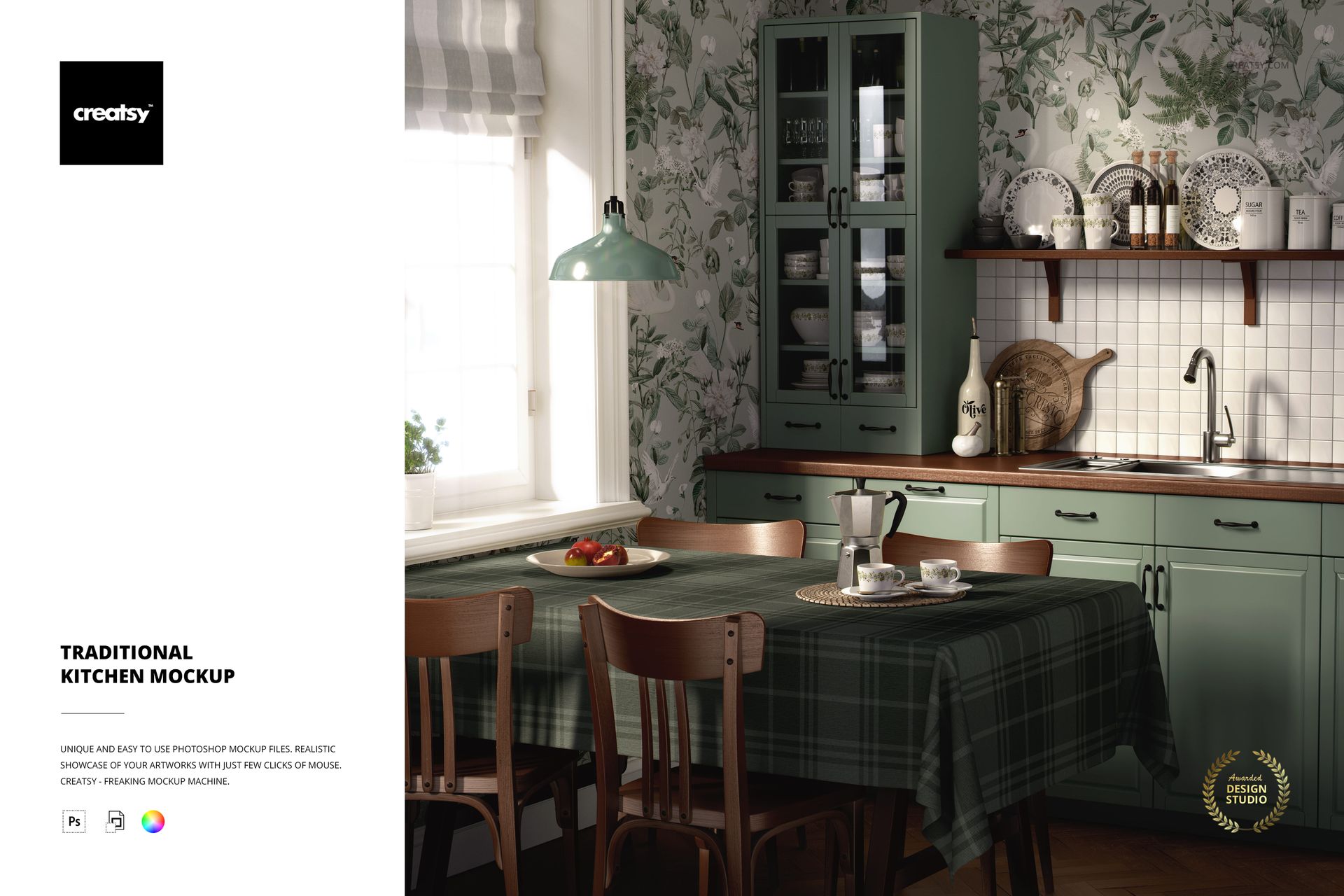
Traditional kitchens sell a specific kind of comfort. Marble countertops, brass fixtures, paneled cabinetry, subway tile - every material choice signals permanence and craft. This PSD mockup reconstructs that visual language in a single high-resolution file, giving textile designers and surface pattern creators a ready-made environment where their work appears as a natural extension of the room rather than a floating graphic on a blank canvas.
The Setting
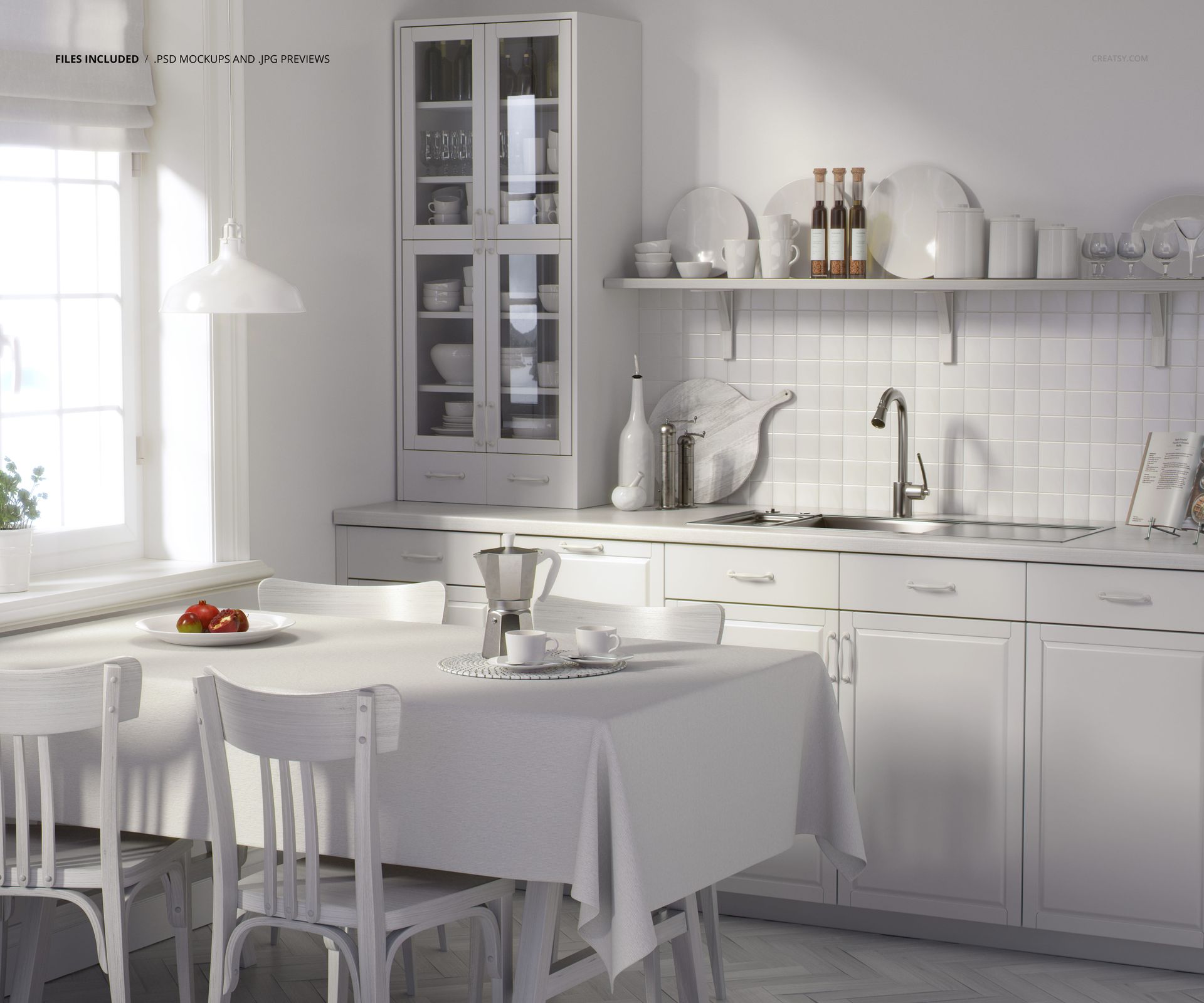
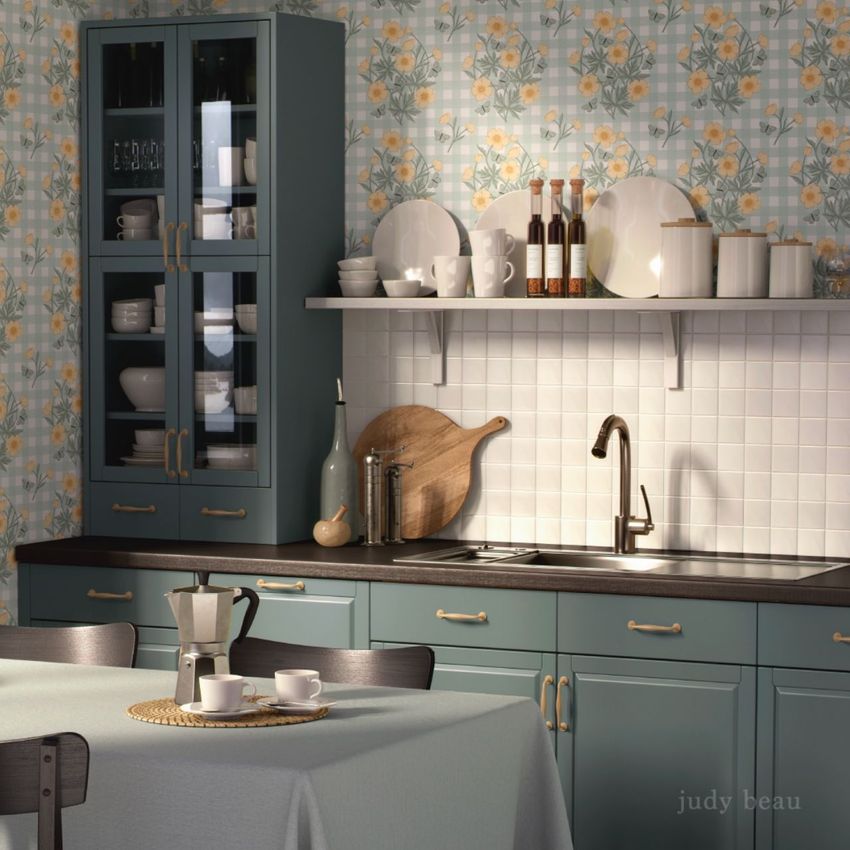
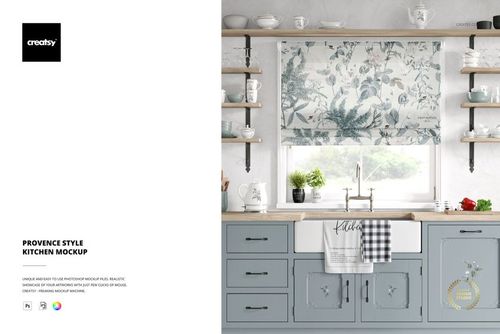
The scene renders a full traditional kitchen interior with classic architectural detailing. Countertops, cabinetry, backsplash surfaces, and accessories populate the frame in a composition that reads like an editorial spread from a shelter magazine. The vertical 5000 x 6000 pixel format at 300 DPI favors portrait-oriented presentations - Pinterest pins, Instagram stories, magazine ad placements, and portfolio pages where the room's height matters as much as its width.
Surface Opportunities
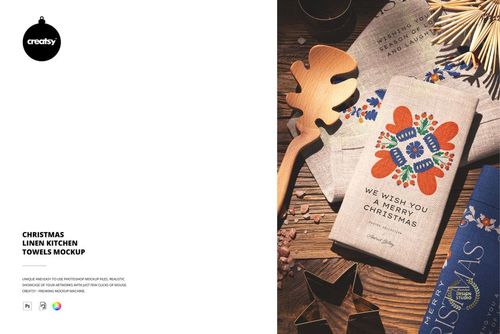
Kitchen textile mockups serve a different audience than apparel or fashion fabric templates. The buyer here is a surface pattern designer selling tea towel collections on Etsy, a home textiles brand building a wholesale lookbook, a kitchen accessories startup preparing investor pitch materials, or an interior design studio visualizing custom textile programs for residential clients. The mockup places your pattern into a context where someone can imagine pulling that towel off the rack, spreading it across the counter, or folding it beside a stack of plates. That spatial relationship between the textile and the kitchen is what drives purchasing decisions in the home goods market.
Technical Specifications
The download delivers a single PSD file at 5000 x 6000 pixels and 300 DPI - a portrait-format canvas large enough for full-bleed magazine inserts and retina-grade digital presentations without upscaling. At 635 MB, the file carries substantial layer data, reflecting the complexity of the kitchen scene with its multiple surfaces, lighting effects, and texture maps. The minimum Photoshop version required is CC 2020. The file also opens and edits cleanly in Photopea, the free browser-based PSD editor, for designers who prefer a zero-cost workflow.
Pattern Placement
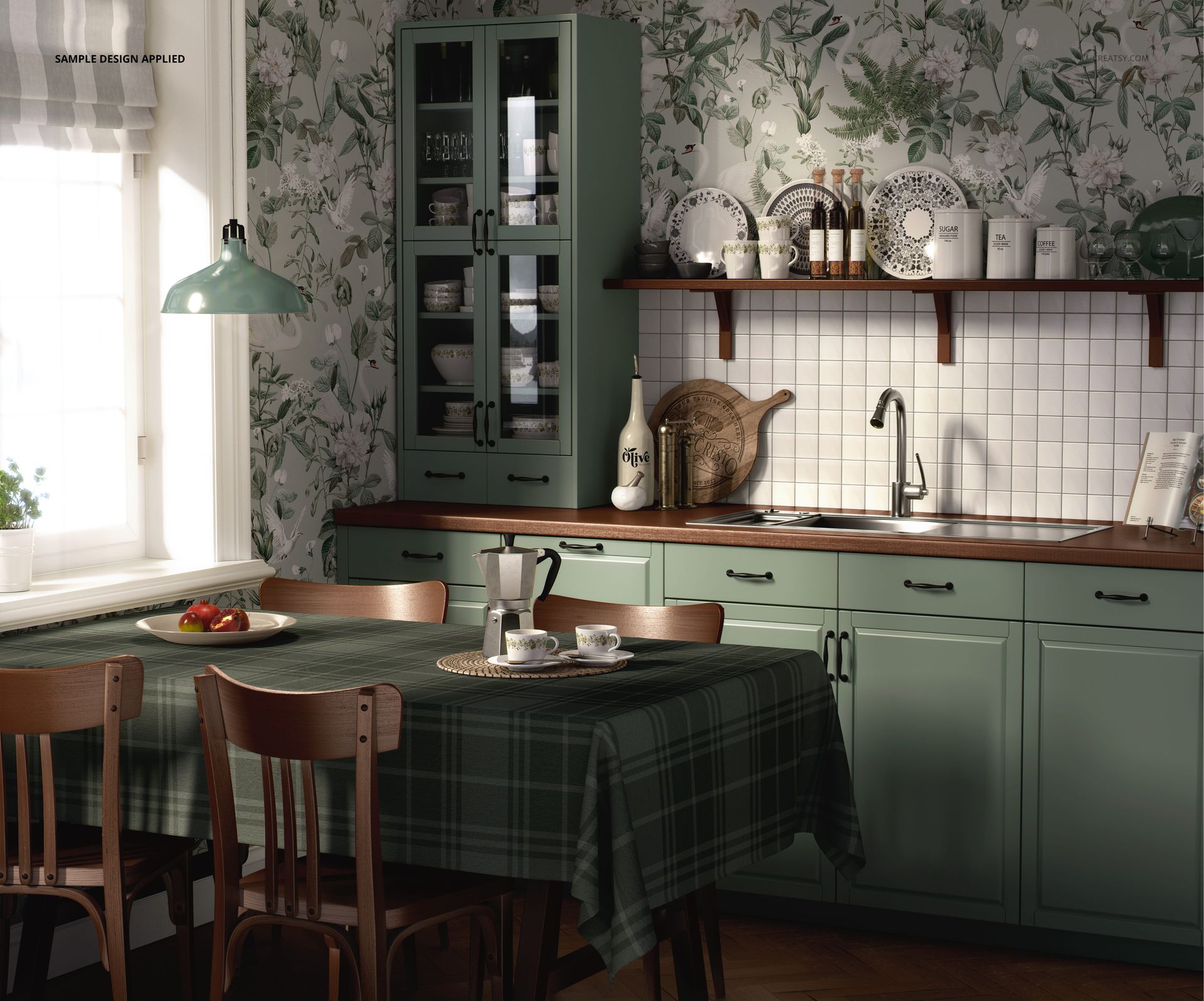
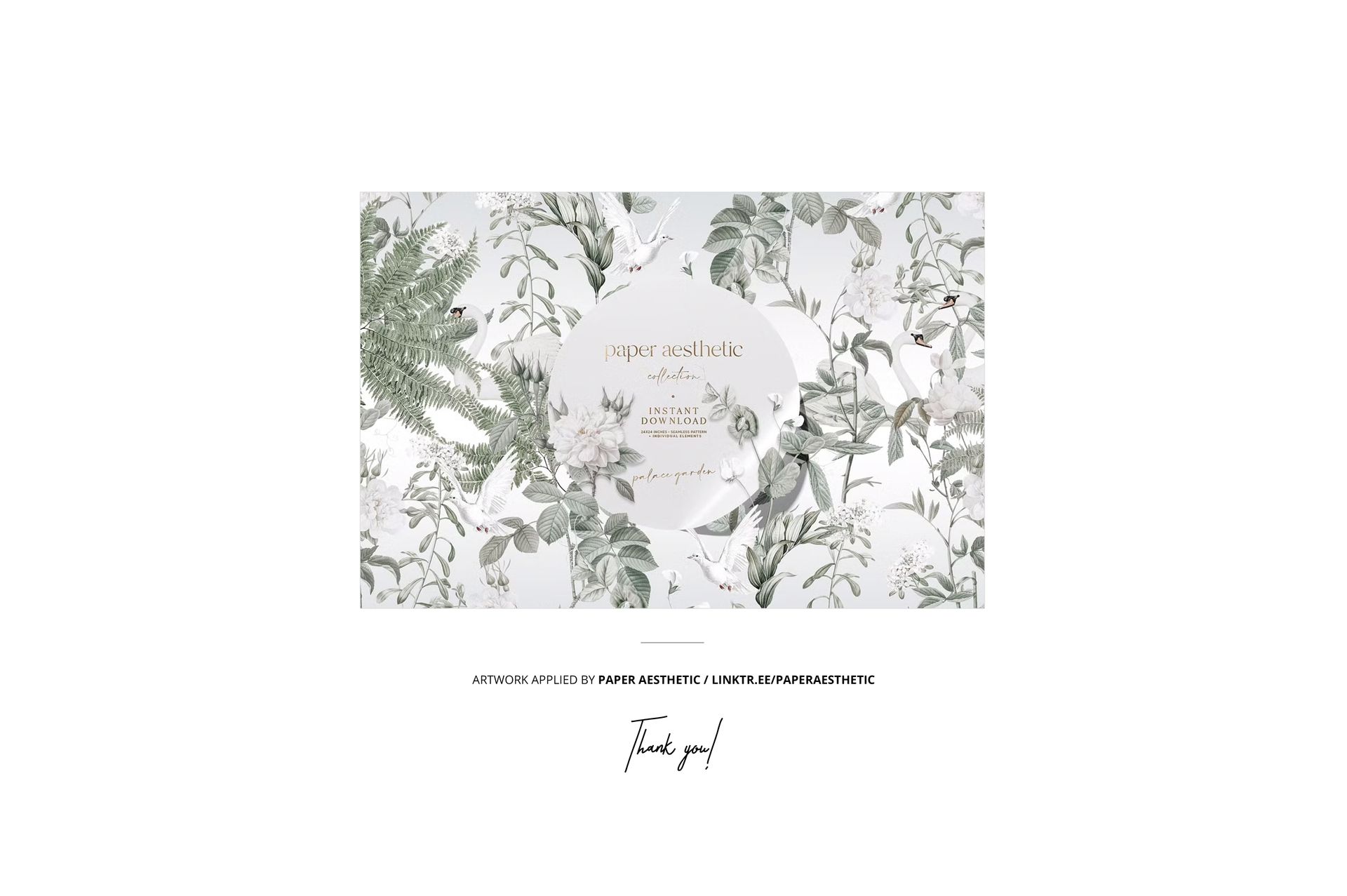
Smart object layers accept your pattern, illustration, or solid color designs through the standard double-click workflow. Place your artwork, save the embedded canvas, and the main document updates with accurate perspective mapping, fabric fold simulation, and environmental lighting applied to your design. The example patterns shown in product screenshots were created by Paper Aesthetic and are not included in the download file. They serve as placement references to demonstrate how surface designs interact with the kitchen environment at different scales and color temperatures.
Who Needs a Kitchen Context
Pattern designers who sell digital files on Creative Market or Spoonflower need mockups that show their repeats in real-world scale. A geometric pattern that looks bold at thumbnail size might disappear on a full-length apron or read as overwhelming on a hand towel. Seeing the pattern inside an actual kitchen - with cabinets and countertops providing visual anchors - answers scale questions that flat swatches cannot. For brands preparing Amazon or Shopify listings for kitchen textile products, this mockup replaces the cost and logistics of a styled product photo shoot while delivering comparable visual quality for hero images and carousel slides.
The traditional styling of this kitchen scene pairs naturally with botanical prints, gingham checks, toile patterns, farmhouse florals, linen textures, and vintage-inspired typography - the visual vocabulary that dominates the home textiles market in both online retail and wholesale trade shows.







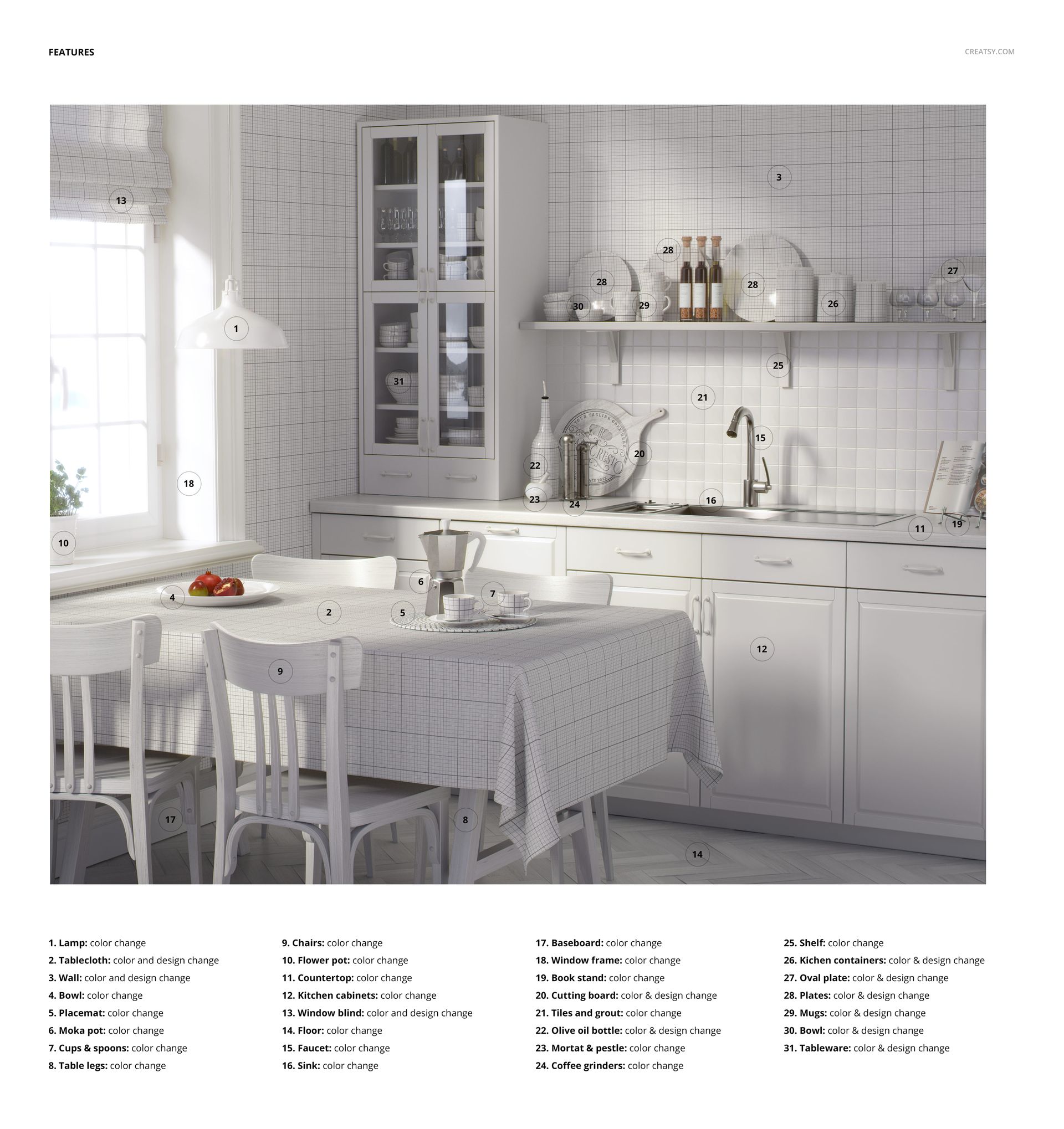







Creatsy make the best Mockups on the market, no matter what you need to showcase. These mockups are highly customizable, and the lighting in them makes everything look very realistic. You can keep or turn off many of the Items in the mockup, also a great feature giving control over the look you want. They have the most friendly and very helpful support. I highly recommend these mockups!
Thank you so much for this amazing review! We’re delighted to hear the mockup gives you so much control over the final look and that the lighting and details feel realistic. Thank you again for your support and recommendation.