Wrapped Tissue Paper Package with Sticker Mockup

ID: 1906415957 | Updated: Apr 23, 2025

Product Details

Wrapped Tissue Paper Package with Sticker Mockup

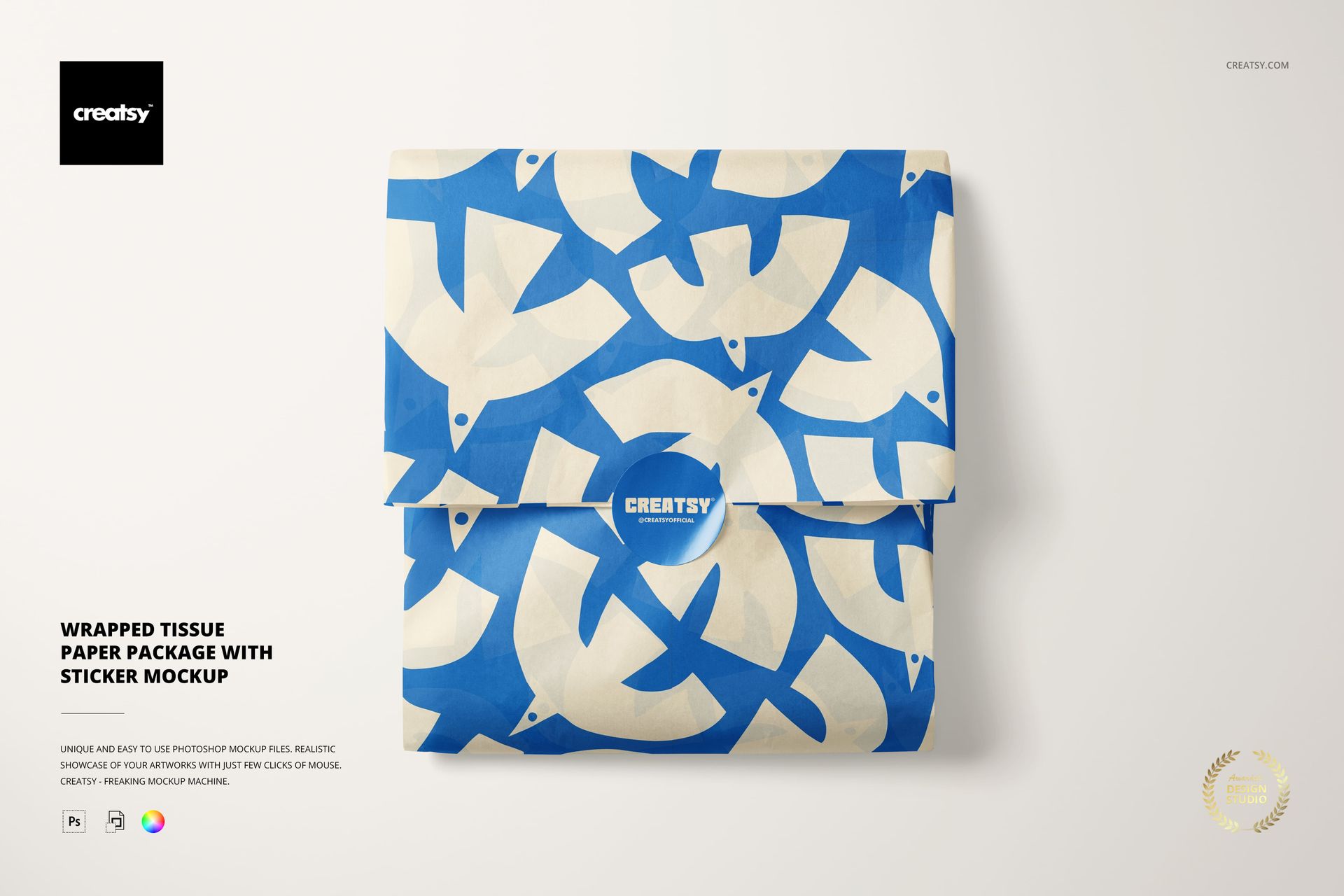
Show a wrapped tissue paper package from a clean, overhead perspective that keeps the fold and sticker seal easy to read. The restrained scene gives logos, patterns and packaging copy a polished place to land.

This single-scene PSD is useful when a brand needs to explain how tissue paper closes around a product. Use the central seal as the visual anchor and let the paper artwork carry the color story.

What Is Included

  • 1 PSD mockup with 1 JPG preview

  • 6000 x 4000 px canvas at 300 dpi

  • Smart Object editing for Photoshop CC2020+ or Photopea

Tissue Paper Presentation

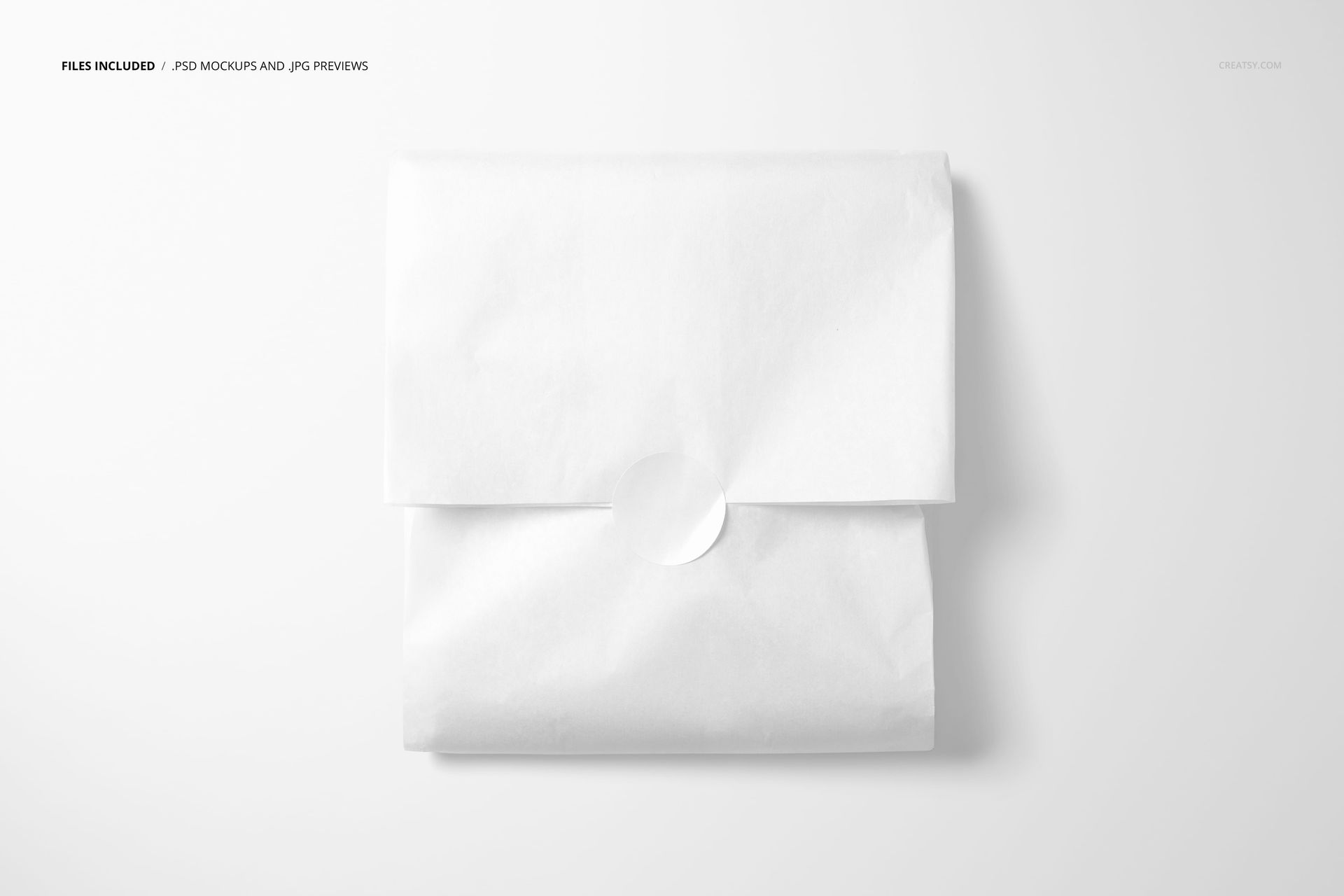
Place artwork on the folded tissue paper and keep the package silhouette visible. The top view makes the wrap, crease and lower edge easy to compare across colorways.

Sticker Seal Detail

Use the square sticker as a clear brand moment for a monogram, seal or campaign mark. Its centered position helps the viewer understand how the package closes.

Color and Pattern Exploration

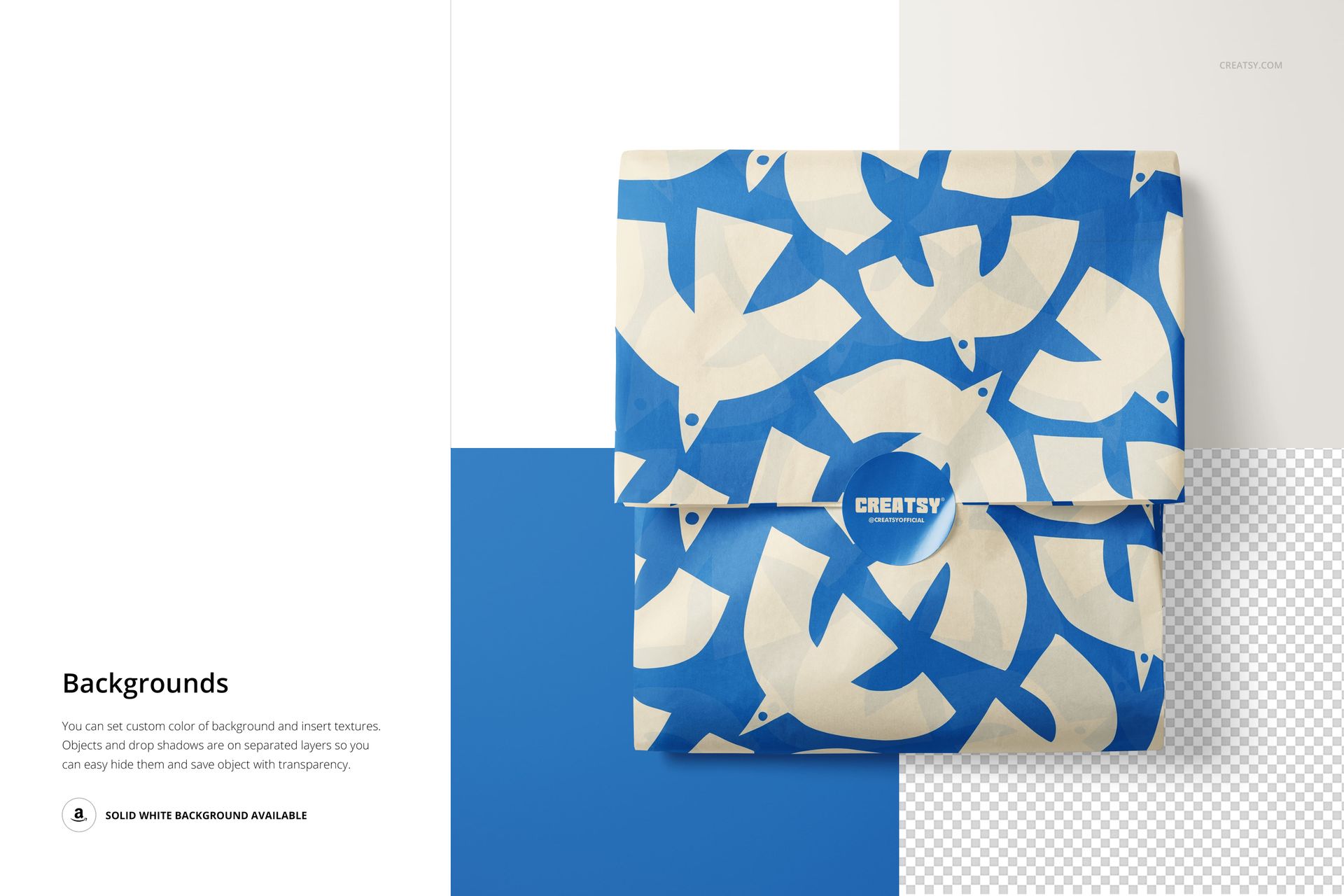
Try bold geometric graphics, grid systems, blue and white palettes, or a restrained monochrome direction. The same composition works for packaging concepts, stationery wraps and gift presentation.

Easy PSD Editing

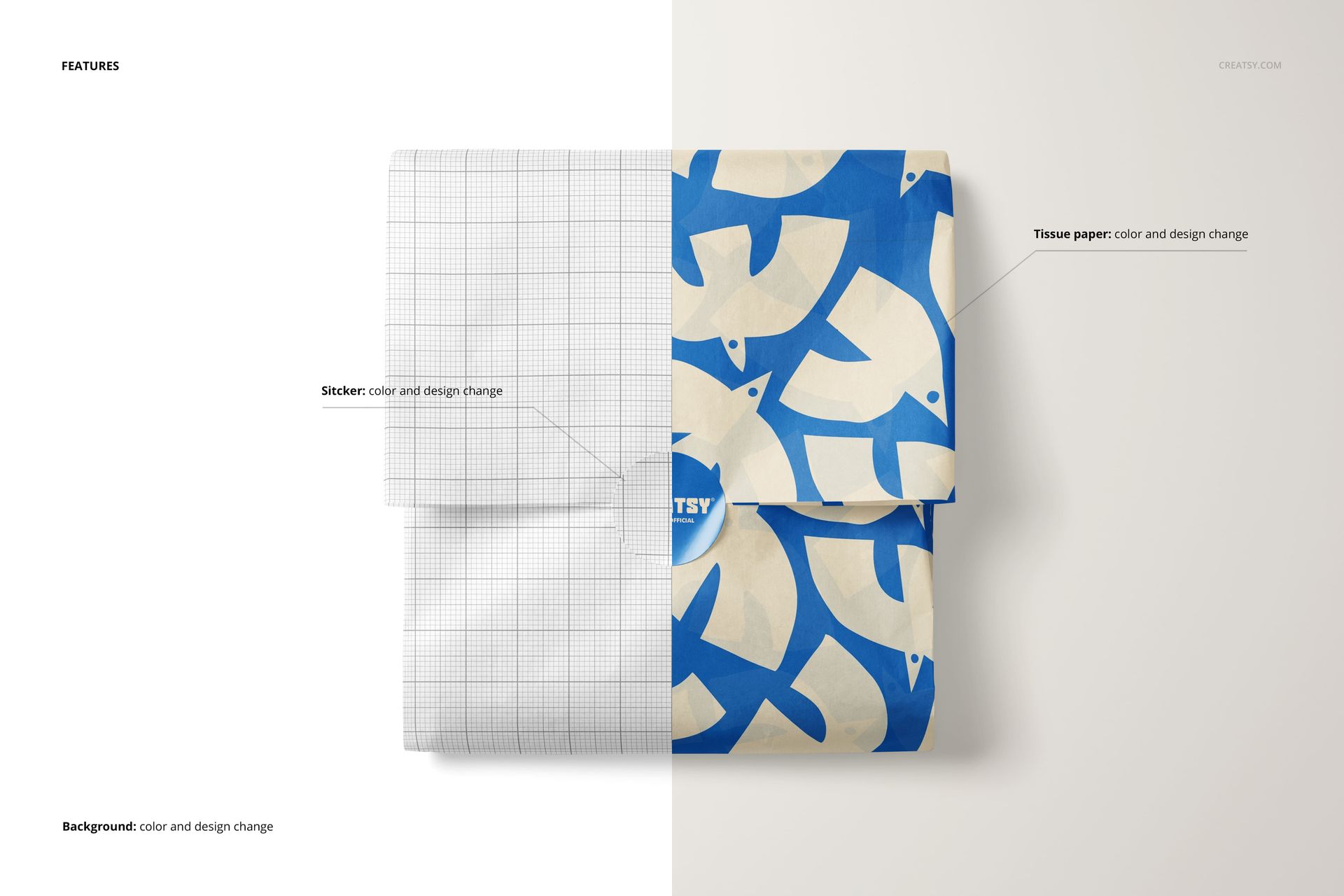
Open the Smart Object, paste your artwork, save, and review the result with the prepared folds and soft shadows intact. Use Photoshop CC2020 or newer, or Photopea in a browser.

Perfect For

Packaging launches, tissue paper branding, subscription unboxings, stationery collections, boutique gifting and client approval boards.

The preview artwork is for presentation only. Replace it with your own design.

File details

Compatibility
PhotopeaAdobe Photoshop
Package size
288 MB288 MB|302 MB302 MB
Files type
.psd, .jpg
Files size
6000x4000
TEST FOR FREE

MEET THE SHOP

Creatsy logo

Creatsy

Poland
4.7 (681)

Bring your ideas to life.

We're a family-run studio in Katowice, Poland, making PSD mockups by hand since 2016. Everything in this shop starts in our own studio. We shoot the photography, build the 3D, and put together every Smart Object PSD ourselves - then we test it, organize the layers, and only ship it once it actually works...
GO TO SHOP

HOW IT WORKS

3 clicks. That's it.

No tutorial needed. If you can copy-paste, you can use this.

  1. 1OpenDouble-click the smart object inside the PSD - in Adobe Photoshop, or free in your browser with Photopea.
  2. 2PasteDrop in your pattern, print, or artwork. Any design, any style.
  3. 3SaveHit save and the mockup wraps it in for you - shadows, folds, and lighting included.

FROM IDEA TO IMAGE

Built for real workflows

Get the label signed off before the print run Wrap your design onto the box, pouch, or bottle and show the client exactly what ships.

See it on the product, not a swatch Drop your file into the smart object and the scene's lighting and folds wrap around it, so you judge the real thing before you commit.

Smart Objects

Edit once and you're done. Your artwork drops into a smart object and the mockup updates itself - no masking, no warping by hand.

Perfectly Organized

Named layers and folders you can actually navigate. Find what you need, change what you want, and get out fast.

Print-Ready

High-resolution files built to hold up on screen and in print. Exact size and DPI are in this product's Details above.