Folded fabric mockup with a stack on a rustic log bench
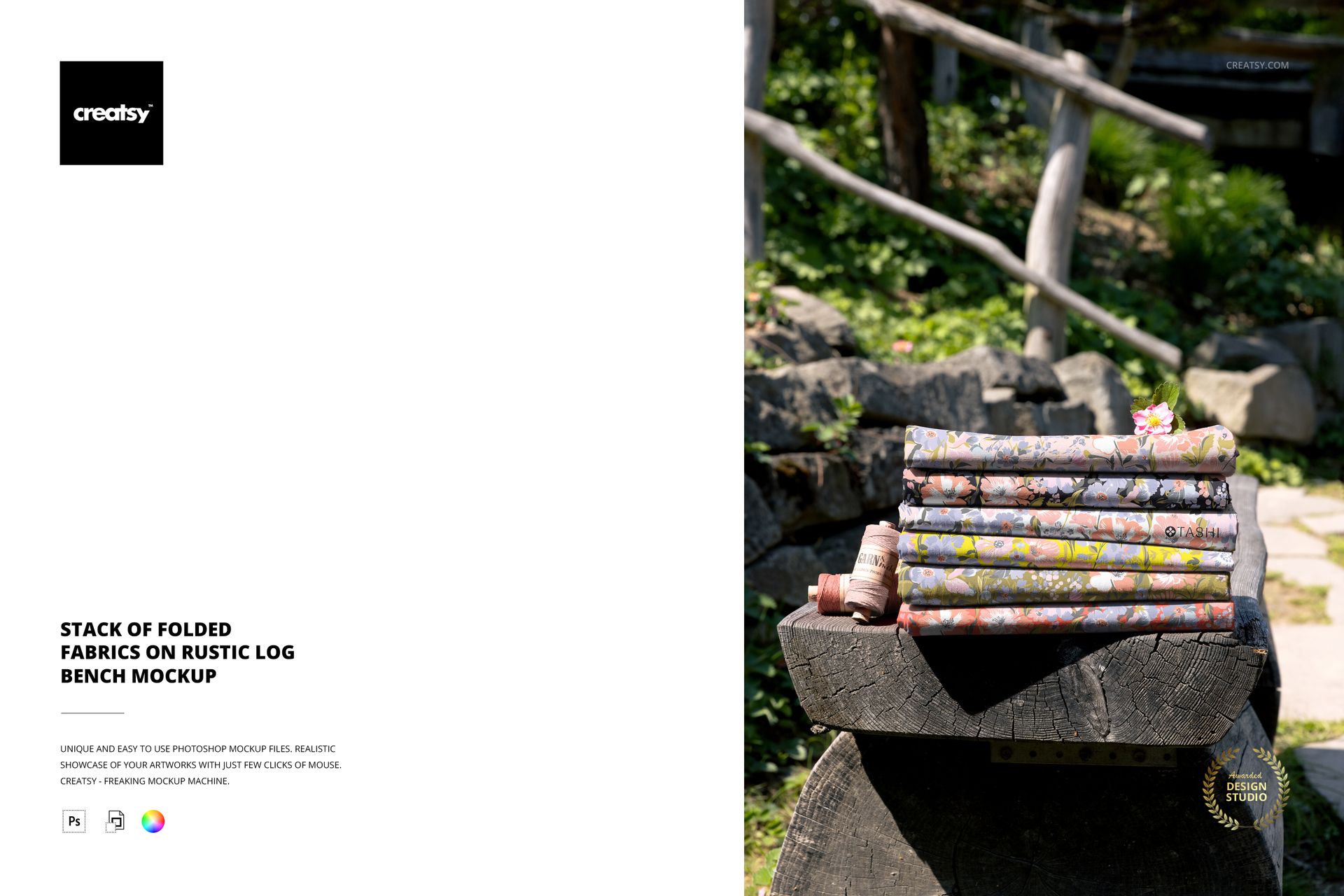
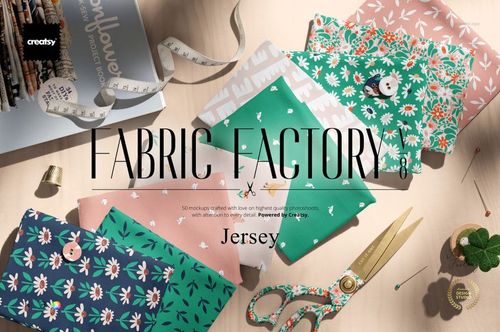
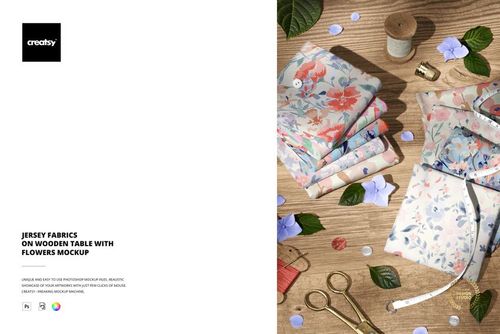
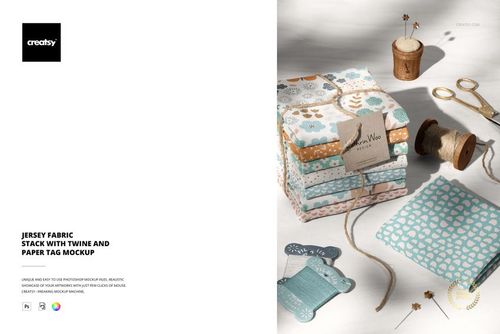
This is a folded fabric mockup that shows your print as a tidy stack of folded cloth on a weathered log bench, out in a sunlit garden. Load your pattern into the smart objects, recolor the pieces, and you present a whole set of fabrics the way a shop actually stacks them, with no cutting, no folding, and no photographer. It is built for pattern designers who want their work shown on real, folded goods.
The scene
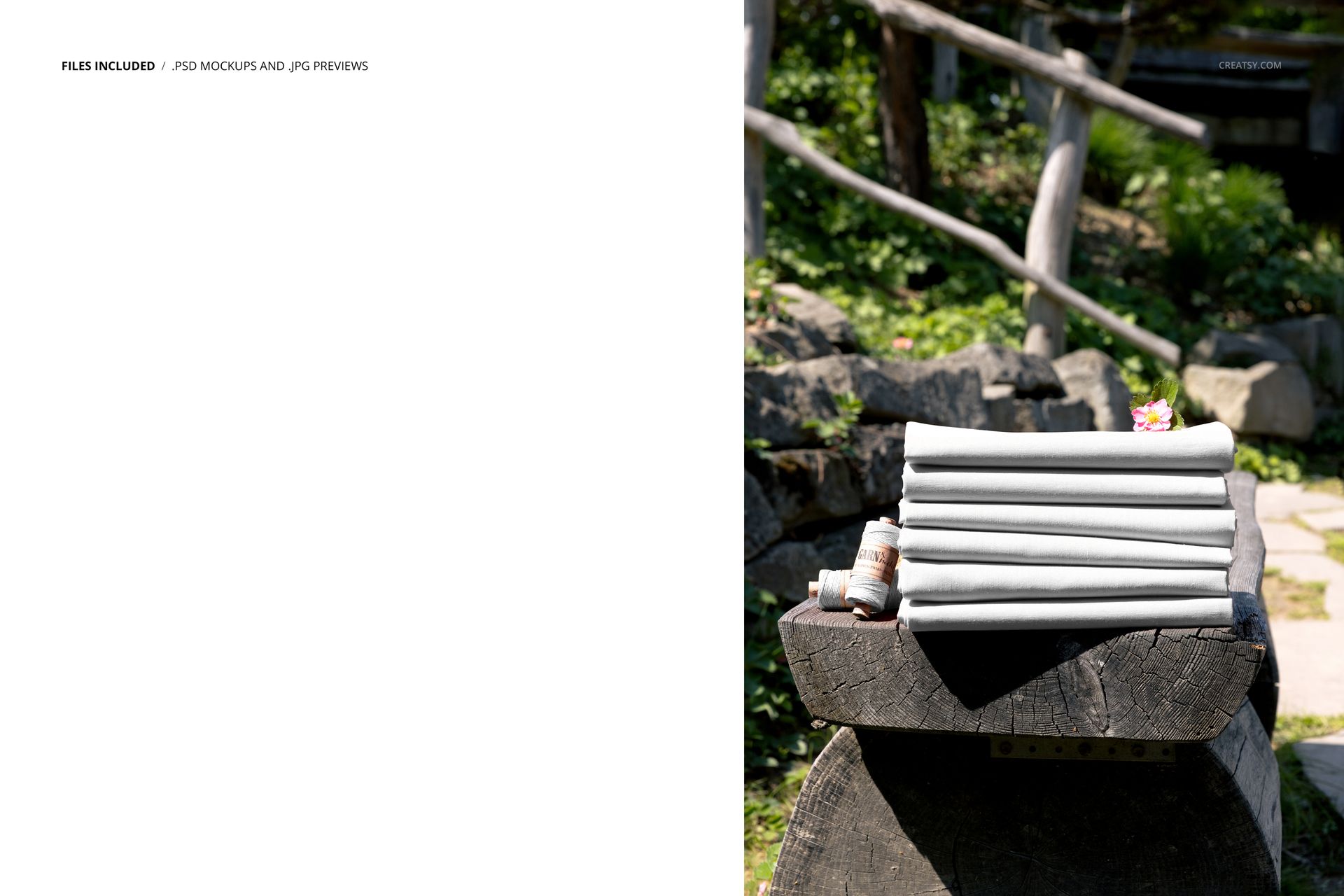
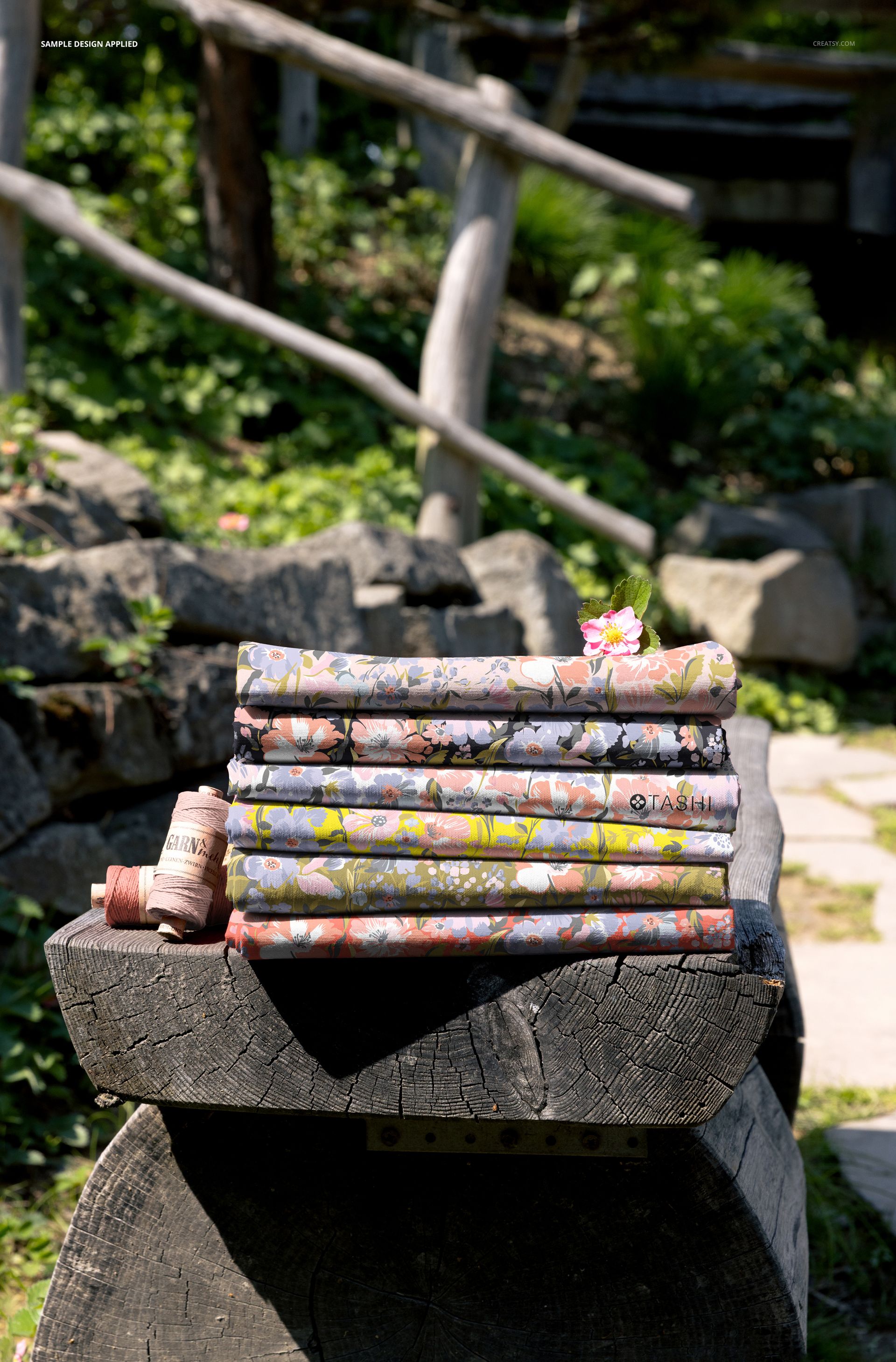
Several fabrics sit folded and stacked on a rough-cut log, with green leaves, stone, and warm daylight behind them and a spool of thread beside the pile. The mood is rustic and handmade, the kind of setting that suits cottons, florals, cottagecore prints, and quilting bundles. The bench and the garden stay fixed, so every pattern you load sits in the same warm, styled frame and your listings keep one steady look.
What you can edit
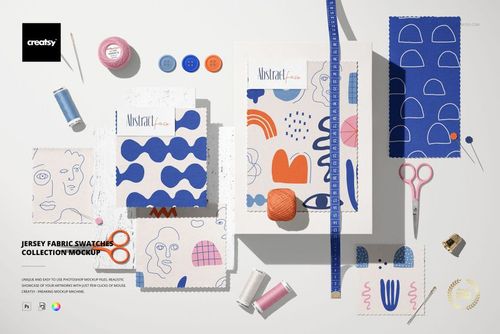
You control the cloth. Each folded fabric takes a color and a design change through its own smart object, so you can run one print across the stack or give every fold a different pattern, the way a coordinated collection reads. Your artwork wraps over the folds with the creases, edges, and soft shadow already in place. The log bench, the greenery, and the props are fixed, so this is one carefully lit outdoor angle rather than a scene you rebuild.
Show a folded collection
Fabric is sold folded, so buyers recognize a stack instantly: it reads as fat quarters, a bundle, or a bolt on a shelf. Loading a different print on each fold lets you present a whole range in one shot and show how the prints sit together as a set. That is a stronger pitch than a single flat swatch, and it is exactly how a quilt shop or a fabric store would display a new line.
How it works
Open the PSD in Adobe Photoshop, version CC2020 or newer. Double-click a fabric smart object, place your pattern, and save, and it appears on that fold with the creases and daylight already over it. Recolor the pieces to build your palette, then export a JPG or PNG for an Etsy listing, a shop banner, a portfolio page, or a lookbook.
Why the folds sell the print
A folded edge shows a pattern the way a shopper will actually see it on a shelf: repeating down the fold, curving over the crease, and catching the light along the top. That reads as real yardage rather than a flat tile, and the natural, sunlit setting adds a handmade, small-batch feel that fits independent fabric and quilting brands. It tends to earn more attention in a craft marketplace than a print floating on white.
Specifications
1 layered PSD file
6000 x 4000 px, 300 dpi
Editable folded fabrics (color and design) through smart objects
Fixed rustic log bench and garden background
Well organized, clearly named layers
Works in Adobe Photoshop CC2020 or newer (Photoshop only)
Package size about 113 MB
Artwork credit
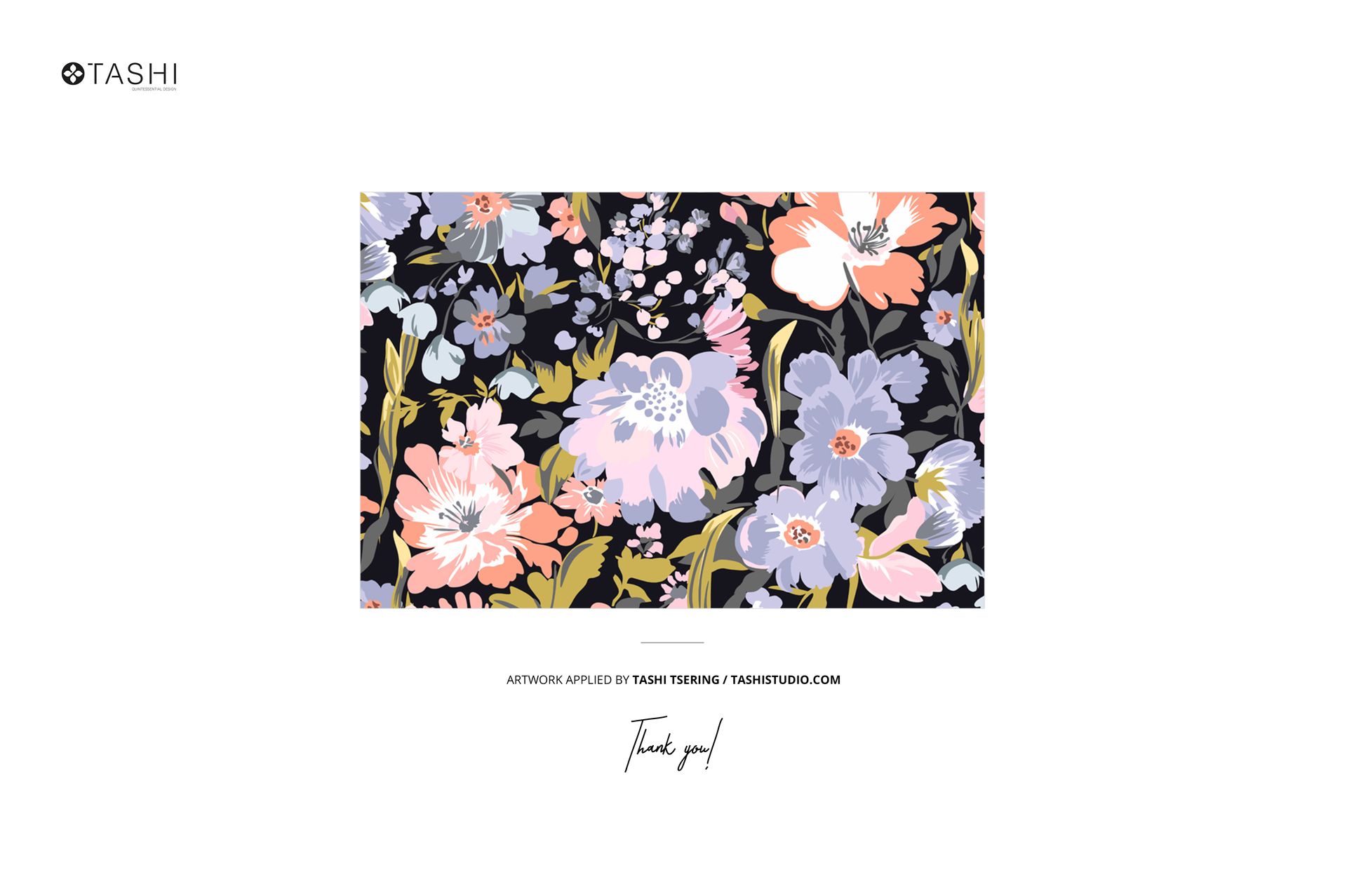
The floral patterns shown in the preview are by Tashi Tsering of Tashi Studio (tashistudio.com) and are used only to demonstrate the mockup. They are not included in the download, so you bring your own patterns to place in the smart objects.
Who it is for
It fits surface and textile pattern designers, quilting cotton and fabric shops, sewing and craft brands, and anyone selling yardage, fat quarters, or repeat prints on Etsy, on print-on-demand fabric stores, or in a portfolio. Studios can use it to present a print collection to a client in a warm, real setting. If you want a rustic, folded-fabric shot without a shoot, this gives you that and keeps working for every new print.