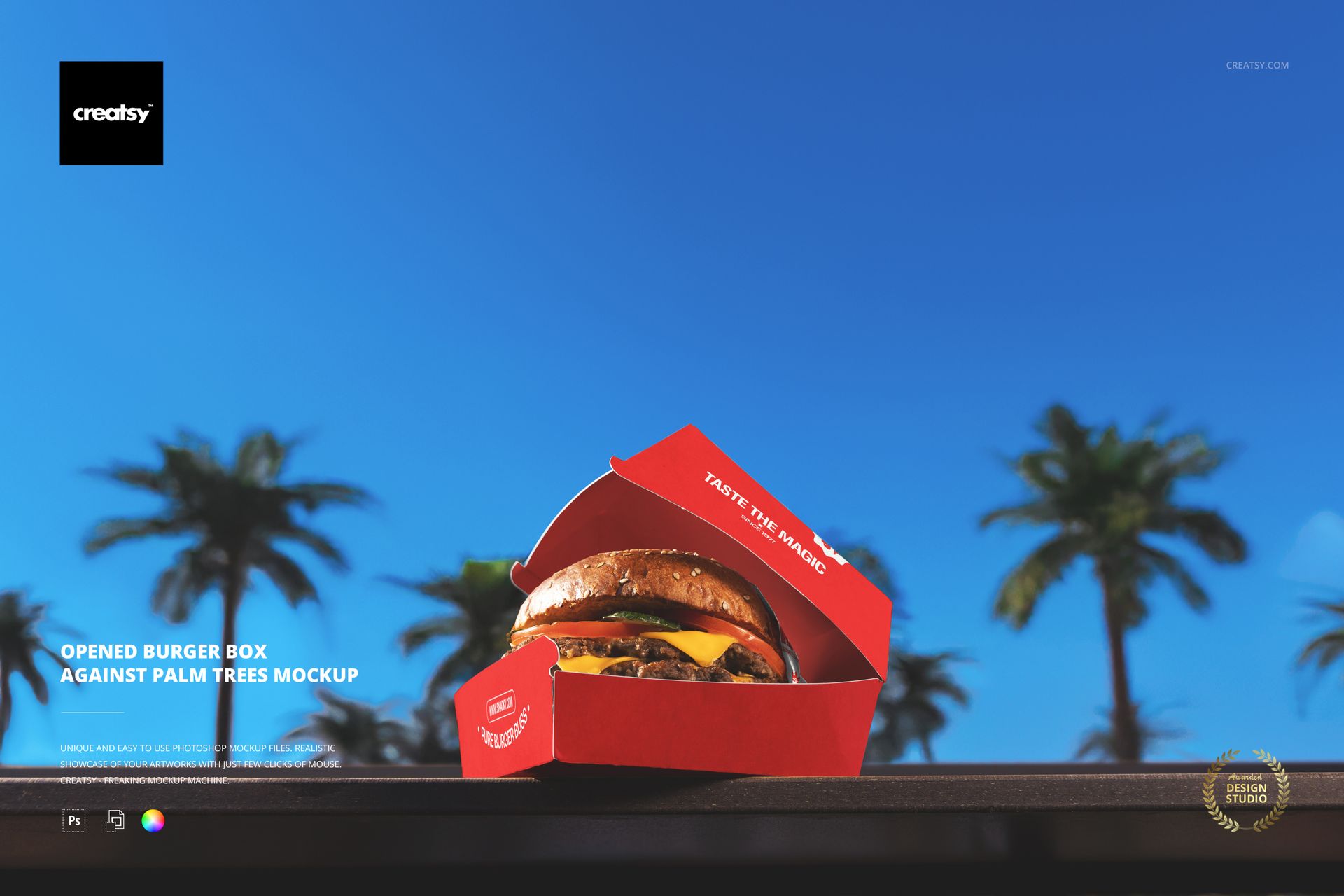
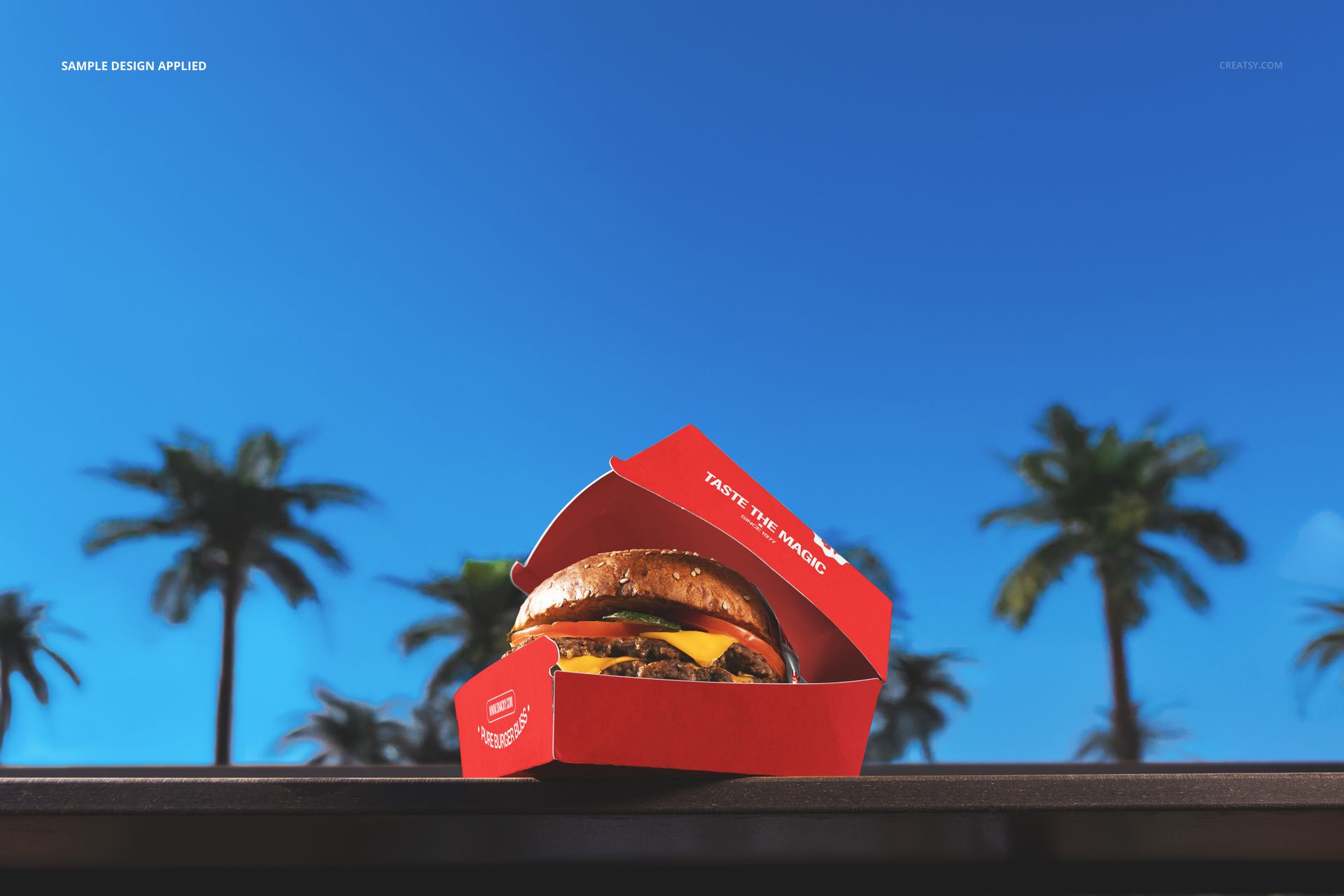
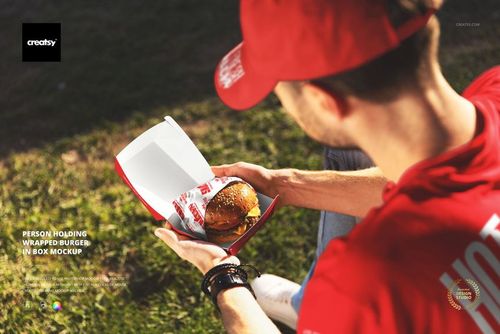
Give your fast-food branding a sunny, holiday vibe with this Free Opened Burger Box Against Palm Trees Mockup. Showcase burger packaging and wrapping designs on a juicy burger box set against a bright blue sky and palm trees. Perfect for summer campaigns, street food concepts, and social media visuals. Free for commercial use – see license for details.
Highlights
Format: 1× PSD, 6000×4000 px, 300 dpi
Workflow: Smart Objects; clear, well-organized layers
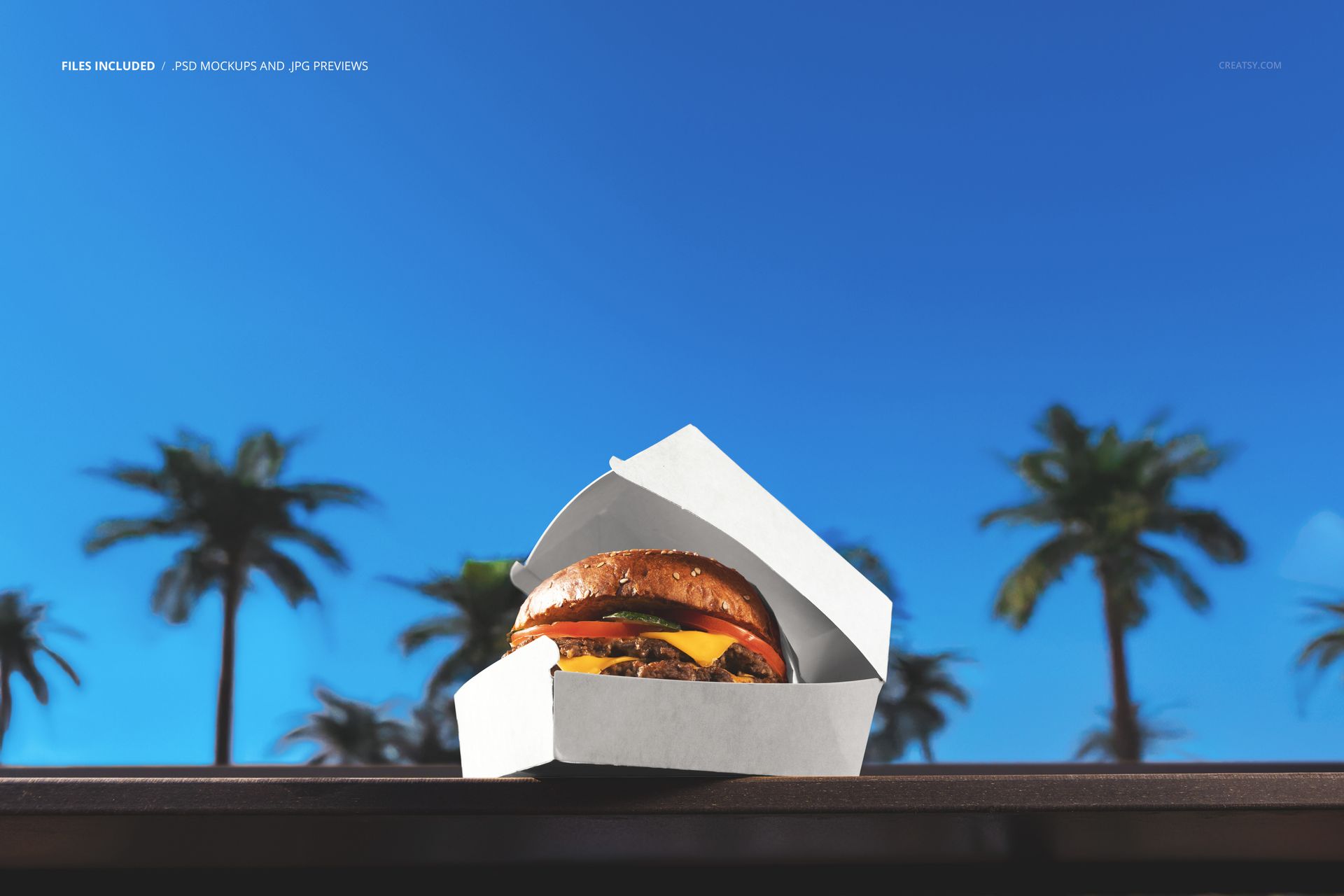
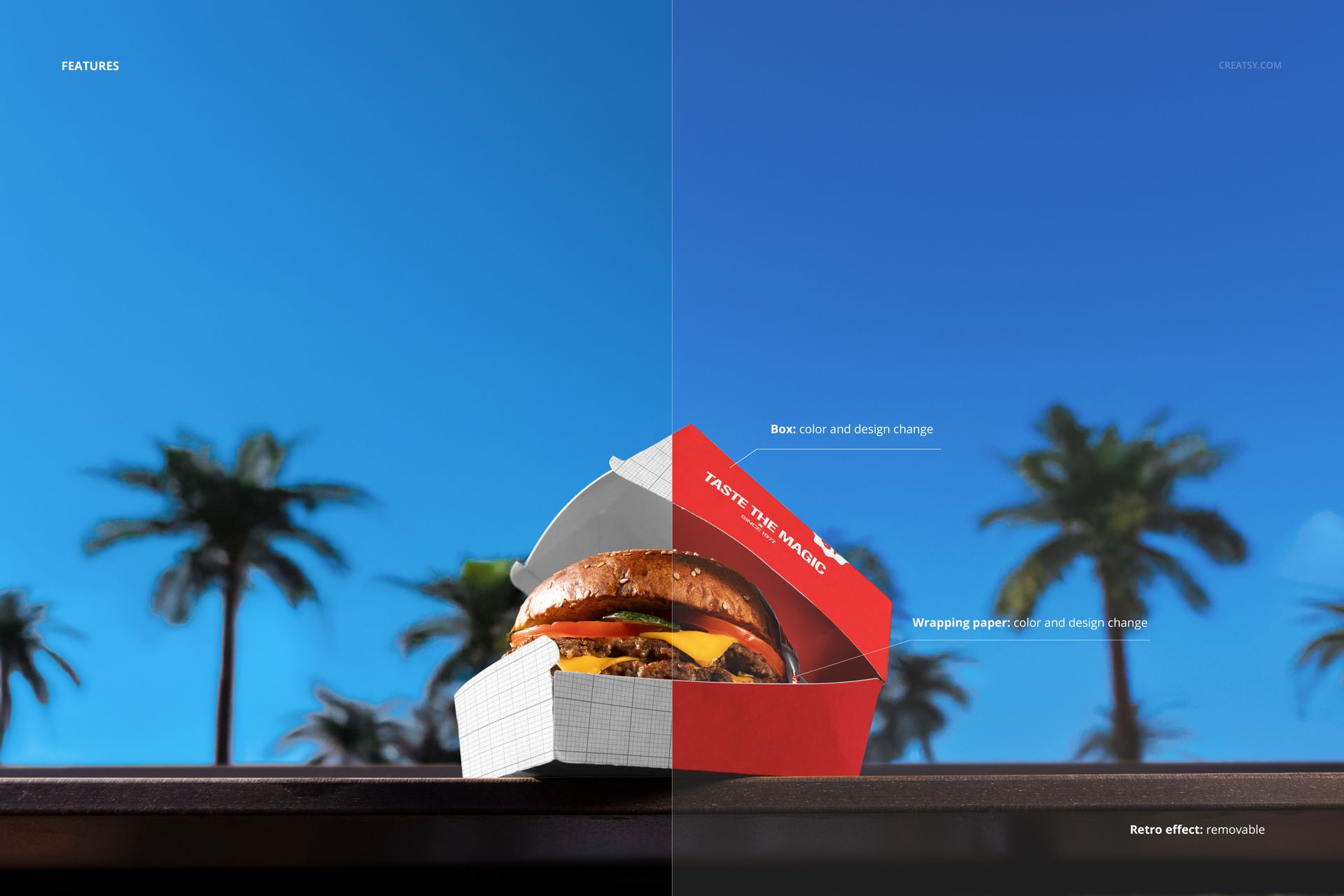
Editable: burger box (color & design), wrapping paper (color & design)
Extra: removable retro effect layer for a slightly cinematic, nostalgic look
Scene: opened burger box with burger in focus, palm trees and sky softly blurred in the background
Apps: Photoshop (min. CC 2020) + Photopea (free online editor)
Use cases: burger chains, food trucks, takeaway packaging, campaign teasers, web banners, social media
License: free for personal & commercial use (see terms)
What’s inside / Specs
- Smart Objects for box exterior panels and wrapping paper
- Color and design controls tailored to packaging artwork
- Retro color-grading layer you can toggle on/off
- Base shadows and highlights preserved for realistic depth and texture
Composition: hero shot of an opened burger box on a ledge with palm trees in the background
Compatibility: Photoshop CC 2020 or newer; works in Photopea
Approx. size: ~80–84 MB (archive may vary by compression)
How-to (Photoshop & Photopea)
Open the PSD in Photoshop (CC 2020+) or Photopea.
Place your packaging artwork into the box and wrapping paper Smart Objects, then Save to refresh the mockup.
Adjust overall contrast or color grading; switch the retro effect layer on or off as needed.
Export high-resolution JPG/PNG/WebP files for websites, menus, or campaign assets.
License & usage
Free for personal & commercial use (for 1 business, up to 5,000 end products). PSD source files cannot be resold, shared, or redistributed as-is. Please check the full license – “Freebie” row – for complete terms and restrictions.















thats nice
Thank you! Glad you like the mockup 😊