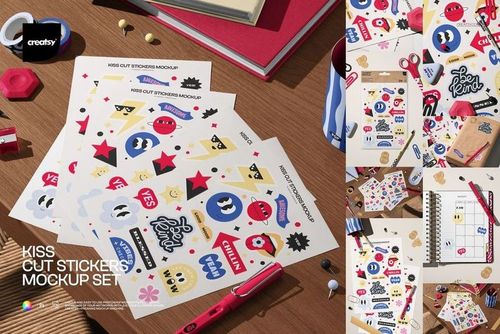
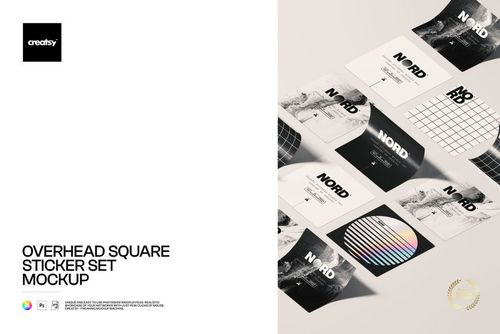
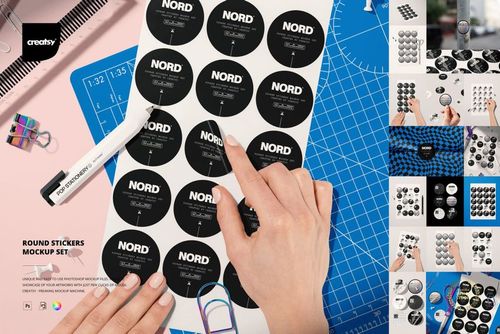
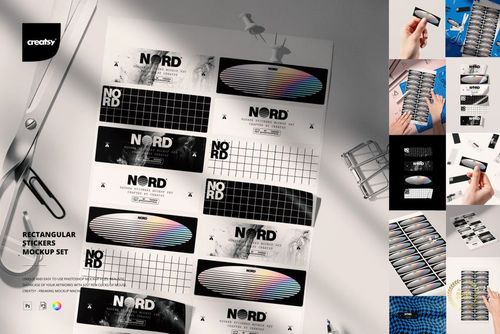
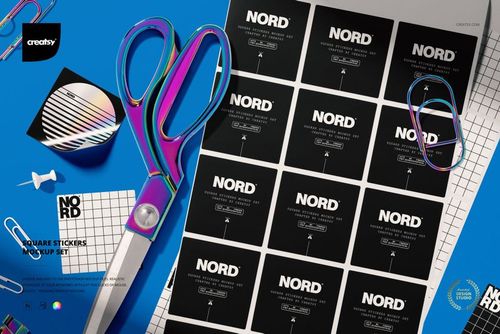
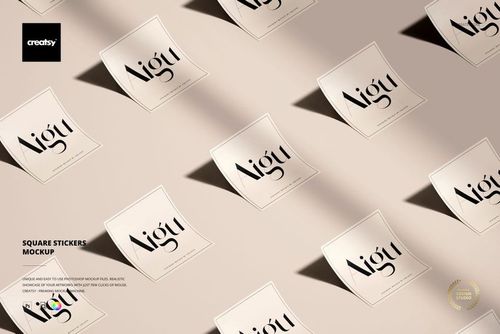
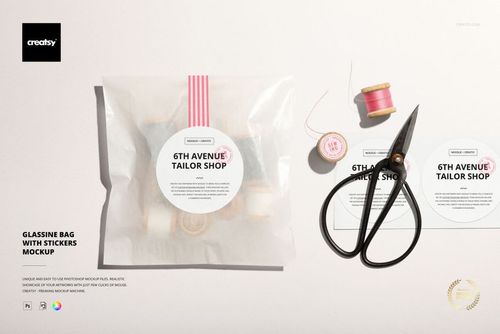
Round Sticker Row Mockup for Realistic Brand Presentations
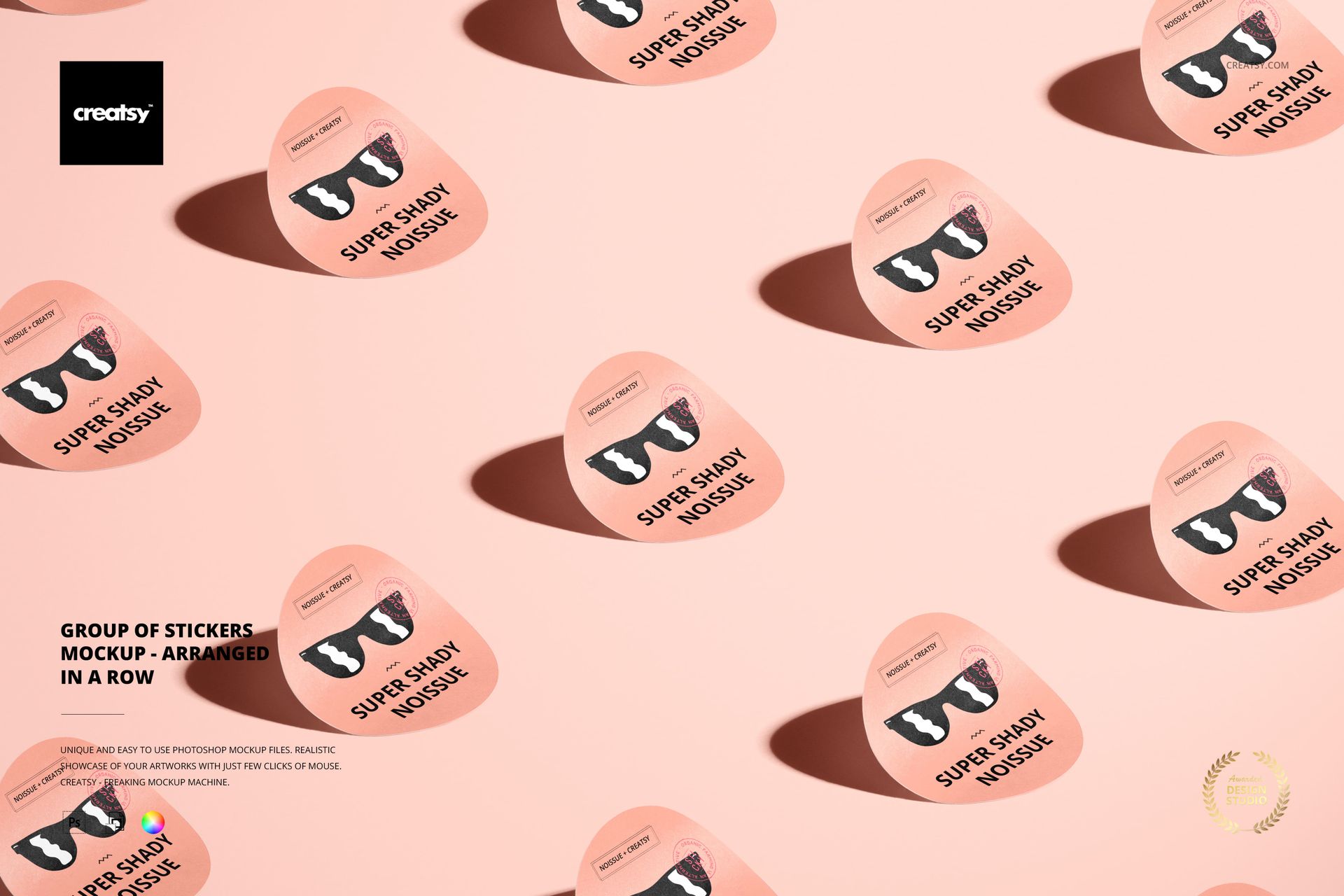
Present a logo, label, campaign graphic, or packaging concept across a coordinated row of round stickers. The movable objects form a dynamic diagonal arrangement, while slightly lifted edges and long cast shadows give flat artwork a convincing sense of depth.
Exactly What the Download Contains
1 layered PSD scene: the editable mockup is 6000 x 4000 px at 300 DPI.
1 JPG reference: the included 256 x 171 px image is a compact preview, not a full-resolution editable mockup.
2 files in total: the archive size is approximately 34.46 MB.
Compatible software: Adobe Photoshop CC and Photopea.
Customize the Stickers and Composition
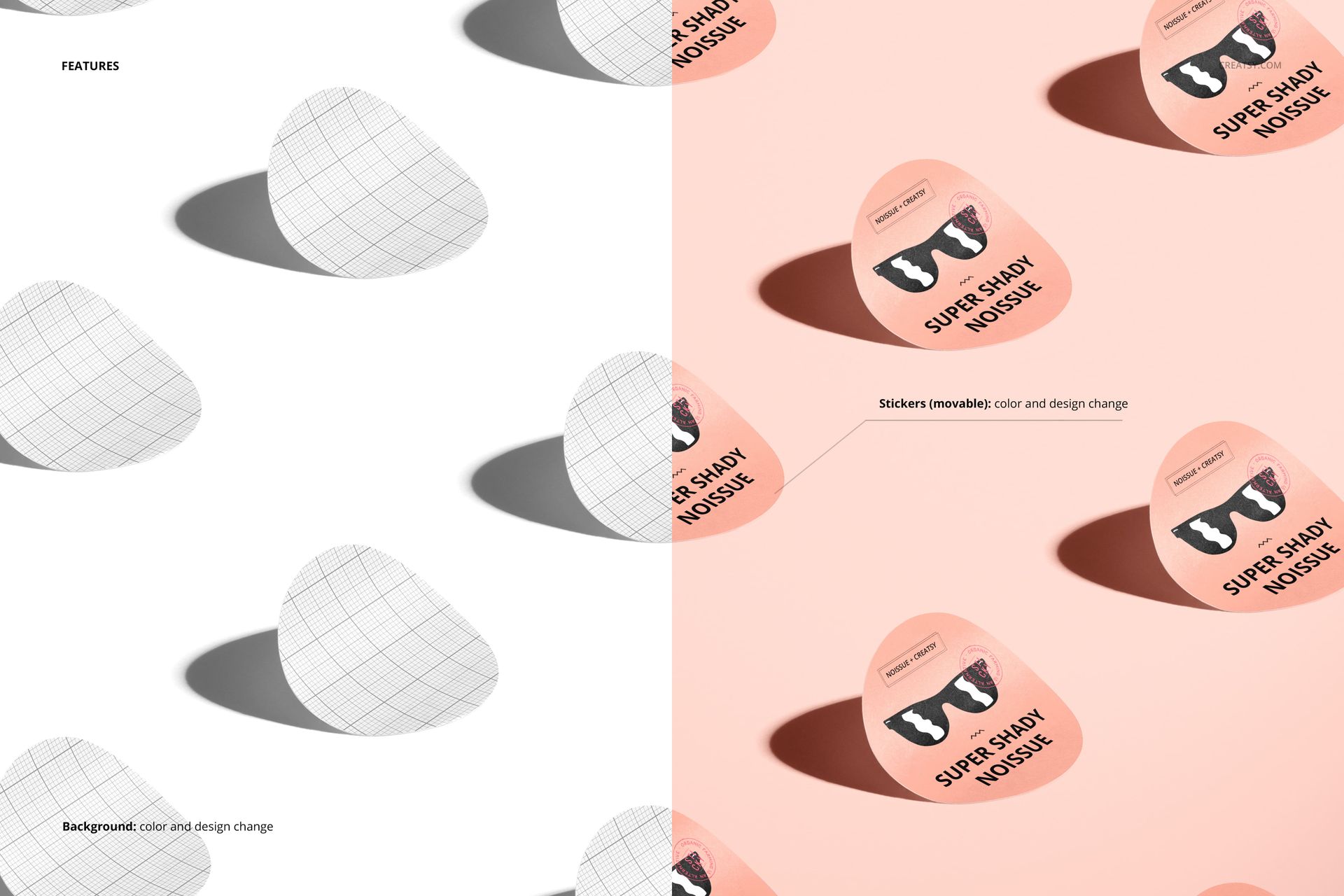
Replace the displayed artwork with a logo, illustration, typography, seal, or round label design. Change the sticker color, then move the individual objects to refine spacing, alignment, repetition, and visual rhythm. This makes it easy to compare how one identity performs across several placements in a single scene.
Control Backgrounds, Objects, and Shadows
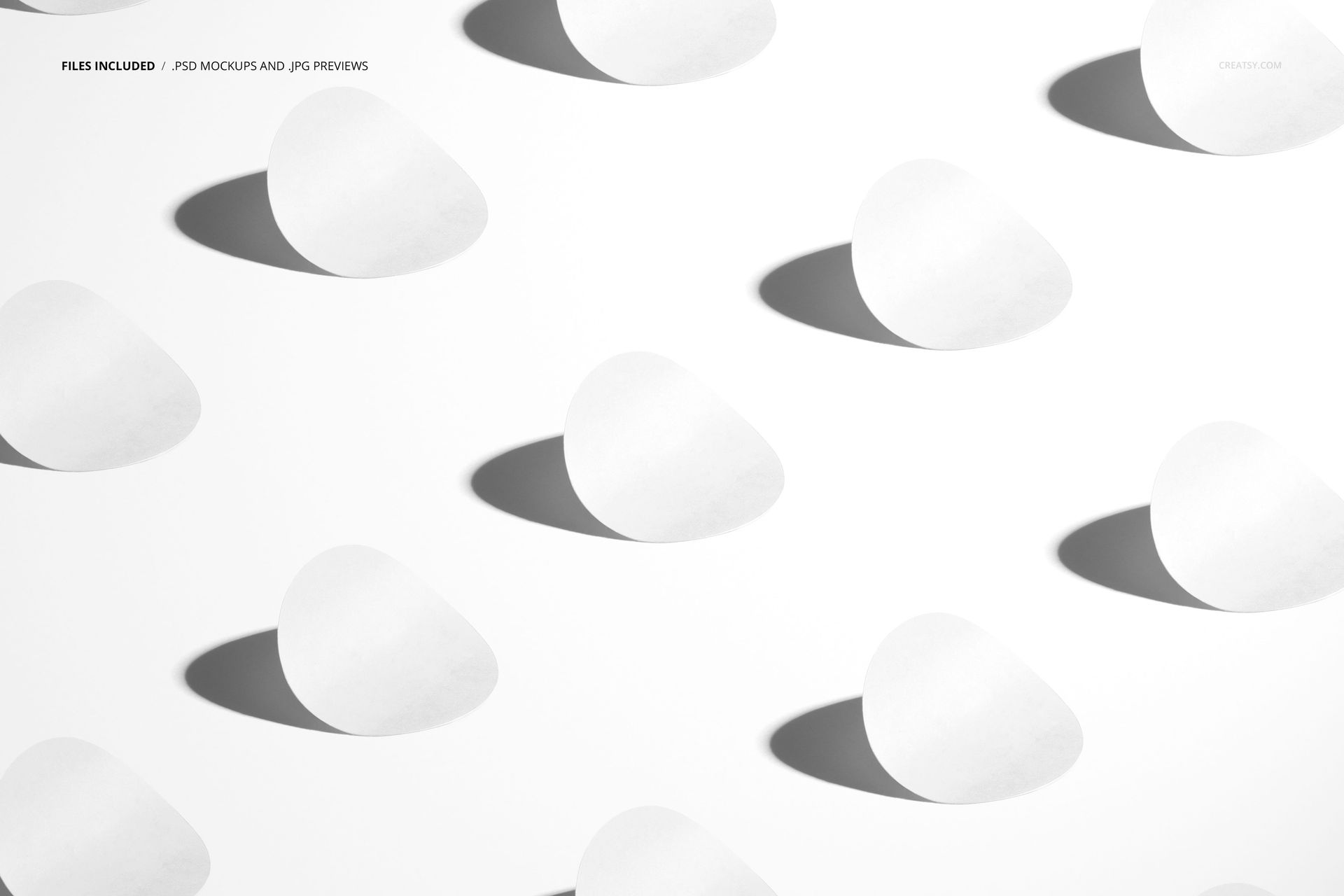
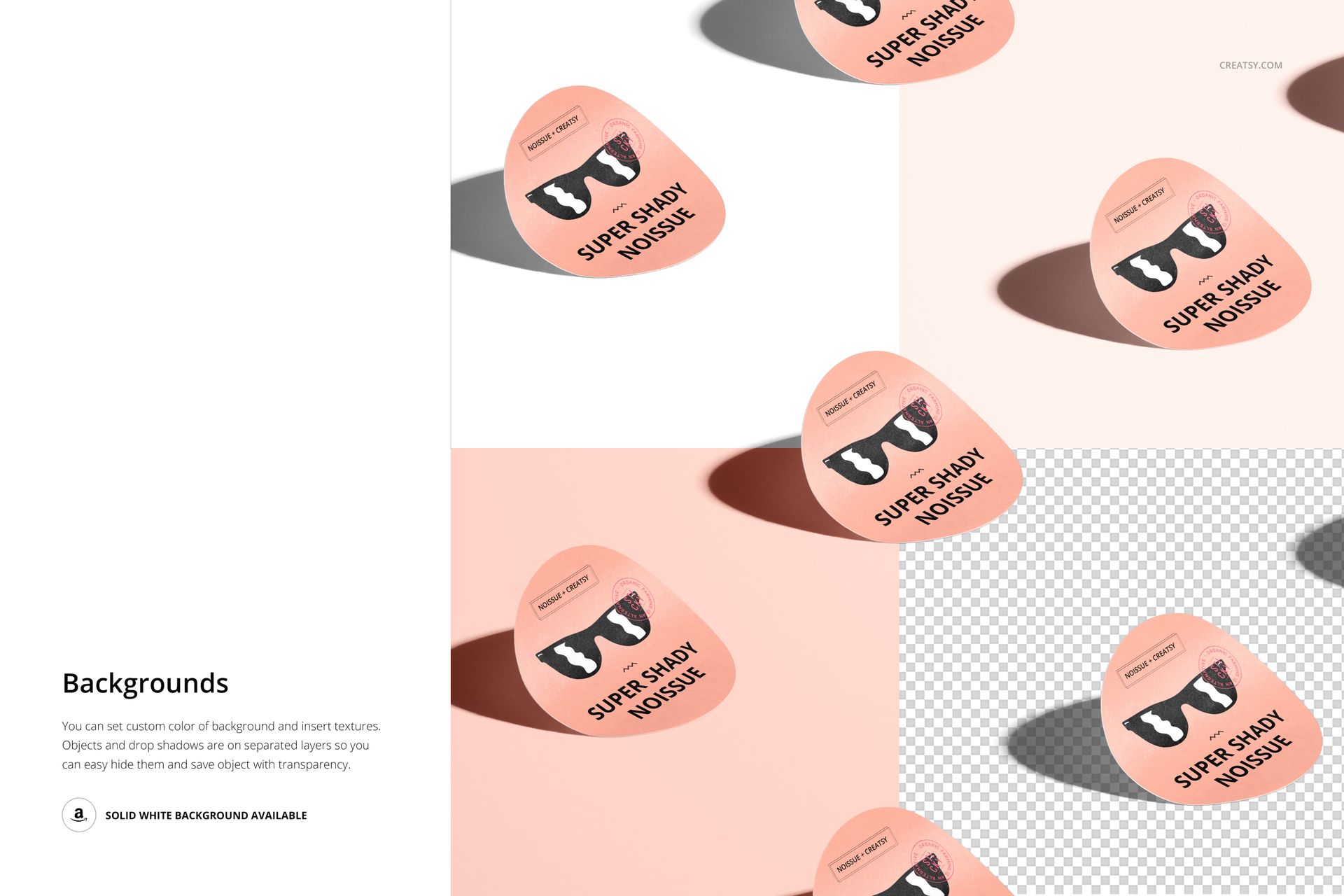
Set a custom background color, insert a texture or design, or use the clean solid white option. Sticker objects and drop shadows are organized on separate layers, so unwanted elements can be hidden. Remove the background when an isolated composition with transparency is required.
Useful for Focused Branding Projects
Round product labels and packaging seals
Logo systems and repeated brand patterns
Sticker shop listings and ecommerce graphics
Client approvals and portfolio case studies
Campaign previews and social media visuals
This is a digital presentation mockup. Physical stickers, printing services, and the sample artwork shown in the previews are not included. The PSD is not a dieline, cutting guide, or print production template.