ID: 1850349909 | Updated: Mar 7, 2025

Product Details

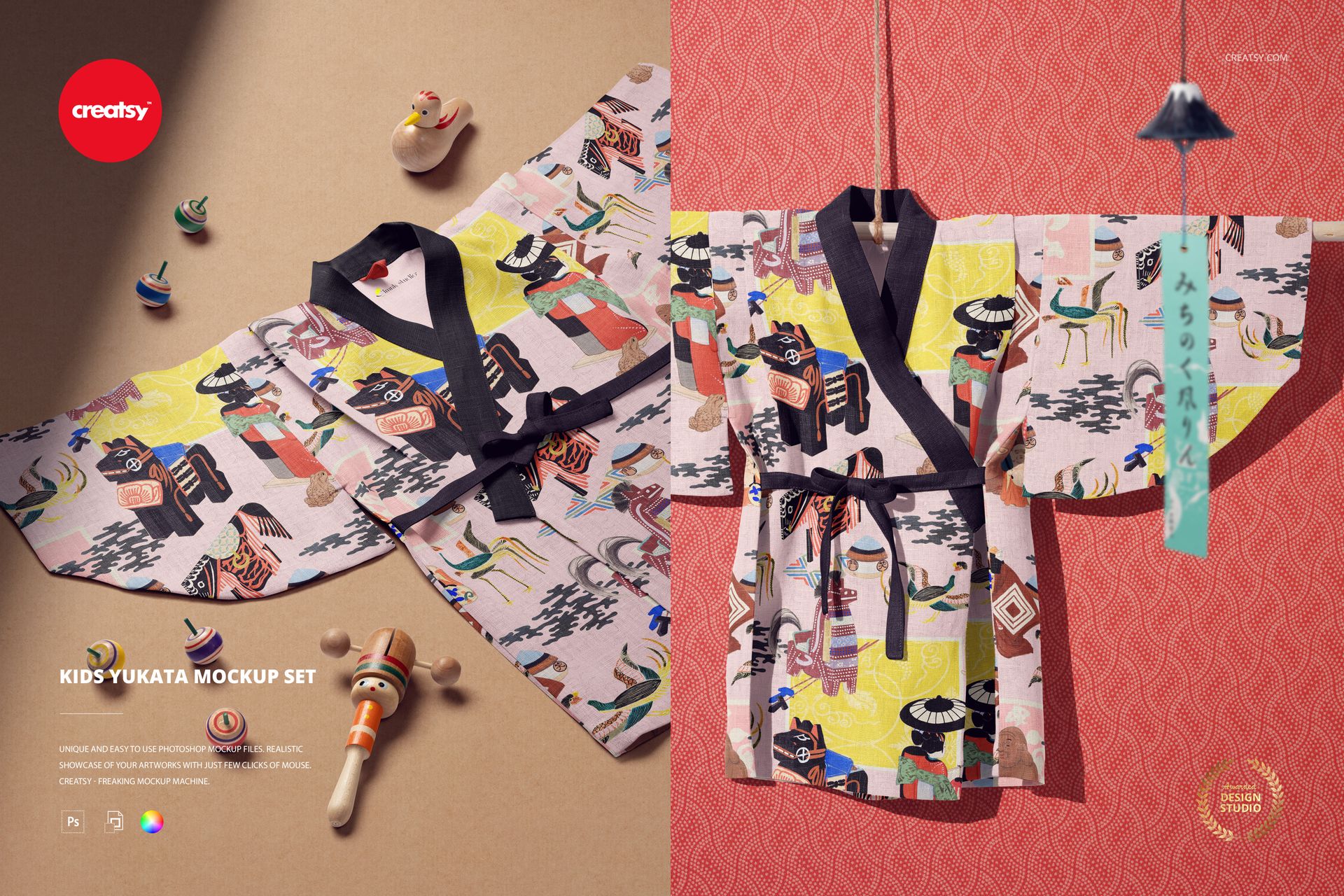
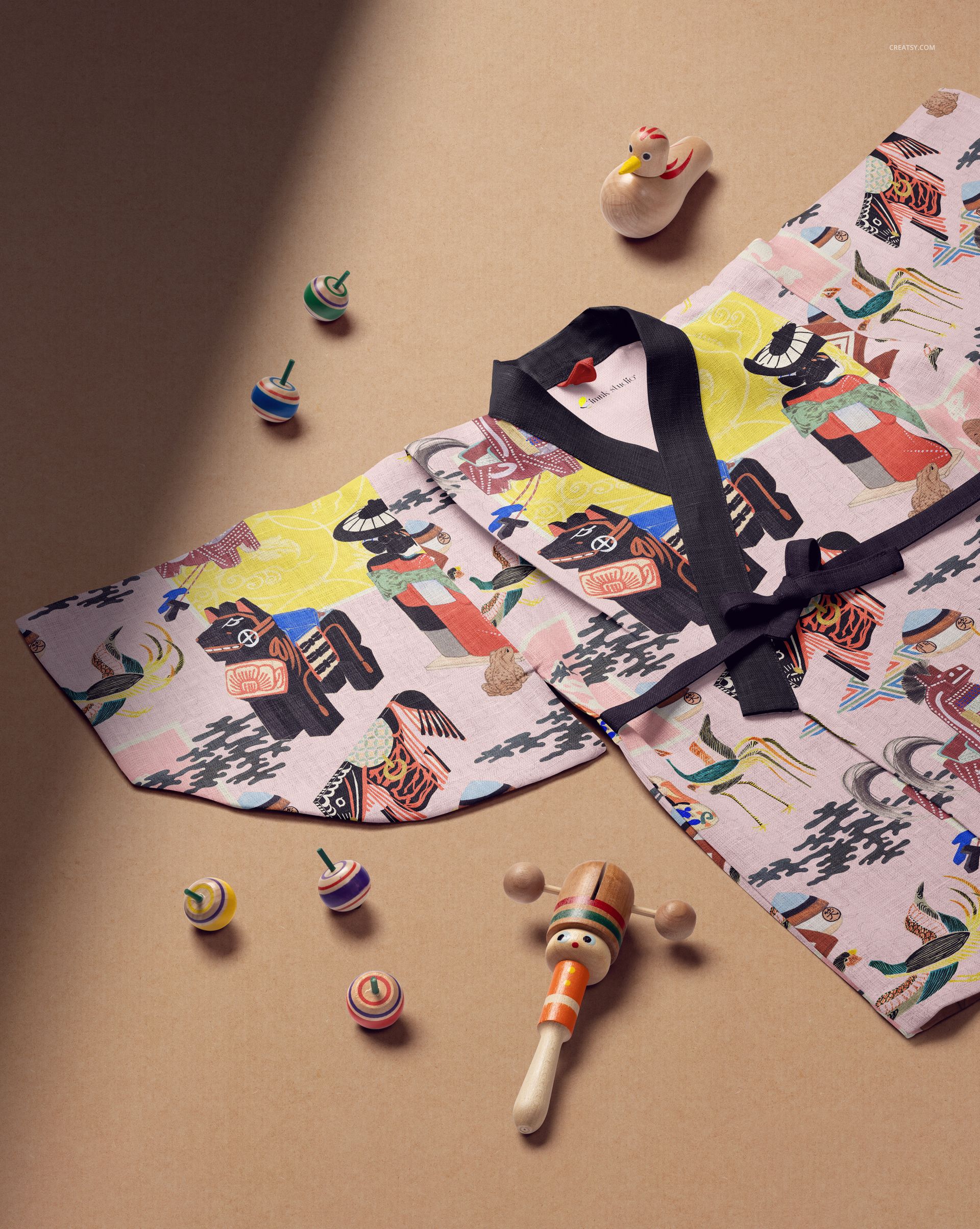
The Kids Yukata Mockup Set presents your pattern or artwork on a traditional Japanese children's garment - a lightweight, open-front robe with wide sleeves and a wraparound sash. The yukata is one of the most recognizable silhouettes in Japanese textile culture, and this mockup lets you show how your design looks on this distinctive garment shape in photorealistic detail. The set includes 2 PSD files at 6000x4000 pixels, 300 DPI - ready for product listings, portfolio presentations, and social media.

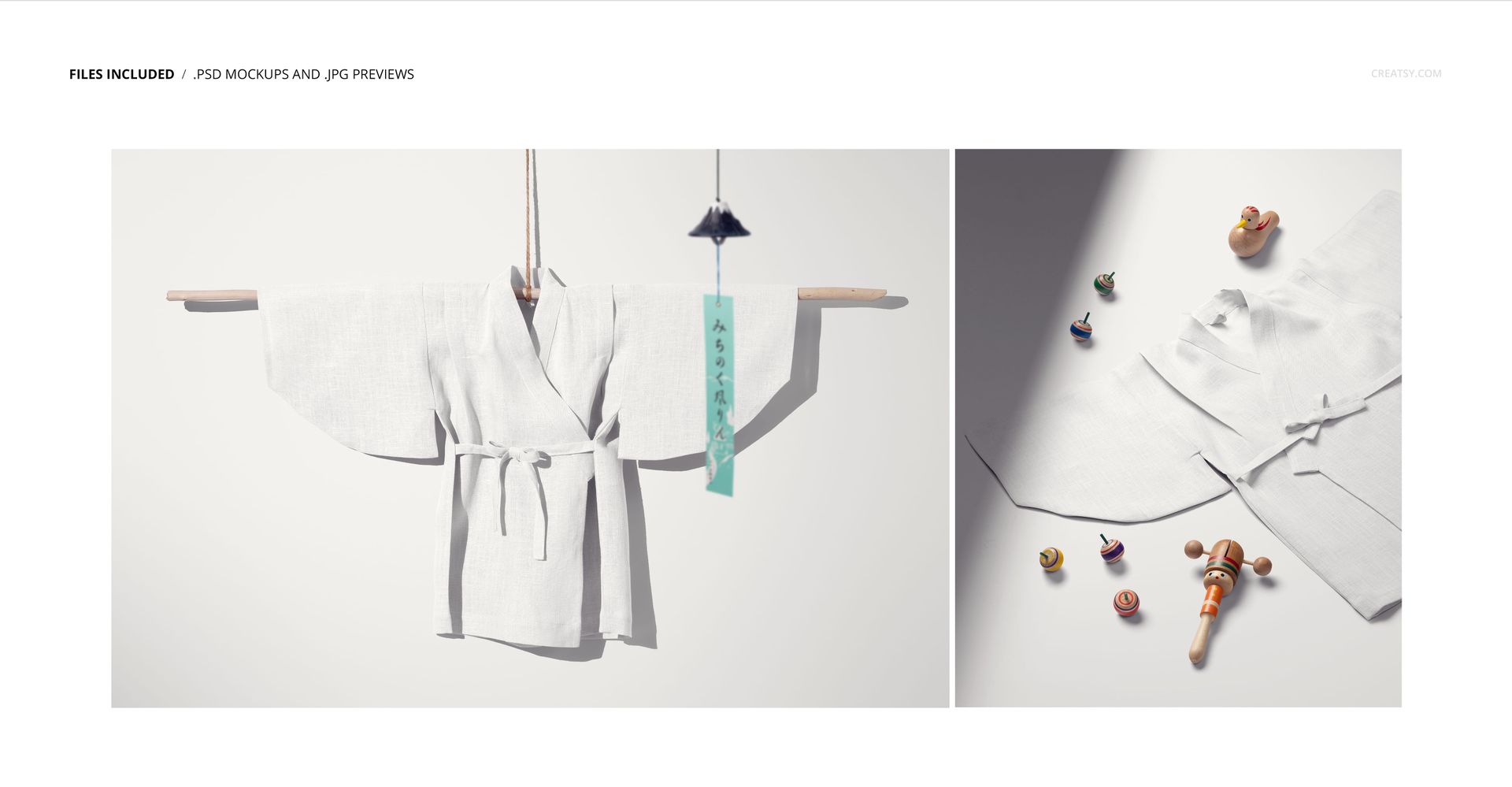
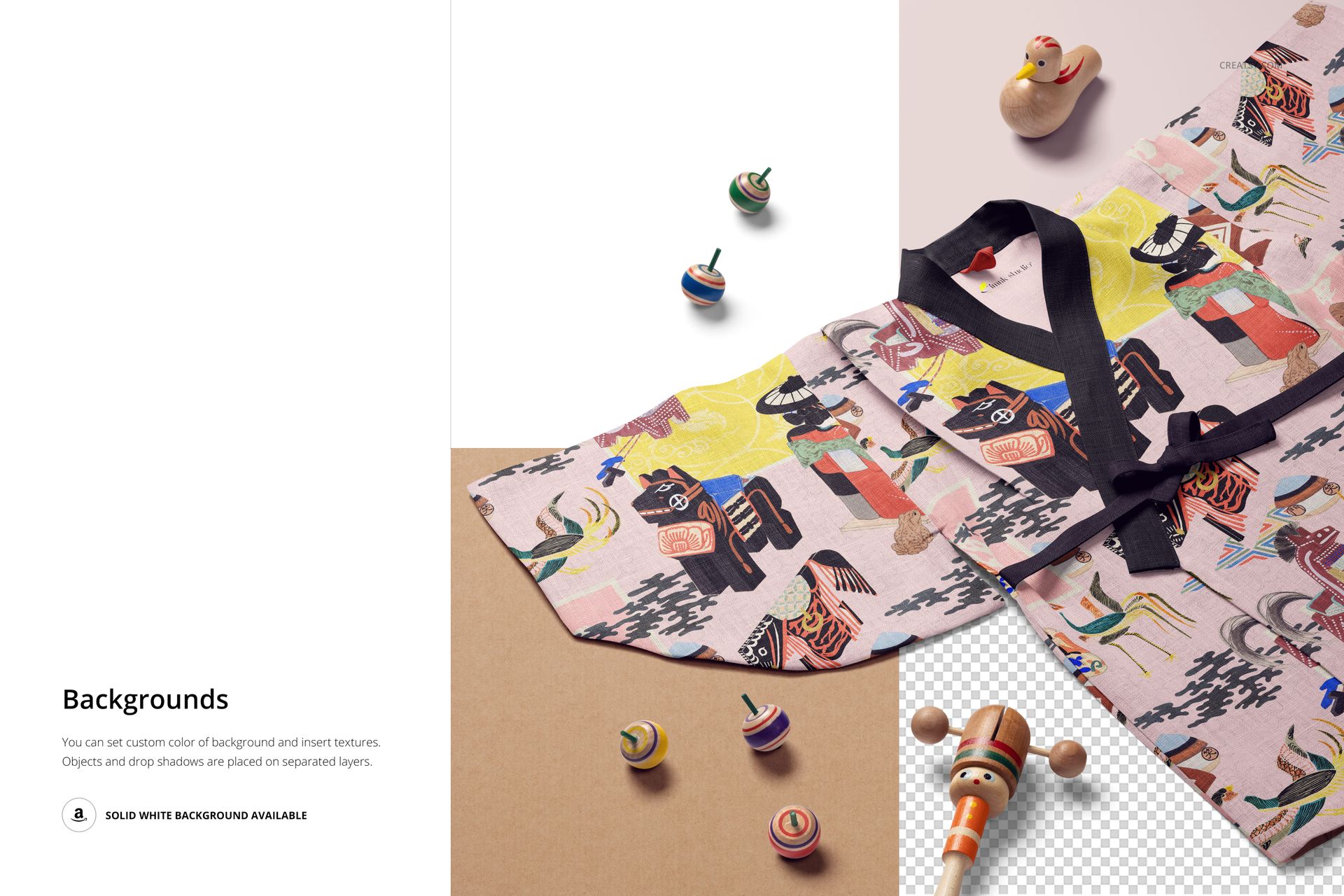
The two scenes capture the yukata from different perspectives, showing the full garment layout, fabric drape, and how the pattern wraps across the wide panels and sleeves. This gives you enough variety for a product listing, a portfolio entry, or a licensing pitch that demonstrates how your artwork translates to this specific garment form.

Why a Kids Yukata Mockup

The yukata occupies a unique position in children's clothing. It is worn for summer festivals (matsuri), hot spring visits (onsen), traditional celebrations, and as casual loungewear in Japanese households. Outside Japan, the kids yukata has gained popularity as a distinctive gift item, a cultural event outfit, and a standout piece in children's clothing collections that go beyond Western garment silhouettes. For pattern designers and children's clothing brands, the yukata represents a niche product category with less competition and higher perceived value than standard T-shirts or pajamas.

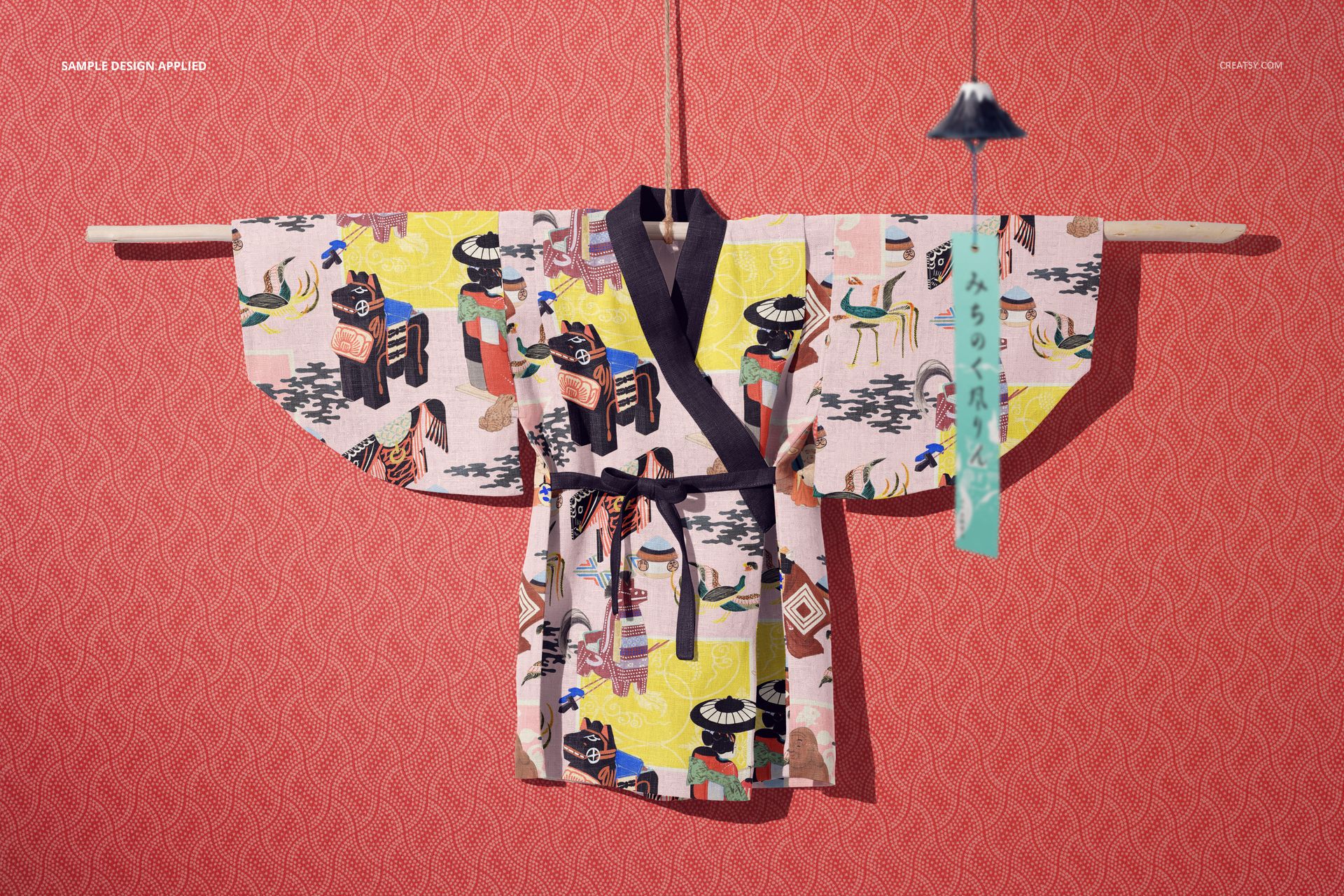
The wide, flat panels of a yukata are ideal for showcasing surface patterns. Unlike fitted Western garments where seams and darts interrupt the pattern flow, the yukata's construction preserves large unbroken areas of fabric - making it one of the best garment types for displaying all-over repeat patterns, large-scale florals, and traditional Japanese motifs.

What Is Included

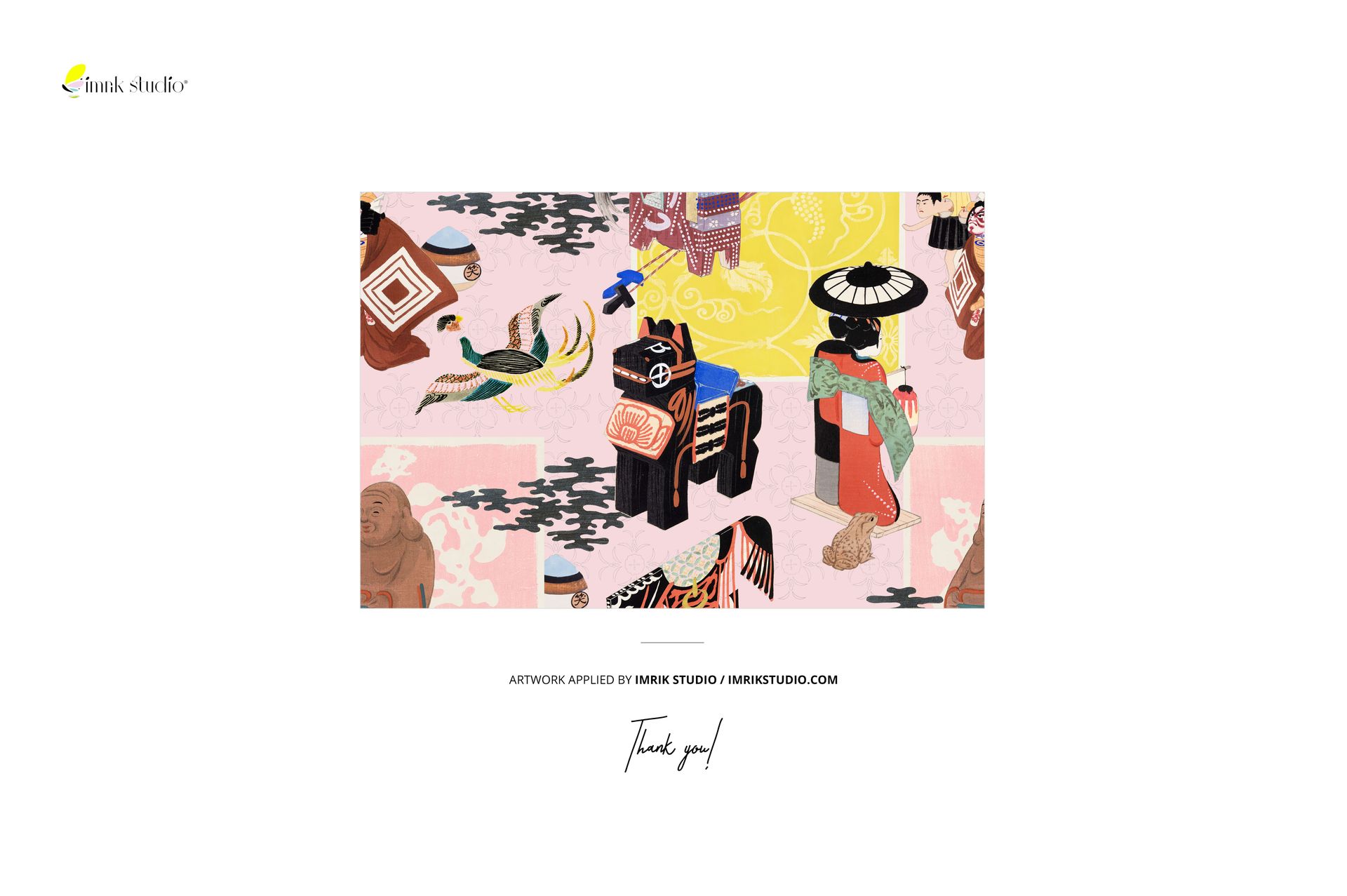
2 layered PSD files, each at 6000x4000 pixels, 300 DPI. Multiple views of the kids yukata showing the garment silhouette, fabric drape, and pattern placement. Smart object layers for easy design placement - double-click, paste your artwork, save. Organized and labeled layer structure. Total download size: approximately 780 MB. Compatible with Adobe Photoshop CC 2020 or newer and Photopea (free browser-based editor). Preview patterns by Imrik Studio (imrikstudio.com) are for demonstration only and are not included in the download.

What You Can Customize

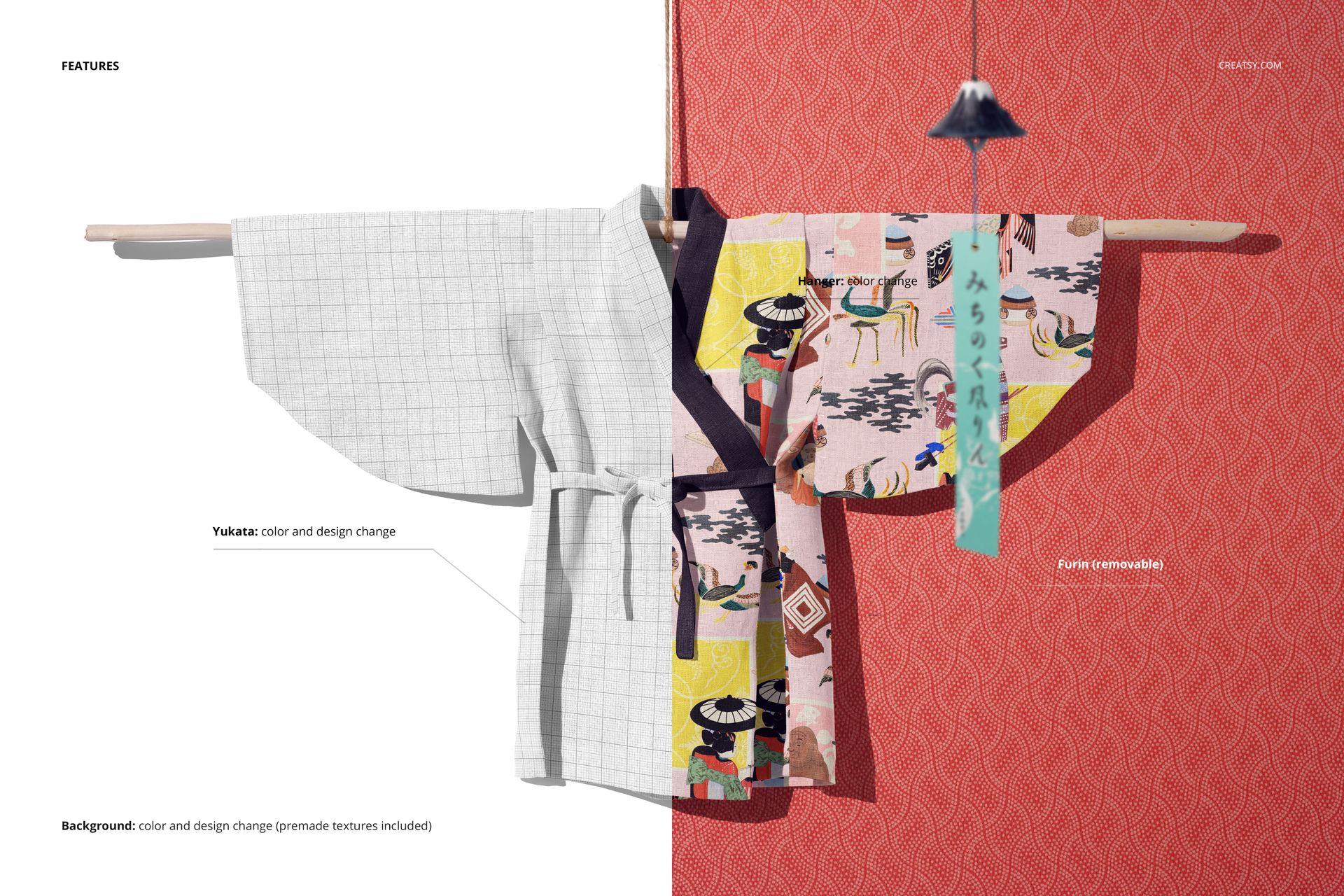
Place any pattern, illustration, or textile design onto the yukata through the smart object layer. The mockup handles fabric texture, folds, and shadow rendering automatically. Test traditional Japanese motifs (cherry blossoms, waves, cranes, geometric sashiko patterns), contemporary children's prints (animals, florals, abstract shapes), or bold graphic designs. The wide panels and open construction of the yukata give your pattern maximum visibility, making this mockup especially effective for all-over repeat designs.

Who This Mockup Is For

Surface pattern designers creating Japanese-inspired textile collections or children's kimono-style garments. Children's clothing brands offering traditional Japanese apparel or fusion collections. Print-on-demand sellers listing unique children's garments on Etsy, Shopify, or specialty marketplaces. Textile artists and illustrators building licensing portfolios with applied product presentations. Branding designers working with Japanese cultural brands, children's event companies, or hospitality businesses (ryokan, onsen resorts) that offer kids yukatas.

File Specifications

Format: PSD (Adobe Photoshop). Number of files: 2 PSD scenes. Resolution: 6000x4000 pixels at 300 DPI. Download size: approximately 780 MB. Layer structure: organized layers with smart objects. Compatibility: Adobe Photoshop CC 2020+, Photopea. Design credit: preview patterns by Imrik Studio (not included in download).

File details

Compatibility
PhotopeaAdobe Photoshop
Number of files included
4
Package size
780 MB780 MB|818 MB818 MB
Files type
.psd, .jpg
Files size
6000x4000
TEST FOR FREE

MEET THE SHOP

Creatsy logo

Creatsy

Poland
4.7 (642)

Bring your ideas to life.

We're a family-run studio in Katowice, Poland, making PSD mockups by hand since 2016. Everything in this shop starts in our own studio. We shoot the photography, build the 3D, and put together every Smart Object PSD ourselves - then we test it, organize the layers, and only ship it once it actually works...
GO TO SHOP

HOW IT WORKS

3 clicks. That's it.

No tutorial needed. If you can copy-paste, you can use this.

  1. 1OpenDouble-click the smart object inside the PSD - in Adobe Photoshop, or free in your browser with Photopea.
  2. 2PasteDrop in your pattern, print, or artwork. Any design, any style.
  3. 3SaveHit save and the mockup wraps it in for you - shadows, folds, and lighting included.

FROM IDEA TO IMAGE

Built for real workflows

Skip the photo shoot Show your artwork on the real product type for approvals or listings - no studio, no model, no sample.

See it on the product, not a swatch Drop your file into the smart object and the scene's lighting and folds wrap around it, so you judge the real thing before you commit.

Smart Objects

Edit once and you're done. Your artwork drops into a smart object and the mockup updates itself - no masking, no warping by hand.

Perfectly Organized

Named layers and folders you can actually navigate. Find what you need, change what you want, and get out fast.

Print-Ready

High-resolution files built to hold up on screen and in print. Exact size and DPI are in this product's Details above.