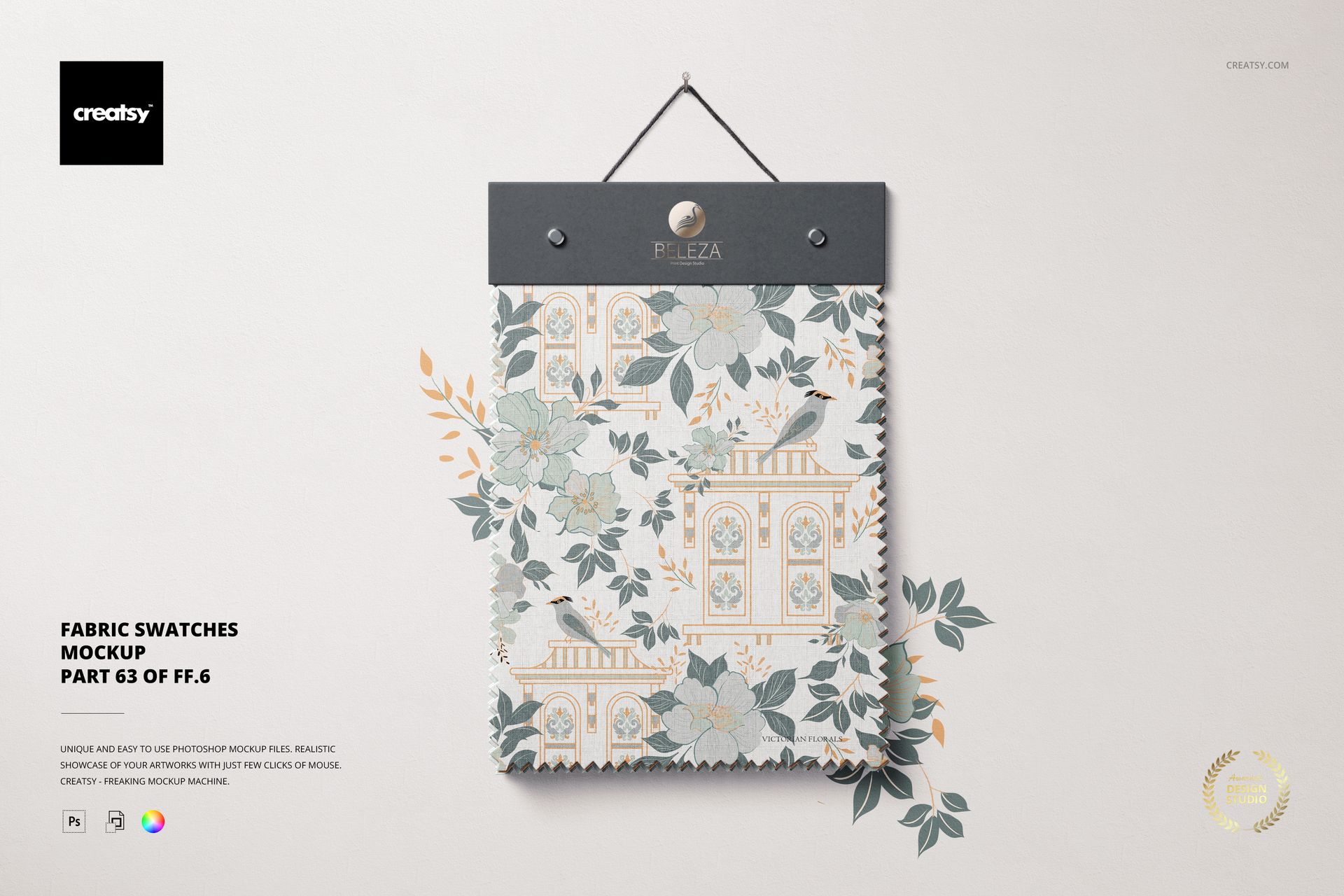
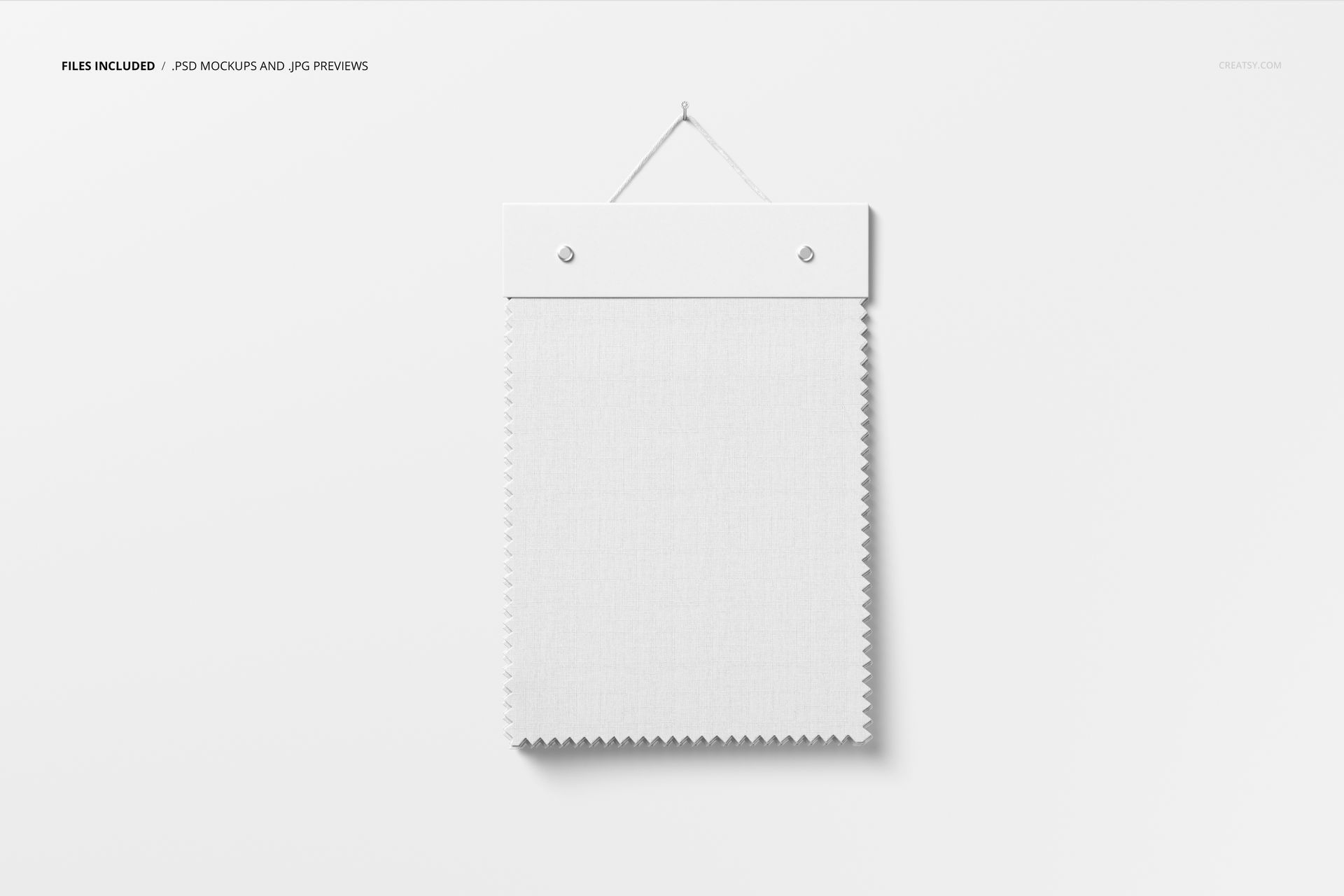
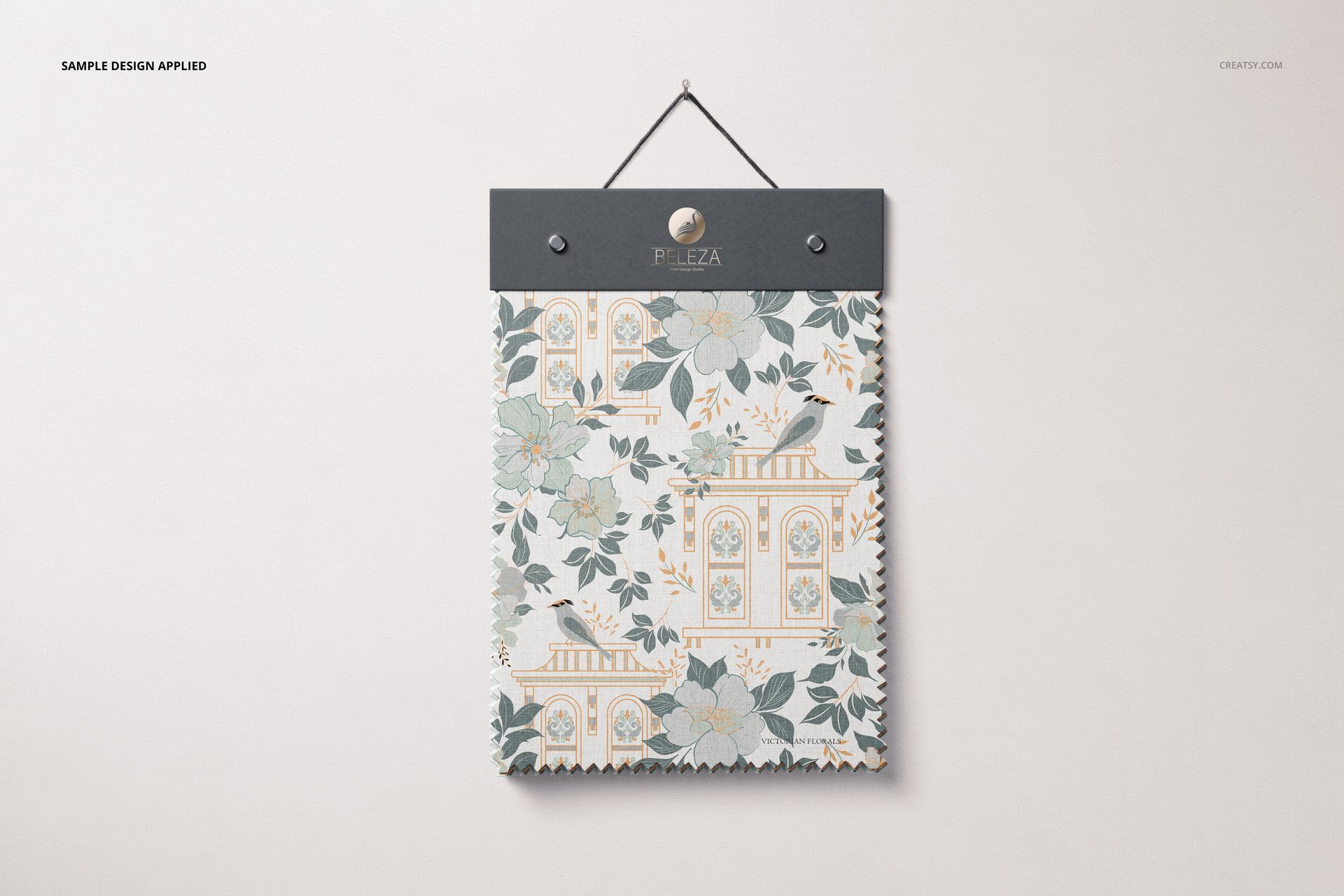
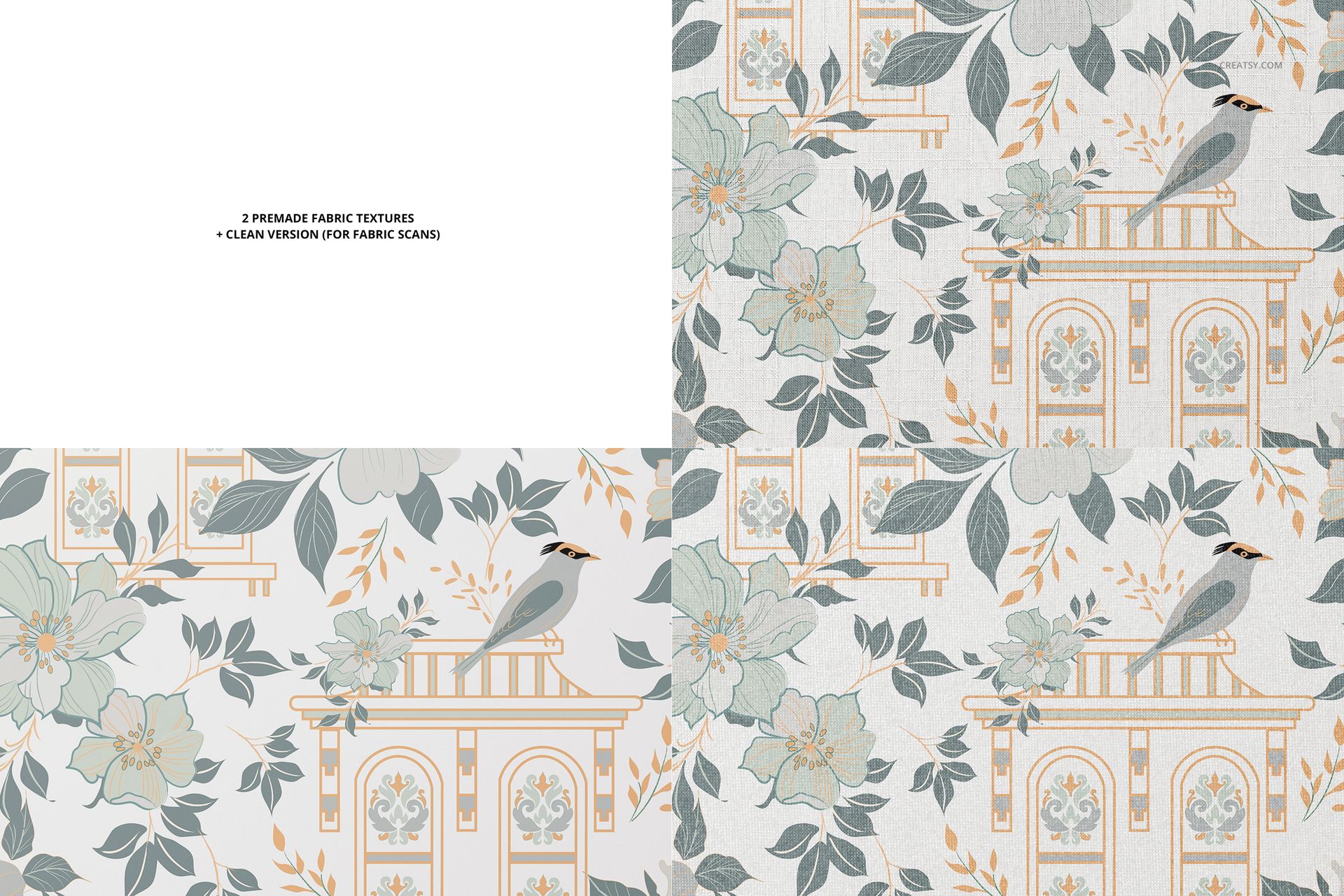
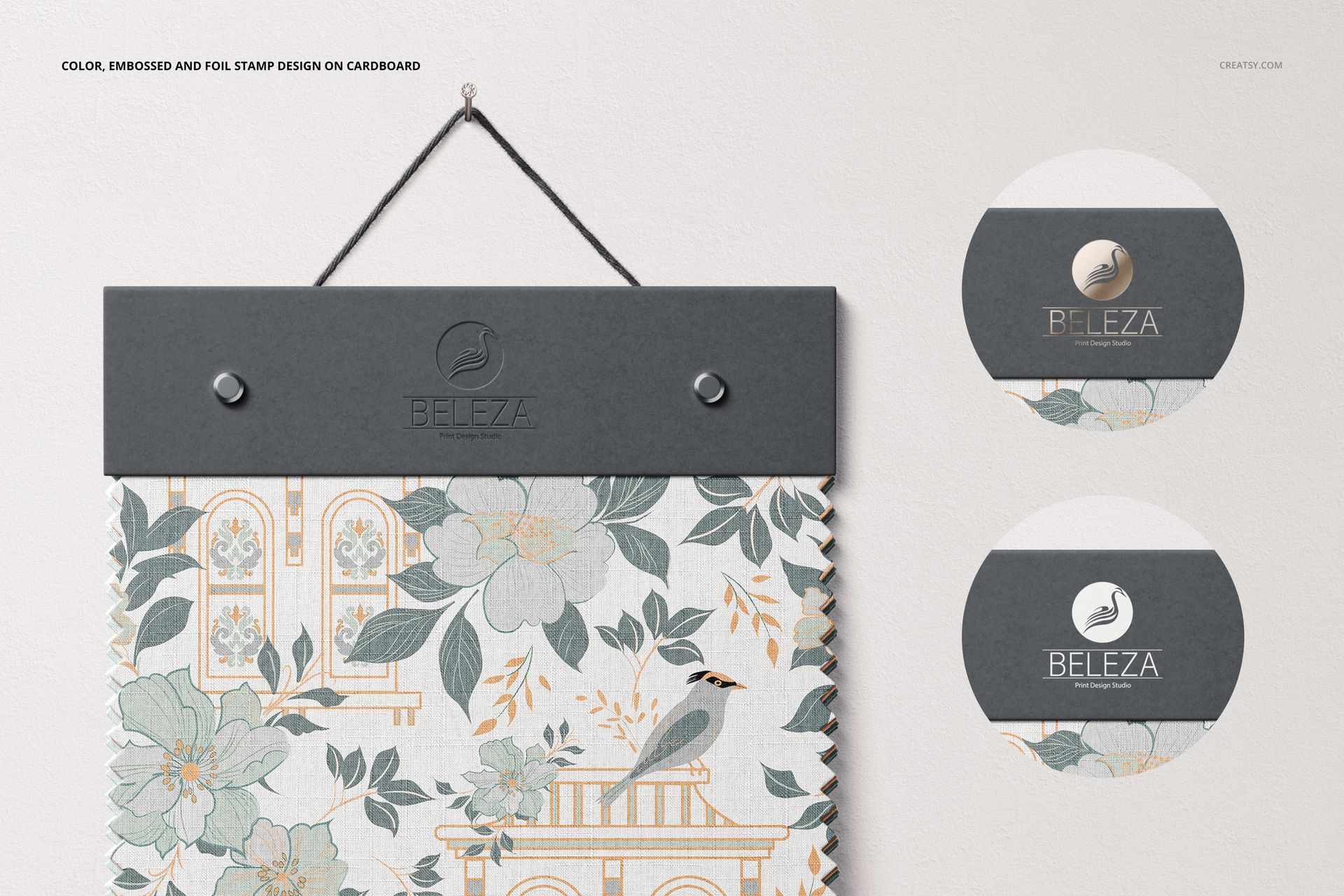
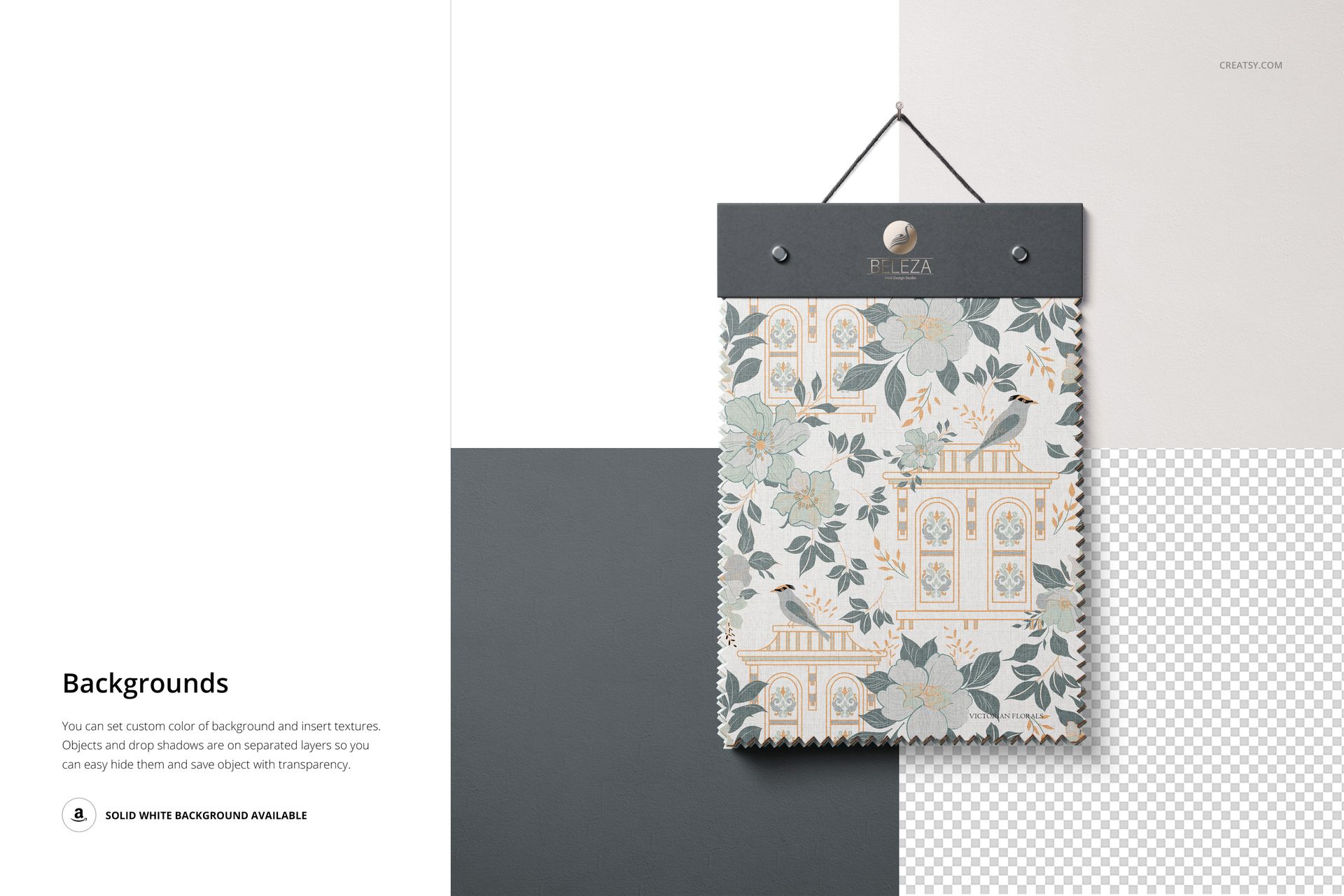
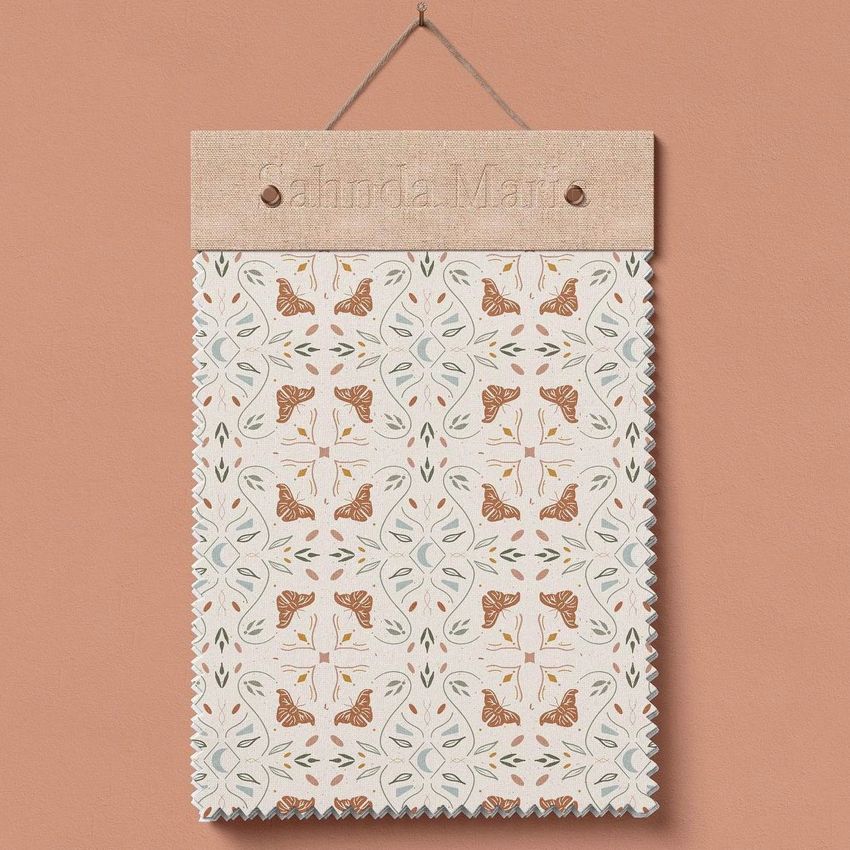
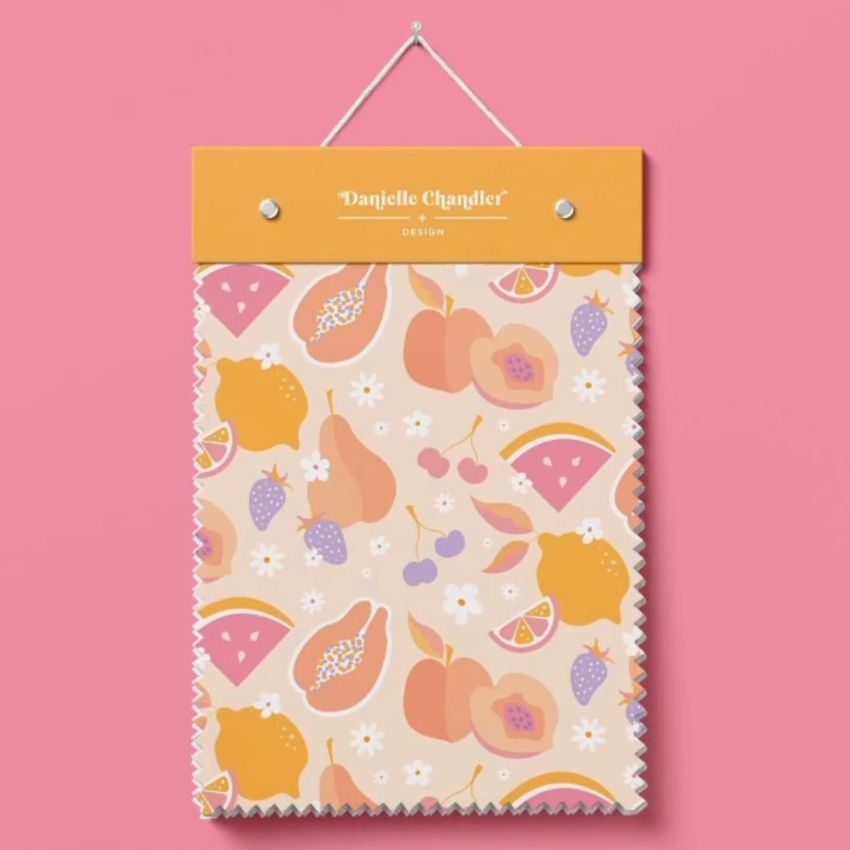
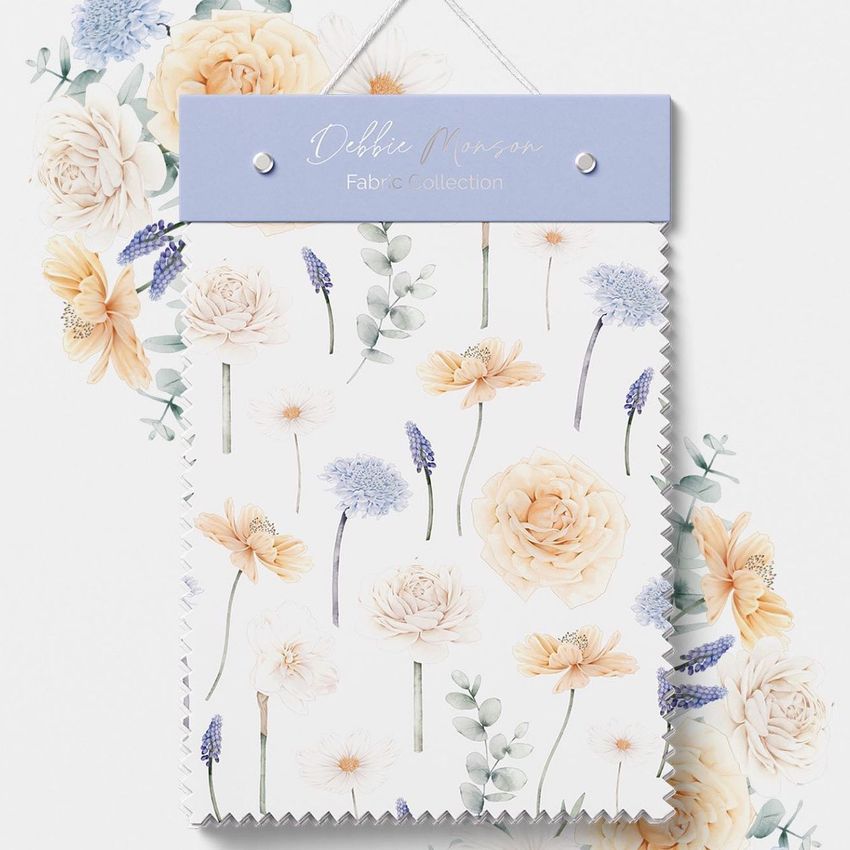
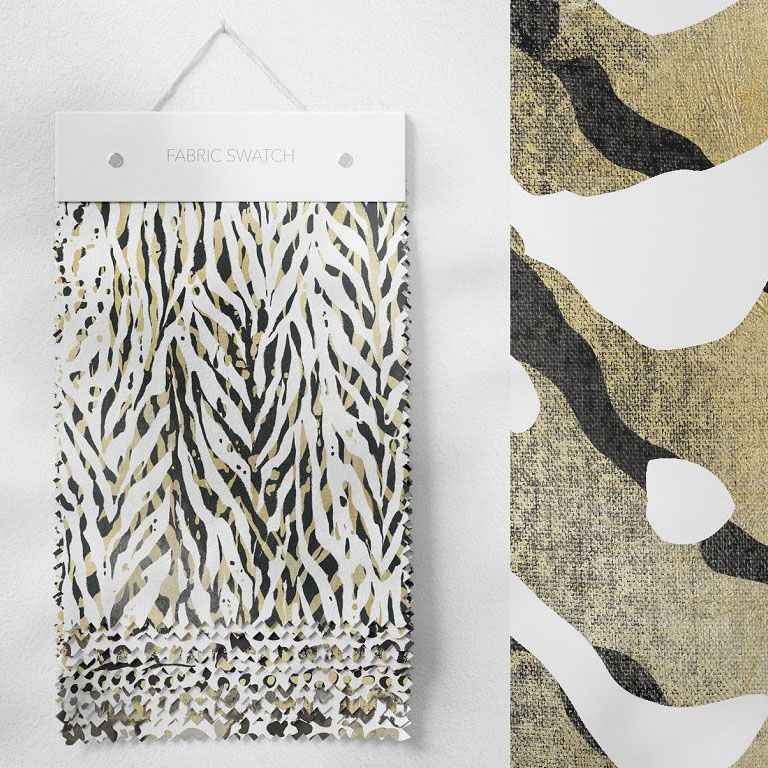
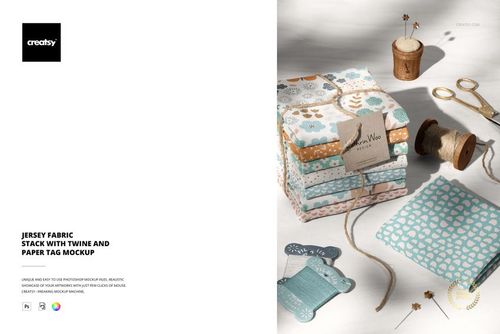
Fabric Swatches Mockup (63/FFv.6) shows a rectangular fabric sample clipped to a hanger and photographed against a clean background, the way you would see it displayed on a sample board in a design studio or textile showroom. The single PSD file lets you apply your surface pattern to the swatch and adjust the background color to match your brand or presentation style. Built for surface pattern designers, textile brands, and interior design professionals who need to present fabric designs in a format that communicates material quality and drape at a glance.
Why This Mockup Works
Fabric swatches are the standard format for presenting textile designs to buyers, manufacturers, and clients. When you show your pattern on a hanging swatch rather than a flat tile, viewers understand the material context immediately. They can see how the design sits on the fabric surface, how light catches the weave, and how the pattern reads at swatch scale. This mockup replicates that presentation format digitally, giving you a professional-grade swatch image without cutting actual fabric or scheduling a studio shoot. The hanging display format also works well for lookbook layouts, portfolio grids, and social media posts where vertical images perform better than square crops.
What Is Included
The download contains 1 PSD file at 6000x4000 pixels and 300 DPI. The scene features a fabric swatch displayed on a clip hanger with natural drape and textile texture visible on the surface. The smart object layer accepts your repeat pattern, and the displacement map applies realistic fabric behavior including subtle folds and the soft weight of hanging material. Total download size is 873.35 MB. The file opens in Adobe Photoshop CC2020 and newer, as well as the free browser-based editor Photopea.
What You Can Customize
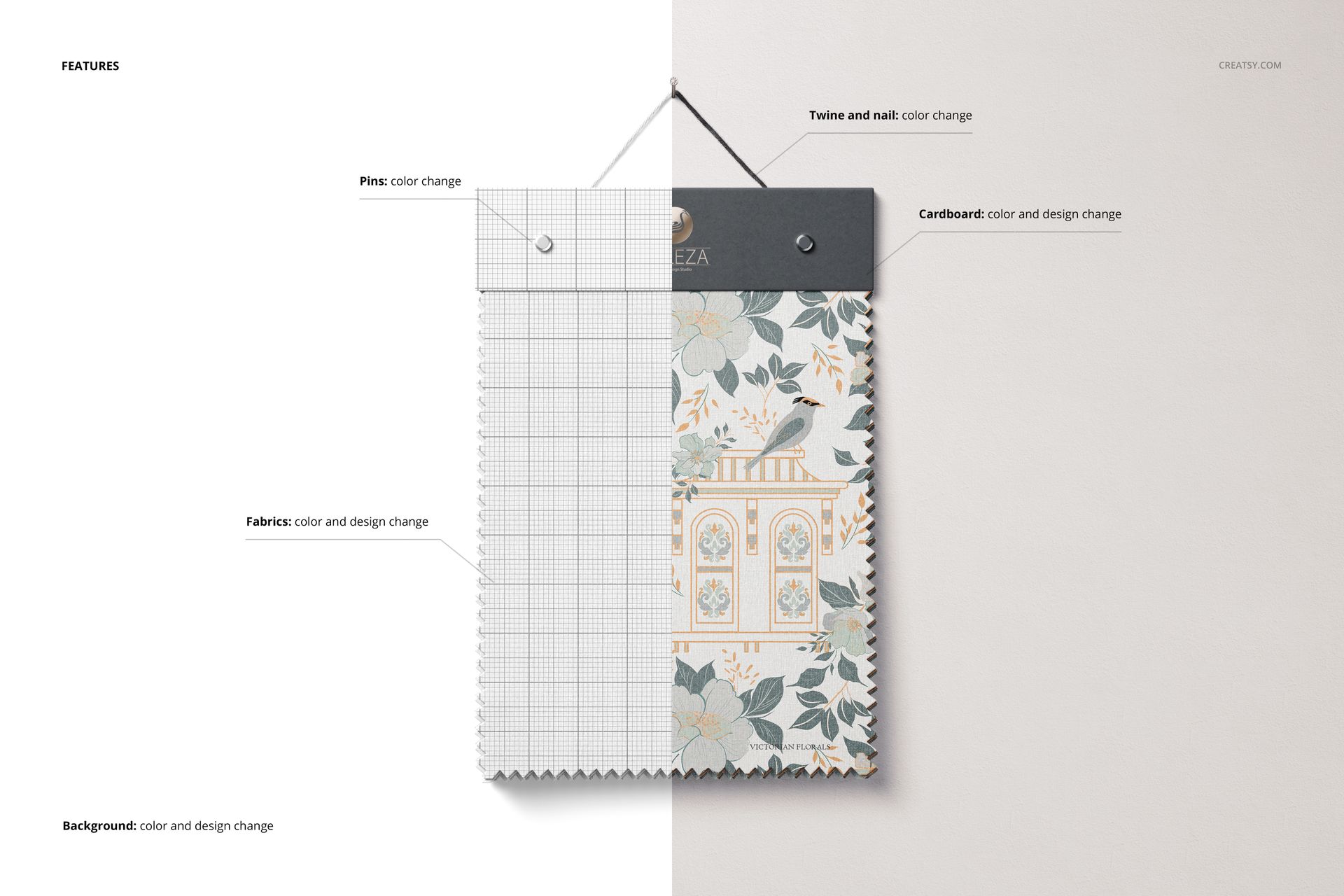
Open the PSD in Photoshop or Photopea, locate the smart object layer, and place your repeat pattern, textile design, or illustration. The mockup renders your artwork onto the swatch surface with realistic wrinkles, drape, and fabric texture built into the displacement mapping. You can change the background color to suit your brand palette, create a neutral presentation for a client deck, or match a specific seasonal color story for your marketing campaigns. Well organized layers give you control over individual scene elements for further customization.
Who This Mockup Is For
Surface pattern designers building portfolios, licensing pitch decks, or social media content that shows their work on real textile products. Textile brands and fabric mills creating digital lookbooks, sample catalogs, or wholesale line sheets where each swatch represents a different colorway or print option. Interior designers presenting upholstery, curtain, or cushion fabric candidates to clients in a clean, professional format. Print-on-demand sellers listing custom fabrics on Spoonflower, Etsy, or Shopify who need product images that look like actual fabric samples. Fashion designers previewing garment fabrics before ordering yardage from a supplier.
File Specifications
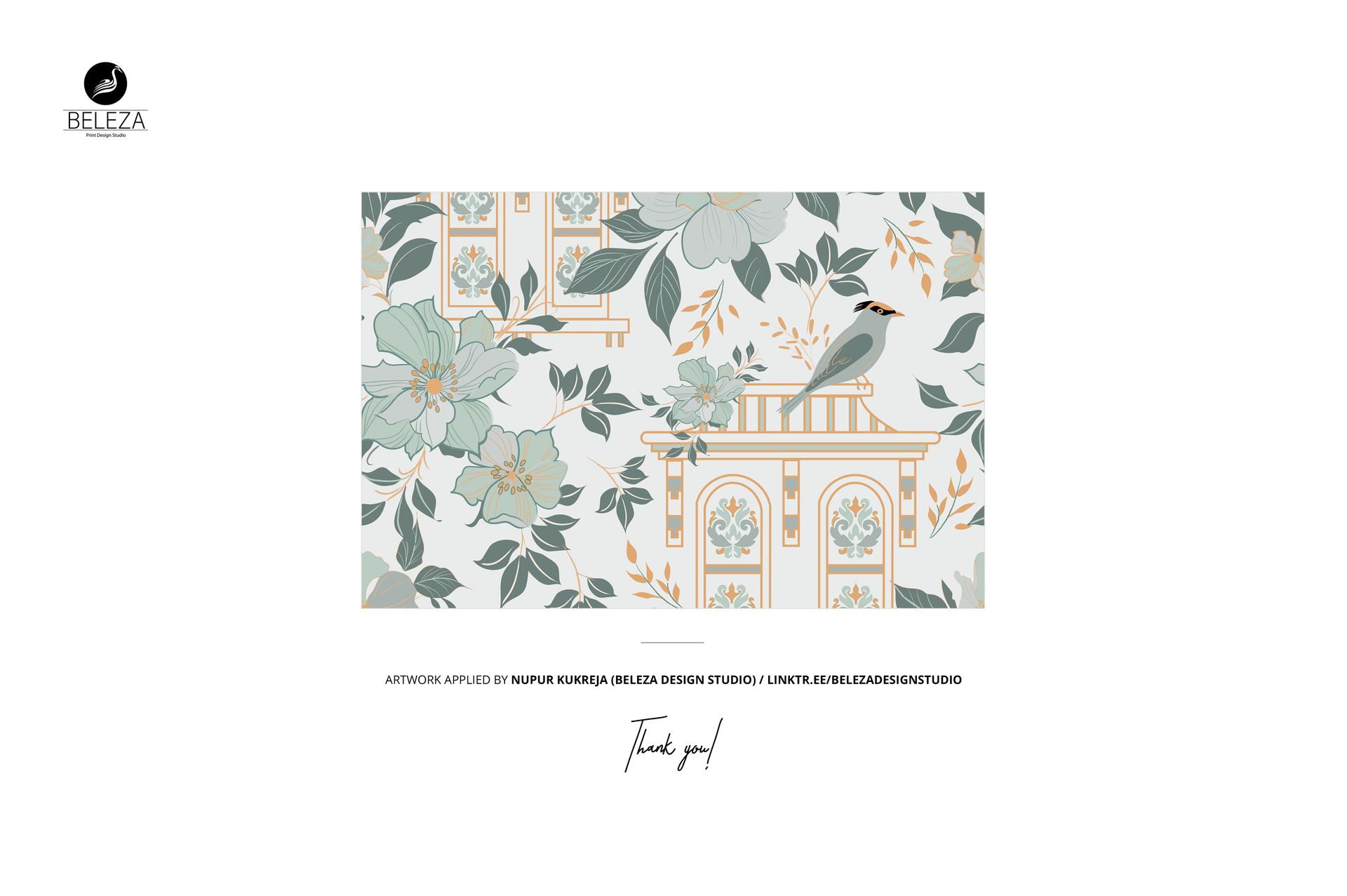
Format: PSD (Adobe Photoshop). Files: 1. Resolution: 6000x4000 px. DPI: 300. Size: 873.35 MB. Compatibility: Adobe Photoshop CC2020 and newer, Photopea (free browser-based editor). Smart object layers for pattern placement. Customizable background color. Well organized layer structure. Example artwork by Nupur Kukreja (Beleza Design Studio): linktr.ee/belezadesignstudio (not included in the download).