Jam Jar in Hand Mockup Set

ID: 1832982869 | Updated: Jun 4, 2025

Product Details

Jam Jar in Hand Mockup Set

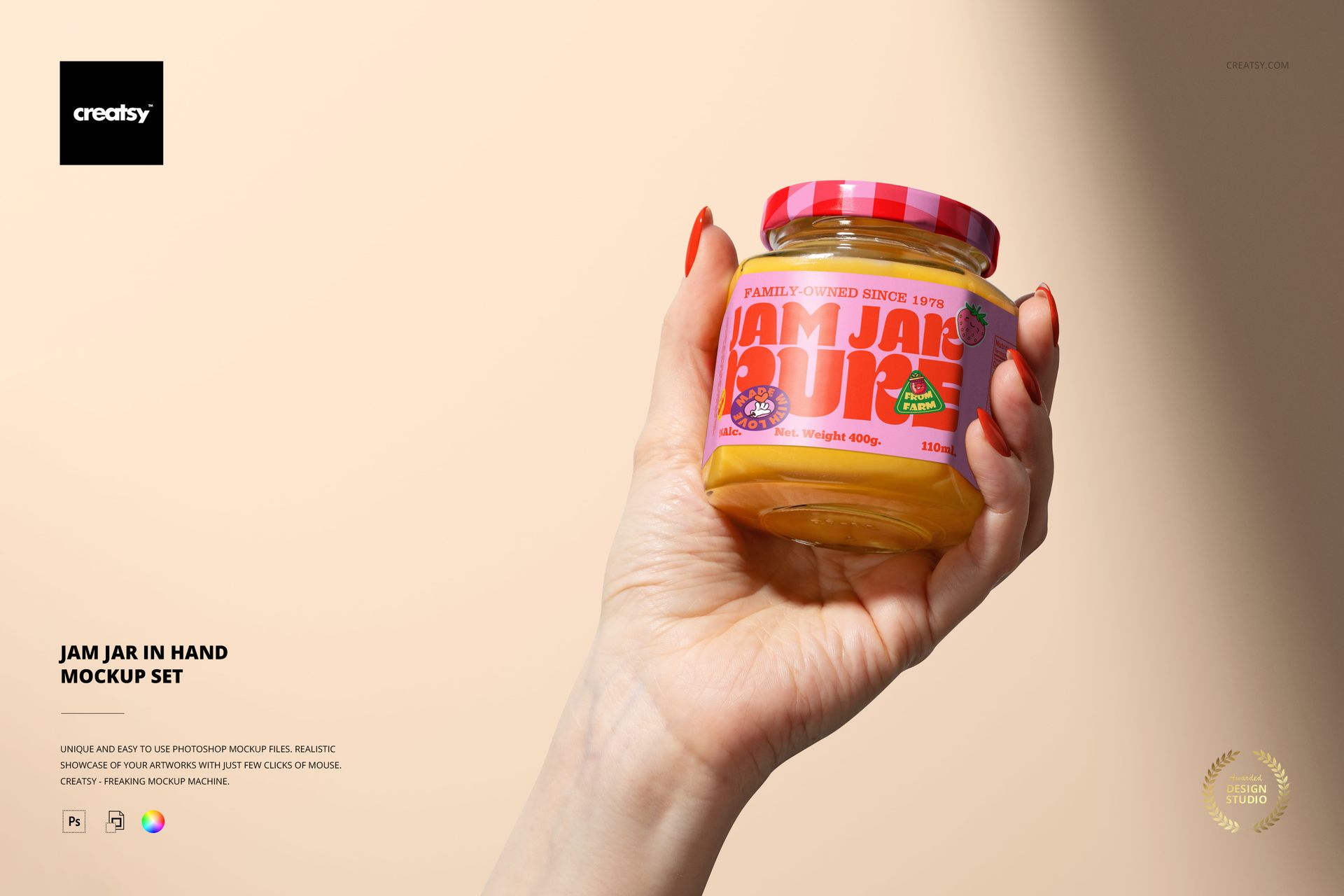
Bring a little sweetness into your next project with the Jam Jar in Hand Mockup Set — a cozy combo created for those who love designing with warmth, flavor, and a hint of nostalgia. These mockups instantly evoke that comforting, homemade feel — the kind that reminds you of sticky fingers, grandma’s kitchen, and labels lovingly applied by hand.


Flavorful Options, Just Like the Real Thing

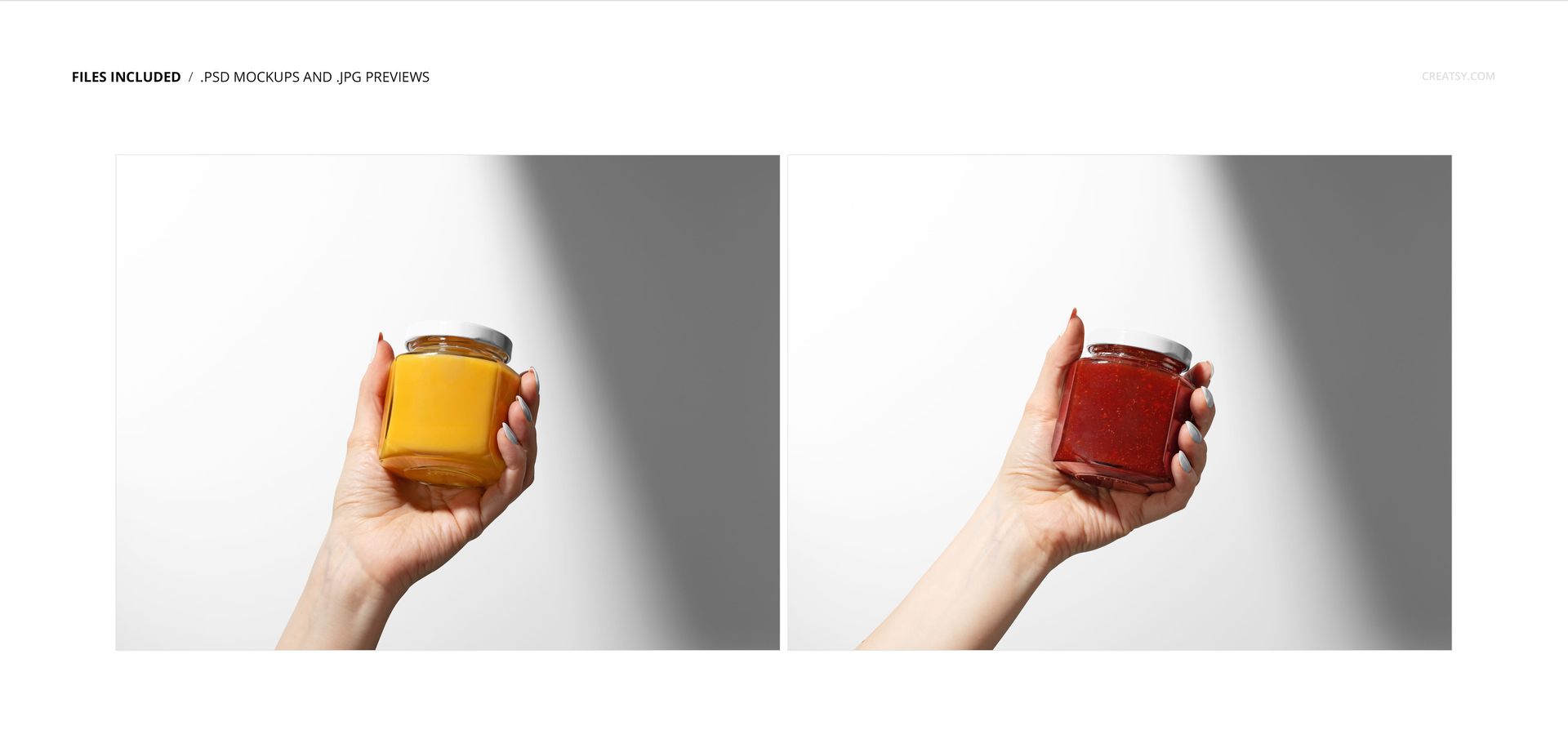
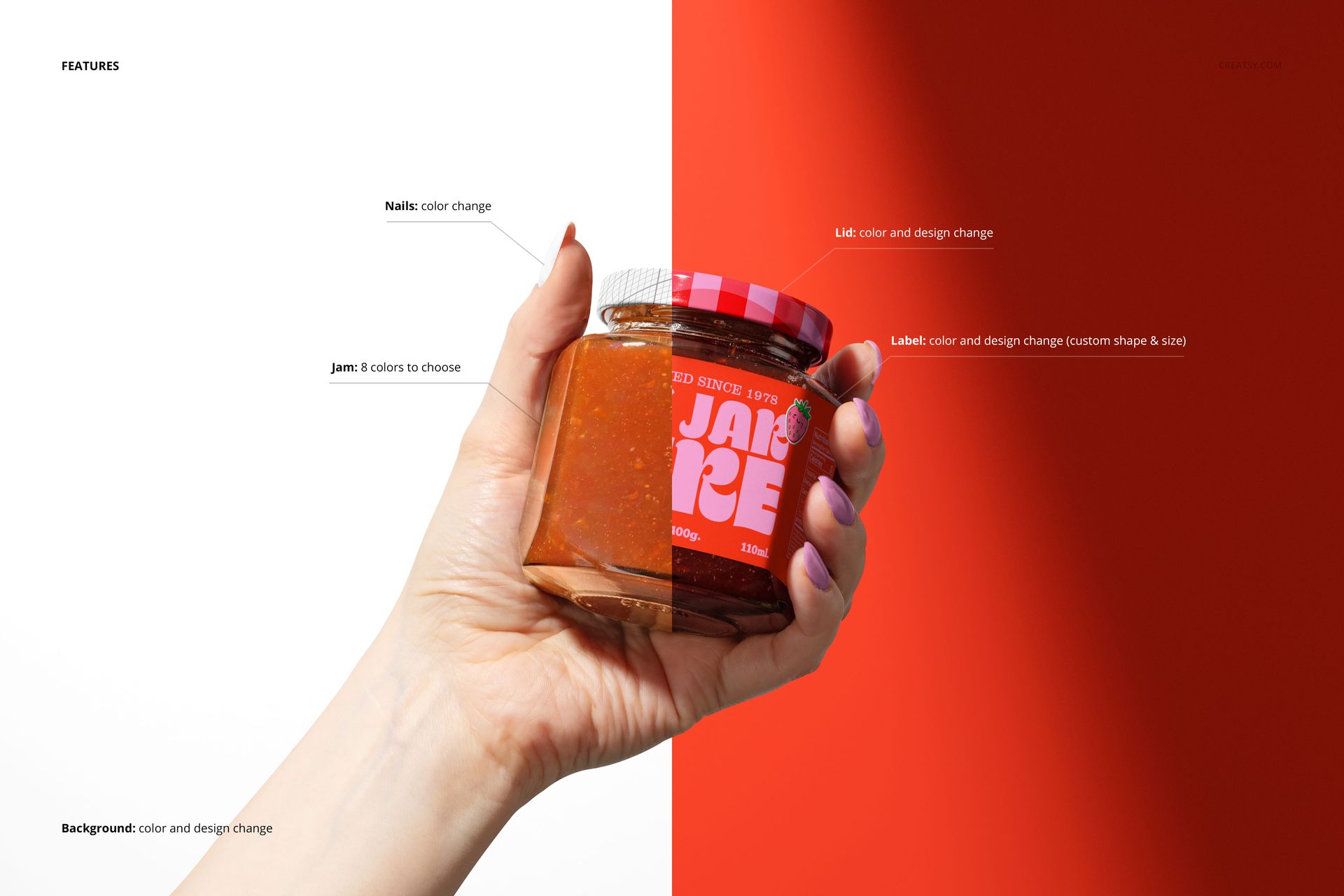
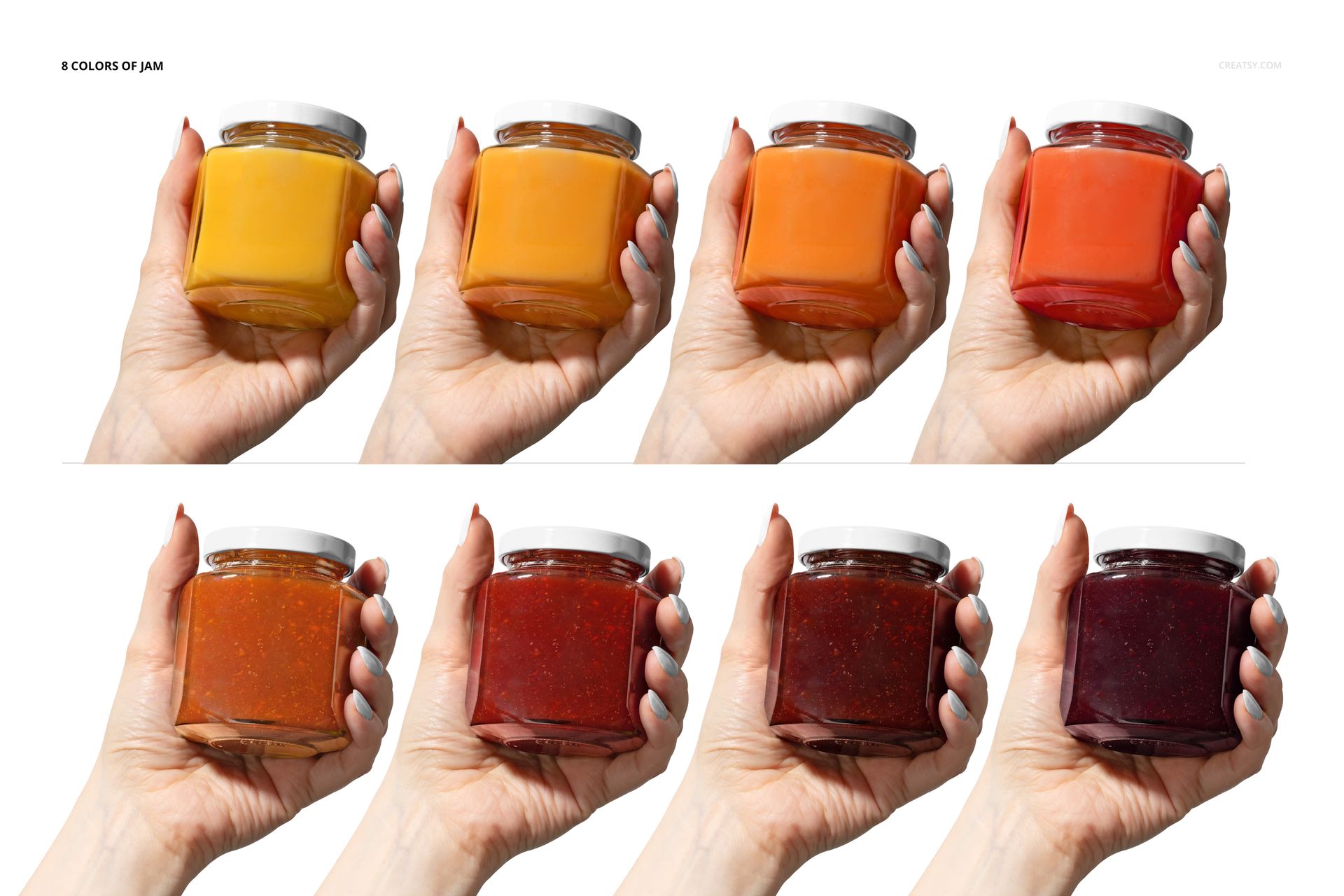
The set may include just two PSD files, but each one is rich with possibility. With 8 jam color variations — from golden peach and apricot to deep plum and blackberry — your design gets to pick its own flavor profile. You can showcase your jam smooth and glossy or textured with little flecks of fruit, depending on the mood. Both mockups offer a crisp studio-lighting setup and feature a clean, stylized human hand for that added personal touch.


A Spoonful of Design Delight

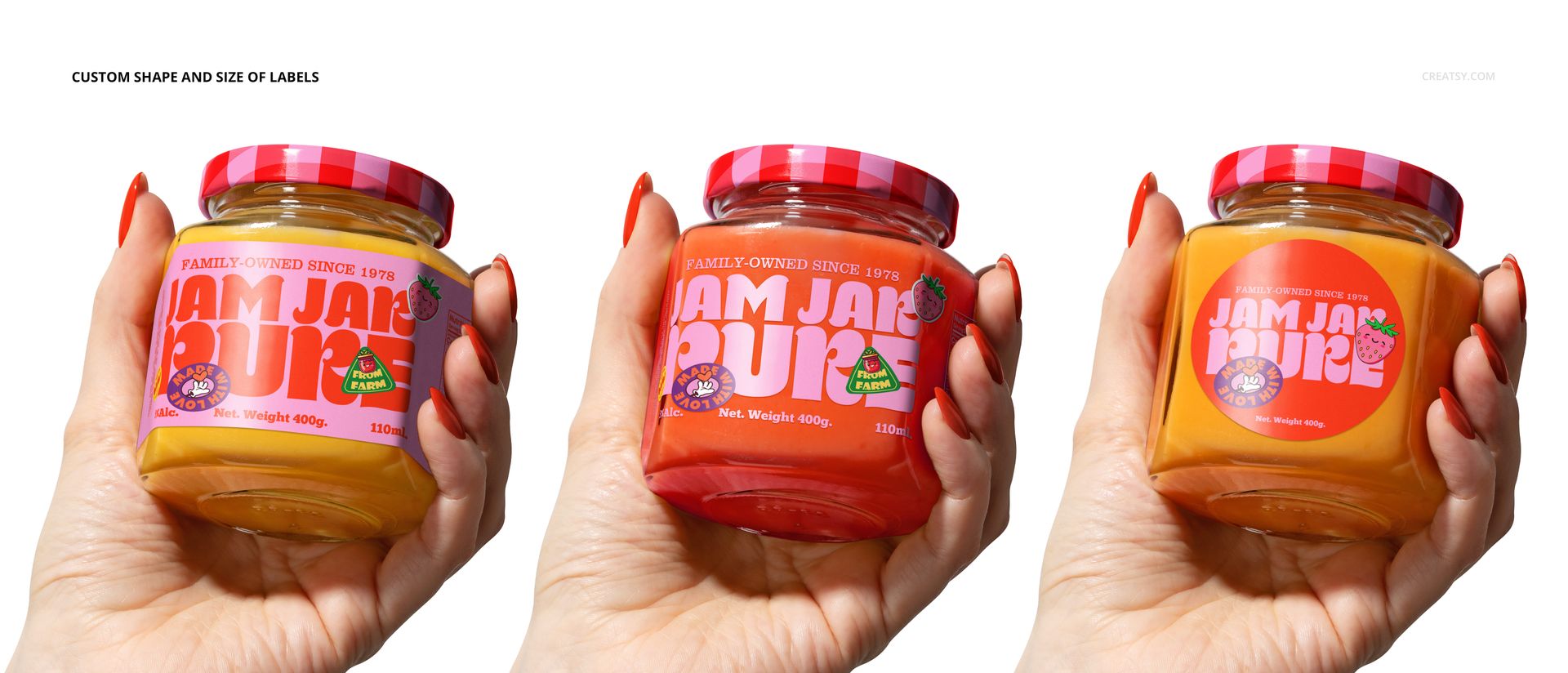
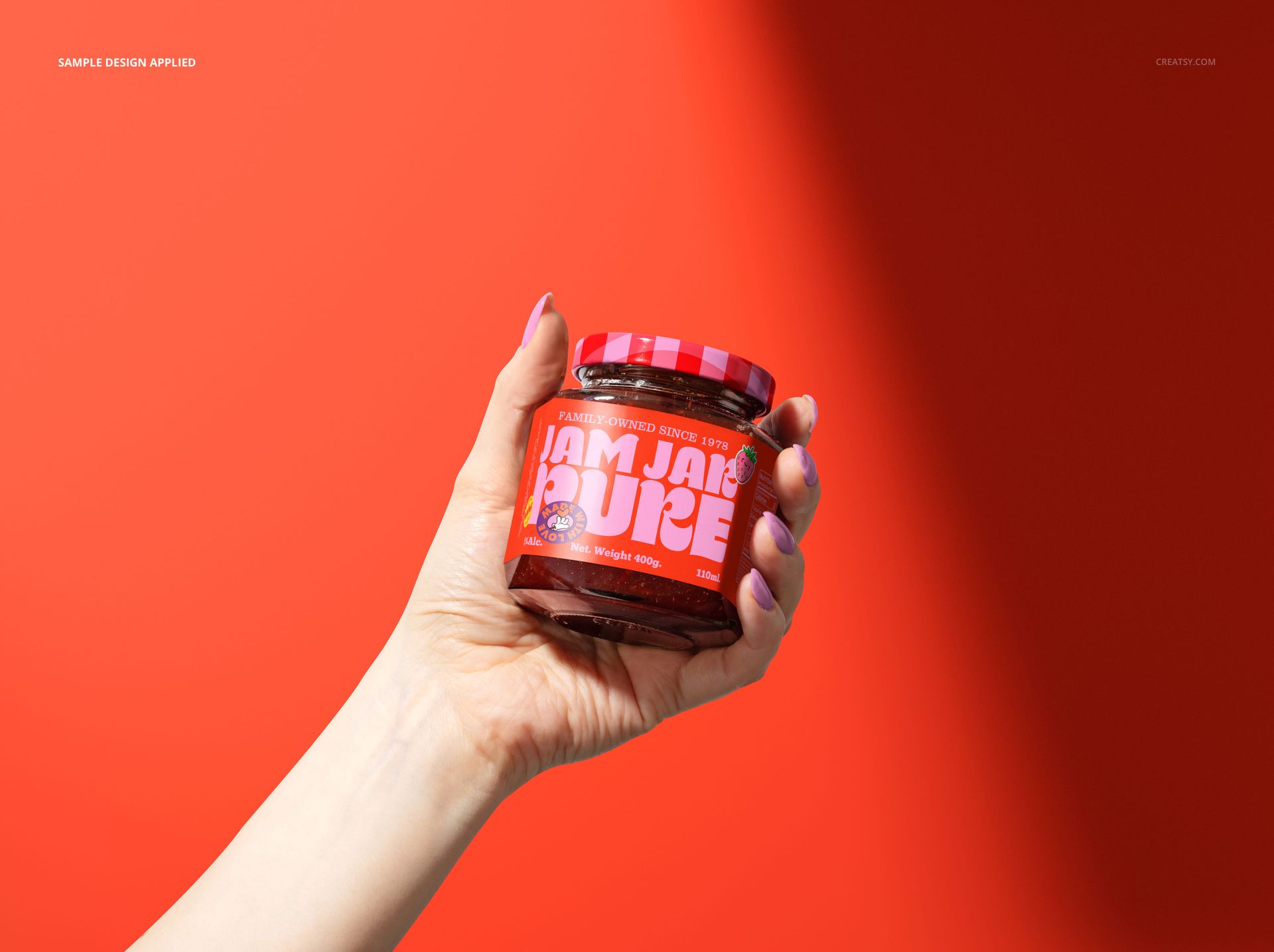
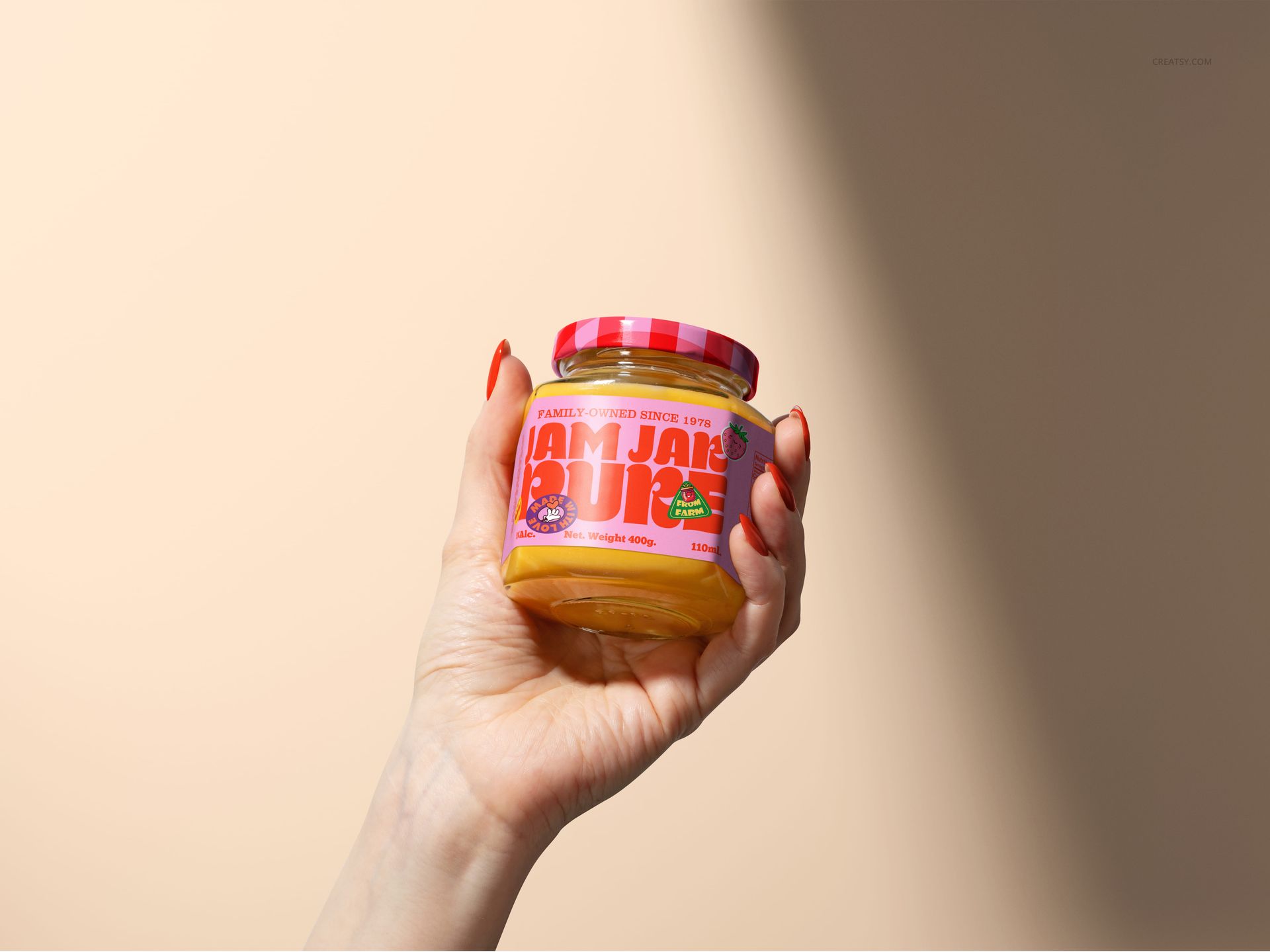
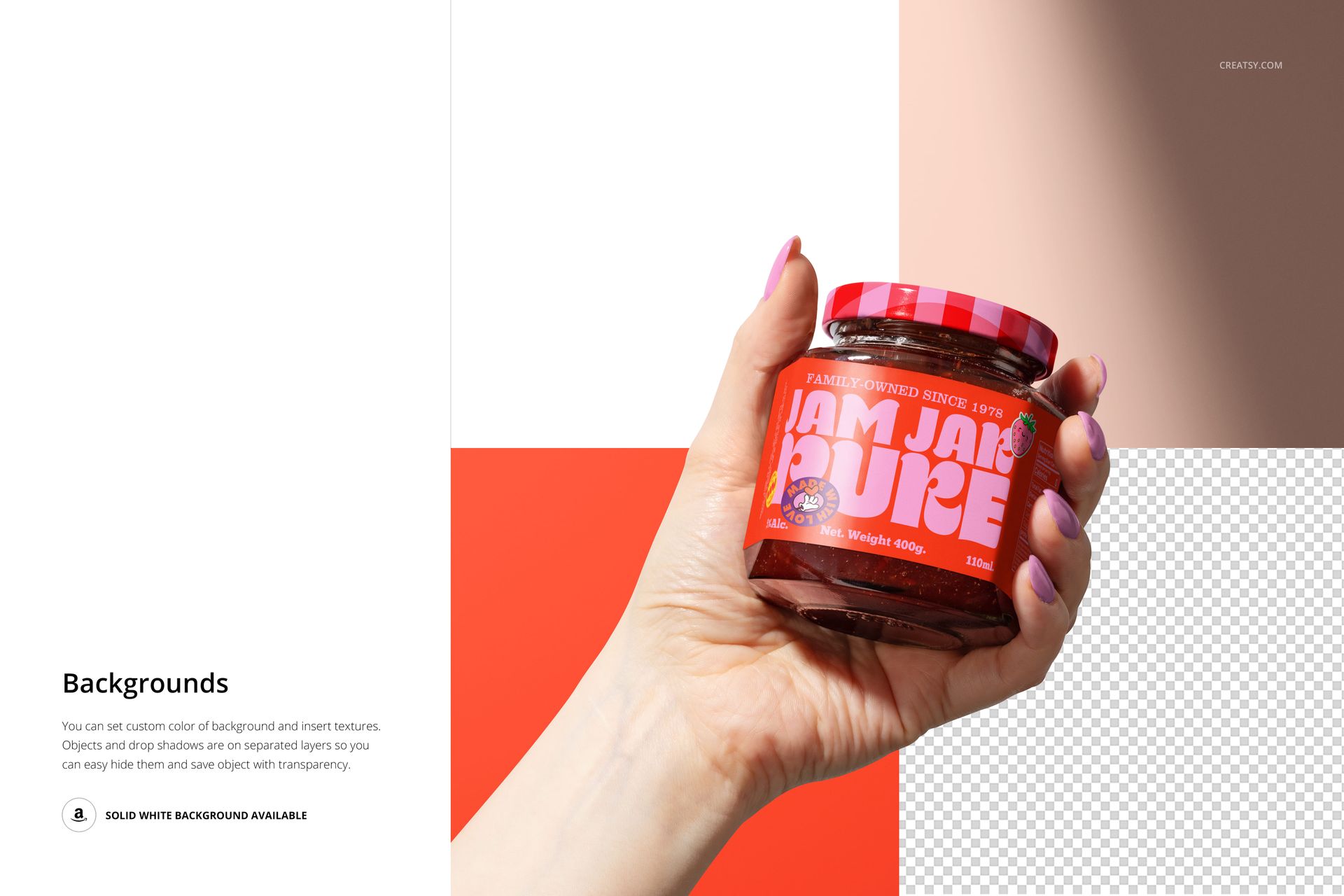
Edit the jar lid with your own graphics, patterns, or logo. Add stickers, text, and label shapes that match your brand’s personality. Adjust the background tone to create seasonal looks, or coordinate with your branding palette for a commercial edge. You can even change the nail color to better match your story — from autumn-inspired burnt orange to fresh spring green.


  • Files work in: Photoshop (min. CC 2020, version 21) and in Photopea;
  • Pack includes 2 .psd files: 4000x4480 px, 300dpi;
  • Check screenshots for all the features;
  • Well organized layers.

File details

Compatibility
PhotopeaAdobe Photoshop
Number of files included
4
Package size
533 MB533 MB|559 MB559 MB
Files type
.psd, .jpg
Files size
4000x4480
TEST FOR FREE

MEET THE SHOP

Creatsy logo

Creatsy

Poland
4.7 (638)

Bring your ideas to life.

We're a family-run studio in Katowice, Poland, making PSD mockups by hand since 2016. Everything in this shop starts in our own studio. We shoot the photography, build the 3D, and put together every Smart Object PSD ourselves - then we test it, organize the layers, and only ship it once it actually works...
GO TO SHOP

HOW IT WORKS

3 clicks. That's it.

No tutorial needed. If you can copy-paste, you can use this.

  1. 1OpenDouble-click the smart object inside the PSD - in Adobe Photoshop, or free in your browser with Photopea.
  2. 2PasteDrop in your pattern, print, or artwork. Any design, any style.
  3. 3SaveHit save and the mockup wraps it in for you - shadows, folds, and lighting included.

FROM IDEA TO IMAGE

Built for real workflows

You just finished a print collection and need portfolio-ready shots - without booking a $2,000 photo shoot or waiting two weeks.

Your client wants to see the pattern on a real dress before approving. Send them a photorealistic mockup, not a flat swatch and a "trust me."

You're launching a summer drop on Etsy or Shopify and need listing images that actually convert.

You're pitching resort wear to a brand and your lookbook needs to feel like a million bucks. This gets you there for the price of lunch.

Smart Objects

Edit once and you're done. Your artwork drops into a smart object and the mockup updates itself - no masking, no warping by hand.

Perfectly Organized

Named layers and folders you can actually navigate. Find what you need, change what you want, and get out fast.

Print-Ready

High-resolution files built to hold up on screen and in print. Exact size and DPI are in this product's Details above.