Chocolate Bar Box Mockup Set
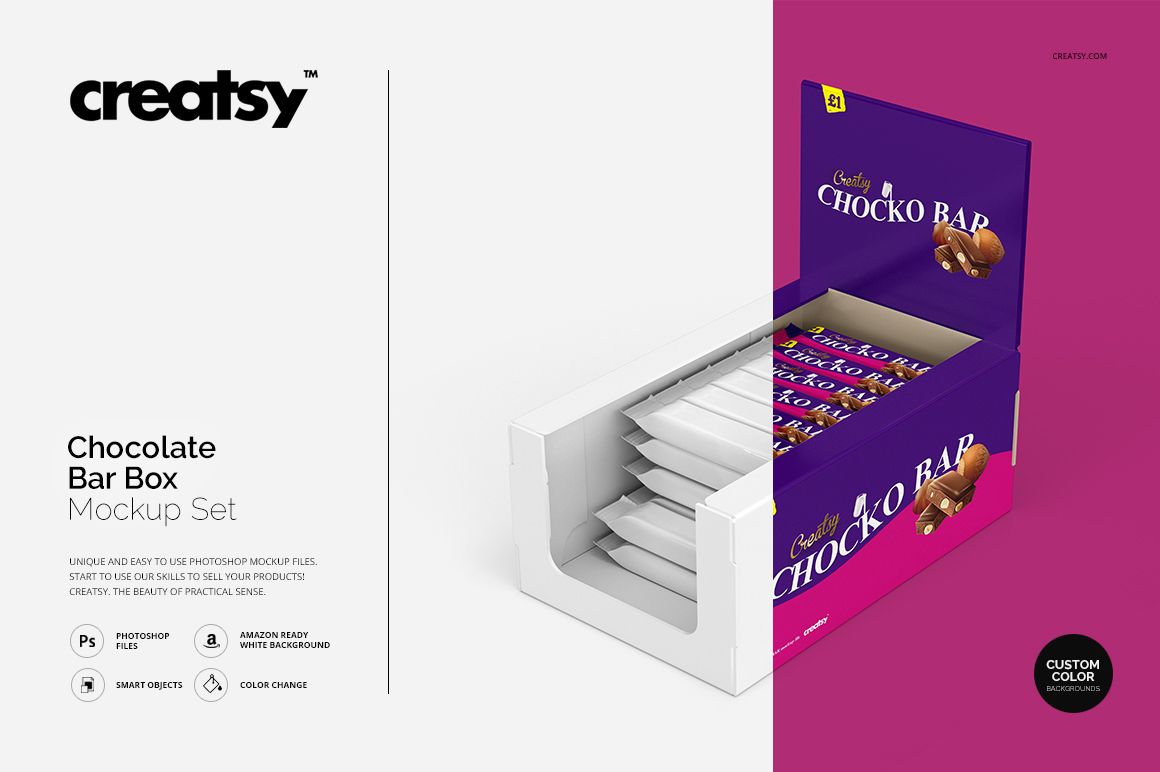
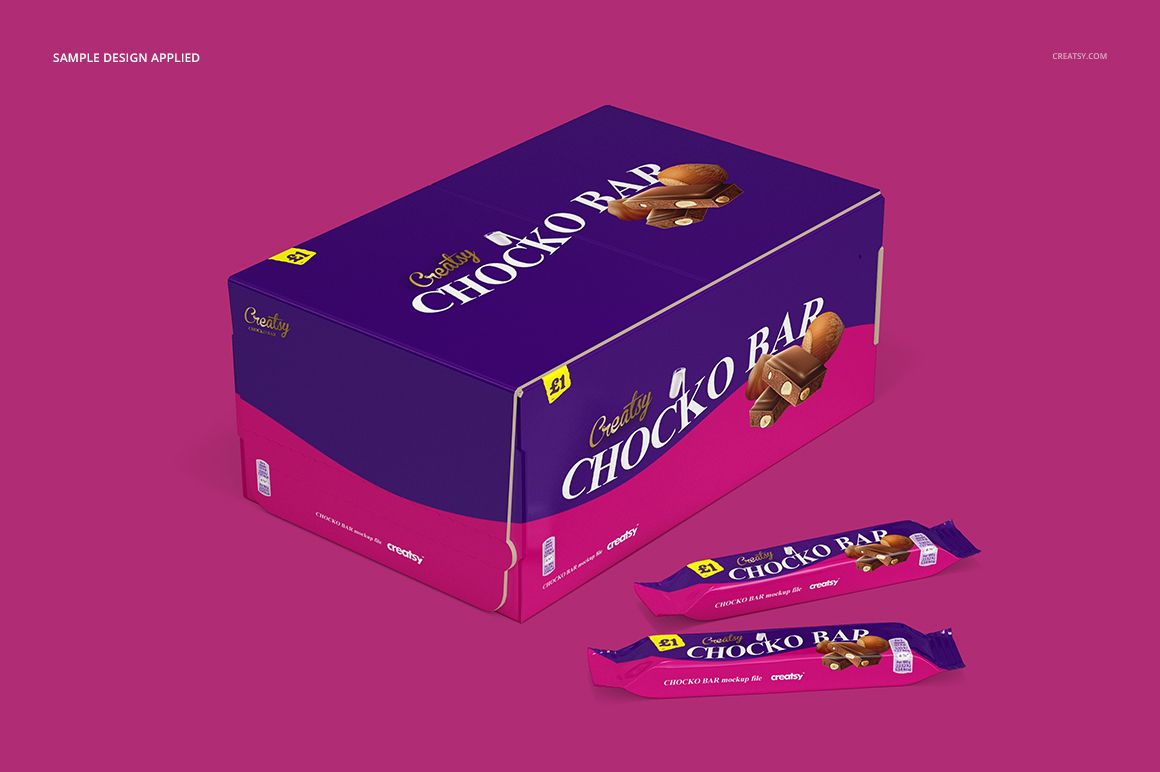
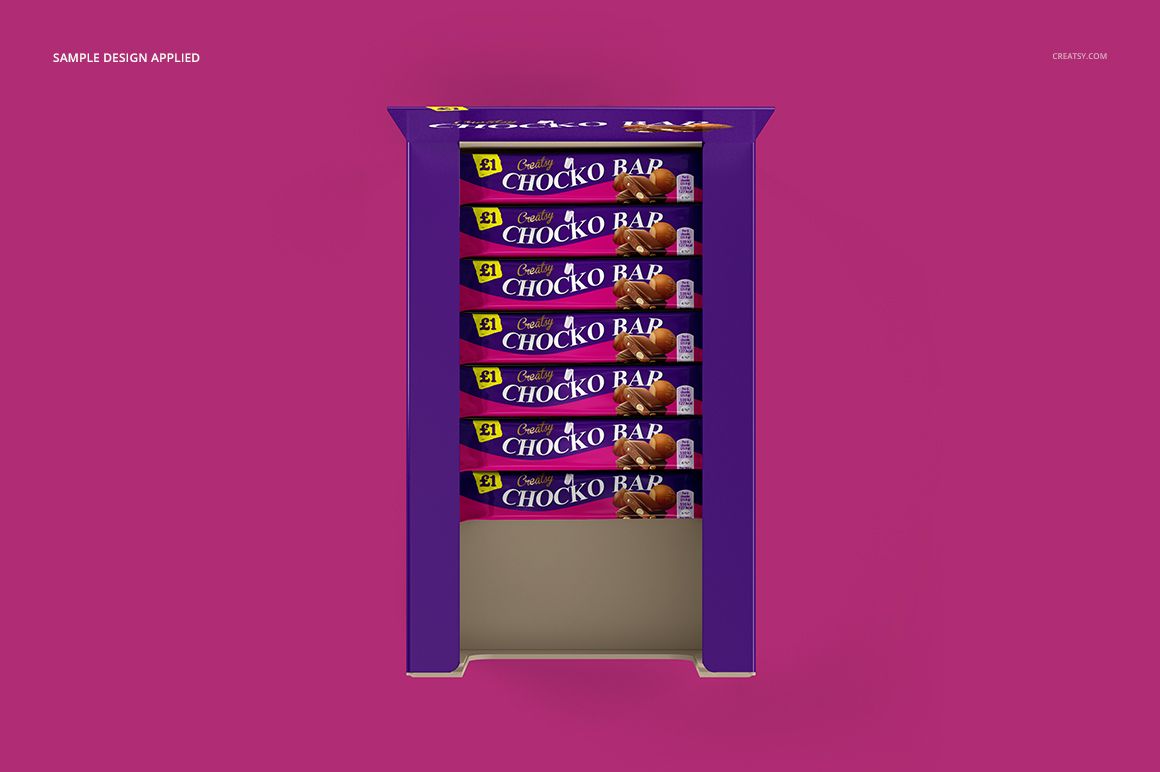
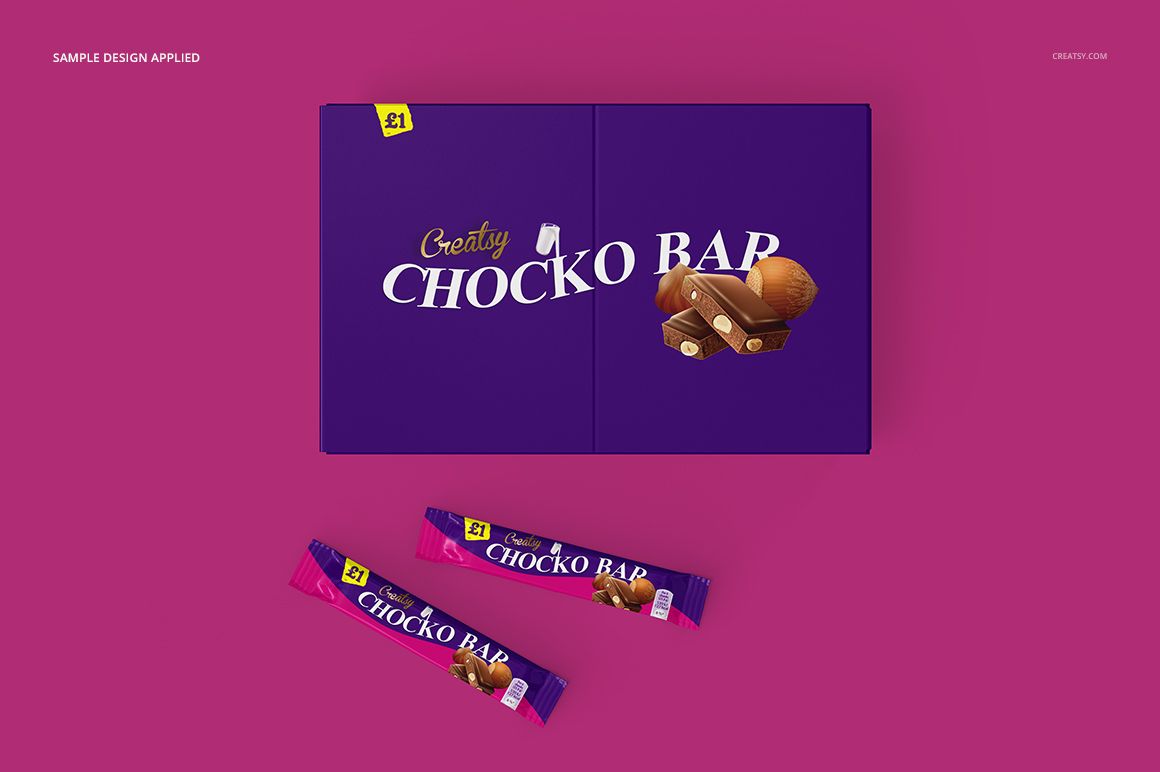
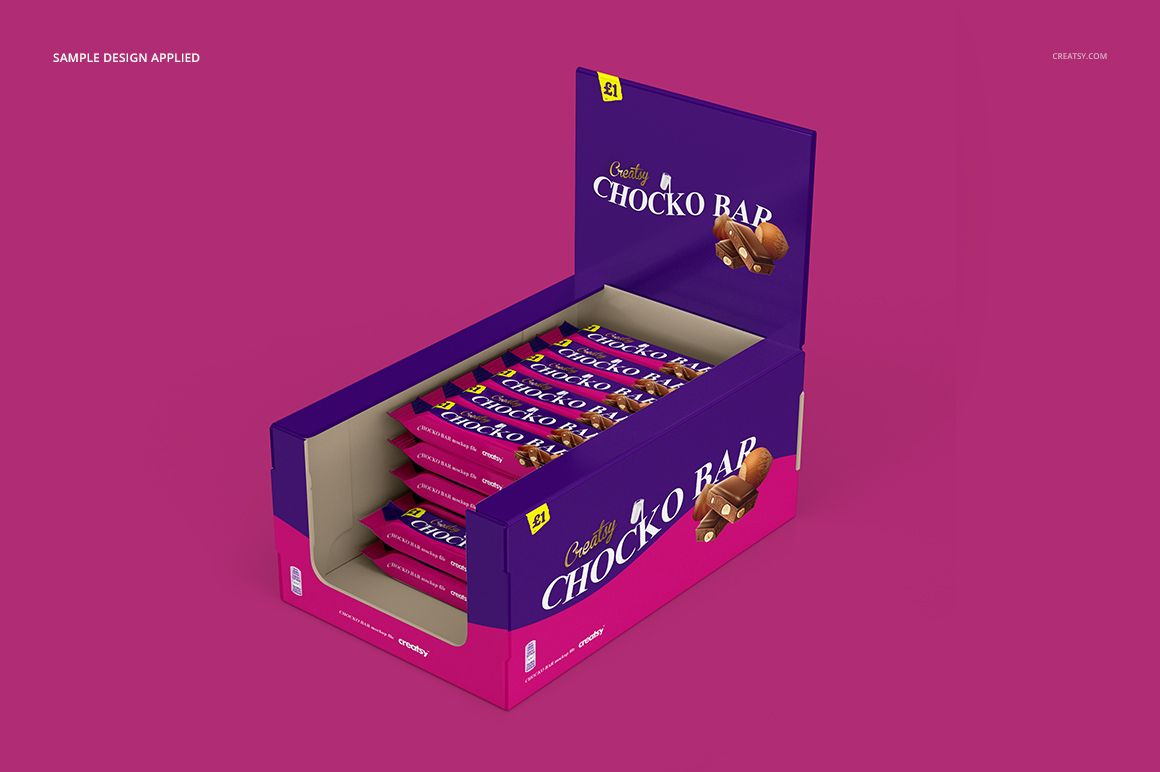
A chocolate wrapper has to work on its own and inside a retail display. This chocolate bar display box mockup set brings both surfaces into the same presentation, with closed carton views, open counter displays and individually wrapped bars across four square scenes.
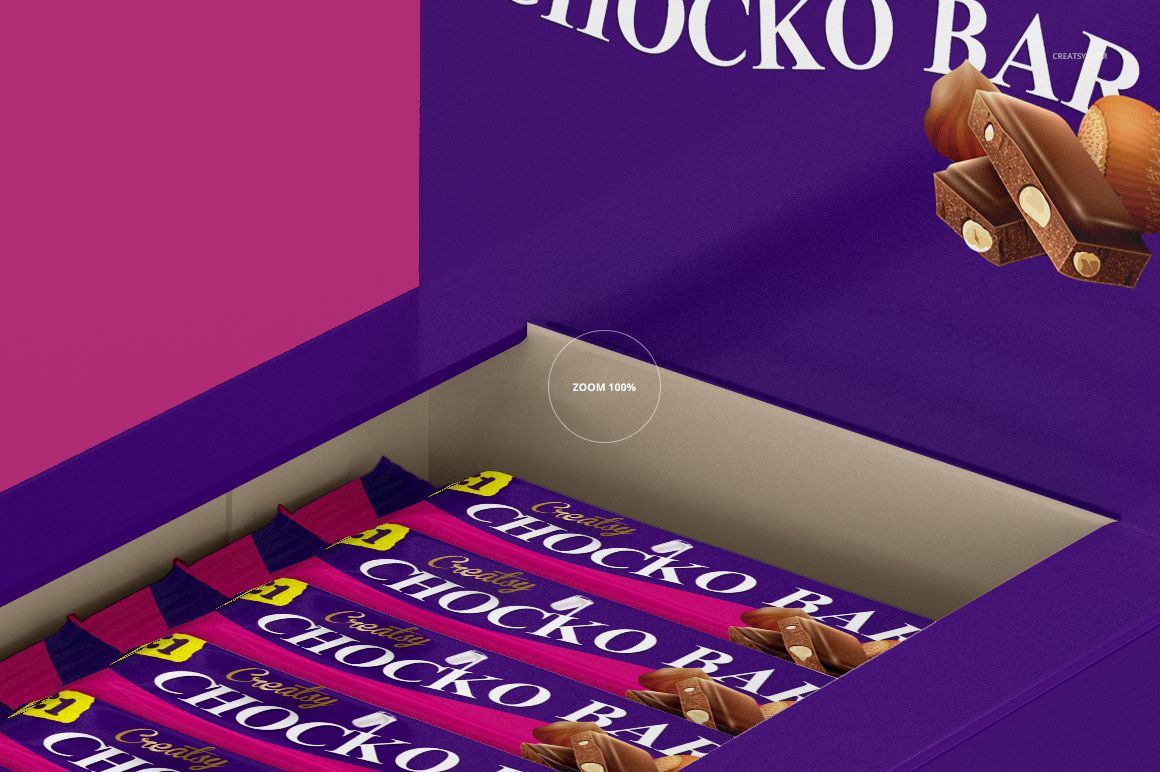
Use the different angles to assess how your branding carries from the box lid and upright display panel to the wrappers customers pick up.
What Is Included
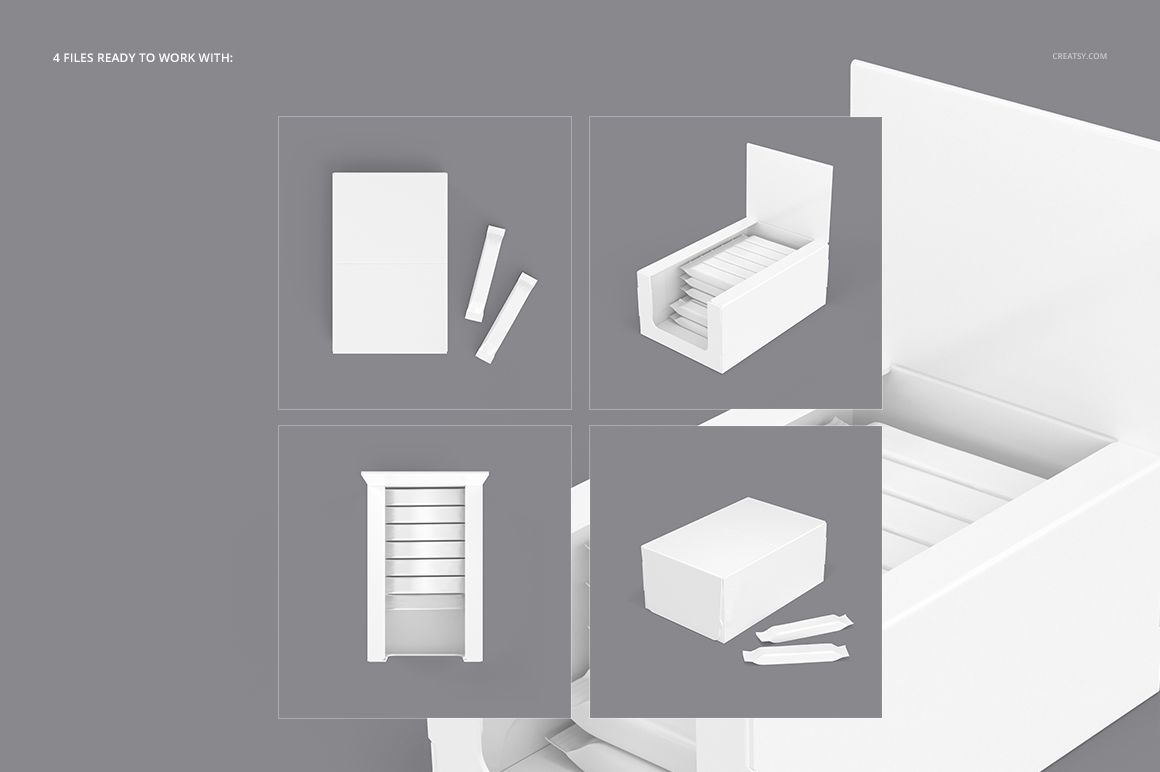
4 layered PSD mockup files, each 3000 × 3000 px at 300 DPI.
4 JPG preview files and 1 TIF guide, 9 files in total.
Four prepared compositions with open or closed packaging, including views with loose wrapped bars.
From Closed Carton to Counter Display
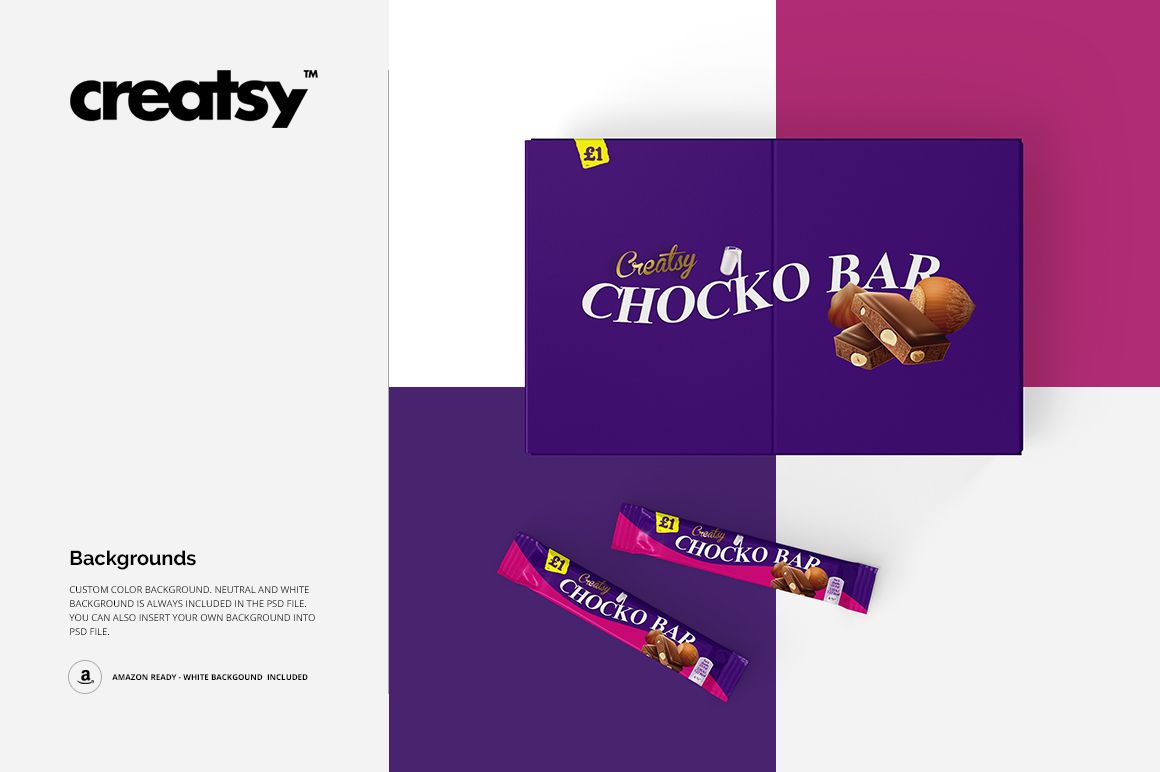
The cardboard display box gives you more than a single chocolate pack to design. Coordinate the outer box graphics with the individual wrappers, compare the overhead and angled views, and adjust colors and artwork to suit the brand. The previews also demonstrate white and custom background treatments.
Easy Smart Object Editing
Open a PSD in Adobe Photoshop CC2015 or newer, or Photopea. Locate the relevant artwork Smart Object, open it, place your design and save that object to update the scene. Use the organized layers for the available color adjustments, referring to the included guide as needed.
Perfect For
Chocolate and confectionery branding proposals.
Coordinated display box and wrapper design reviews.
Retail packaging portfolio images and flavor-range presentations.
This is a digital mockup product. Physical packaging, chocolate bars and the sample artwork shown in the previews are not included.