Bar Package Mockup Set 2
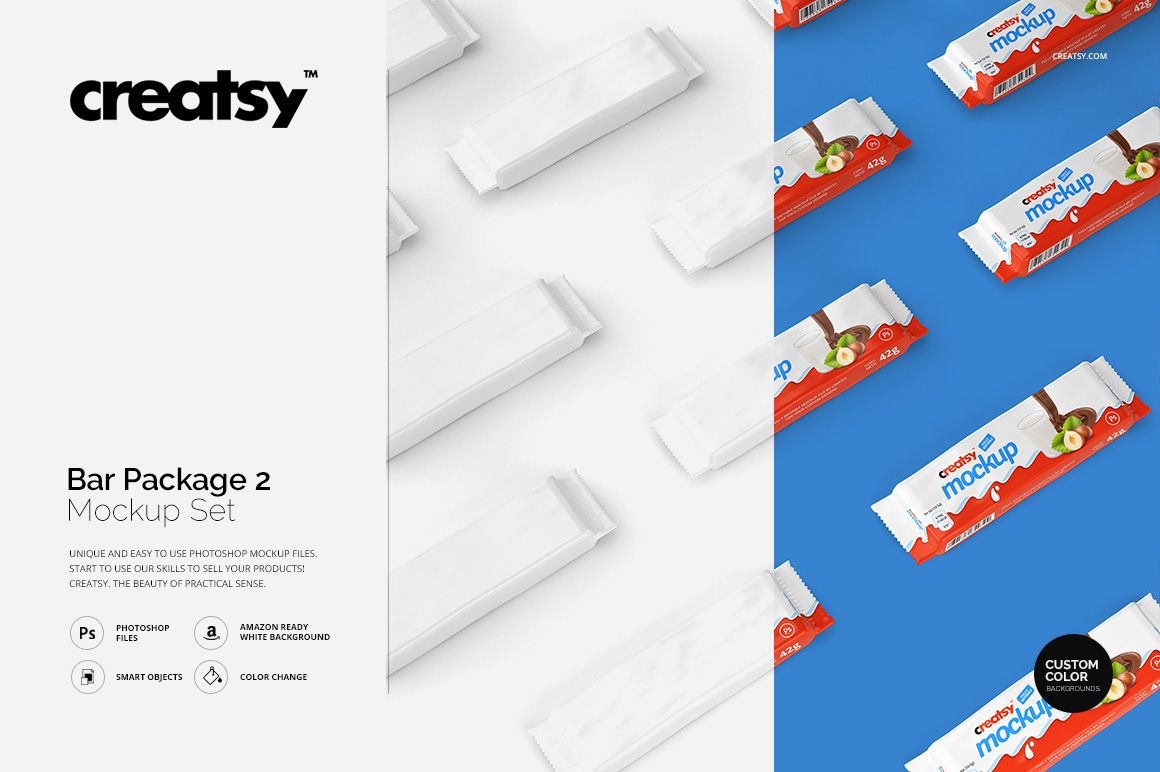
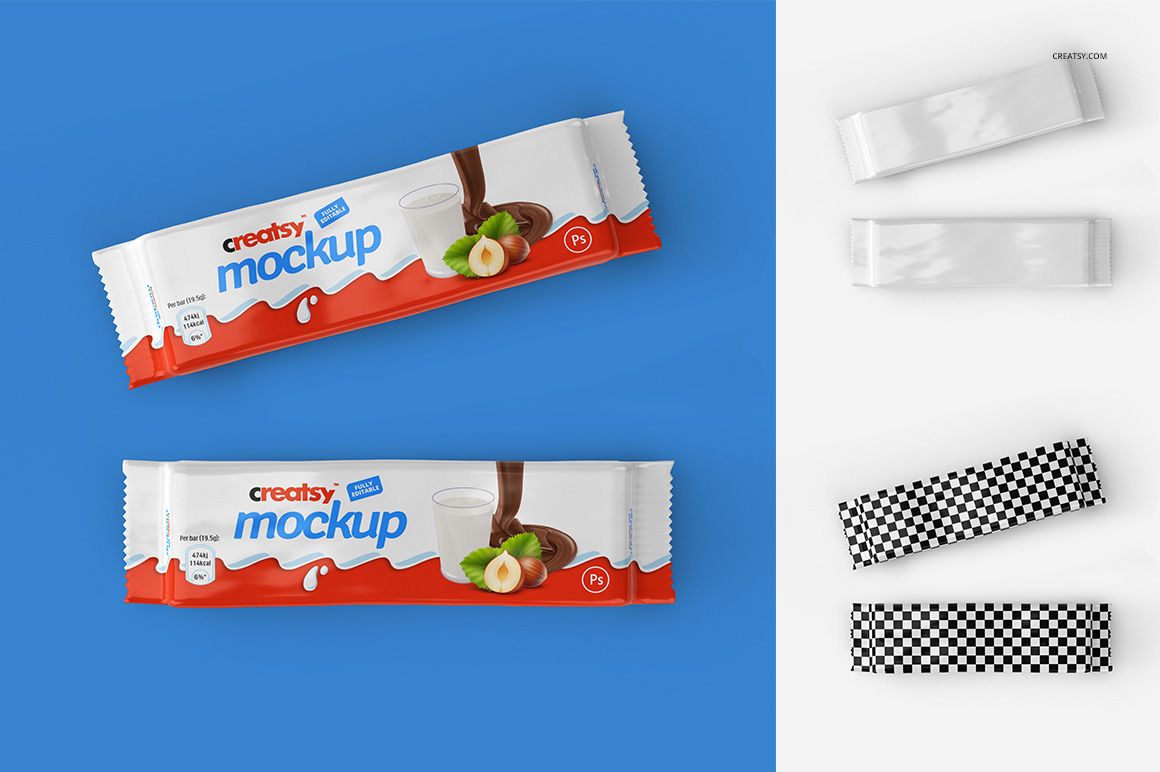
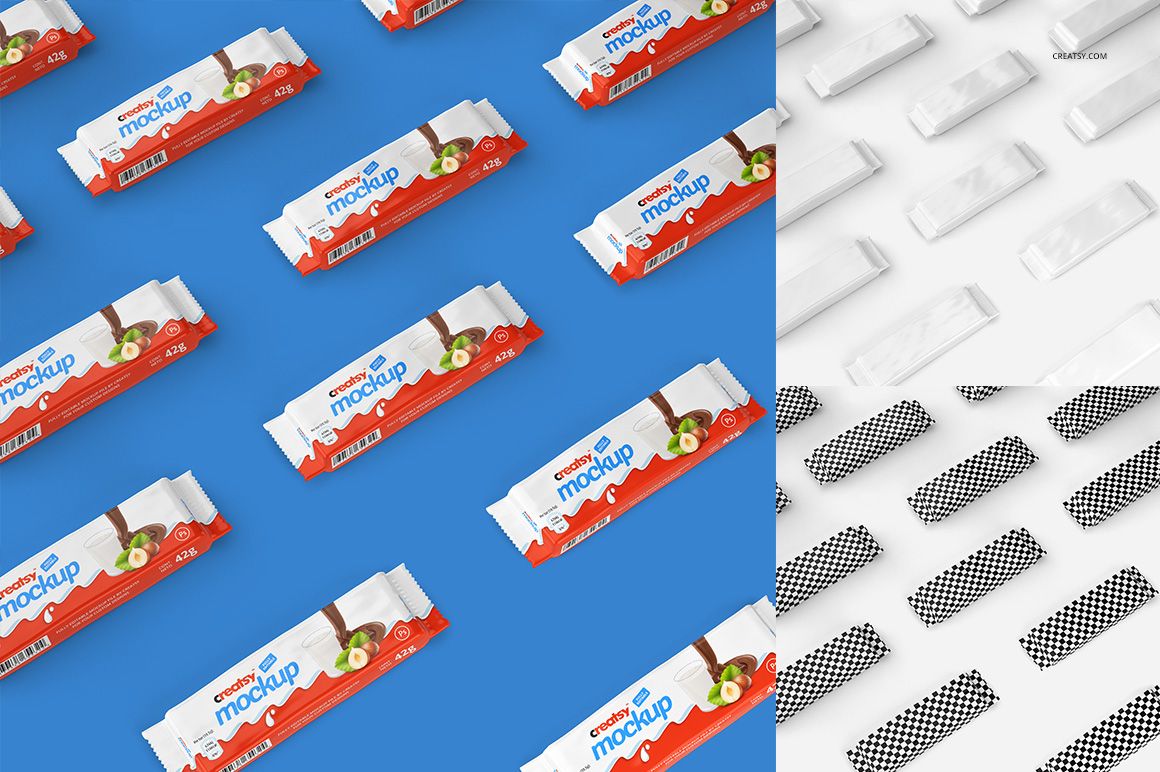
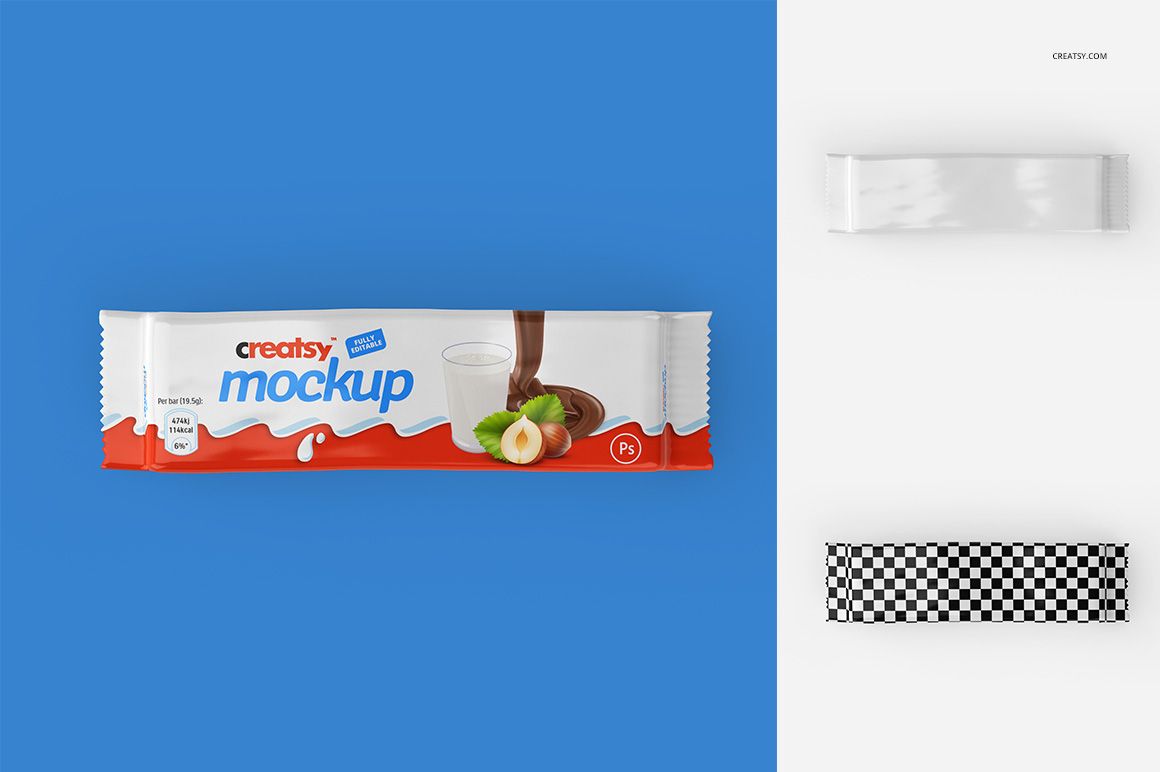
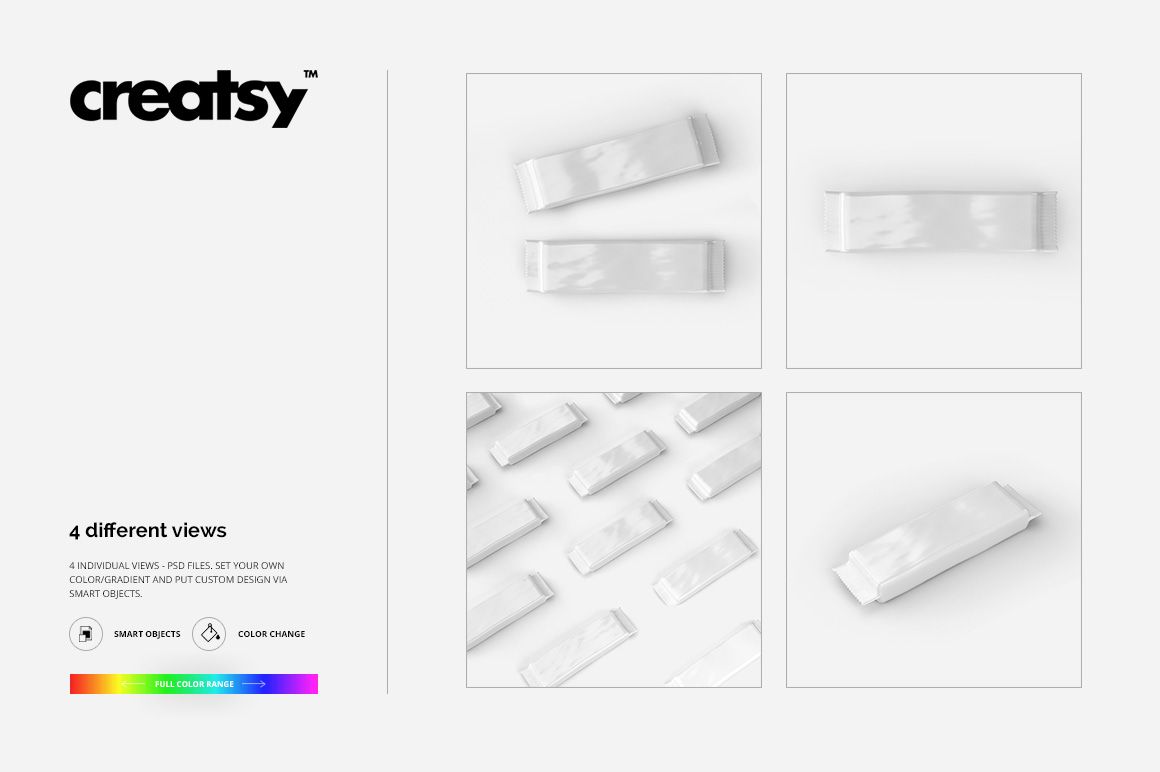
A flatter rectangular wrapper and pronounced surface crinkles give this snack packaging set its own character. Four PSD scenes show the sealed bar on its own, as a pair and in a diagonal repeat, with highlights that bring the flexible surface into view.
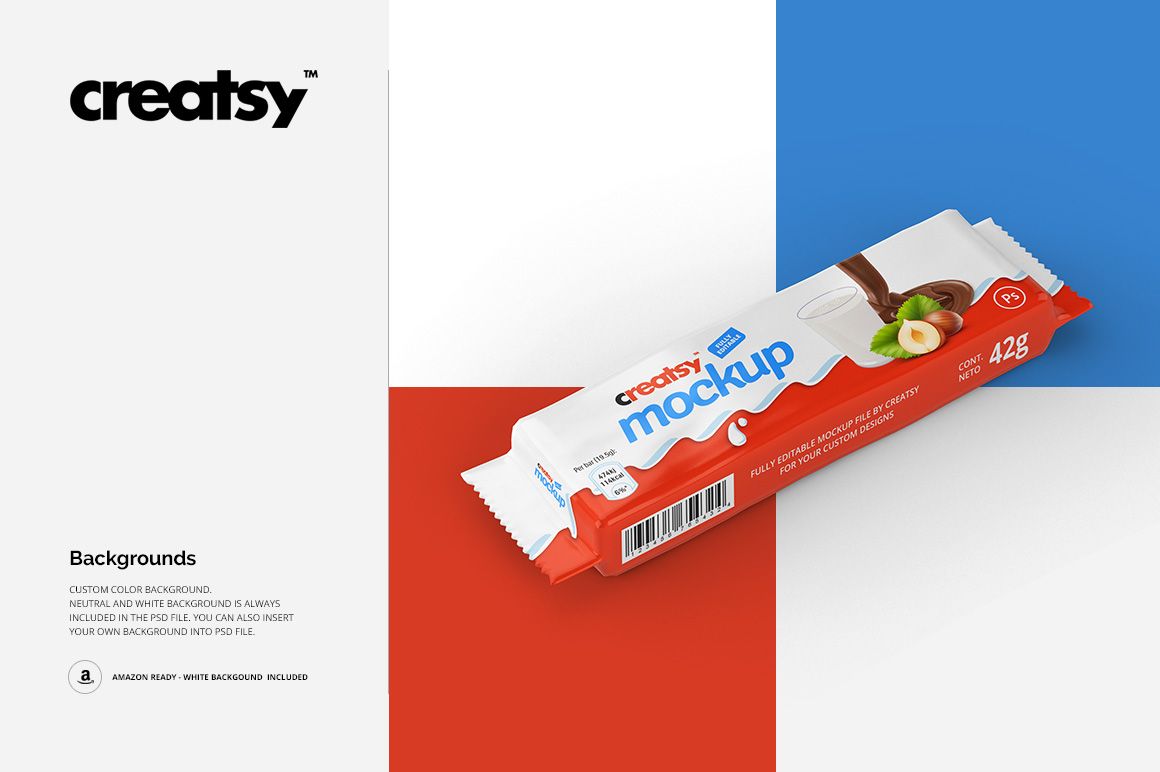
Use it for wafer, chocolate or snack-bar concepts when you need to judge the artwork across the broad face and narrow edge of a wrapped product. The different compositions let you move from a clear design review to a more graphic campaign image.
What Is Included
4 layered PSD mockup files, each 3000 × 3000 px at 300 DPI.
4 JPG previews and 1 Guide.tif instruction file, 9 files in total.
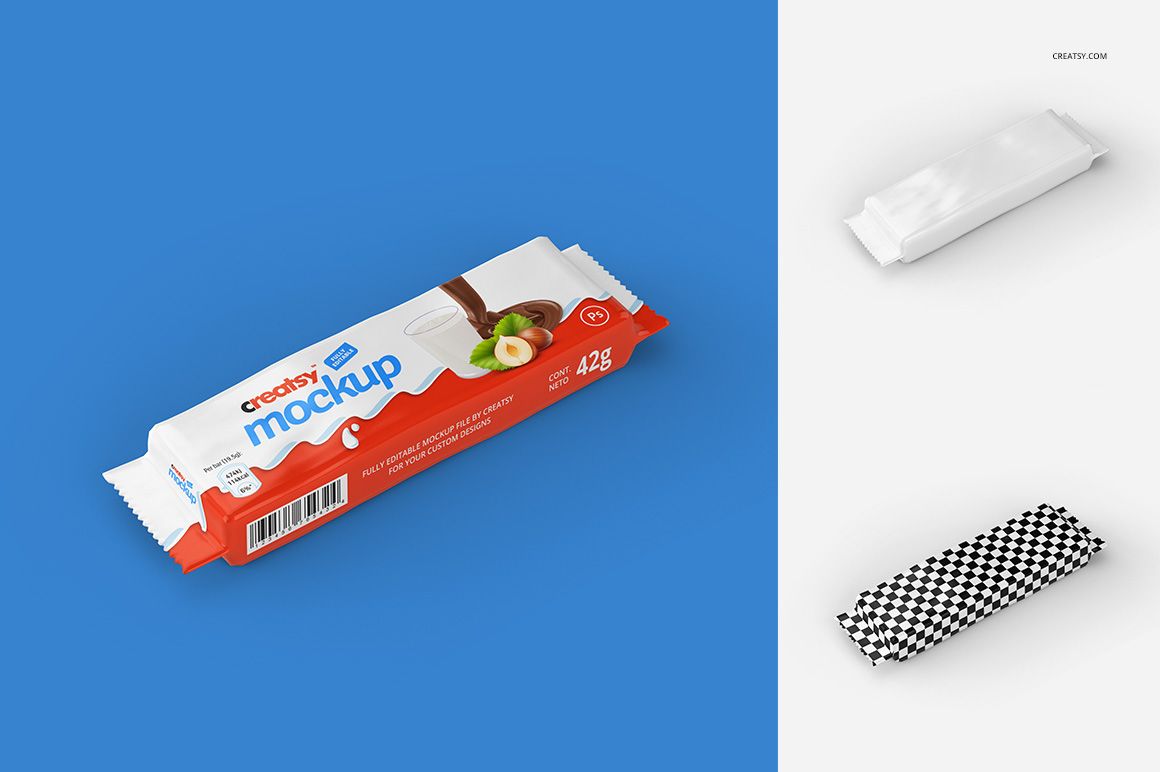
A horizontal single wrapper, a two-bar view, a repeating layout and an angled single-bar scene.
See the Design on a Crinkled Wrapper
Change the packaging color and replace its artwork through Smart Objects. The existing wrinkles, reflected light and crimped ends give context to the design. White and custom backgrounds help you choose between a restrained pack shot and a color-led presentation.
Easy Smart Object Editing
Use Adobe Photoshop CC 2015 or newer, or Photopea. Open a PSD, enter the artwork Smart Object, add your design and save the Smart Object. Return to the main scene, adjust the available colors and background, then export the image you need.
Perfect For
Brand concepts for wrapped wafers, chocolate bars and similar snacks.
Packaging artwork reviews that need visible folds and sealed edges.
Confectionery portfolios, client decks and campaign-style product images.
This download is a digital visualization tool, not a physical snack or a manufacturing template. Sample branding, illustrations and patterns used in the previews are not included.