Vinyl Record Tucked into the Sand on the Ocean Beach Mockup
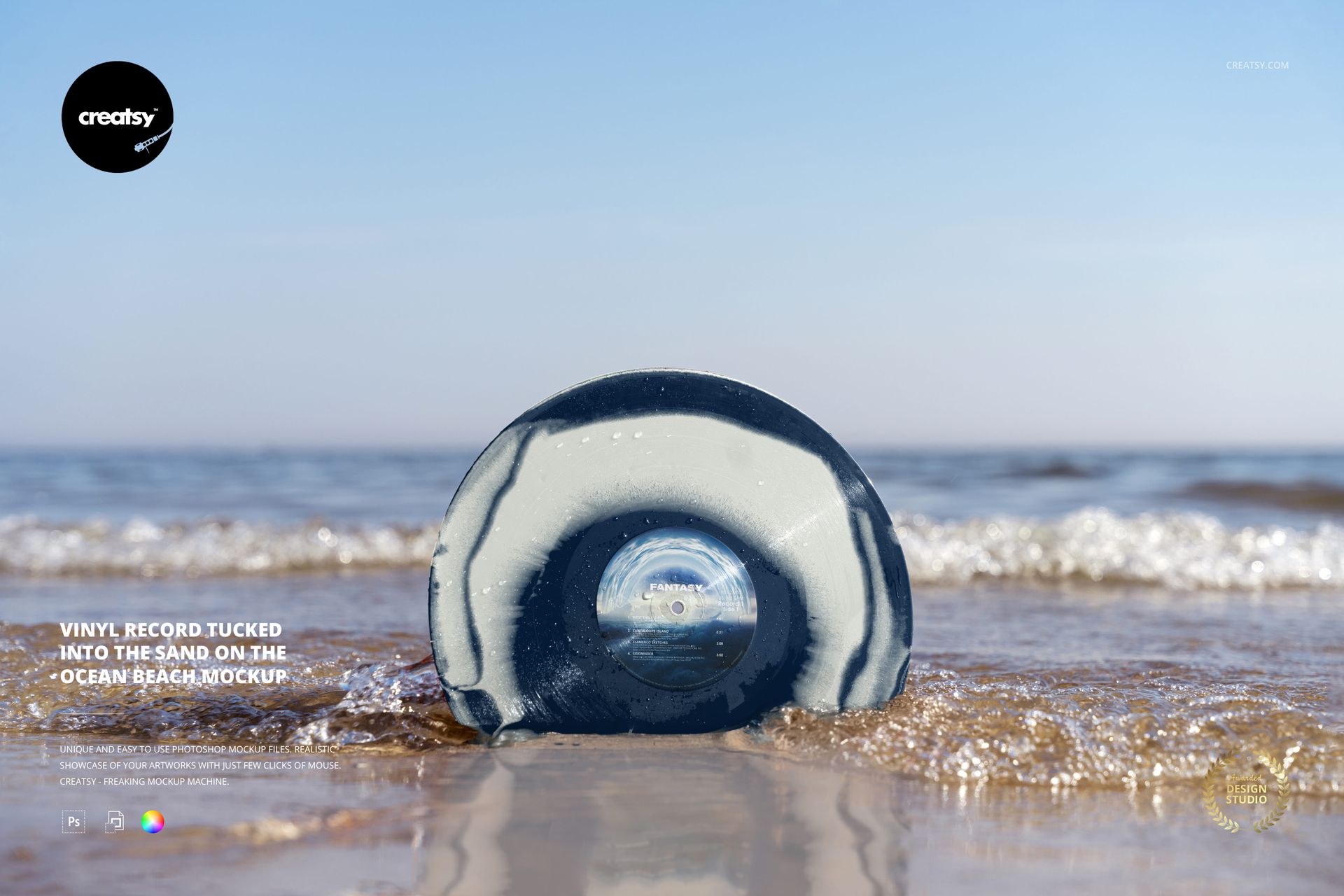
Open sky and a distant sea horizon frame a record tucked into the wet shoreline. Shot from a low viewpoint, this landscape vinyl mockup keeps the disc near the center of the composition, with water droplets and a soft reflection adding detail. Use it to introduce a colored pressing in a spacious, sunlit release visual.
What Is Included
1 layered PSD mockup with one low-angle ocean-beach scene.
6000 × 4000 px at 300 DPI.
1 JPG preview, 2 files in total.
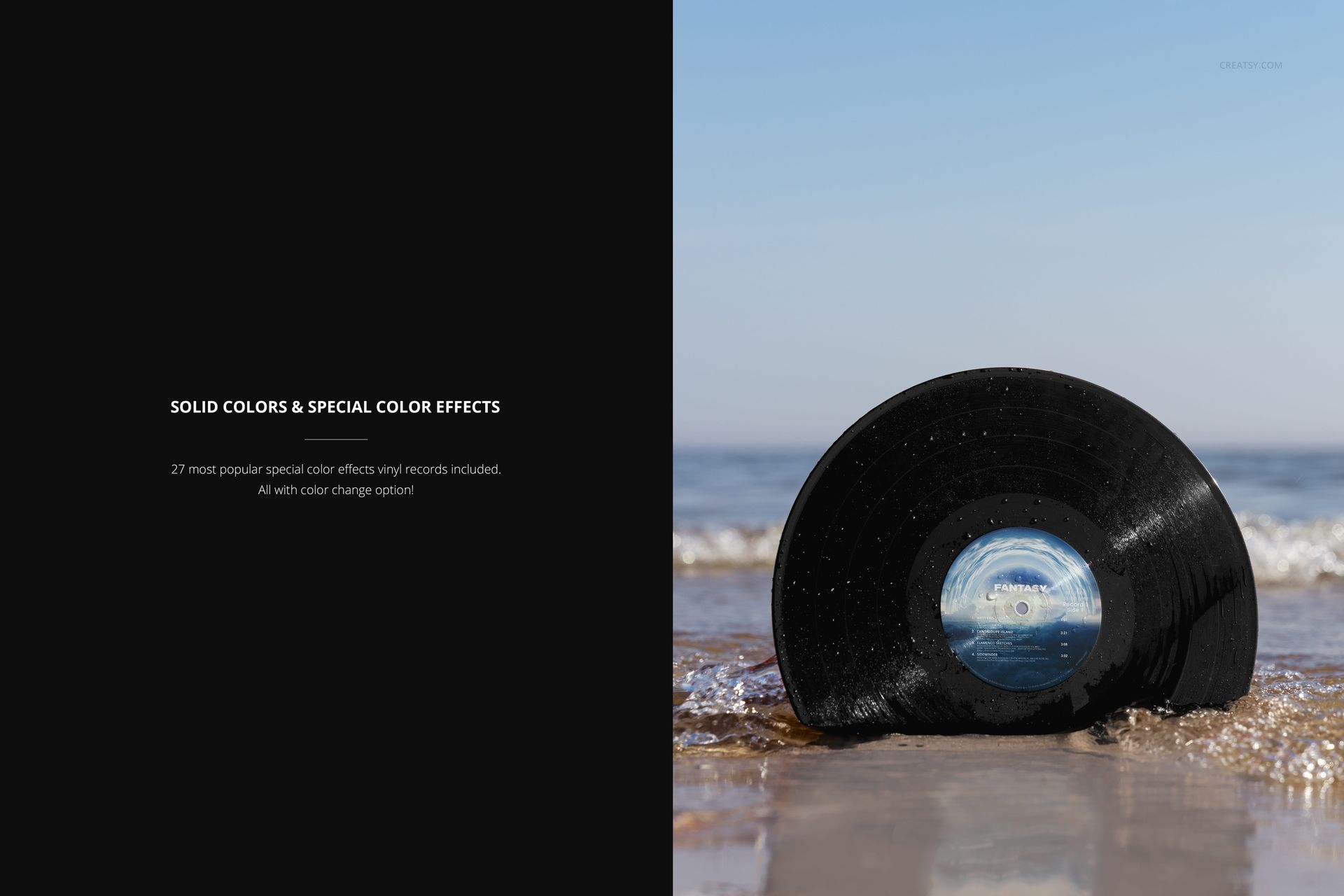
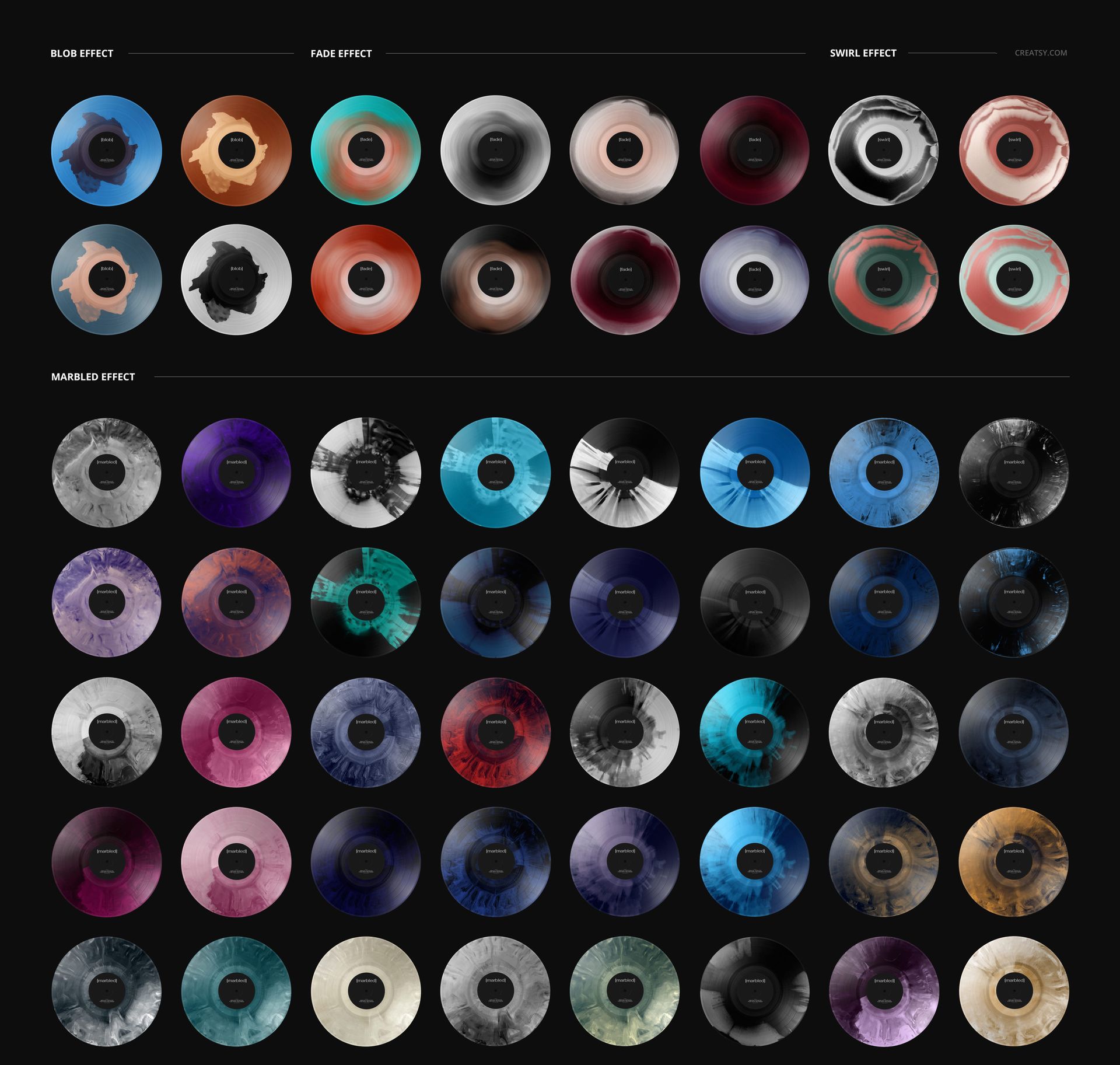
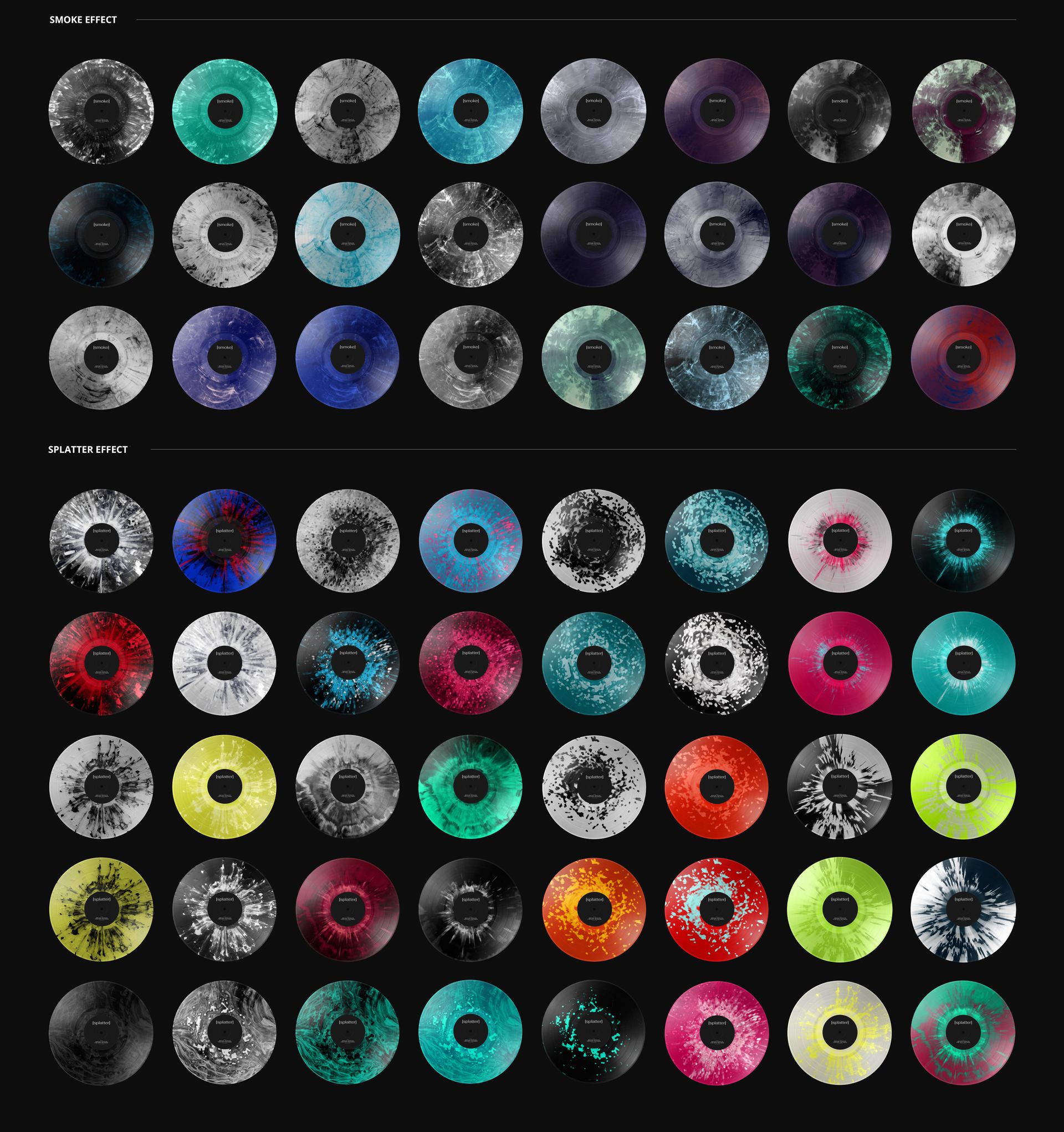
Solid vinyl colors and 27 special color effects.
A Clear Horizon for Your Release Identity
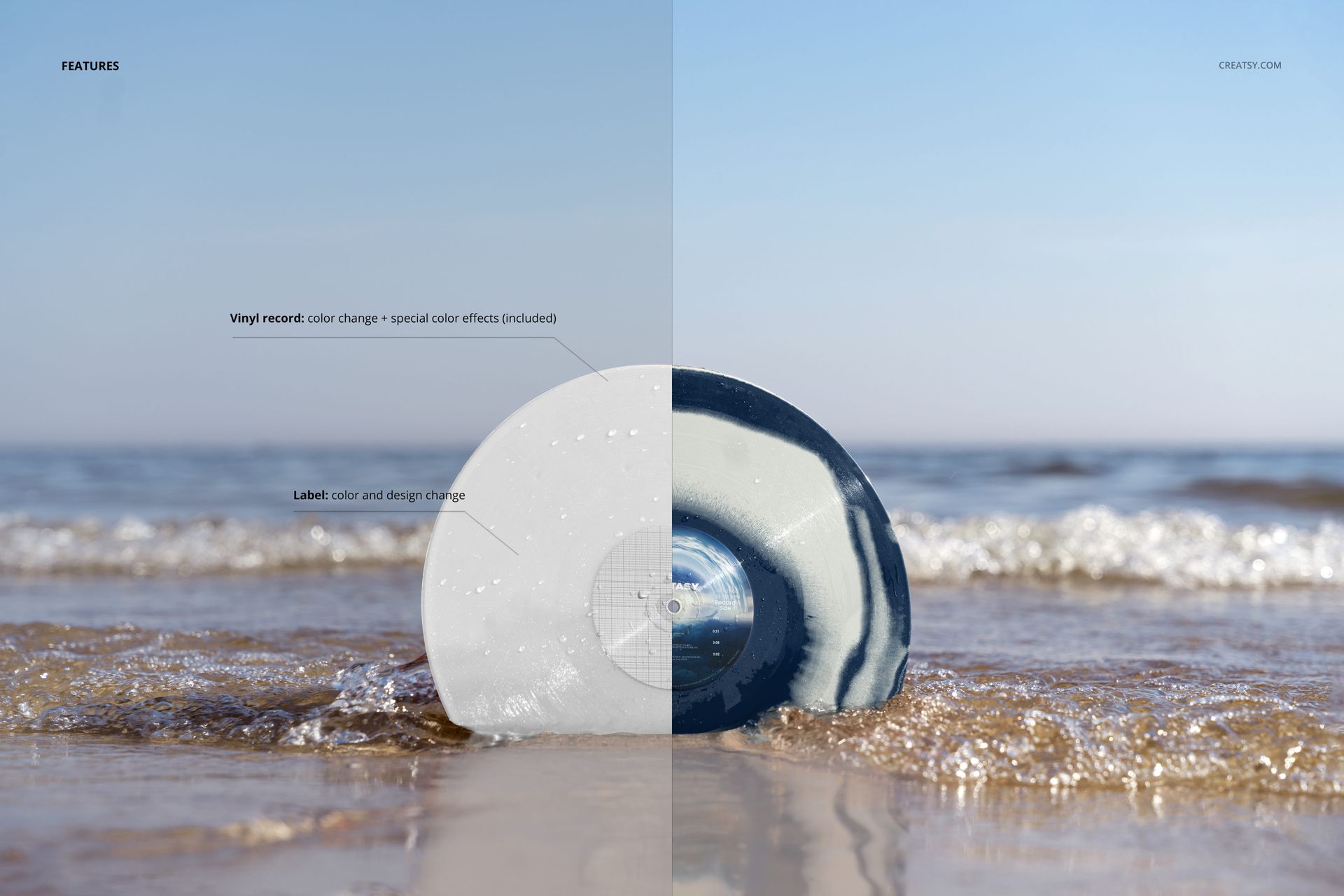
Change the label artwork and color, then coordinate the record with your release palette. The included special effects cover blob, fade, swirl, marbled, smoke and splatter looks. The open sky contrasts with the detailed shoreline, giving the scene a calmer backdrop than a tightly framed wave or underwater view.
Easy Smart Object Editing
Open the PSD in Adobe Photoshop or Photopea. Place your label design in the Smart Object and save it to update the scene. Adjust the available color and vinyl effect layers, then export a finished image for your presentation or campaign.
Perfect For
Music labels, independent artists and music branding designers can use this scene for summer release announcements, portfolio headers and promotional artwork. The landscape composition also provides room to plan a wider campaign layout around the disc.
This is a digital mockup, not a physical record. The demonstration artwork visible in the previews is not included.