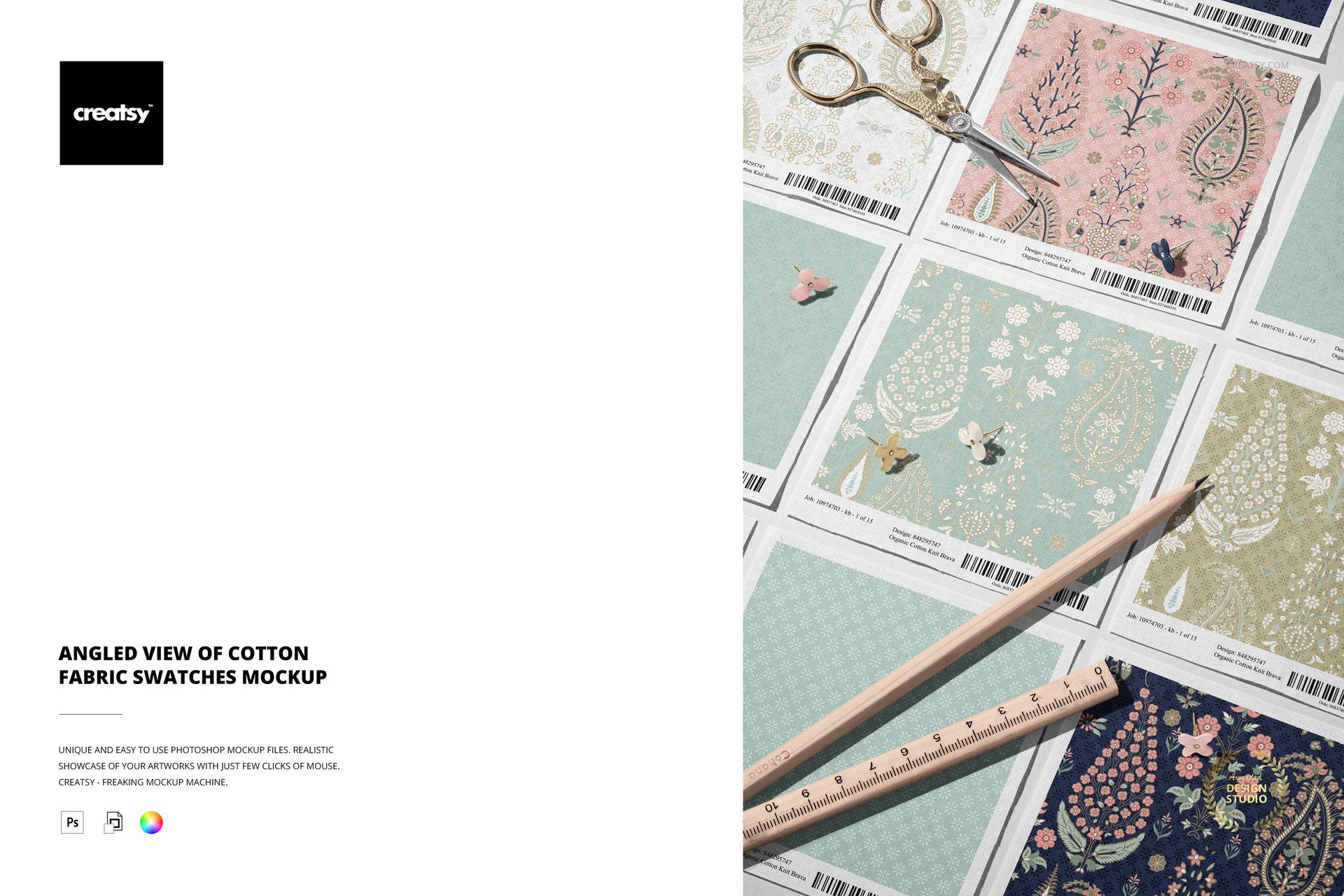
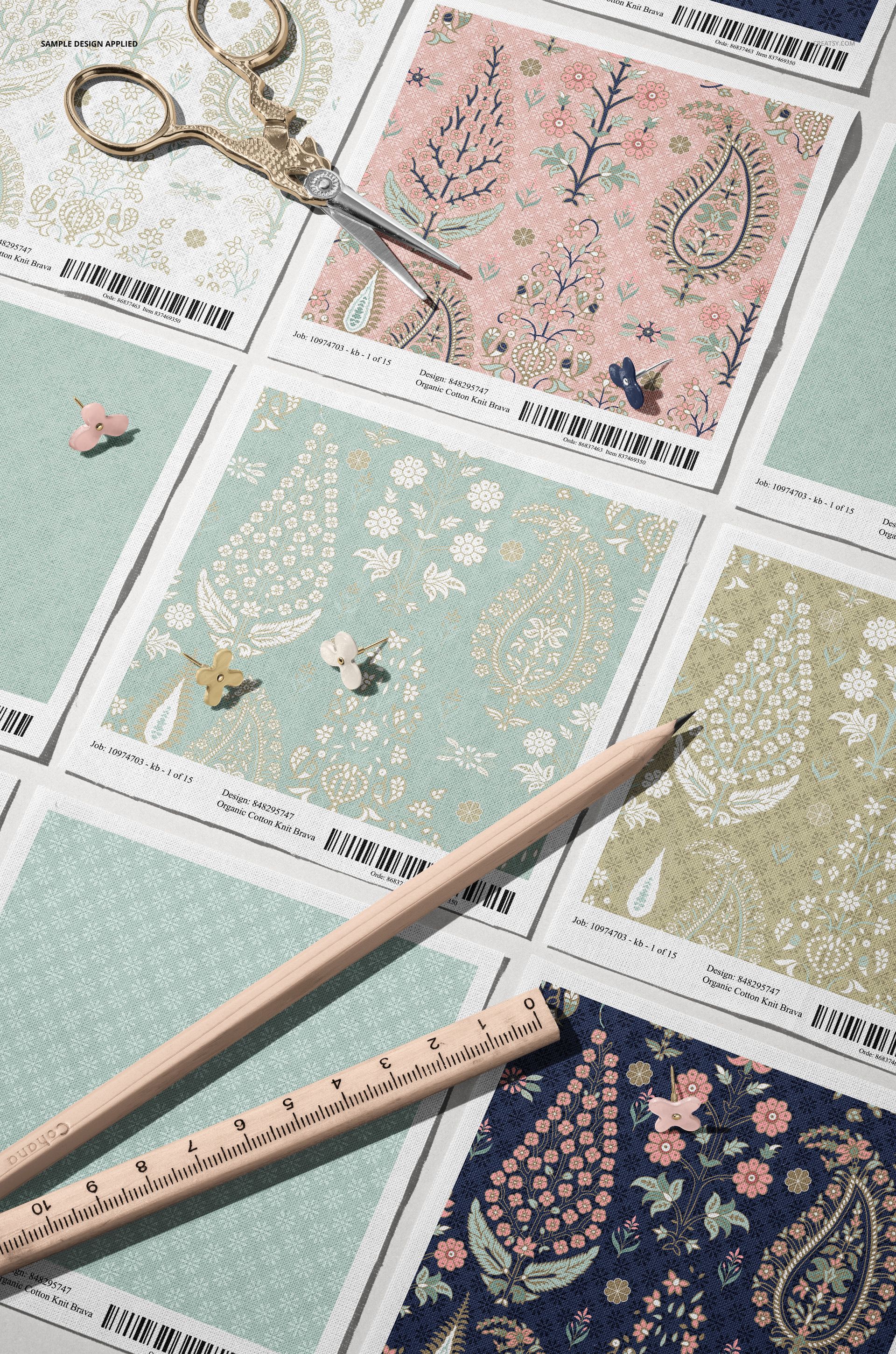
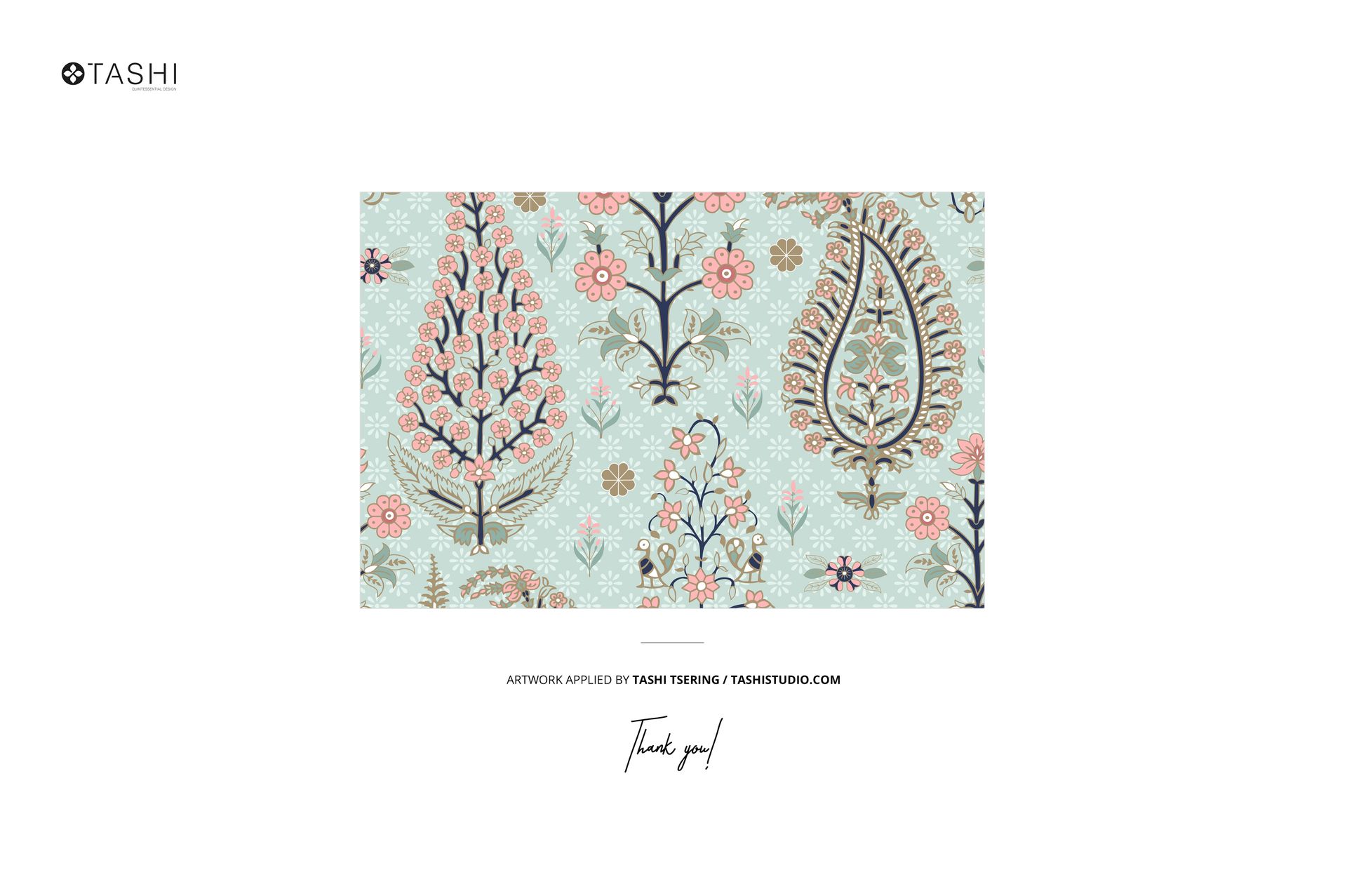
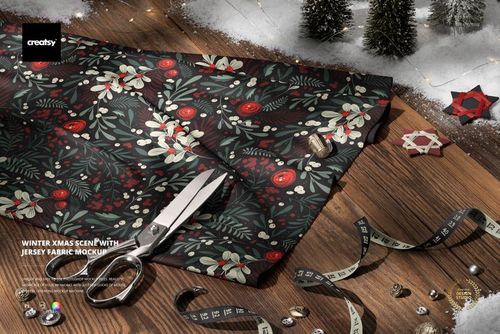
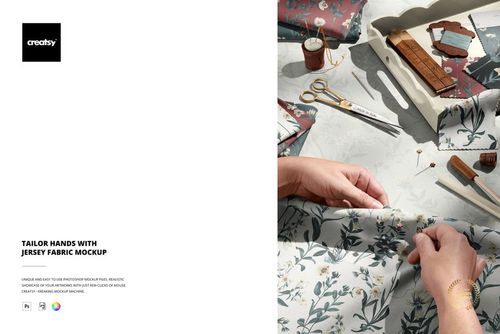
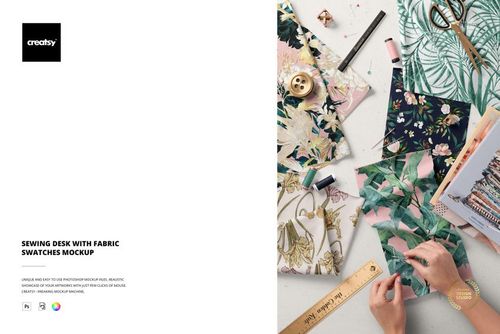
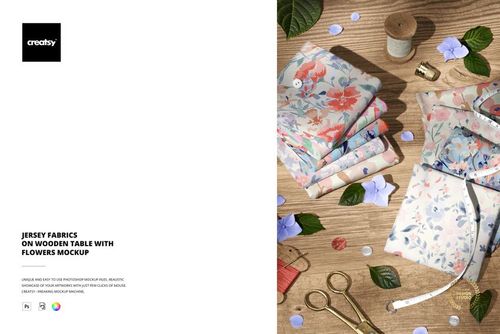
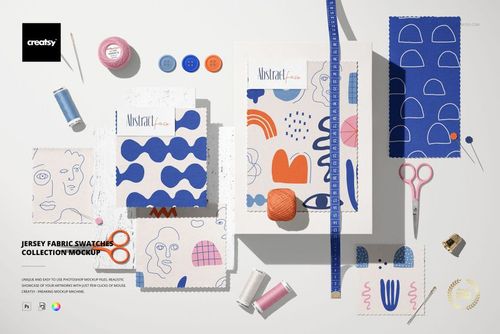
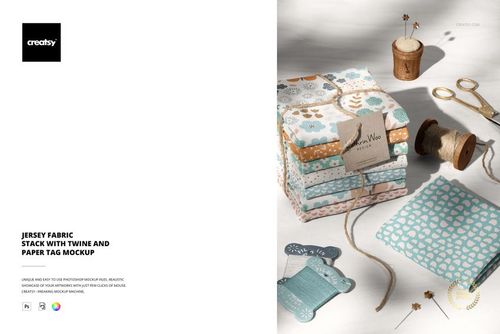
Cotton fabric swatches photographed from an angled perspective, showing the natural texture, weave, and drape of real cotton material with your surface patterns applied to each swatch. This Angled View of Cotton Fabric Swatches Mockup presents your repeat patterns, textile designs, or artwork on multiple fabric samples arranged together, giving viewers a realistic sense of how the design translates from a flat digital file to an actual woven cotton surface. The angled camera position reveals the fabric weight and dimension that flat-lay mockups miss, making this a more accurate representation of how printed cotton looks and feels in person.
Why This Mockup Works
Surface pattern designers need to show clients and buyers how their designs perform on real fabric, not just as flat tiles on a screen. Cotton has a specific texture, thread count visibility, and light absorption behavior that changes how colors and fine details appear compared to a smooth digital preview. This mockup captures those material characteristics accurately because it is built from a real photograph of actual cotton swatches rather than a 3D render. The angled perspective adds depth and dimension that helps viewers understand the fabric weight and how the pattern interacts with the natural folds, edges, and surface irregularities of cotton. Multiple swatches in a single frame let you present coordinating patterns or colorway variations together, which is how textile collections are typically evaluated by buyers and manufacturers.
What Is Included
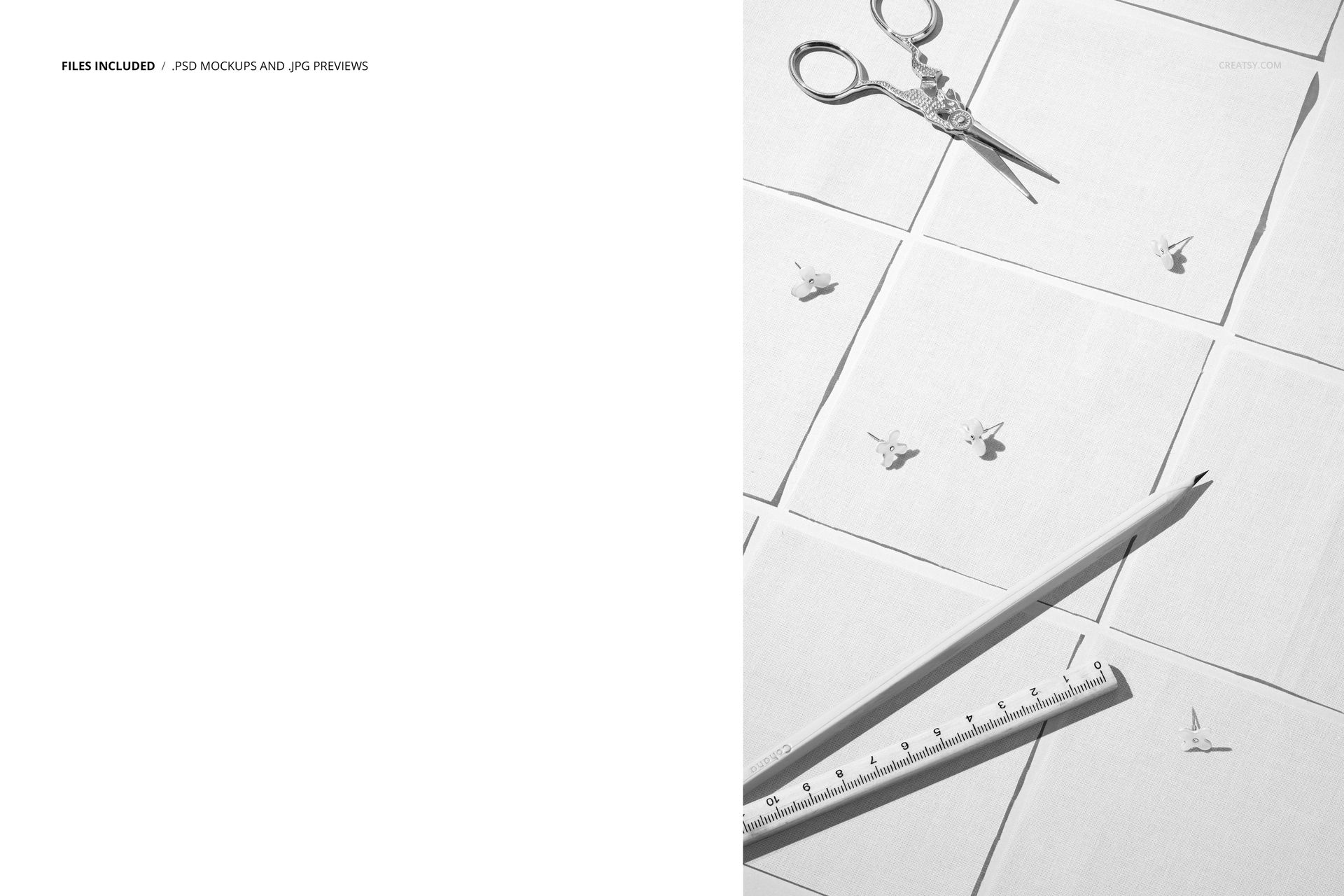
The download contains 1 PSD file at 6000x4000 pixels and 300 DPI resolution. The scene features multiple cotton fabric swatches arranged at an angled view. Each swatch surface is editable through organized smart object layers, allowing you to apply different patterns or designs to each piece independently. The total file size is 509.98 MB, and the file opens in Adobe Photoshop CC2020 or newer as well as in Photopea for browser-based editing.
What You Can Customize
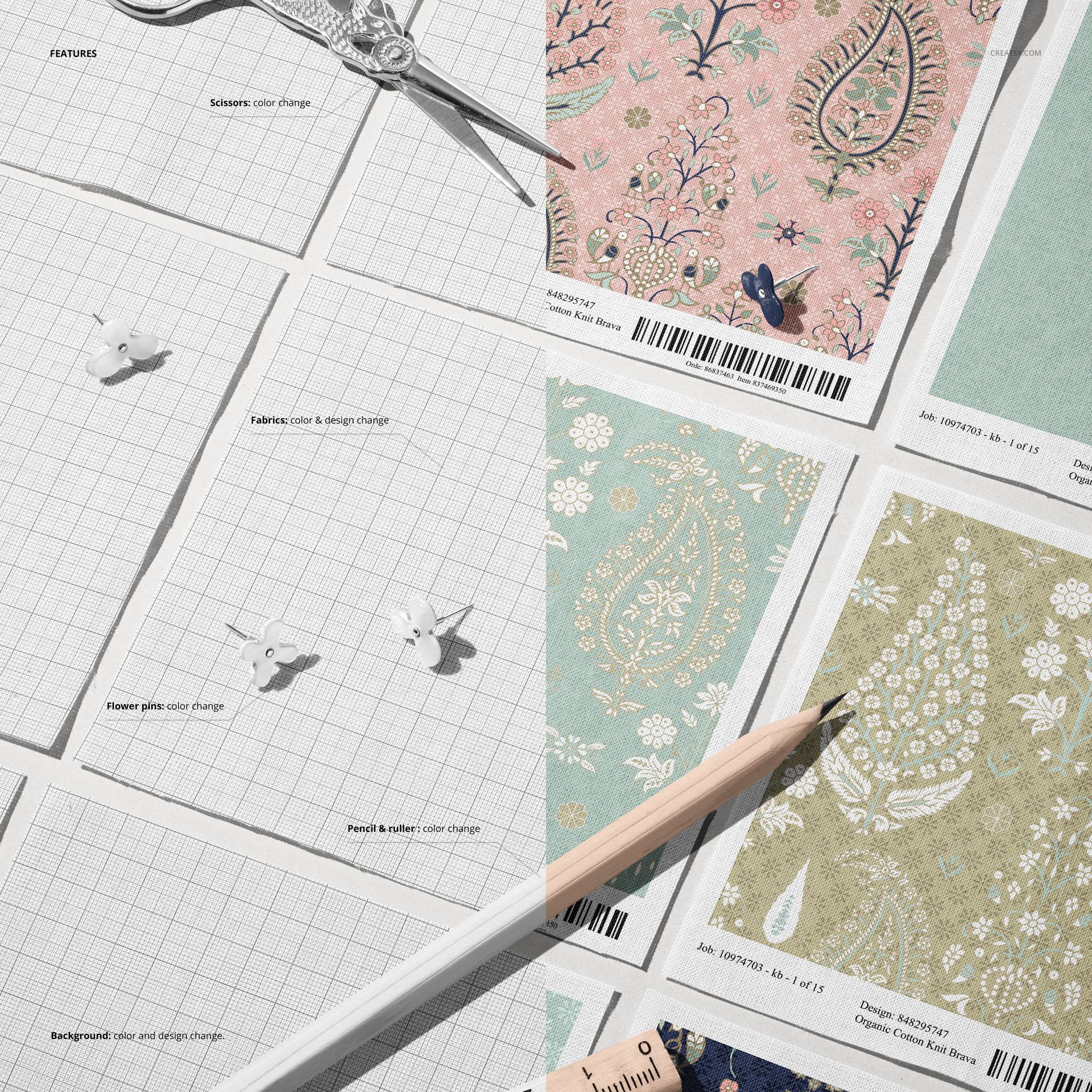
Replace the pattern on each fabric swatch using smart object layers. Apply different repeat patterns, colorways, or artwork to each swatch individually, which makes this mockup ideal for presenting fabric collections where multiple coordinating designs are shown together. The smart object mapping preserves the cotton texture and weave visibility, so your pattern appears as it would when actually printed on cotton rather than as a flat graphic overlay. Well-organized layers support quick iterations for testing multiple design variations across the swatch set.
Who This Mockup Is For
Surface pattern designers presenting textile collections to manufacturers, licensing partners, or retail buyers will find this cotton swatch mockup essential for demonstrating how their patterns perform on a specific fabric type. Textile design students building portfolios benefit from showing their work on realistic fabric rather than flat digital previews. Print-on-demand sellers, Spoonflower designers, and independent fabric sellers on Etsy or Creative Market need listing images that accurately represent how their patterns look on cotton to set proper buyer expectations and reduce returns.
File Specifications
Format: PSD (Adobe Photoshop CC2020 or newer, also compatible with Photopea). Files included: 1. Resolution: 6000x4000 pixels at 300 DPI. File size: 509.98 MB. Layers: well organized with smart objects. Note: the patterns shown in previews are by Tashi Studio (tashistudio.com) and are not included in the download.