Ringneck 10 oz Vacuum Insulated Tumbler Mockup Set

Product Details
10 oz Ringneck Vacuum Insulated Tumbler Mockup Set
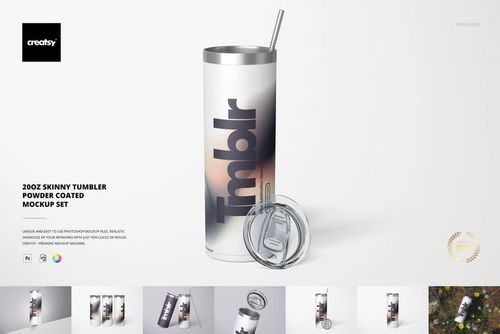
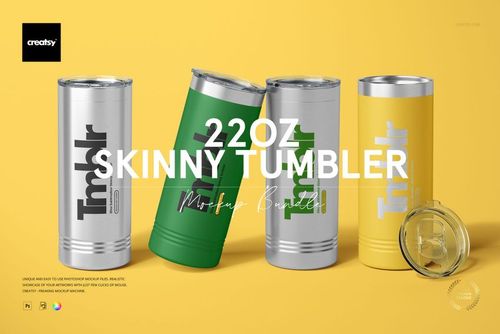
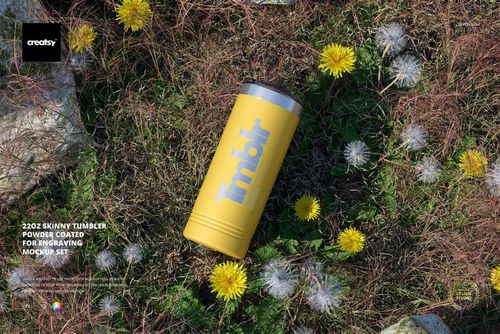
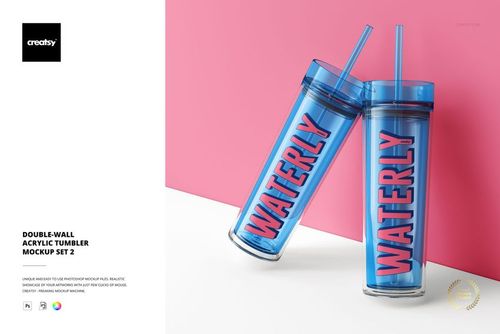
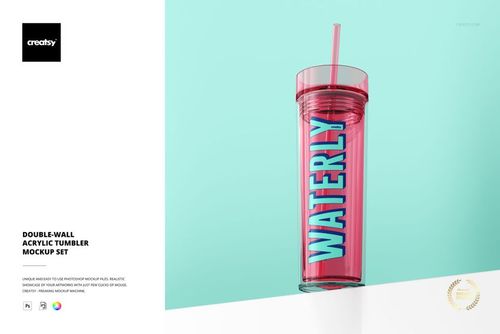
Present a compact drinkware design on a 10 oz ringneck tumbler with a clear lid and horizontal body rings. Five views in three surface variations give logos, decorative lettering, and engraved-style artwork a consistent setting for a small tumbler collection.
What Is Included
15 layered PSD files: 5 angles in 3 tumbler types
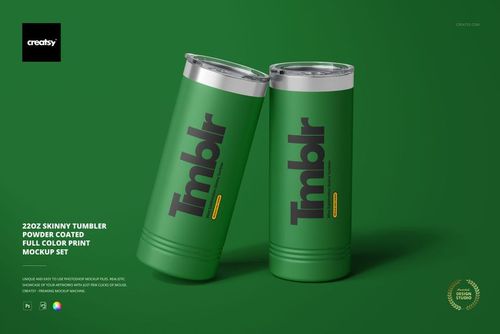
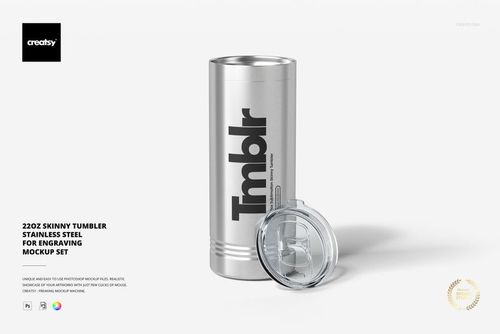
Steel, fully powder coated, and partially powder coated versions
15 product JPG previews at 6000 × 4000 px
3 JPG guide copies at 1500 × 2121 px
33 files in total
Listed PSD specification: 6000 × 4000 px at 300 DPI
Adobe Photoshop CC2015 or newer and Photopea
Customize Each Surface Treatment
Replace the artwork in all three tumbler types through Smart Objects. Change colors on the powder coated versions and compare custom engraving effects. The steel version also offers engraved, sublimation-style, and UV-LED printed presentations.
Design Around the Ring Detail
Use the smooth upper area for a main wordmark or illustration, then check how it relates to the horizontal rings below. The partially coated option leaves a visible metal rim, while the fully coated treatment creates a more continuous color surface.
Digital download: No physical drinkware is supplied. Preview artwork is not included.
File details
- Compatibility
- Package size
- 4.94 GB
|5.3 GB
- Files type
- .psd, .jpg
- Files size
- 6000x4000
33 files total: 18 JPG, 15 PSD.


MEET THE SHOP
- $6715$79.00
- $2550$30.00
- $1870$22.00
- $1615$19.00

HOW IT WORKS
3 clicks. That's it.
No tutorial needed. If you can copy-paste, you can use this.
- 1OpenDouble-click the smart object inside the PSD - in Adobe Photoshop, or free in your browser with Photopea.
- 2PasteDrop in your pattern, print, or artwork. Any design, any style.
- 3SaveHit save and the mockup wraps it in for you - shadows, folds, and lighting included.
FROM IDEA TO IMAGE
Built for real workflows
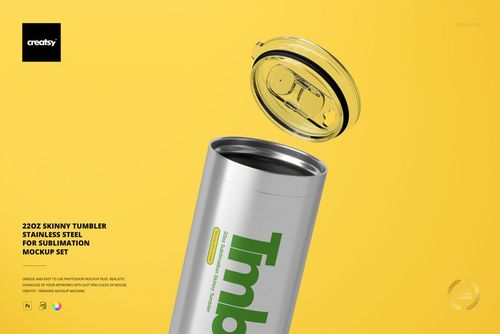
Wrap your logo around the cup, not a flat rectangle Drop the artwork in and see how it sits on the curve before you list it.
See it on the product, not a swatch Drop your file into the smart object and the scene's lighting and folds wrap around it, so you judge the real thing before you commit.
Smart Objects
Edit once and you're done. Your artwork drops into a smart object and the mockup updates itself - no masking, no warping by hand.
Perfectly Organized
Named layers and folders you can actually navigate. Find what you need, change what you want, and get out fast.
Print-Ready
High-resolution files built to hold up on screen and in print. Exact size and DPI are in this product's Details above.