Noissue Food Safe Paper Mockup (tortilla)
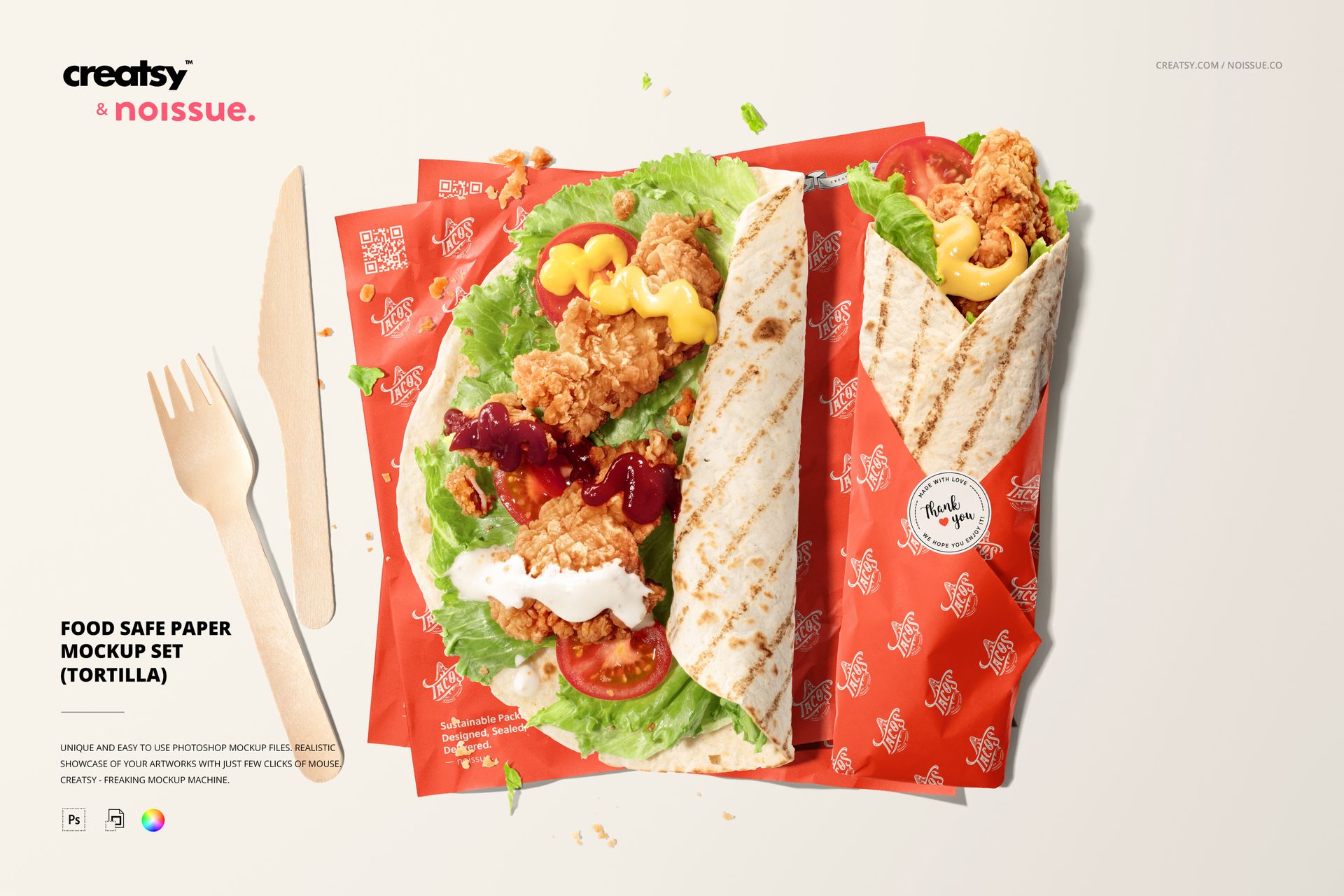
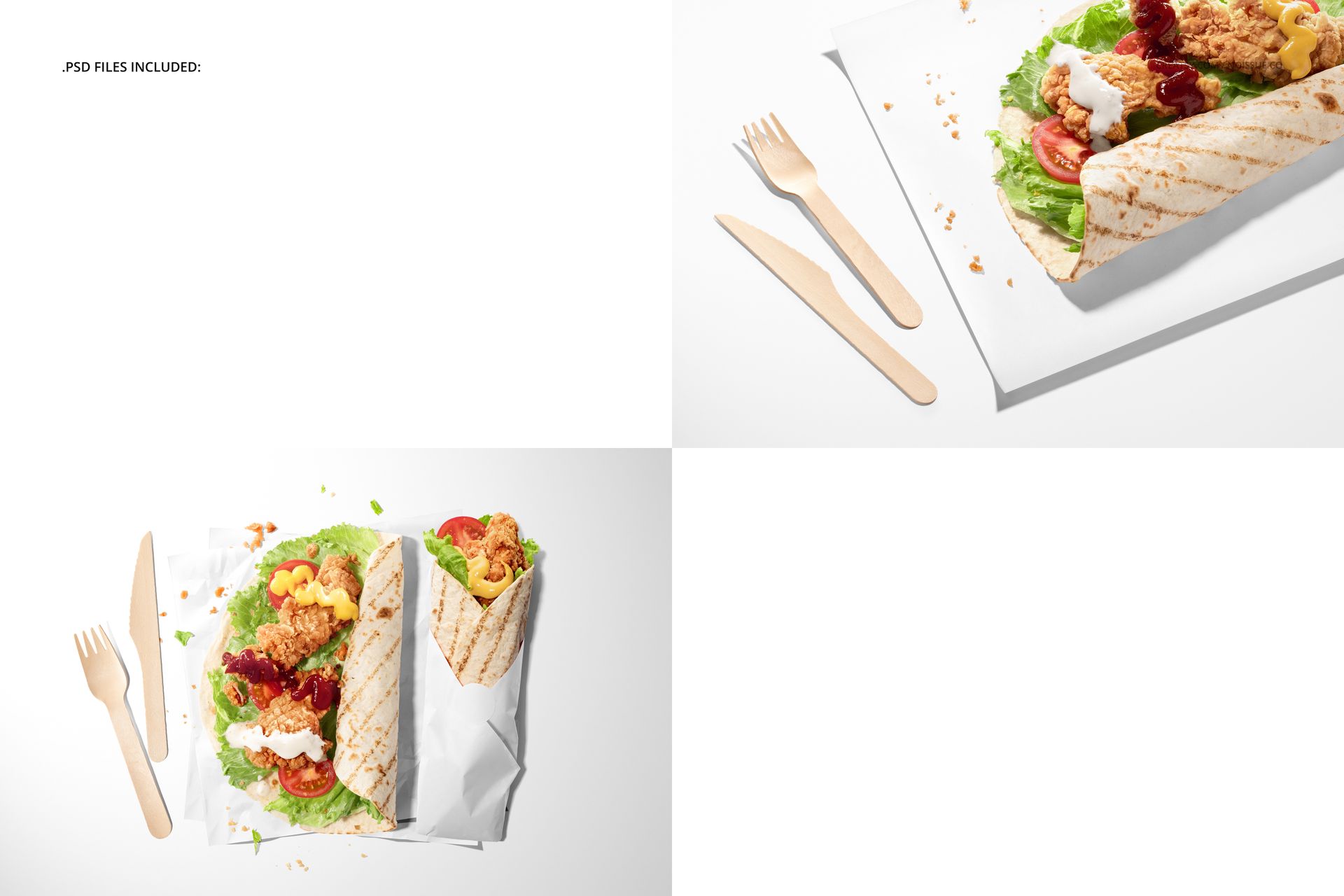
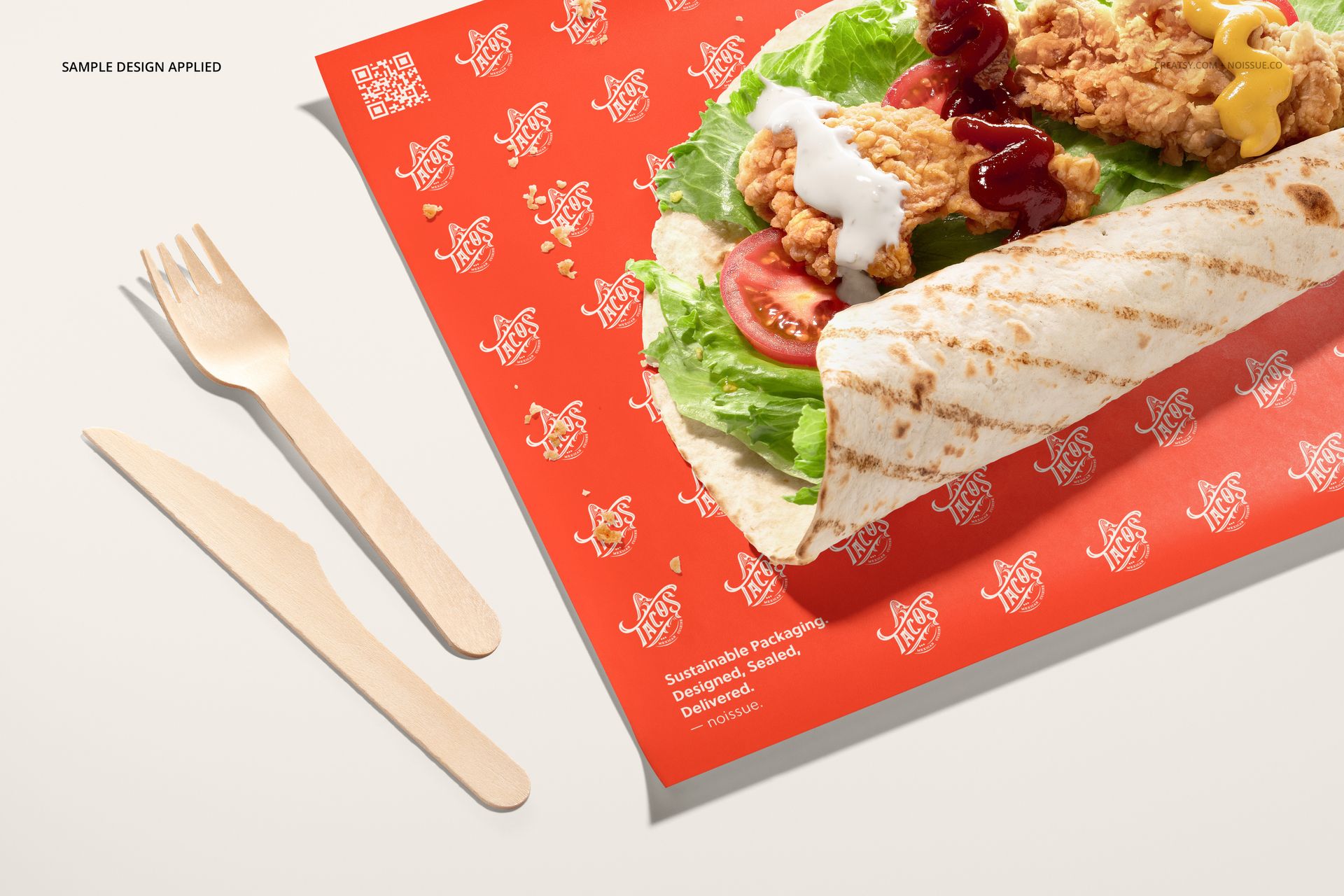
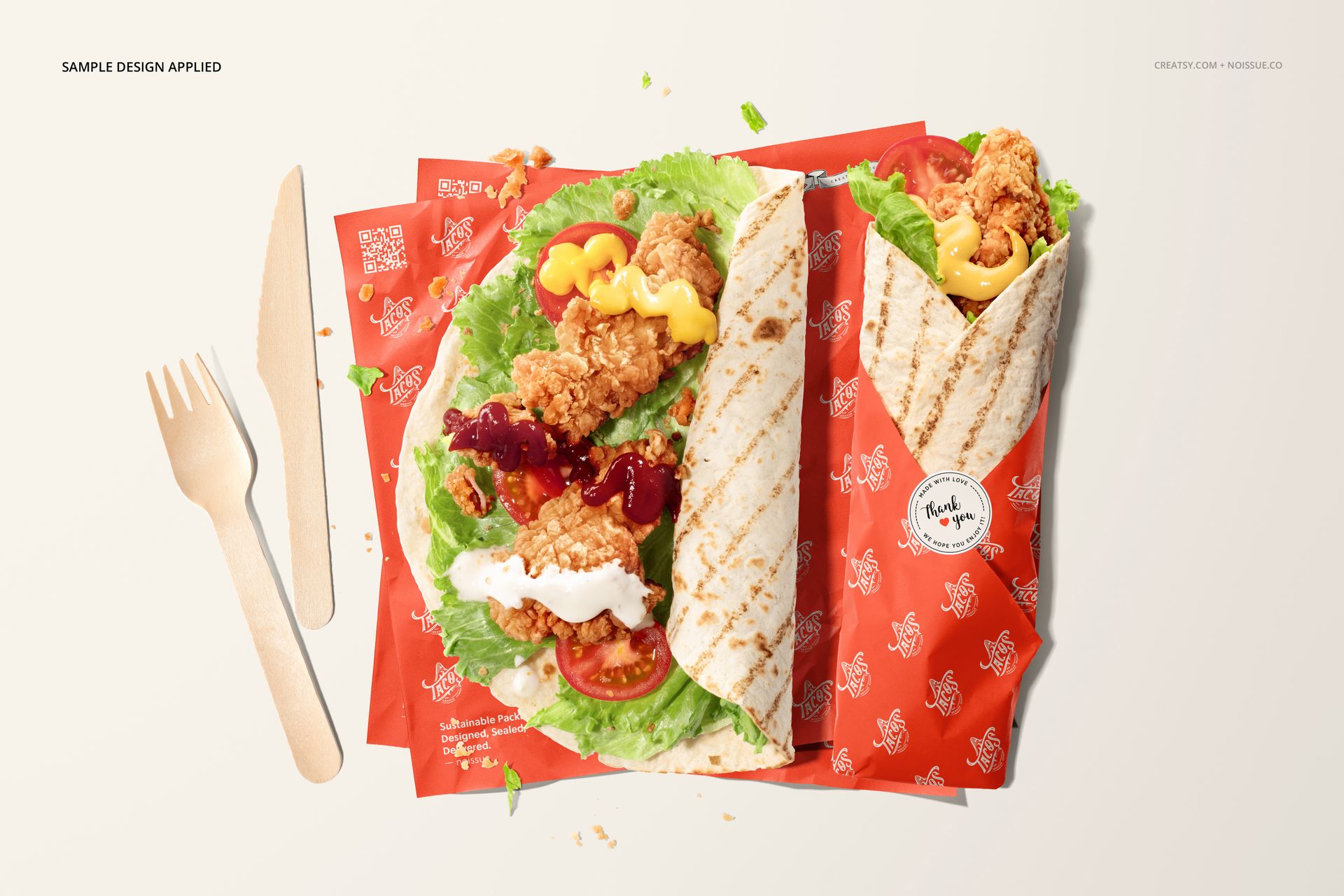
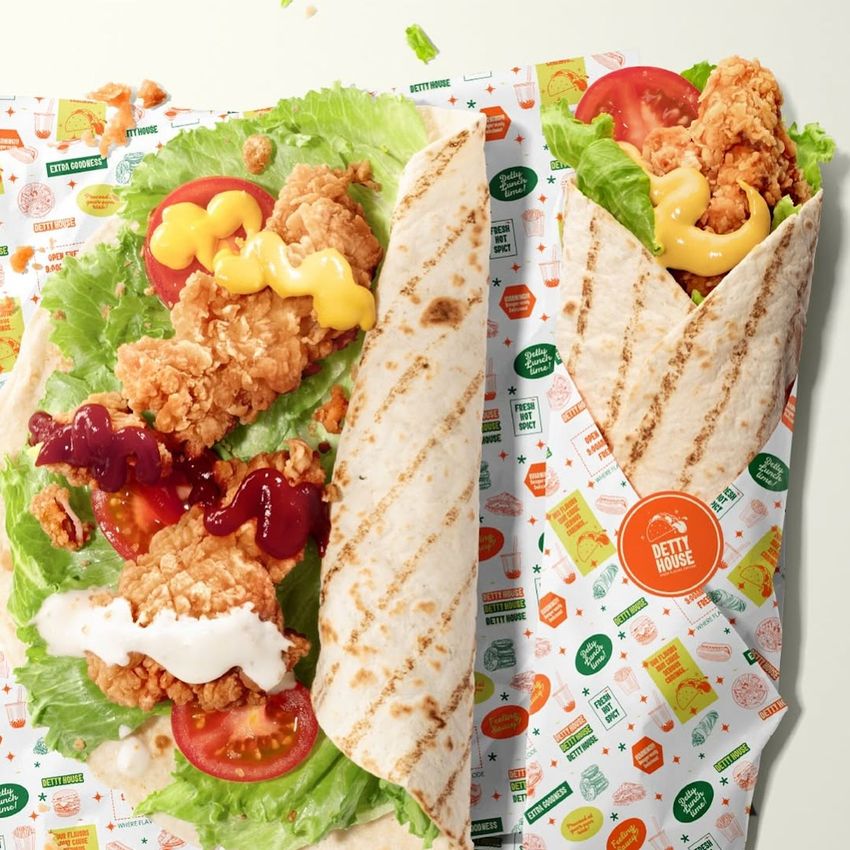
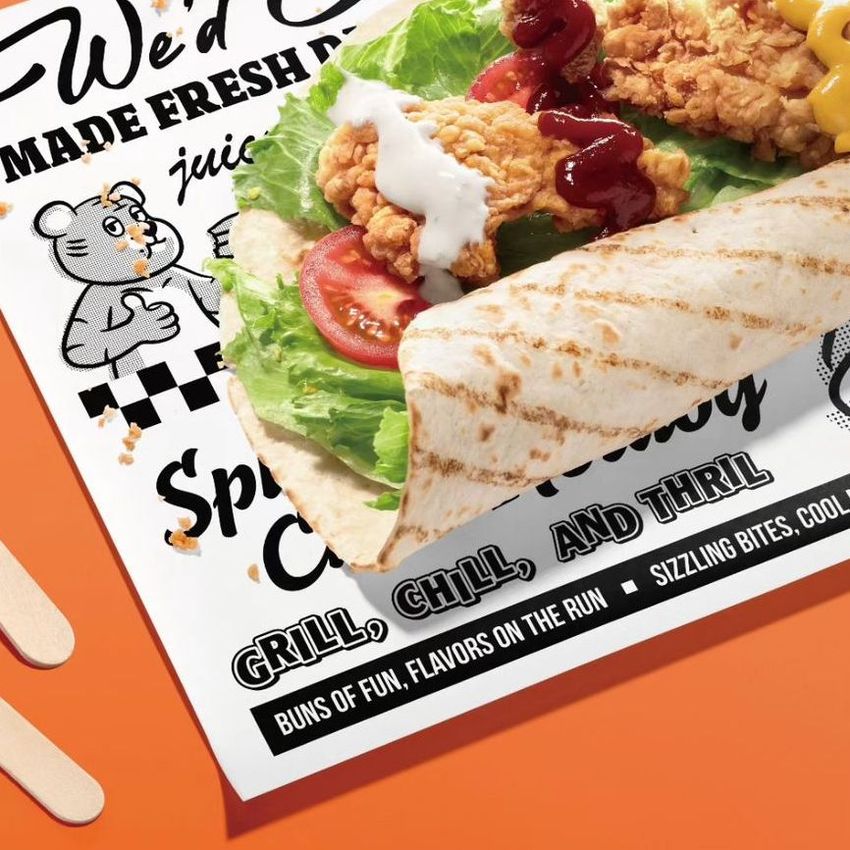
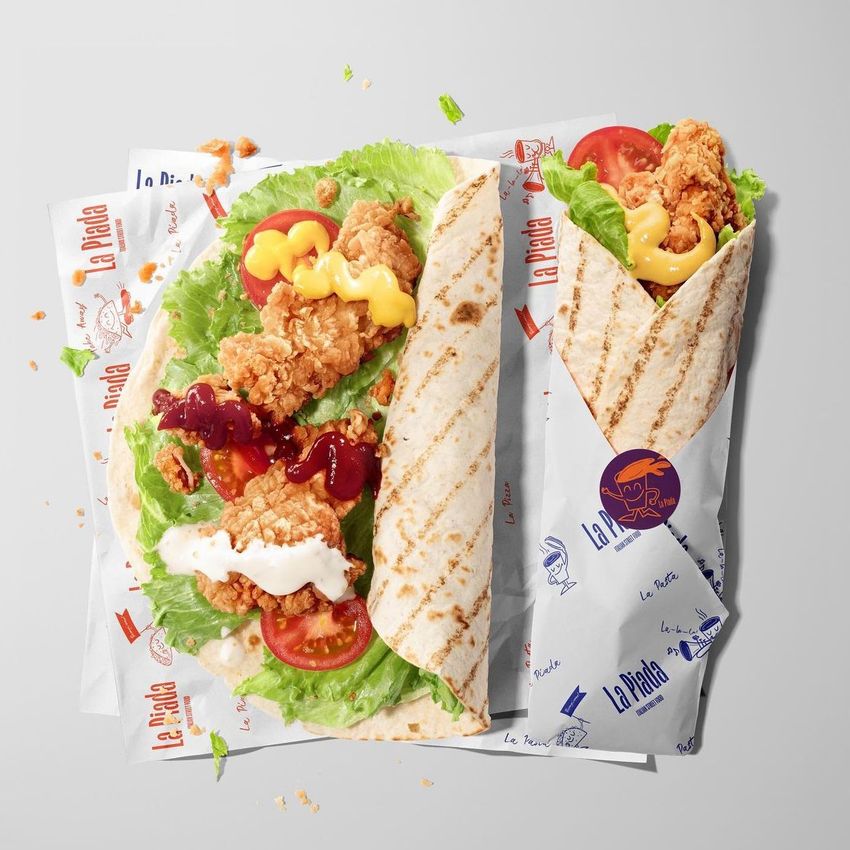
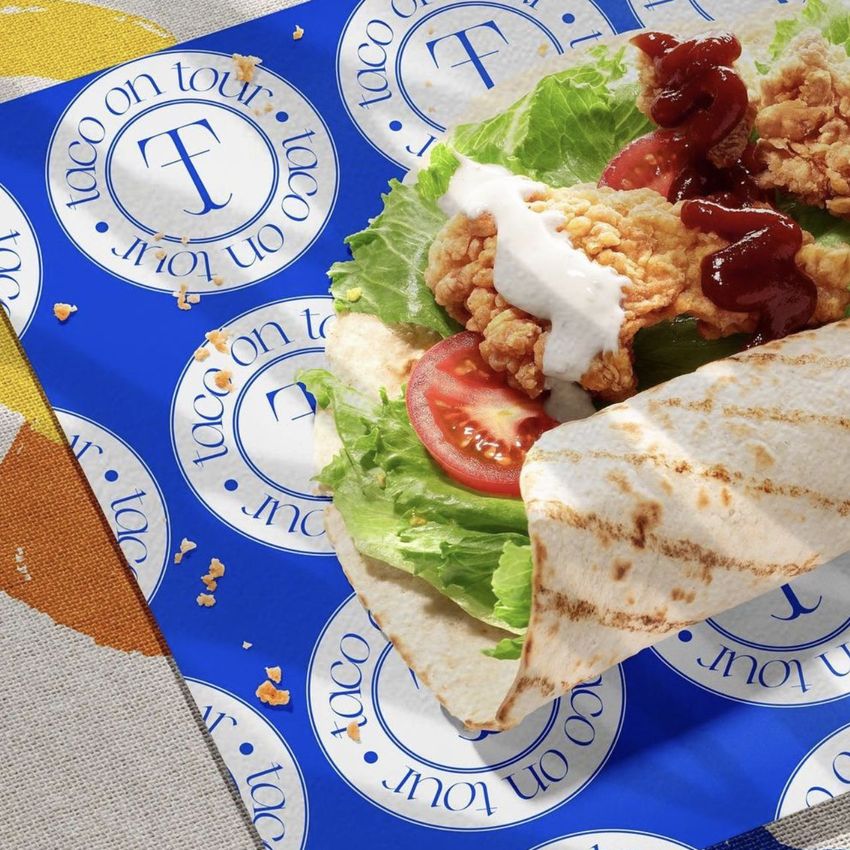
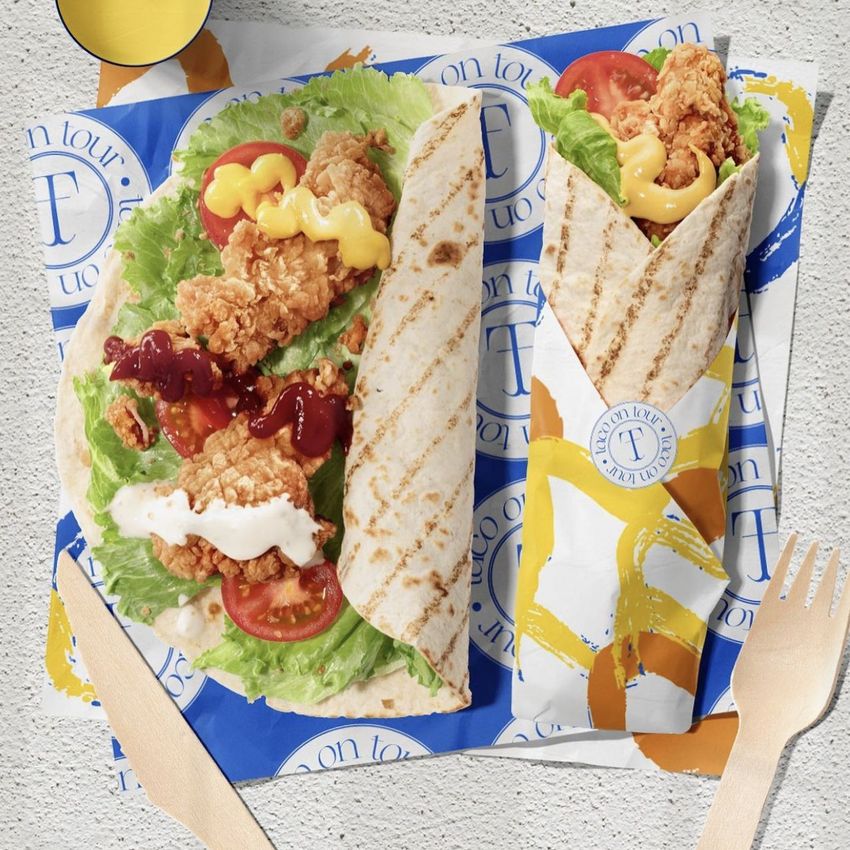
See the same paper identity laid out beneath a tortilla and folded around one. This two-scene tortilla wrapping paper mockup gives packaging designers a useful comparison between a broad printed surface and a narrower, wrapped presentation with a round sticker.
The food scenes feature chicken tortillas with lettuce, tomato and sauces, alongside wooden cutlery. They provide a recognizable takeaway setting for a restaurant rebrand, a food truck concept or a custom paper pitch, while keeping the paper artwork and sticker available for your own branding.
What Is Included
2 layered PSD mockup scenes, each 6000 × 4000 px at 300 DPI.
2 JPG previews and 1 PDF user manual, 5 files in total.
Support for Adobe Photoshop CC2015 or newer and Photopea.
Flat Paper and a Wrapped Tortilla
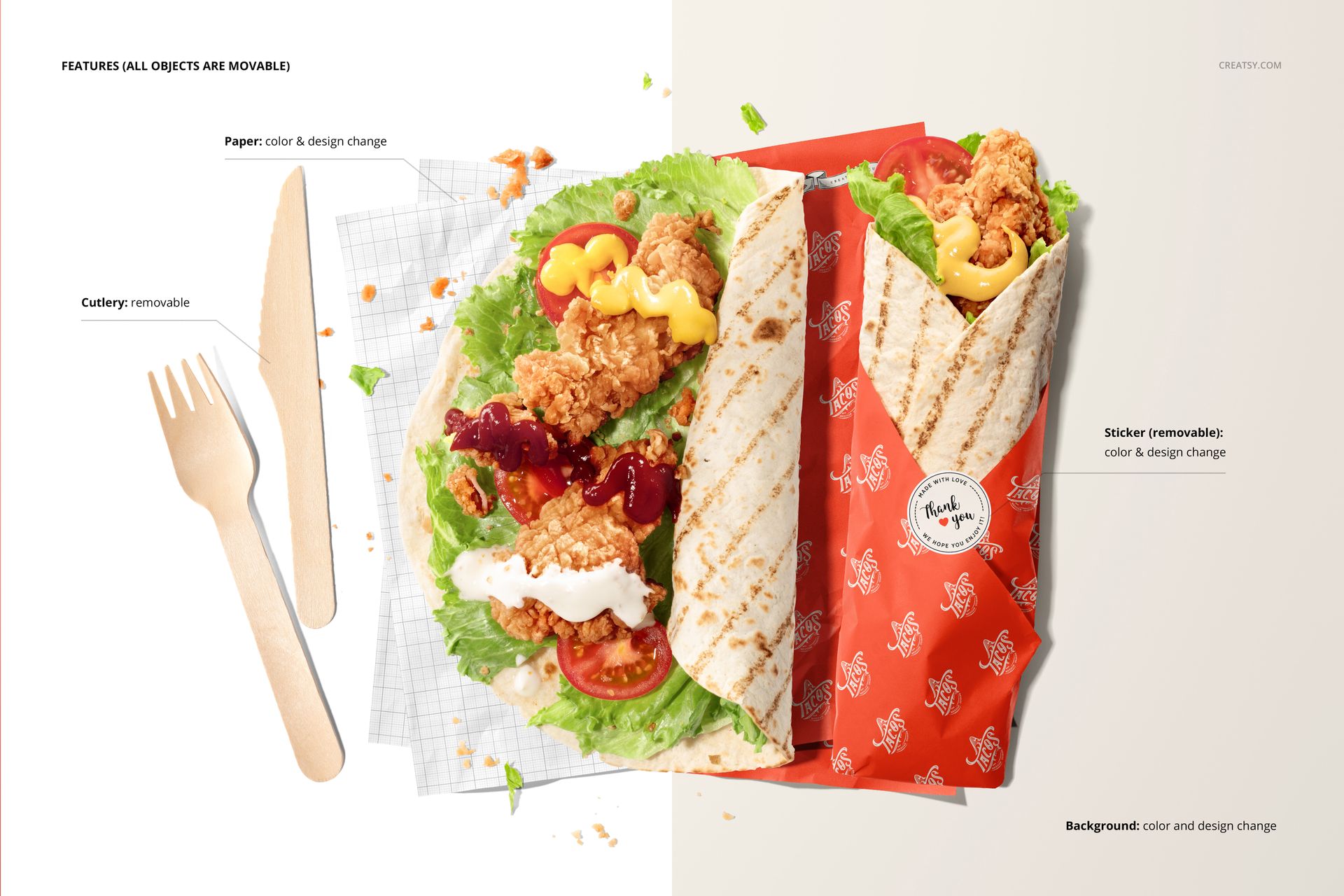
Change the color and design of the food paper.
Customize the round sticker color and artwork in the wrapped scene, or remove it.
Move scene objects and remove the wooden cutlery.
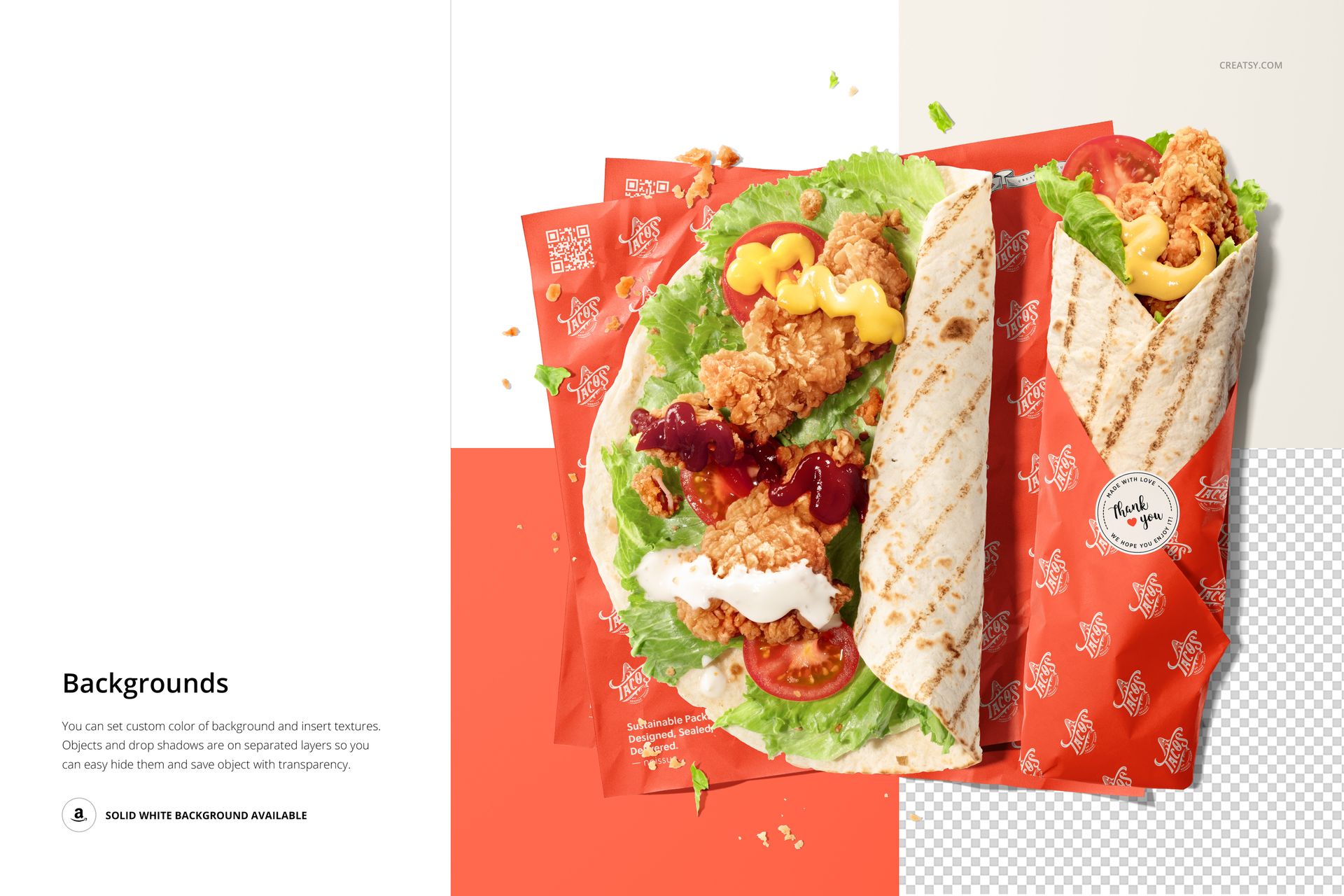
Change the background color, insert a texture or use transparency with separate object and drop-shadow layers.
Easy Smart Object Editing
Open either PSD and place your artwork into the relevant Smart Object. Save that object to update the scene, then adjust the color layers. In the wrapped composition, add your sticker design or hide the sticker before exporting. Repeat with the second PSD to build a consistent pair of previews.
Perfect For
Takeaway restaurants and street food brand concepts.
Food truck packaging presentations.
Designers comparing paper repeats and matching stickers.
Restaurant identity portfolios and client approval decks.
Digital mockup files only. No physical food or packaging is supplied, and the sample patterns and branding are not included.

















le fichier ça marche pas, ça me donne ce message Impossible d’ouvrir « NFSP+Mockup+Set+(tortilla)+by+Creatsy copie.zip » car cette app provient d’un développeur non identifié.
Hi Amina, thank you for flagging this - that message comes from macOS, not from the file itself. Gatekeeper blocks downloaded files by default, before they're even unzipped. Two quick fixes: 1. Right-click the .zip → "Open" (instead of double-clicking), then confirm. 2. Or use a free extractor like The Unarchiver or Keka. If it persists, email us at [email protected] and we'll send the pre-extracted files via WeTransfer. 🤍