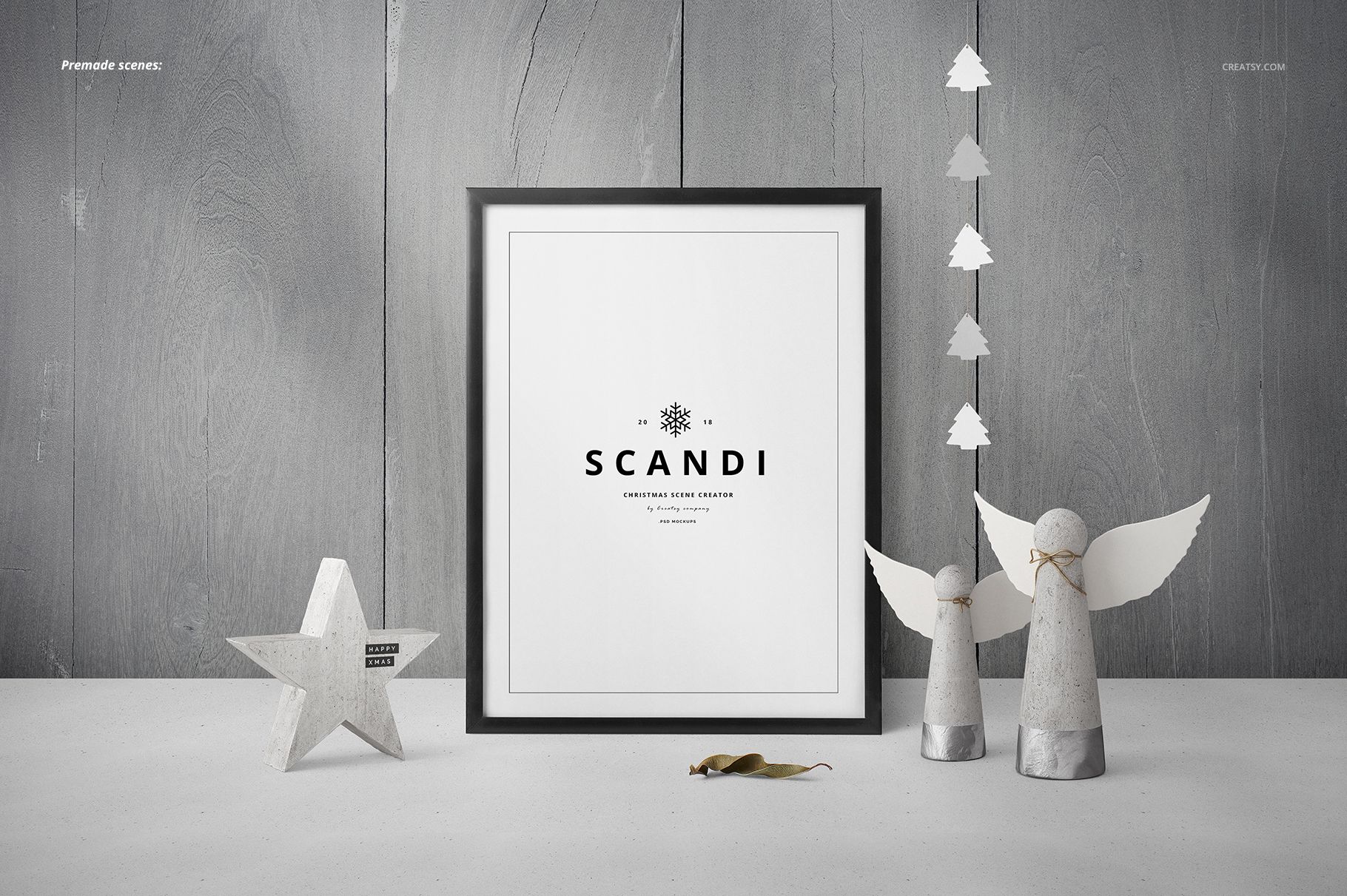
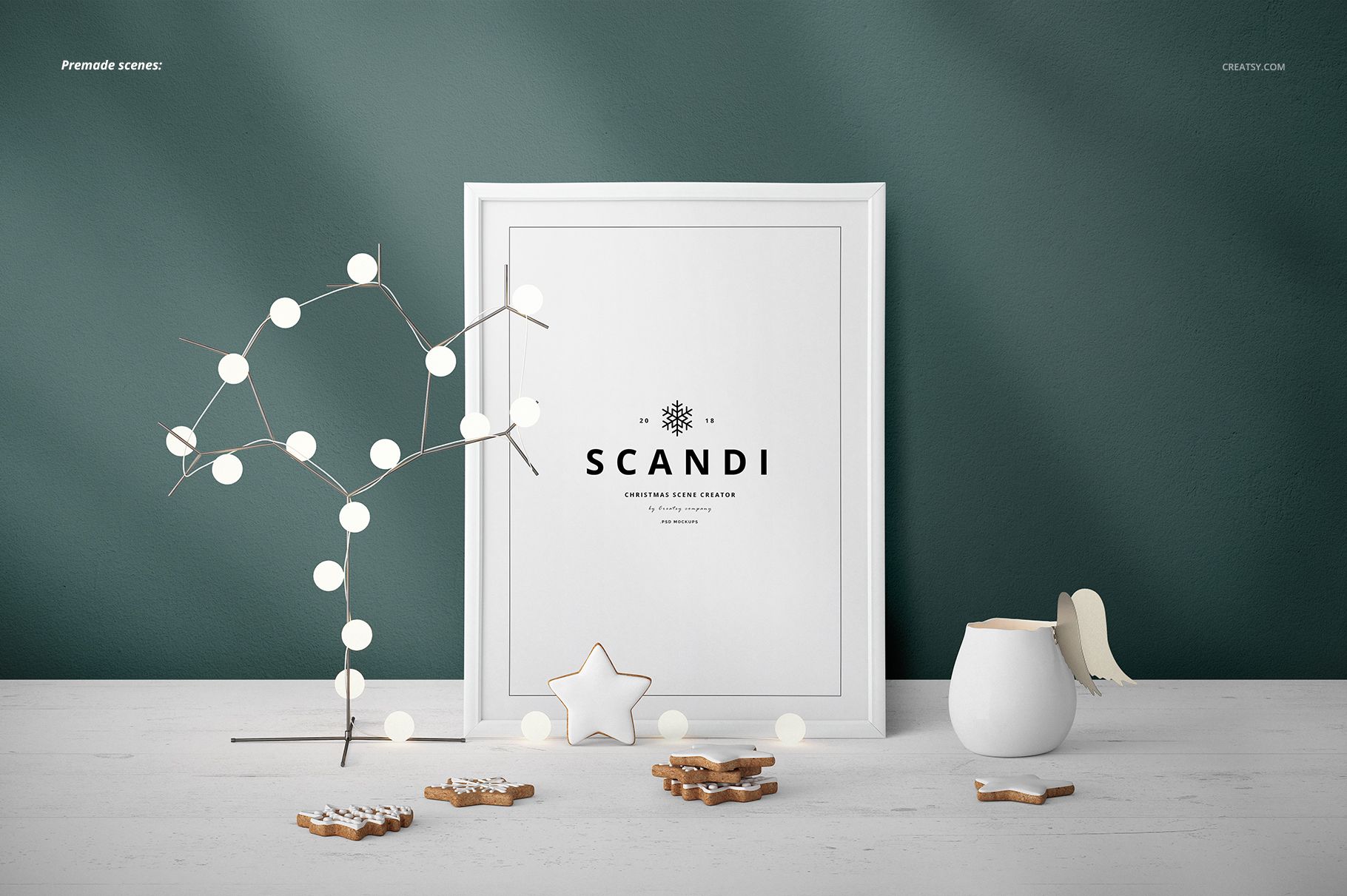
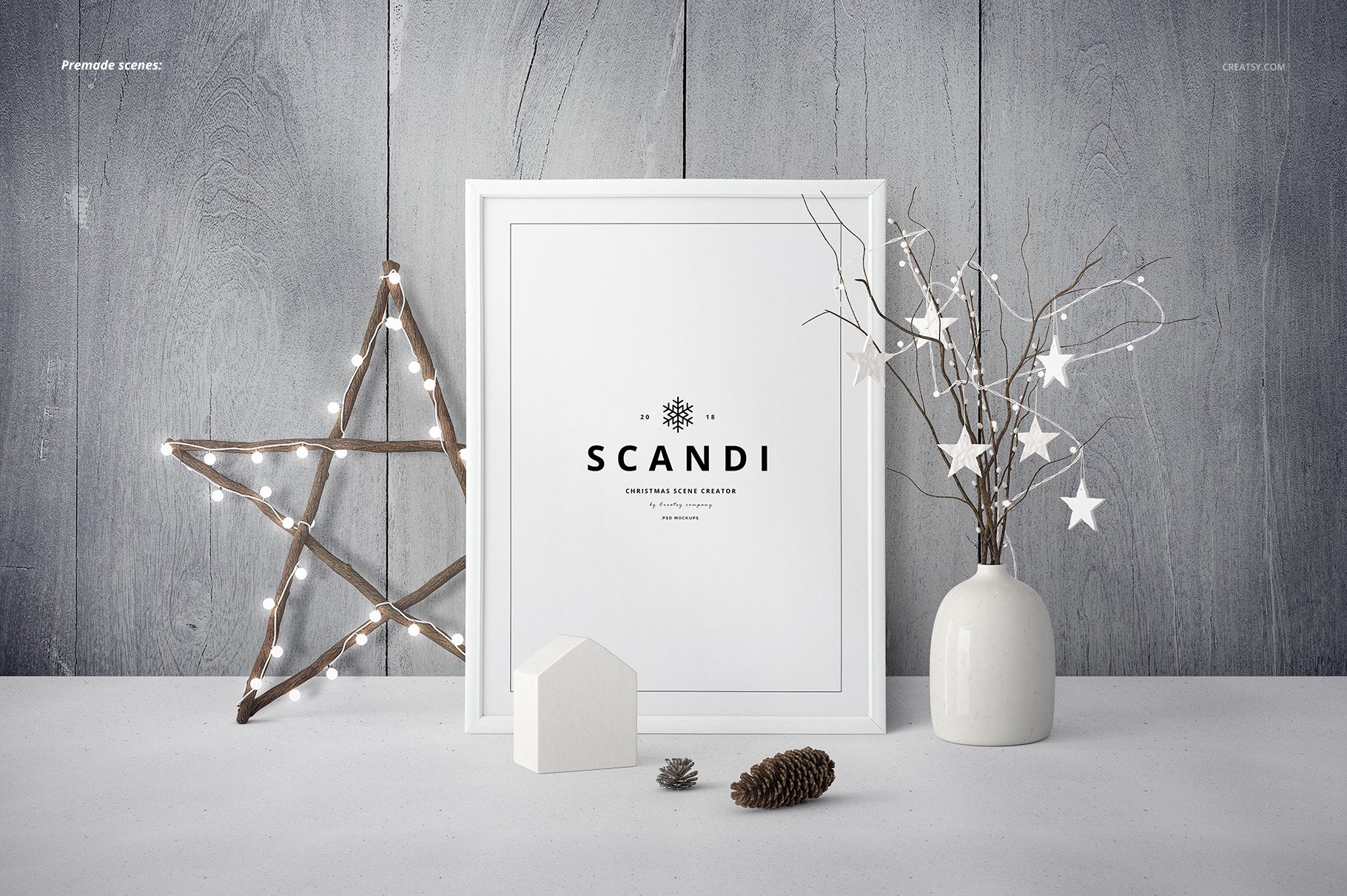
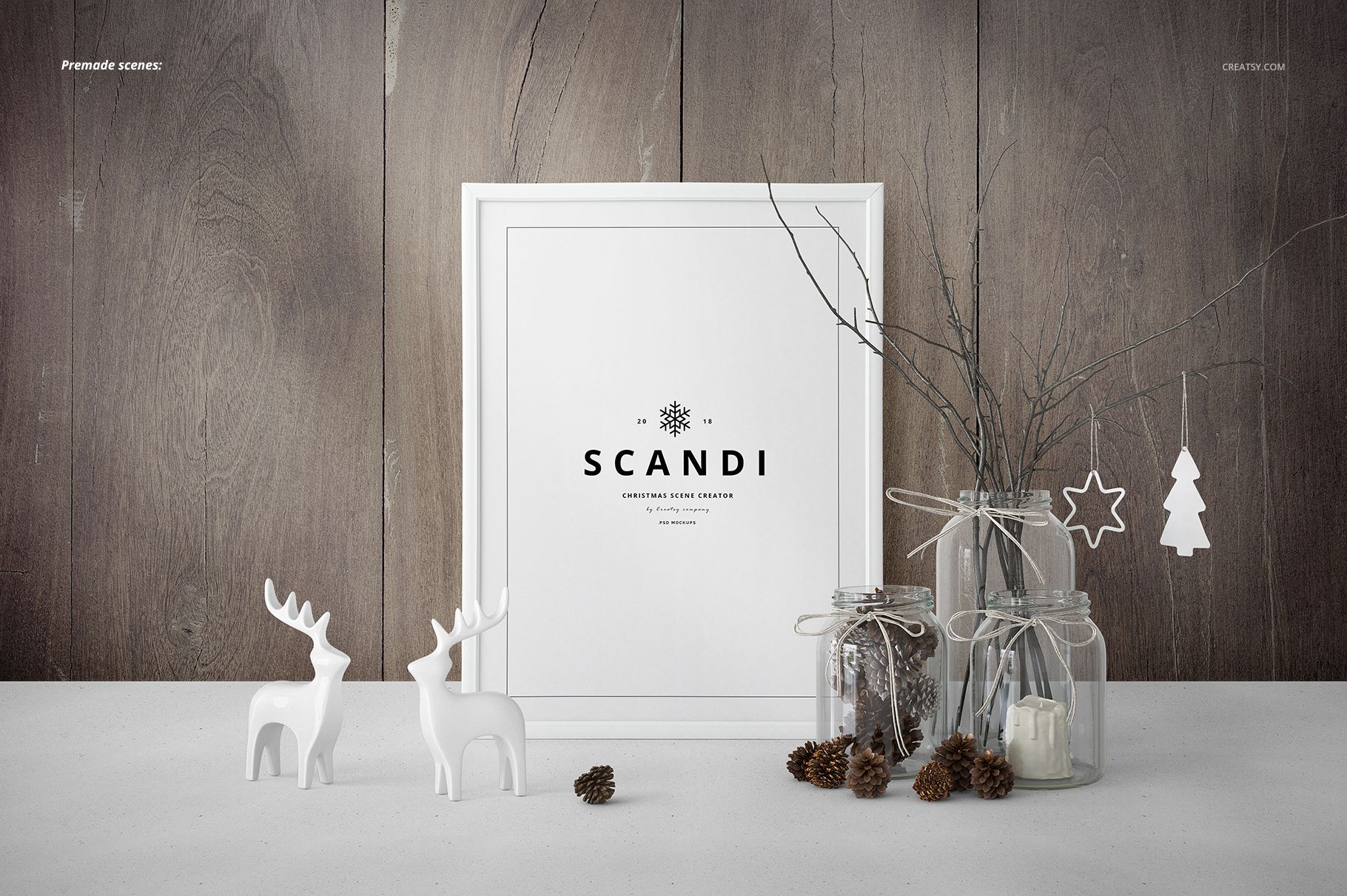
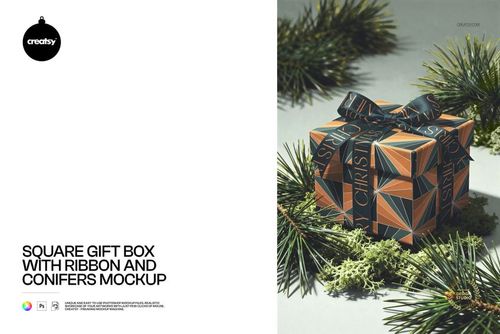
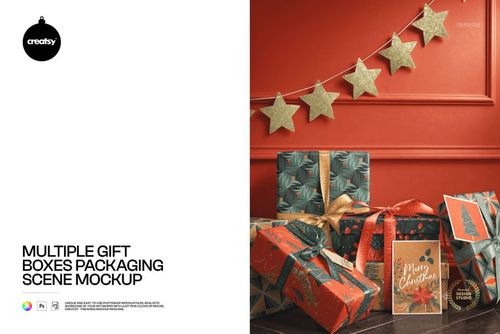
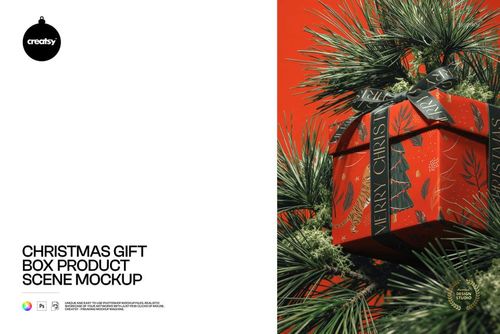
SCANDI - Christmas Scene Creator Mockup
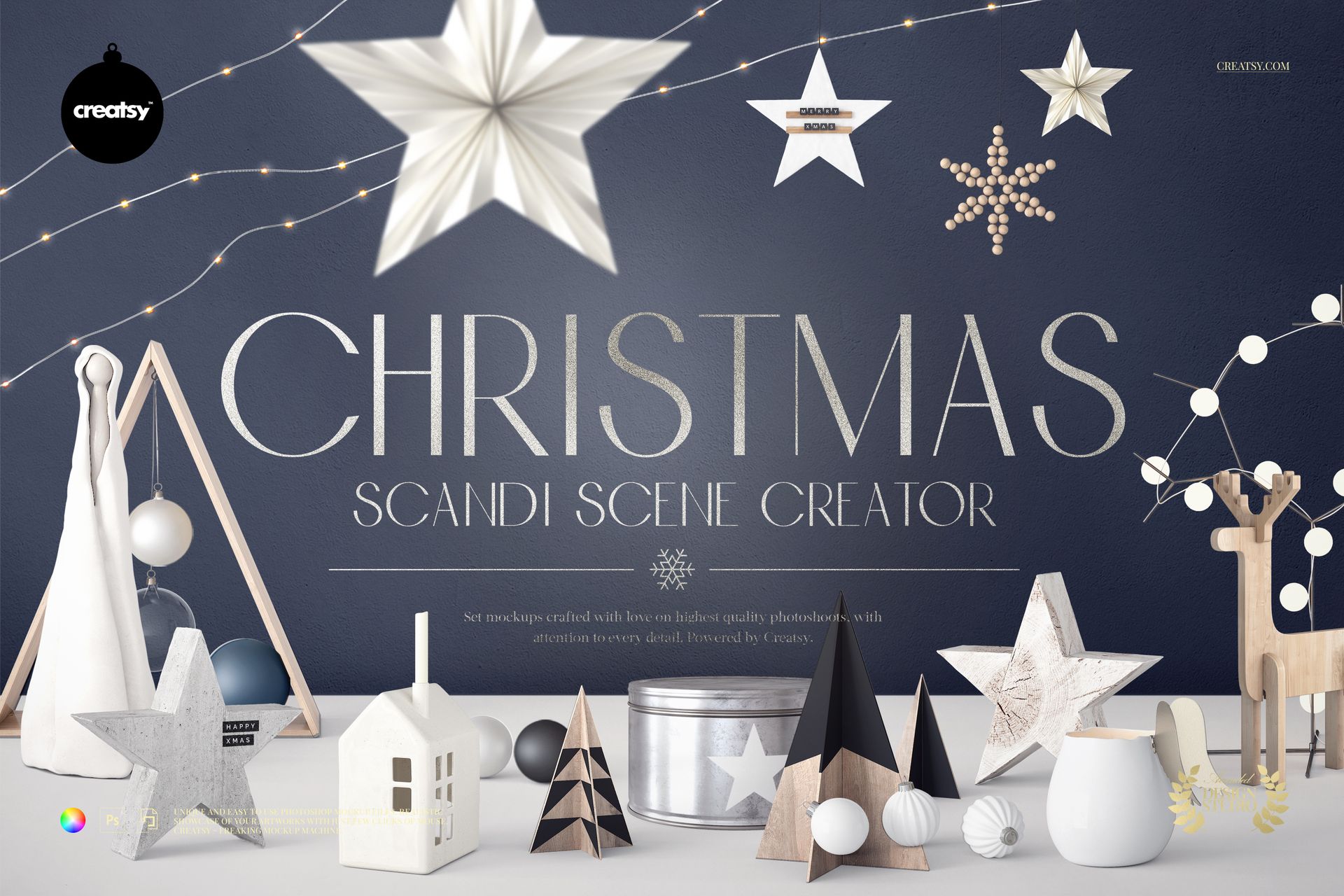
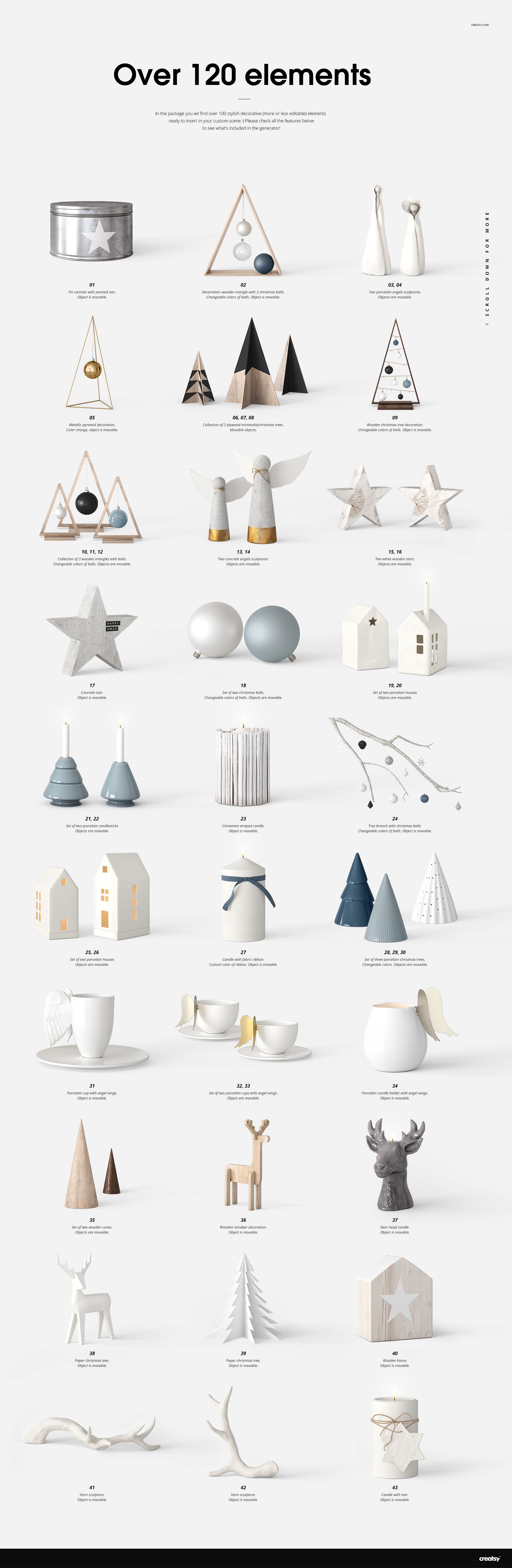
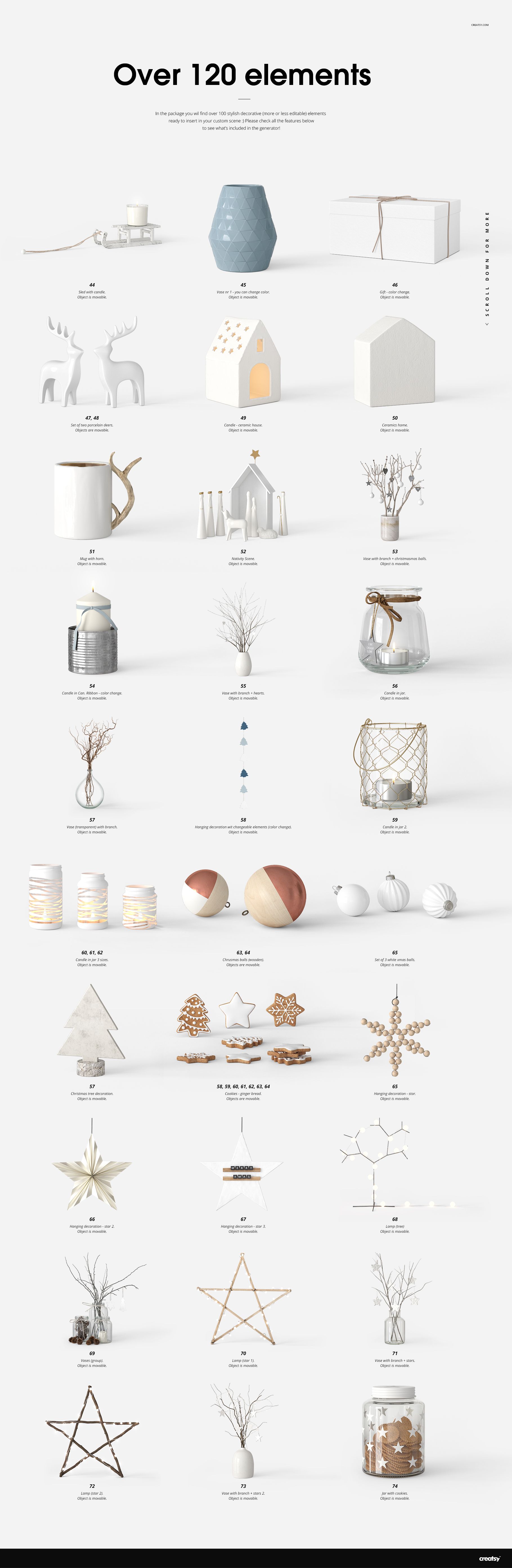
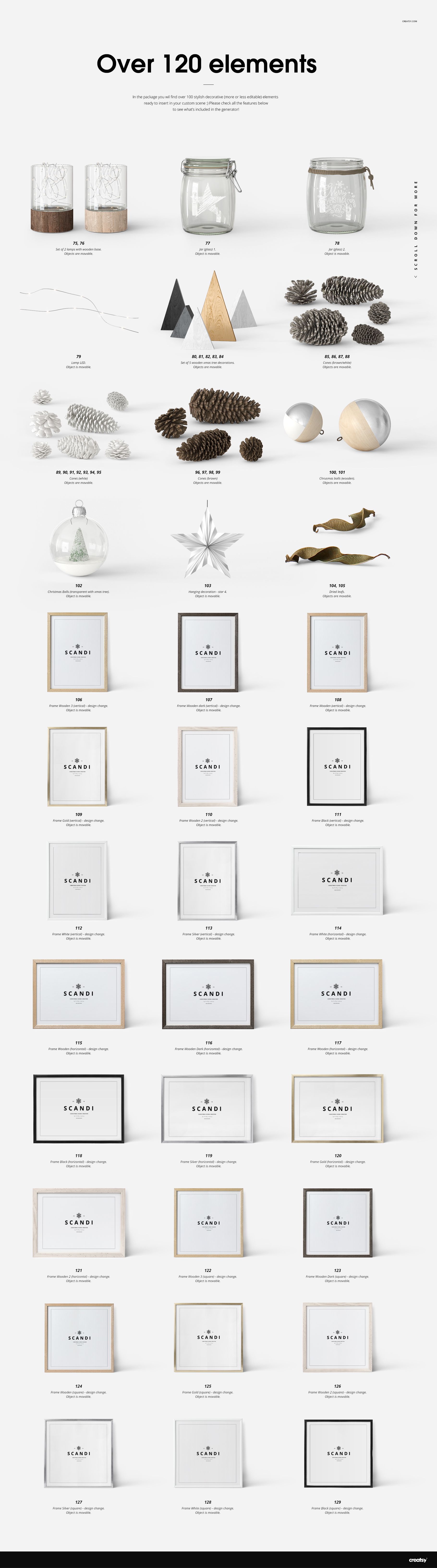
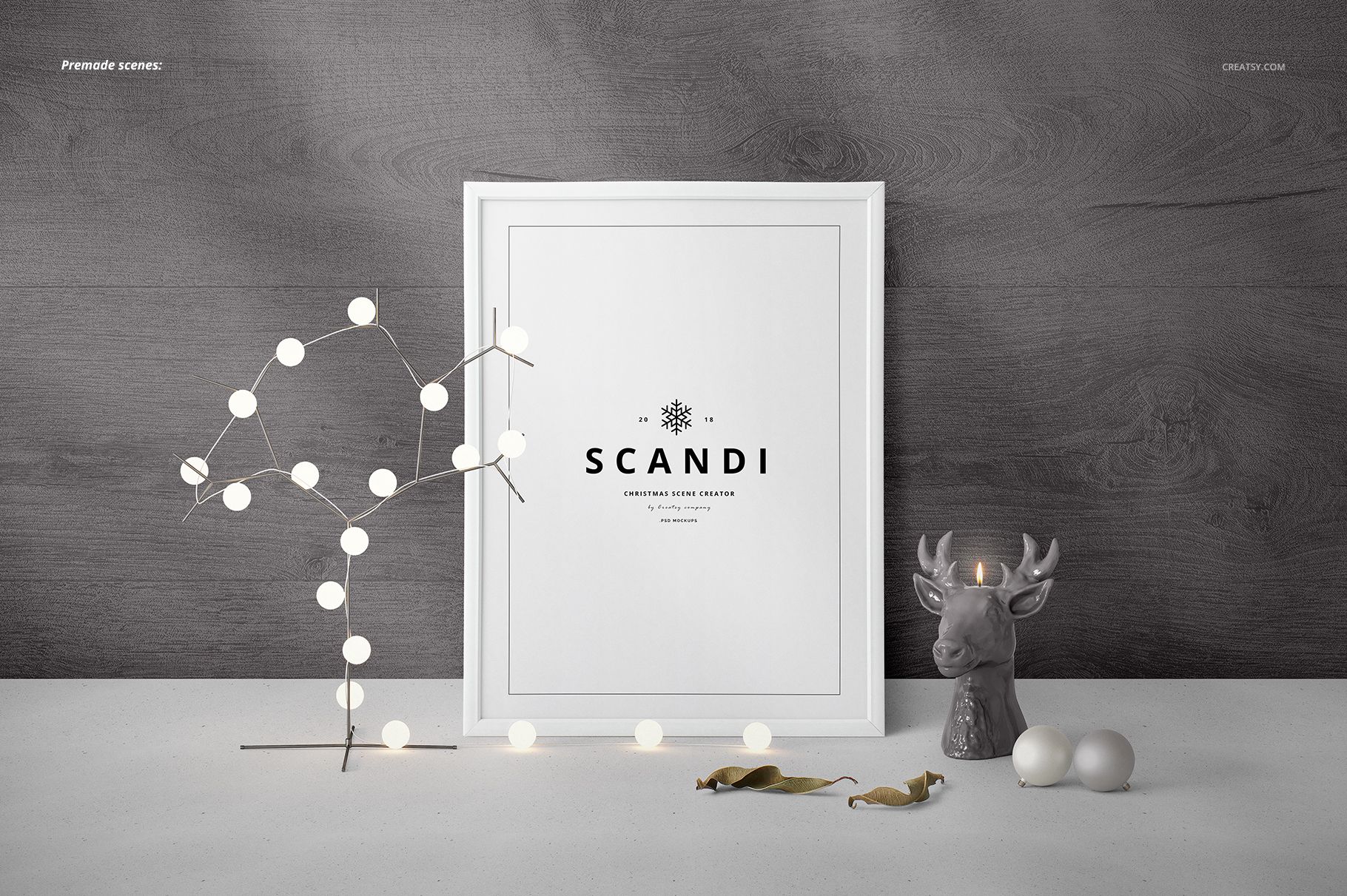
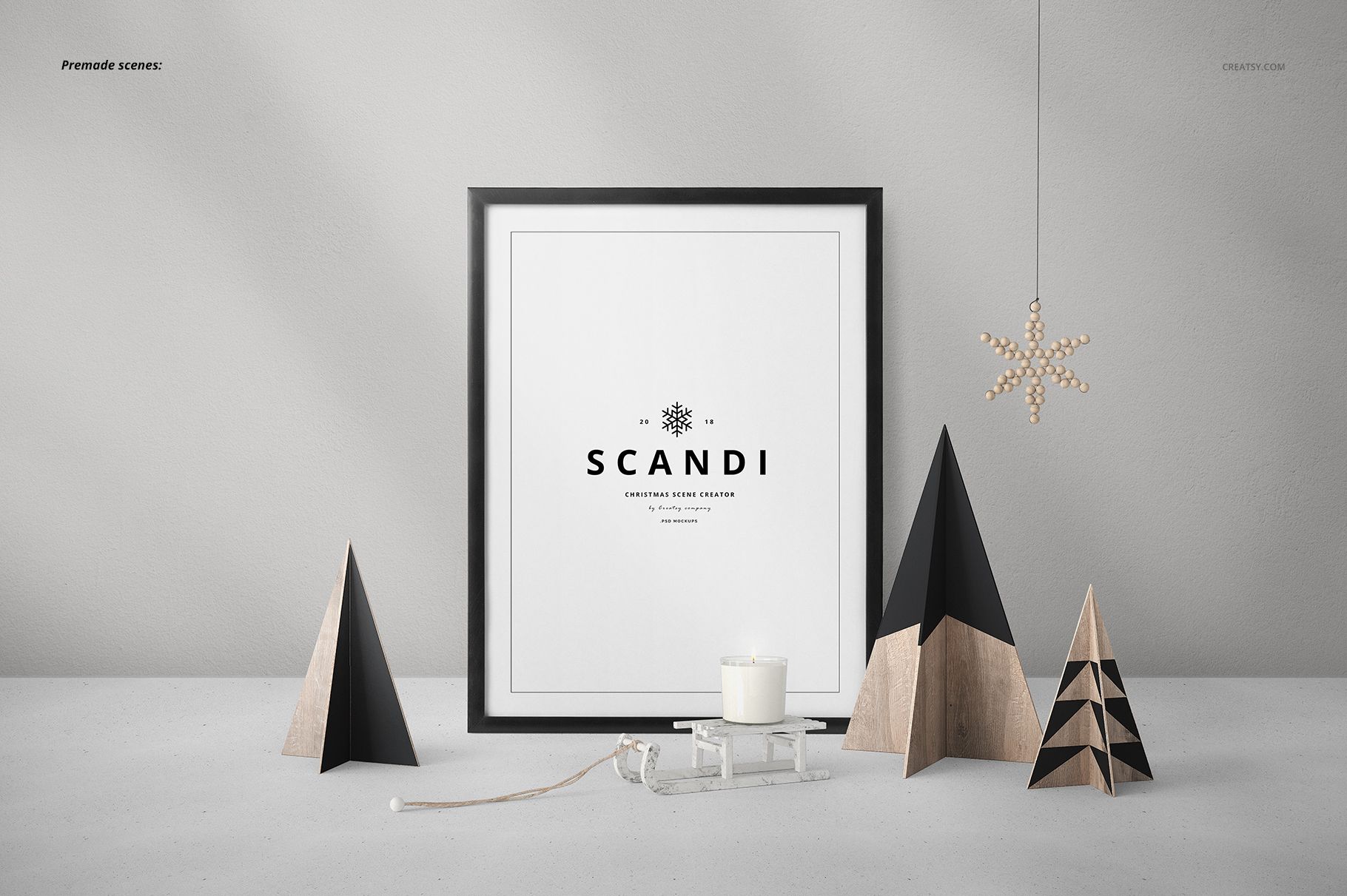
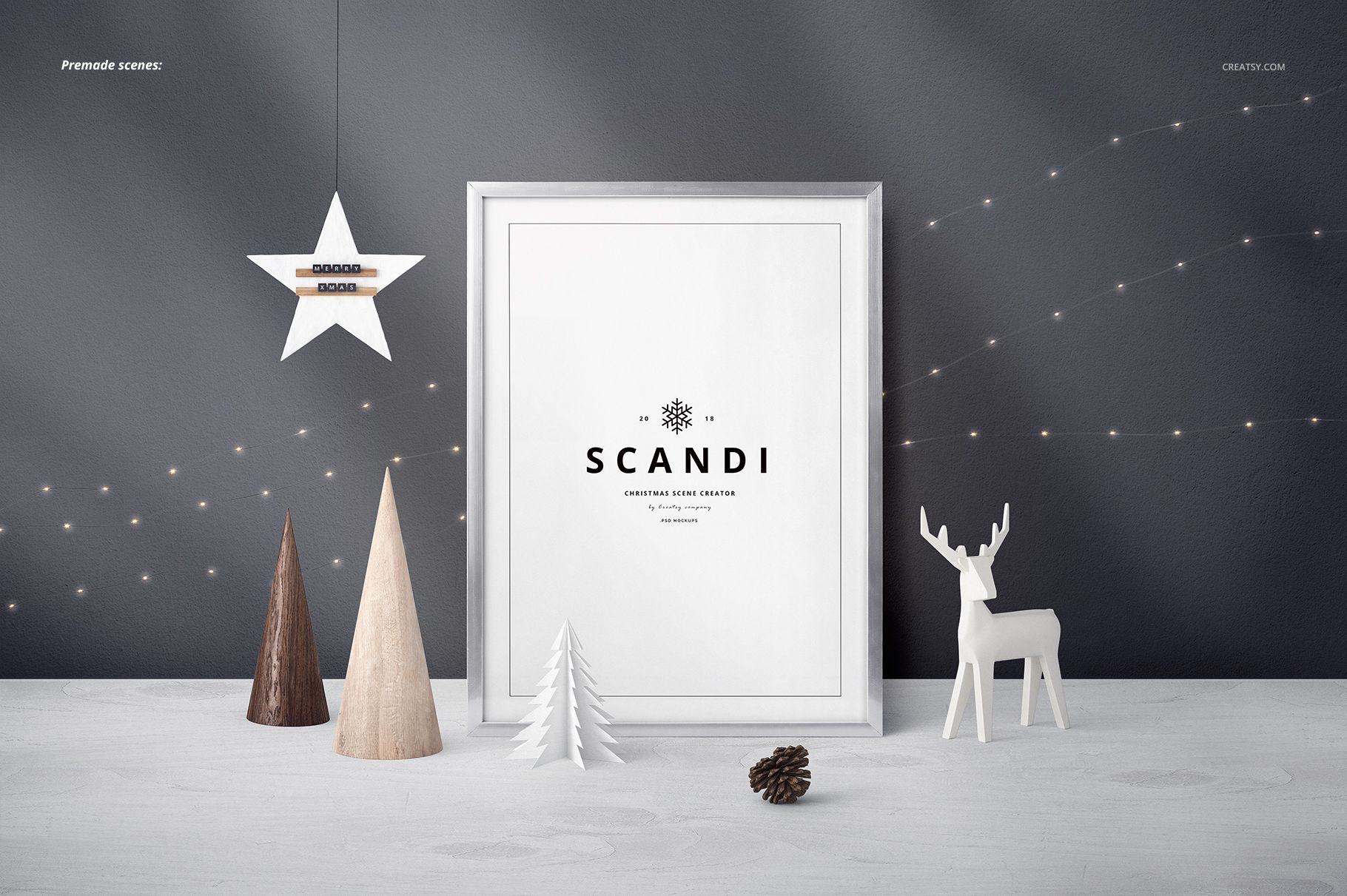
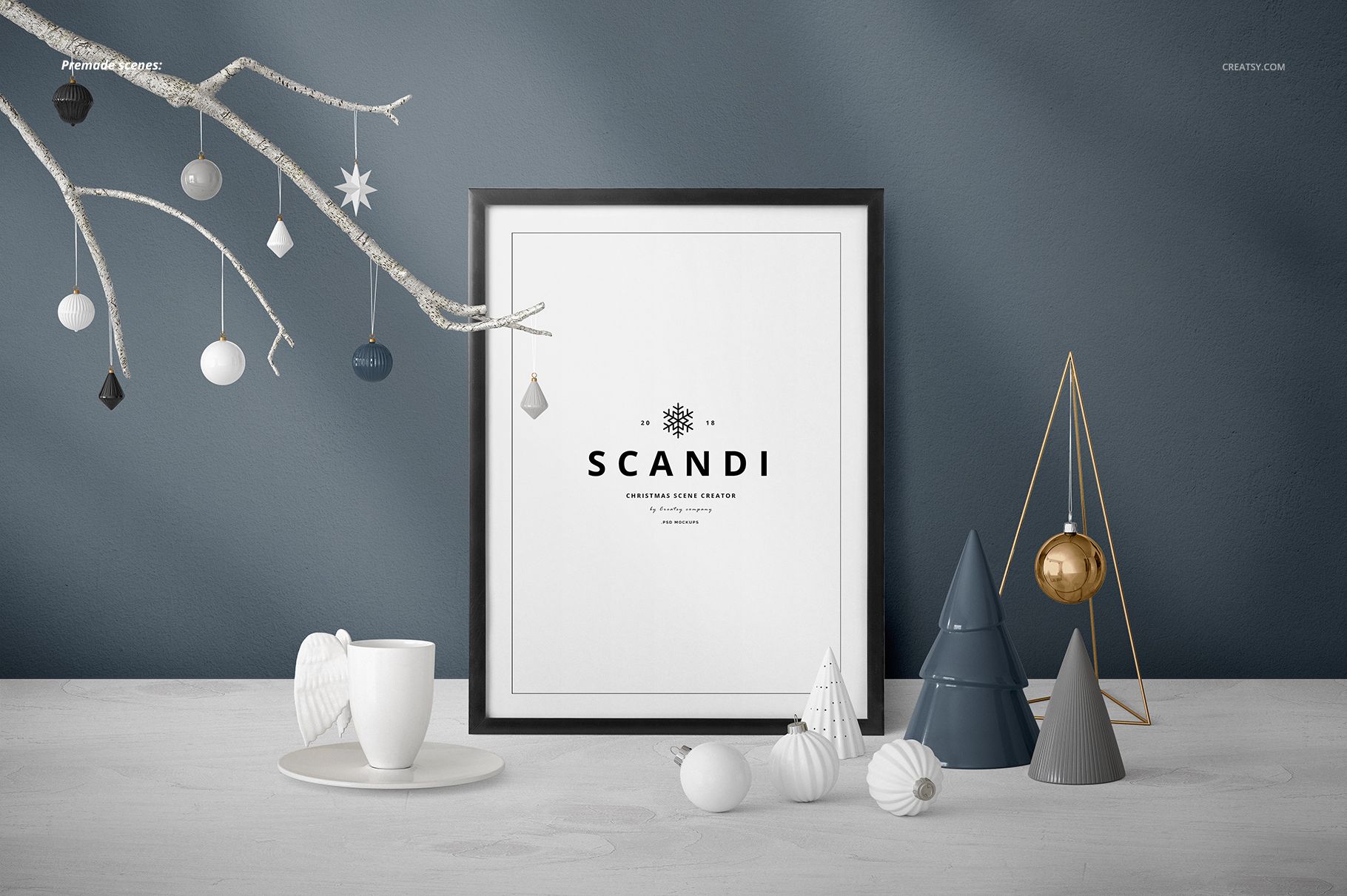
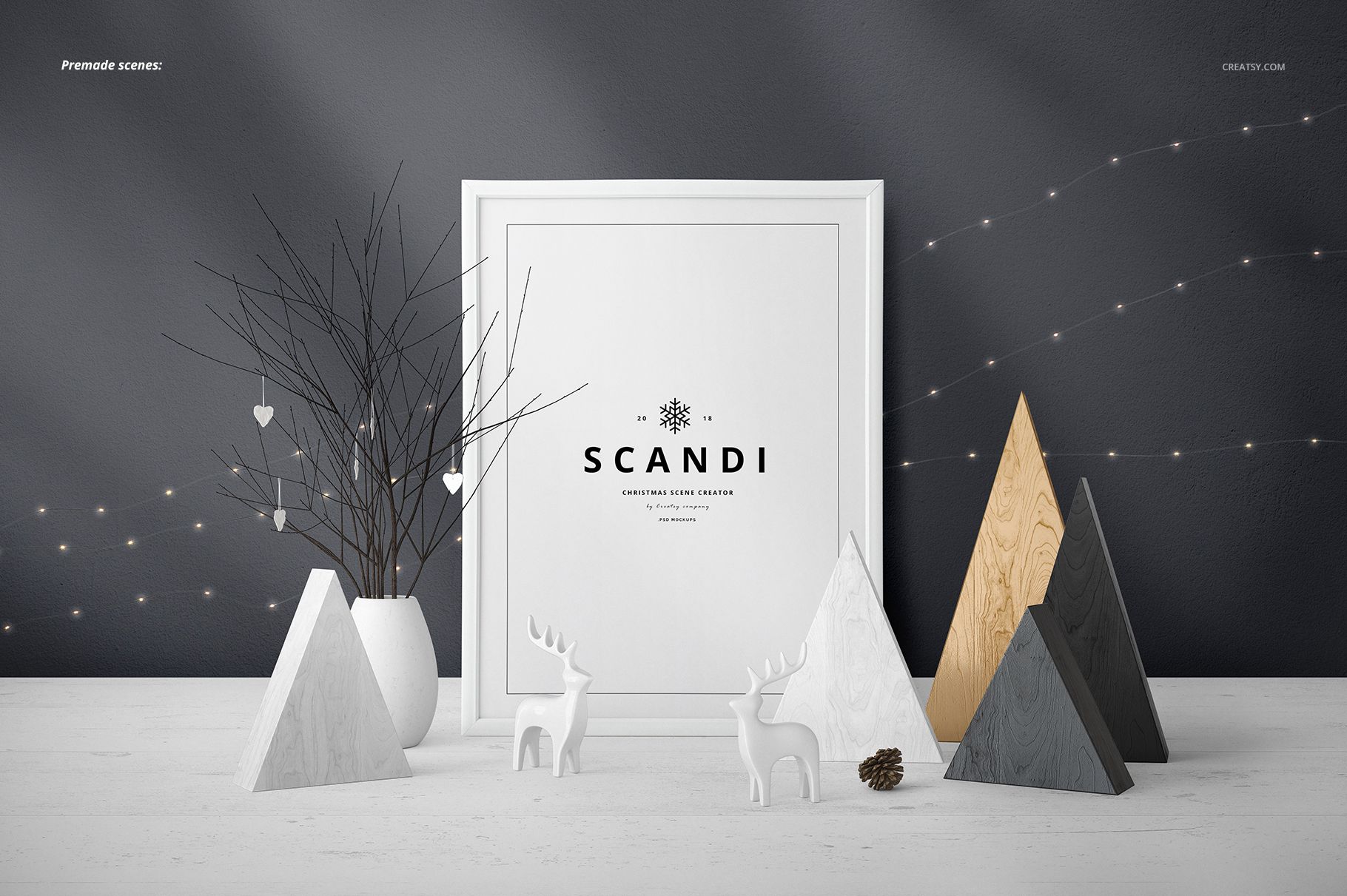
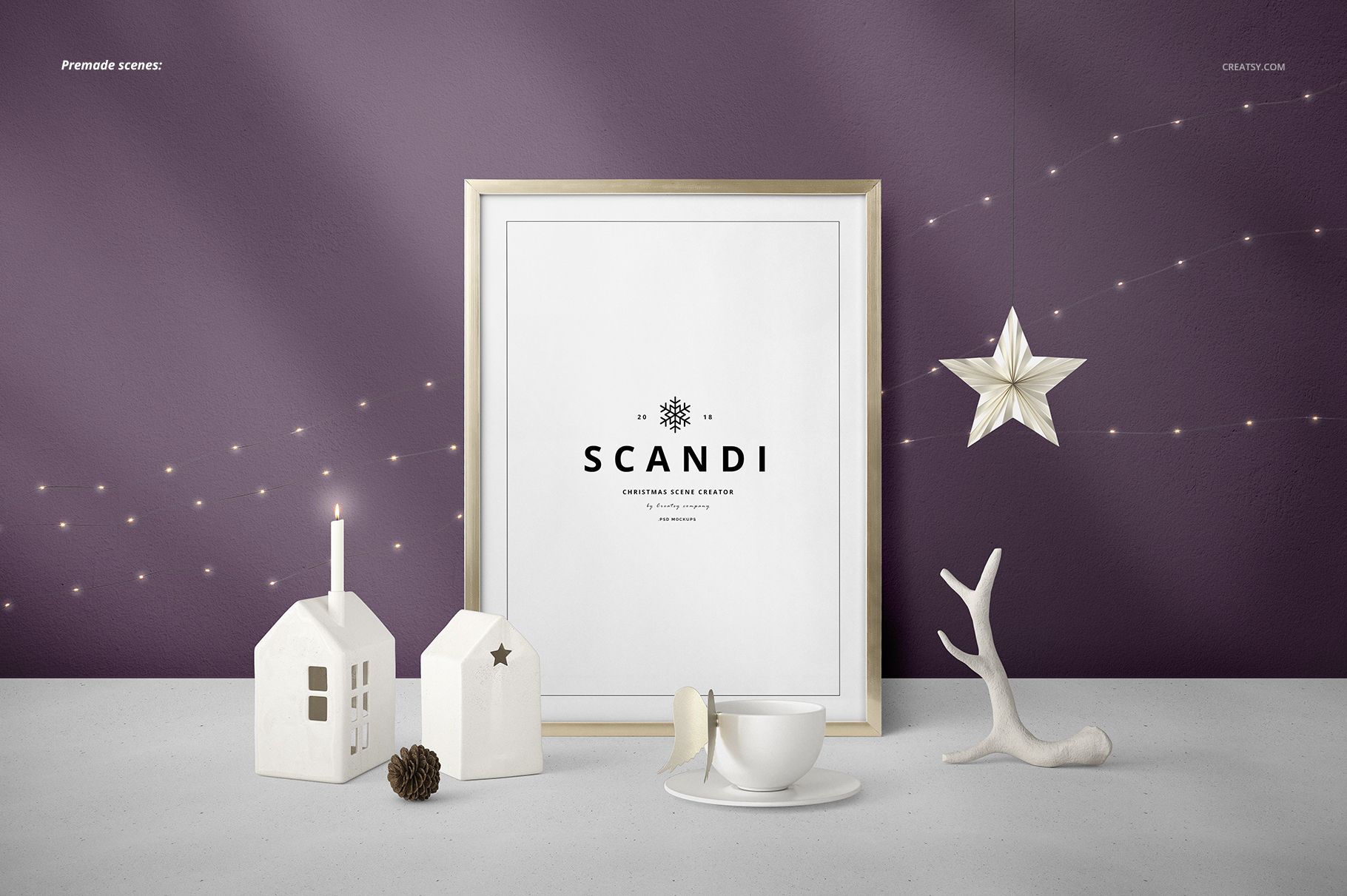
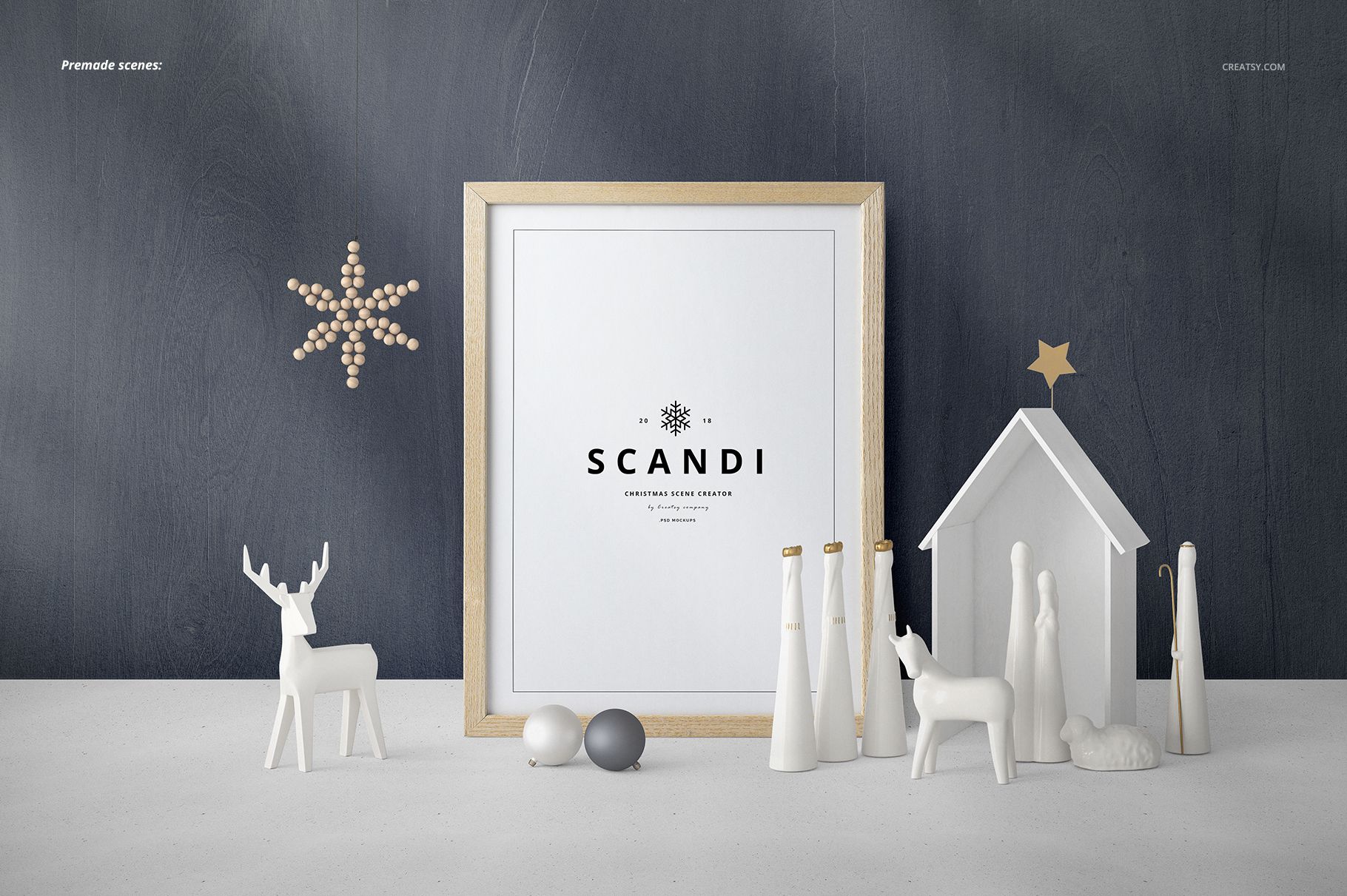
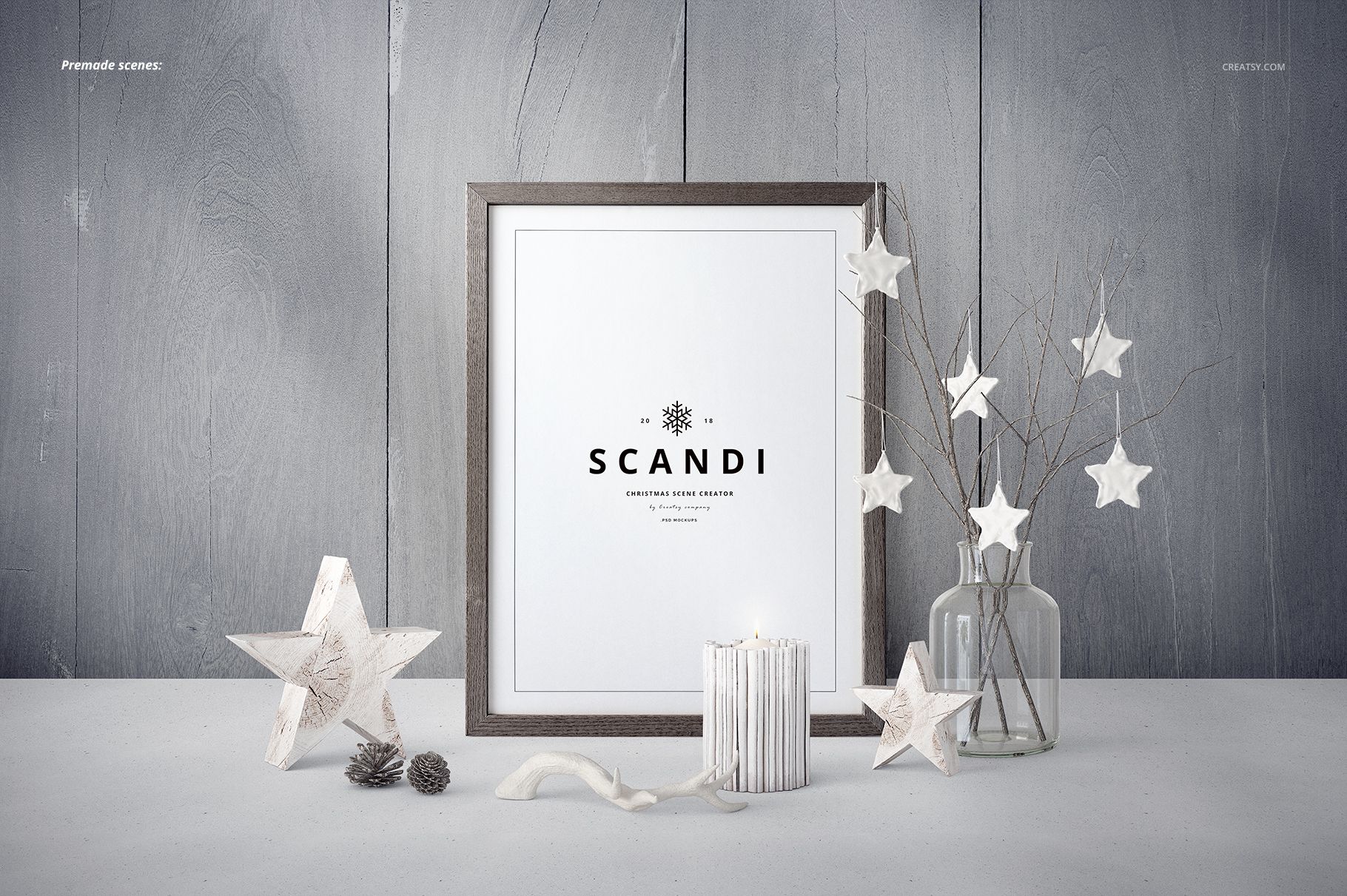
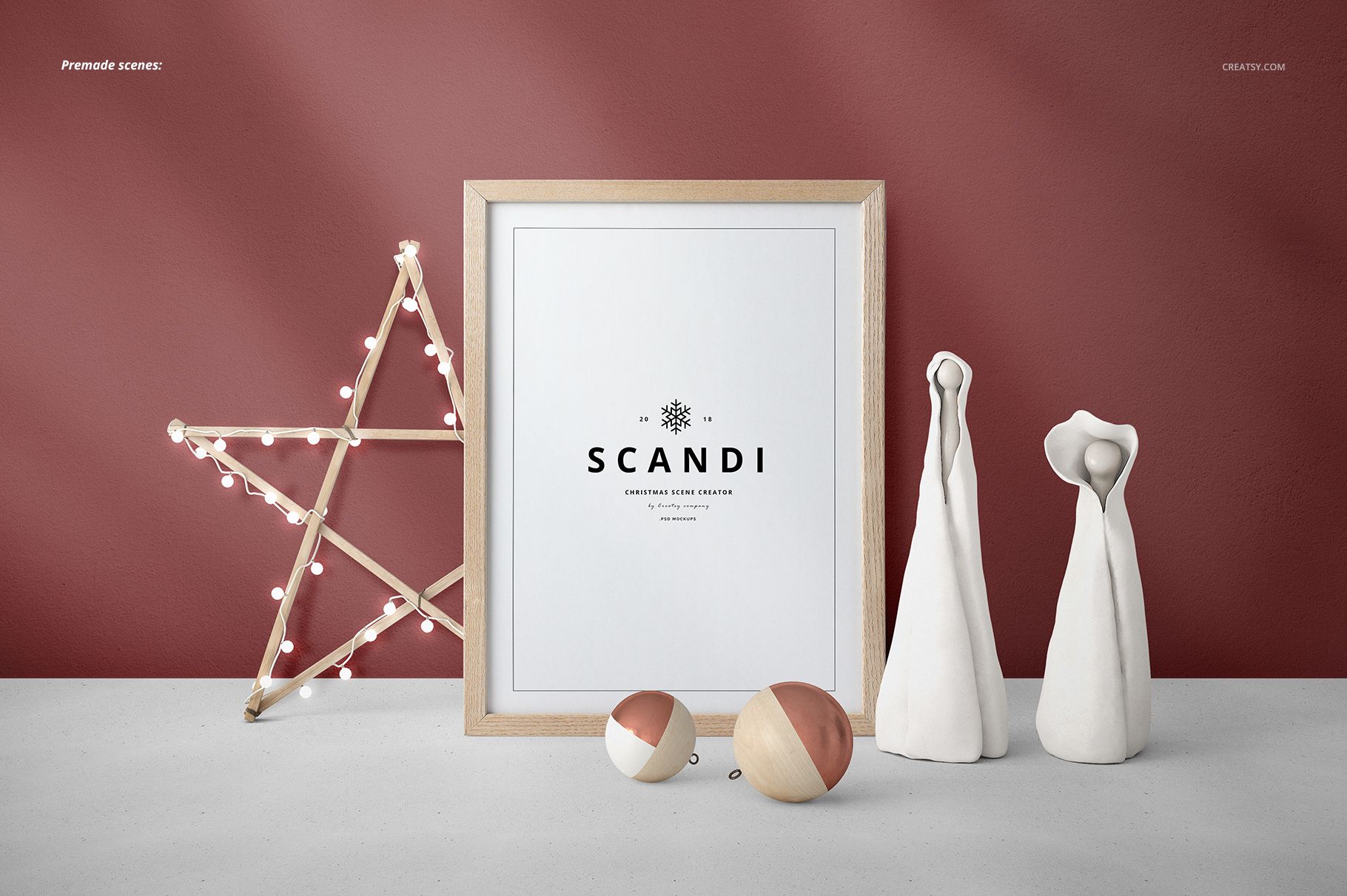
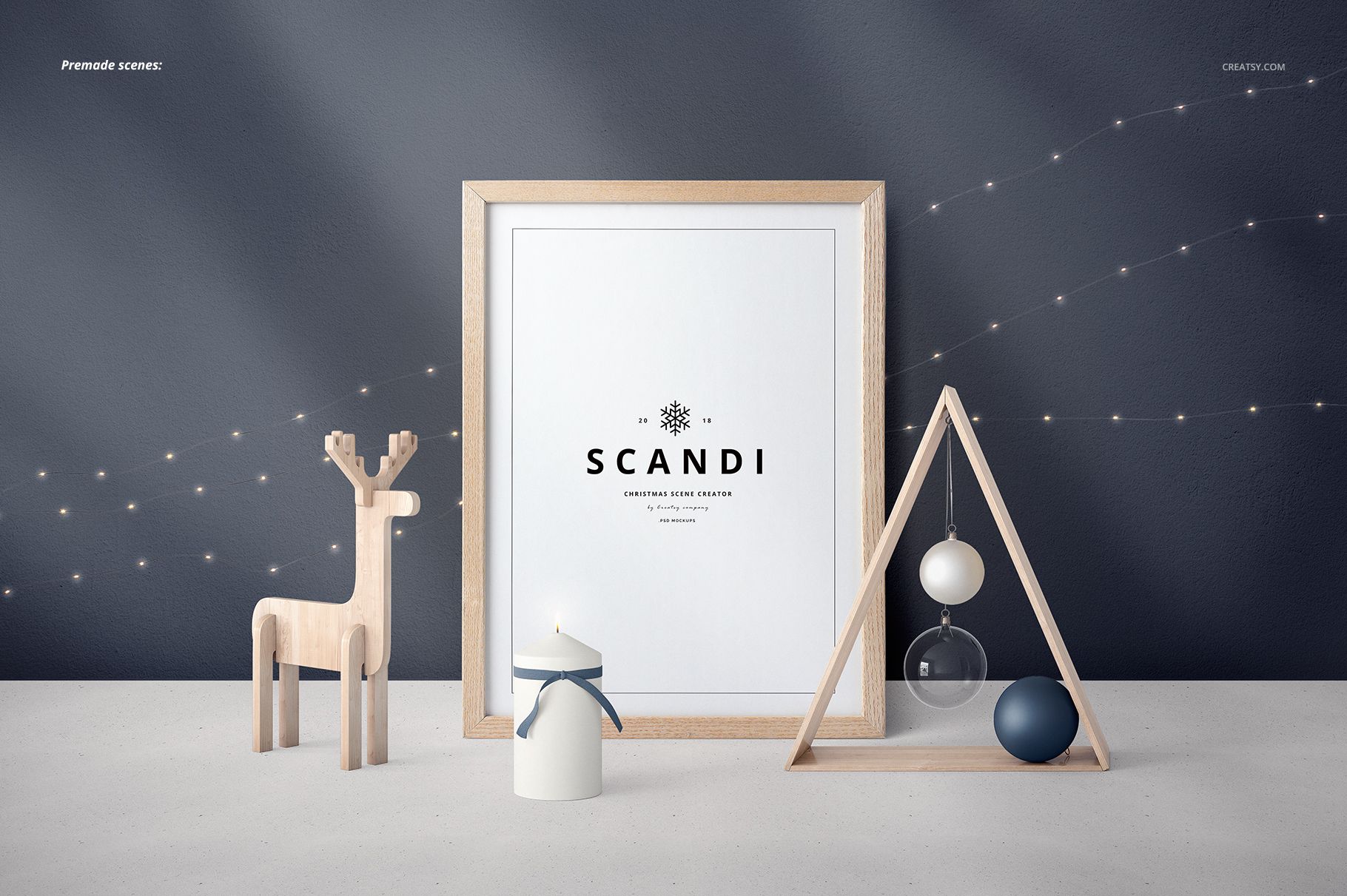
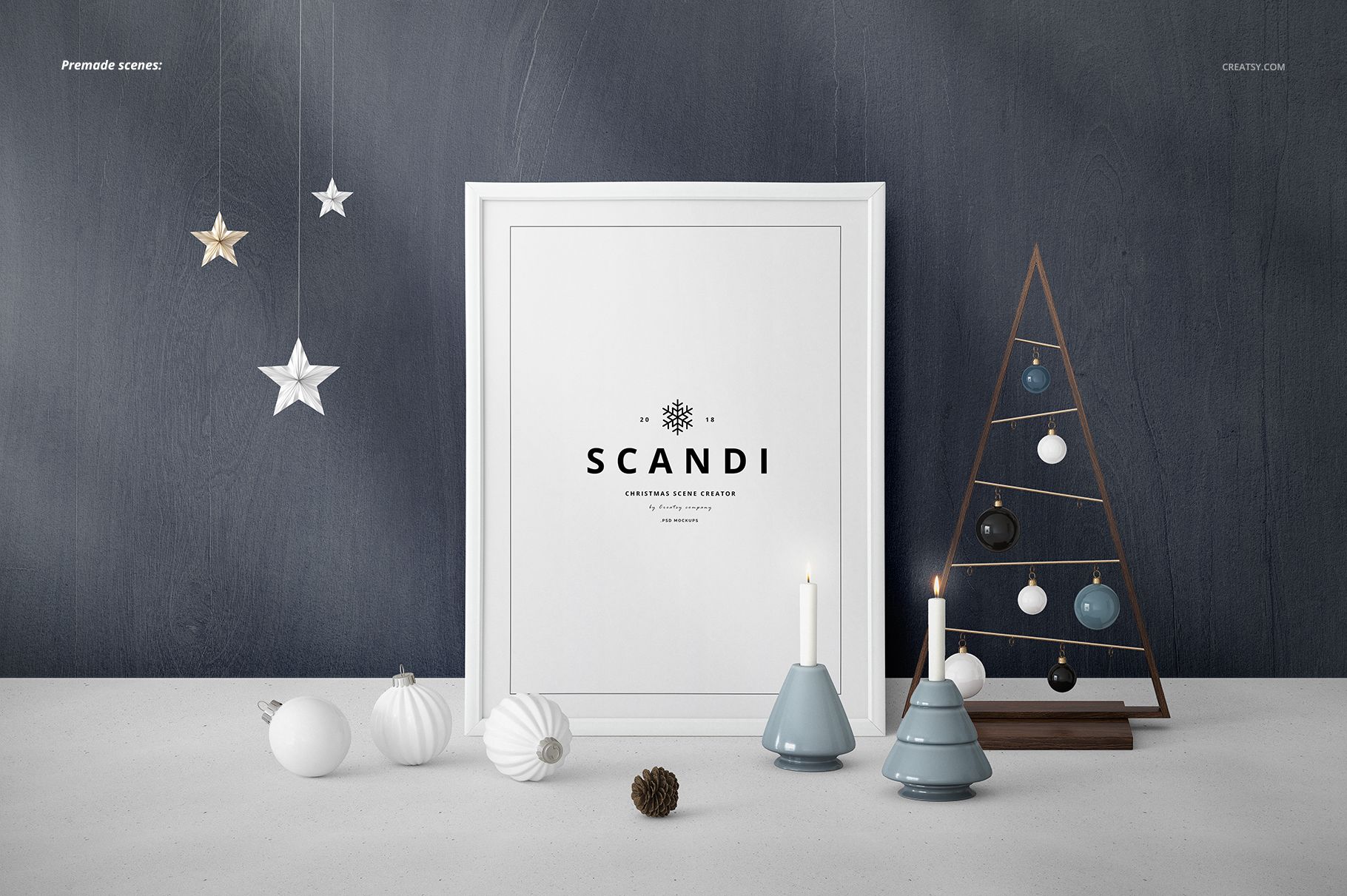
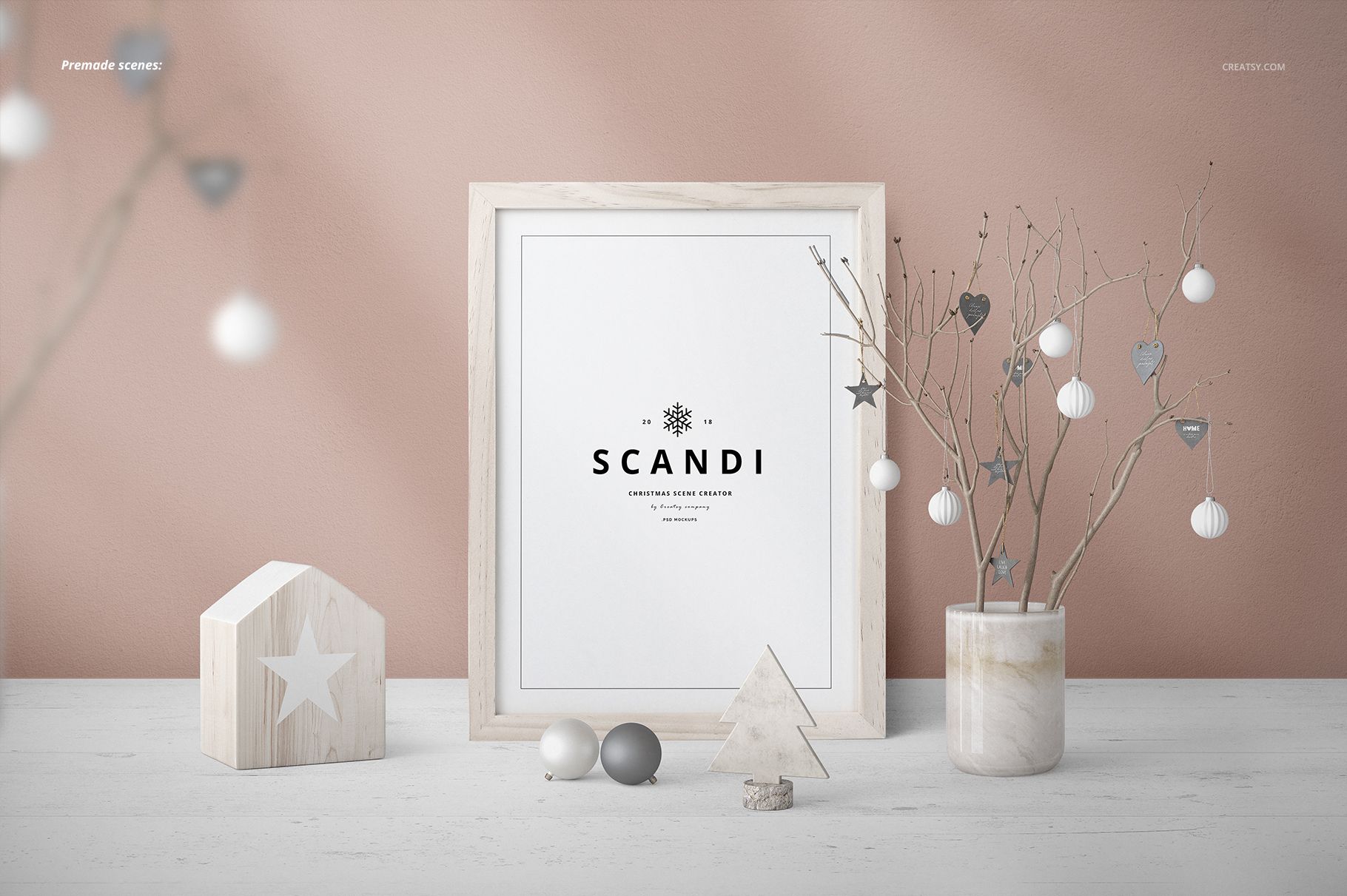
Build a Scandinavian Christmas display around your own framed artwork. SCANDI combines geometric trees, ceramic houses, angels, reindeer, baubles, candles and natural branches with a selection of portrait and landscape frames. The restrained shapes and wood, glass and porcelain details give holiday prints a setting without filling every part of the image.
Ready-Made Scenes and Separate Elements
Start with one of 16 prepared compositions or arrange a scene using the supplied element files. The gallery presents over 120 elements, including frame variants and decorative props. These are organized within layered PSD documents rather than supplied as 120 separate PSD files.
25 PSD files: 16 ready-made scenes and 9 element documents.
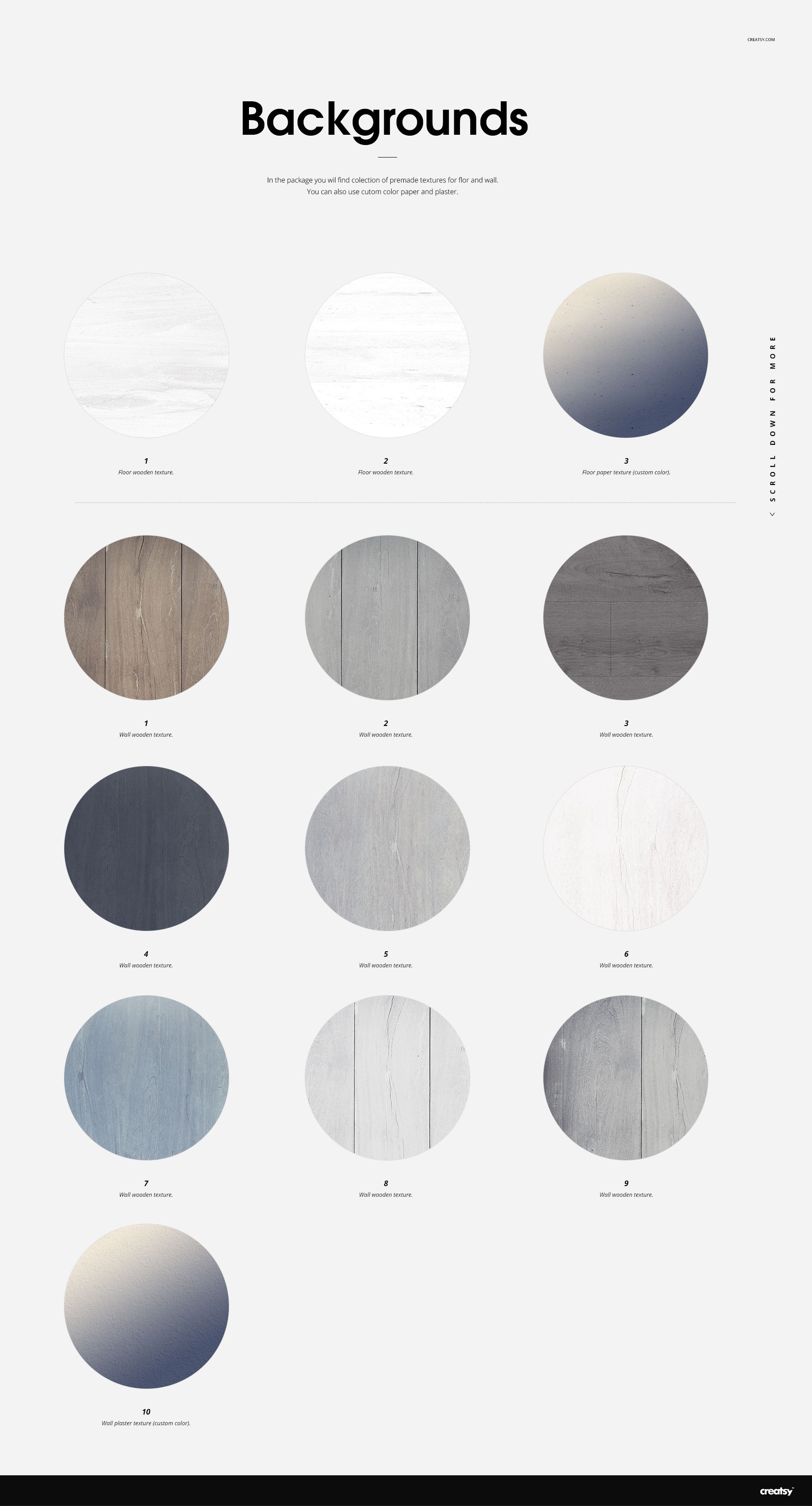
37 JPG files: 16 scene previews, 9 element previews, 11 wall/floor textures and a JPG guide.
62 files across the supplied packages.
Customize the Composition
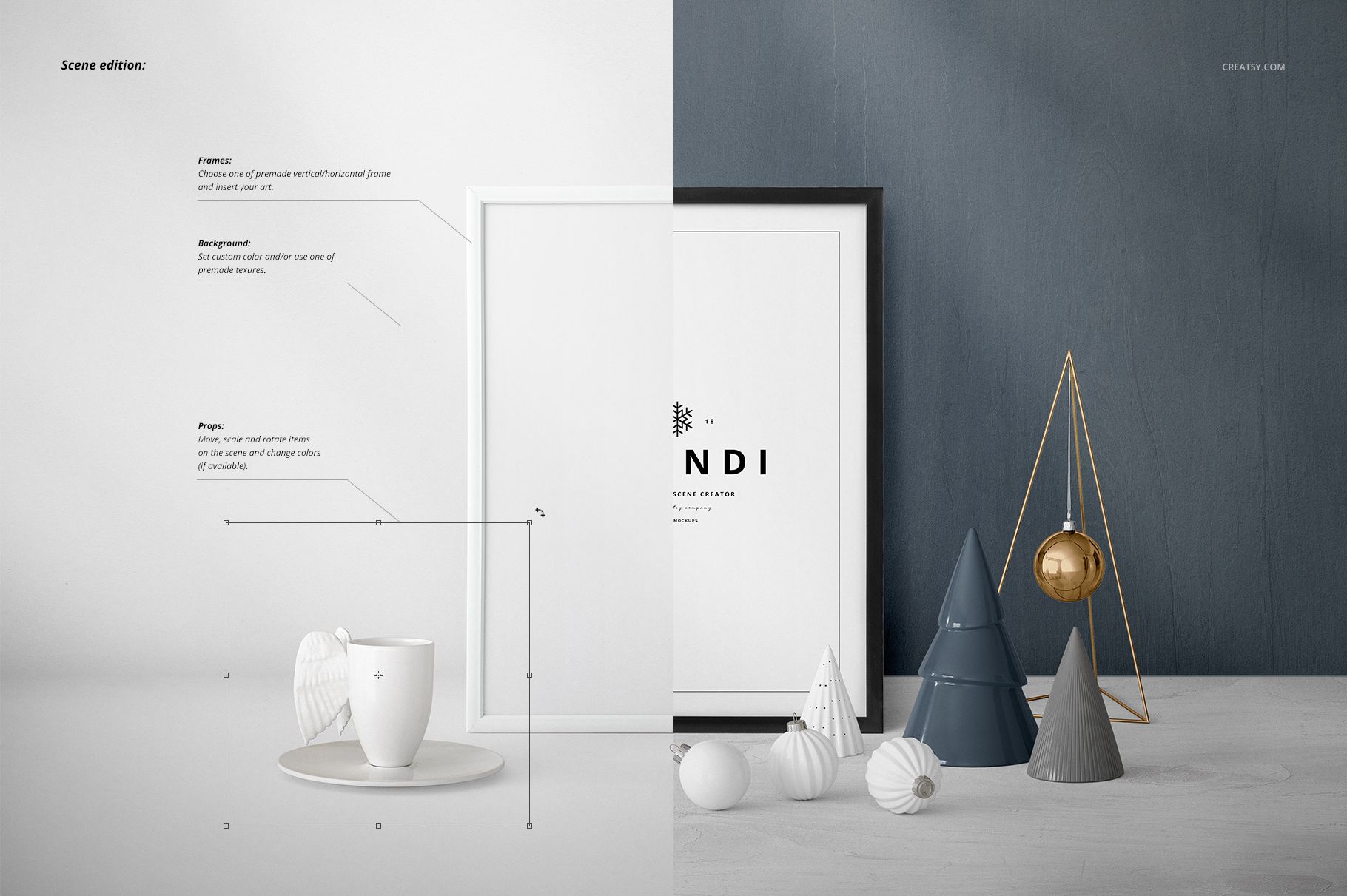
Insert your artwork into the frame, select a frame variant and adjust the surrounding props. The scene-editing preview demonstrates moving, scaling and rotating props, with color changes available on supported elements. Customize the background color or use the included wall and floor textures. Editing options vary by object; a color adjustment does not mean every surface accepts a printed design.
Working with the PSD Files
The supplied specification lists Adobe Photoshop CC and ready-made scenes at 6000 × 4000 px, 300 DPI. Use the organized layers and artwork placeholders to prepare seasonal print presentations, Christmas campaign images or portfolio compositions.
This is a digital mockup for presenting your own designs. Physical products and sample artwork shown in the gallery are not included.