Paper Advent Calendar Mockup Set
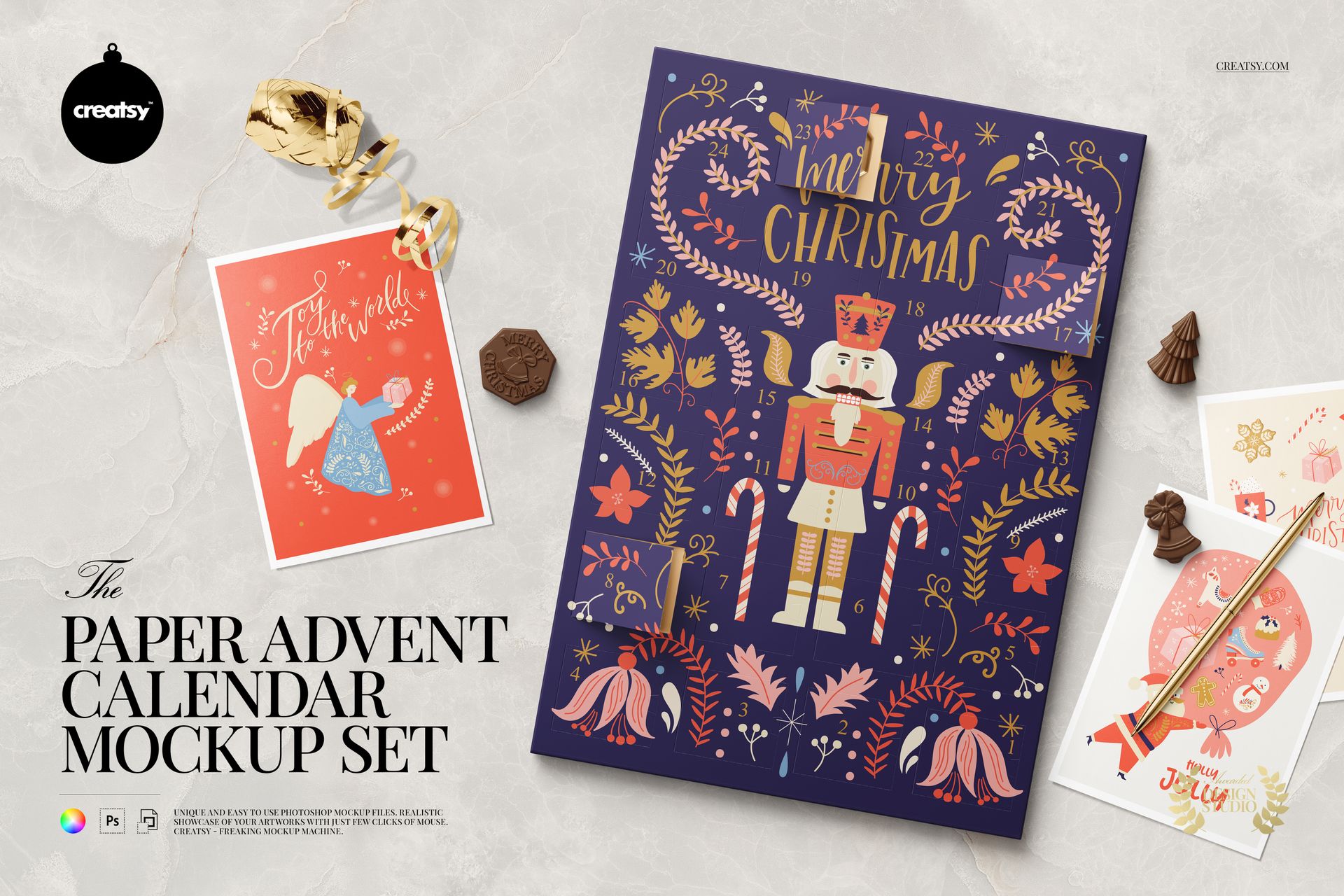
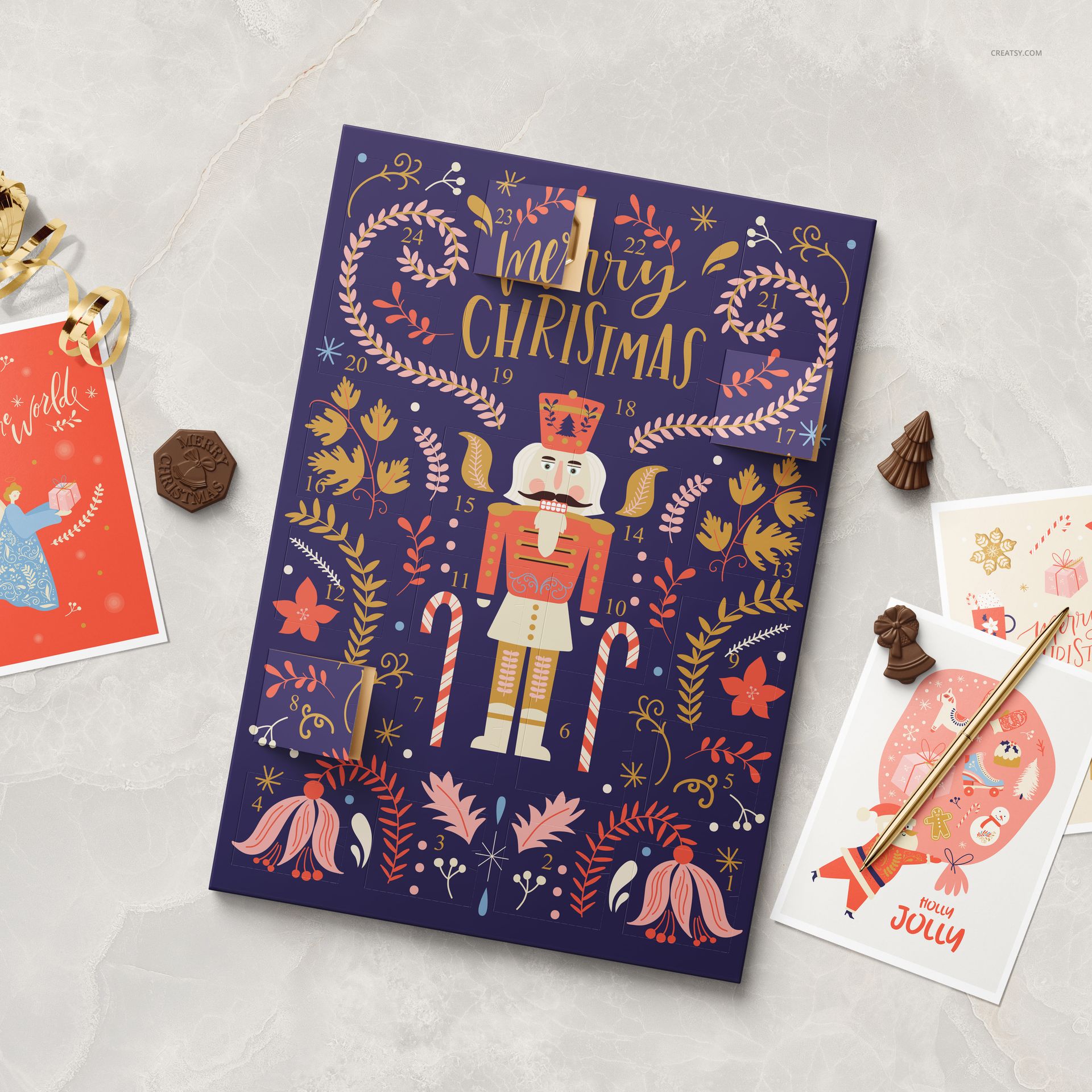
Show a Christmas countdown illustration across a paper calendar with small opening doors. Two prepared views combine the calendar with greeting cards, shaped chocolates, a pen and curled ribbon, giving an illustrated holiday range context beyond a flat artwork sheet.
Two Views of Your Calendar Design
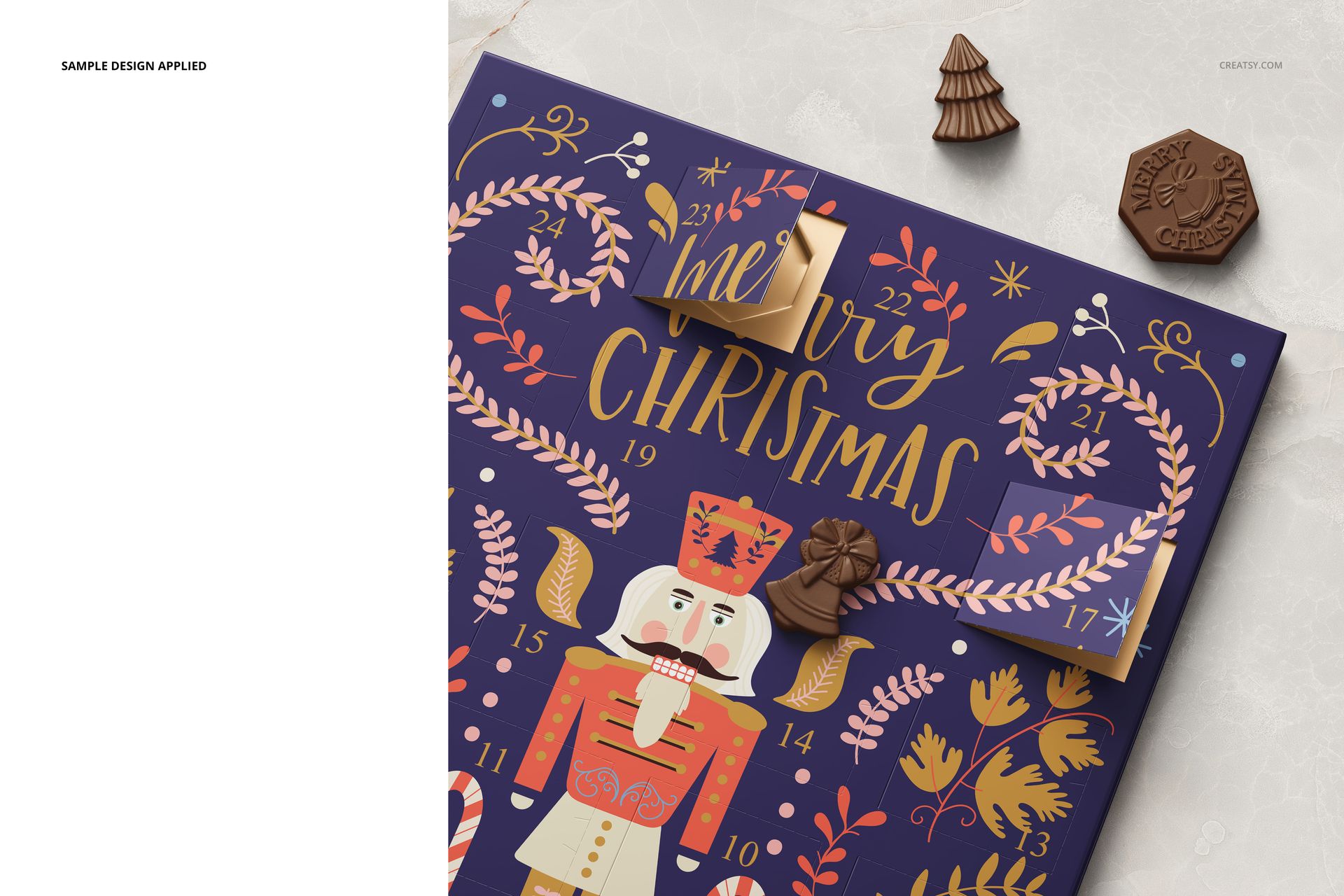
The set includes a wider composition and a closer view of the calendar, with several flaps shown open. Use them together to present the overall illustration and the way its details meet the door edges.
2 layered PSD mockups at 6000 × 6000 px, 300 DPI.
2 JPG previews, for 4 files in the archive.
Adobe Photoshop CC 2020 or later and Photopea.
Customize the Calendar and Supporting Stationery
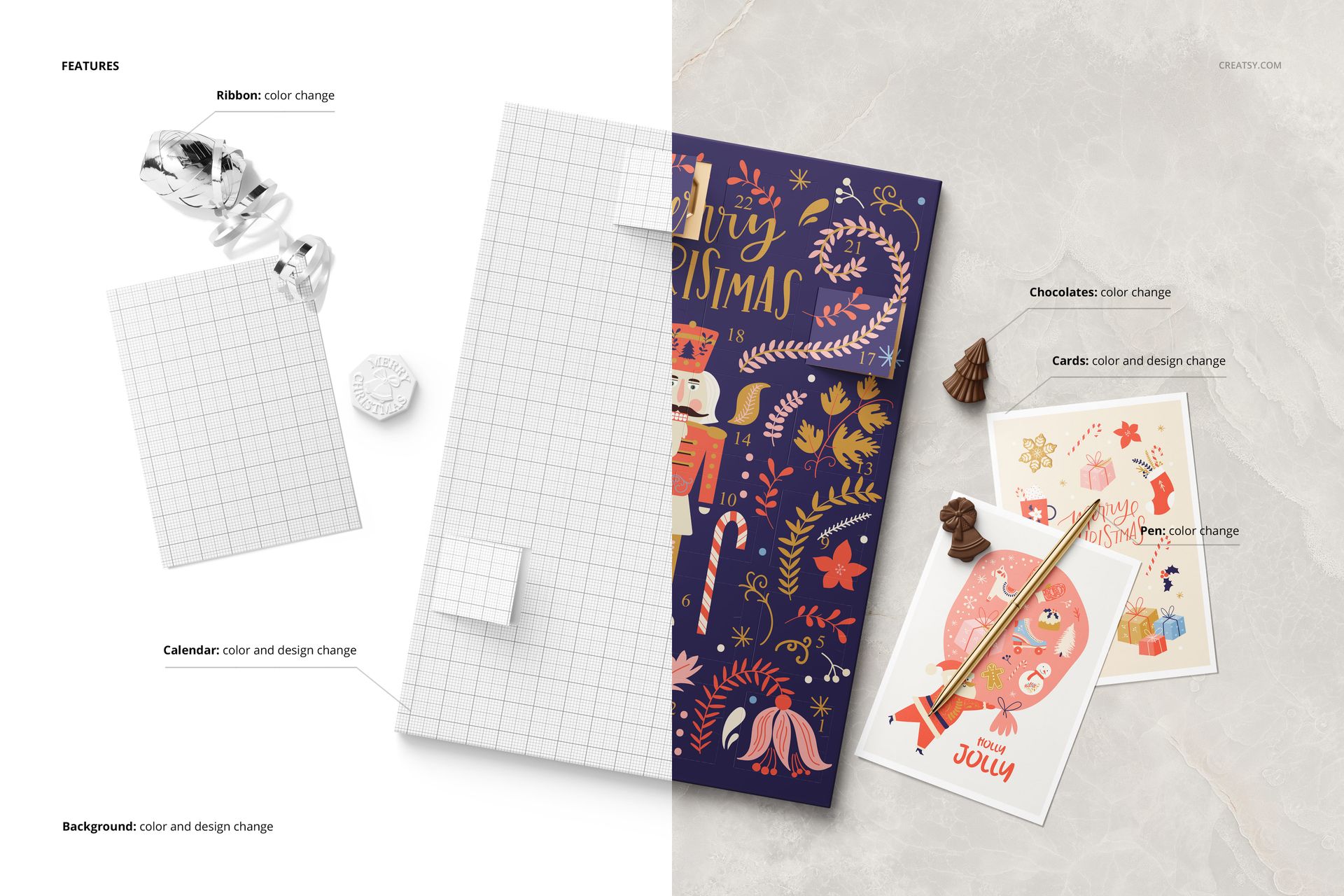
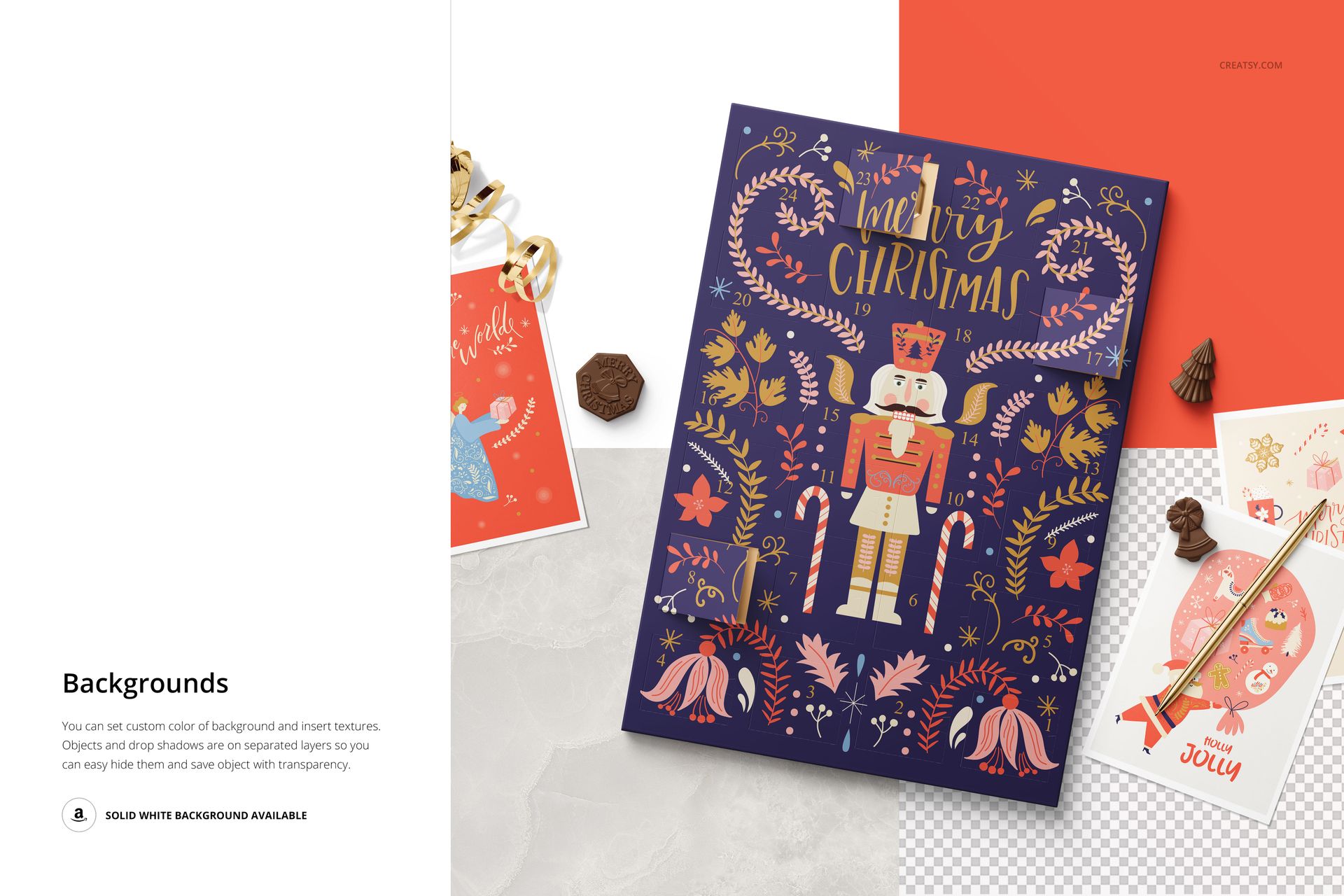
Replace the calendar artwork and change its color. The cards also support color and design changes, while the chocolates, pen and ribbon offer color controls. Change the background color or insert a texture to coordinate the setting with your seasonal palette.
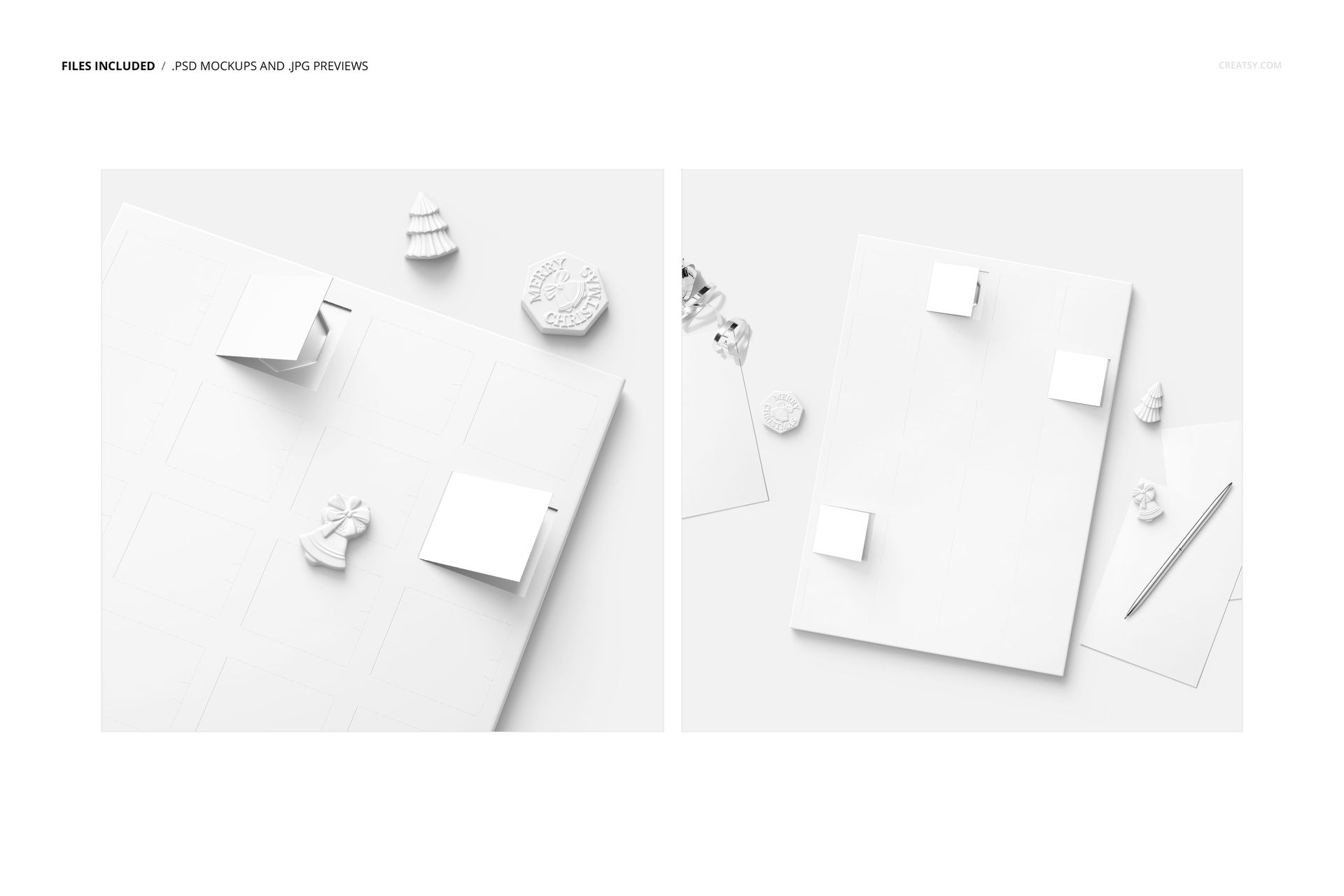
The gallery confirms separate object and drop-shadow layers, a solid white background option and the ability to hide the background for a transparent export. Use the Smart Object artwork layers to place your own illustration, then review the openings and surrounding stationery before exporting.
Present a Holiday Illustration Range
This set suits illustrators pitching advent calendar artwork, stationery designers coordinating cards with a countdown design and packaging teams preparing Christmas concepts. It visualizes a finished paper calendar; confirm the physical construction and print layout separately with your manufacturer.
This is a digital mockup for presenting your own designs. Physical products and sample artwork shown in the gallery are not included.
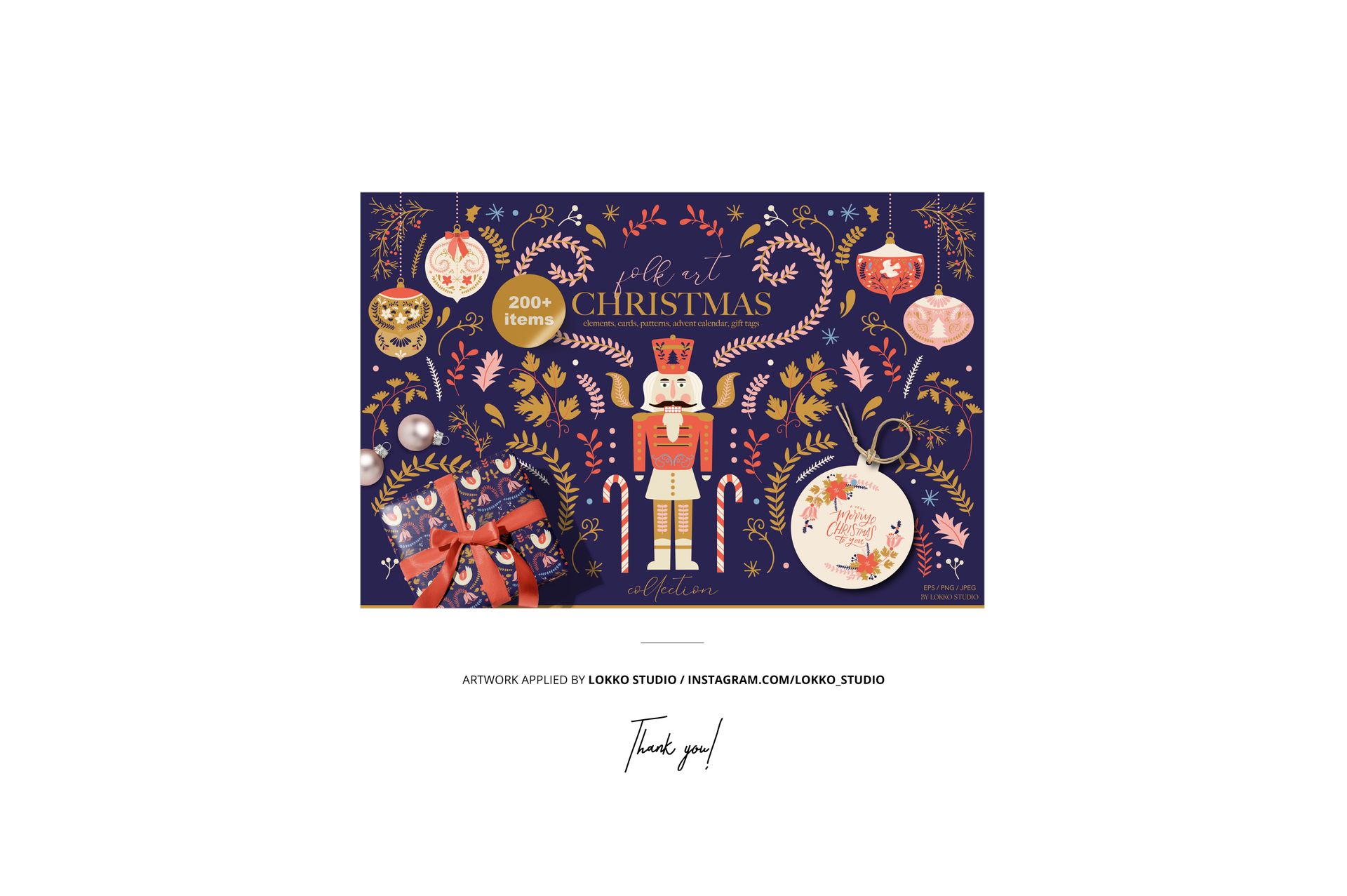
Preview Artwork Credit
Artwork shown in the previews is by Lokko Studio and is not included.