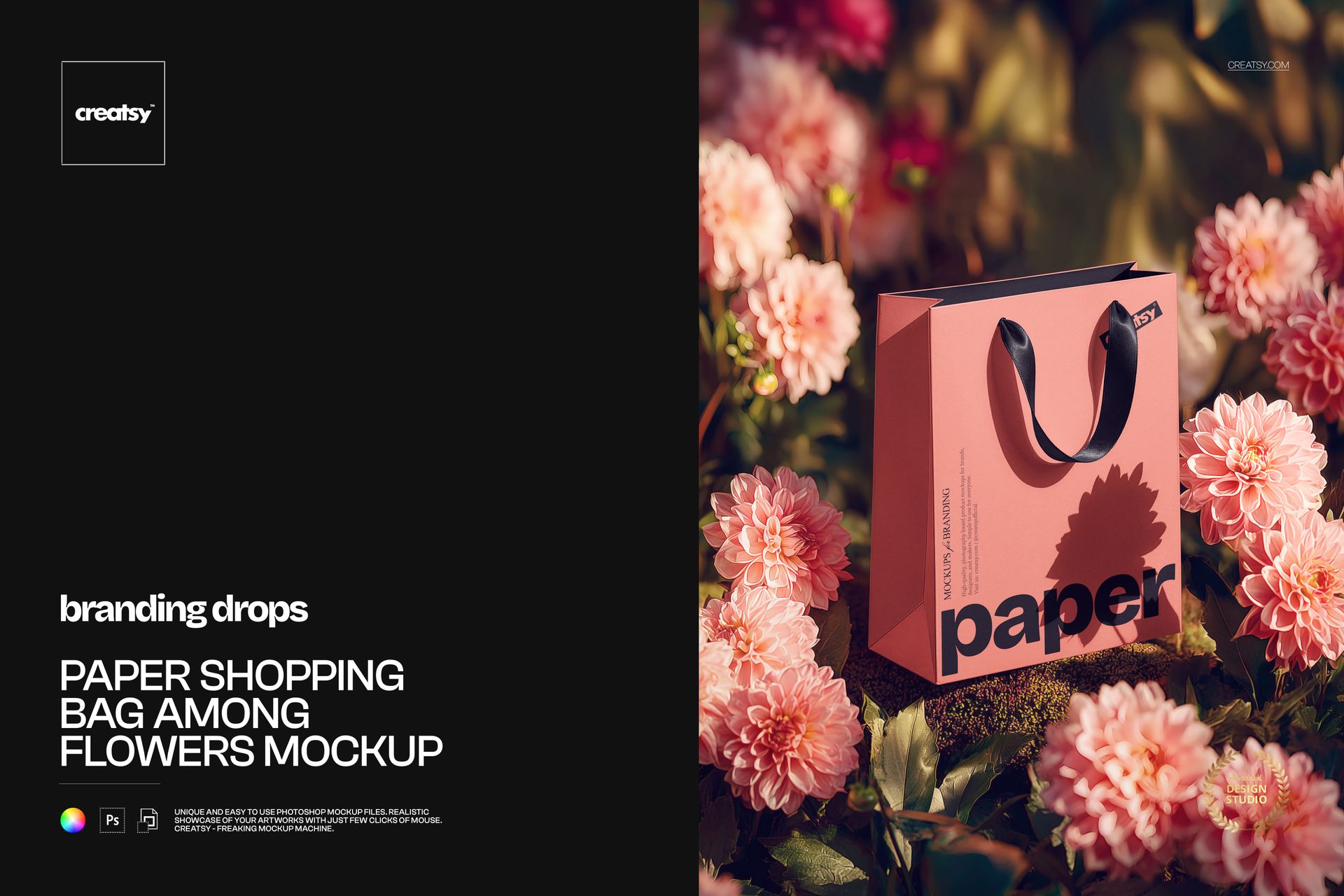
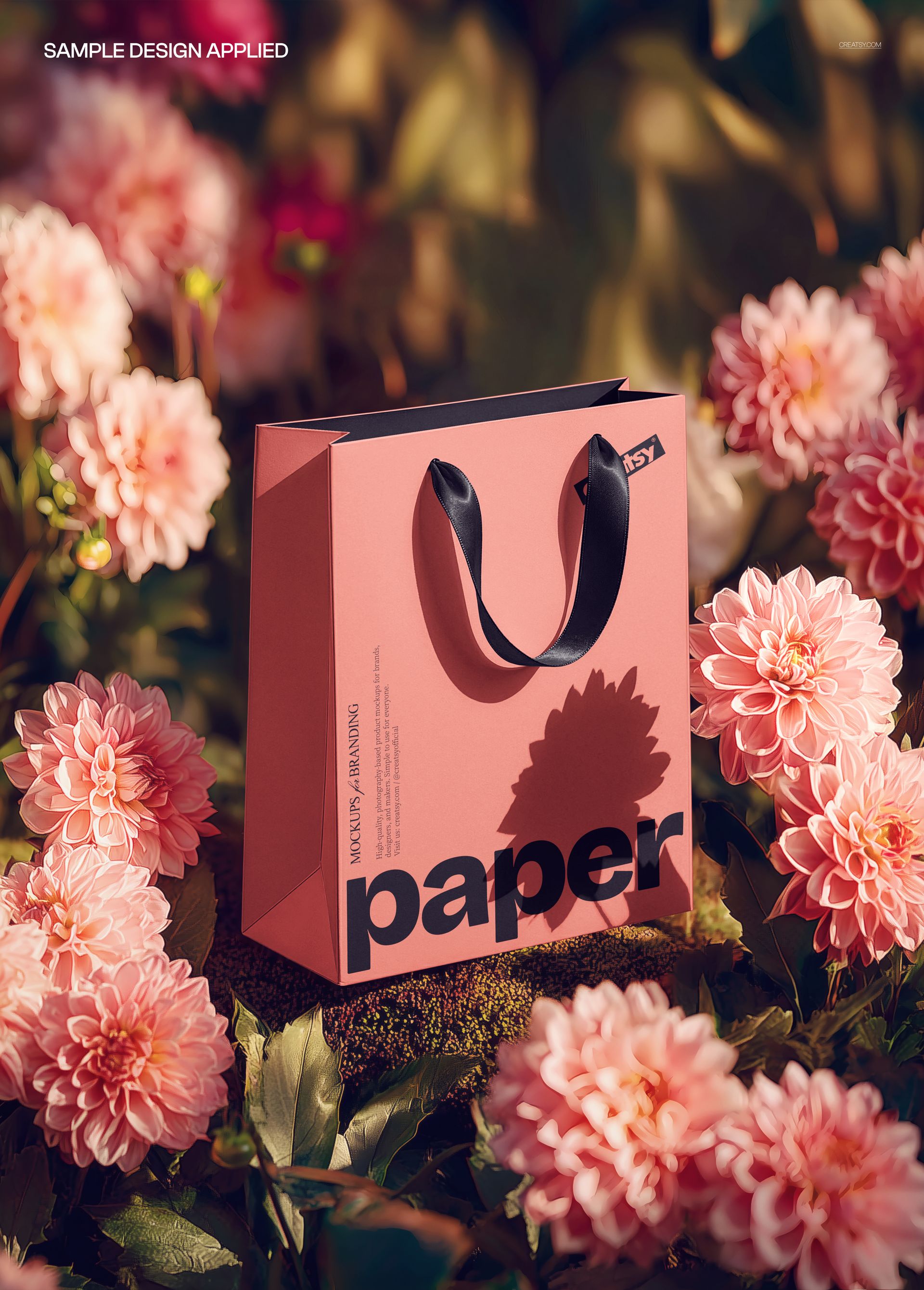
Paper Shopping Bag among Flowers Mockup from Creatsy places your bag design in a lush garden setting, surrounded by fresh blooms and natural foliage. This mockup captures the organic beauty of a paper shopping bag nestled among real flowers, delivering visuals that feel warm, authentic, and connected to nature. Whether you are building a brand identity for a boutique, florist, eco-conscious label, or artisan shop, this scene transforms a simple bag design into a memorable presentation piece that communicates care, craftsmanship, and attention to detail.
Why This Mockup Works
Traditional flat-lay and studio mockups show your bag design but rarely tell a story. This mockup changes that by placing your paper shopping bag in a genuine botanical environment where petals, leaves, and natural stems frame the bag organically. The result is a presentation that evokes freshness, natural beauty, and thoughtful branding - qualities that resonate with audiences who value sustainability and aesthetic detail. Clients and customers respond to visual context, and flowers provide one of the most universally appealing backdrops available for retail packaging. The warm natural lighting and soft color palette create a sense of depth and atmosphere that standard studio setups cannot replicate. Every element in the scene reinforces the idea that your brand cares about quality and presentation.
What Is Included
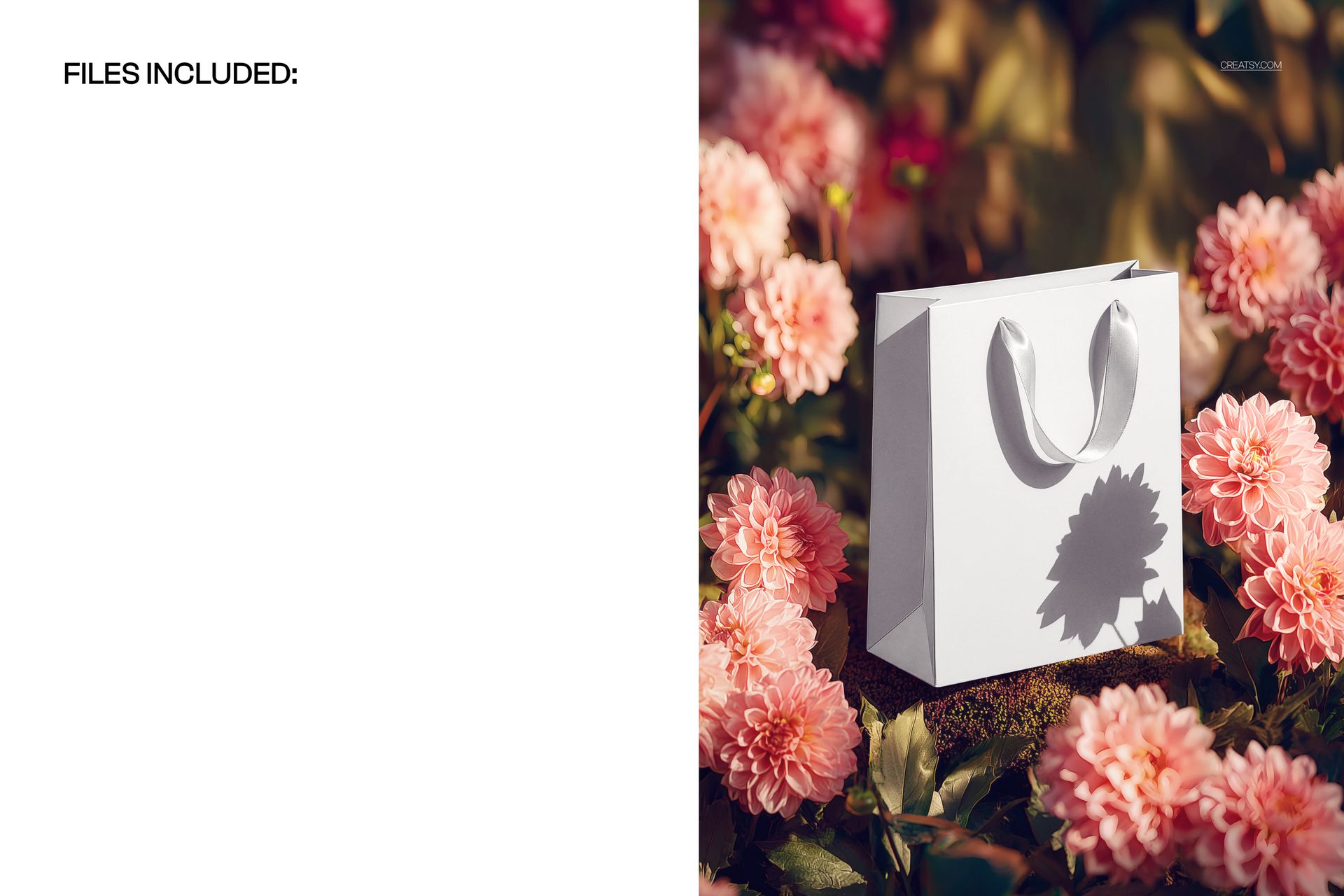
This download contains 1 PSD file at 5000 x 3600 pixels and 300 DPI, ready for both digital presentations and high-quality print outputs. The file features a paper shopping bag positioned among fresh flowers with natural lighting and a botanical backdrop that adds depth and character to your design. Layers are well organized so you can locate and edit each element quickly without searching through unnamed groups. The file works in Adobe Photoshop (minimum version CC 2020) and in Photopea, giving you flexibility regardless of your software preference or subscription status.
What You Can Customize
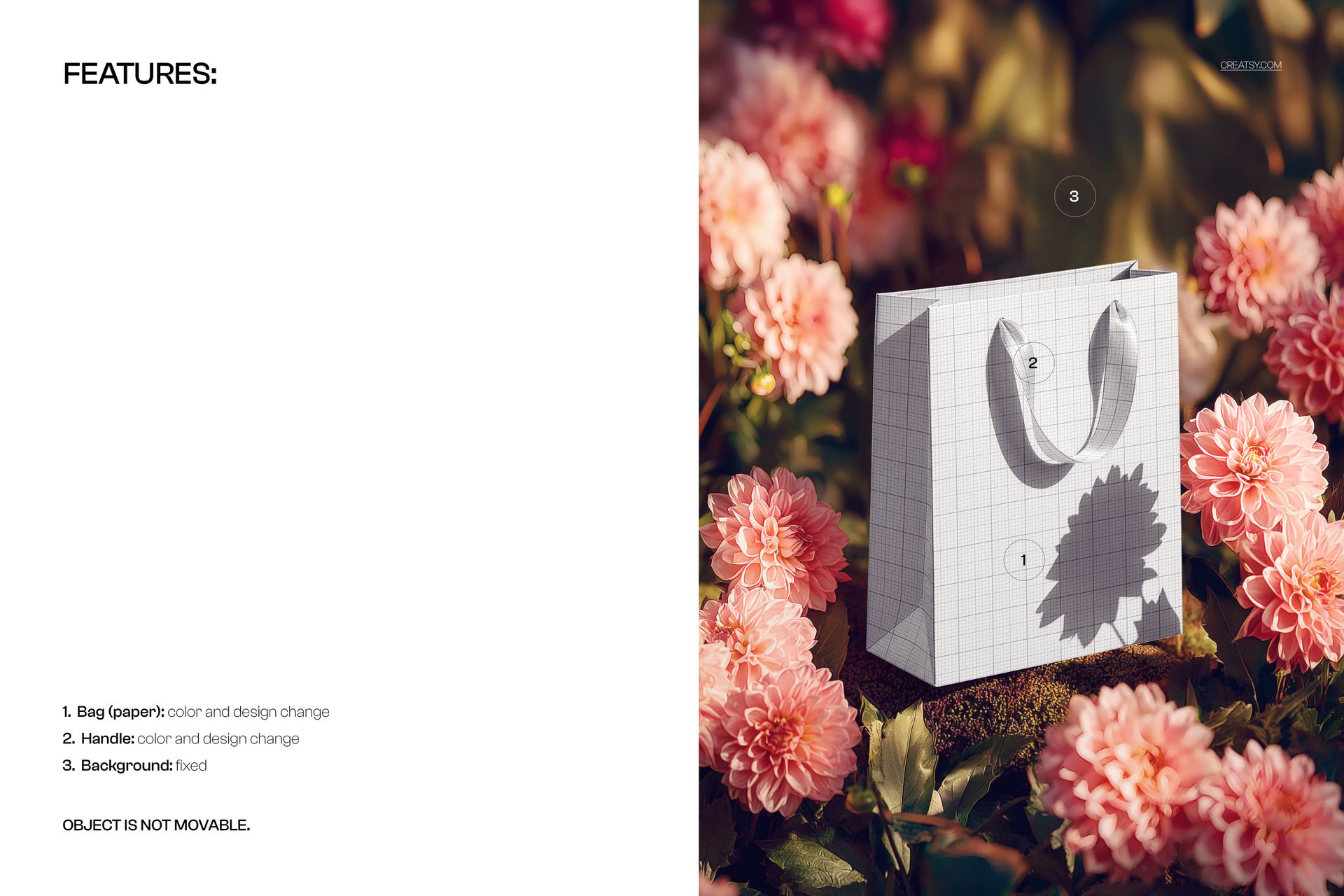
Smart object layers let you drop in your artwork, logo, pattern, or typography directly onto the bag surface with automatic perspective and lighting matching. You can adjust colors, modify the bag material appearance, and fine-tune the overall composition to align with your brand palette. Change the bag surface to showcase different paper textures, matte or glossy finishes, and custom color combinations. The organized layer structure means you spend less time navigating the file and more time perfecting your presentation. Every customization renders at full 300 DPI resolution, ensuring your final exports look sharp for both screen display and physical print use.
Who This Mockup Is For
This mockup serves florists presenting branded packaging to clients, boutique owners showcasing seasonal gift bags, cosmetics and skincare brands building nature-themed marketing campaigns, and graphic designers who need a distinctive portfolio piece for retail packaging projects. Wedding planners, event coordinators, artisan soap or candle makers, and sustainable fashion labels will also find this botanical setting perfectly suited to their brand aesthetic. If your work connects with nature, organic materials, or floral design, this scene delivers the right mood immediately.
File Specifications
File count: 1 PSD. Dimensions: 5000 x 3600 pixels. Resolution: 300 DPI. File size: 175.92 MB. Compatibility: Adobe Photoshop CC 2020 or newer, Photopea. Editing method: smart object layers for non-destructive artwork placement.