Paper Bag with Stickers Mockup Set
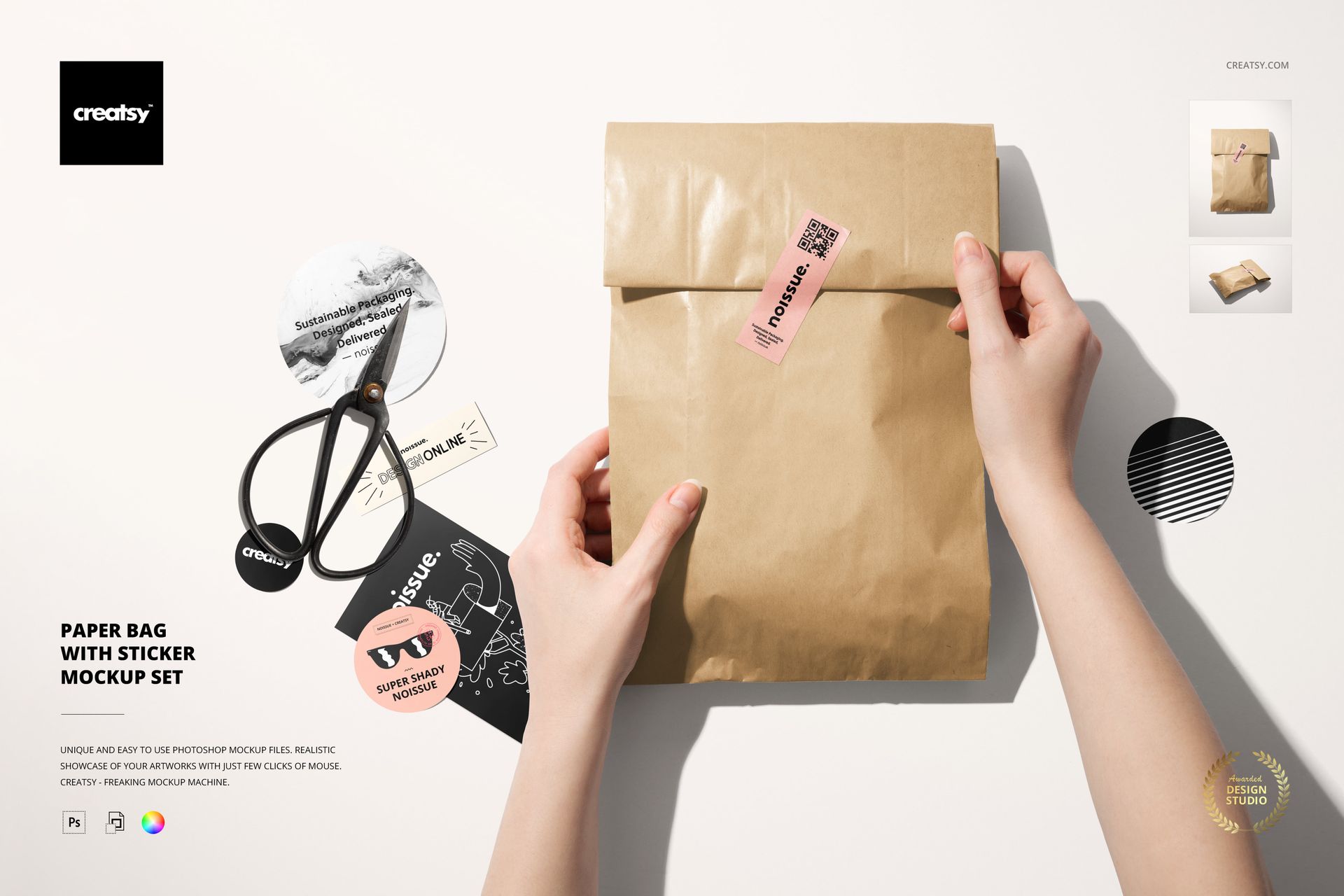
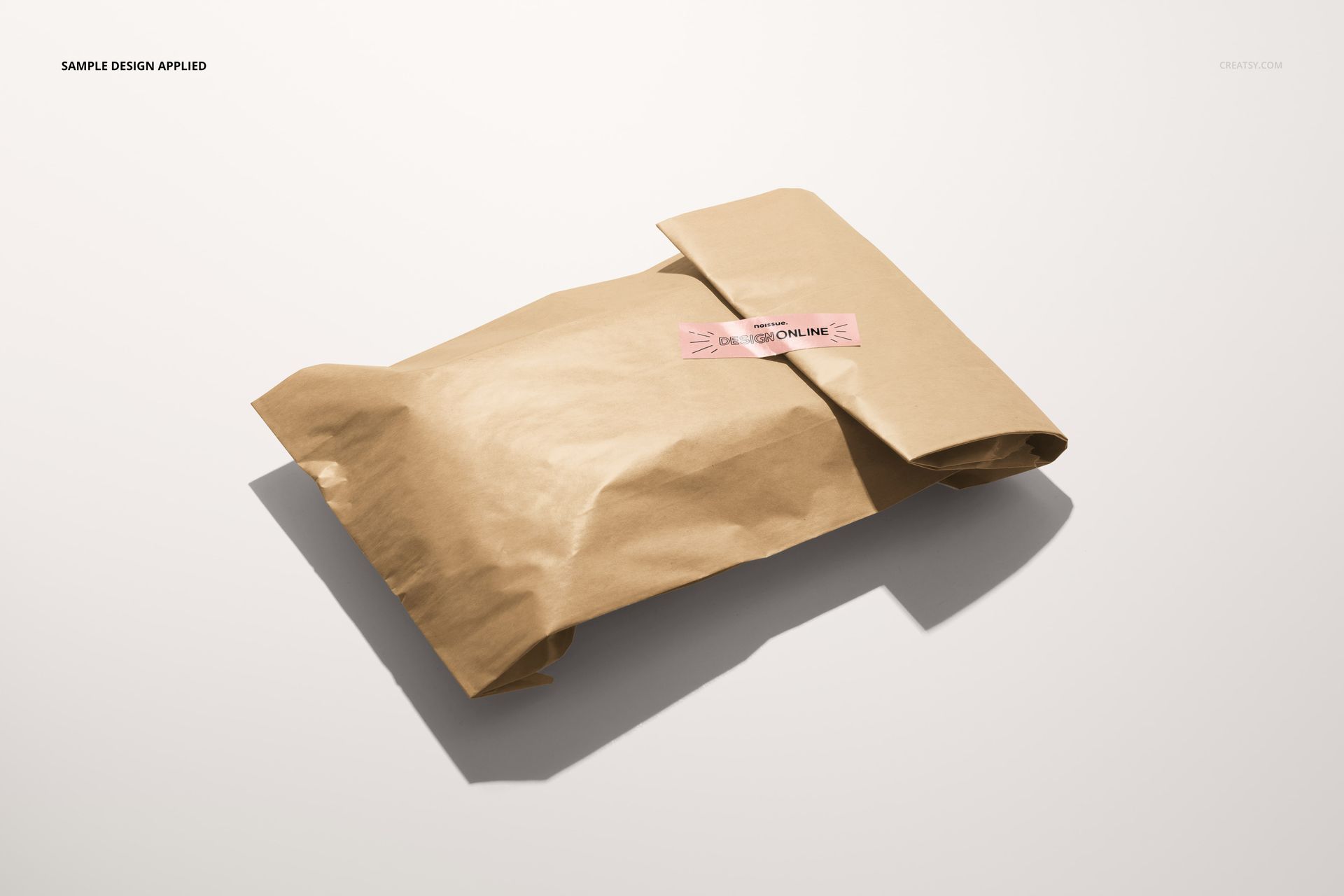
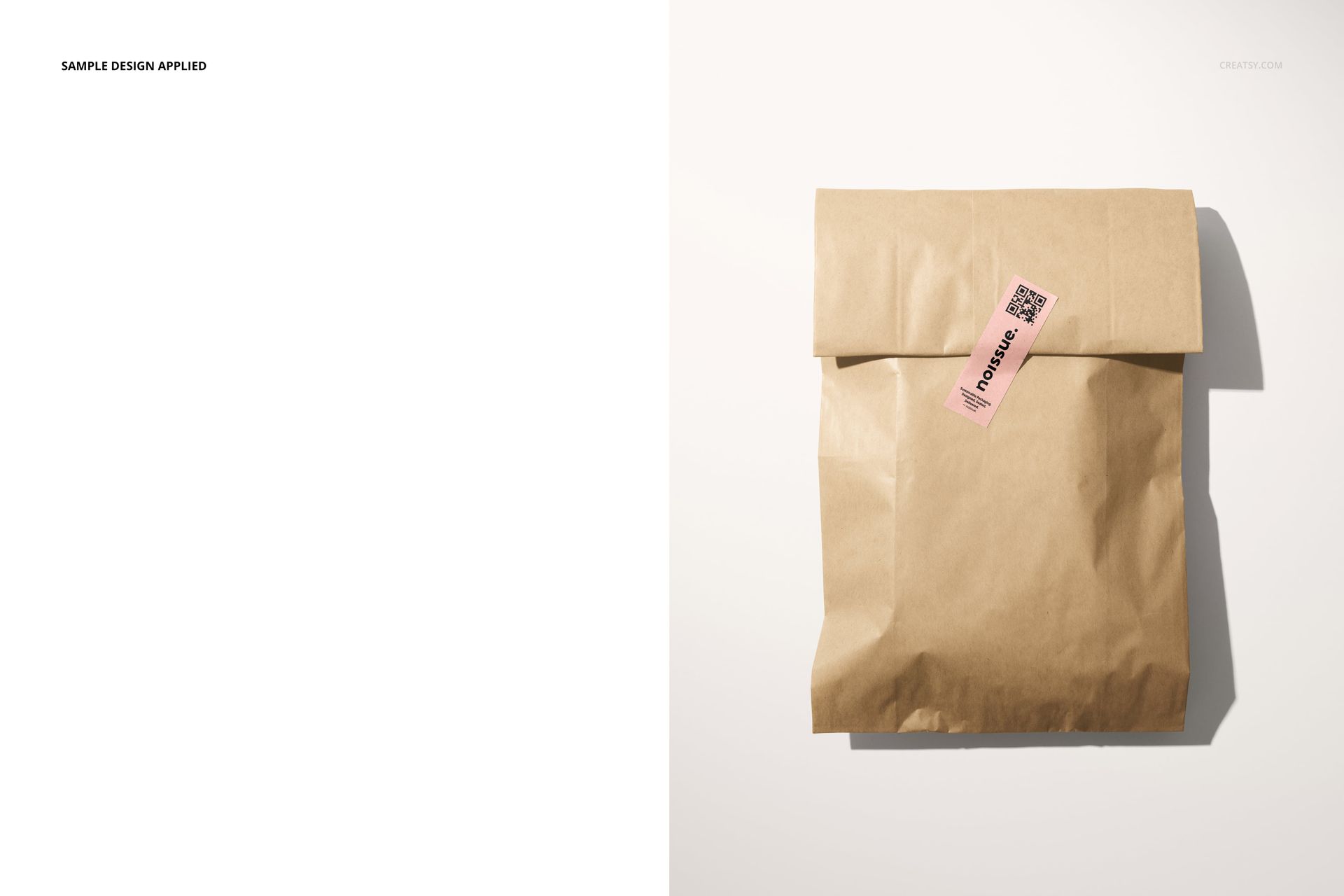
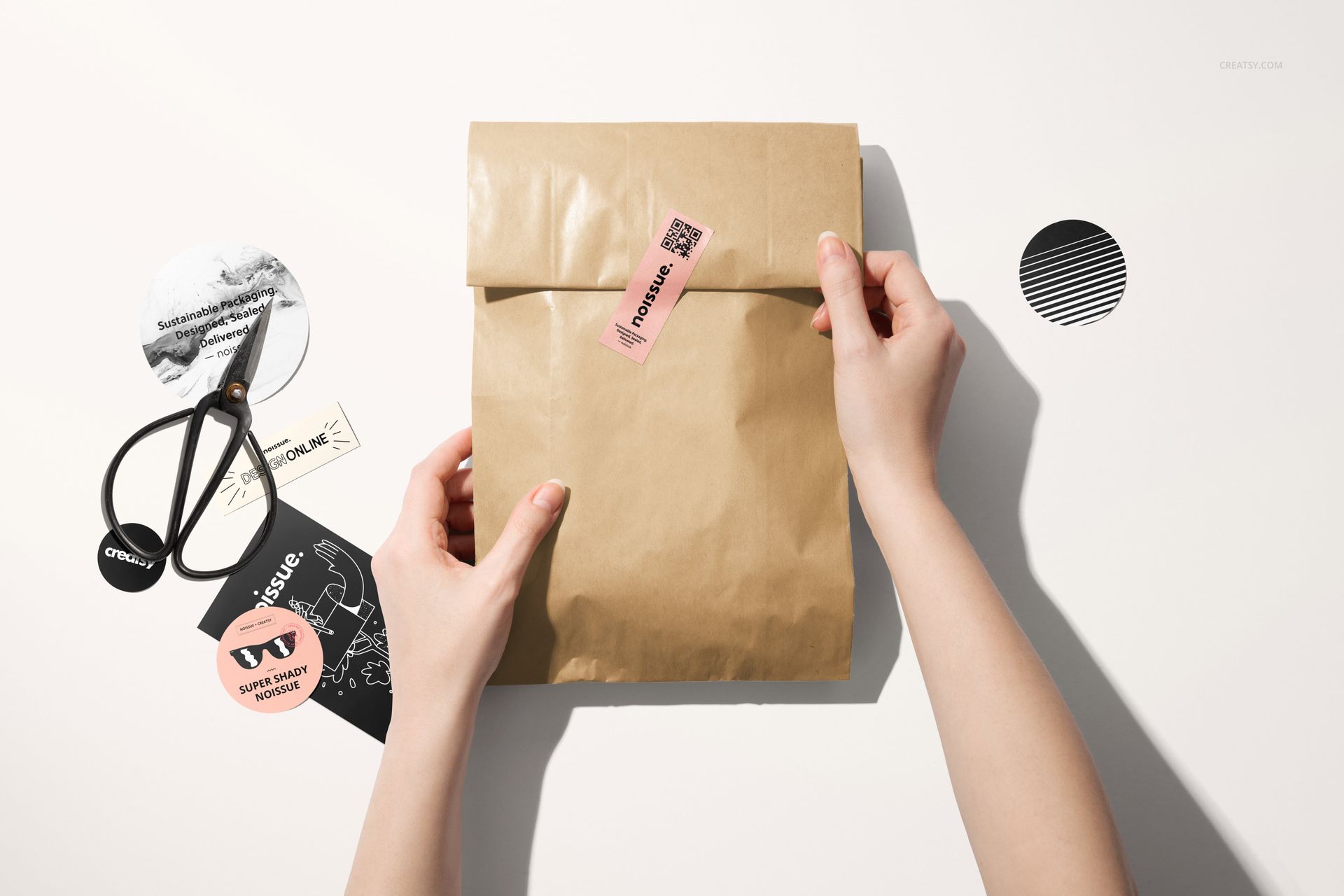
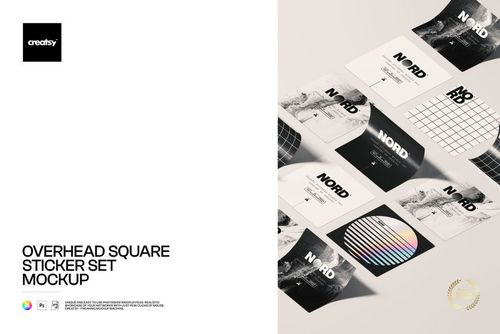
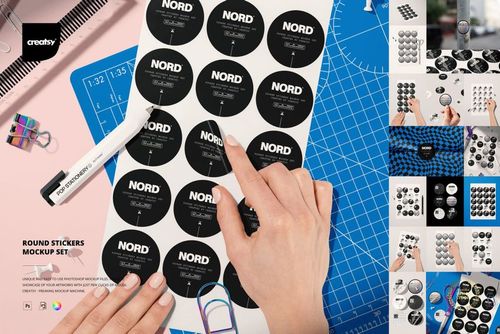
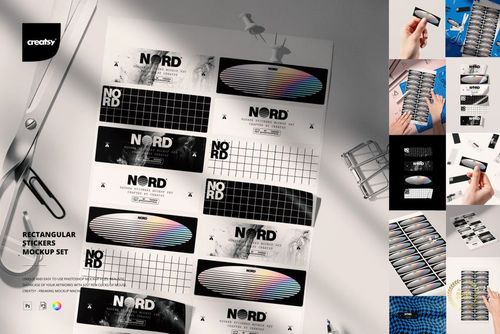
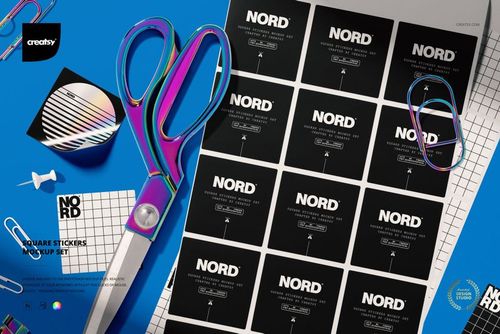
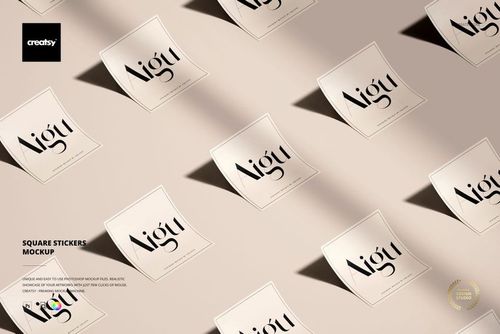
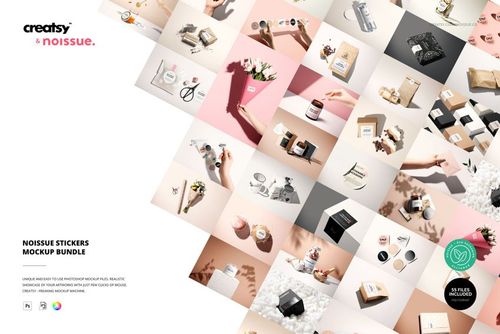
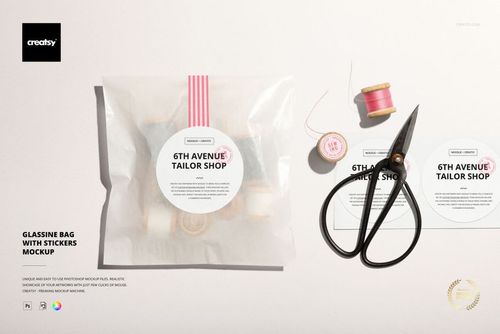
Show how a sticker transforms a simple kraft bag into a polished branded package. This three-scene mockup set follows the process from applying the label to presenting the finished, sealed parcel, giving packaging concepts a natural and convincing context.
What Is Included
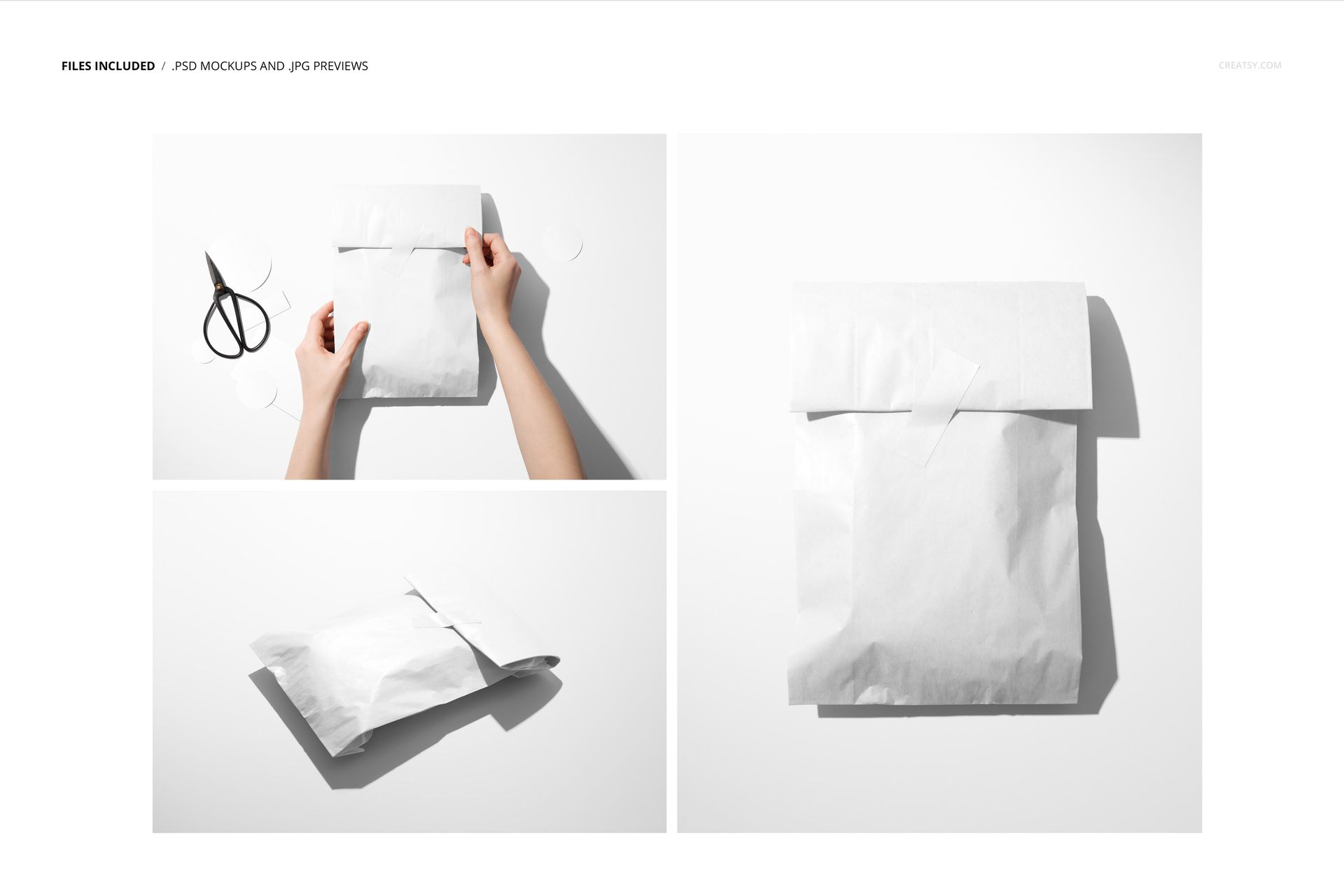
3 layered PSD mockup scenes
6 files in total, supplied in PSD, JPG, and PDF formats
Large 6000 x 4000 px canvases at 300 DPI
Compatibility with Adobe Photoshop CC 2020 or newer and Photopea
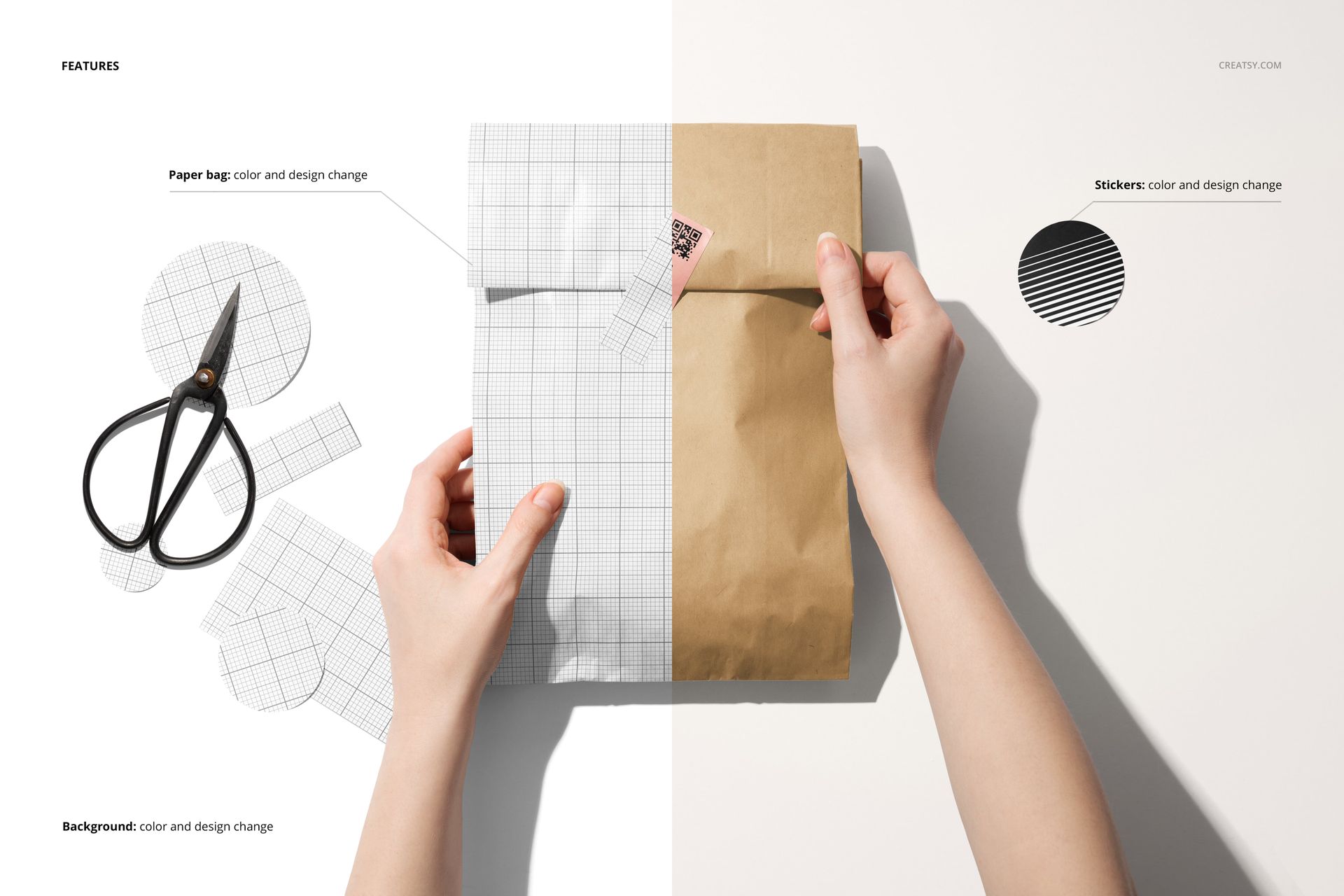
Organized layers for an efficient editing workflow
From Process to Finished Package
Use the hands-on scene to demonstrate sticker placement, then switch to clean top views of sealed paper bags for final brand presentations. The mix of office supplies, patterned paper, bright surfaces, and minimal compositions helps one identity feel consistent across several visual directions.
Flexible Brand Customization
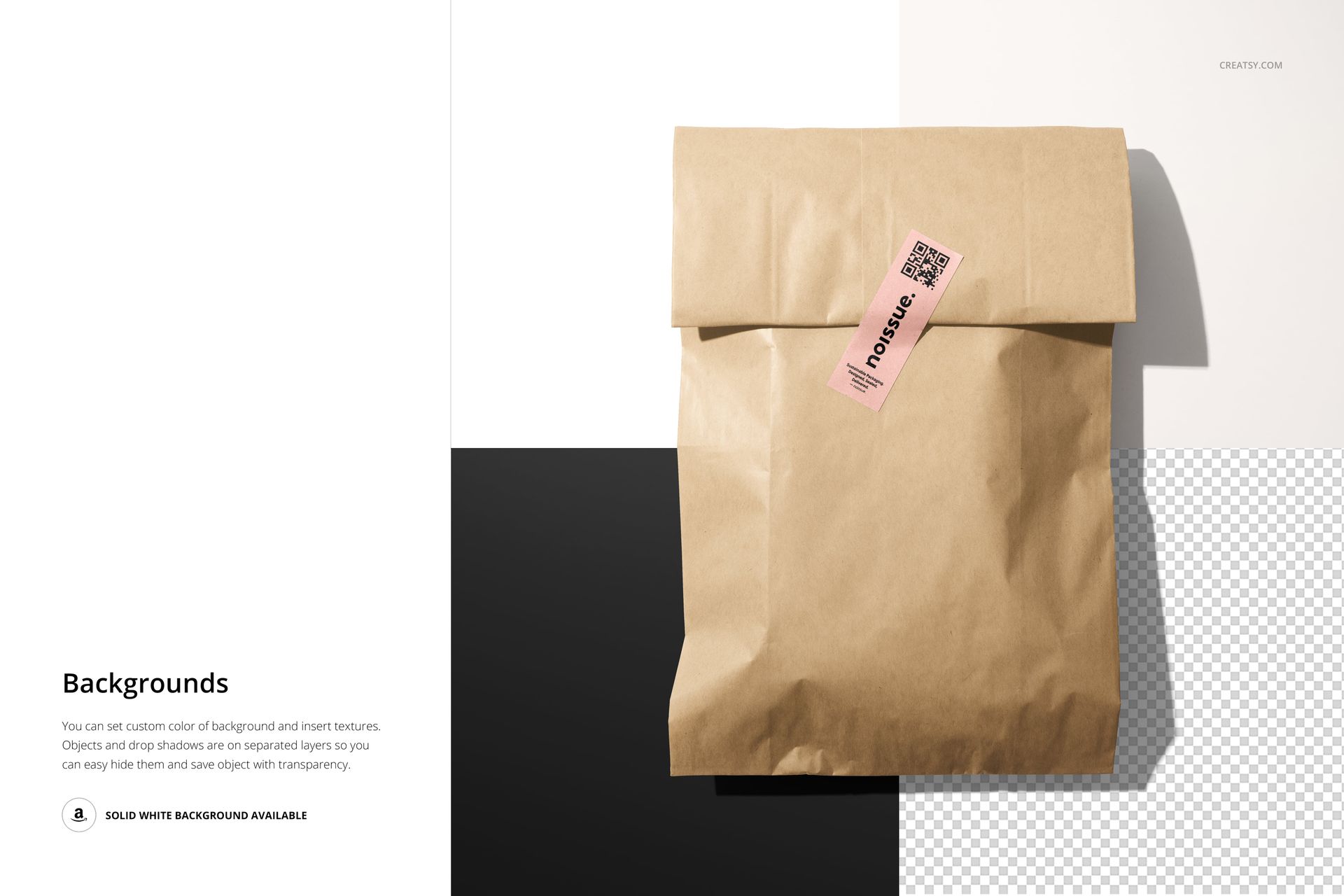
Replace the sticker artwork with your own design and adjust the paper bag color, background, and shadows to suit the campaign. High-resolution files preserve crisp typography and fine logo details for portfolio images, shop graphics, client reviews, and social media.
Perfect For
Packaging and label designers
Small shops, makers, and handmade brands
Ecommerce and shipping presentation concepts
Sticker, seal, logo, and identity previews
Please note: Sample patterns and presentation artwork are not included.