About this shopping bag mockup
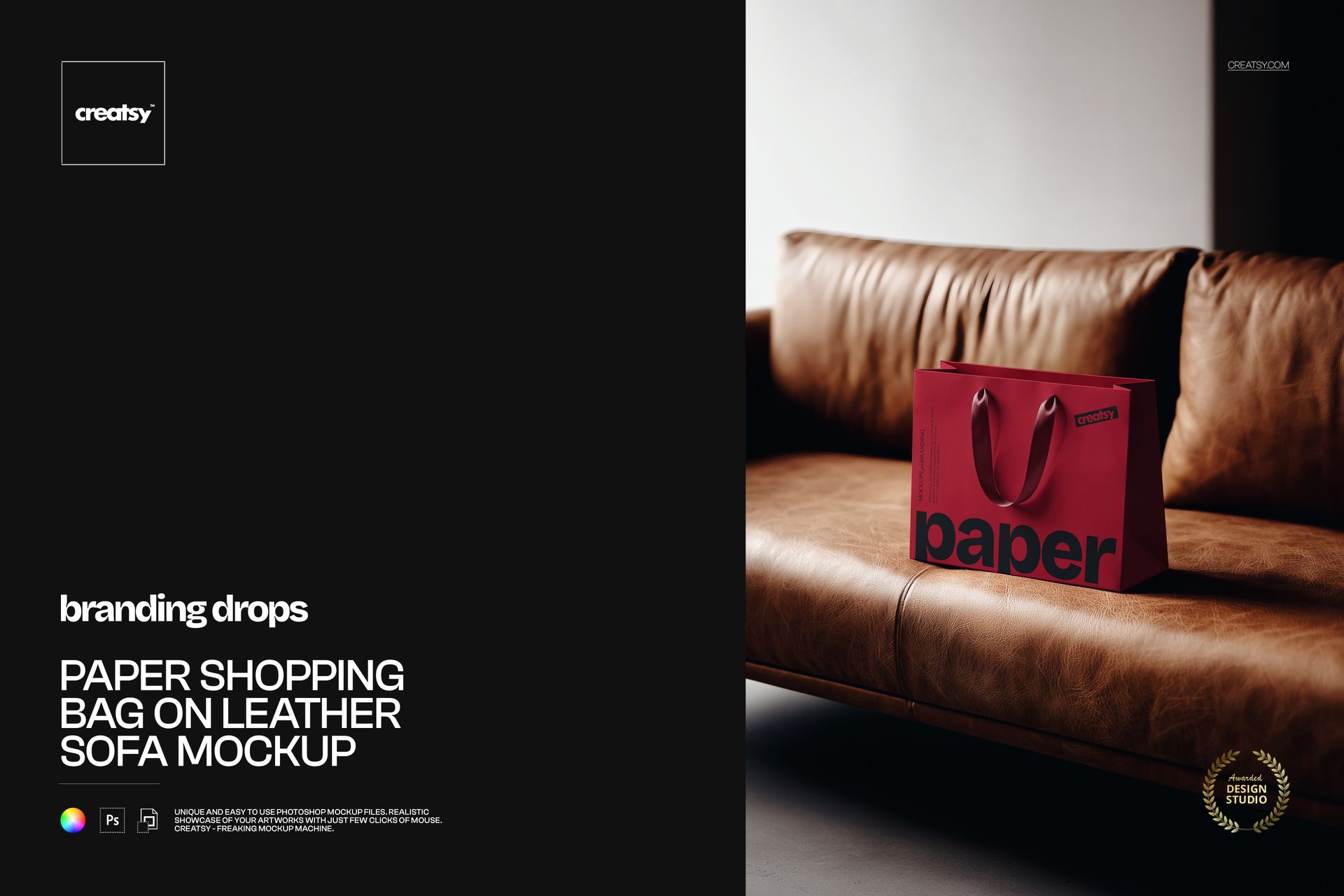
The Paper Shopping Bag on Leather Sofa Mockup by Creatsy is a shopping bag mockup that stands your bag on a worn brown leather sofa in warm, low light, the kind of setting that makes a paper bag look like it came from a premium store. It comes as a single layered PSD at 5000 x 3300 px and 300 dpi, a wide landscape frame that suits a banner, a hero image, or a print. The bag stands upright and open at the top, so a logo on the front panel reads clearly at a glance.
The setting does quiet work here. Leather, warm light, and a calm room read as considered and high-end, so your logo on a plain paper bag lands as a boutique purchase rather than a supermarket carry-out. It is the difference between showing a bag and showing a brand, and you get it without styling a room or hiring a photographer.
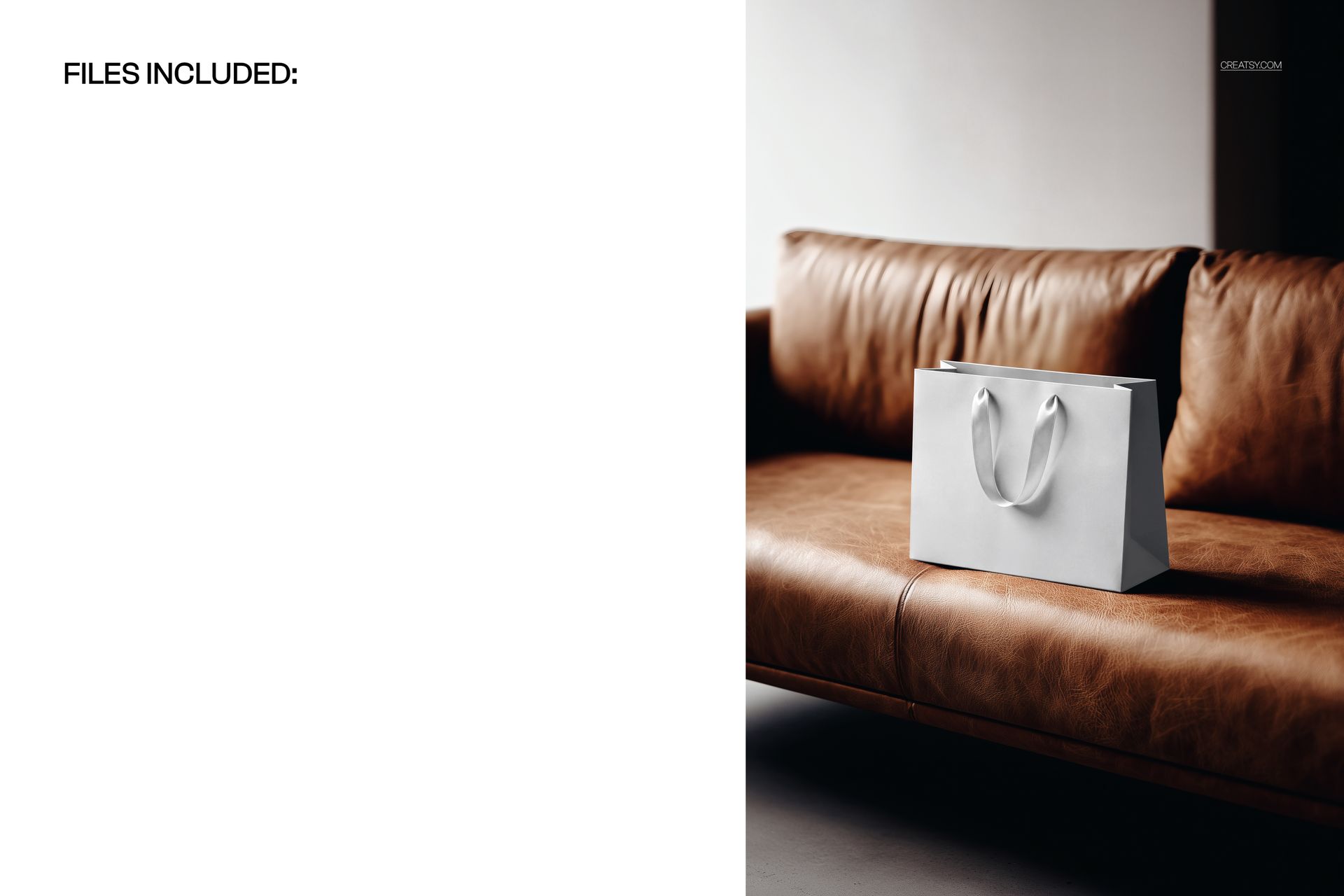
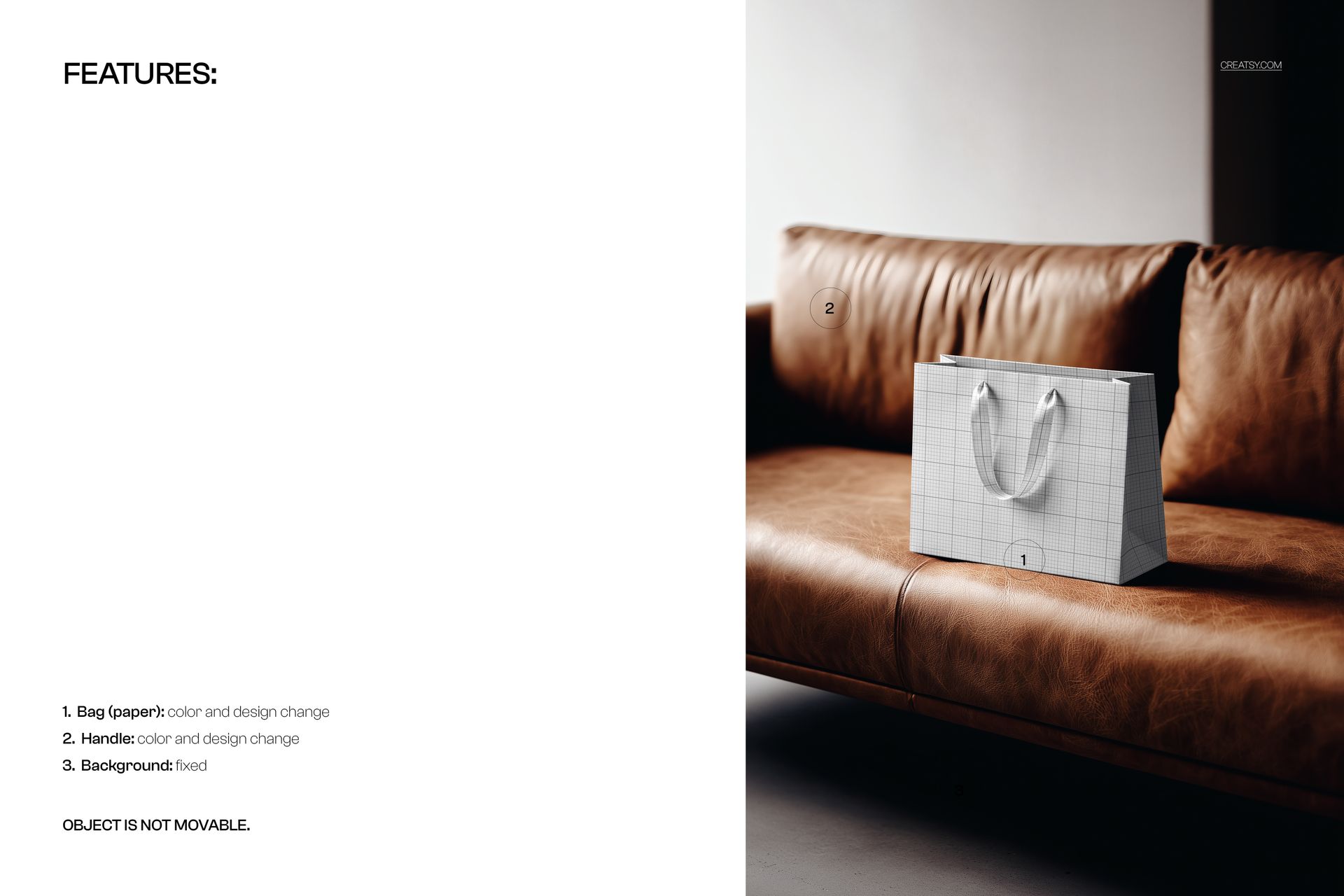
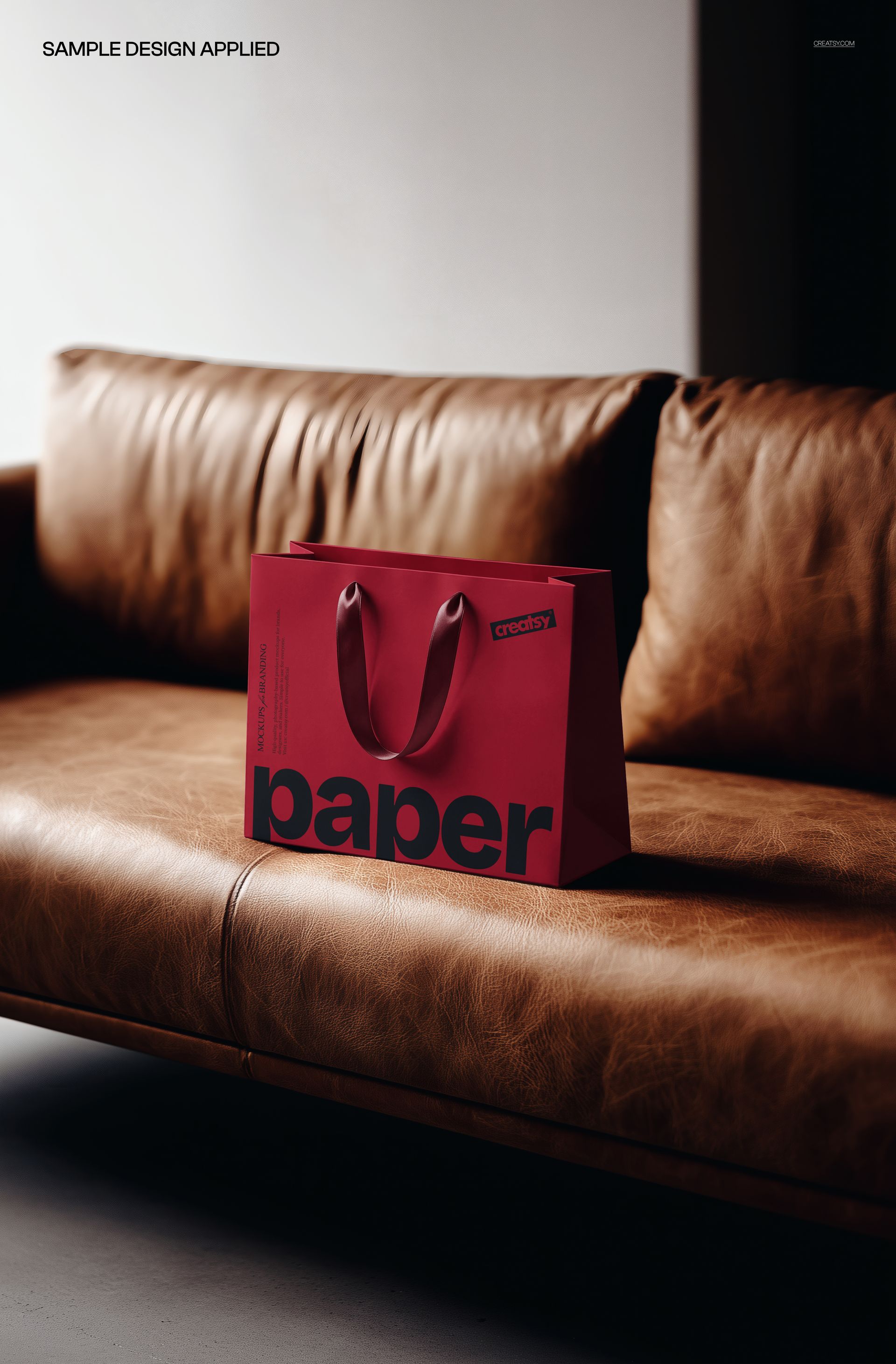
Your artwork goes on the bag through a smart object, and both the bag and its handles change color and design, so you can print your logo across the paper, tint the bag to a brand shade, and set the handles to a matching or contrasting cord or ribbon. Double-click the bag smart object, drop in your design, and save - it wraps onto the paper with the creases, the folds, and the soft light on top, so it reads like a real printed bag. The bag arrives blank; the design shown in the previews is placeholder artwork and is not included. One note up front: the leather-sofa background is fixed and the bag stays in place, so this is built around one polished hero angle.
Use it to present retail or gift packaging to a client, to anchor a product page or a campaign for a boutique or fashion brand, or to build an Etsy or Creative Market listing for a bag or packaging template. One PSD covers a styled shoot that would otherwise mean printing a bag, sourcing a leather couch, and lighting it warm.
What you get
One layered .psd mockup of a paper shopping bag on a leather sofa
5000 x 3300 px at 300 dpi, wide landscape format
A smart object for the bag design, so your artwork wraps onto the paper
Editable color and design on both the bag and the handles
Well organized, clearly named layers
About 55 MB once unzipped
How it works
Open the .psd in Adobe Photoshop (CC2020 or newer), or free in Photopea.
Double-click the bag smart object to open its own canvas.
Paste your logo or design, fit it to the guide, and save that tab.
Set the bag and handle colors to your palette, then export a JPG or PNG.
Specifications
Files: layered .psd
Dimensions: 5000 x 3300 px, landscape
Resolution: 300 dpi
Scene: a paper shopping bag on a fixed leather-sofa background
Editable: bag design and color, handle design and color
Layout: the background and the bag position are fixed
Software: Adobe Photoshop CC2020 or newer, and Photopea (free, browser-based)
File size: about 55 MB
Who it is for
It suits packaging and branding designers presenting a retail bag, boutiques, fashion, and gift brands proofing their packaging, and print or Etsy sellers offering bag and packaging templates. It fits a clothing label, a jewelry or beauty boutique, a gift shop, or a premium food brand. It is also a quick win for a holiday or seasonal campaign, a loyalty or VIP gift, and a rebrand pitch where the packaging needs to feel elevated on the first slide. If you want a warm, high-end preview of your shopping bag without a photo shoot, this is built for it.