Translucent Colored Vinyl Record and Two Album Covers Mockup
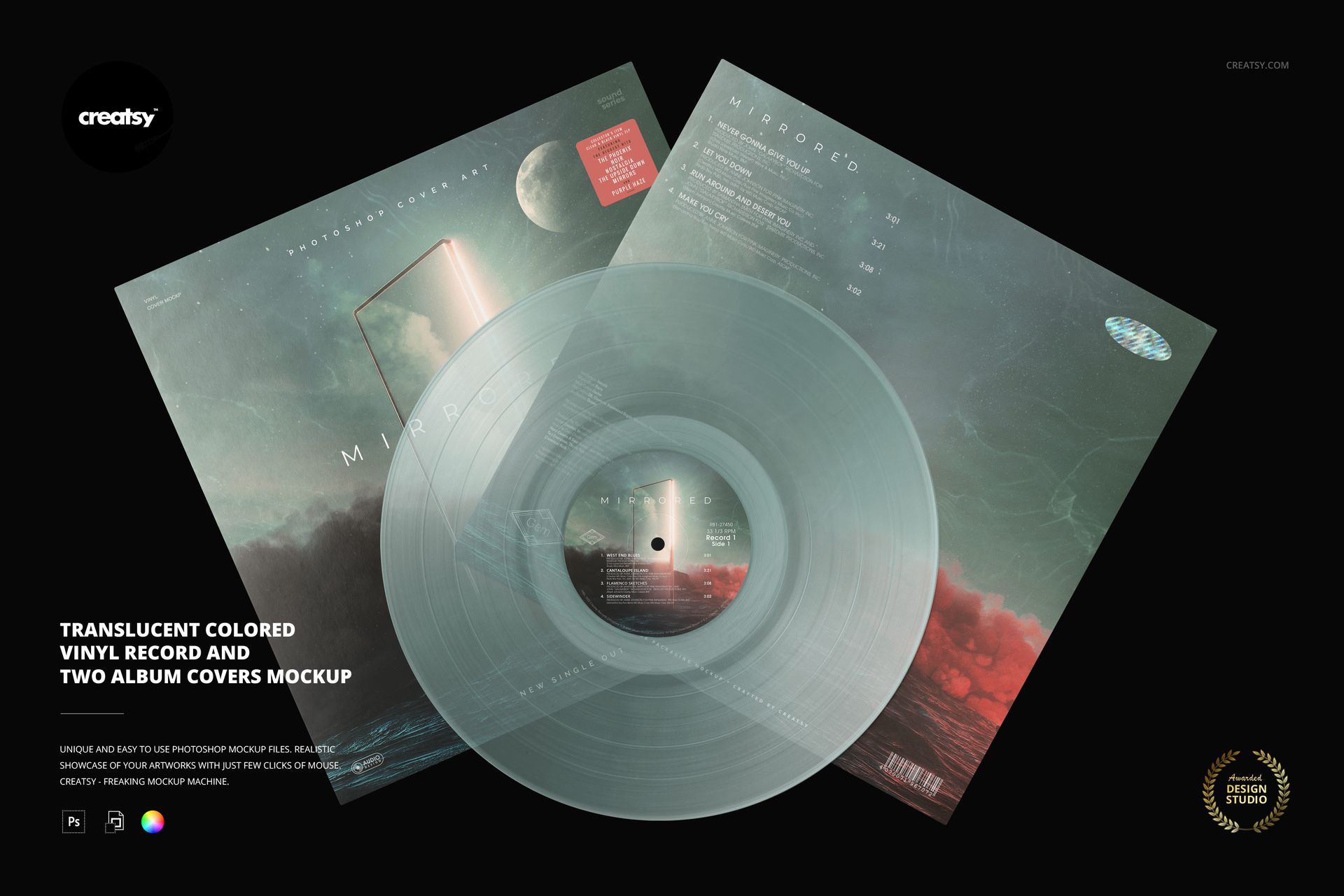
Bring the disc, front artwork and back-cover layout into one coordinated presentation. This overhead composition pairs a translucent colored vinyl record with two overlapping album covers, giving your release identity more context than an isolated cover image.
Use the two covers to show a hero illustration alongside a tracklist or an alternate design. The record links both layouts visually through its center label and colored finish.
What Is Included
1 layered PSD mockup scene, 6000 × 4000 px at 300 DPI.
1 JPG preview and 6 Oswald OTF font files: ExtraLight, Light, Regular, Medium, SemiBold and Bold.
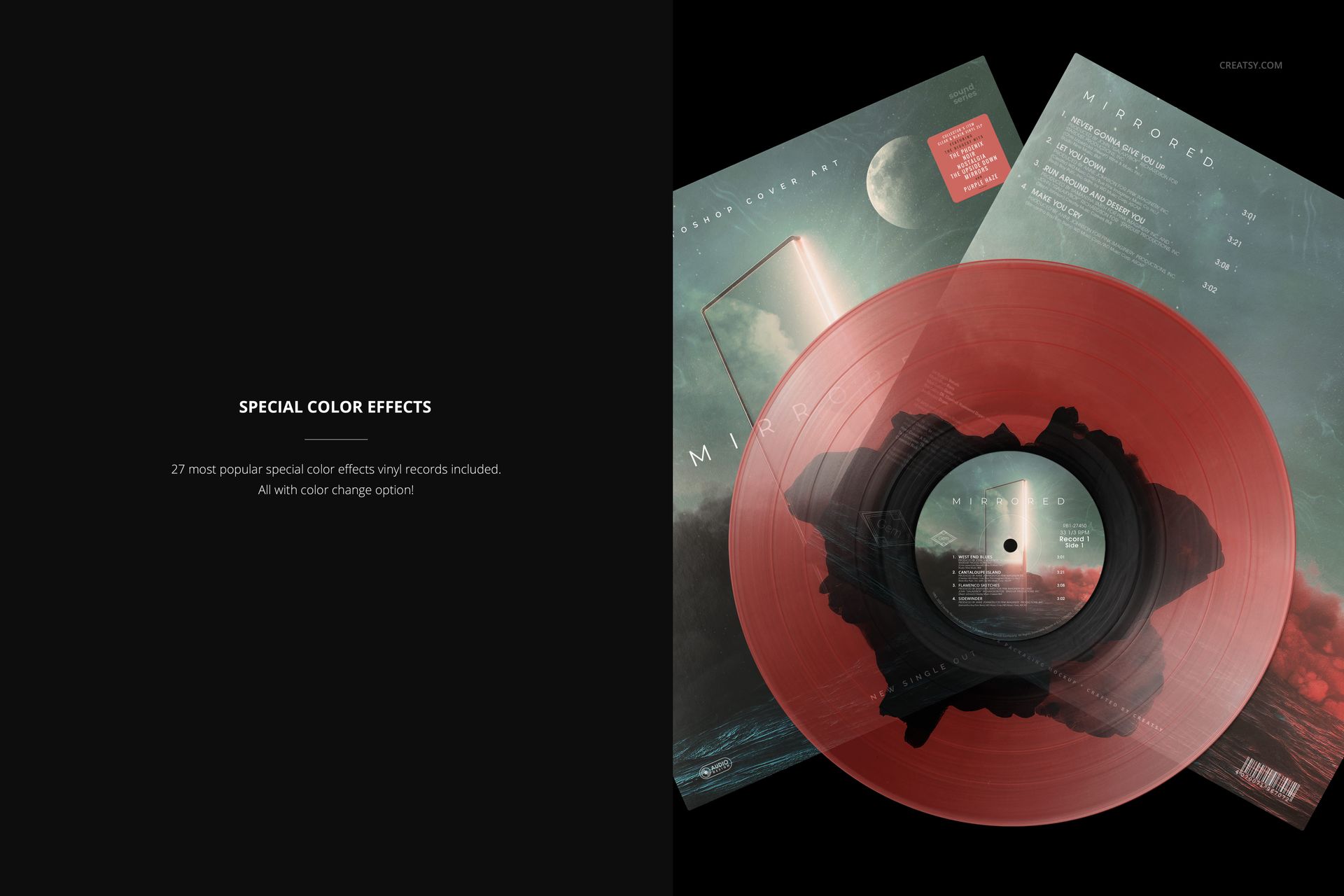
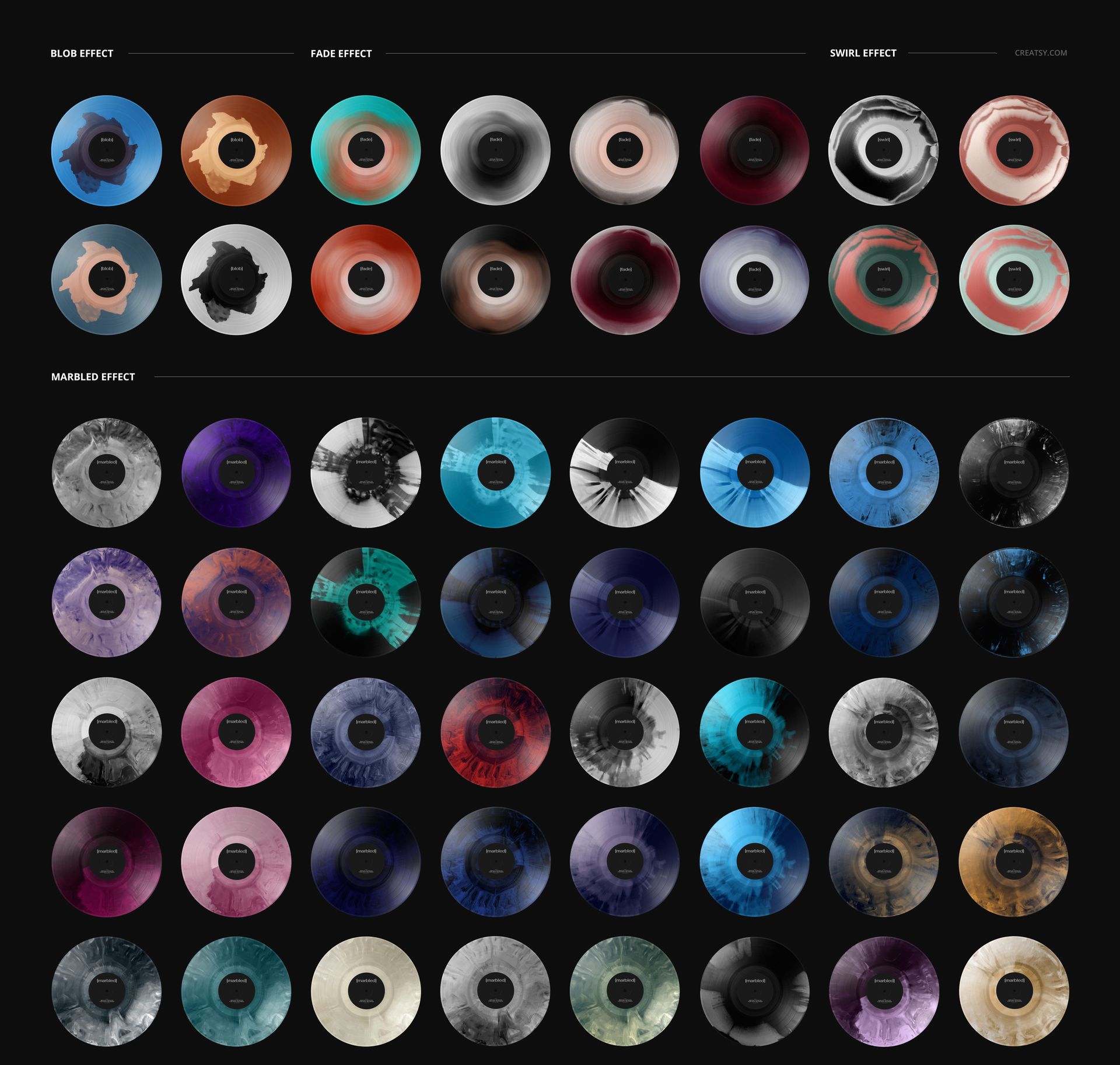
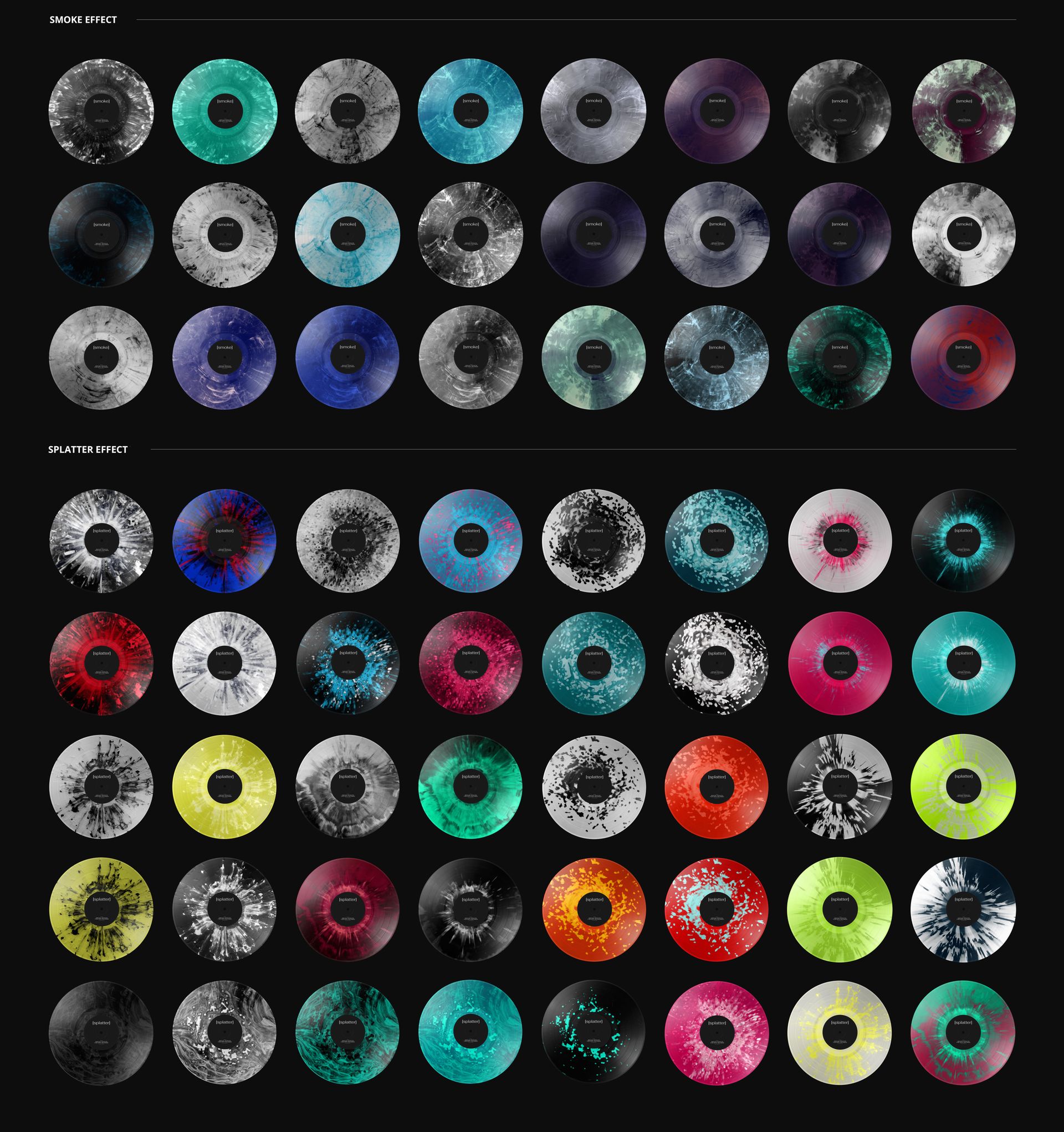
27 vinyl color effects with editable colors, including blob, fade, swirl, marbled, smoke and splatter looks.
Two Covers, One Release Identity
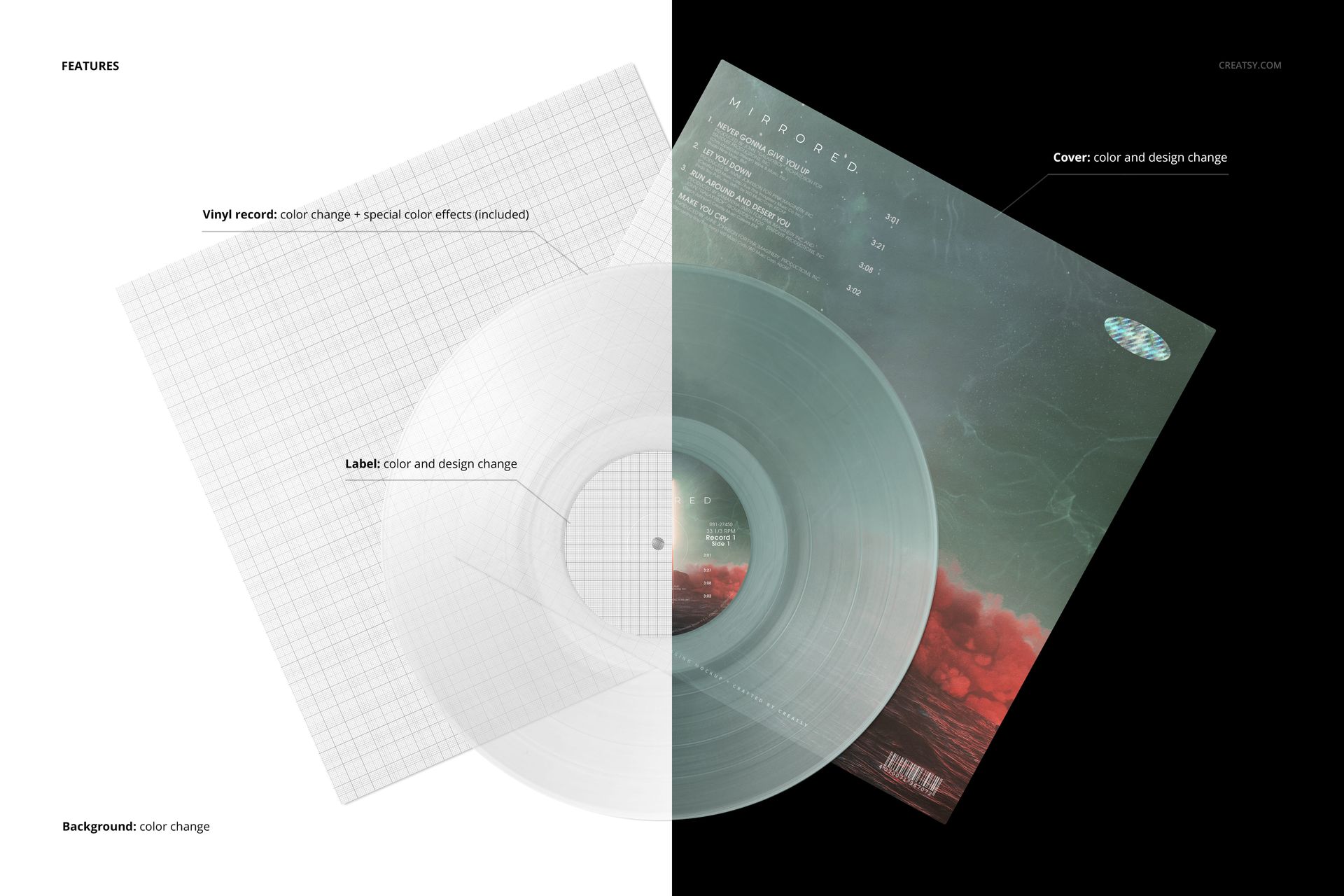
Customize the cover artwork and colors, center-label design and color, record appearance and background color. The overlapping arrangement helps show how a bold front cover and a quieter information layout belong to the same release.
Easy Smart Object Editing
Open the PSD in Adobe Photoshop or Photopea, replace the artwork through Smart Objects and adjust the organized layers to suit your palette. Keep the label consistent while exploring different vinyl effects.
Perfect For
Album artwork portfolios, music-label presentations, independent release announcements and comparisons of front and back packaging designs.
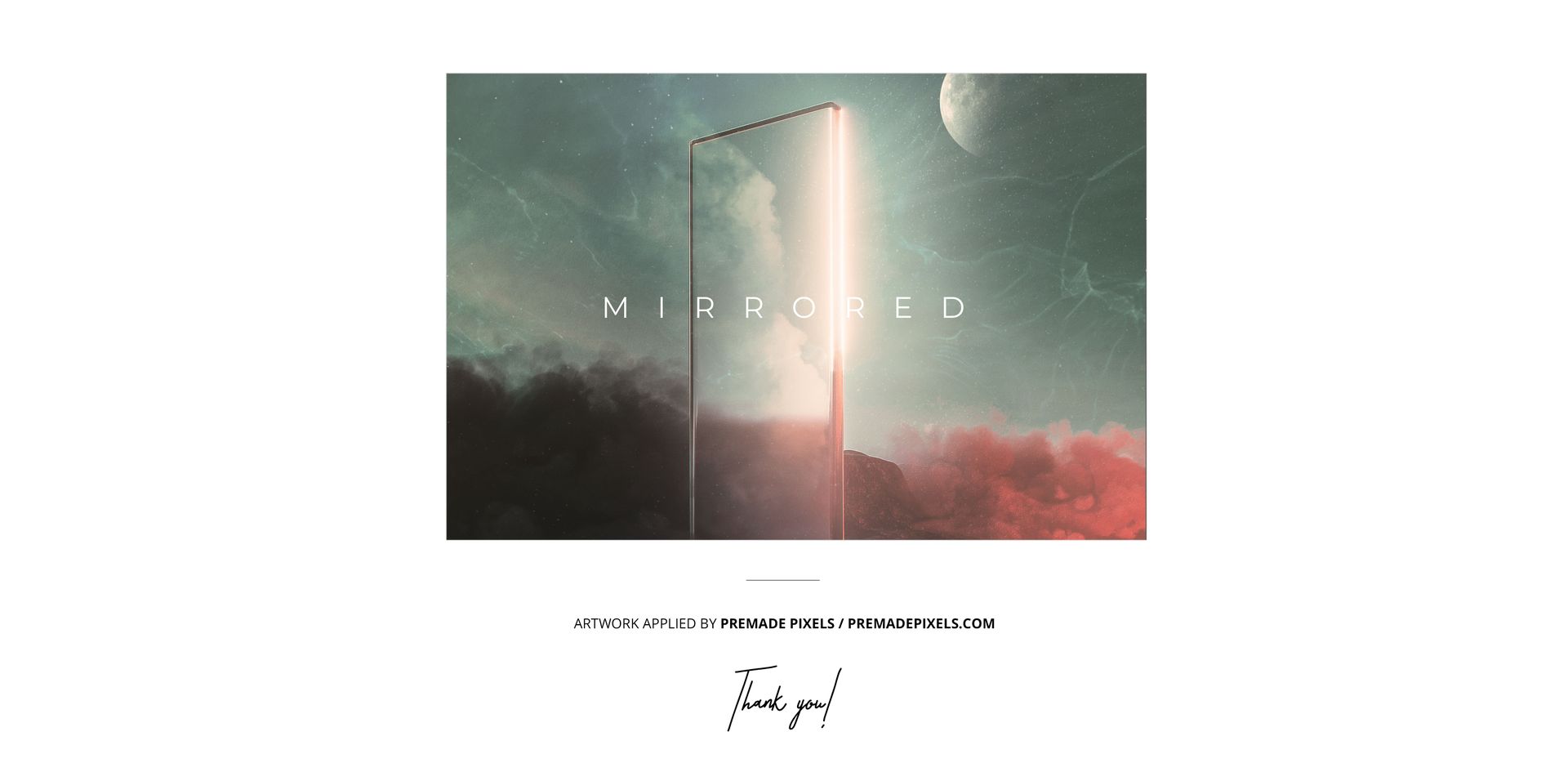
This is a digital mockup, not a physical record or print-production template. The sample artwork shown in the previews is not included.