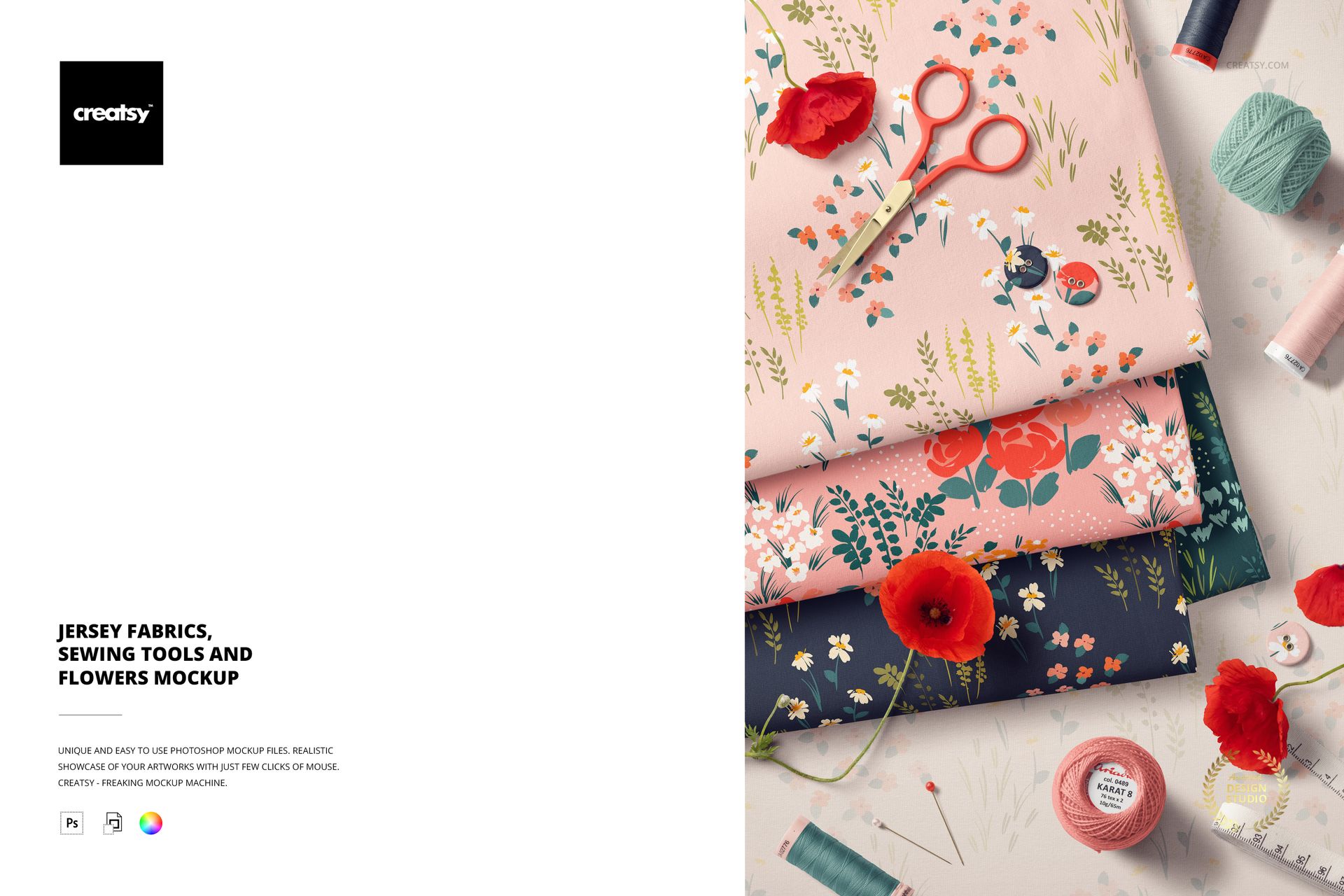
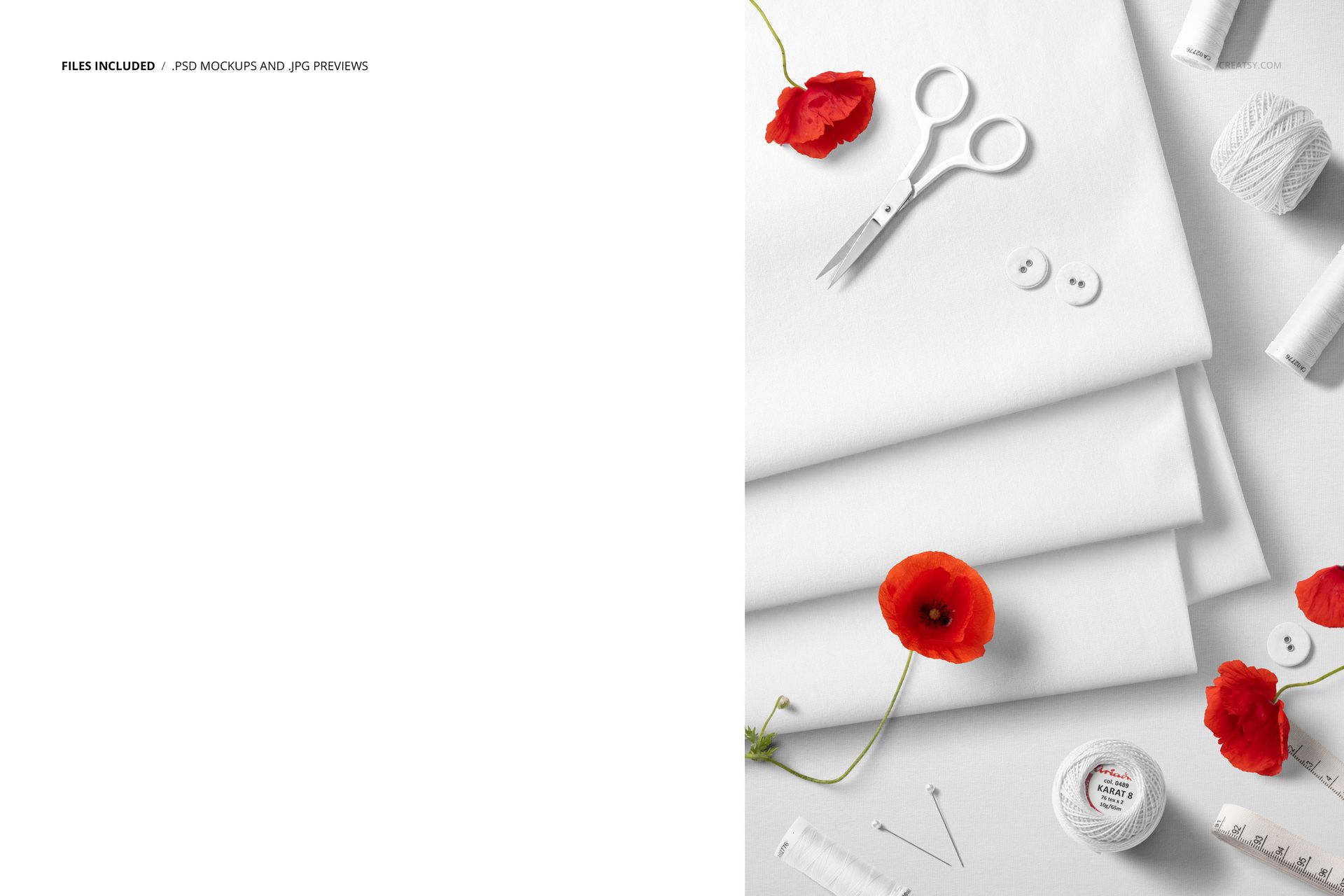
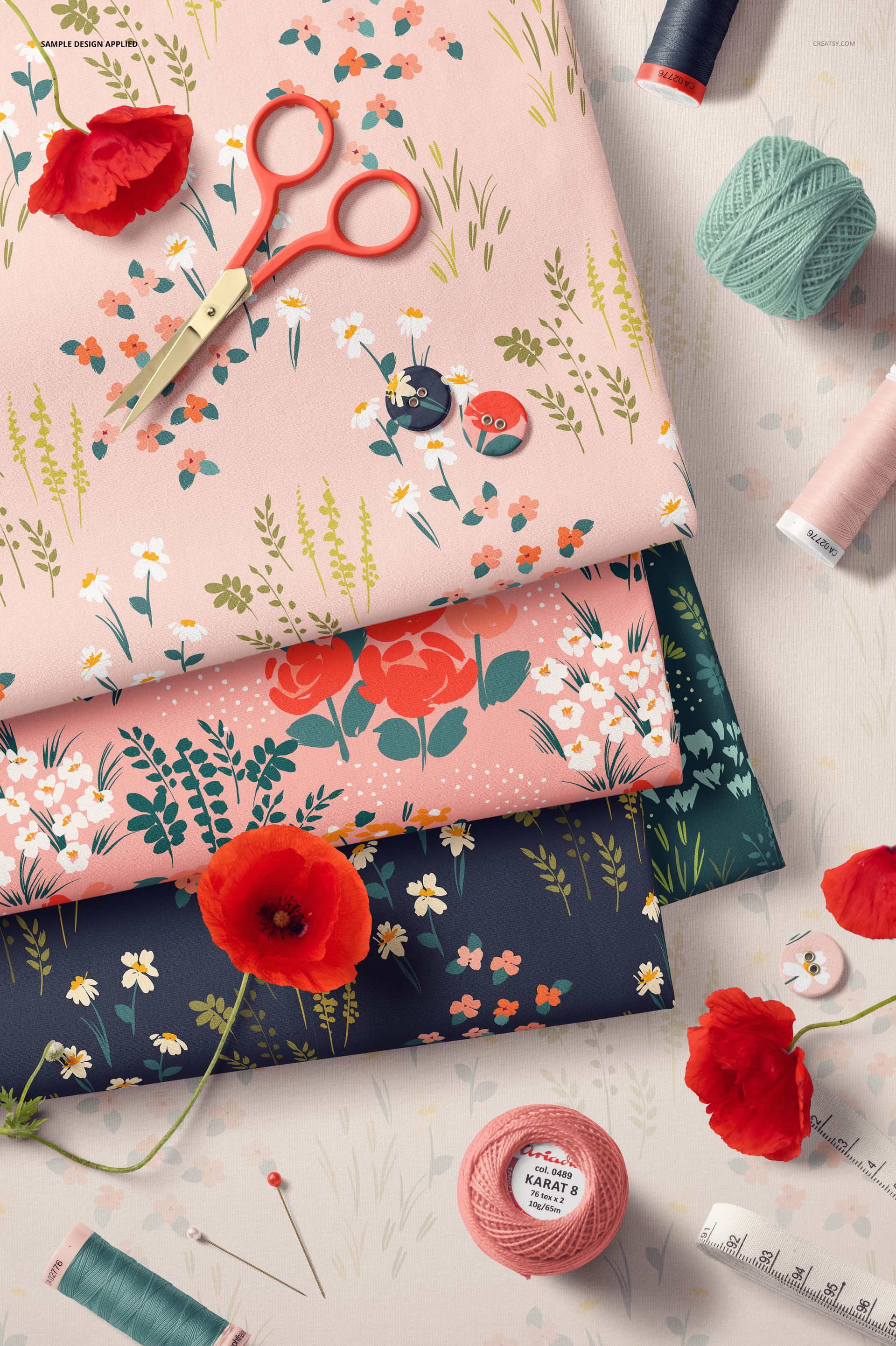
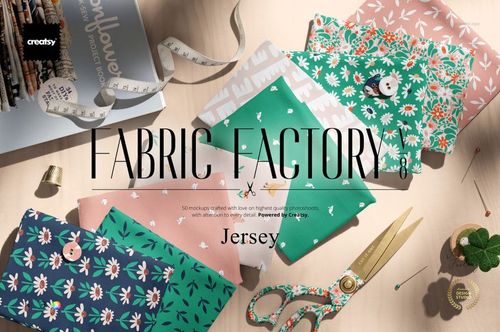
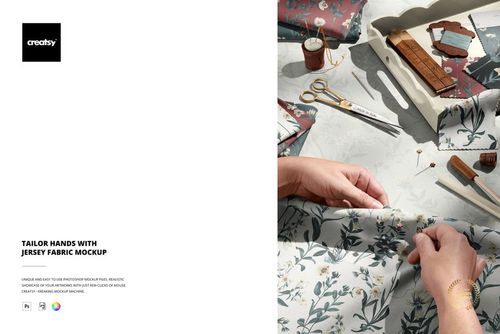
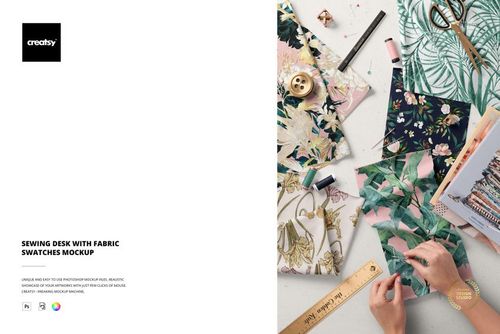
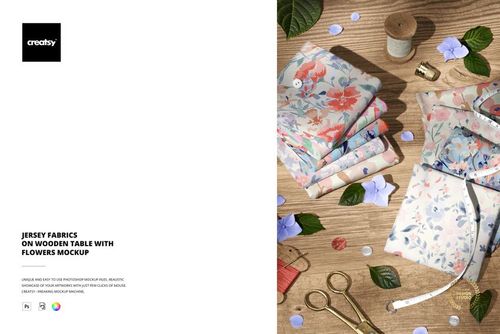
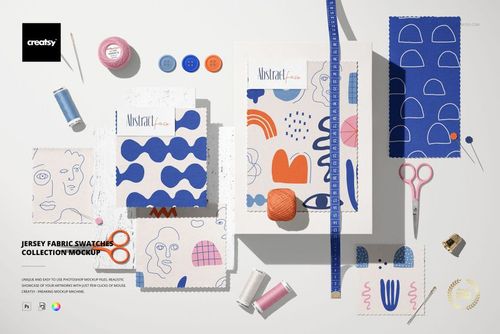
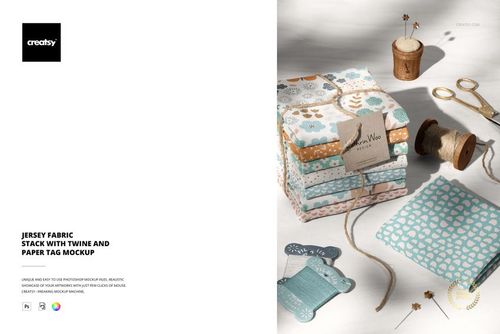
Jersey Fabrics, Sewing Tools and Flowers Mockup is a single-scene flat lay that pairs folded jersey knit fabric with real sewing supplies and fresh botanical accents. The composition captures scissors, thread spools, buttons, and delicate flowers arranged around your fabric design on a clean workspace. Built for surface pattern designers, textile brands, and craft-focused sellers who want to present printed jersey designs in a context that feels authentic, handcrafted, and immediately shoppable. Place your pattern via the smart object layer and the mockup does the rest - wrinkles, folds, and knit texture update in seconds.
Why This Mockup Works
Flat lay fabric mockups with sewing accessories tell a story that a plain fabric swatch cannot. When a client sees your pattern applied to folded jersey alongside scissors, thread, and spring flowers, they grasp the material context instantly. This scene bridges the gap between digital pattern files and real textile products, making it a strong choice for portfolio pages, social media posts, and online shop listings where visual storytelling drives purchasing decisions. The sewing props establish credibility with audiences who understand textiles, while the botanical elements add seasonal warmth that appeals to a broader consumer audience browsing for craft supplies or custom fabric prints.
What Is Included
The download contains 1 PSD file at 6000x4000 pixels and 300 DPI. The scene features folded jersey fabric pieces as the focal point, surrounded by a pair of scissors, thread spools in multiple colors, assorted buttons, and floral elements arranged in a carefully balanced top-down composition. Every prop is positioned to draw attention to your surface pattern while the surrounding elements maintain a natural, lived-in aesthetic that looks styled but not staged. Total download size is 503.08 MB. The file opens in Adobe Photoshop CC2020 and newer, as well as the free browser-based editor Photopea.
What You Can Customize
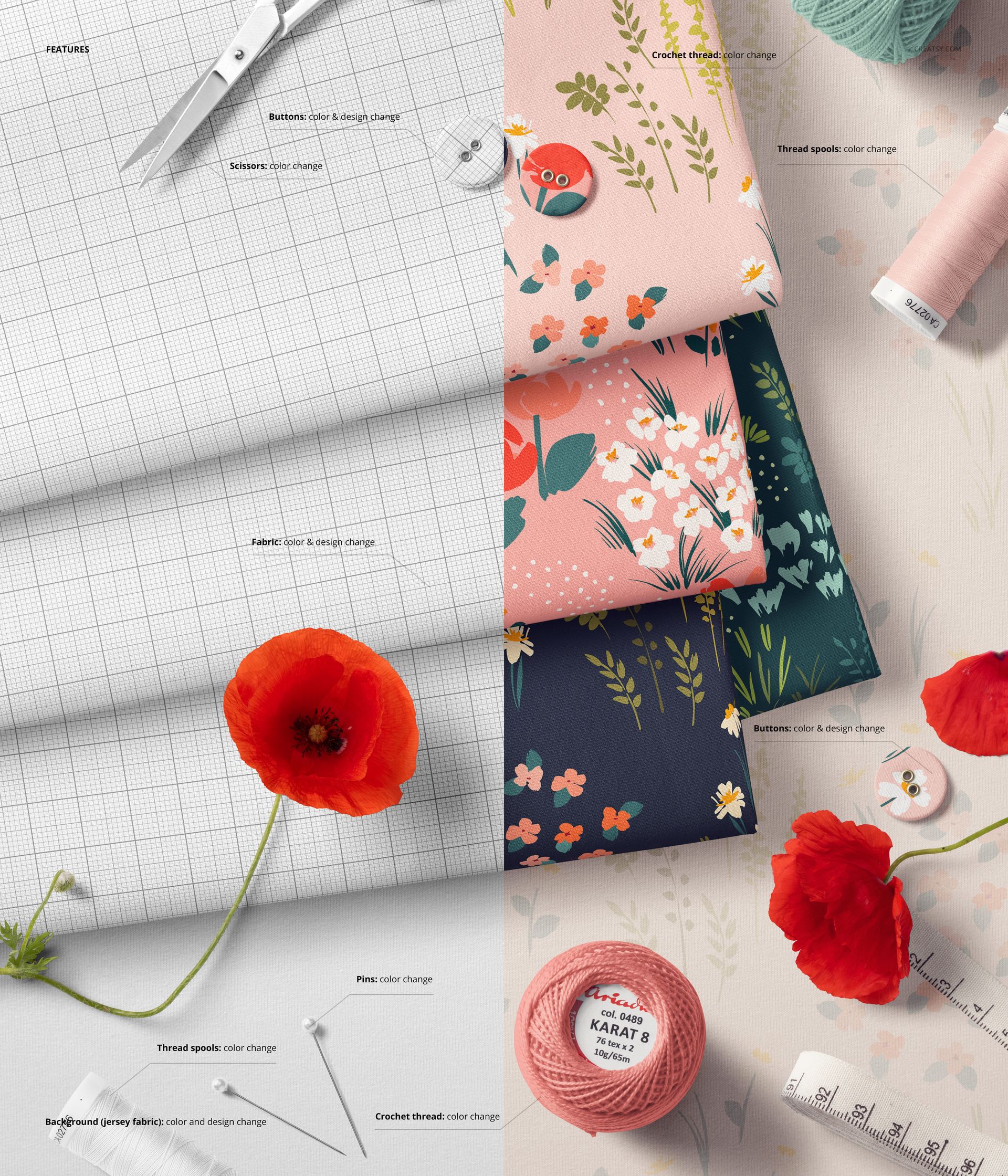
Open the PSD in Photoshop or Photopea, locate the smart object layer, and place your repeat pattern, illustration, or textile design. The mockup renders your artwork onto the jersey fabric surfaces with realistic wrinkles, folds, and knit texture built into the displacement mapping. Lighting and shadows update automatically to match your color palette. Well organized layers give you full control over individual scene elements, so you can toggle visibility on specific props or adjust their positioning if your design calls for a cleaner or more minimal composition.
Who This Mockup Is For
Surface pattern designers showcasing repeat patterns on jersey knit for client pitches or portfolio updates. Textile brands building lookbooks, catalog pages, or marketing assets for seasonal collections. Etsy and Shopify sellers who need product images that stand out in crowded search results and communicate quality at first glance. Social media managers creating spring or sewing-themed marketing content for fabric shops or craft communities. Print-on-demand entrepreneurs previewing jersey fabric designs before ordering production samples or listing new products in their stores.
File Specifications
Format: PSD (Adobe Photoshop). Files: 1. Resolution: 6000x4000 px. DPI: 300. Size: 503.08 MB. Compatibility: Adobe Photoshop CC2020 and newer, Photopea (free browser-based editor). Smart object layers for one-click pattern placement. Well organized layer structure. Example artwork by Nadia Grapes: instagram.com/nadia_grapes (not included in the download).