Round Mouse Pad Mockup Set
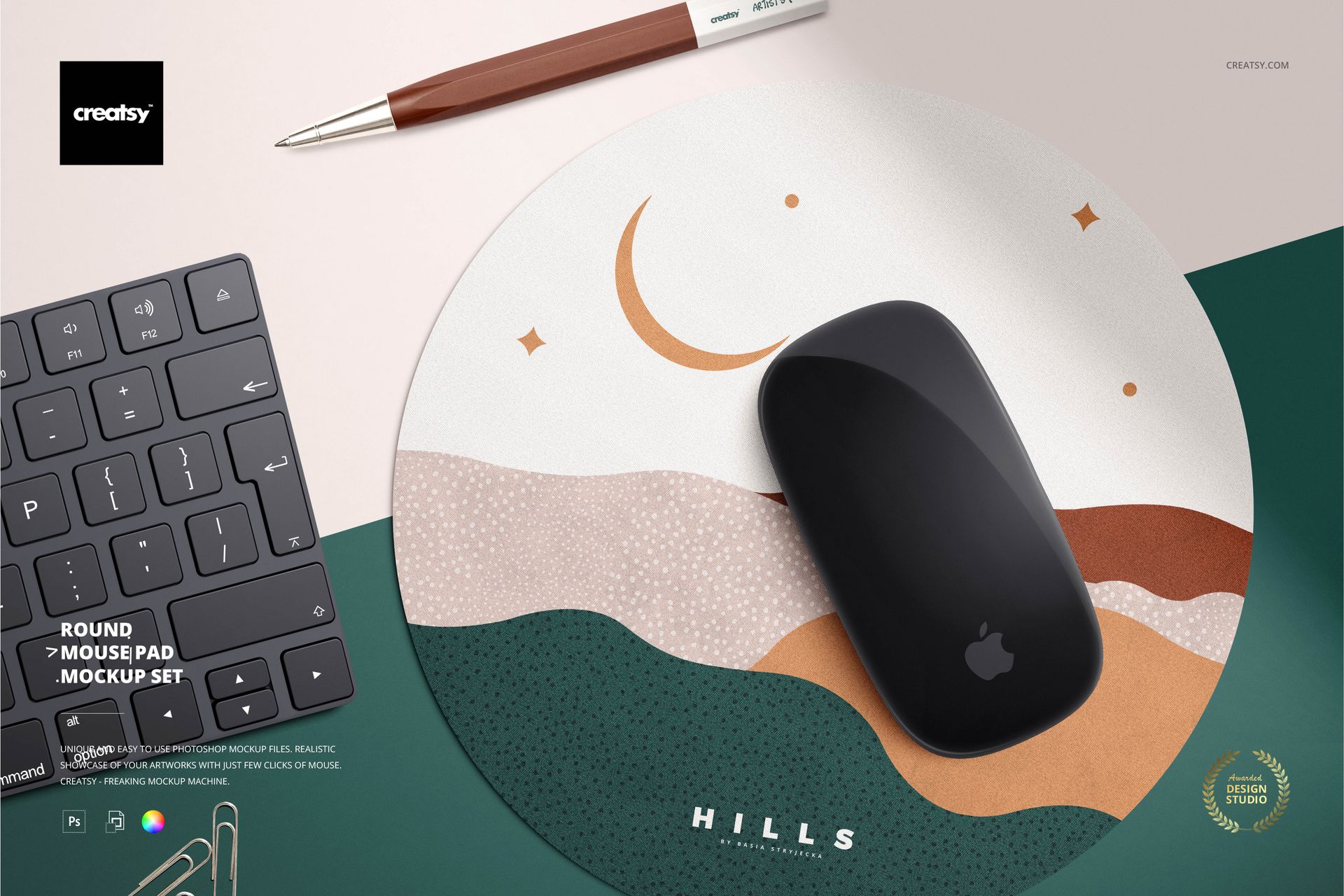
Revitalize your workspace with the Round Mouse Pad Mockup Set, a versatile collection designed to complement your creativity and enhance your desktop experience. Each mockup within this collection presents a distinct view of the mouse pad, providing you with a range of possibilities to showcase your designs.
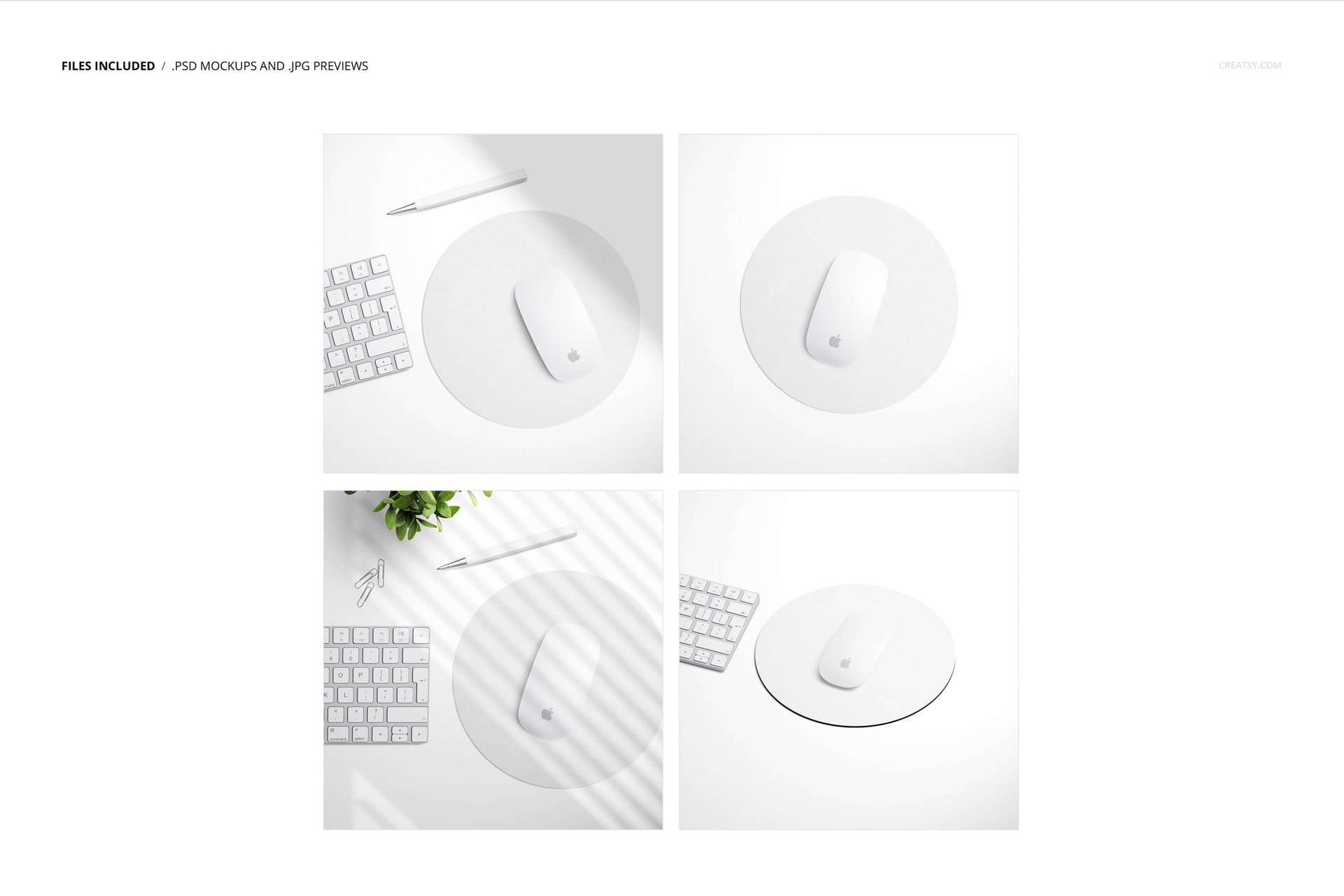
Explore Four Unique Perspectives
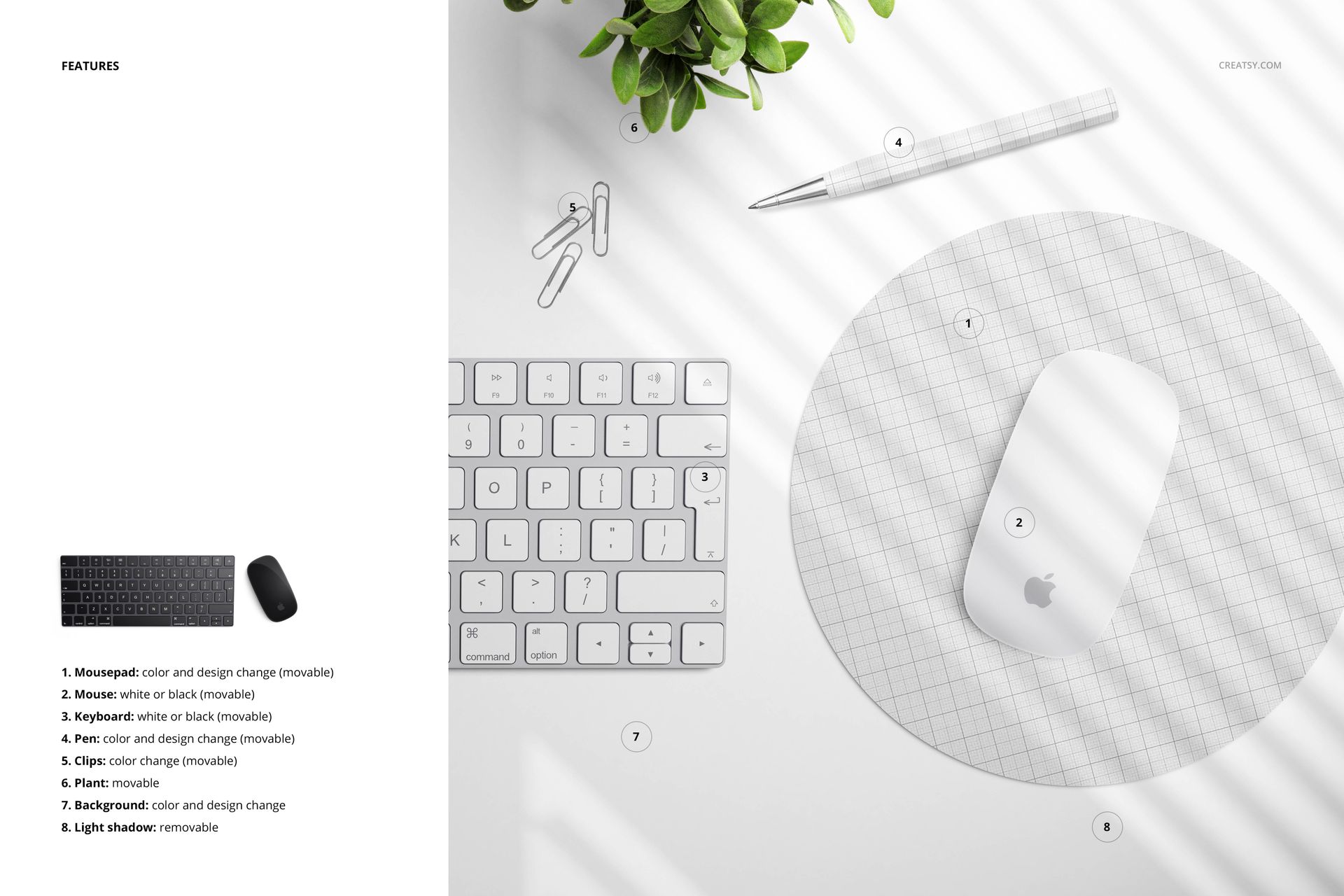
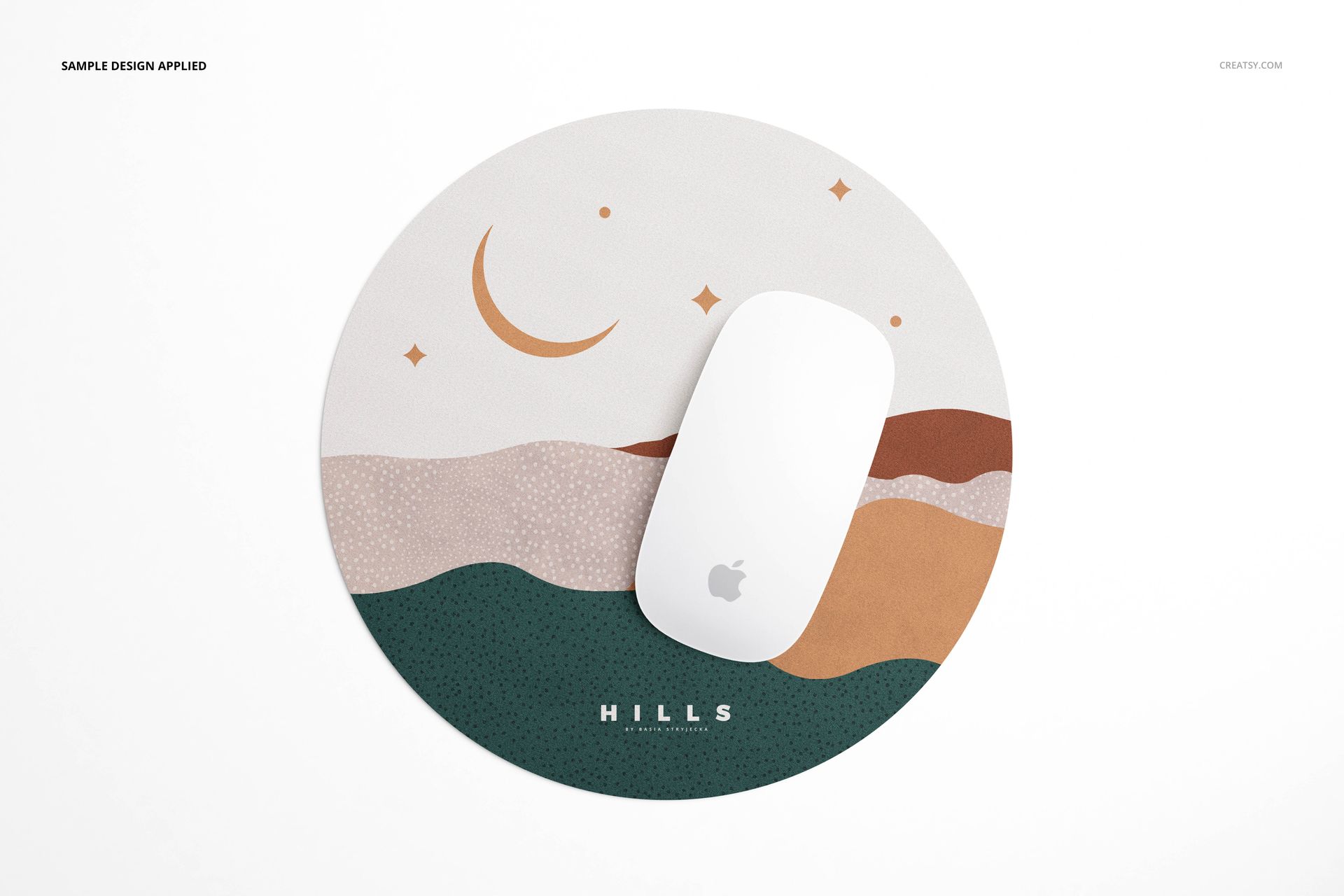
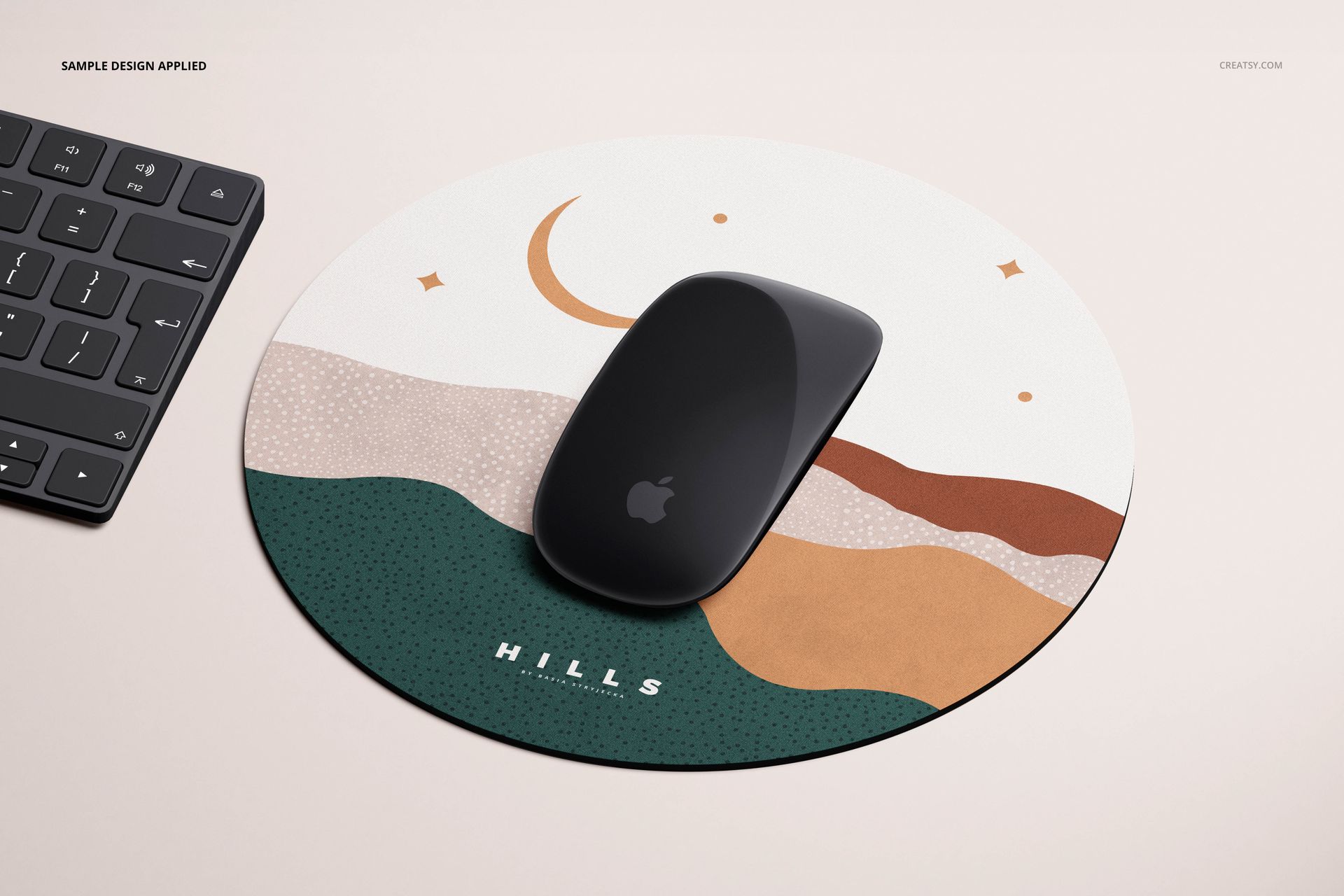
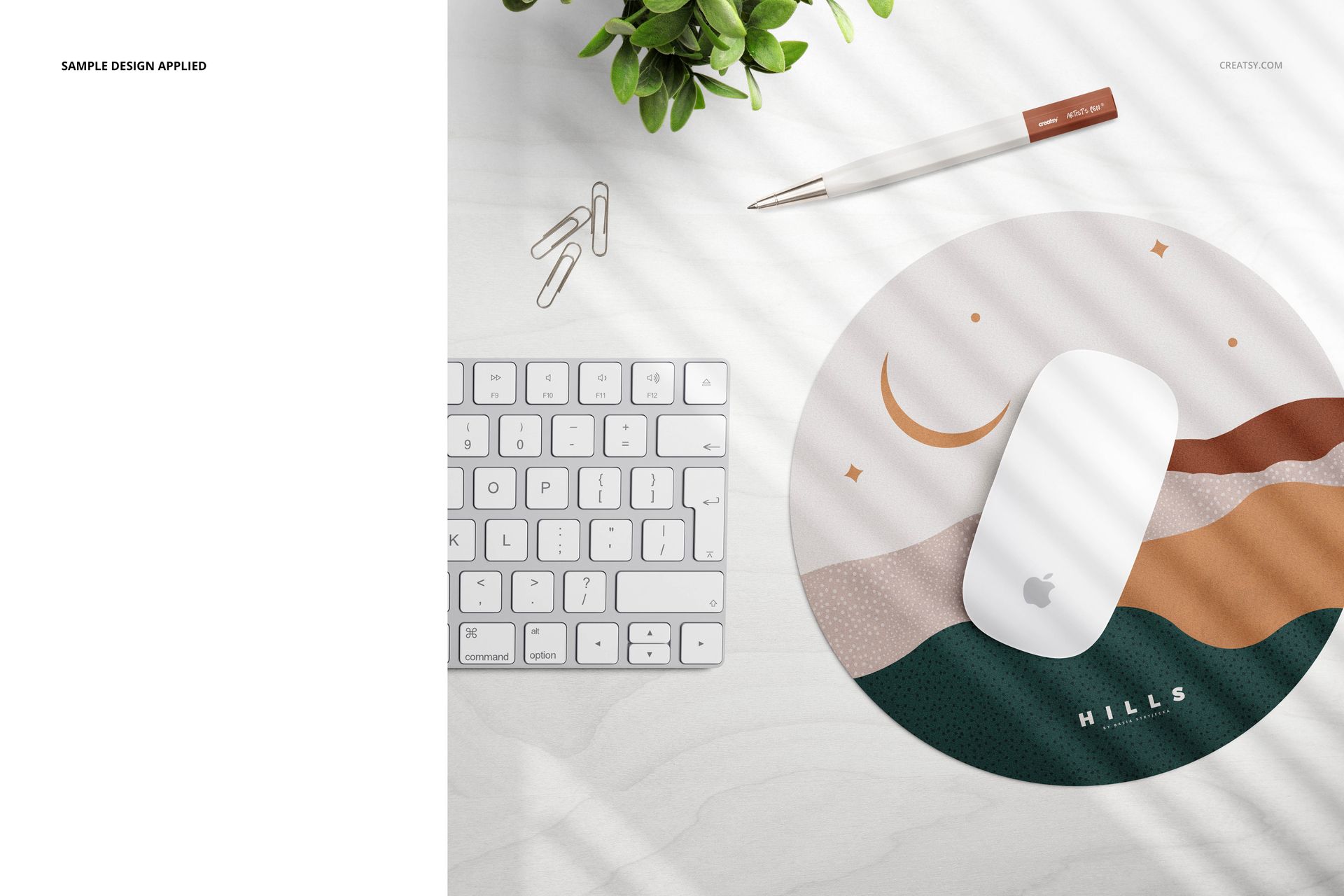
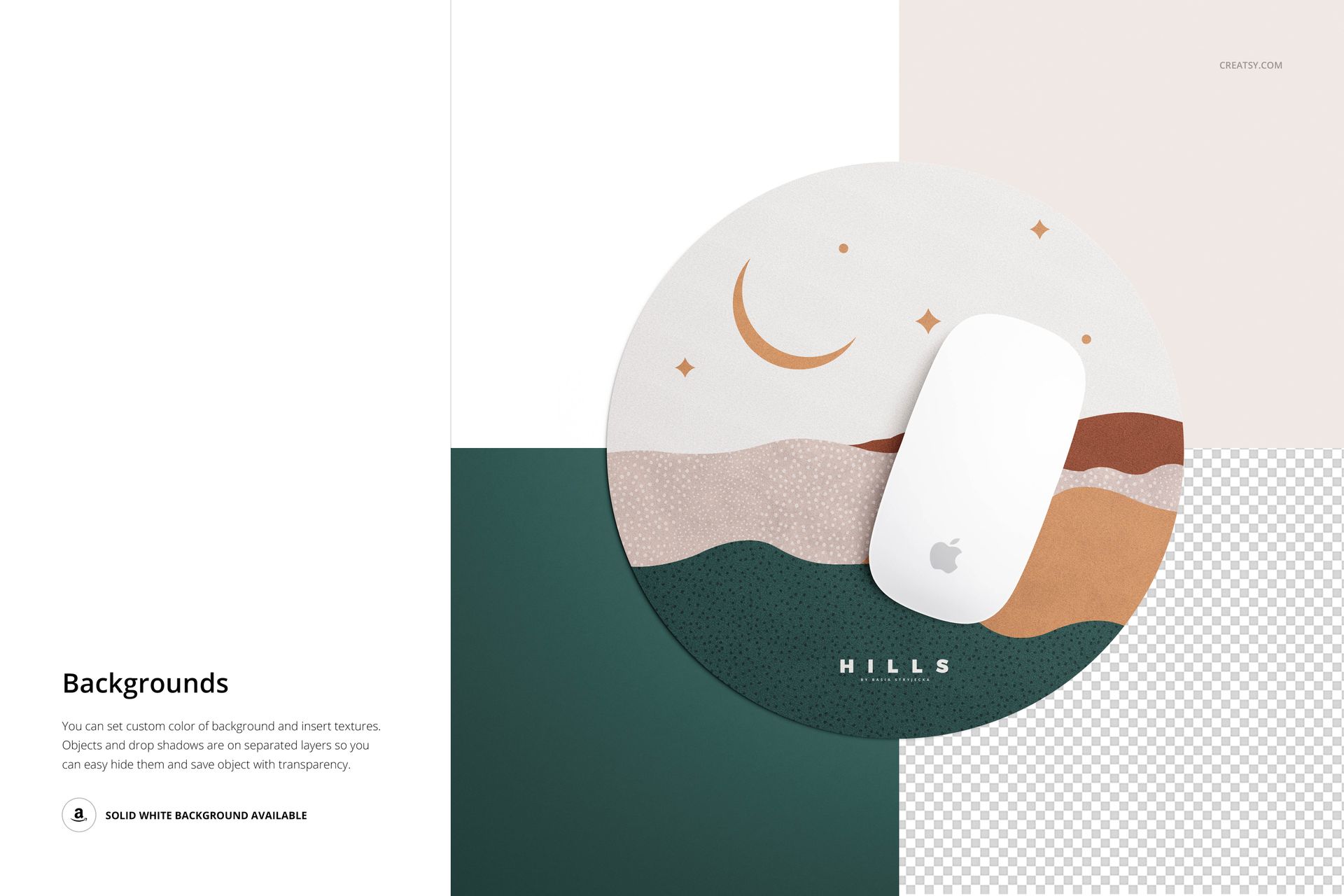
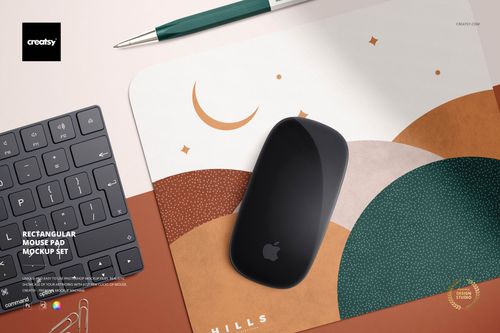
Choose straightforward, unobstructed views to focus on the mouse pad's core design. Opt for an angled perspective to infuse depth into your presentation. Craft realistic scenes by arranging the mouse pad alongside various desktop elements. Whether it's resting beside a keyboard, accompanied by paper clips, or sharing space with a vibrant houseplant, you can construct immersive environments that resonate with your audience. Unleash your creative vision with our array of customization options! You can modify the color and design of the mouse pad to align with your brand or personal style, transform the stationery's appearance to complement your chosen aesthetic, and personalize the background to enhance the overall presentation.
Compatibility: Adobe Photoshop (min. version CC2015),
Pack includes 4 PSD files with well-organized layers: 5500x5500 px, 300dpi,
Please check screenshots for all the features,
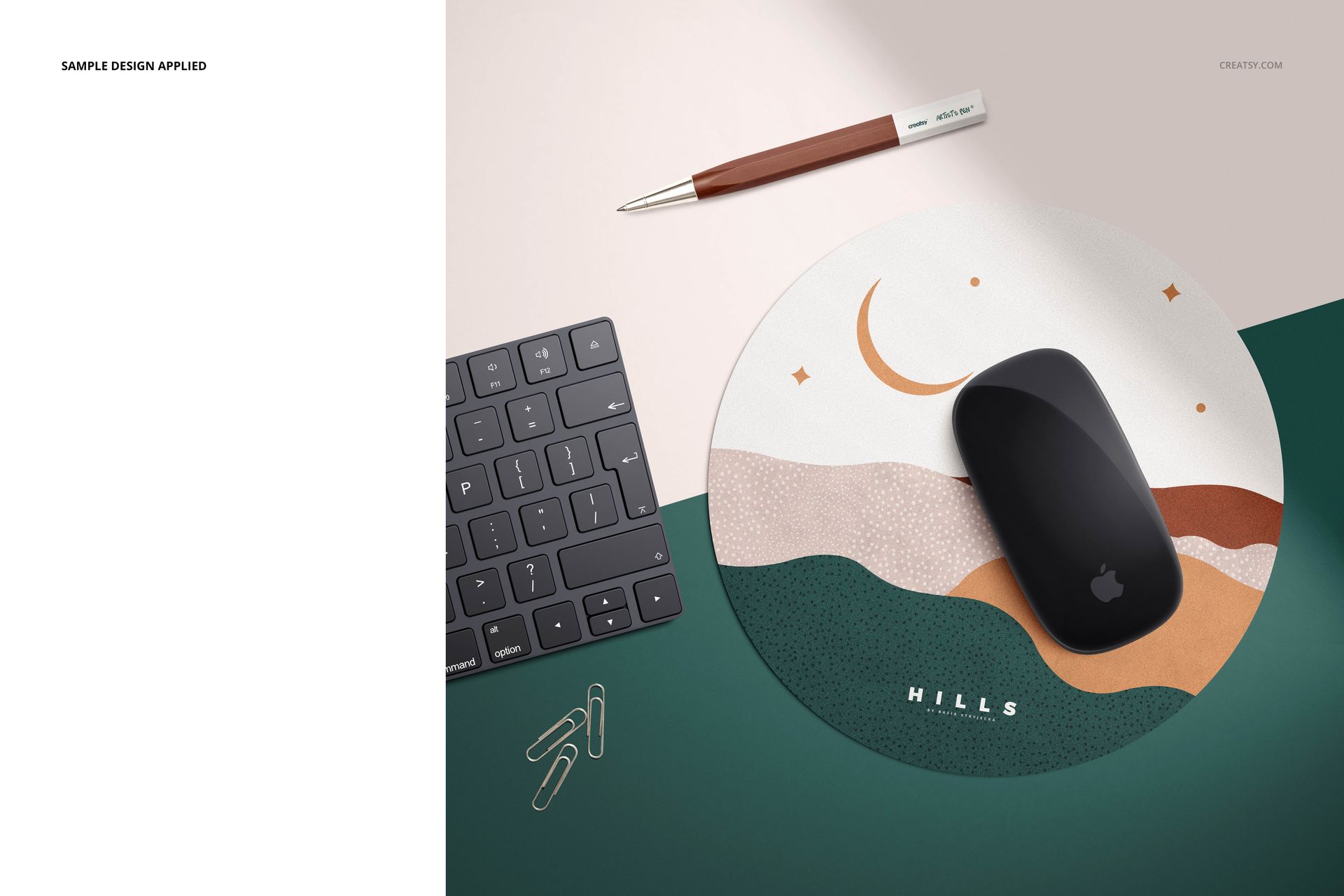
Artwork applied on mockups by Basia Stryjecka: littlevalleystudio.com,
Patterns are NOT included, this product is a mockup intendent for you to add your own designs.