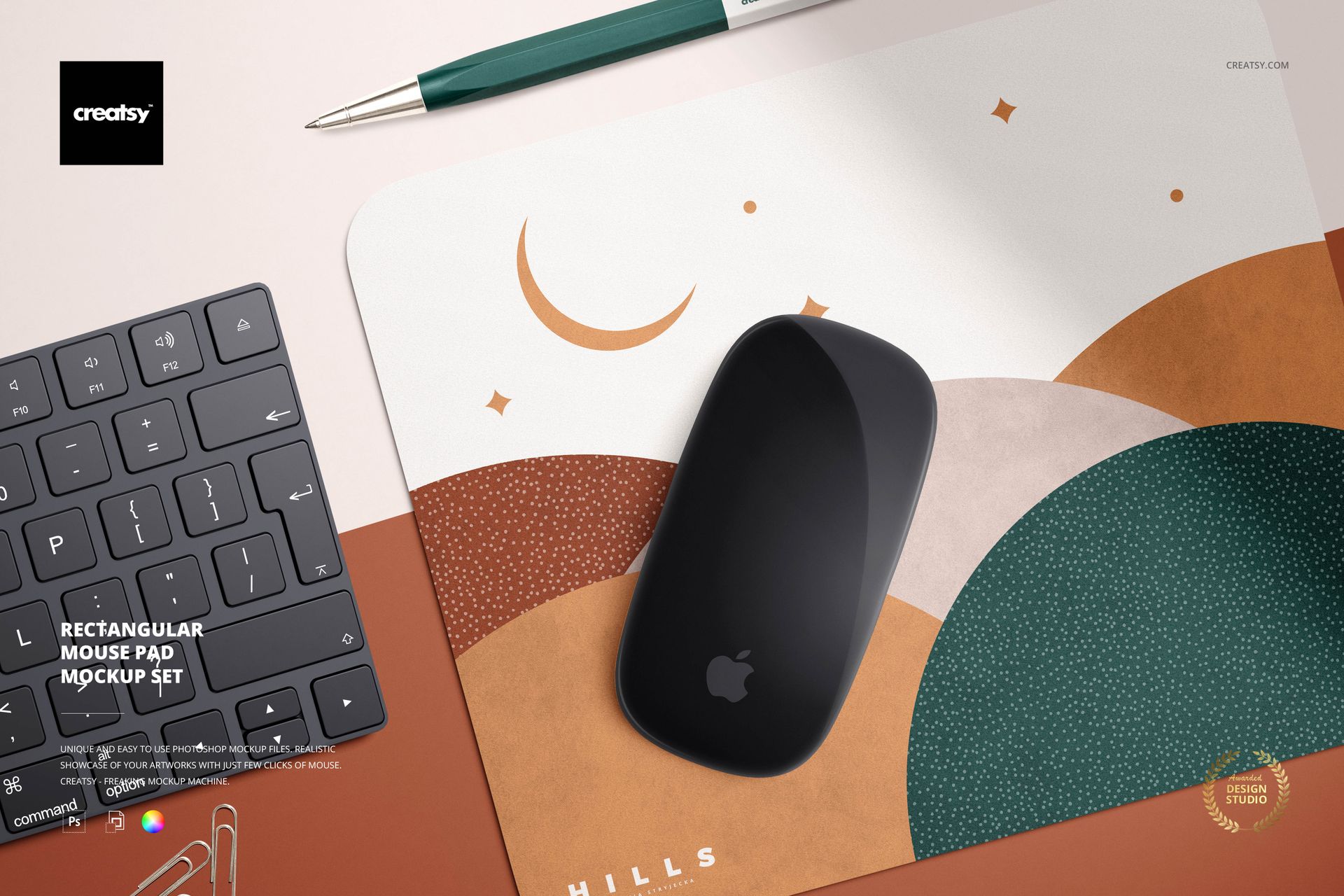
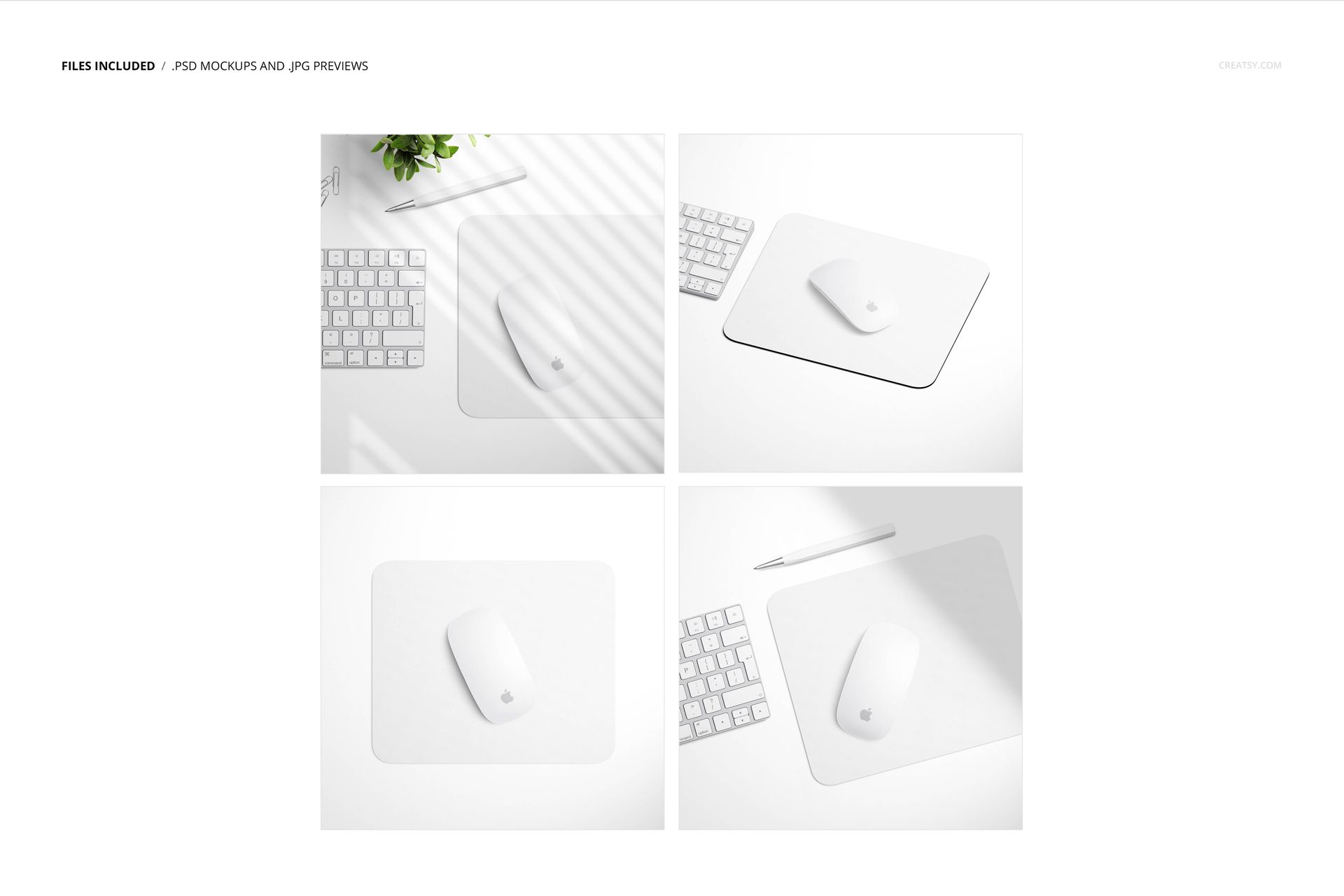
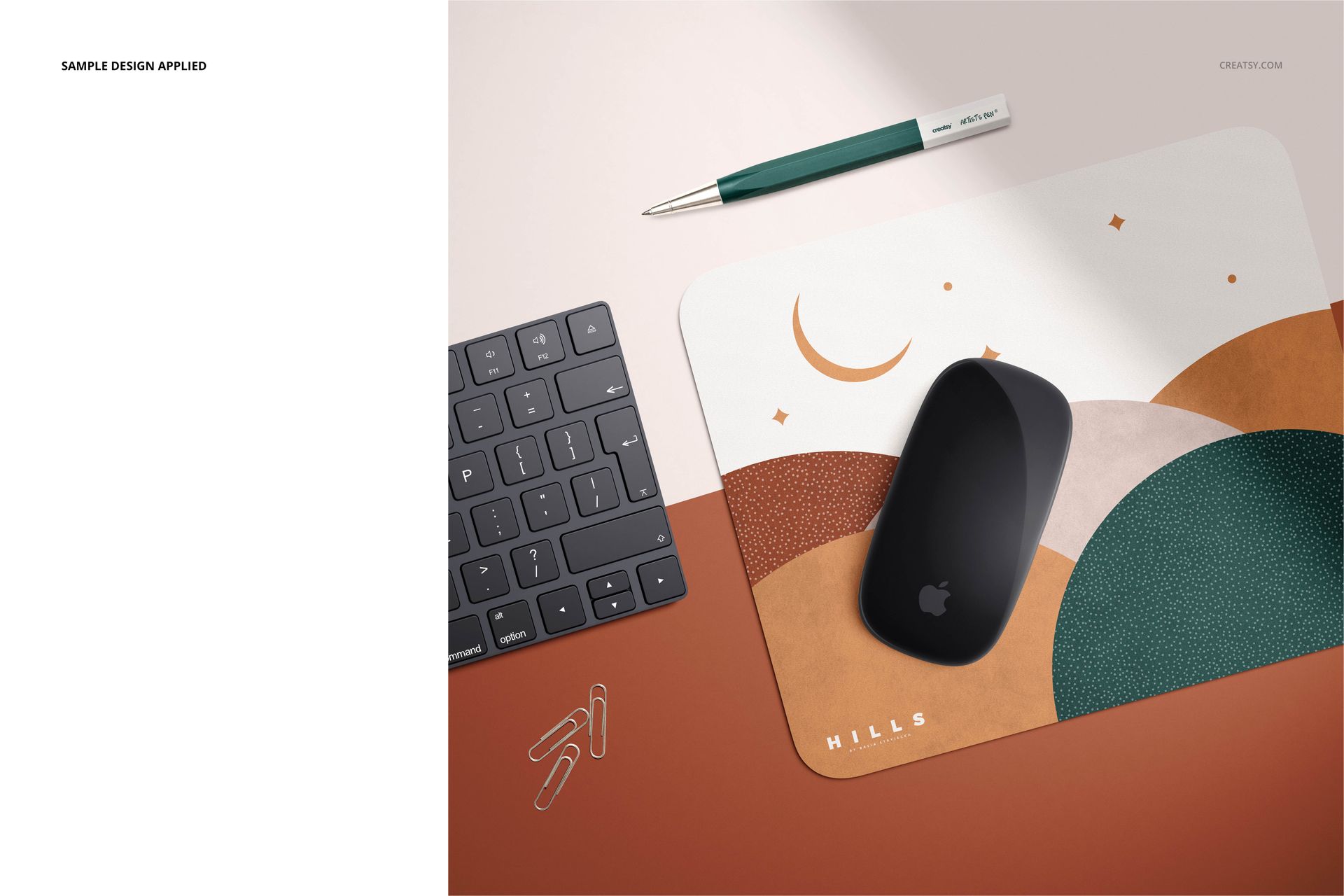
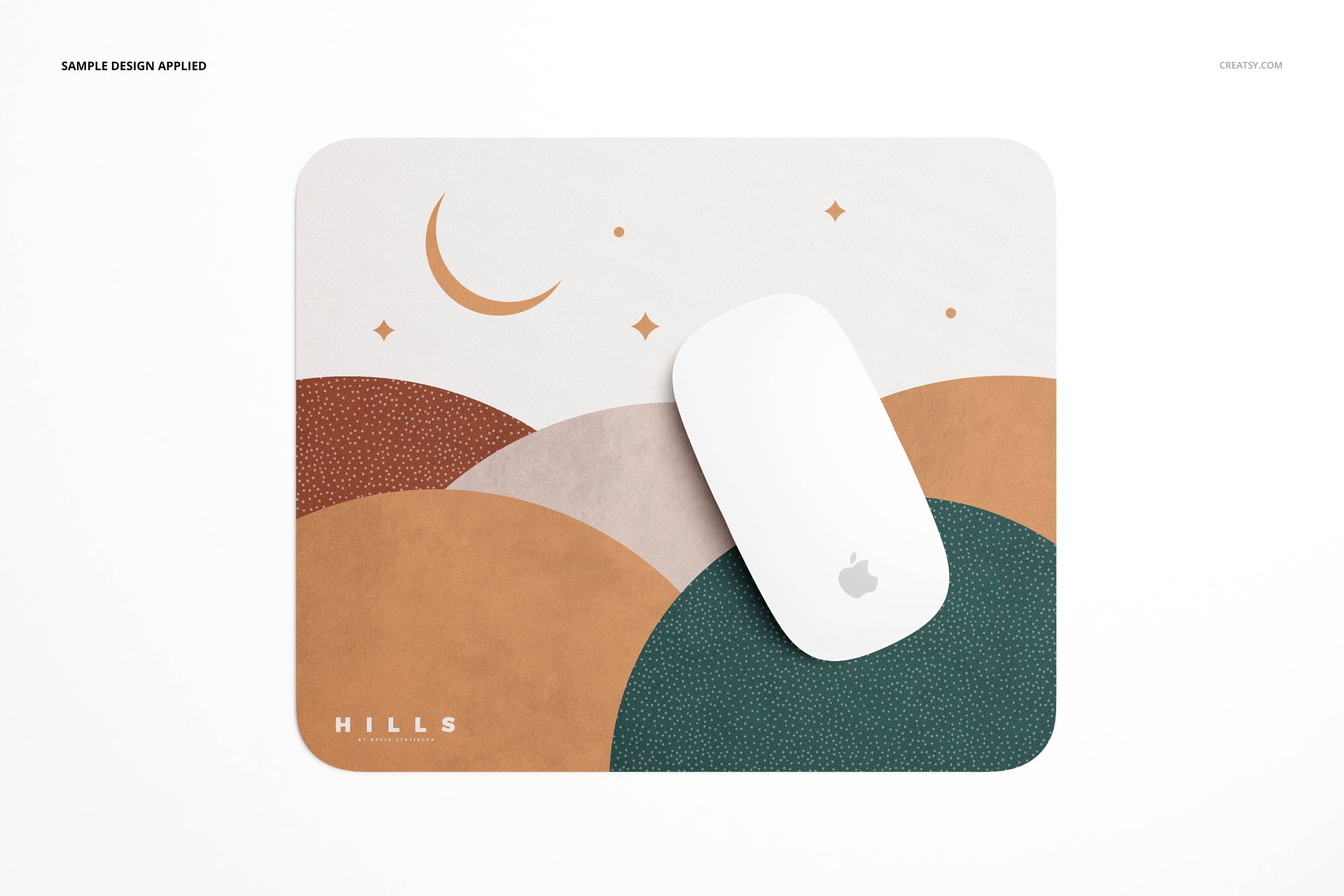
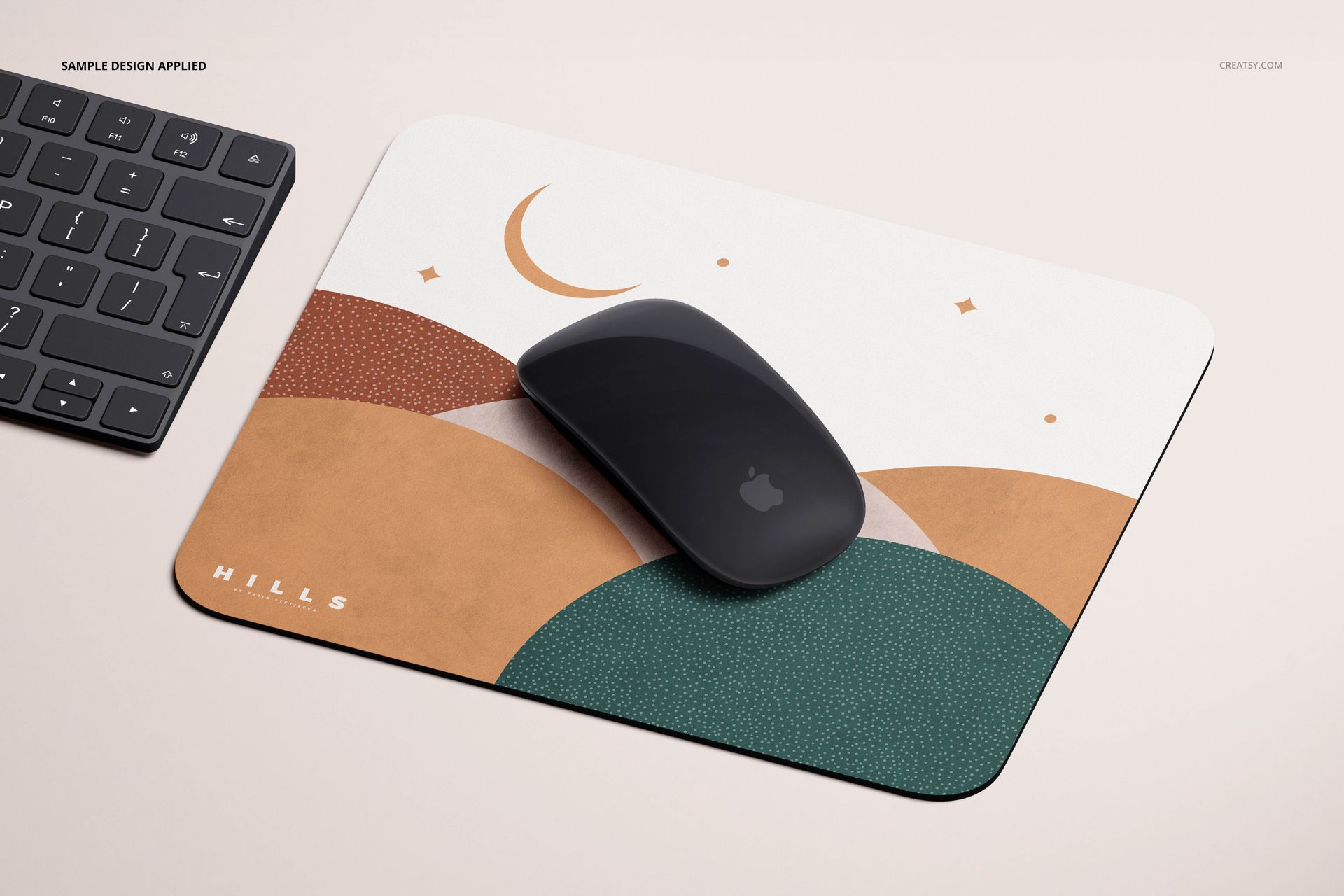
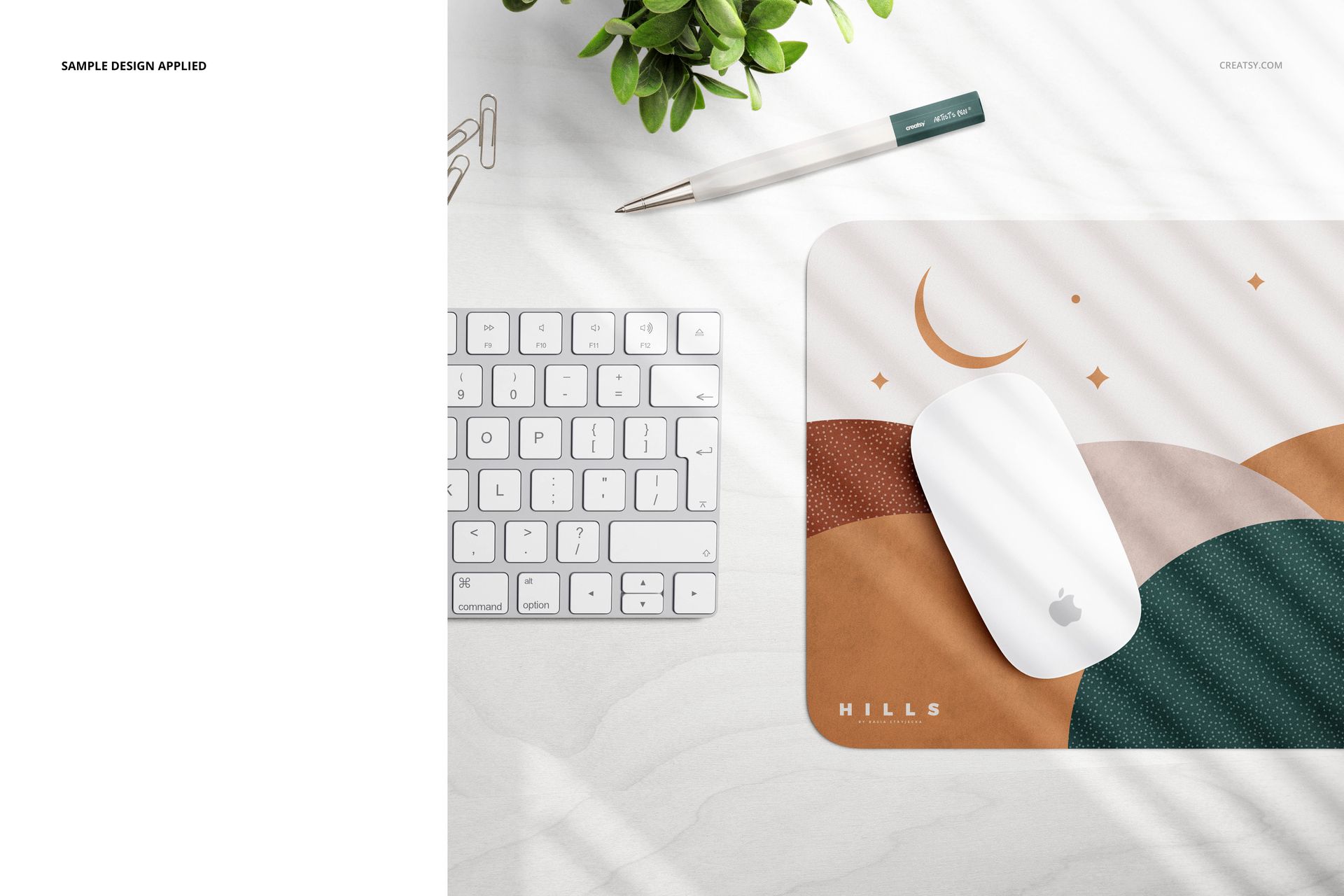
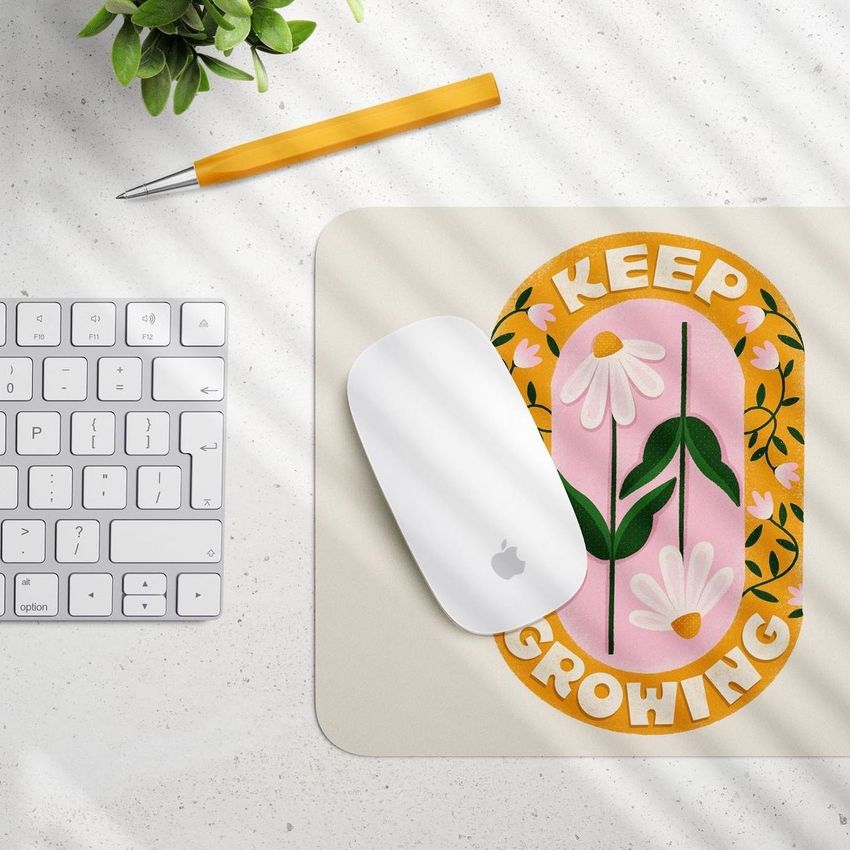
The Rectangular Mouse Pad Mockup Set from Creatsy includes 4 PSD files showing a rectangular desk mouse pad from four distinct camera angles and scene compositions. Each file features moveable desktop accessories including a keyboard, mouse, pen, plant, and paper clips, with switchable color options for the mouse and keyboard. A realistic window shadow overlay from pleated blinds adds depth and natural lighting to every composition. Place your design onto the pad through a single smart object edit and export product-ready images in minutes.
Why This Mockup Set Works
Mouse pad listings with only one or two flat images rarely convert well in competitive marketplaces. Buyers browsing Etsy, Amazon, or your direct store want to see the pad from multiple angles, in a realistic desk setting, and with enough context to judge size and surface texture before purchasing. This four-file set covers the essential product views for a complete listing. A clean direct view works as your primary image. The angled perspective gives spatial context. Styled workspace scenes build buyer trust by showing the product in use. The consistent lighting across all four files means your gallery looks like a coordinated professional photo shoot, even without physical samples.
What Is Included
You receive 4 layered PSD files, each presenting the rectangular mouse pad in a unique scene. A clean straight-on perspective shows the full pad surface without distractions, ideal for your primary listing image and thumbnail. An angled perspective adds depth and dimension, giving buyers a clear sense of the pad thickness and surface texture. Styled desktop scenes place the pad alongside a keyboard, mouse, pen, potted plant, and paper clips in a natural workspace arrangement. Each scene features a shadow cast from pleated window blinds that creates ambient light patterns across the desk, making every mockup look like a real photograph shot in an office with natural sunlight.
What You Can Customize
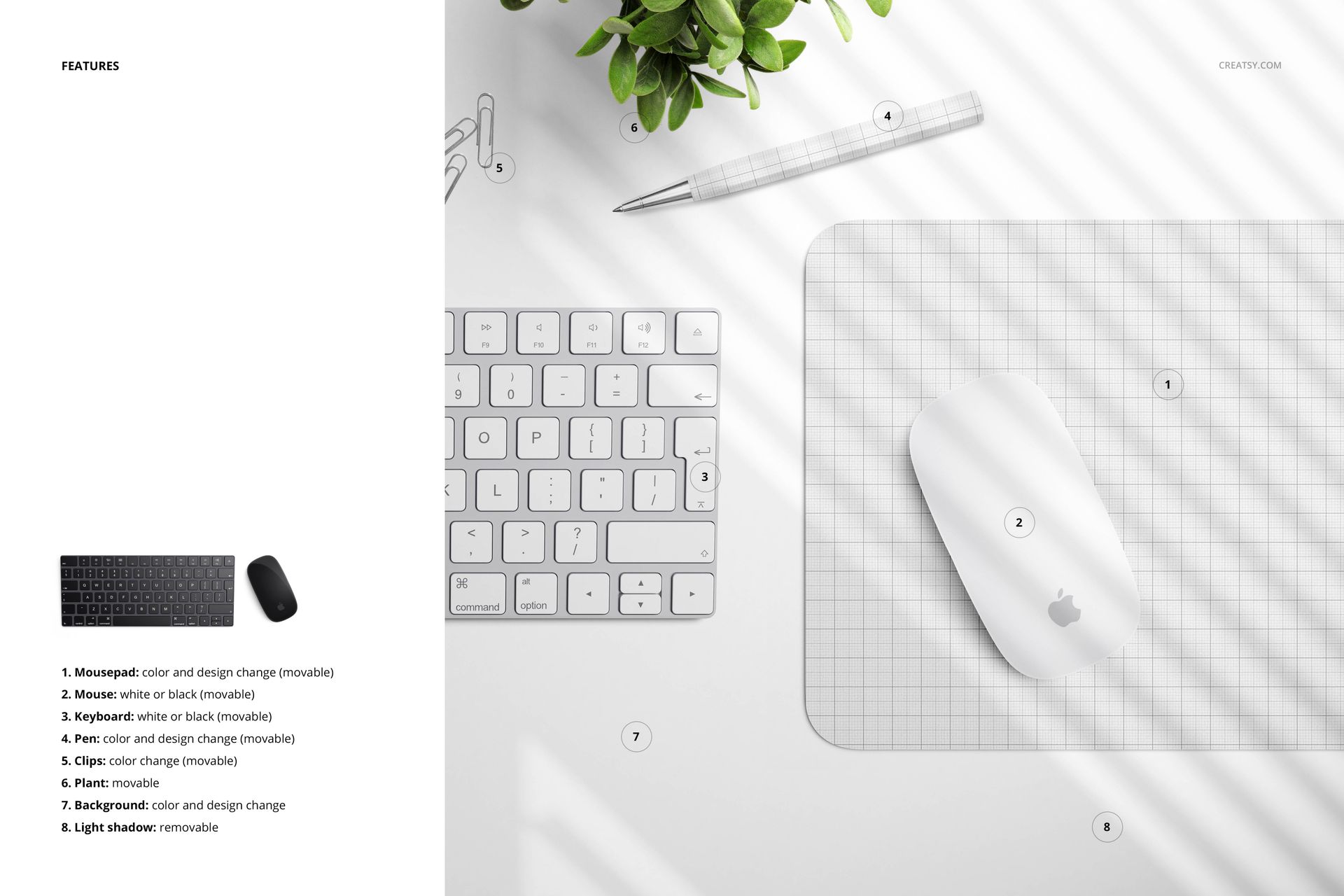
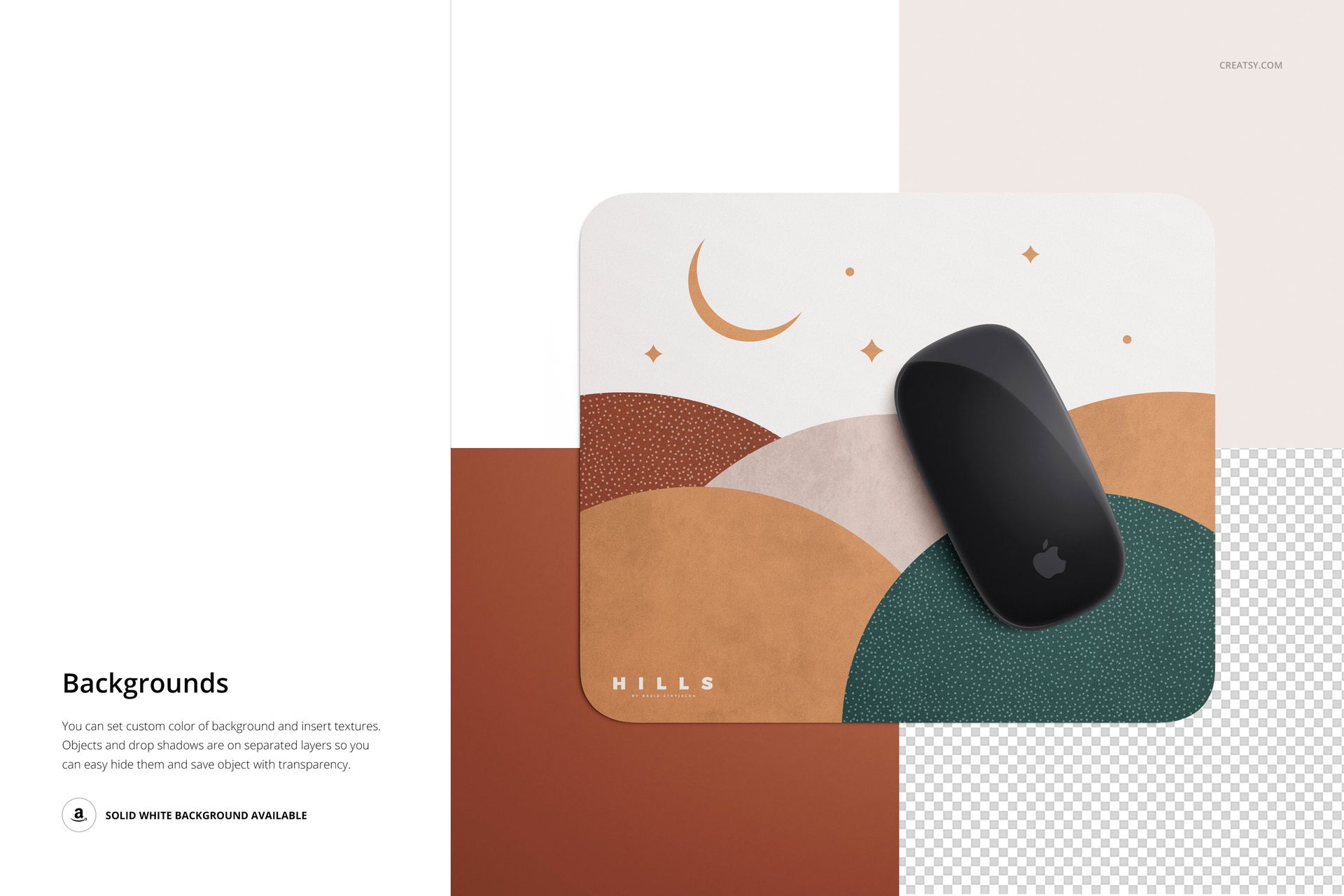
Every PSD file gives you control over multiple scene elements beyond the pad surface. Switch the mouse between black and white models. Choose between black and white keyboard options. Desk accessories including pens, paper clips, and plants can be repositioned, shown, or hidden through organized layer groups. Background colors and surface textures are adjustable to match your brand palette. The mouse pad design is applied through a labeled smart object layer - double-click, paste your artwork, save, and the canvas updates automatically with your design mapped onto the pad with accurate perspective and realistic lighting.
Who This Mockup Set Is For
This set serves print on demand sellers creating mouse pad listings on Etsy, Amazon, Redbubble, and Shopify who need professional product photos without ordering physical samples. Surface pattern designers use the flat and angled views to present repeat patterns on a desk accessory format. Brand designers and creative studios use the workspace scenes for client presentations and brand guidelines documents. Illustrators and artists selling merchandise use these mockups to create product previews that drive conversions and build buyer confidence.
File Specifications
Format: 4 PSD files with organized smart object layers. Resolution: 300 DPI, suitable for web and print. Compatibility: Adobe Photoshop CC 2020 or newer. Also works in Photopea, a free browser-based PSD editor with full smart object support. Layers are clearly named and grouped for fast navigation.