Mouse Pad Mockup Generator (Gaming Edition)
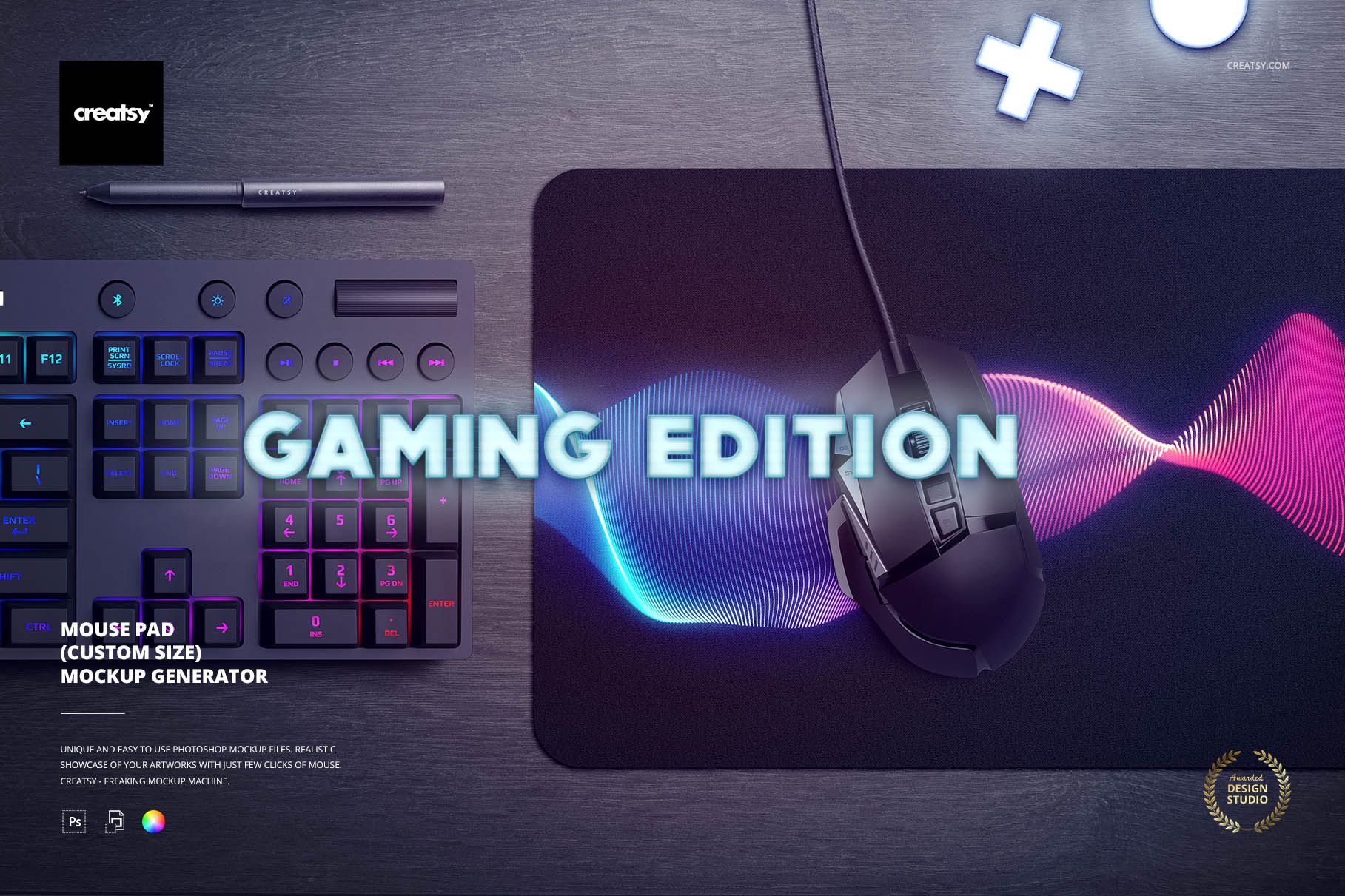
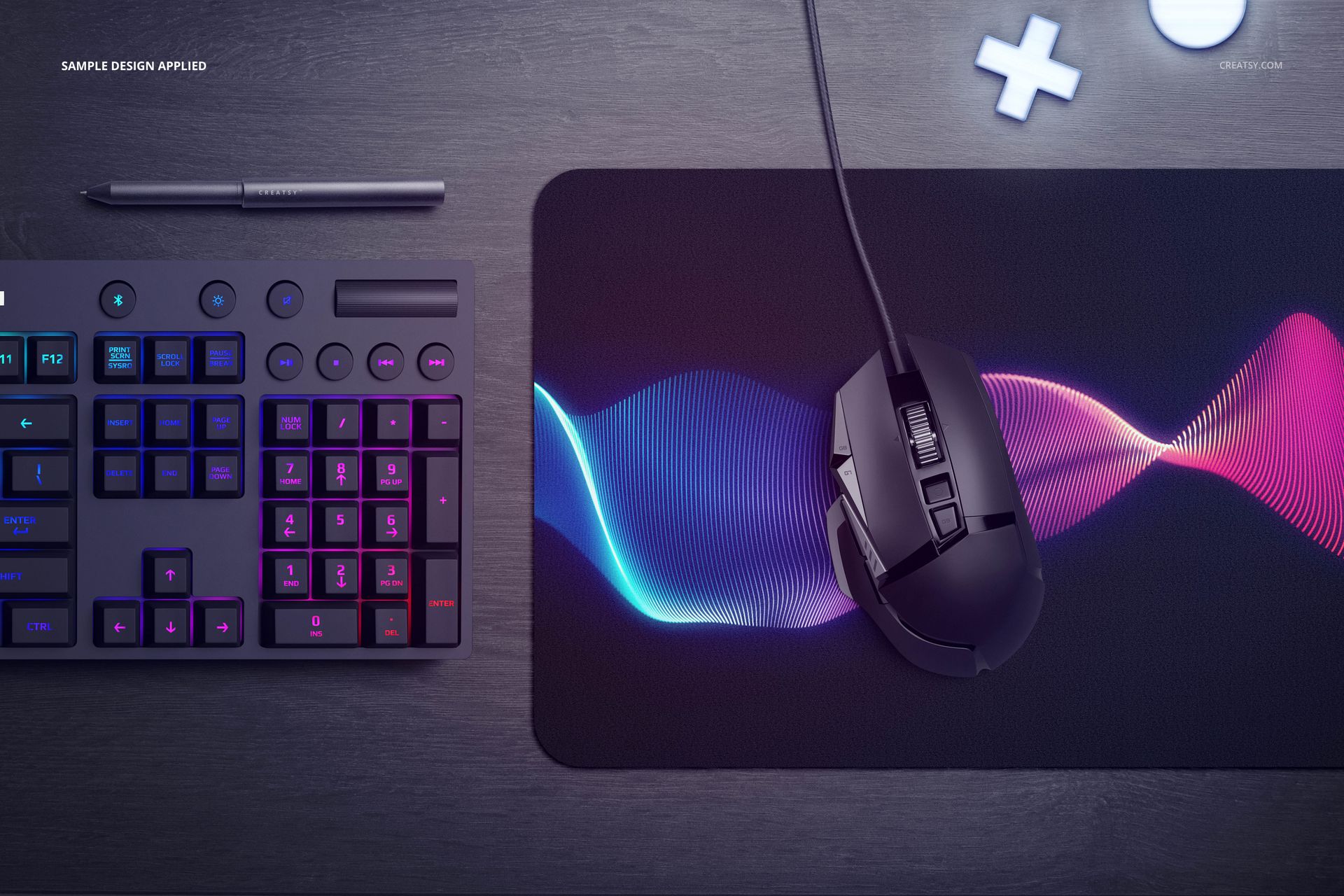
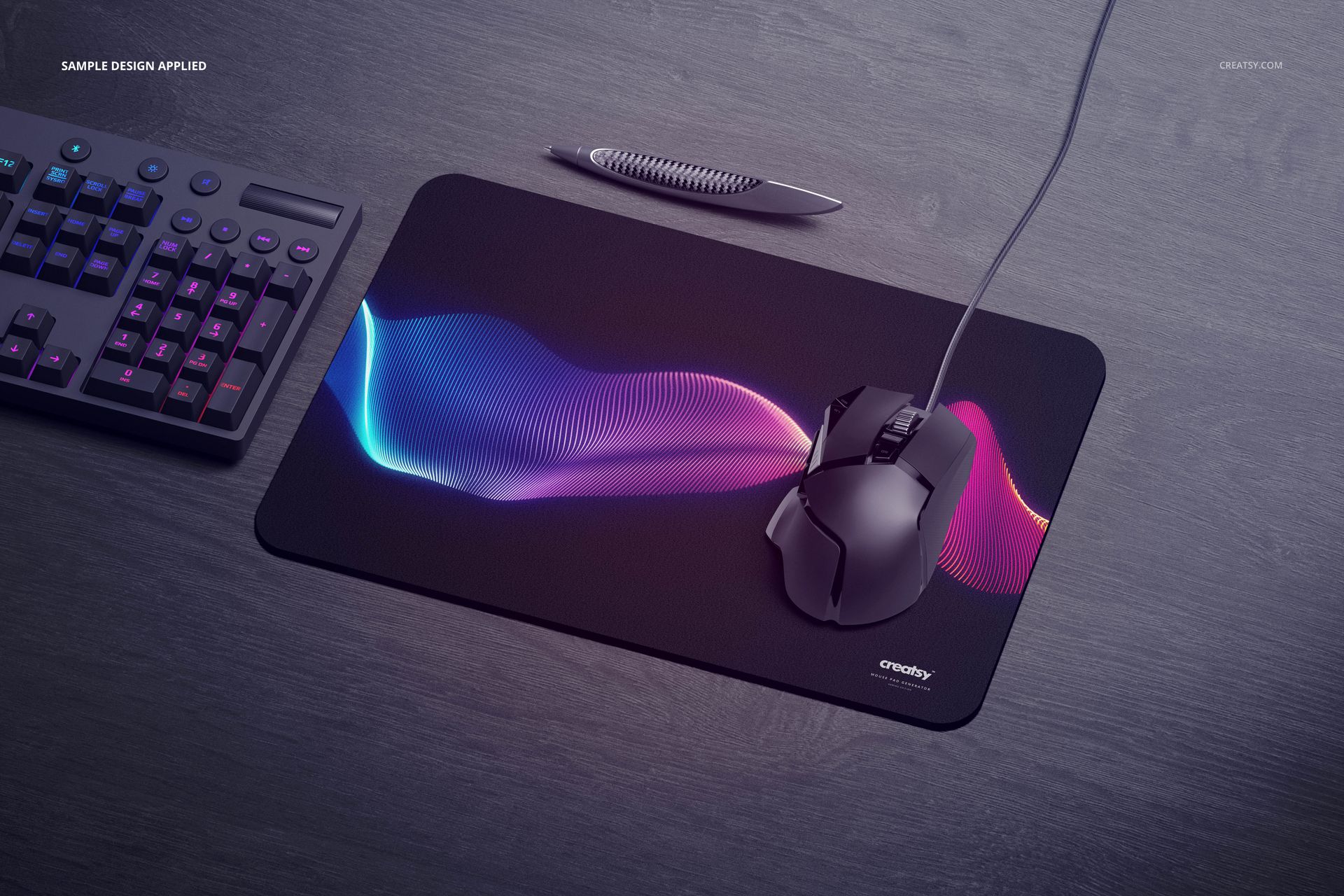
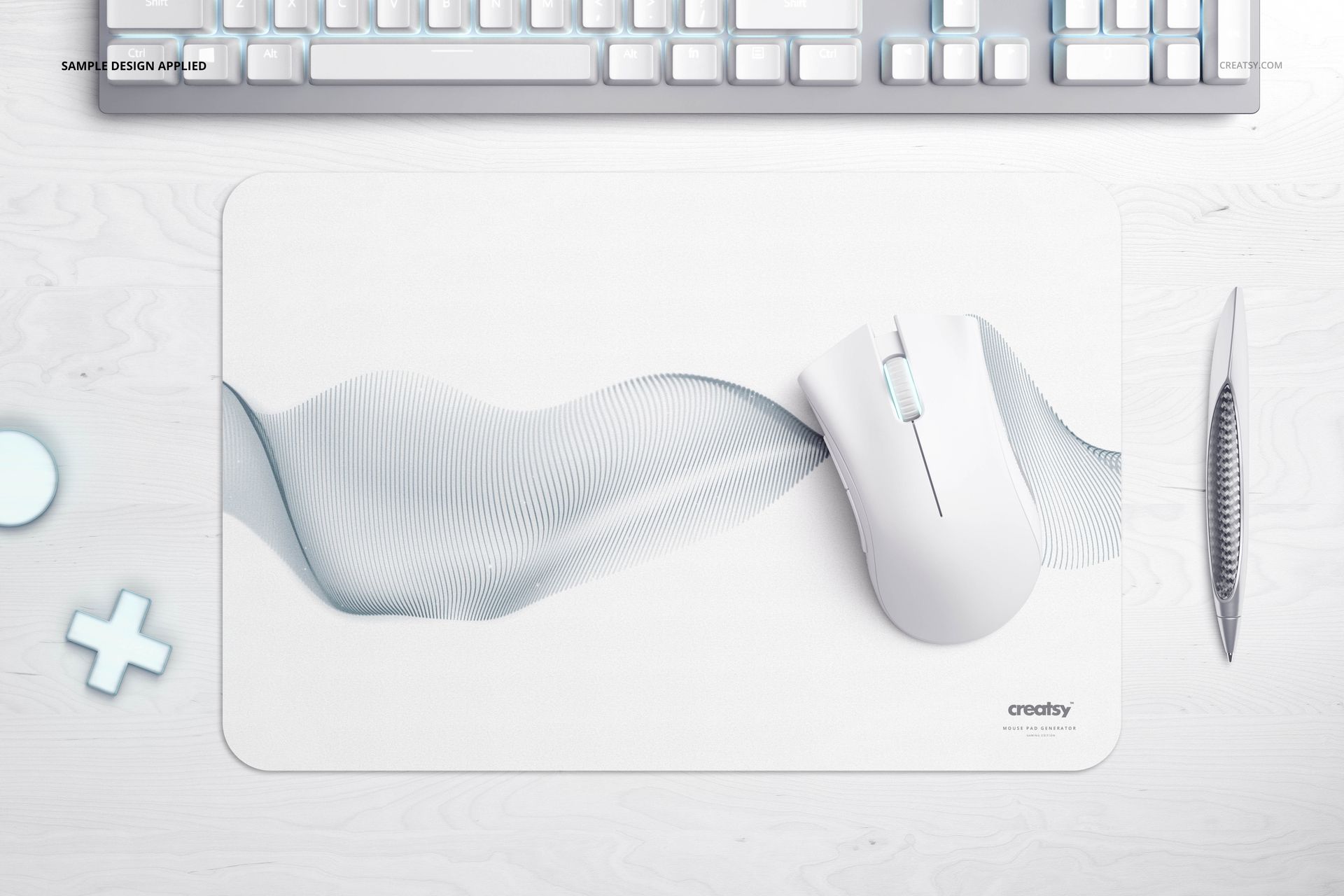
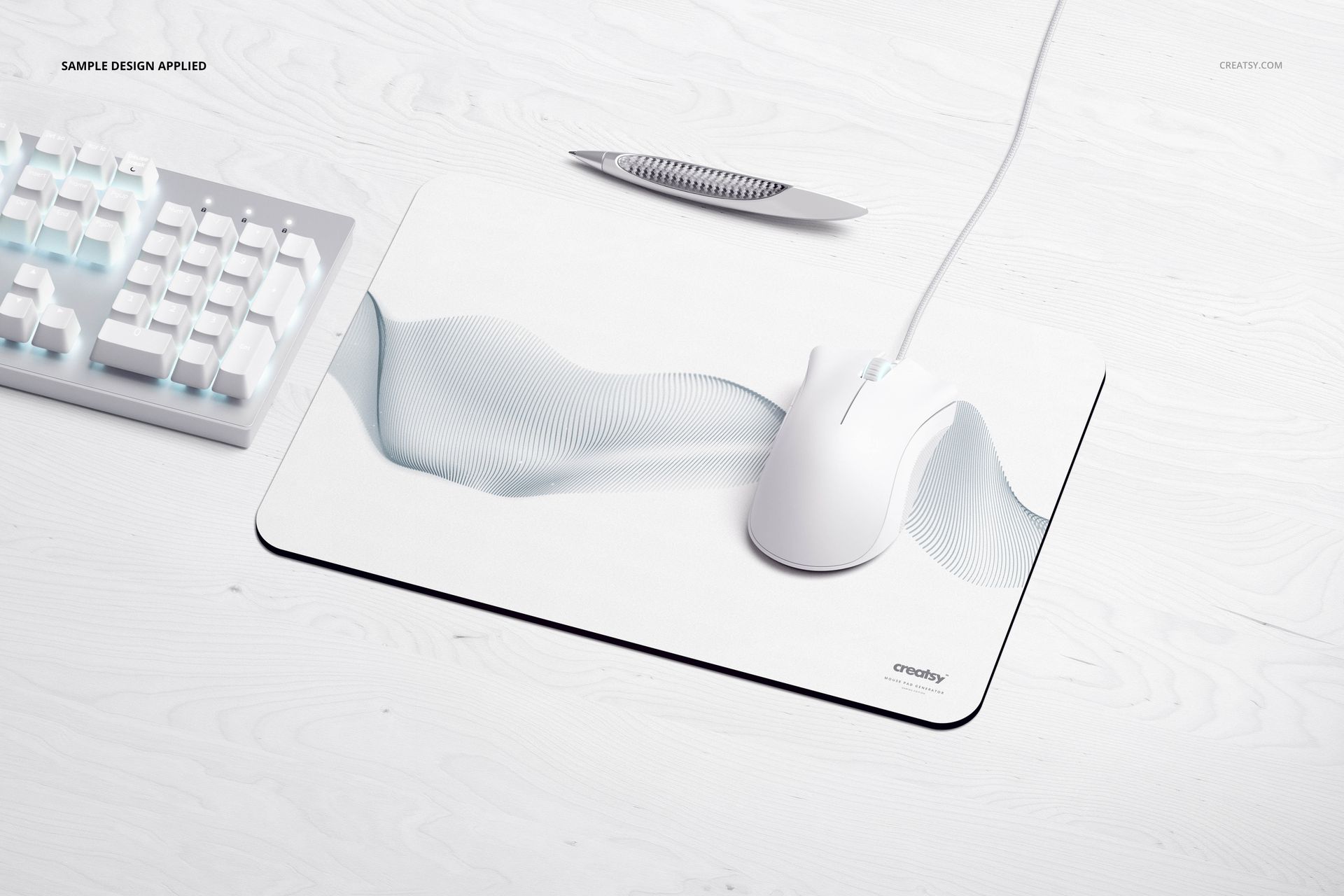
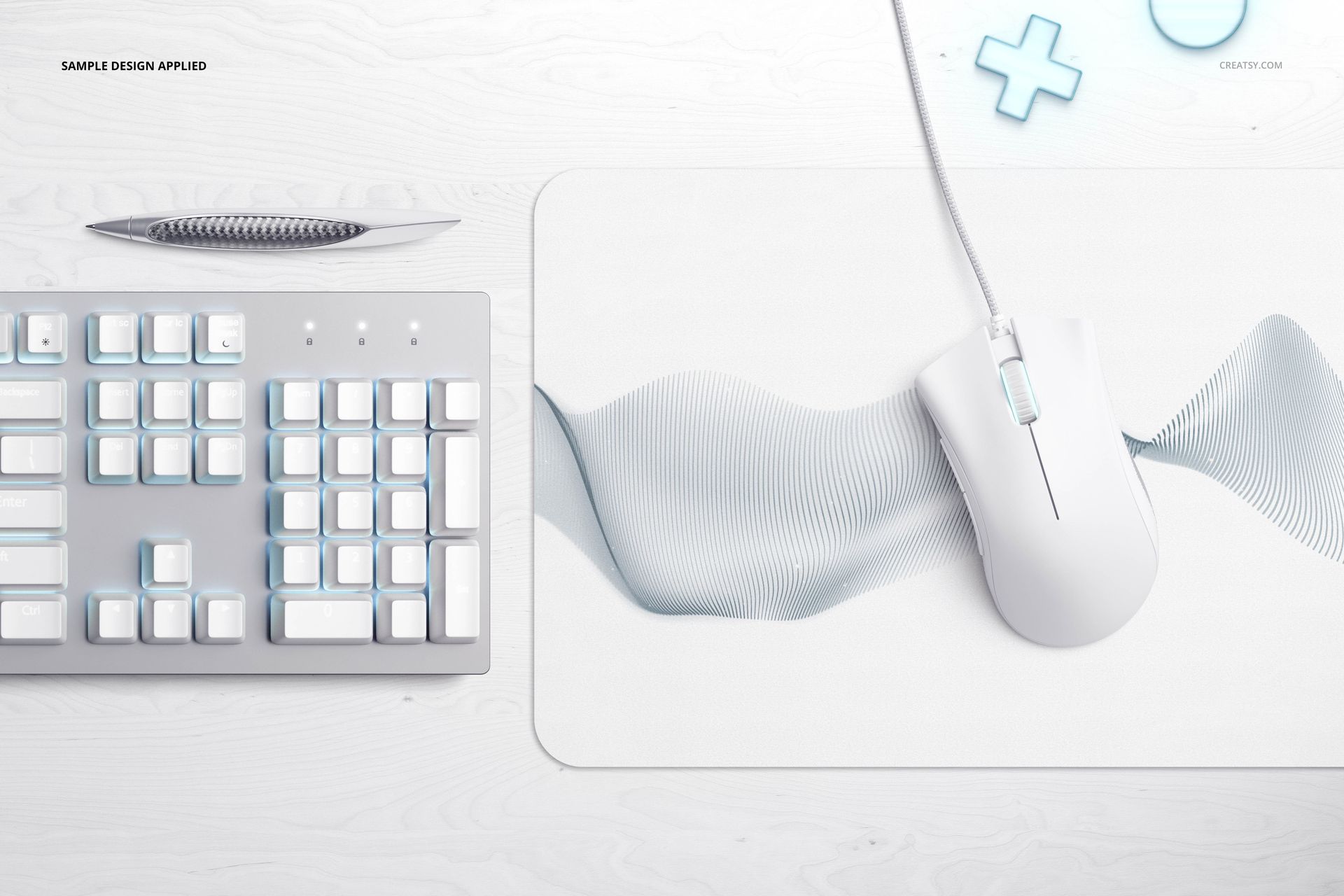
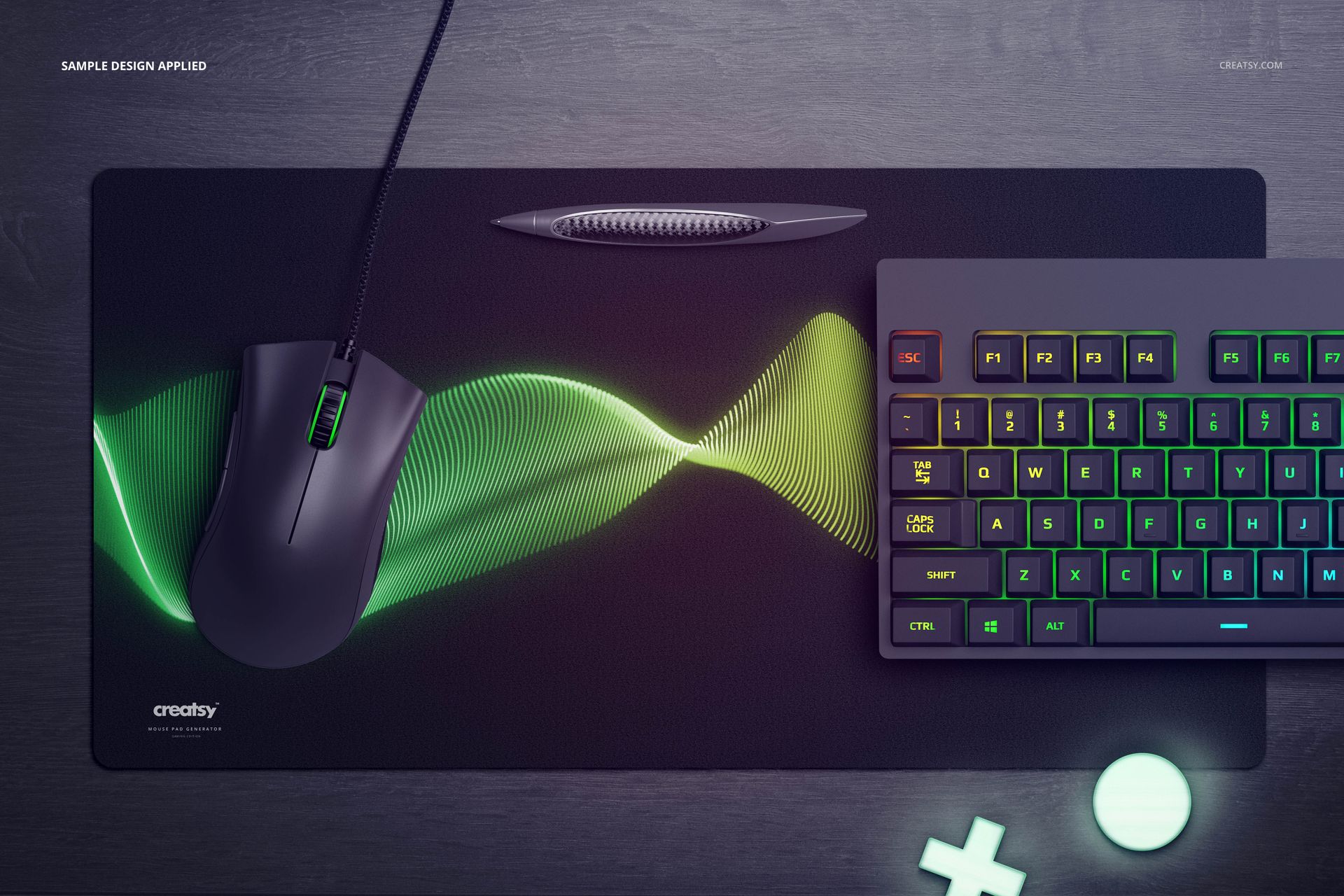
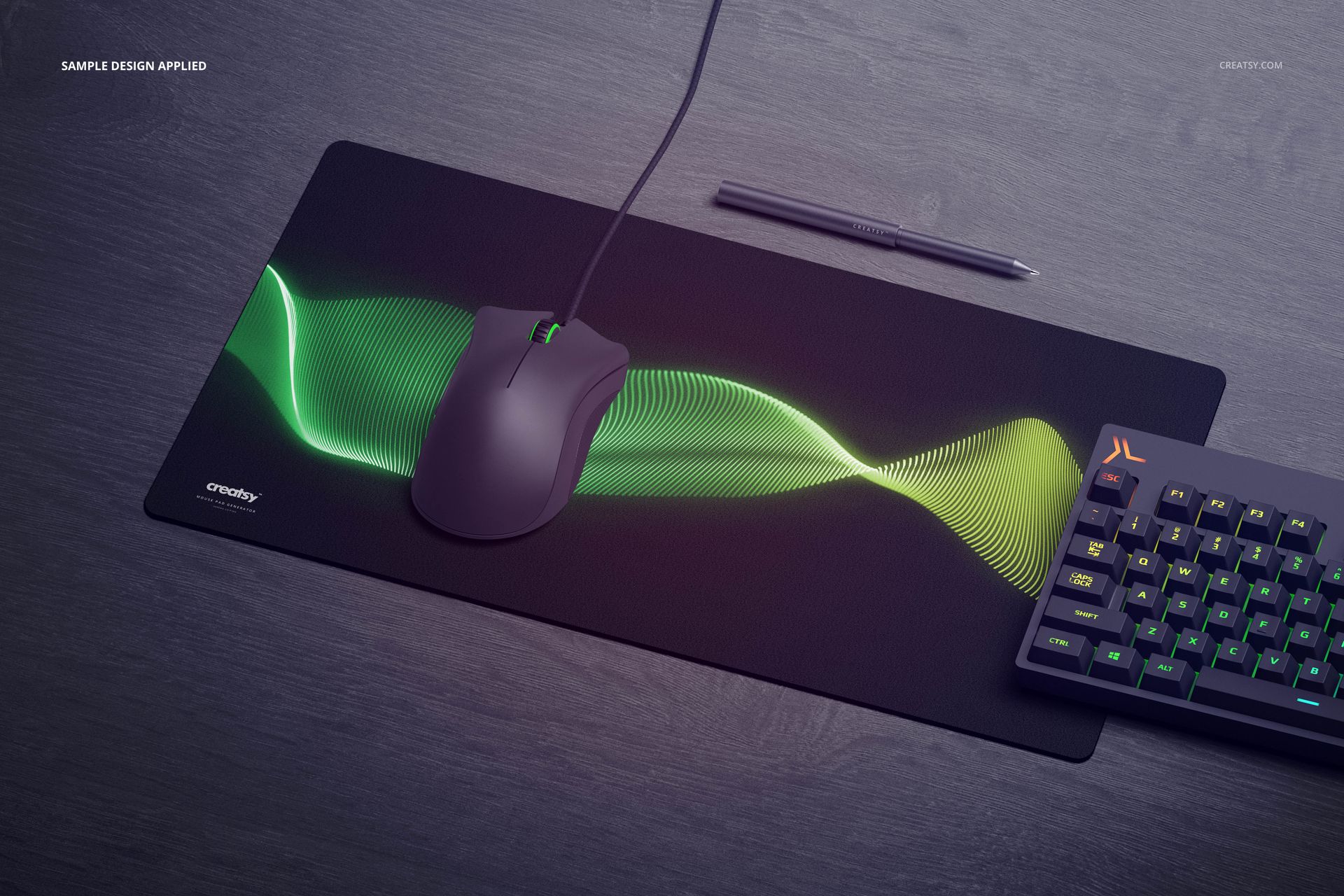
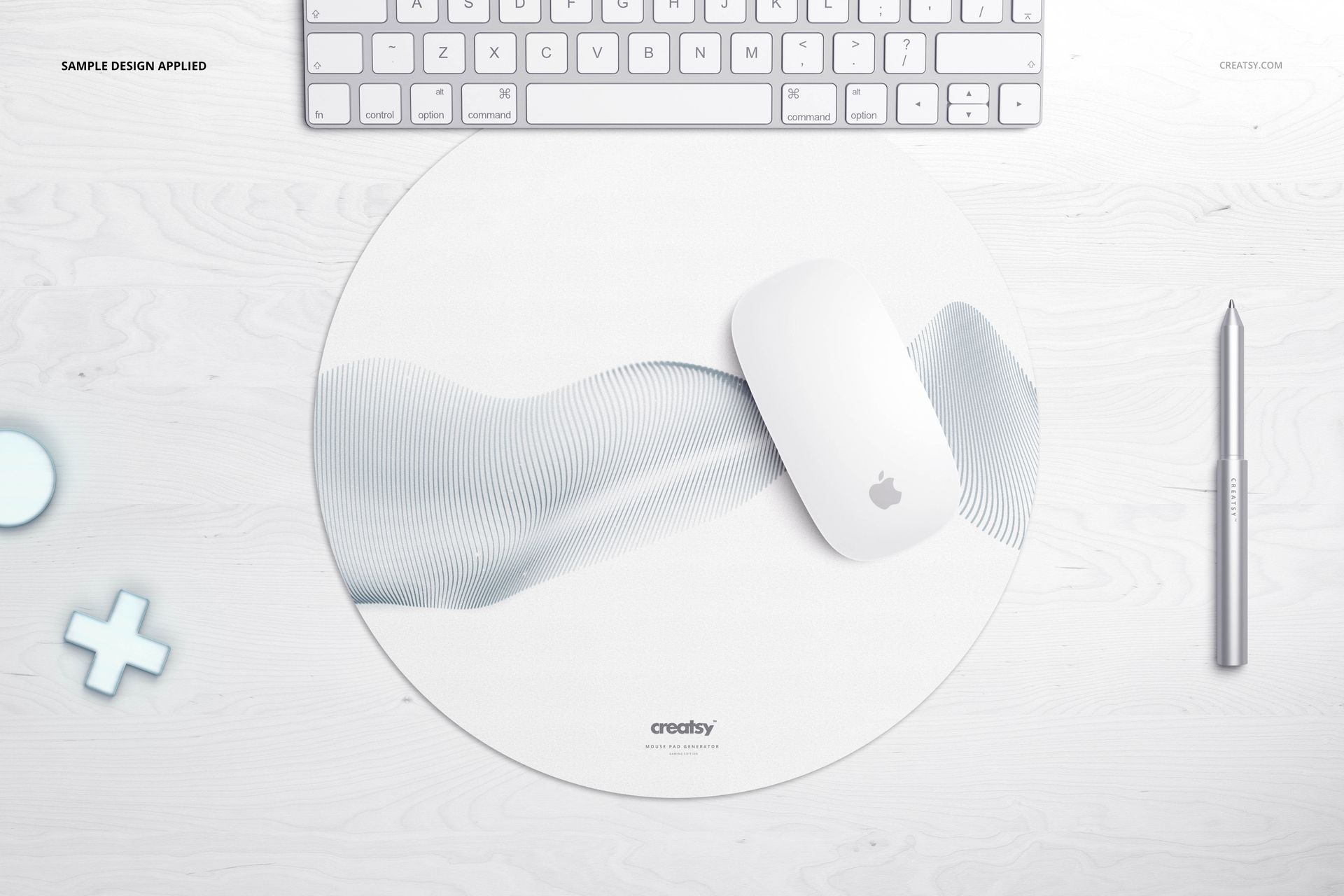
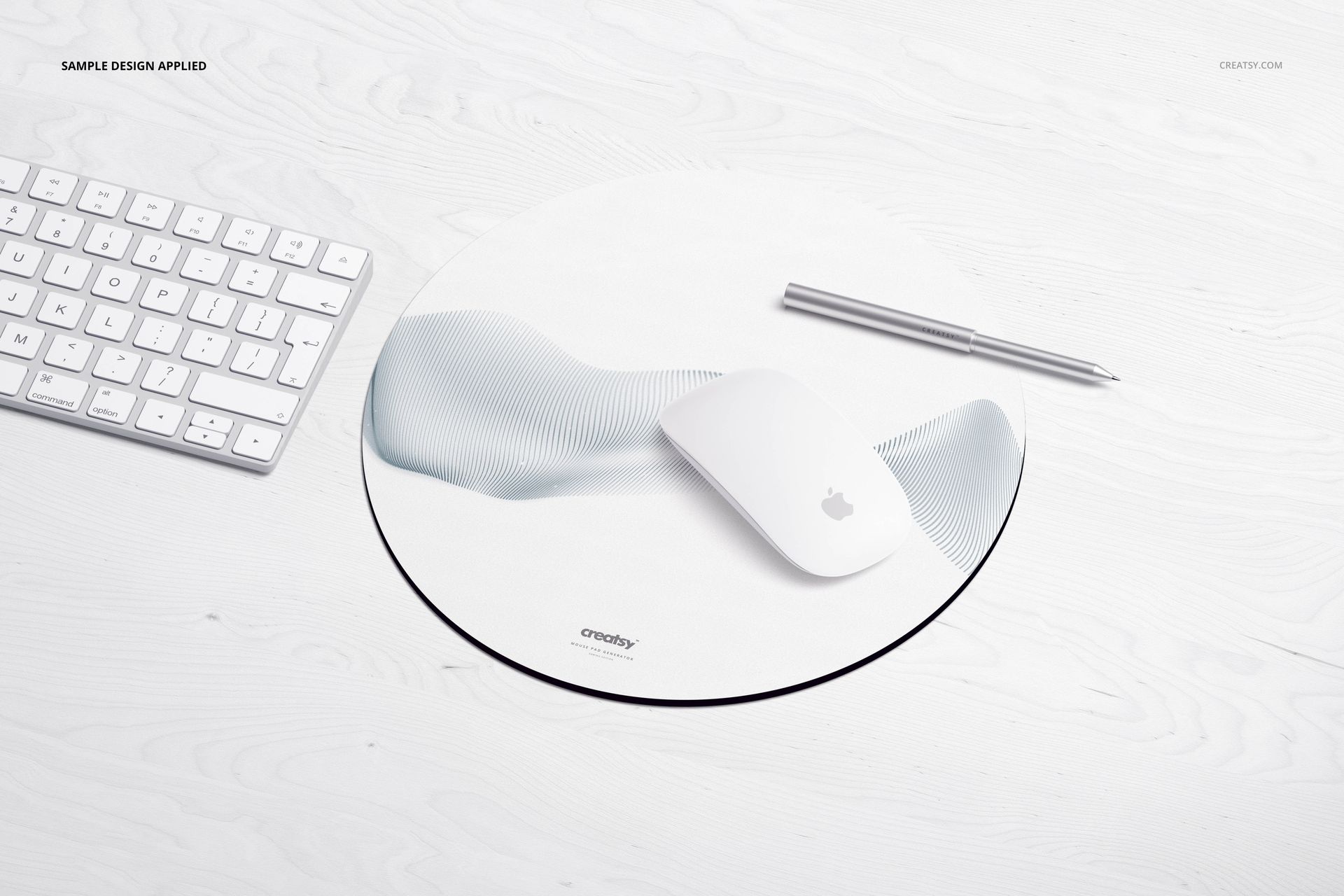
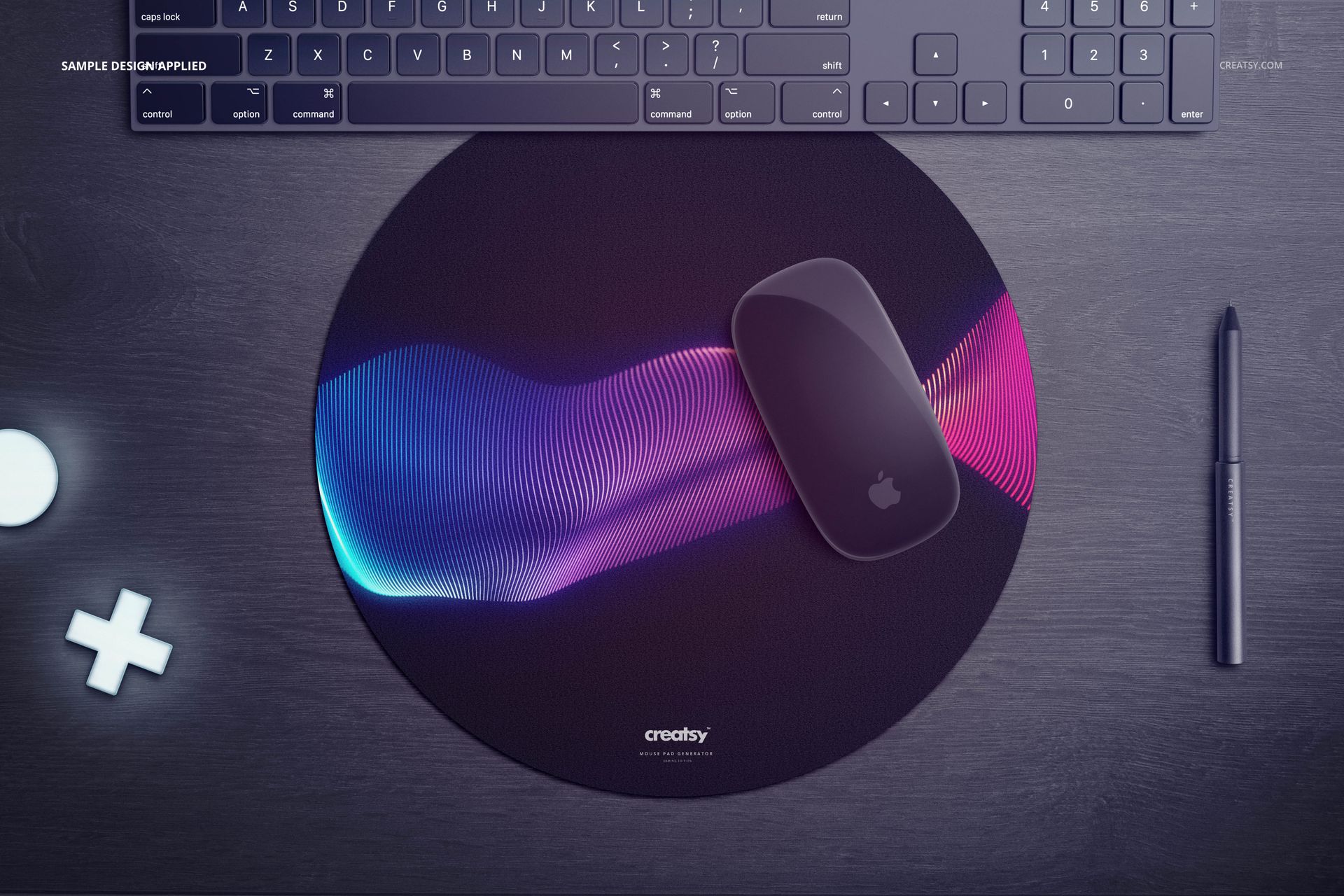
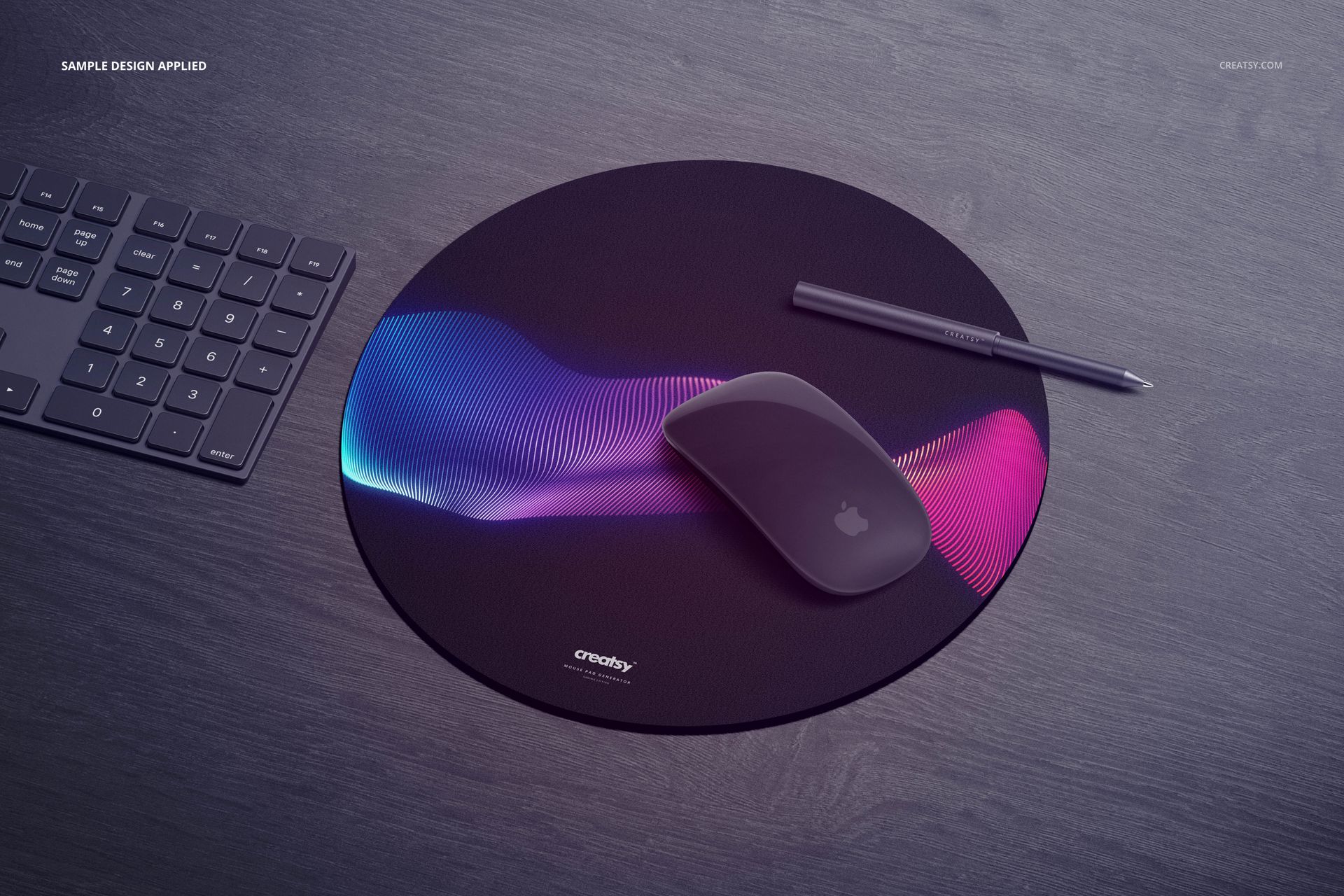
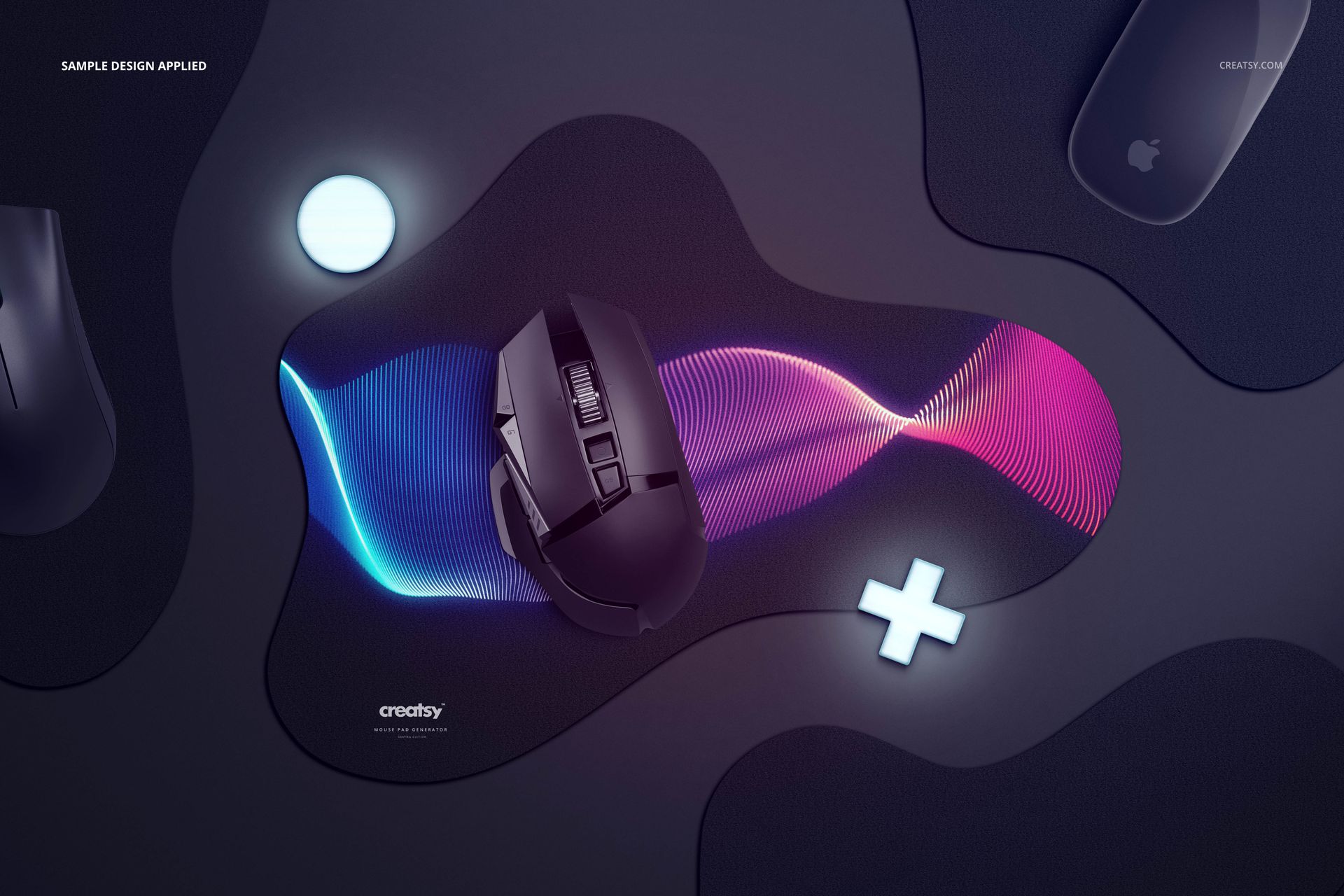
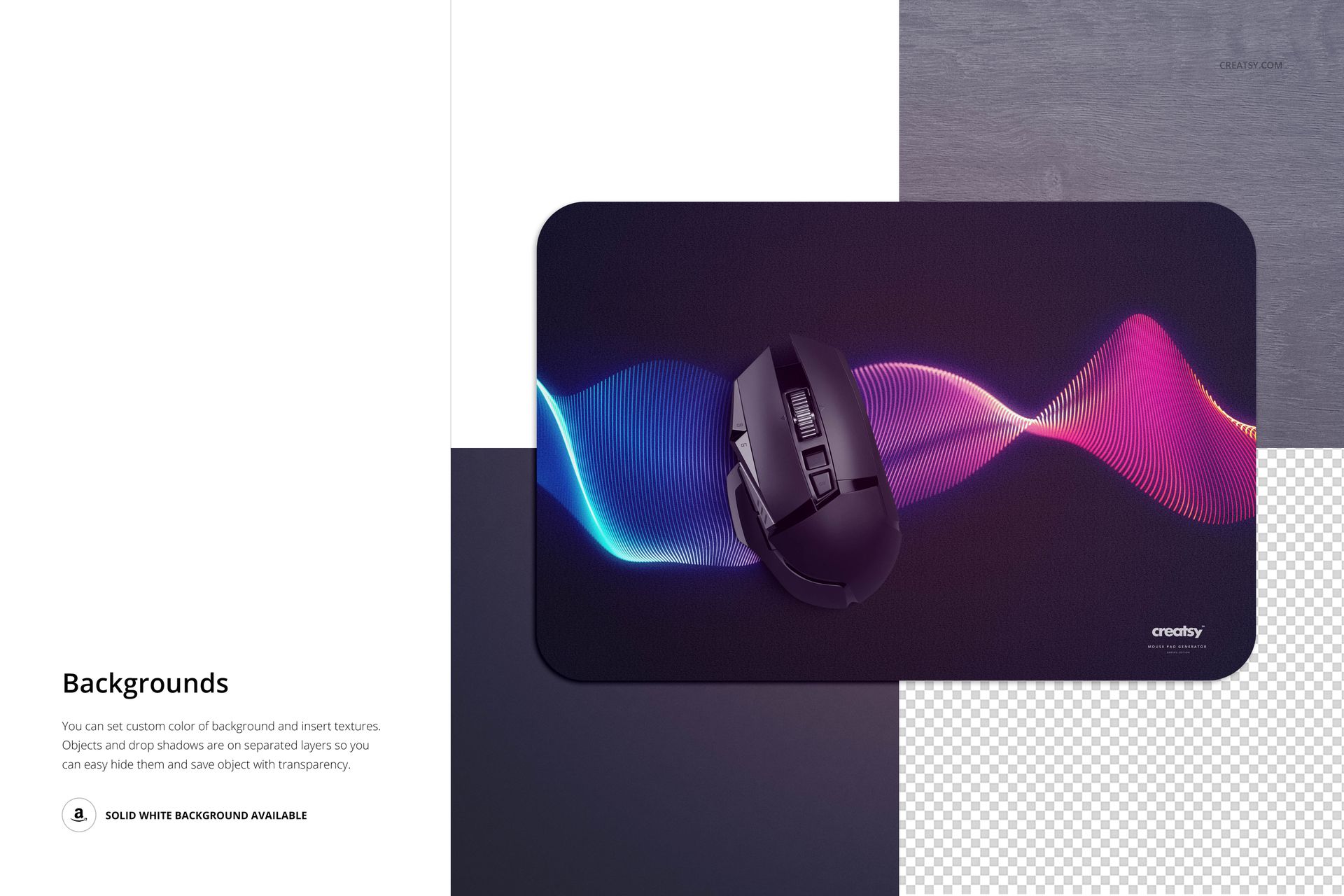
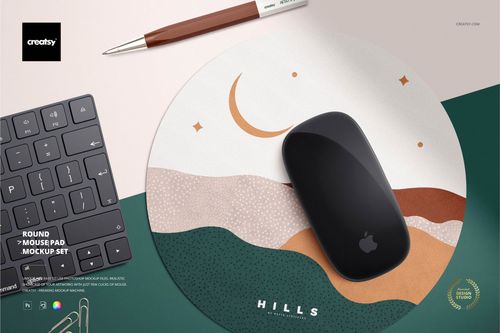
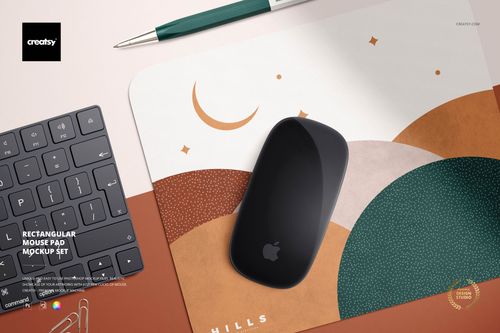
Create a gaming desk presentation around your own mouse pad design. This PSD mockup generator combines 12 prepared scenes with two separate prop files, giving you a starting point for standard pads, extended mats, circular designs, and custom shapes.
What Is Included
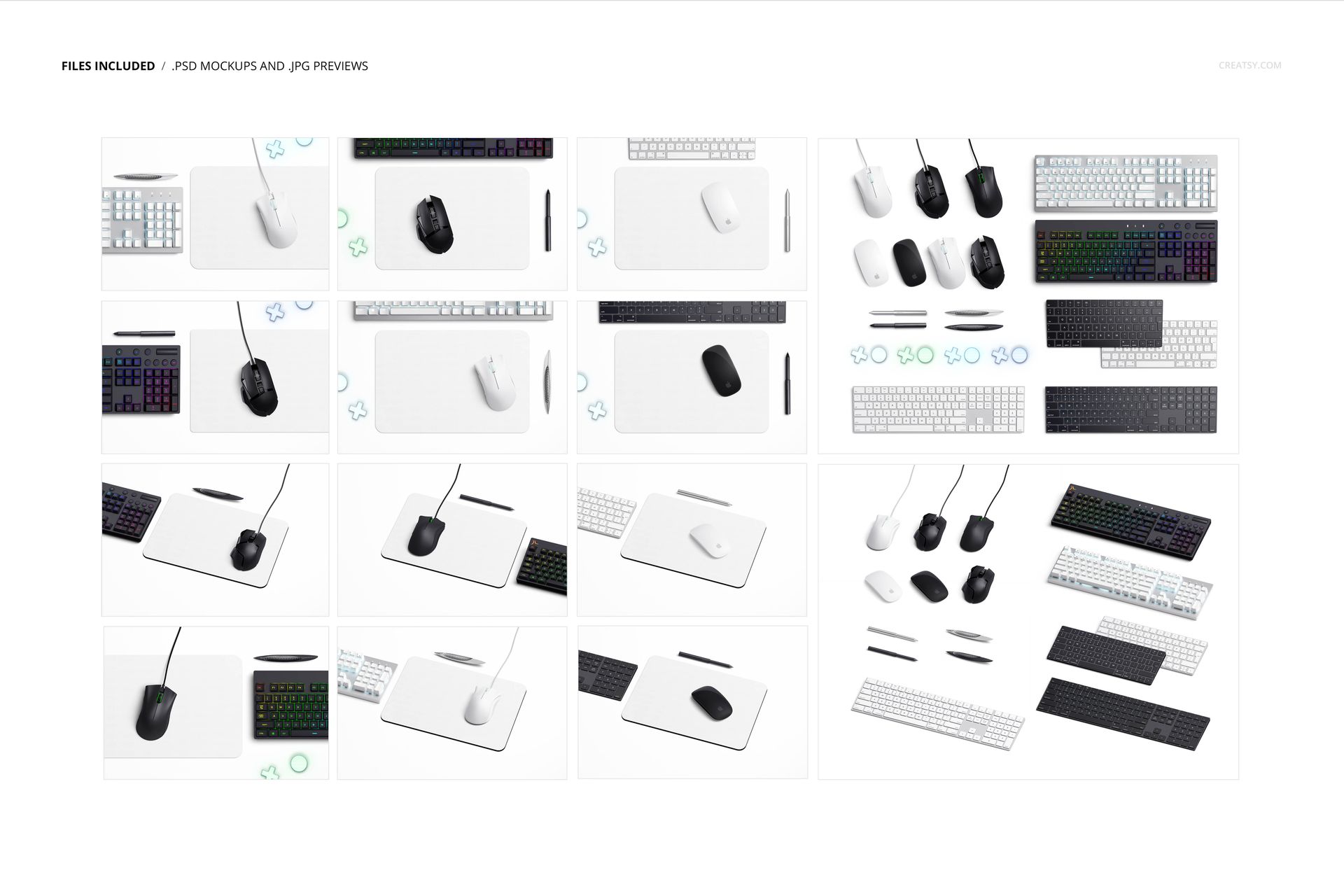
12 premade PSD scenes and 2 separate PSD prop files
14 JPG previews, 1 PDF manual, and 1 MP4 video
30 files in the current archive
Scene JPG previews: 6000 × 4000 px
Prop JPG previews: 12000 × 9000 px
Adobe Photoshop CC2015 or newer; PSD editing in Photopea
Control the Shape and Surface
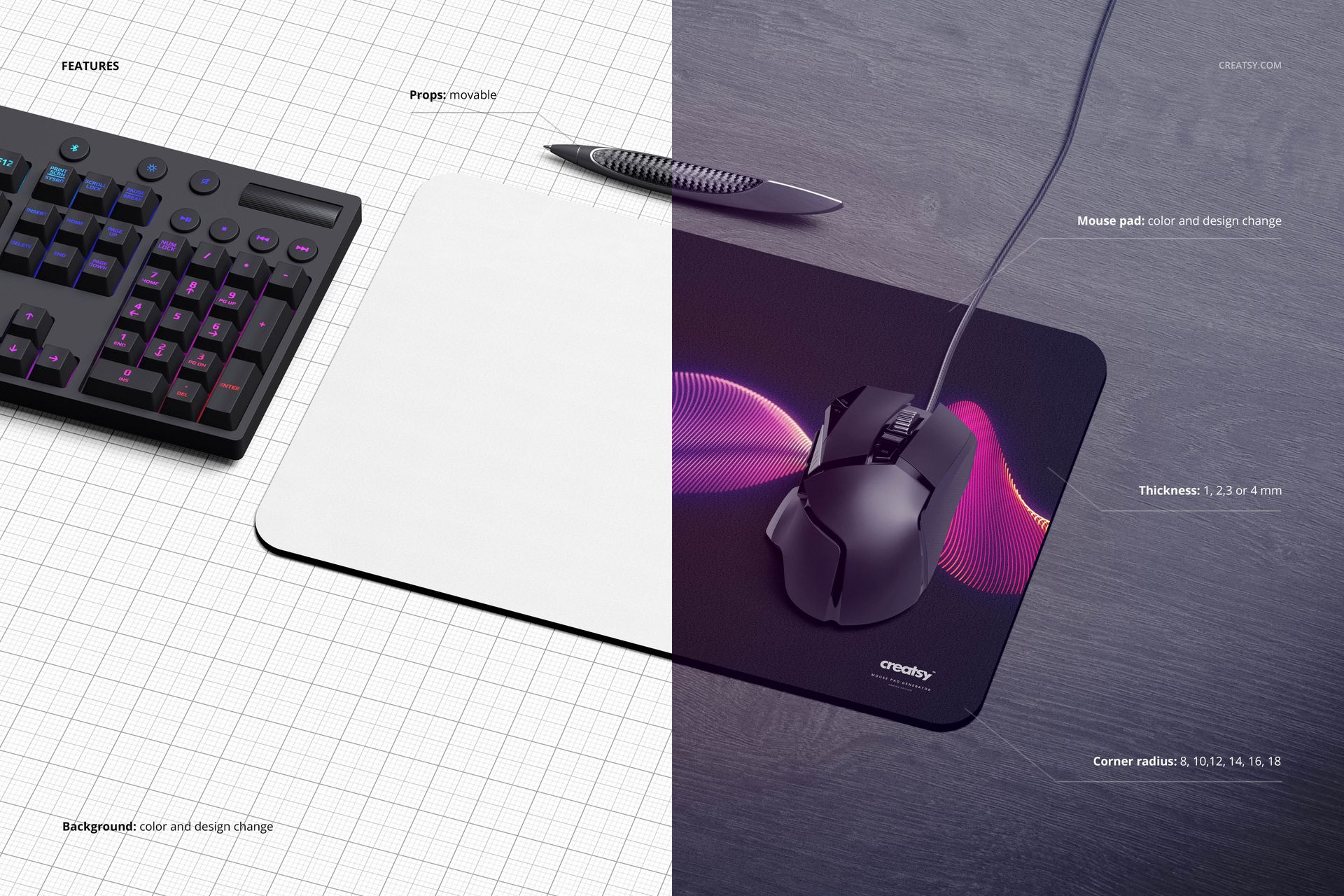
Set a custom mouse pad size and shape
Choose rectangular corner radii of 8, 10, 12, 14, 16, or 18 mm
Select a represented pad thickness of 1, 2, 3, or 4 mm
Apply your artwork through Smart Objects
Change the background color and add textures, with 2 prepared textures included
Design for a Gaming Setup
Present a compact pad for a focused mouse area or a larger mat beneath the keyboard and mouse. The gaming accessories and separate prop files help show how a graphic treatment fits into a coordinated desktop concept.
Digital download: No physical products are supplied. Sample artwork shown in the previews is not included.





I'm a geek and it is nearly impossible to find mockups for my niche products that are actually relevant to my brand. Believe me, I've looked everywhere. So when I saw these gaming mat mockups I almost fell out of my desk chair with excitement! I have a gaming essentials pattern that shines when applied to the mat mockup and seeing my work presented the way I envisioned makes my geeky heart sing. Seriously, I'm that excited about it. I cannot say enough great things about Creatsy. I must have purchased a few hundred dollars worth of mockups and the value I receive when I apply my patterns to the images is worth far more than any coins spent! The files are well organized, the images are relevant and modern, and the mockups are just plain gorgeous! If you have a small amount of Photoshop knowledge, you can still do this. And the team is responsive if you have questions and can't find help in the documentation. I don't use anyone else for my mockups - if Creatsy doesn't have it, I'll wait LOL.