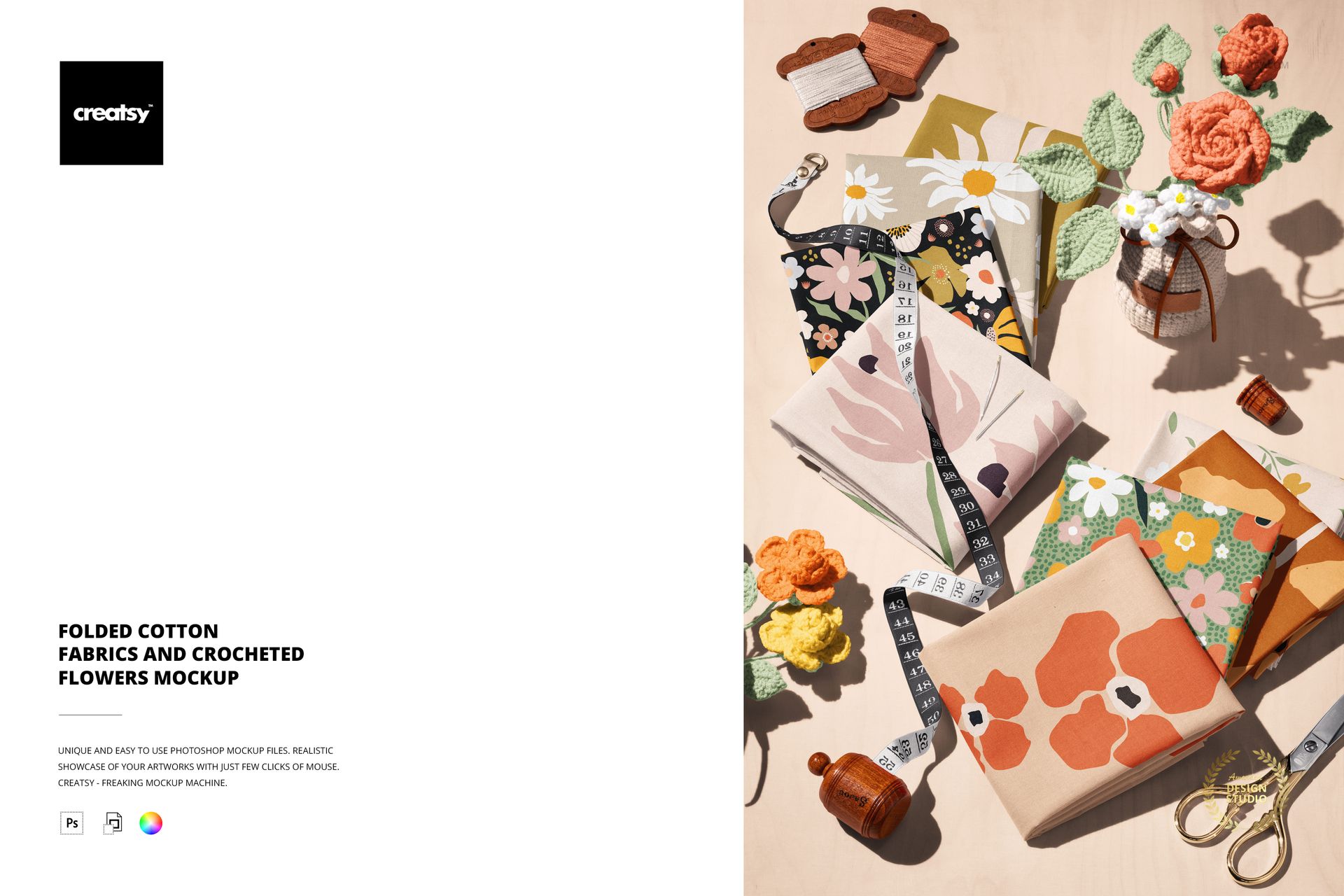
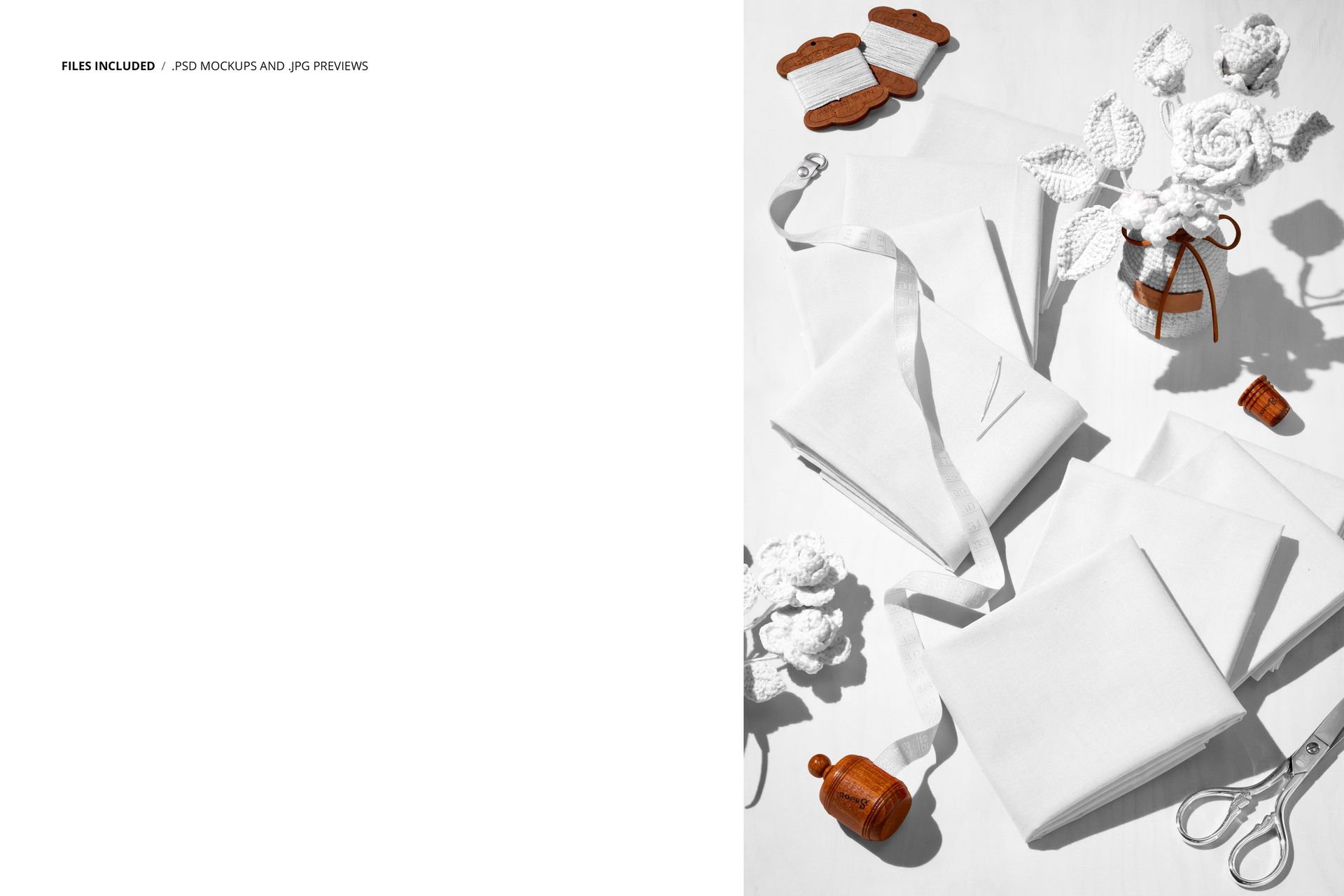
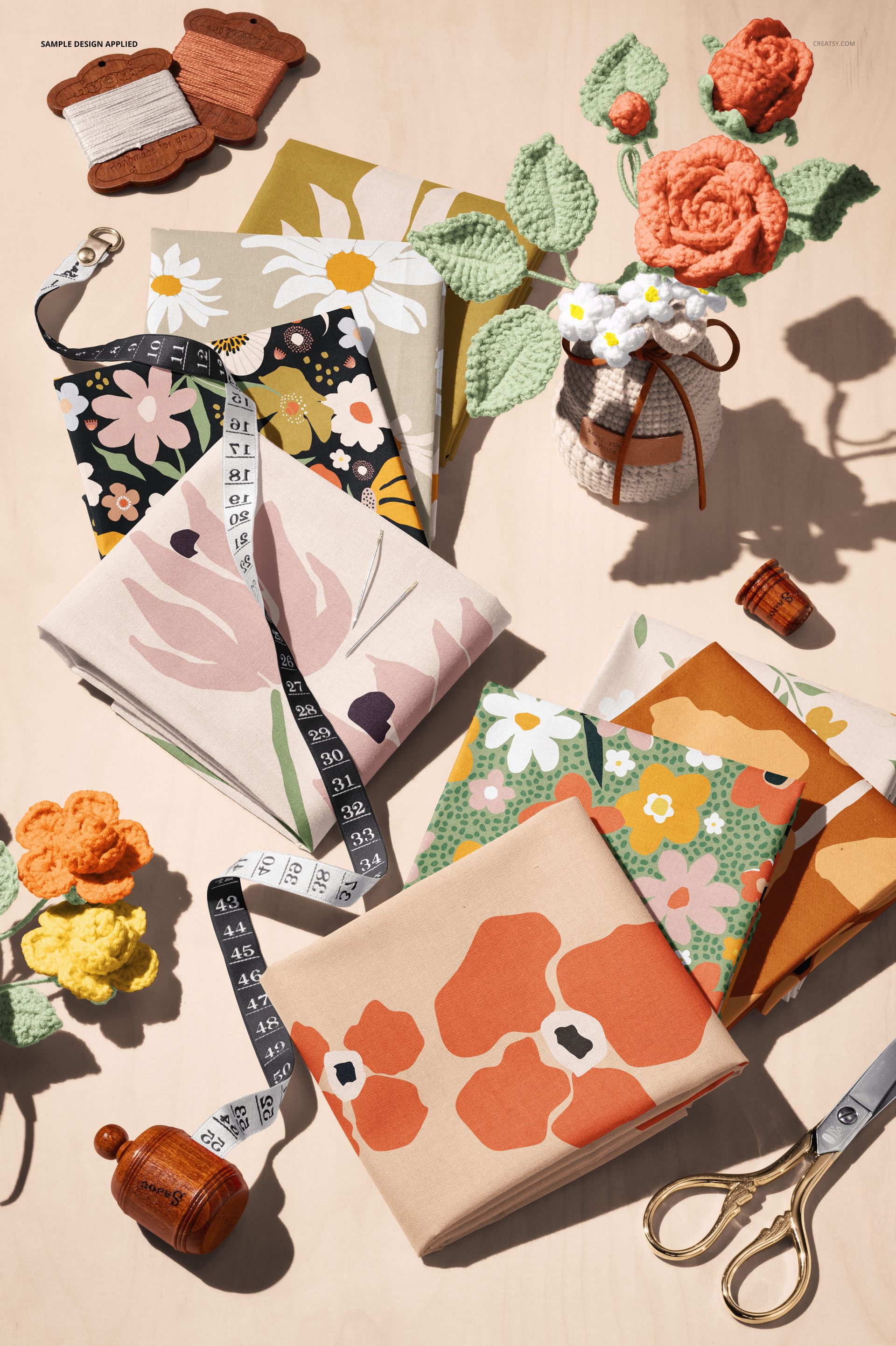
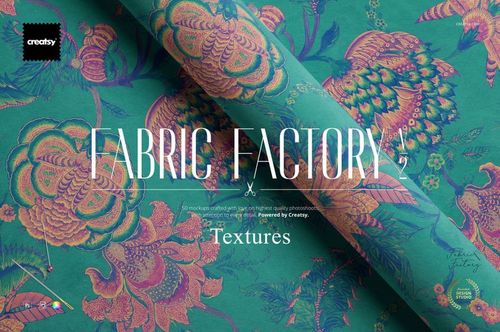
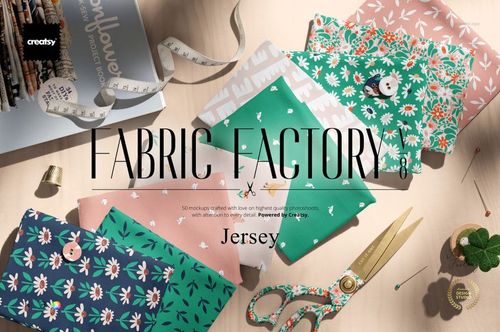
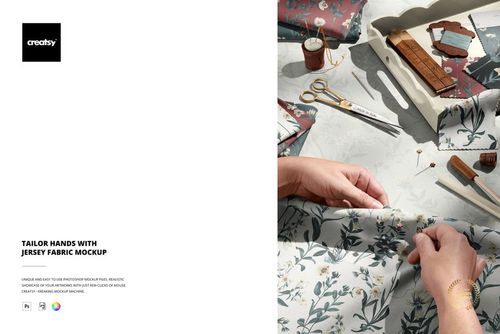
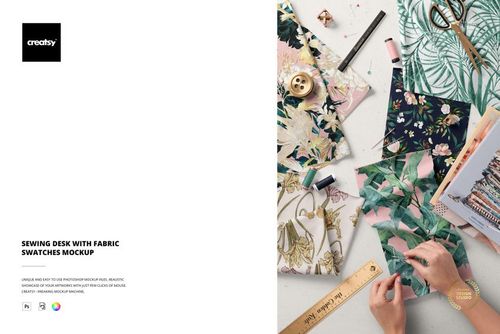
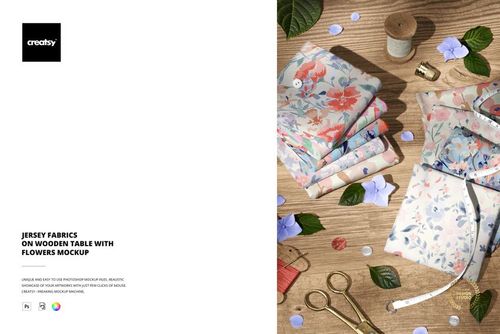
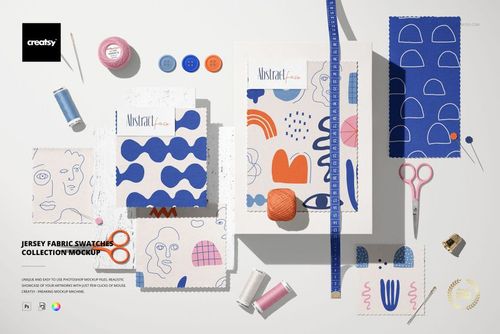
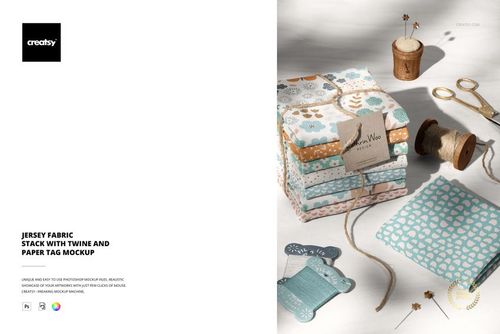
One PSD file at 6000 x 4000 pixels and 300 DPI. Folded cotton fabrics arranged with crocheted flowers scattered across and between the folds. The composition reads like a curated textile display - the kind of deliberate arrangement that fabric shops use to communicate quality before a customer touches anything. The folded edges create geometric structure. The crocheted flowers add handmade warmth. Together, they bridge the gap between industrial textile production and artisanal craft, which is exactly the brand position that most fabric companies want to occupy. The file opens in Adobe Photoshop CC 2020 or newer and in Photopea, the free browser-based PSD editor.
Folded Fabric as Quality Signal
A flat fabric swatch shows pattern and color. A folded fabric shows body, weight, drape, and the way the material holds a crease. Folding reveals structural properties that flat presentation conceals. When a customer sees folded fabric in a product listing, they unconsciously register the fold as evidence of material substance - the fabric is thick enough to maintain its shape, stable enough to hold a clean edge, and substantial enough to cast a shadow along the fold line. This mockup leverages that perceptual shortcut by presenting the fabric in its most quality-communicating orientation.
Crocheted Flowers as Handcraft Association
The crocheted flowers are not accidental props. Crochet is handwork. It is slow, deliberate, and inherently artisanal. Placing crocheted elements next to manufactured fabric creates a visual association between industrial textile production and handmade craft traditions. For fabric brands positioning themselves as artisanal, small-batch, or craft-adjacent, this association is worth more than any amount of marketing copy because it operates at the visual level where brand impressions form before the customer reads a single word.
Smart Object Workflow
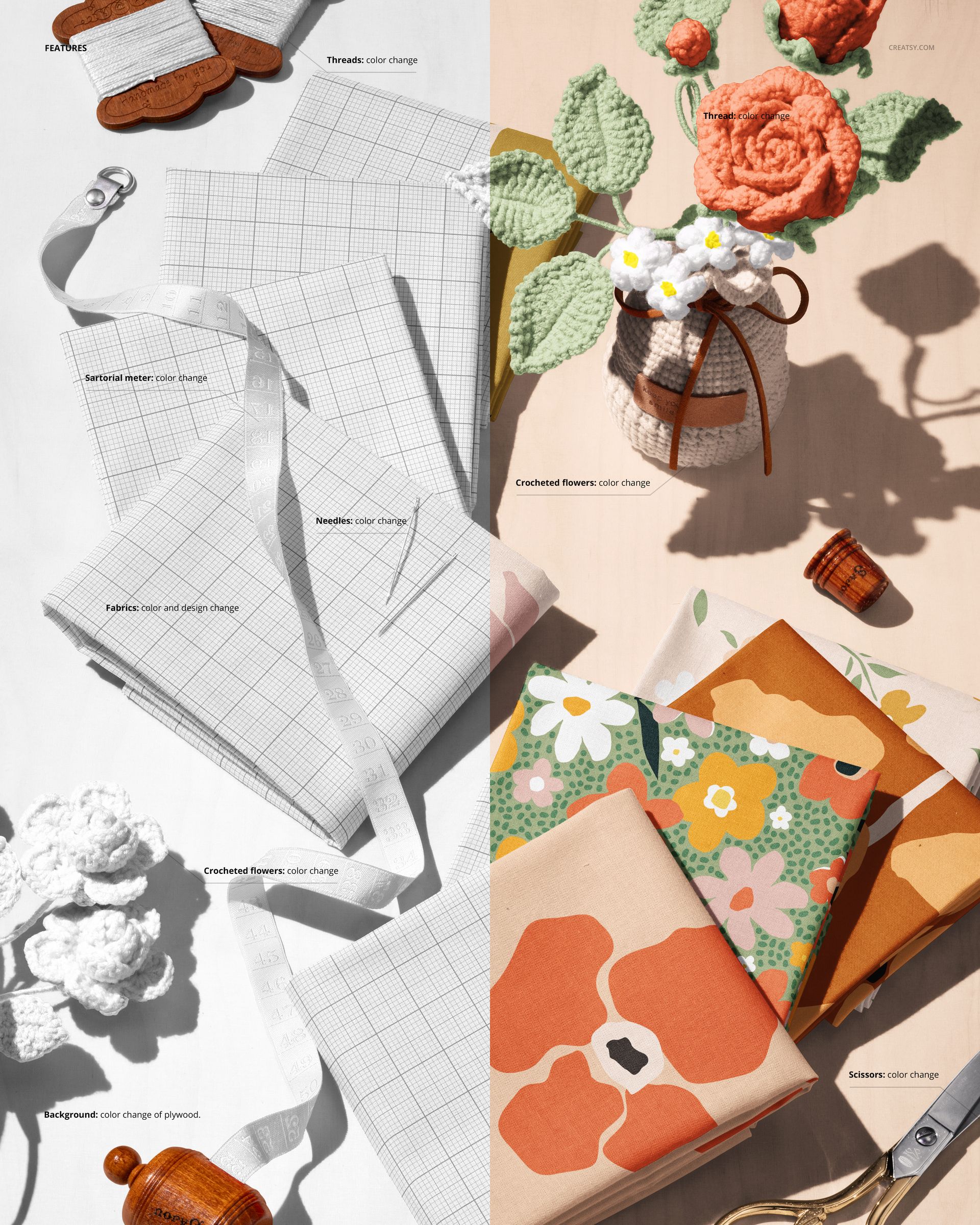
The PSD file contains smart object layers for the fabric surfaces on each folded piece. Double-click the smart object thumbnail in the layers panel, place your textile pattern, printed design, or woven texture into the canvas, and save. The main document updates with your pattern mapped onto the folded fabric surfaces, preserving the natural shadows along the fold lines, the slight color variation where the fabric bends, and the way the pattern distorts subtly where the cotton drapes rather than lies flat.
Multiple Fabric Surfaces in One Scene
The composition includes multiple folded fabric pieces, which means multiple smart objects available for pattern placement. This allows designers to present coordinating patterns, colorway variations, or complementary designs within a single mockup image rather than creating separate mockups for each fabric in a collection. A textile brand launching a coordinated line of prints can show three or four patterns together in one lifestyle scene, demonstrating how the patterns work as a collection rather than as isolated designs.
Technical Specifications
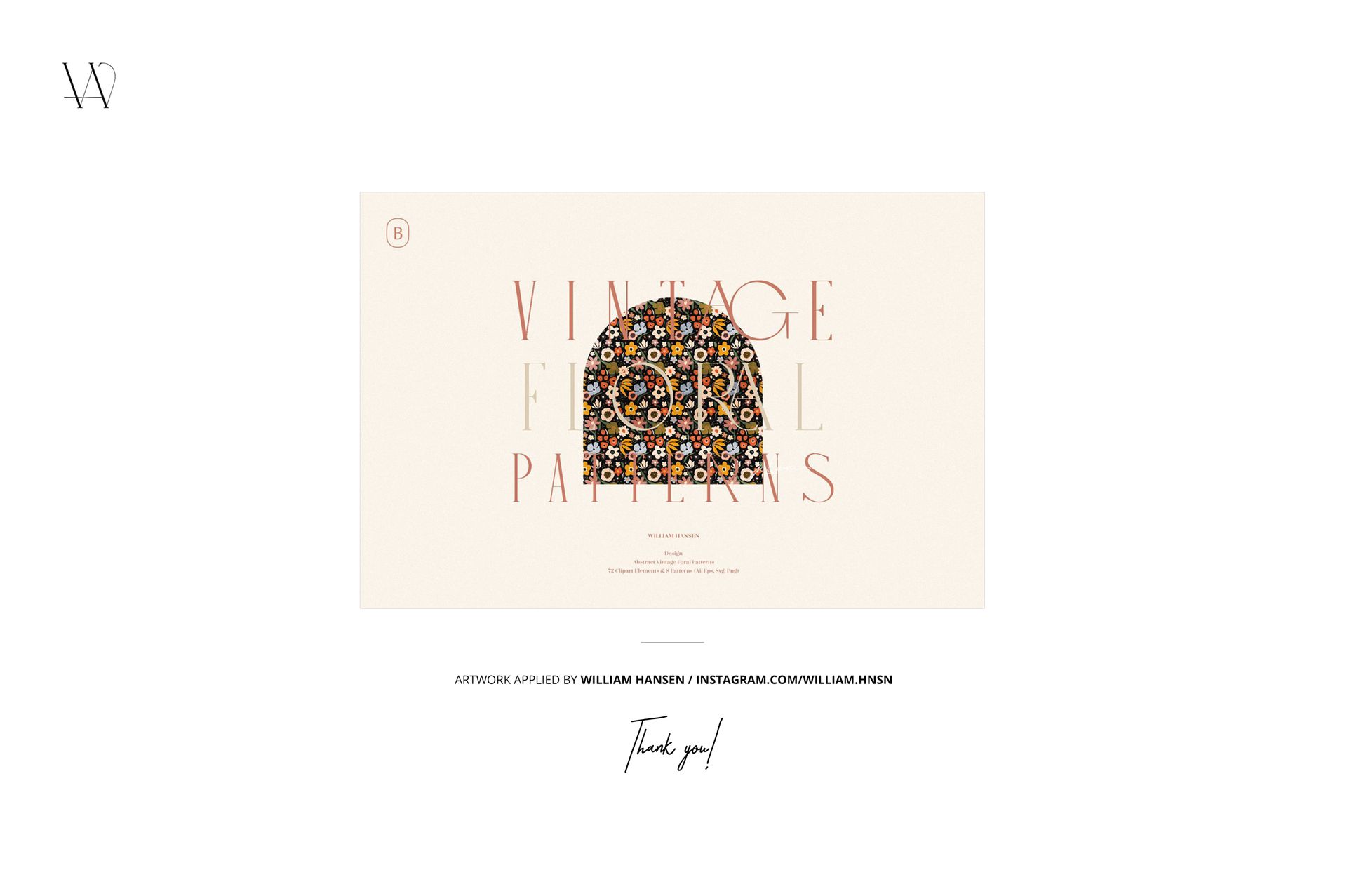
The single PSD file measures 6000 x 4000 pixels at 300 DPI in landscape orientation. The download weighs 498.5 MB. Layers are organized and labeled for efficient navigation between the individual fabric smart objects, crocheted flower elements, shadow layers, and background surface. The high resolution preserves thread-level texture detail at full zoom for both digital product listings and printed textile catalogs. Design applied on mockups by William Hansen (not included in the download).