Gift Wrapping Paper Mockup Set 2
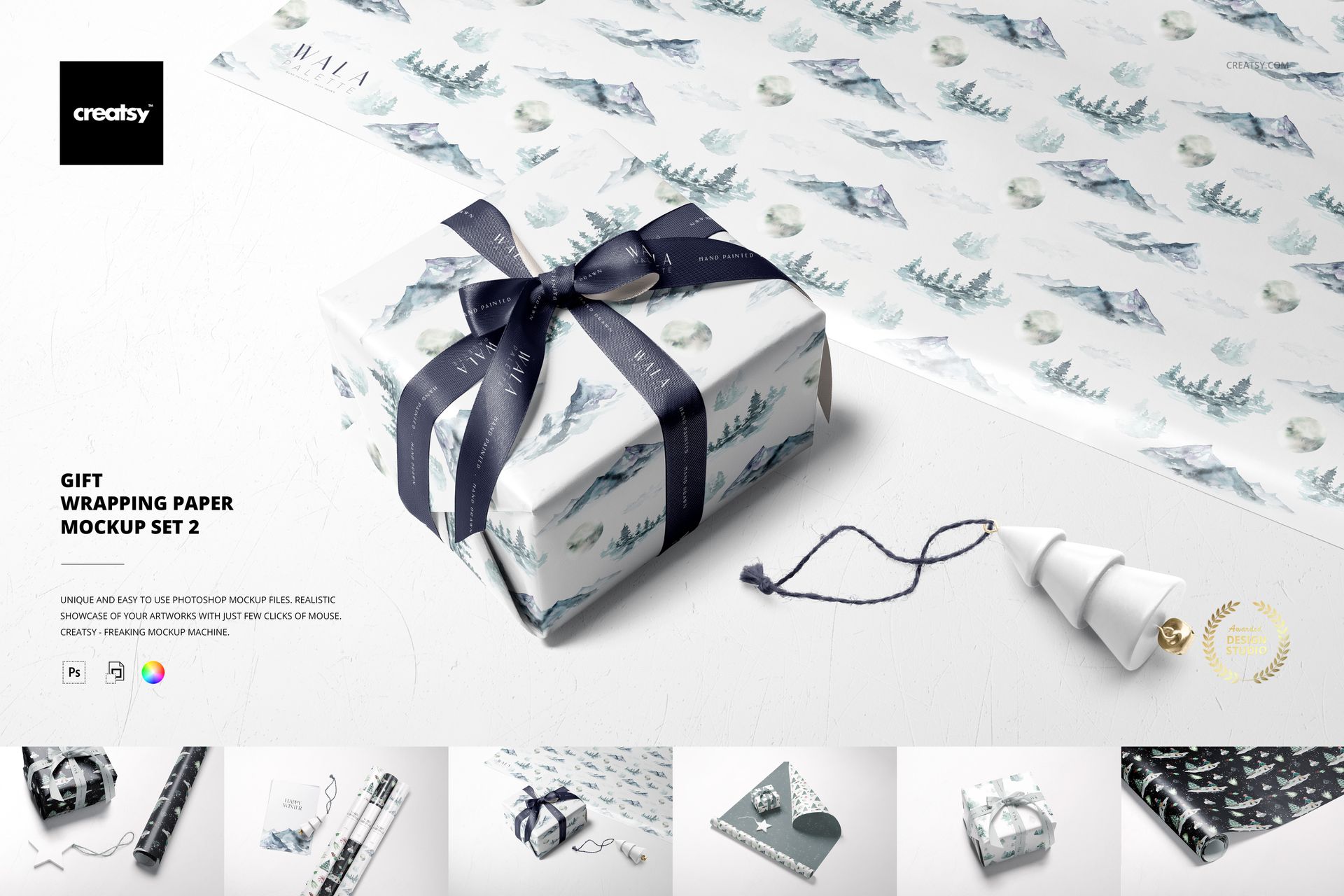
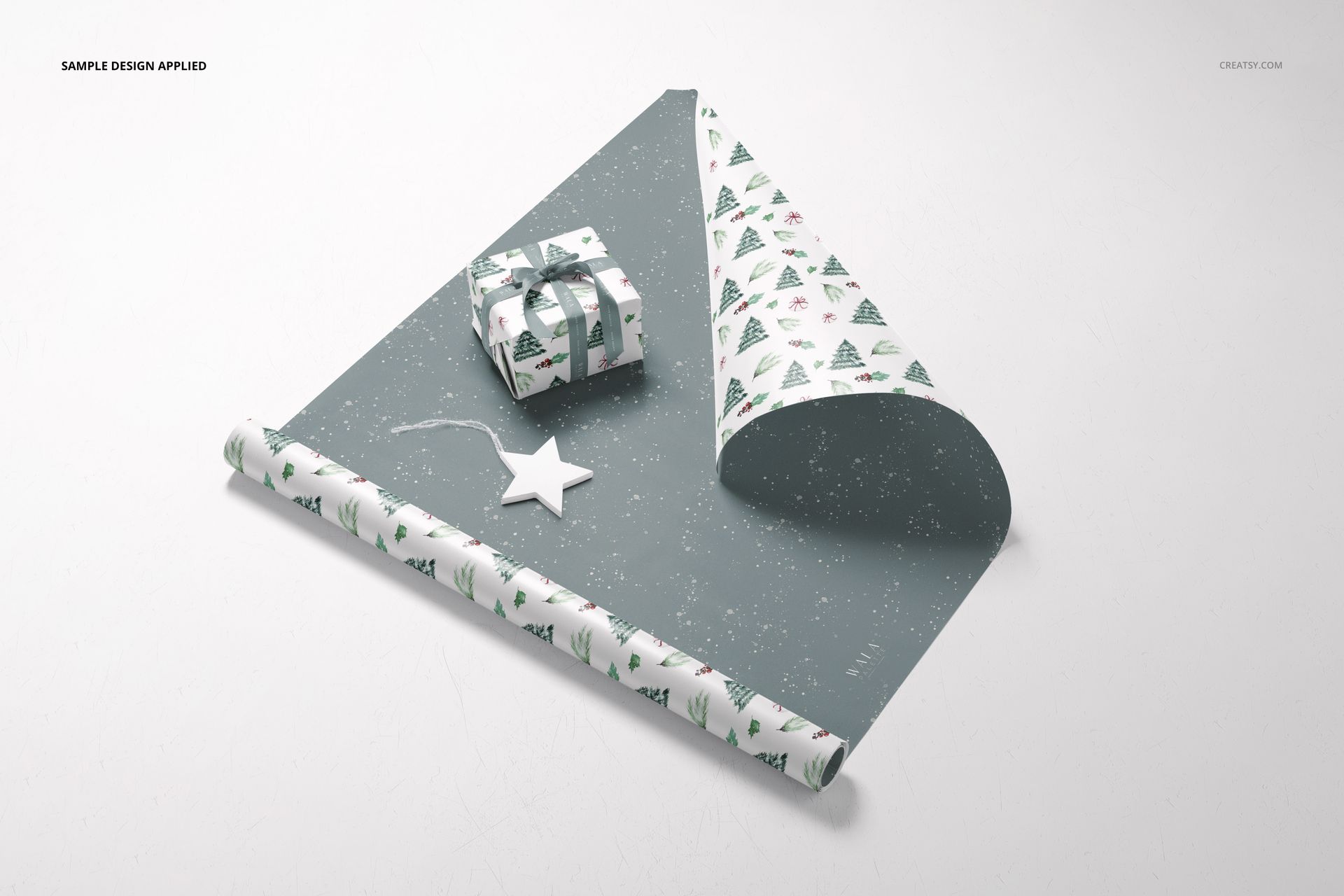
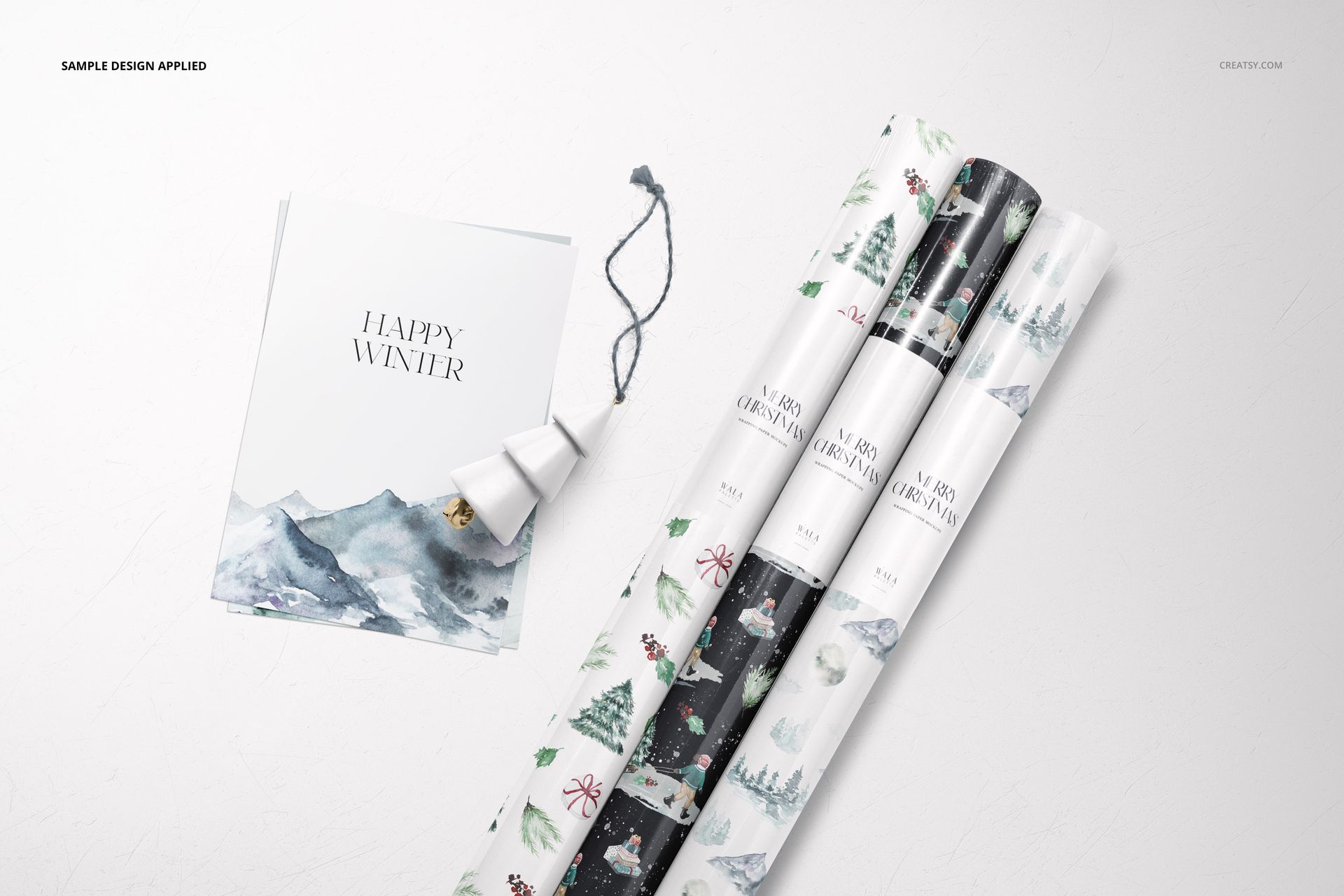
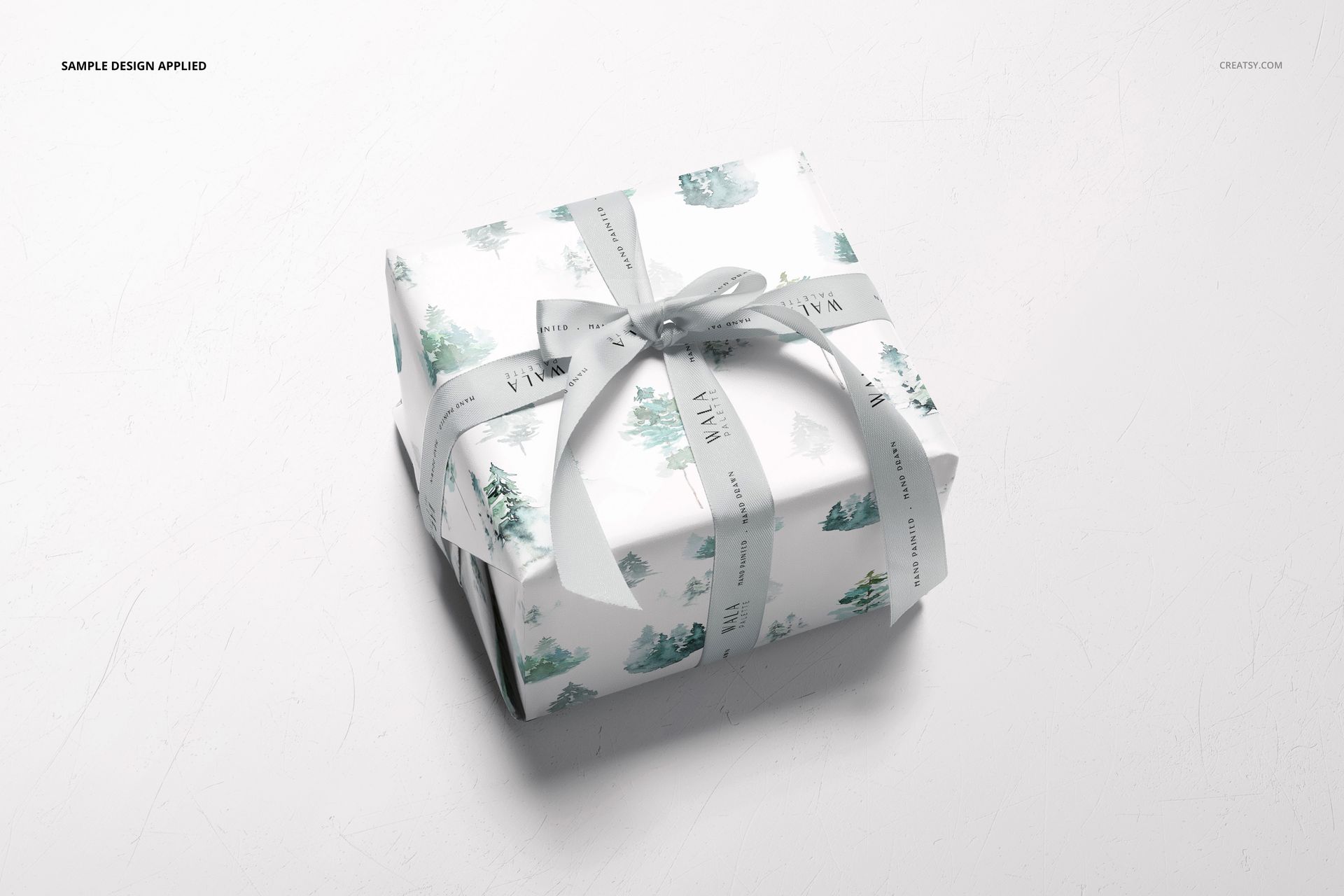
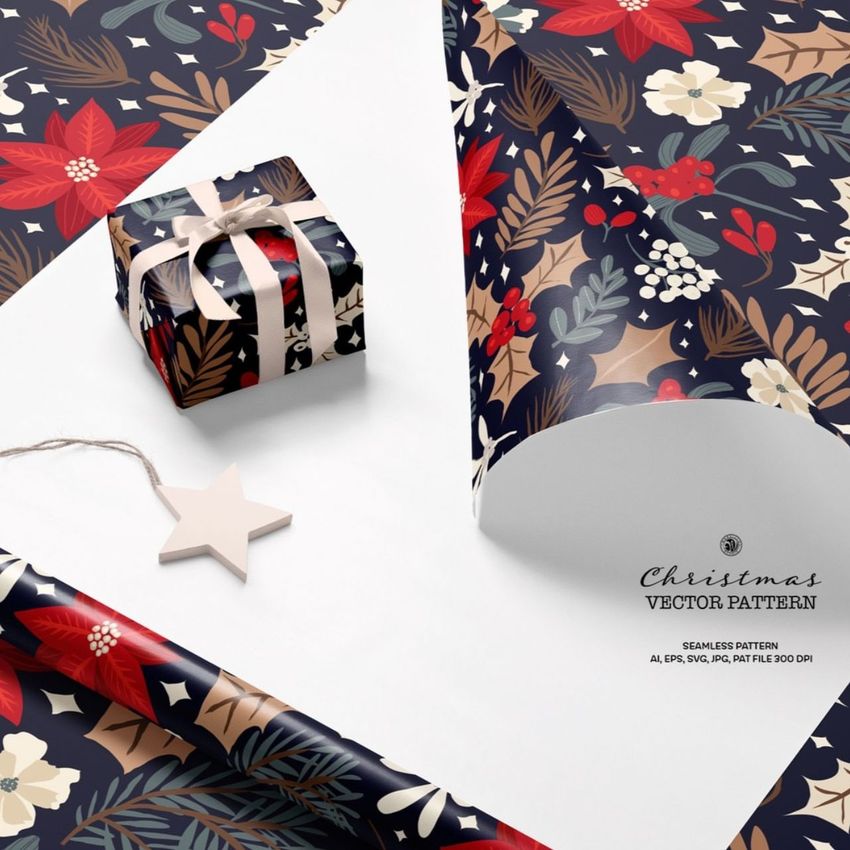
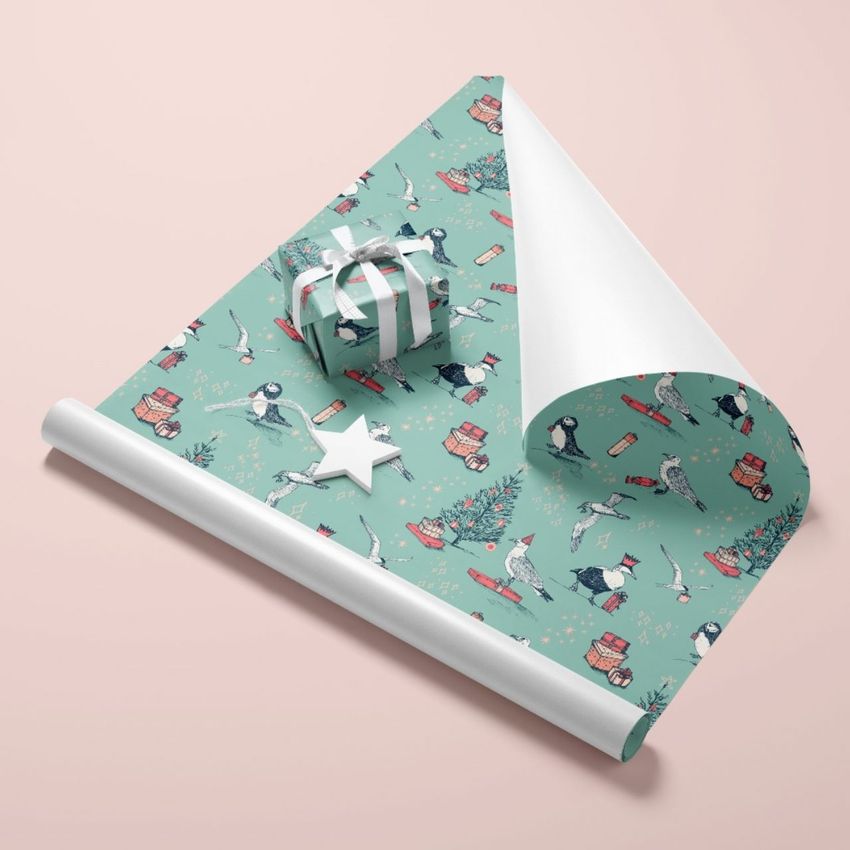
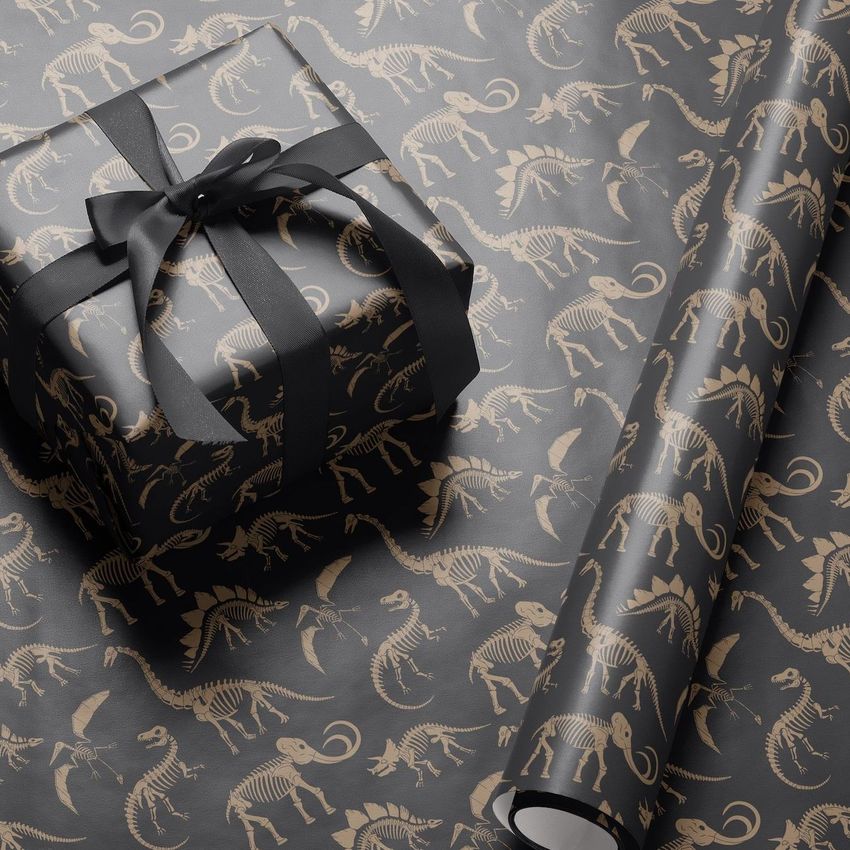
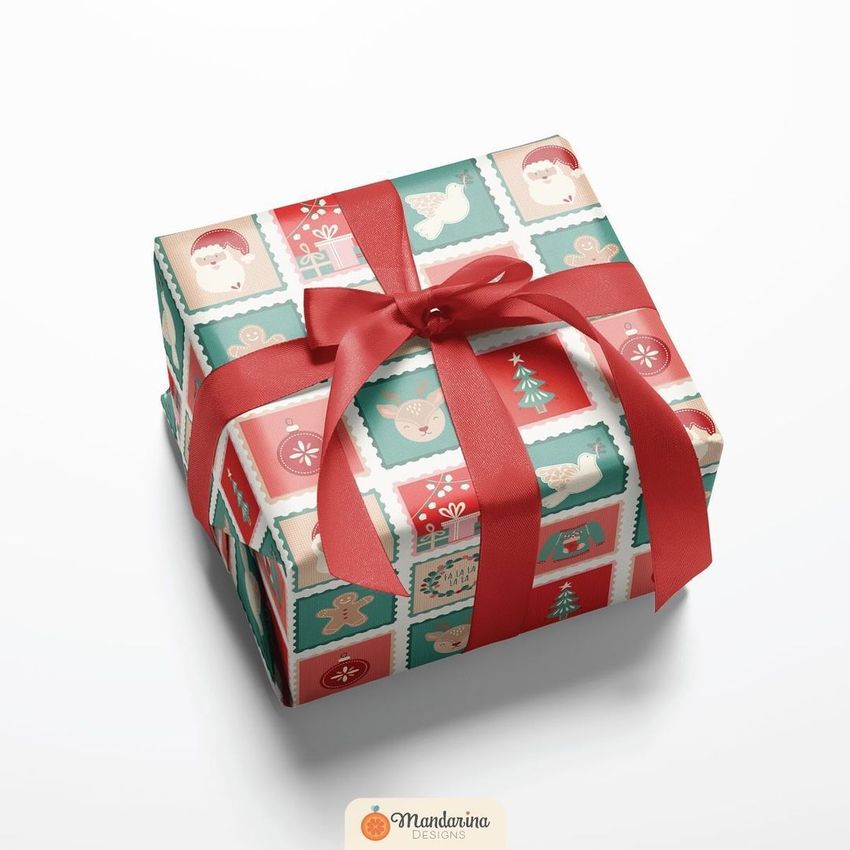
Present a wrapping paper collection as both a selection of patterns and a finished gift. This six-scene Photoshop mockup set brings together three paper rolls, partly unrolled sheets and ribbon-tied boxes, giving surface designers a clear way to show how coordinating prints work across a gift range.
Why This Set Works for a Coordinated Collection
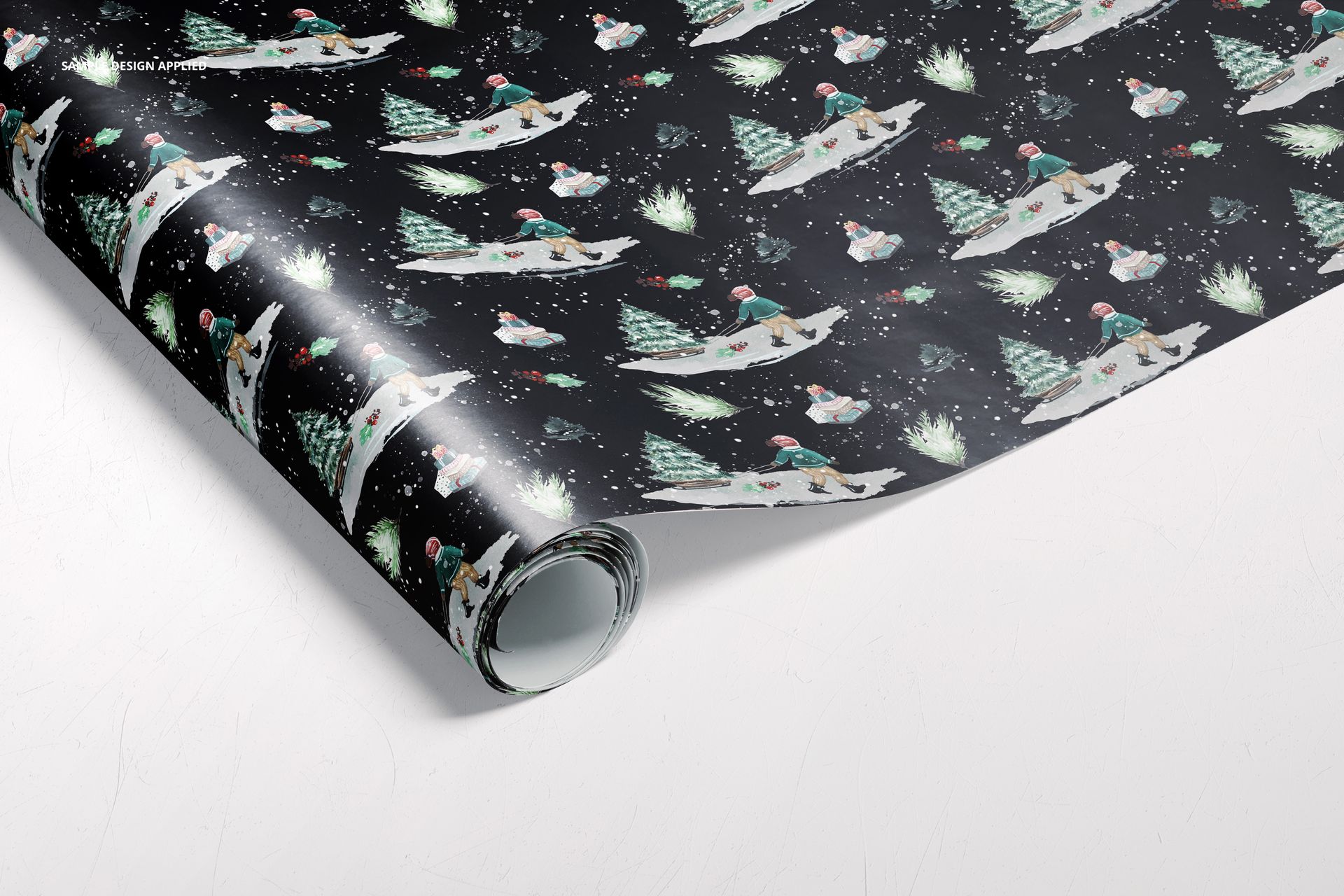
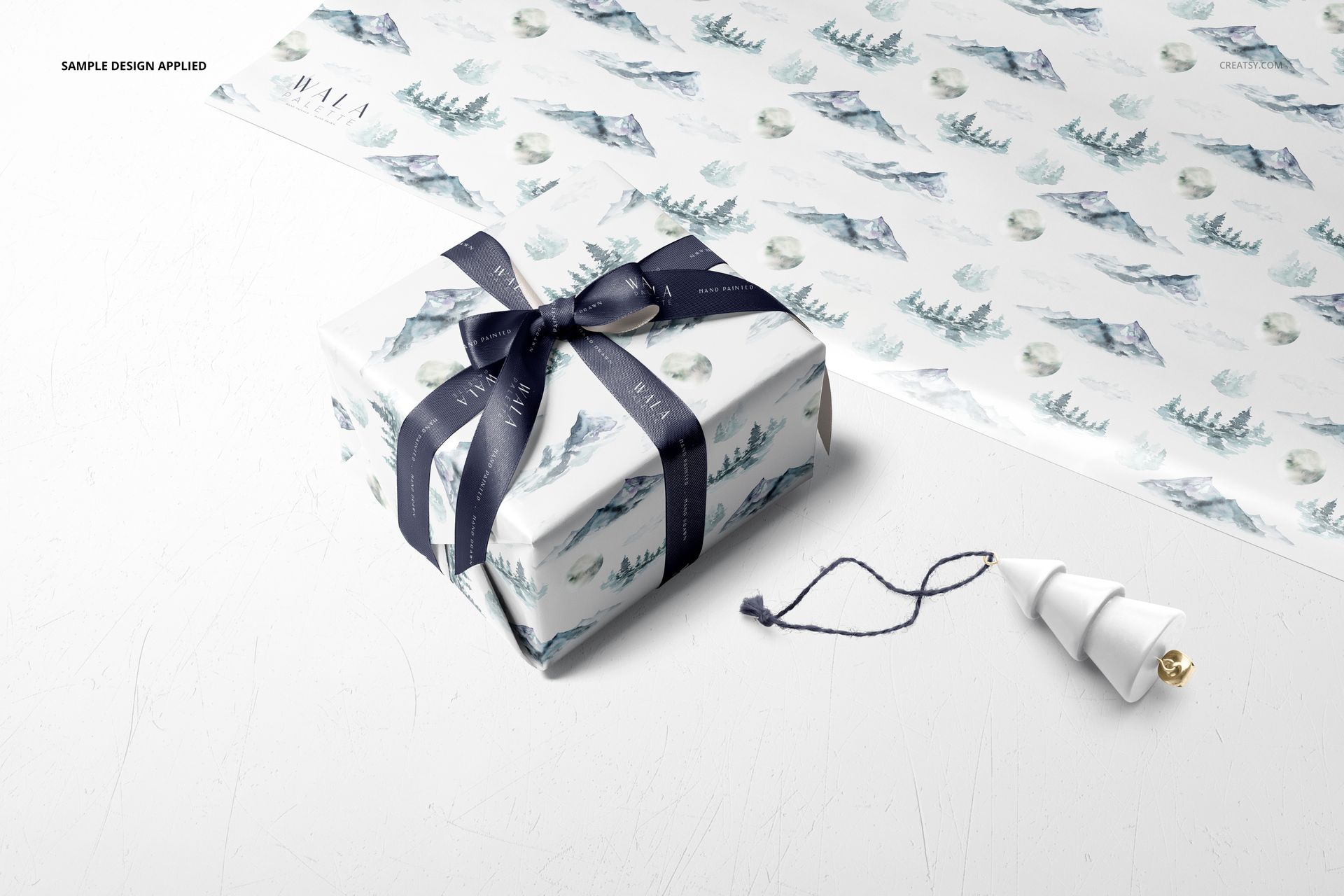
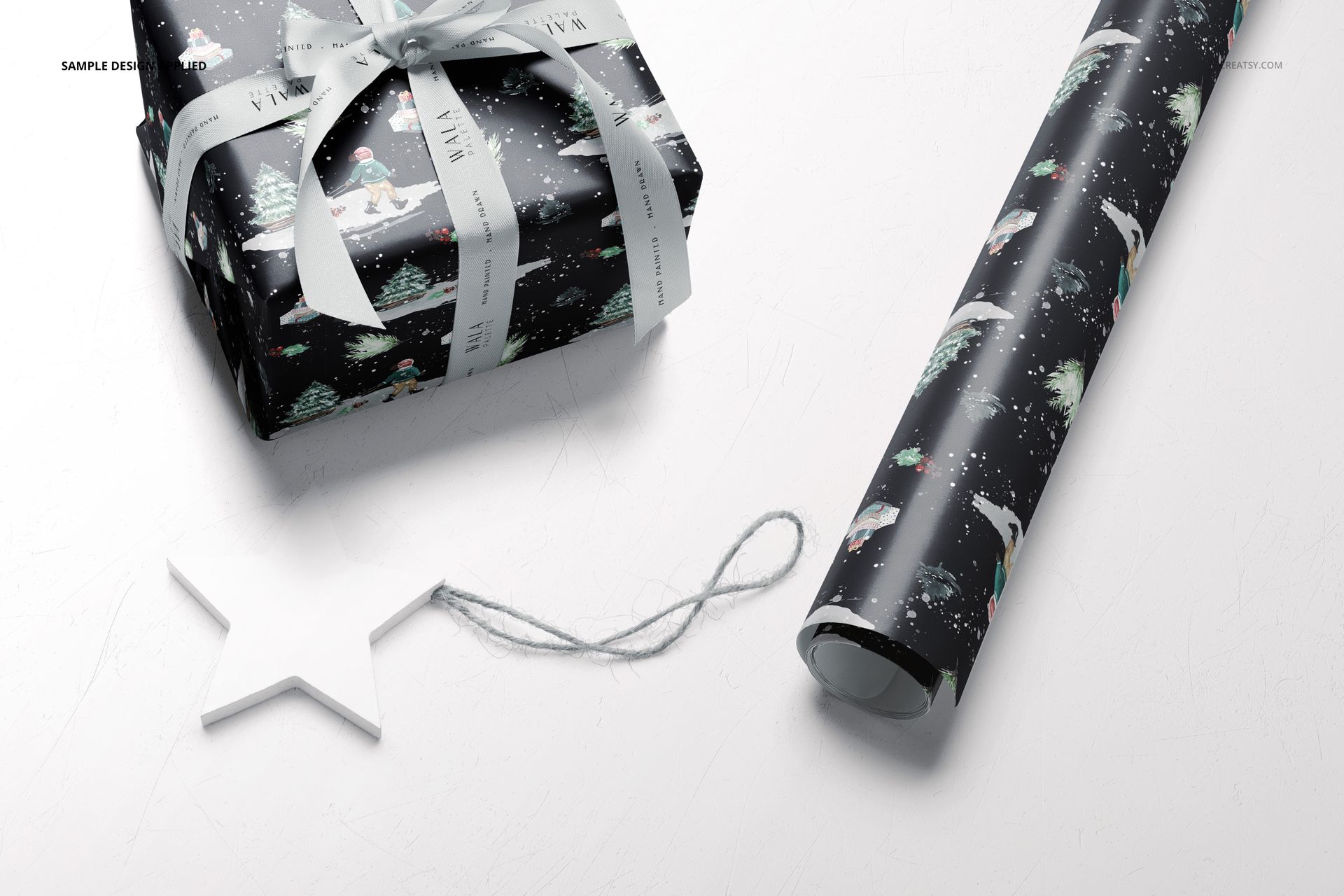
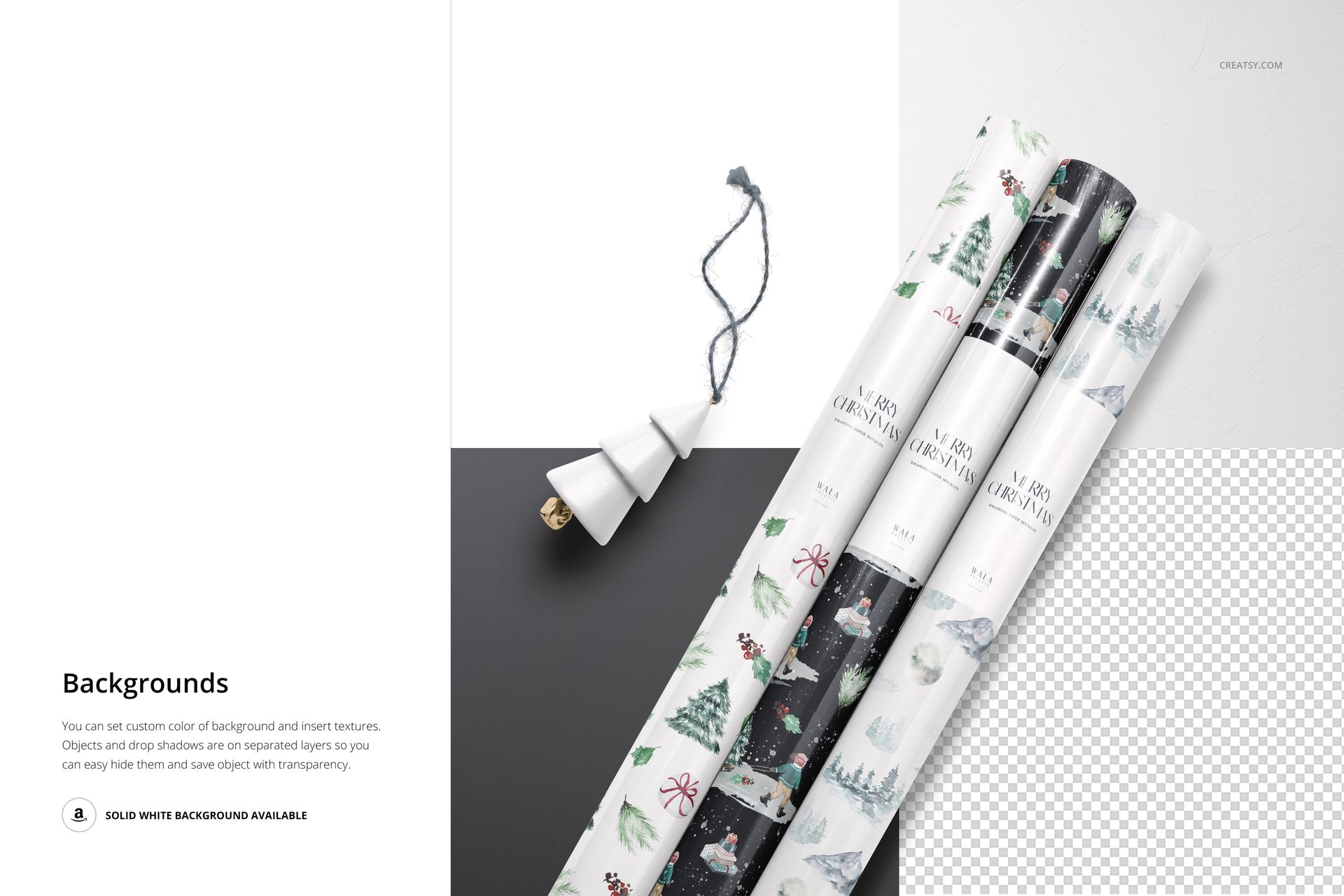
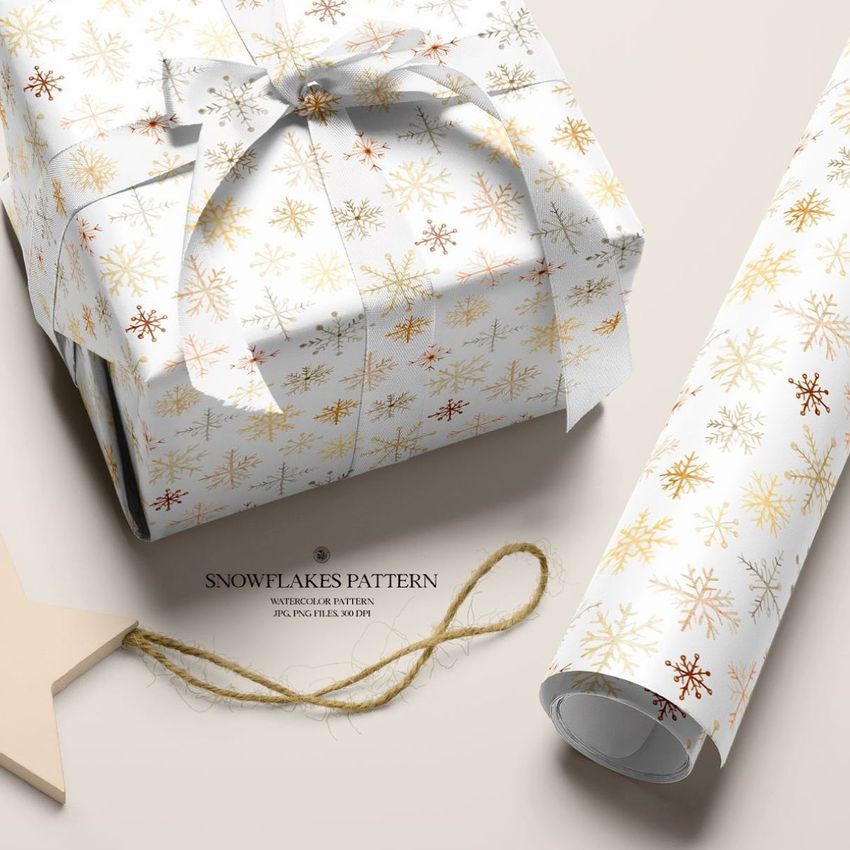
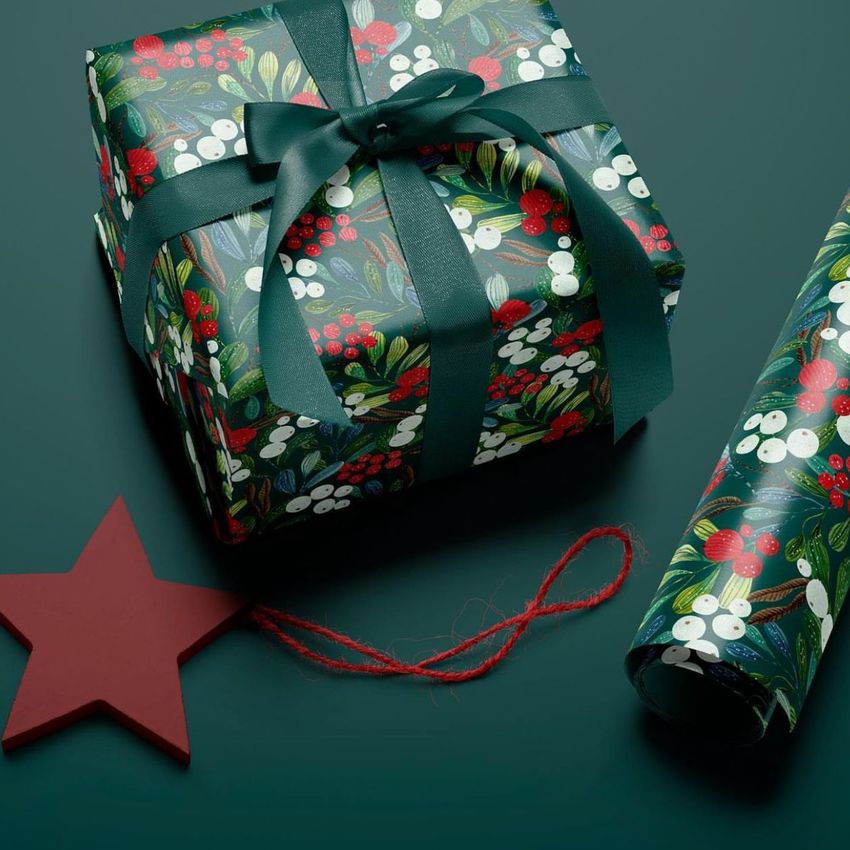
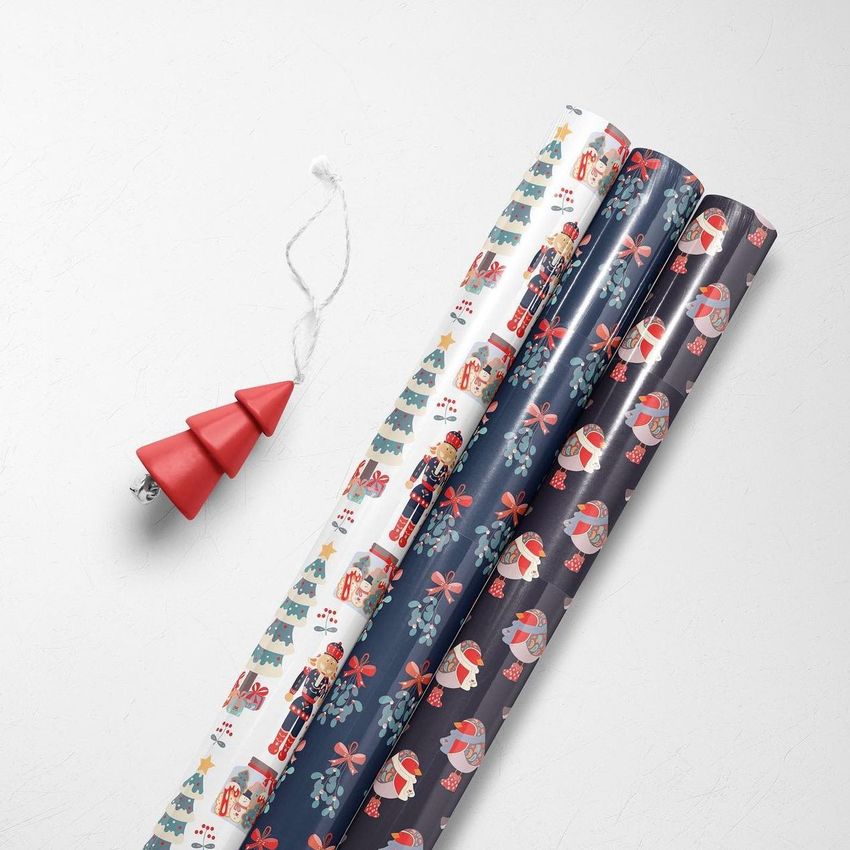
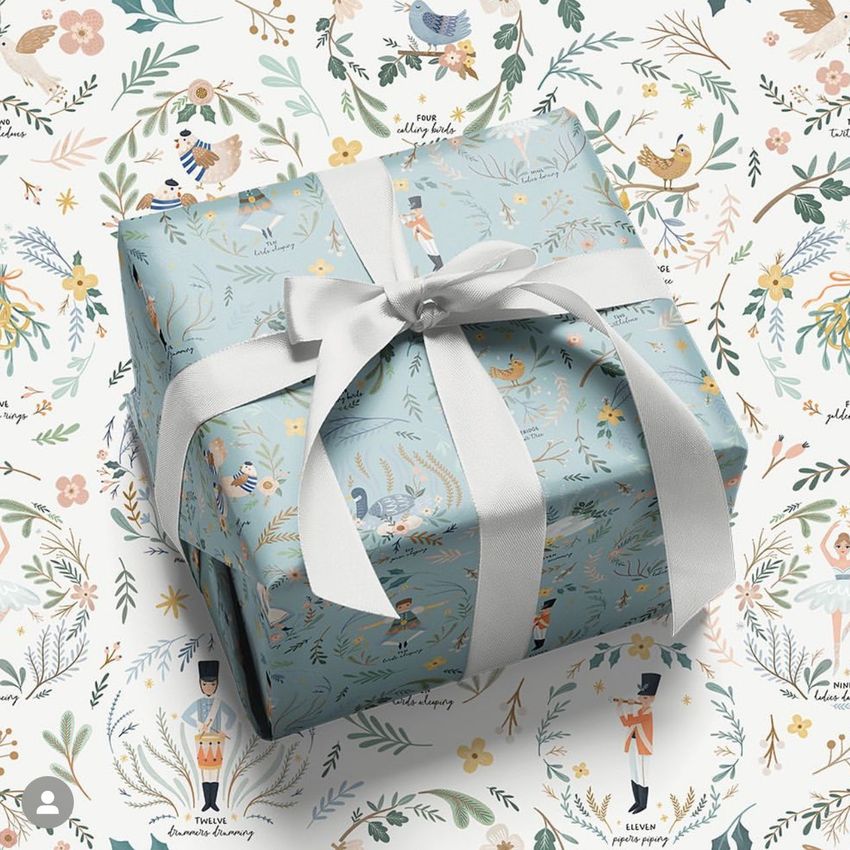
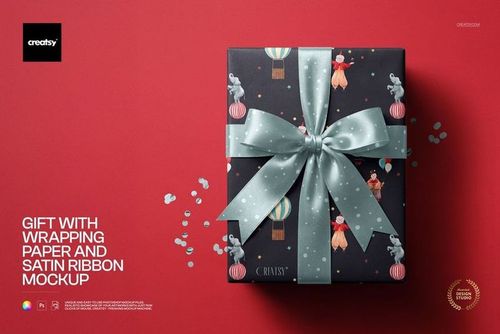
The three-roll arrangement lets viewers compare designs together, while the wrapped-box compositions show the role of ribbon alongside the paper. Use the broad sheet views to give an illustration room to be seen, then show the same collection in its gifting context. Seasonal ornaments in several scenes add a winter setting without making the supplied artwork part of the download.
What Is Included
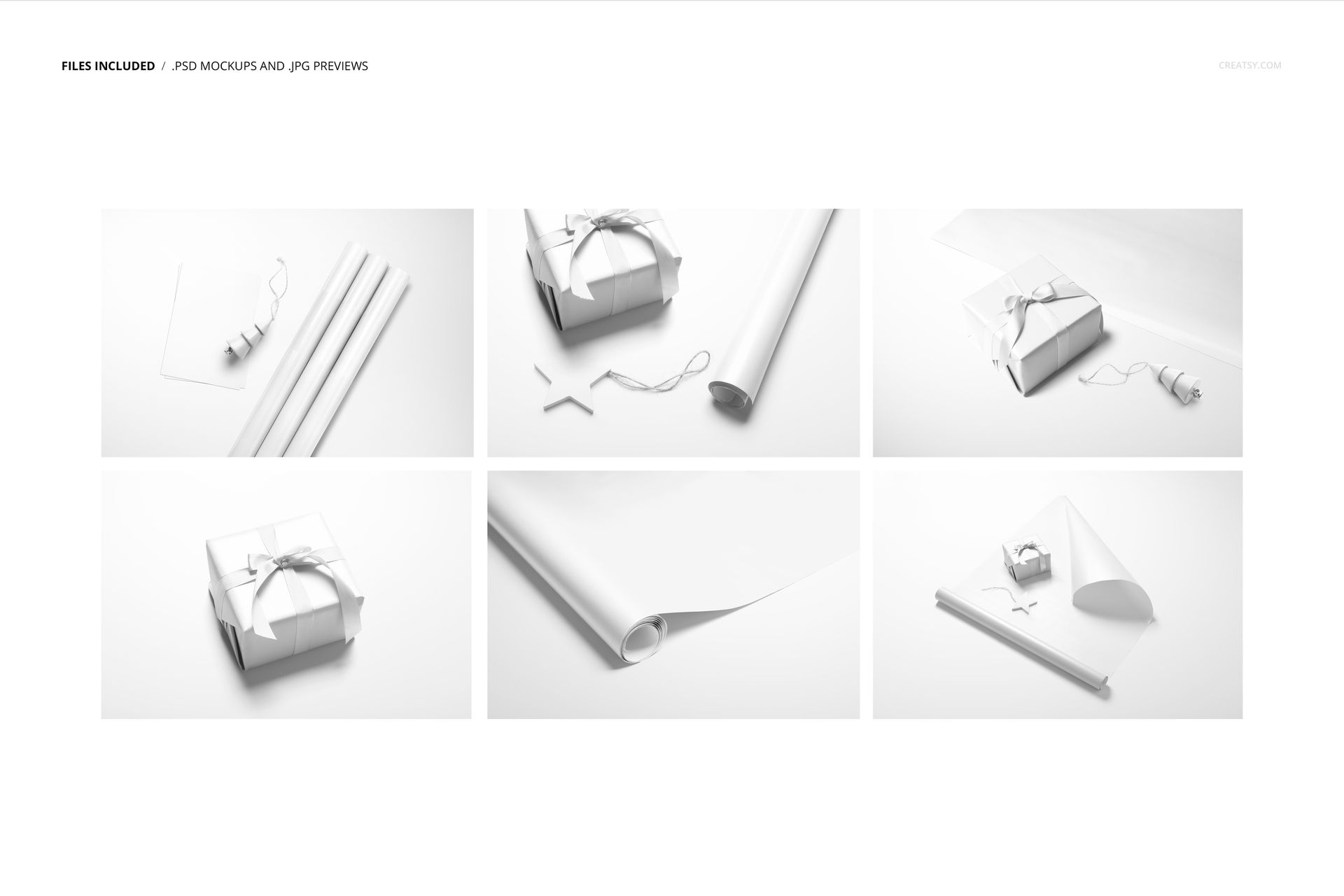
6 layered PSD mockups with six prepared compositions of wrapping paper and wrapped gifts.
6 JPG previews, each listed at 6000 × 4000 px in the file manifest.
1 PDF user manual to support the editing workflow.
Scenes featuring three rolls, a single wrapped box, boxes beside paper and a partly unrolled sheet.
Paper, Ribbon and Background Controls
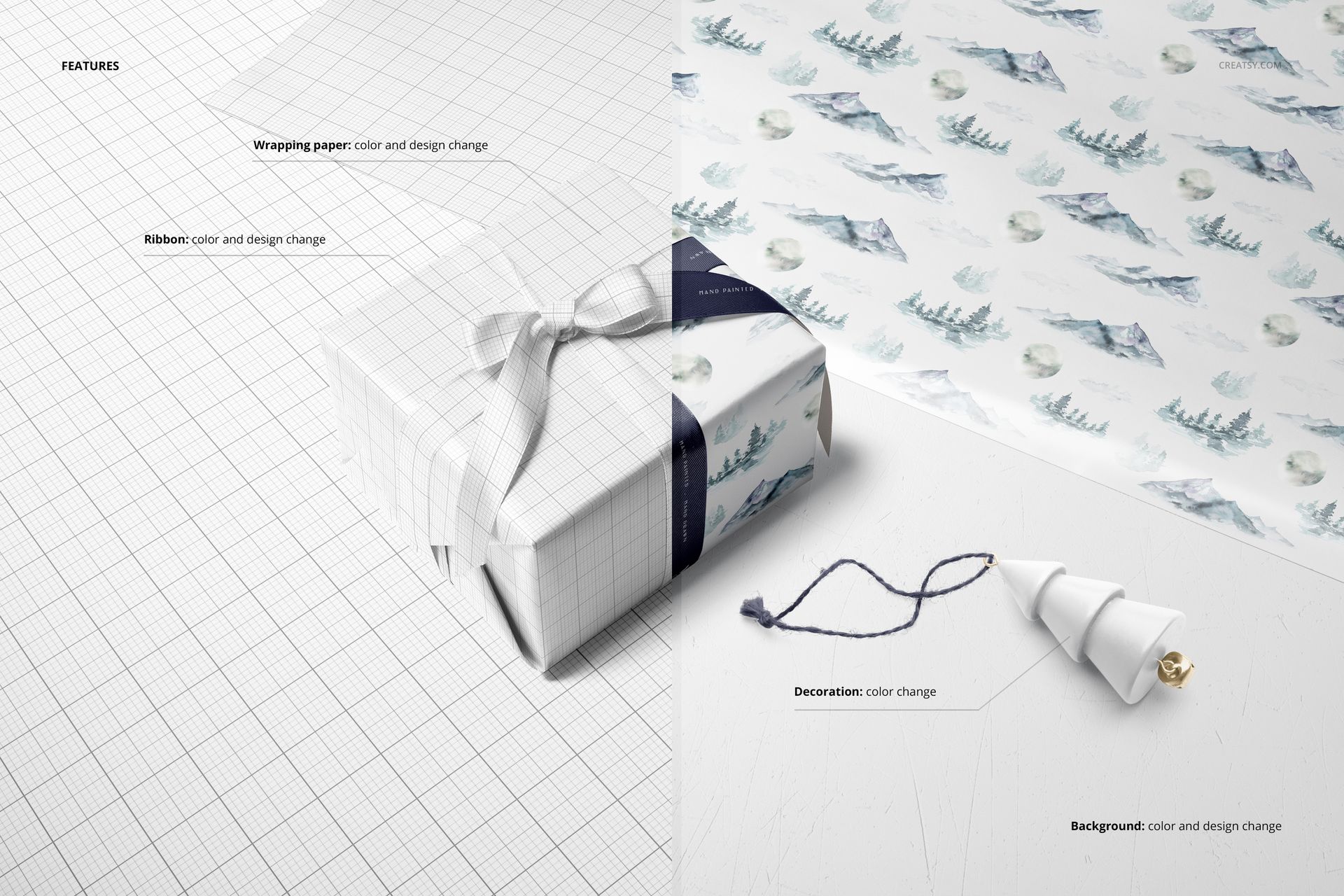
Change the color and artwork of the wrapping paper and ribbon, and adjust the decoration color. Set your own background color or insert a texture. Objects and drop shadows are on separate layers, with a transparent-background option for placing the presentation into a wider layout.
Easy Smart Object Editing
Open a PSD in Adobe Photoshop CC, minimum version 21 as specified for this set. Add your artwork through the Smart Object layers, save the edited object within the document and return to the scene to review it. Adjust the color layers and background, then export the view you need. Keep an editable copy of each variation so a later palette change is easy to trace.
Perfect For
Surface pattern collections, illustrator portfolios, seasonal gift wrap ranges and packaging presentations for clients. The roll group is useful for showing a small assortment; the individual gift scene is suited to a closer look at the paper and ribbon pairing.
Preview Artwork Credit
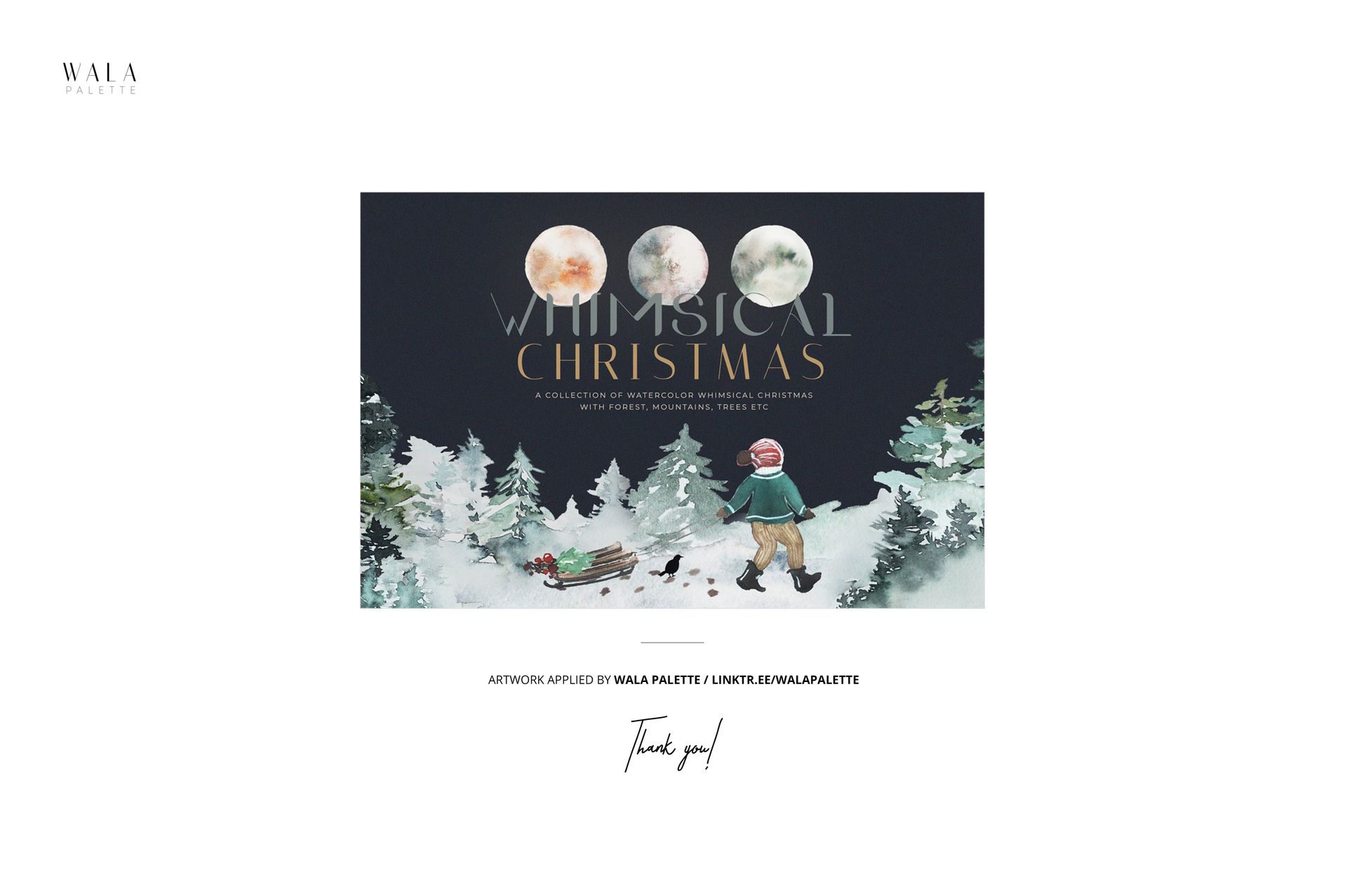
Wala Palette created the example artwork shown in the product previews. The illustrated patterns are not included. This is a digital mockup set for applying your own designs, not physical wrapping paper or a printed gift product.














Beautiful mockups,very high quality.
Thank you so much for your lovely review! We’re so happy to hear you found the mockups beautiful and high quality. Your support truly means a lot to us.