Folding Deck Chair Mockup Set with Four PSD Views
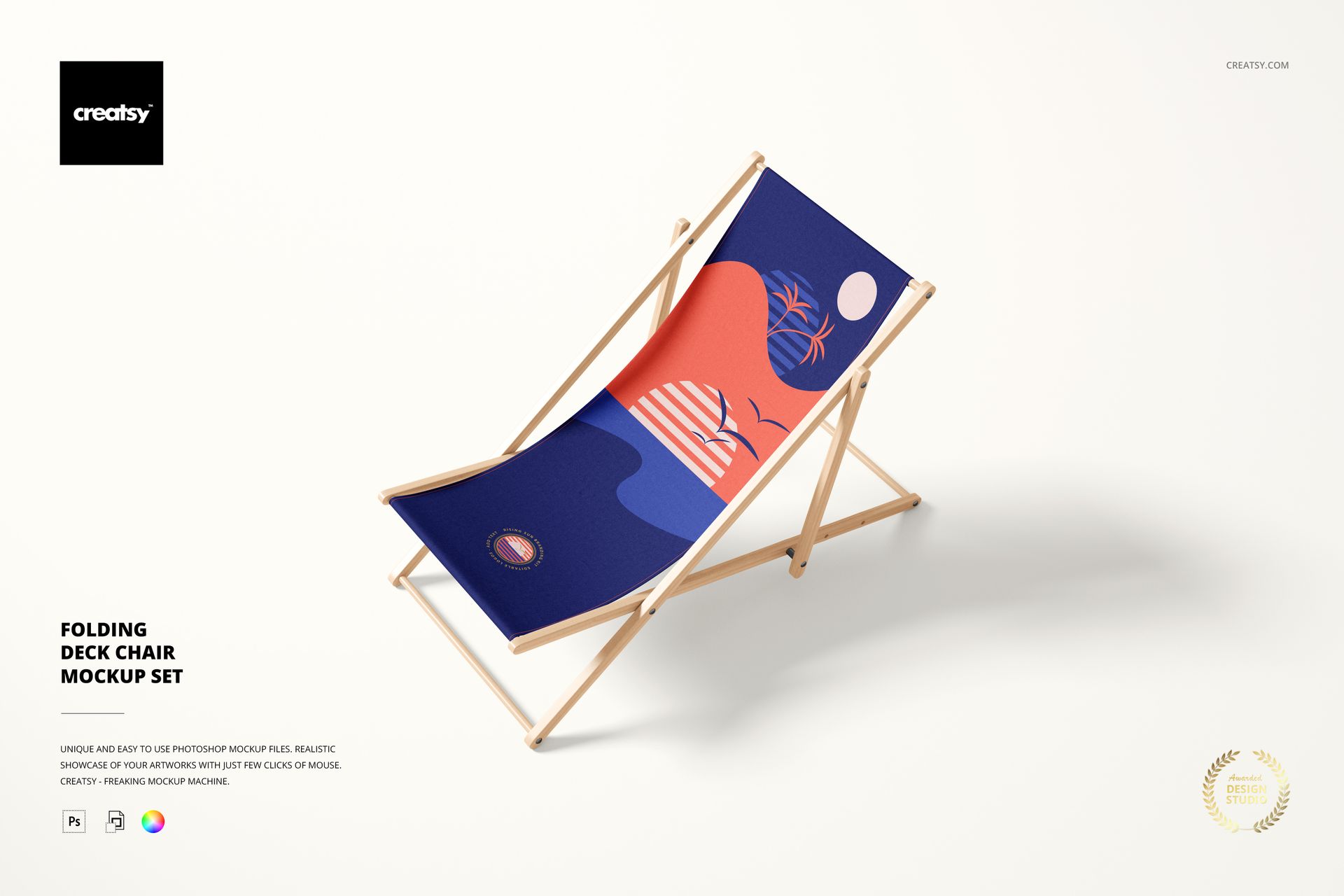
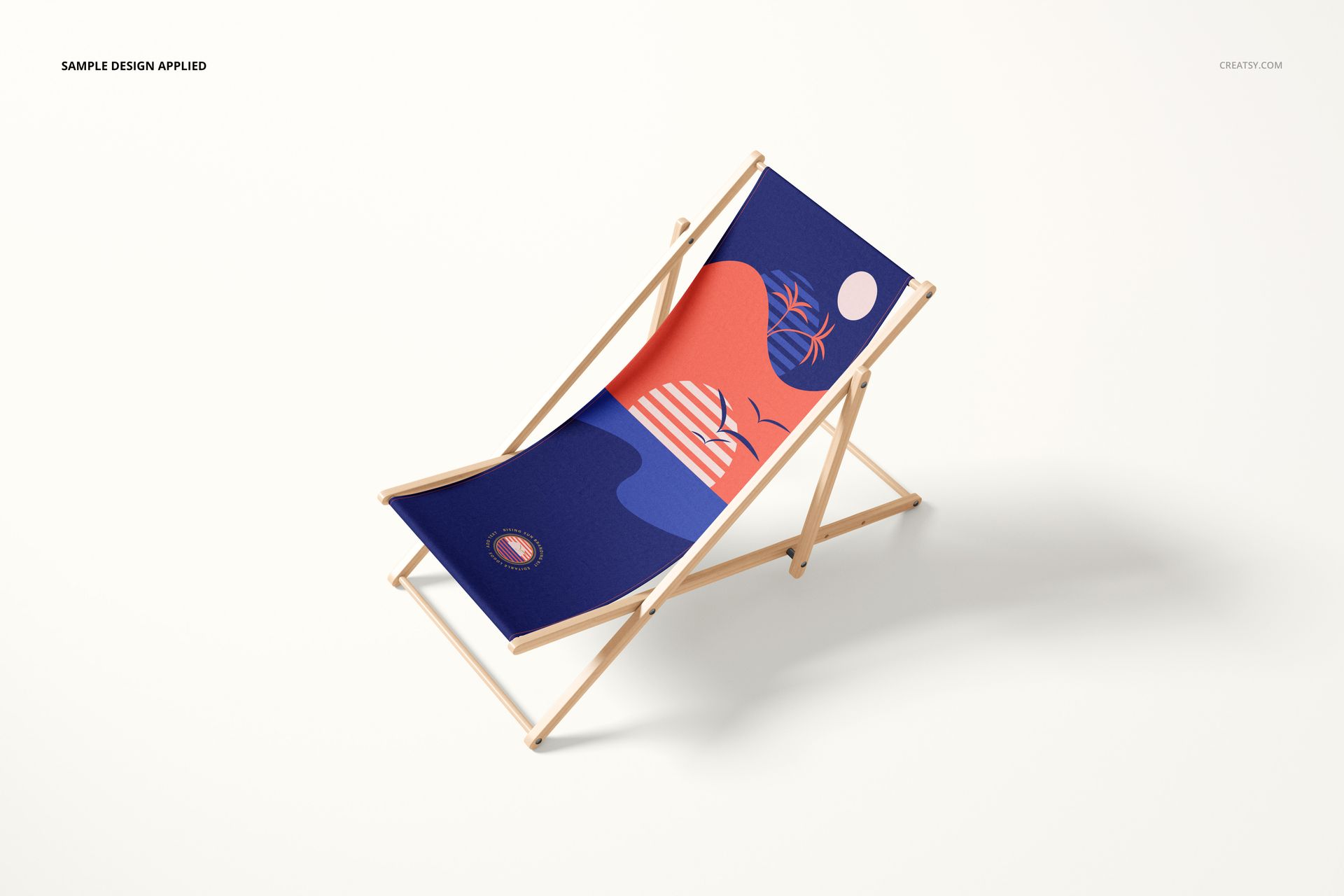
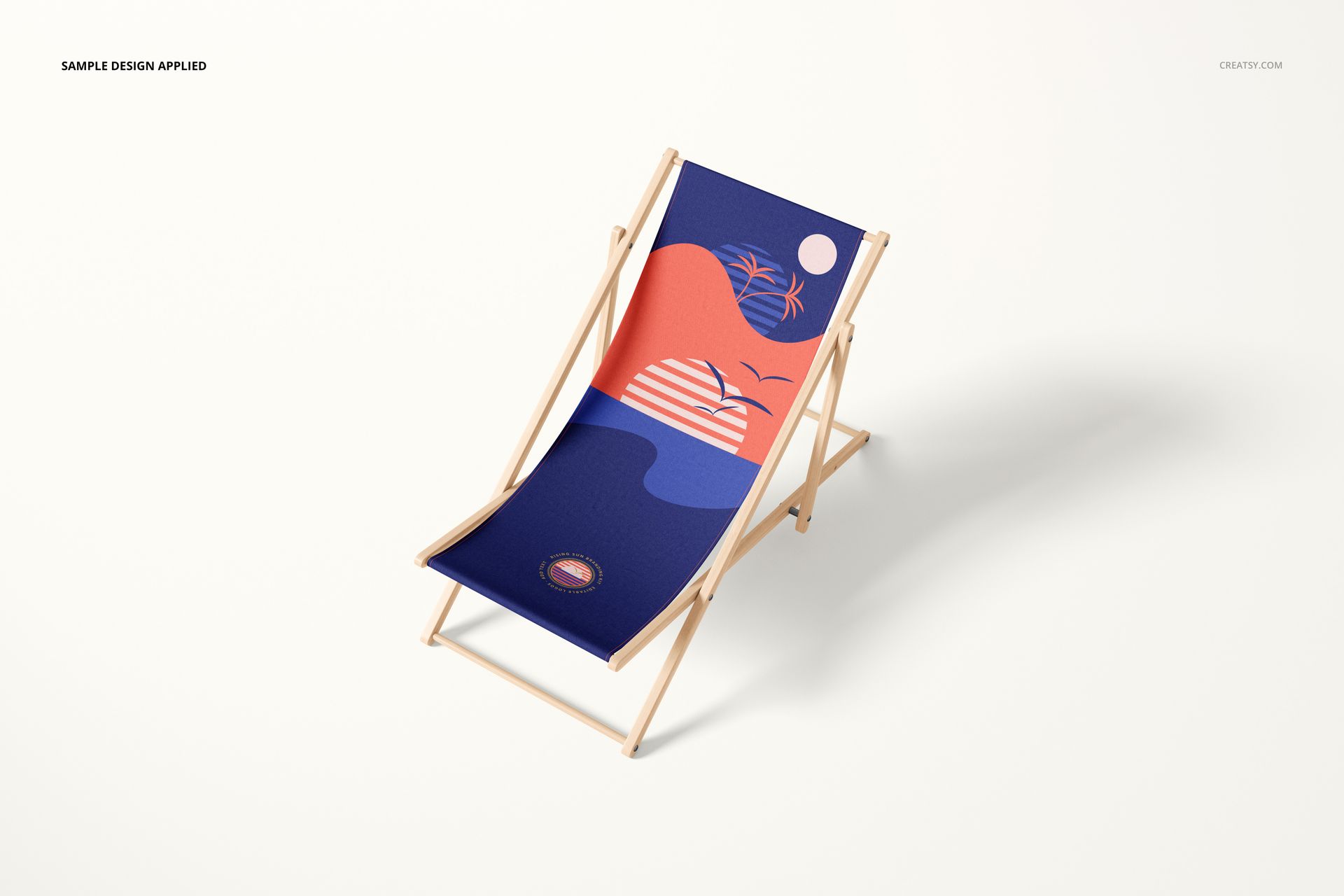
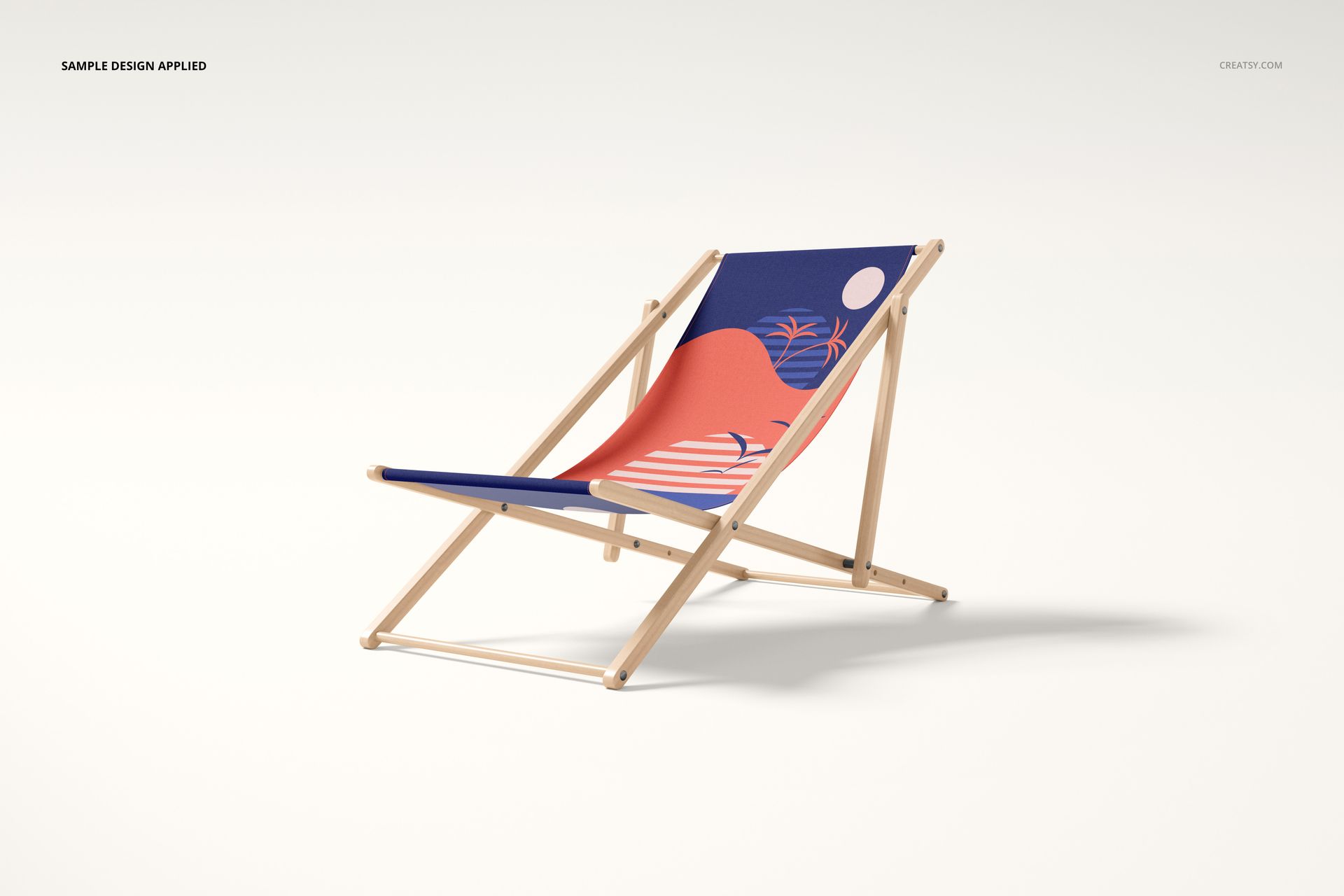
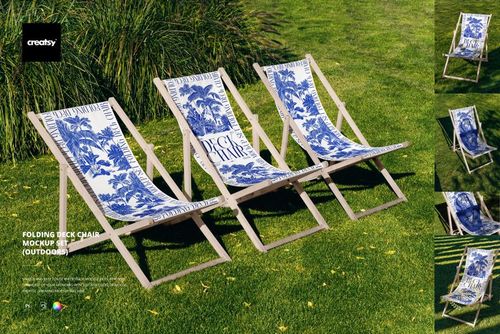
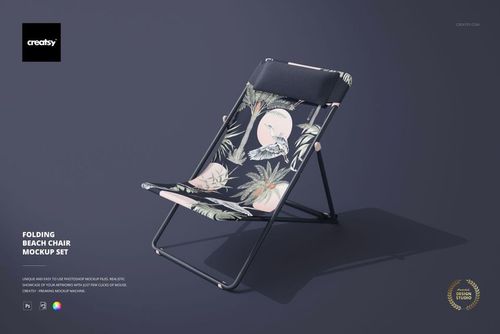
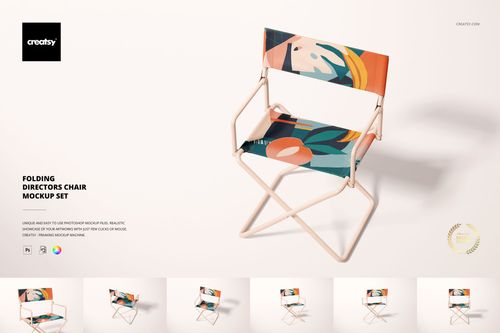
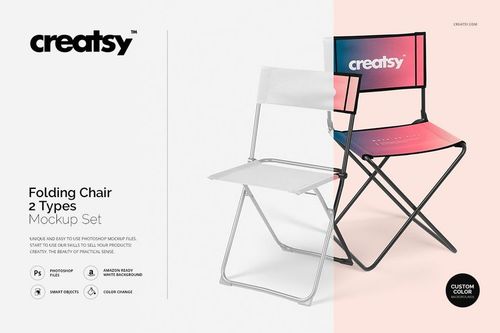
Present repeat patterns, illustrations and seasonal graphics on a classic wooden folding deck chair from multiple perspectives. Four coordinated PSD scenes help designers show how artwork wraps, scales and reads across the chair fabric while keeping the same product concept consistent.
Use the set for beach, patio, garden, poolside, resort and summer lifestyle collections. Smart Objects streamline artwork placement, while editable fabric, frame and background controls support coordinated colorways for catalogs, portfolios, product pages and client approvals.
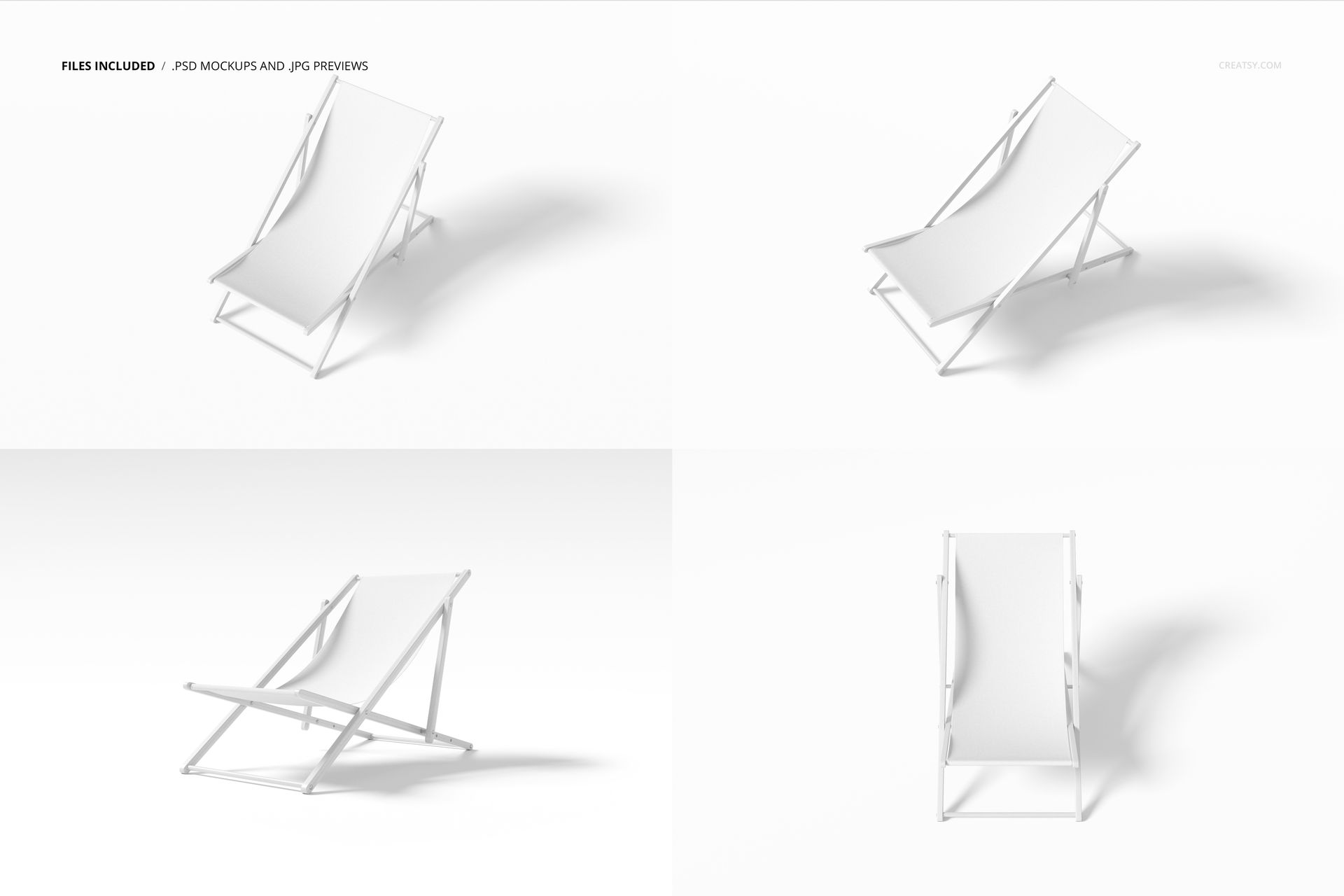
Files Included
4 layered PSD mockup files
4 high-resolution JPG images
1 PDF instruction manual
9 digital files in total
Each mockup measures 6000 x 4000 px at 300 DPI
Package size: approximately 979 MB for Windows and 1.02 GB for macOS
Four Coordinated Perspectives
The four PSD files show the folding deck chair from different viewing angles and positions. Combine them in a product gallery to communicate the full chair profile, fabric placement and design continuity more clearly than a single view.
Editable Fabric and Frame
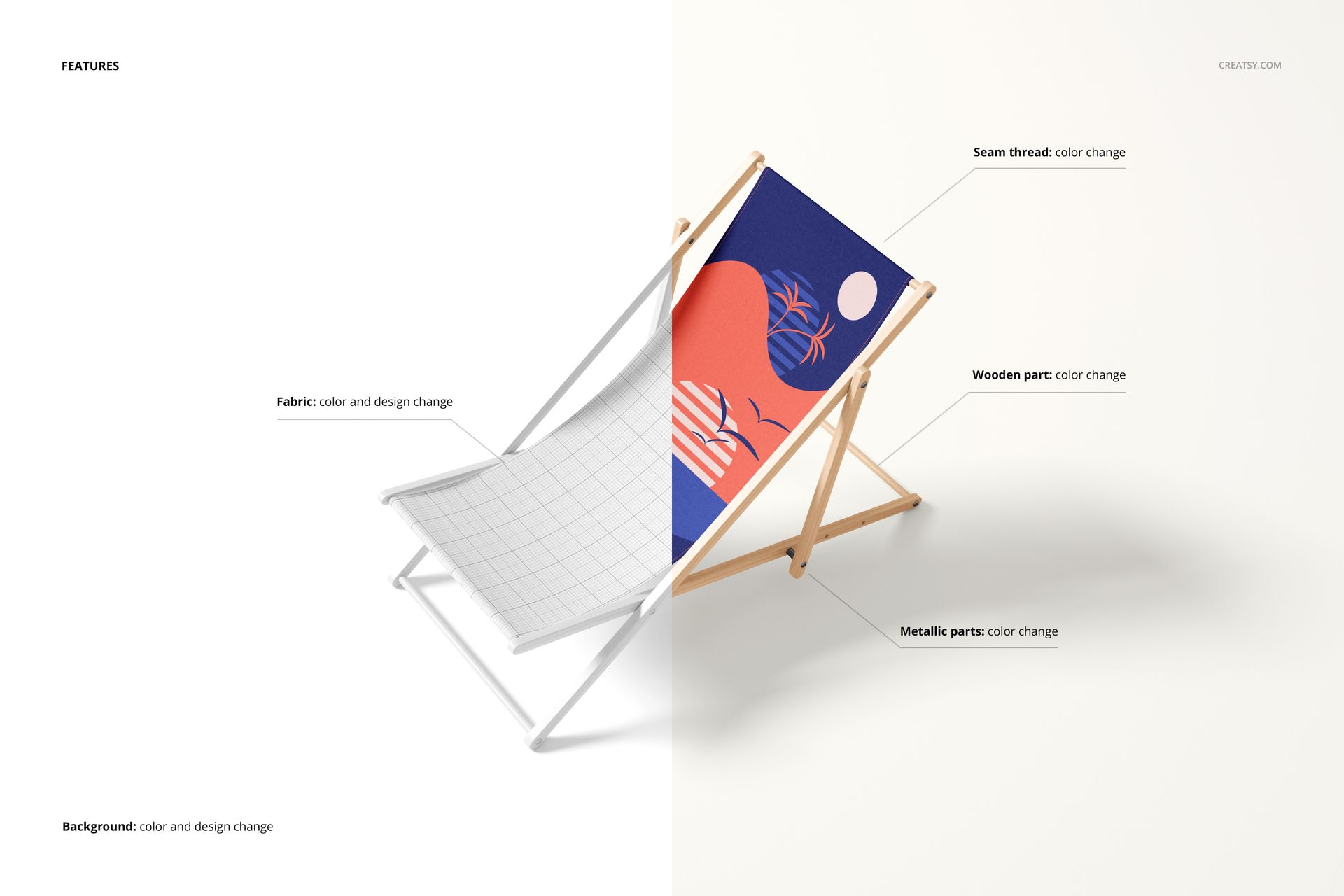
Place patterns, illustrations or branding with Smart Objects
Change the deck chair fabric color and design
Coordinate the wooden frame color with the artwork
Prepare multiple pattern scales and colorways
Maintain realistic perspective, folds, light and shadows
Background Options
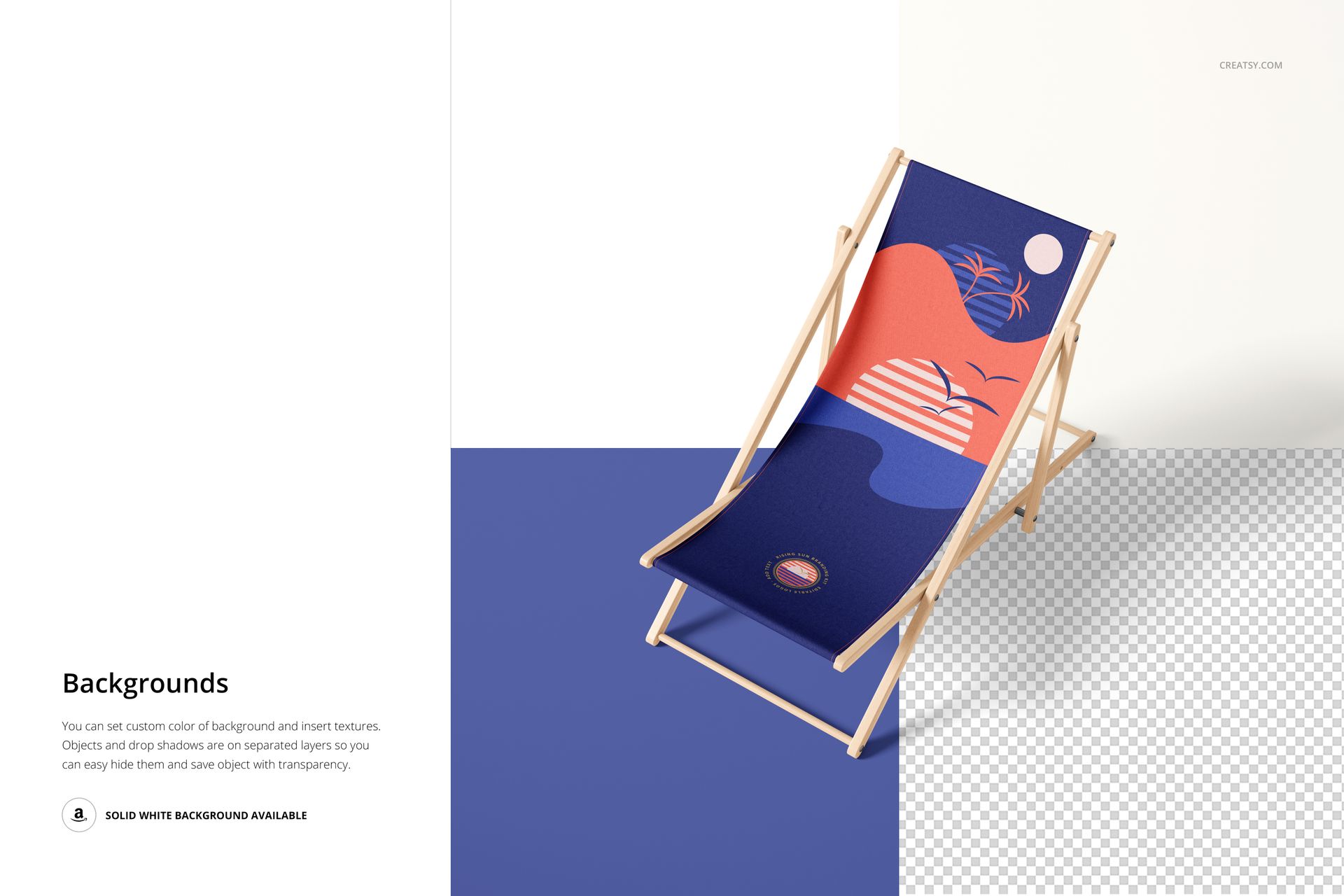
Use a clean white background for product-focused presentations or adjust the available background to suit a beach, resort, retail or seasonal campaign concept.
Ideal Uses
Beach and resort textile collections
Patio, garden and poolside furniture concepts
Surface pattern and illustration portfolios
Seasonal summer branding campaigns
Outdoor furniture catalogs and lookbooks
E-commerce listings and marketplace galleries
Client approvals and pre-production visualization
Software Compatibility
Adobe Photoshop CC 2020 or newer is required for editing the layered PSD files.
This is a digital mockup set. No physical deck chair, printed fabric or outdoor furniture is supplied.
Sample Artwork Credit
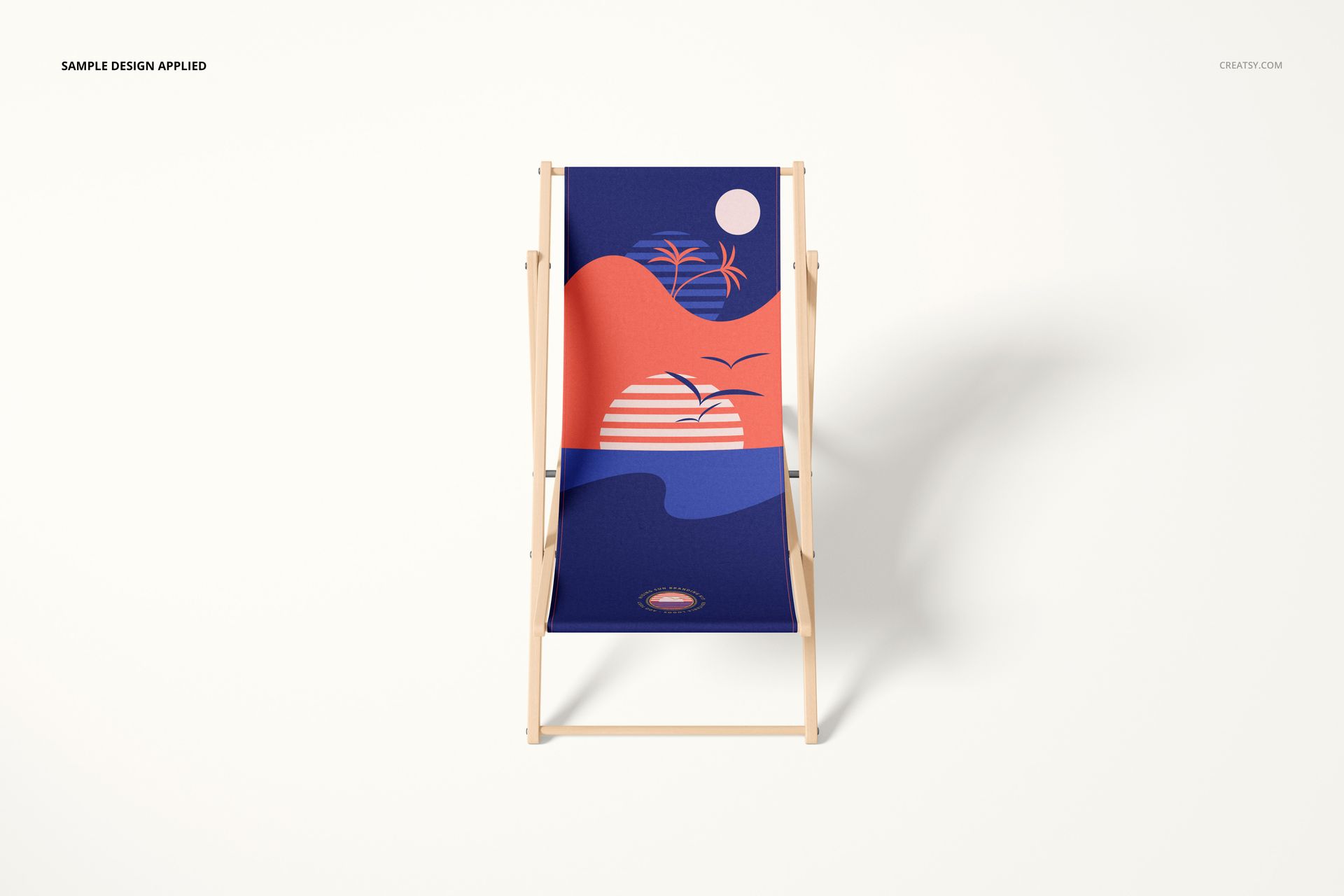
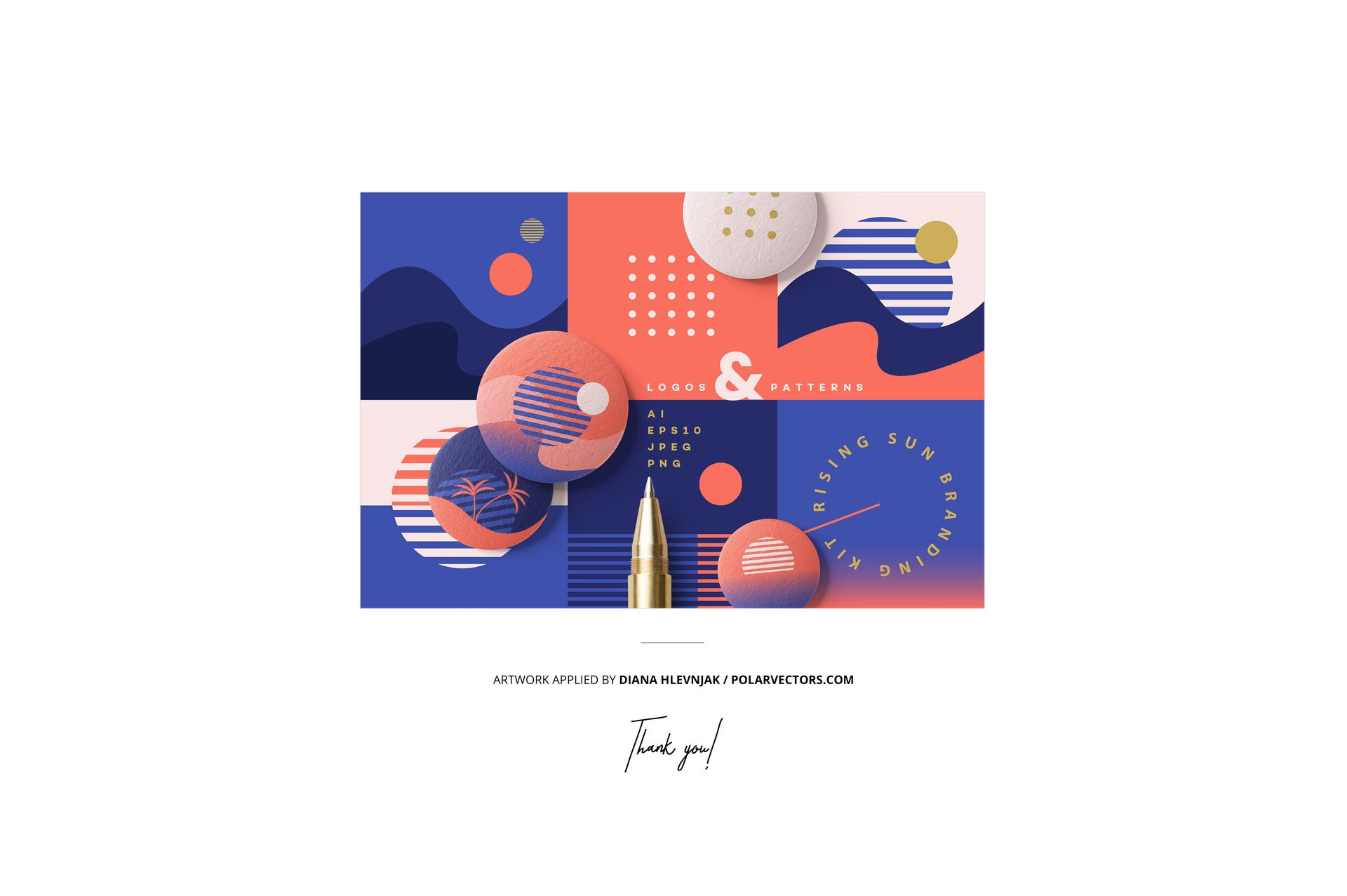
The geometric sample artwork shown in the previews is by Diana Hlevnjak. Visit https://polarvectors.com/ to view the designer’s work. The sample patterns are not included in the download.











Easy as! Great mockup to use, quick and easy to modify.
Thank you so much, Nicole! We’re glad the deck chair mockup was quick and easy to customize. We really appreciate your feedback!