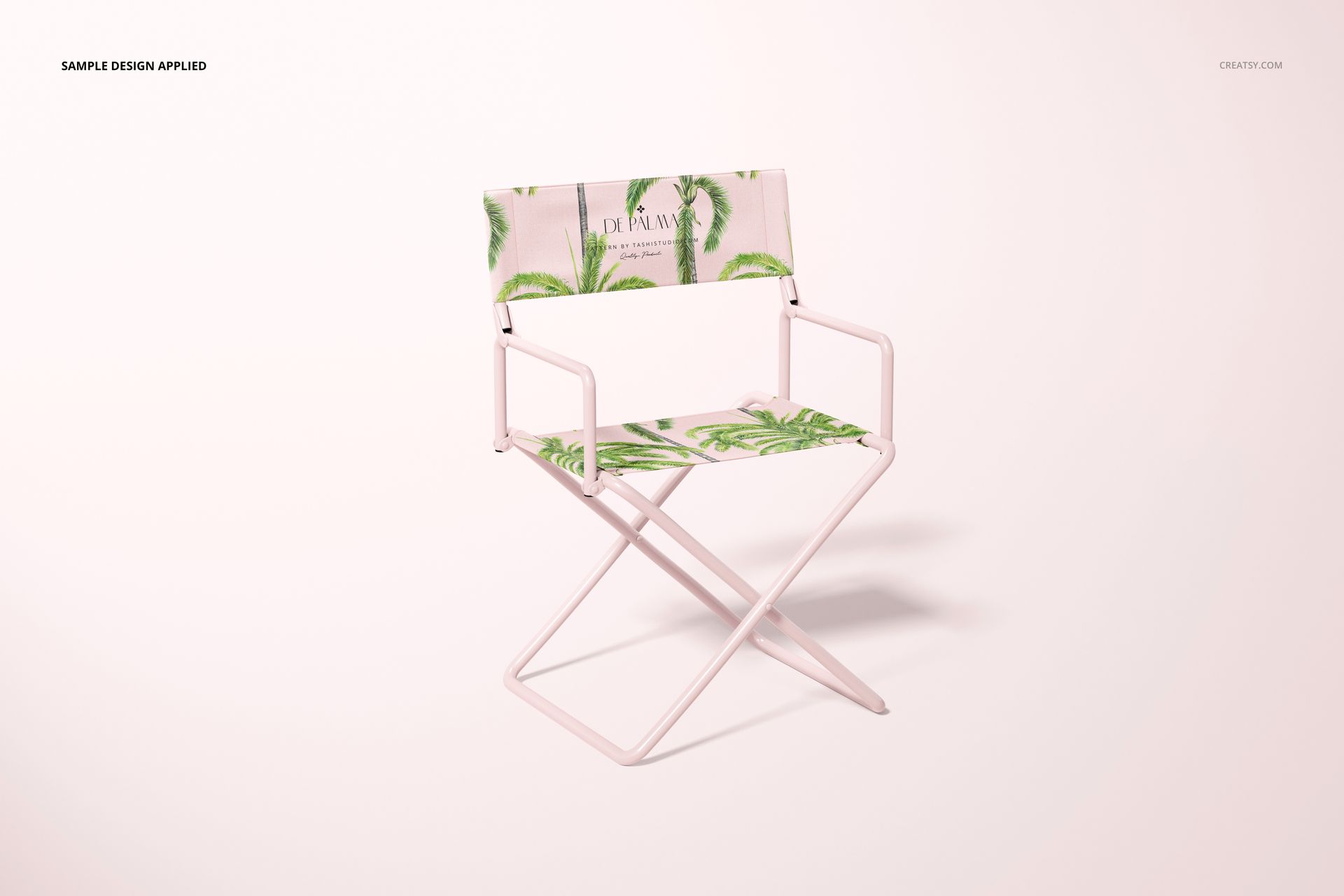
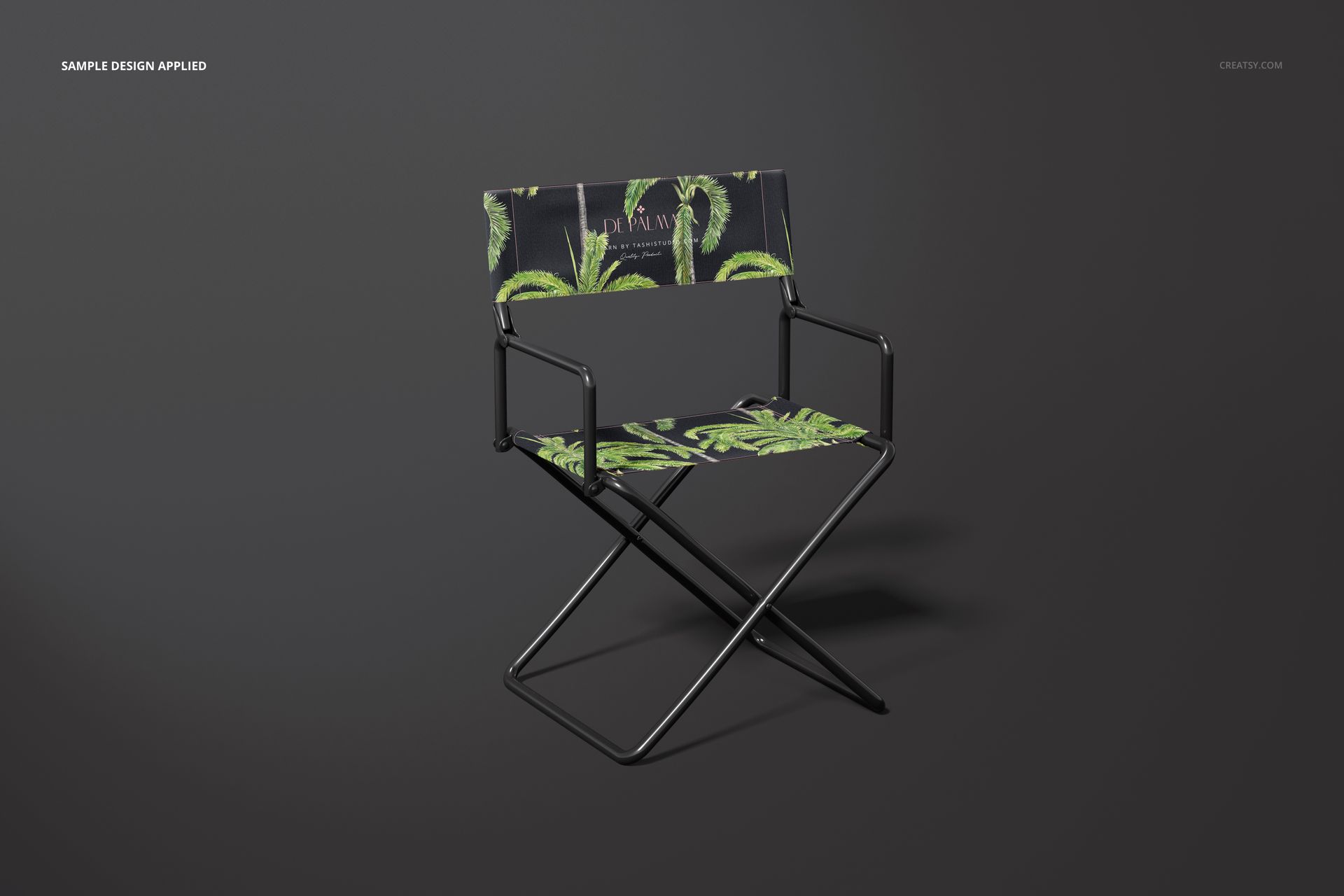
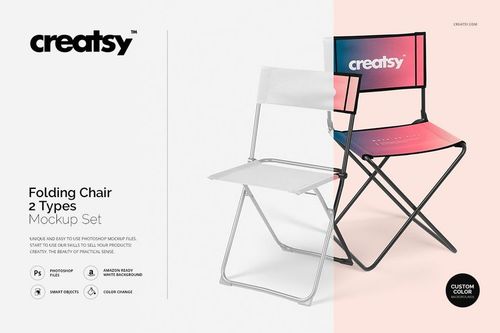
Director's Chair Mockup for Branding and Pattern Design
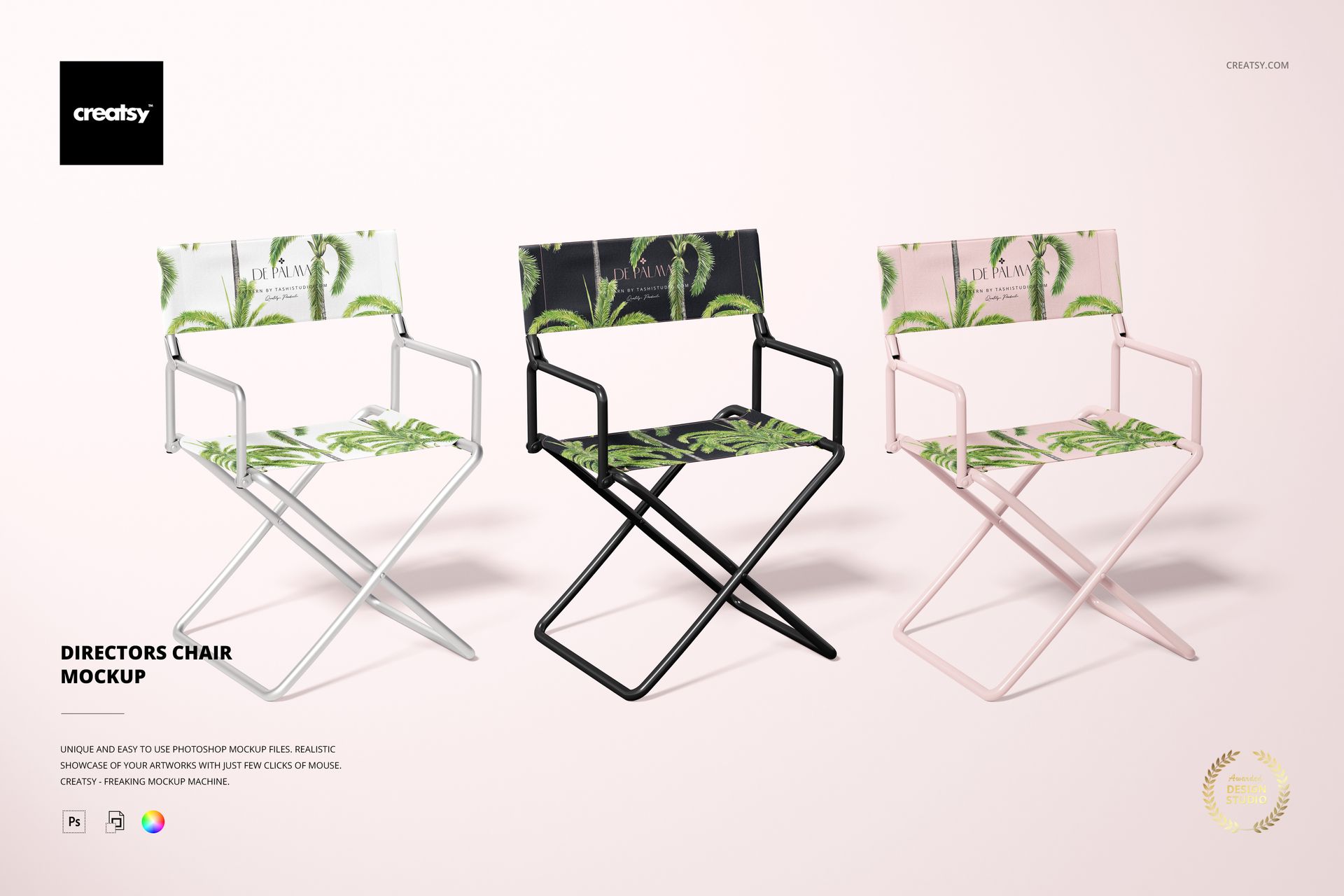
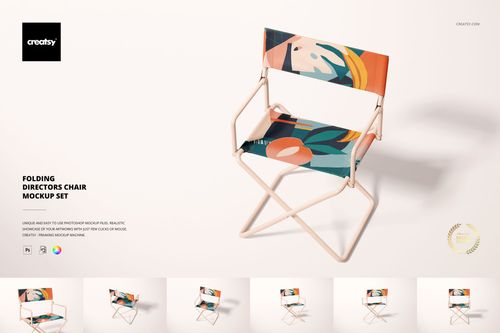
Turn a classic director's chair into a realistic branded product presentation. The front-facing scene provides clear canvas areas for logos, illustrations and repeating patterns, making it useful for film and production seating, studio furniture, events, promotional campaigns and personalized product concepts.
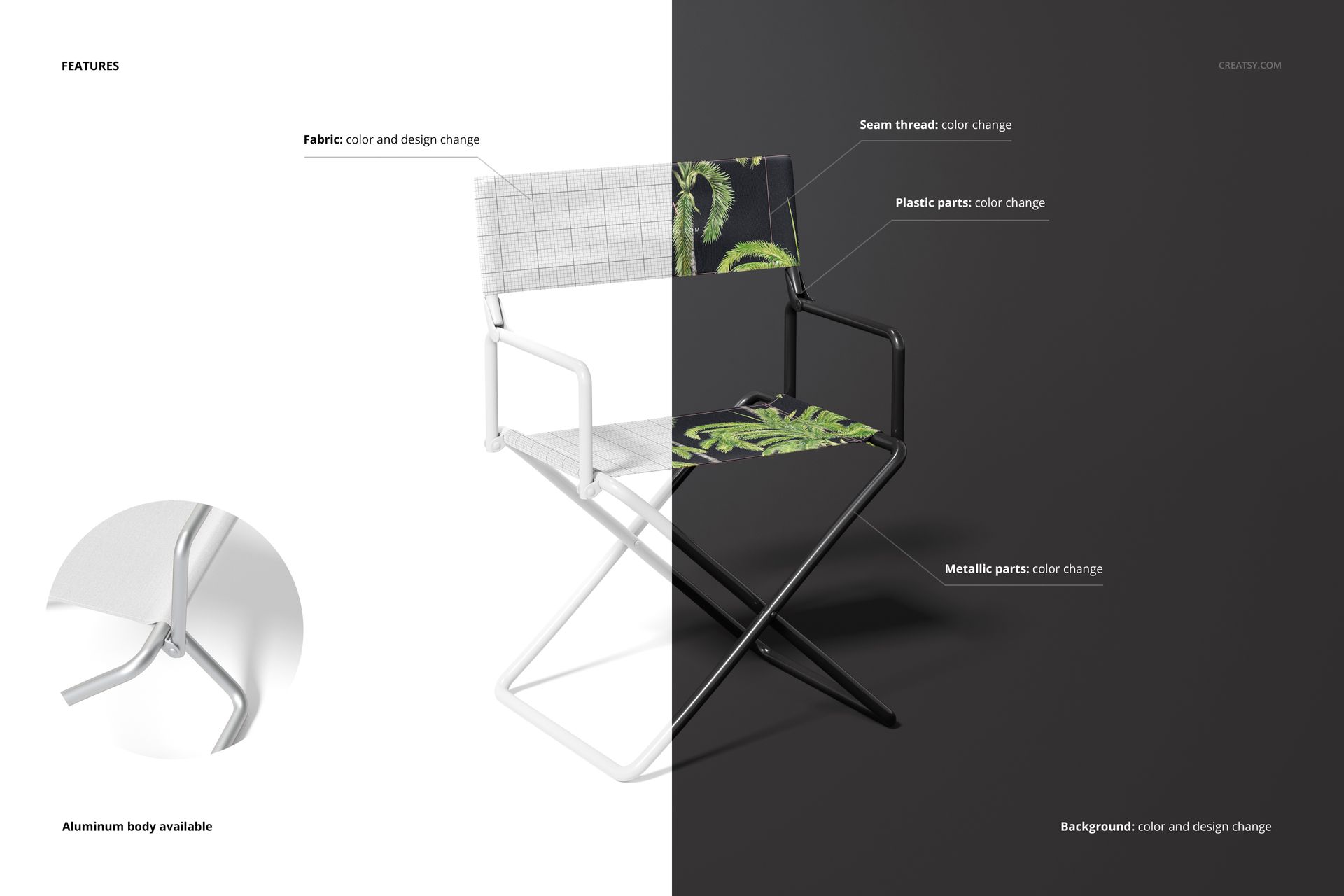
The layered PSD separates key materials and color controls so the applied artwork can coordinate with the aluminum structure, seam details and surrounding background. Smart Objects simplify design placement while preserving the chair shape, lighting and material appearance.
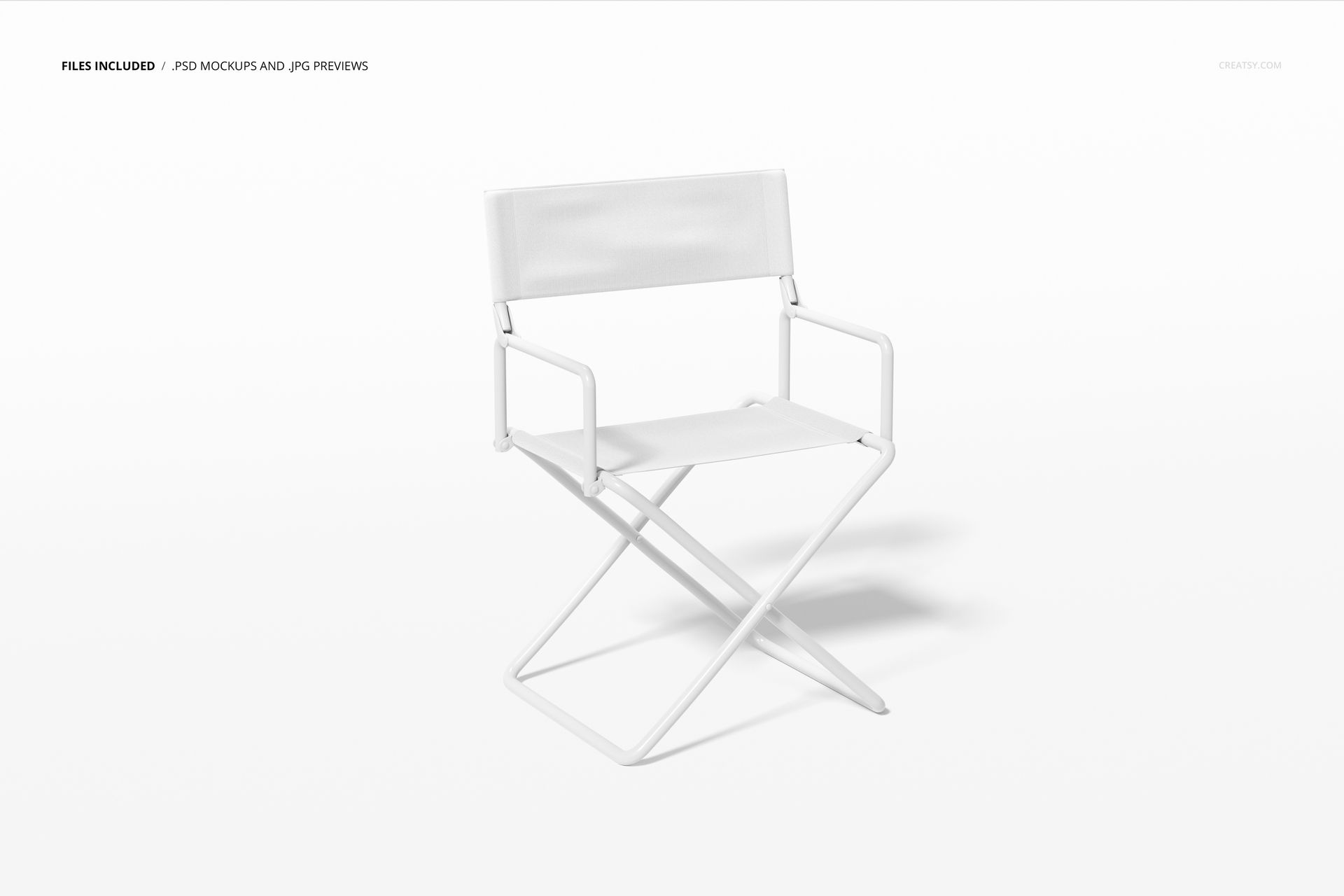
Files Included
1 layered PSD mockup: 6000 x 4000 px at 300 DPI
1 high-resolution JPG image: 7500 x 5000 px
1 PDF instruction manual
3 digital files in total
Package size: approximately 295 MB for Windows and 309 MB for macOS
Editable Chair Components
Fabric color and design
Seat and backrest artwork through Smart Objects
Seam thread color
Plastic part colors
Metallic part colors
Background color and design
Detailed aluminum chair body
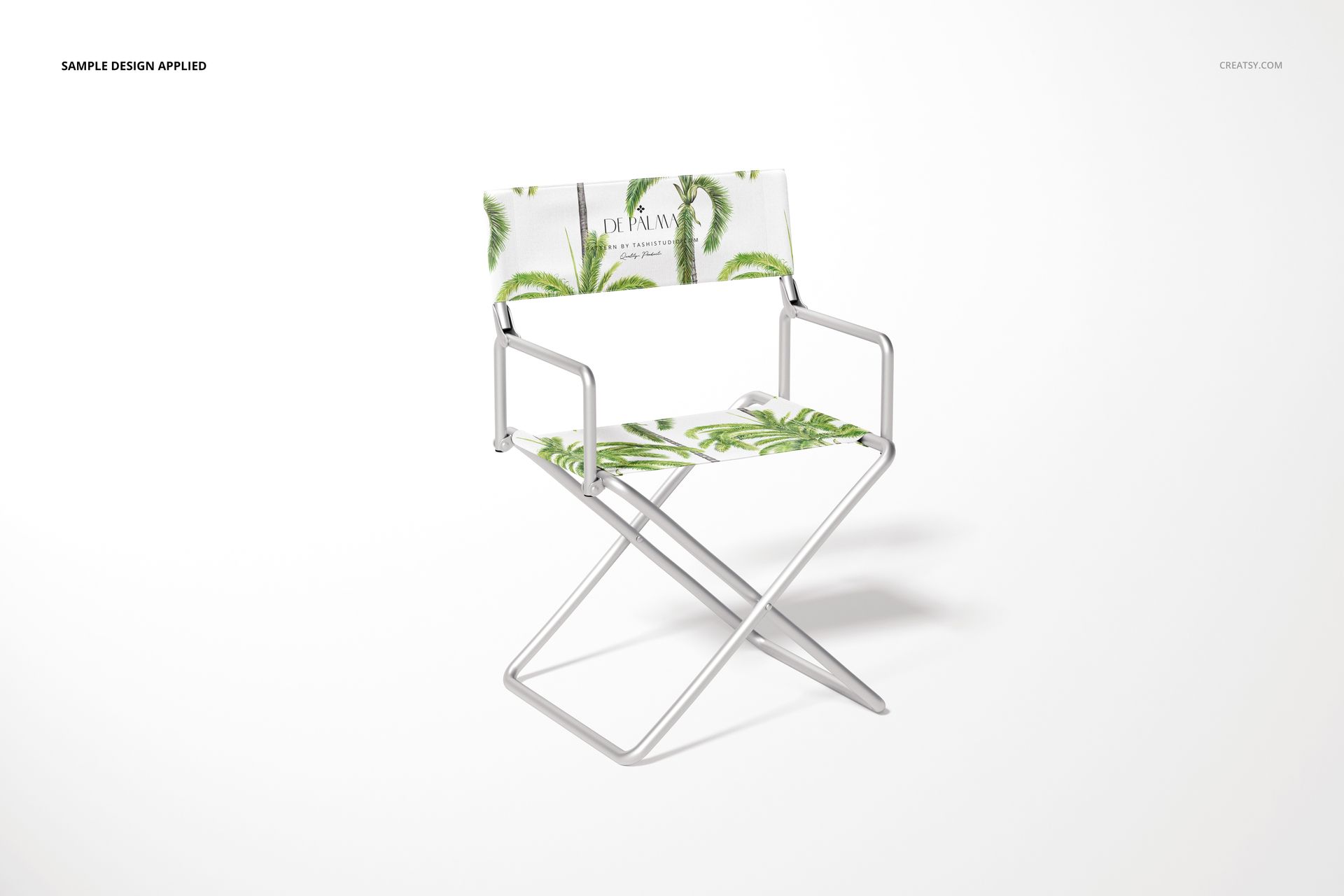
Smart Object Artwork Placement
Open the supported Smart Object, add a logo, pattern or illustration and save the layer. The artwork updates on the chair fabric with the correct perspective and a realistic product presentation.
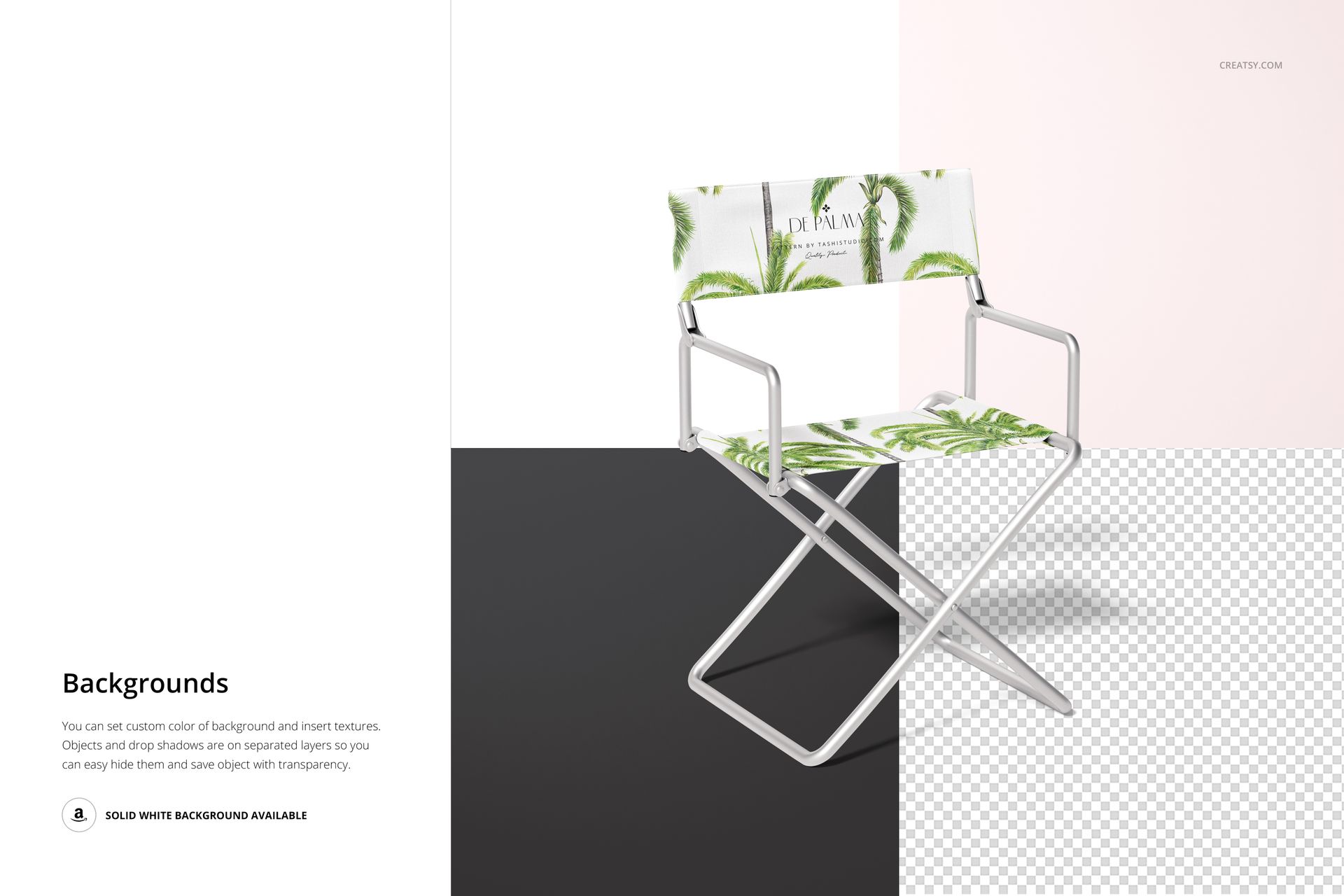
Background Options
Coordinate the background with the chair artwork or use the clean white option for marketplace listings, catalogs and product comparisons. A consistent background also makes it easier to build several coordinated colorways from the same composition.
Ideal Uses
Film set and production chair branding
Creative studio and makeup station concepts
Event, festival and trade show seating
Promotional furniture and branded merchandise
Surface pattern and textile portfolios
Client approvals and pre-production reviews
E-commerce listings, lookbooks and social campaigns
Software Compatibility
Adobe Photoshop CC 2020 or newer is required for editing the layered PSD.
This is a digital mockup product. No physical chair, printed fabric or promotional item is supplied.
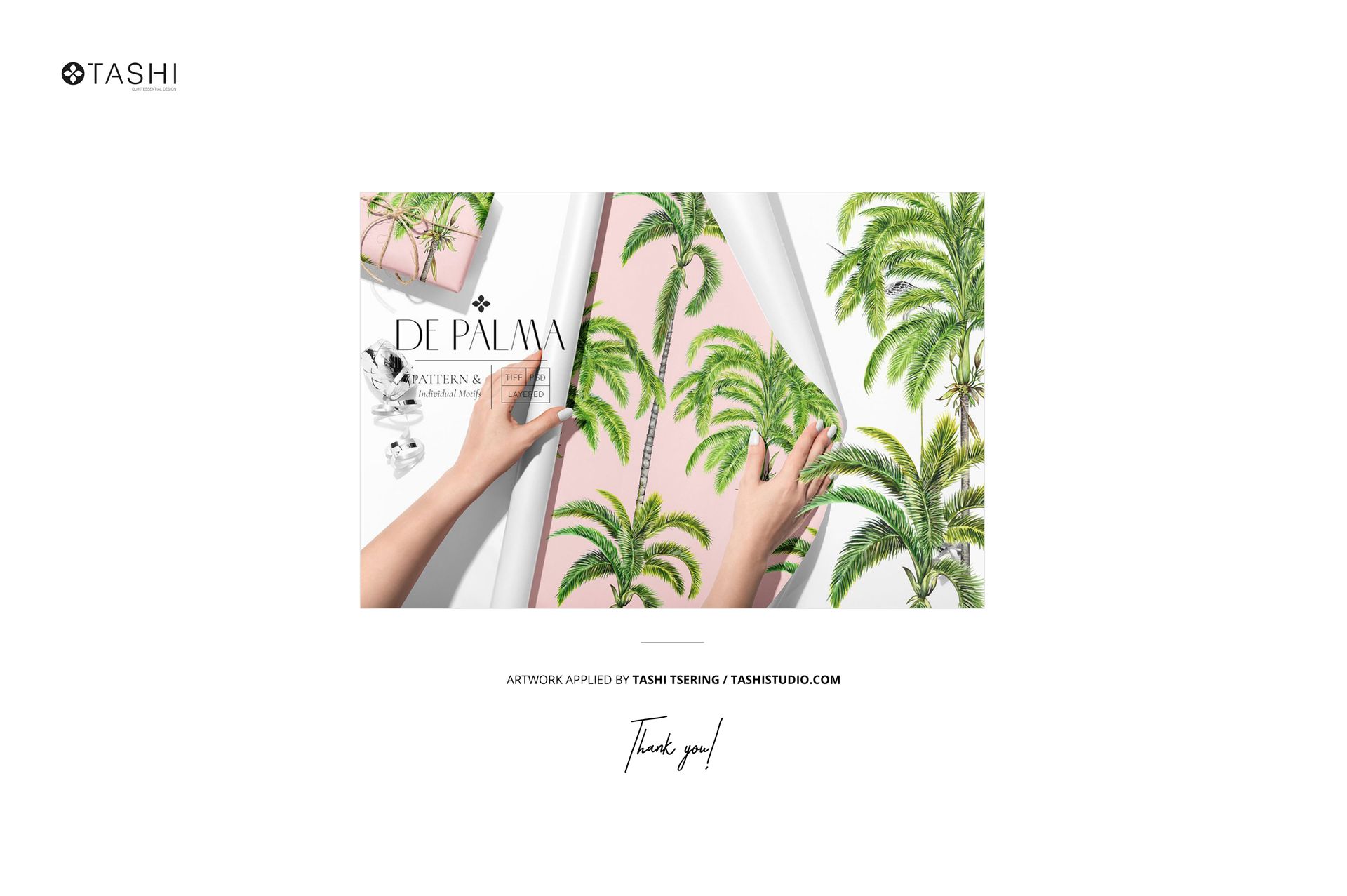
Sample Artwork Credit
The sample palm pattern shown in the previews is by Tashi Tsering. Visit https://www.tashistudio.com/ to view the artist’s work. The sample patterns are not included in the download.