Folding Director's Chair Mockup Set
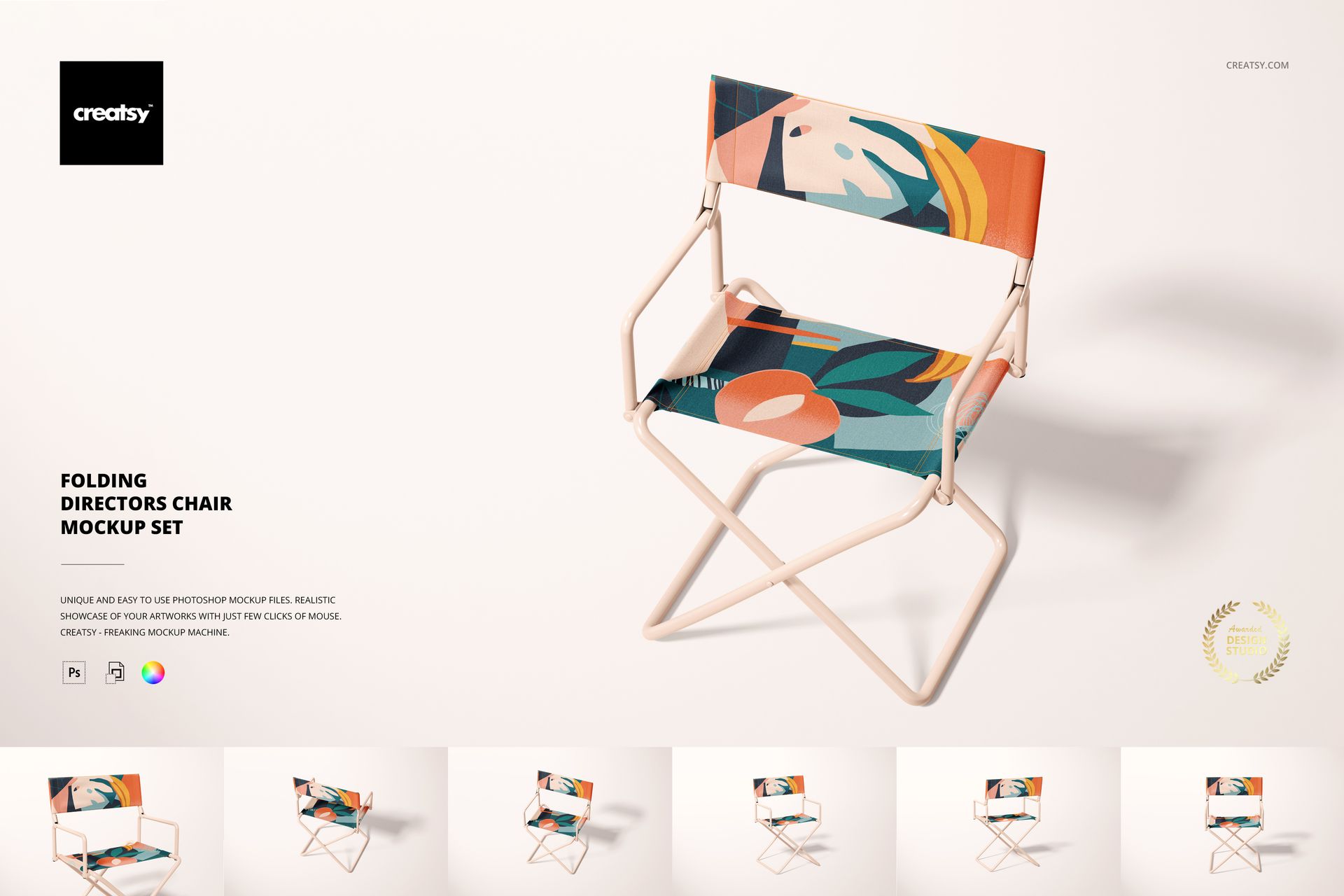
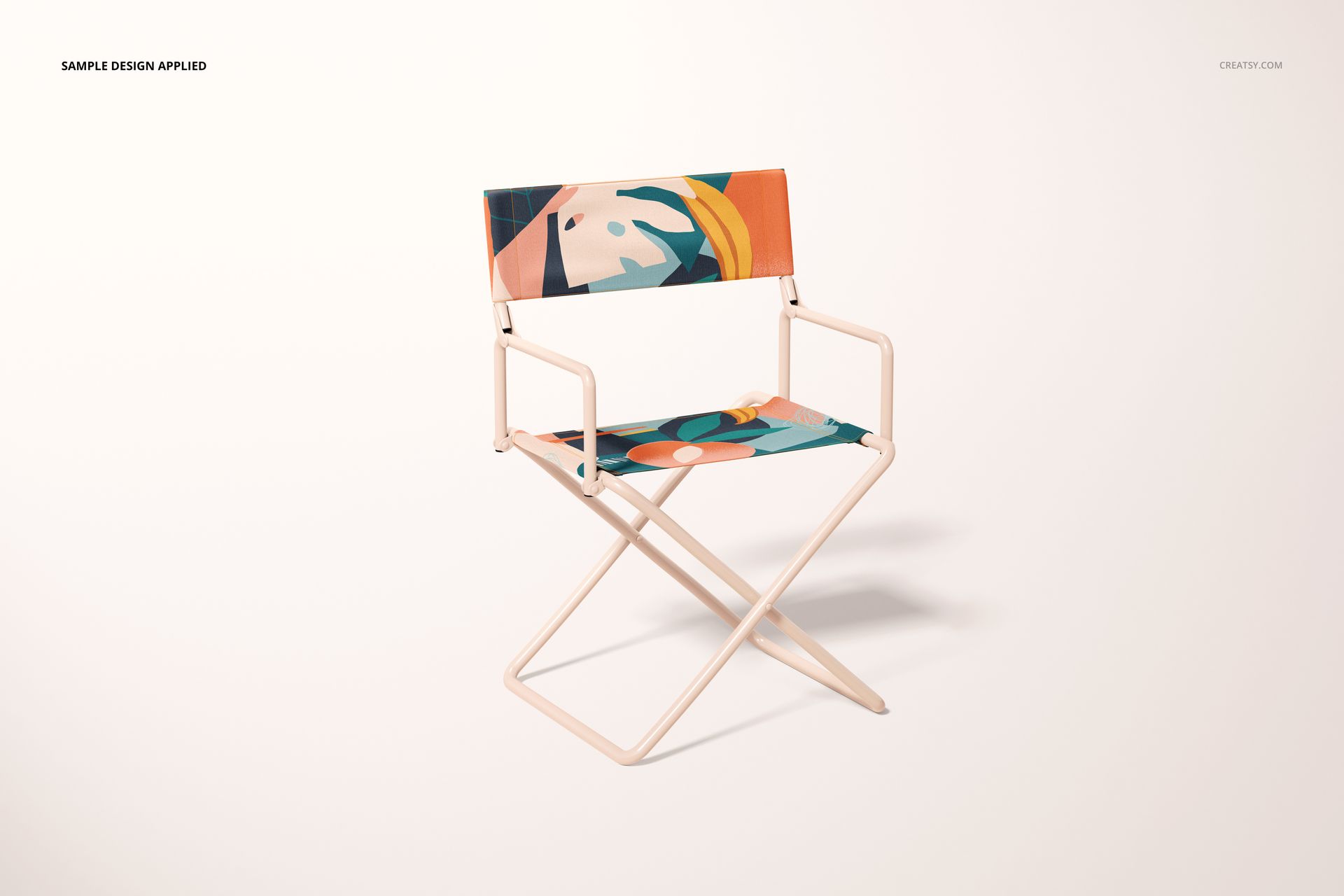
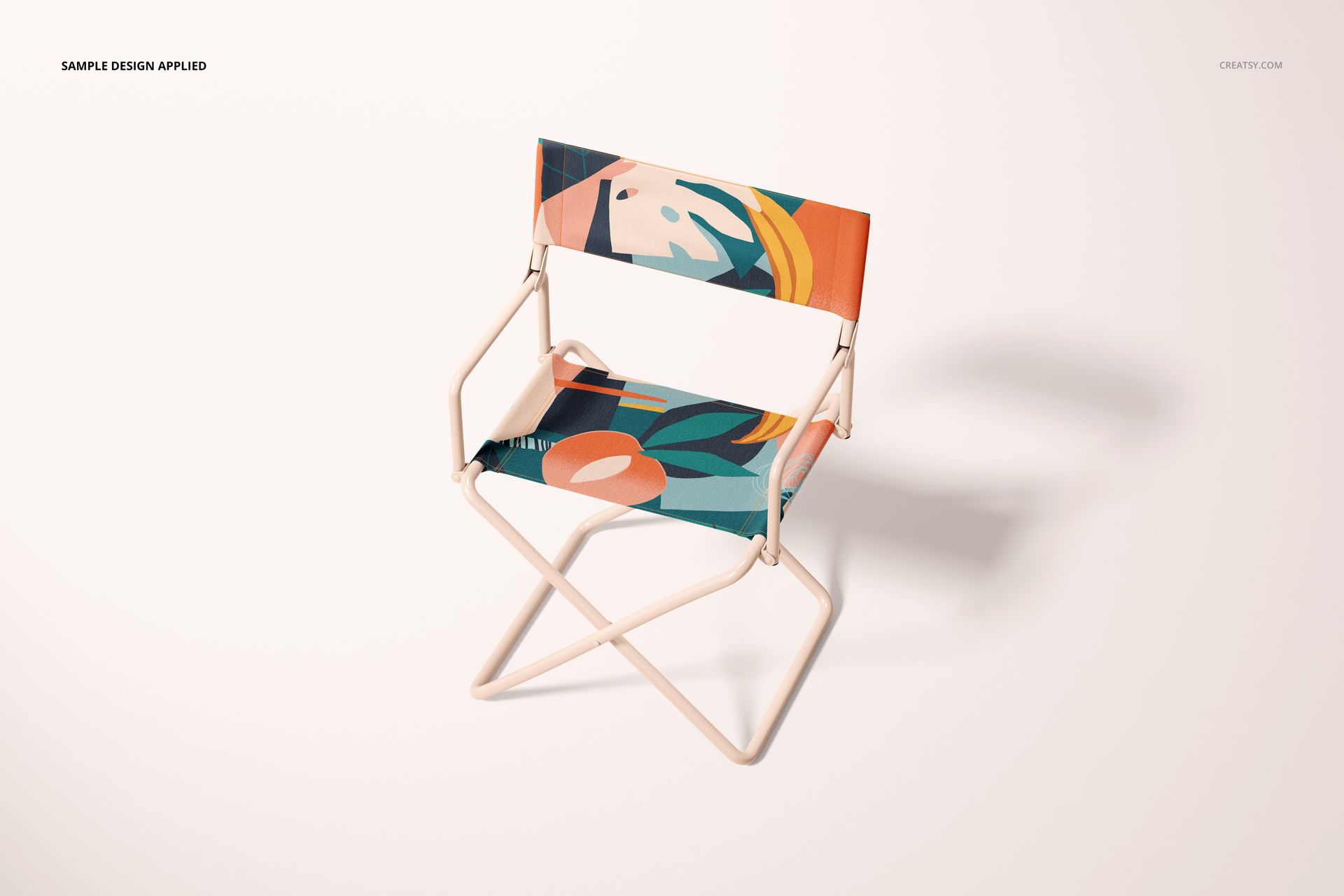
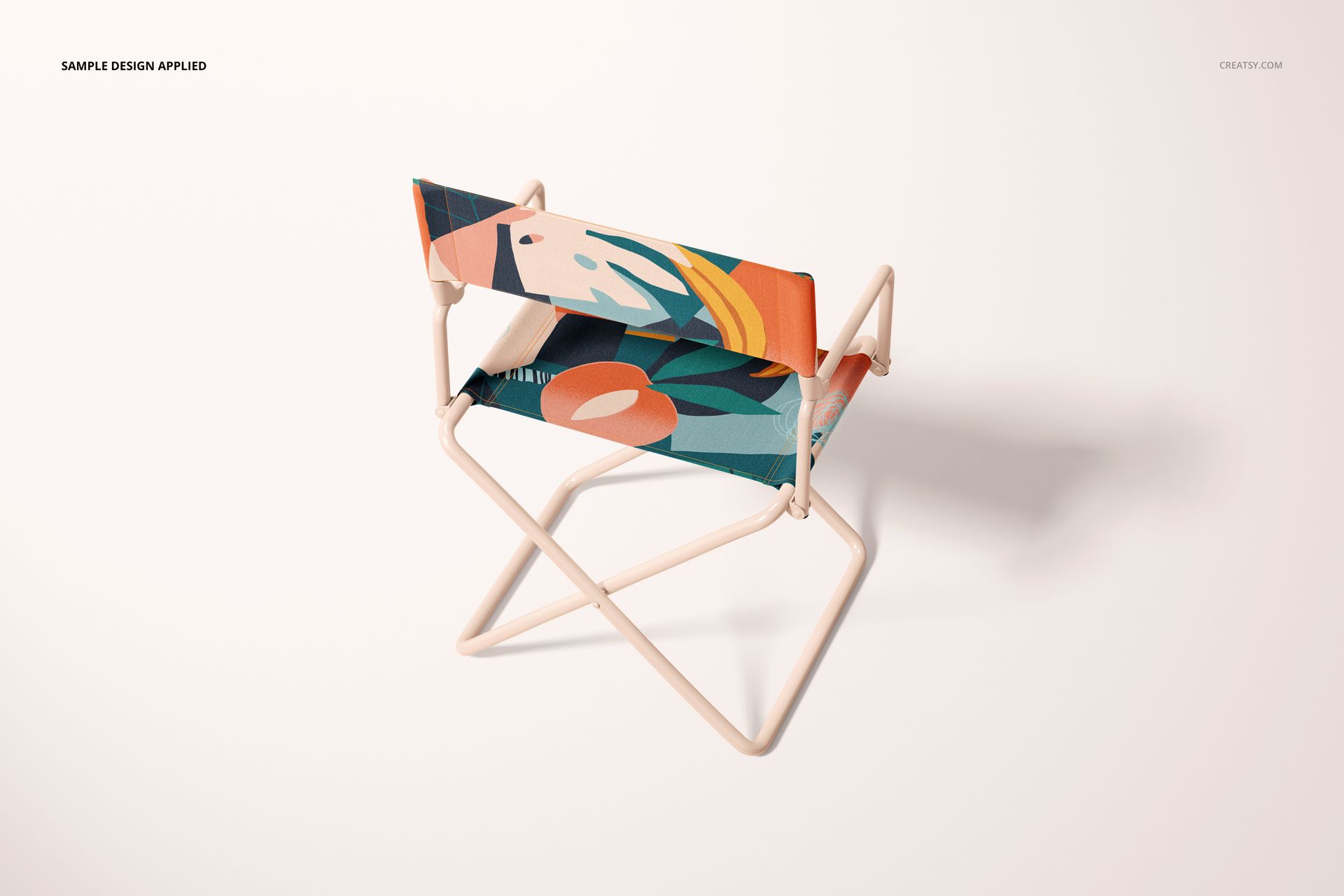
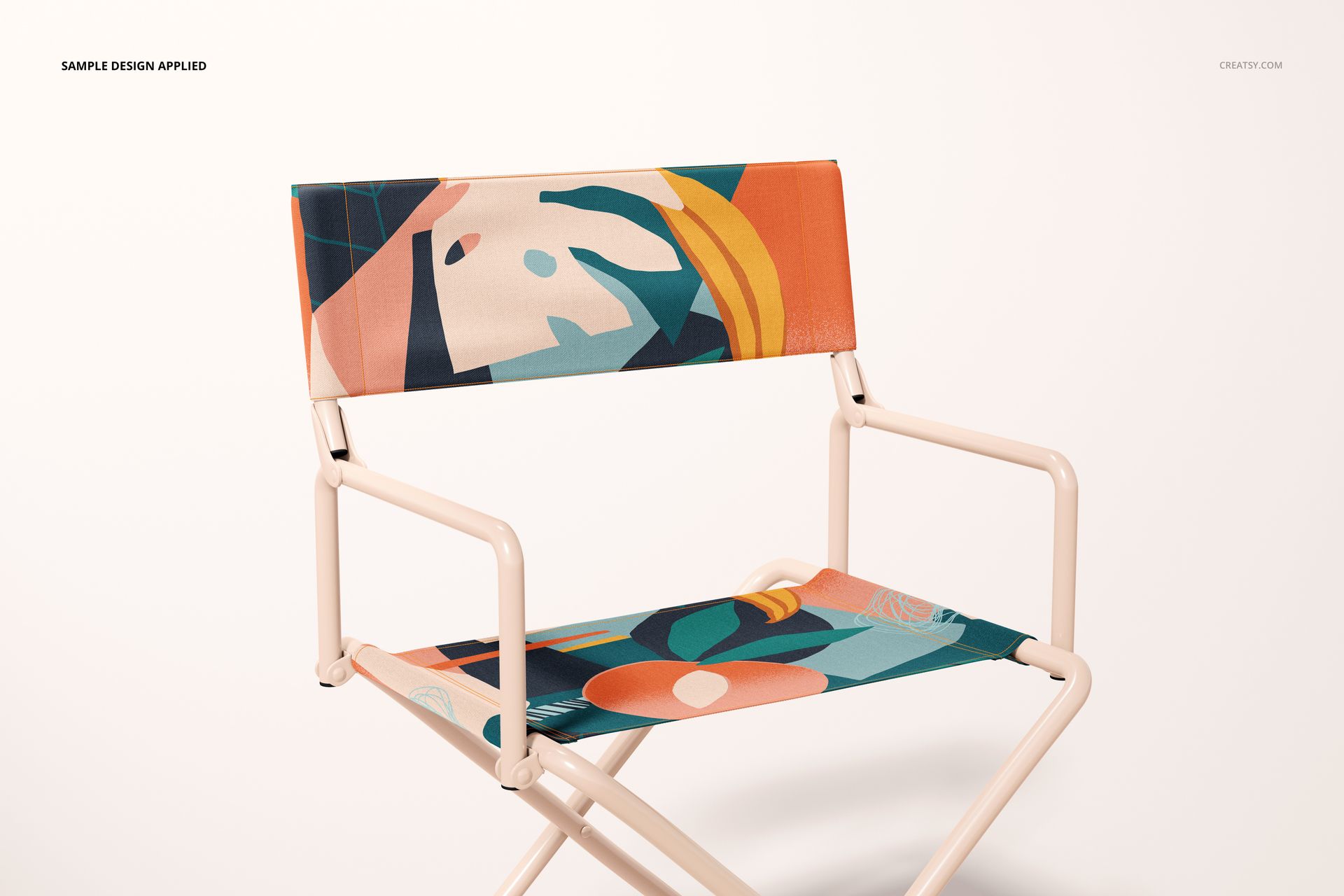
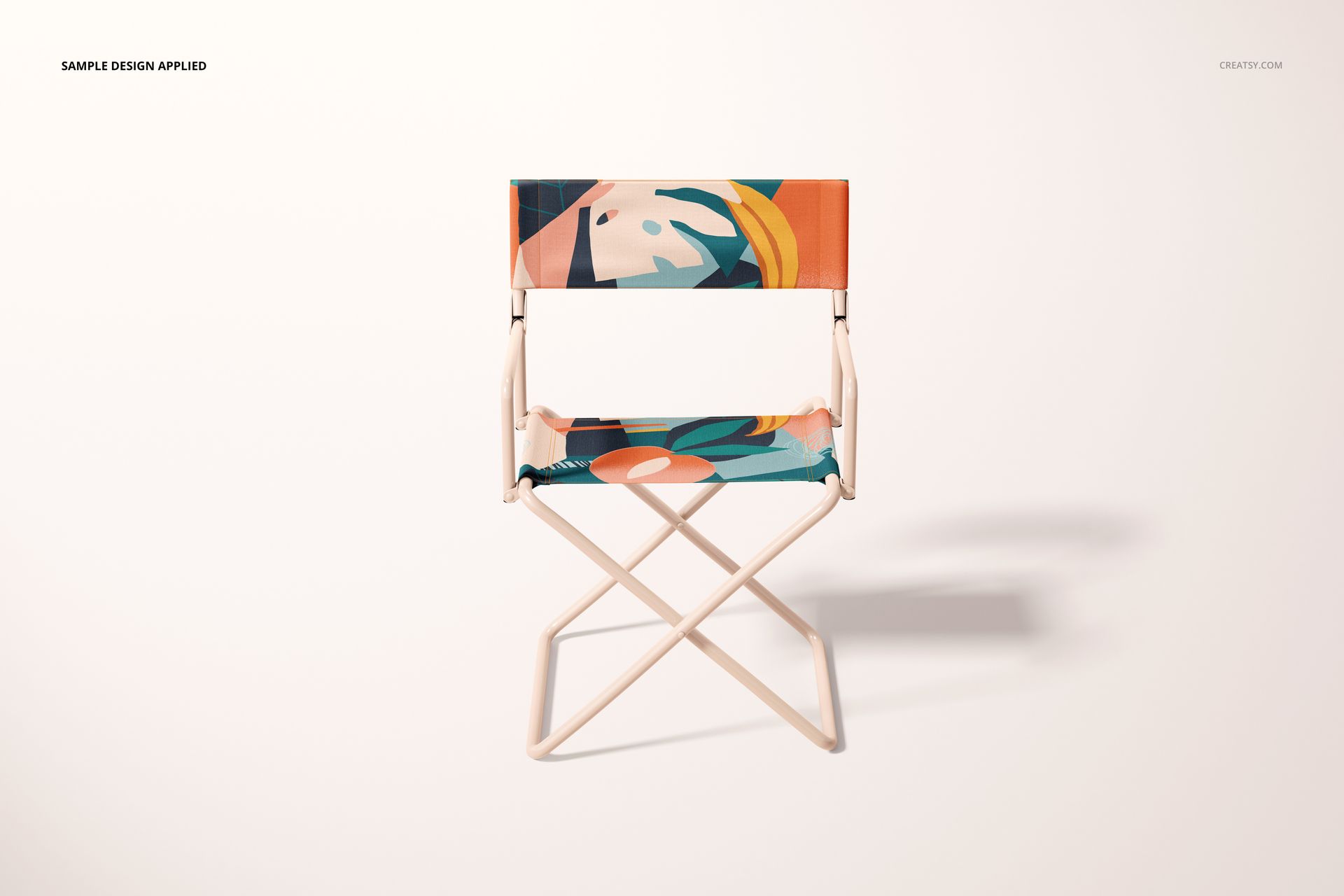
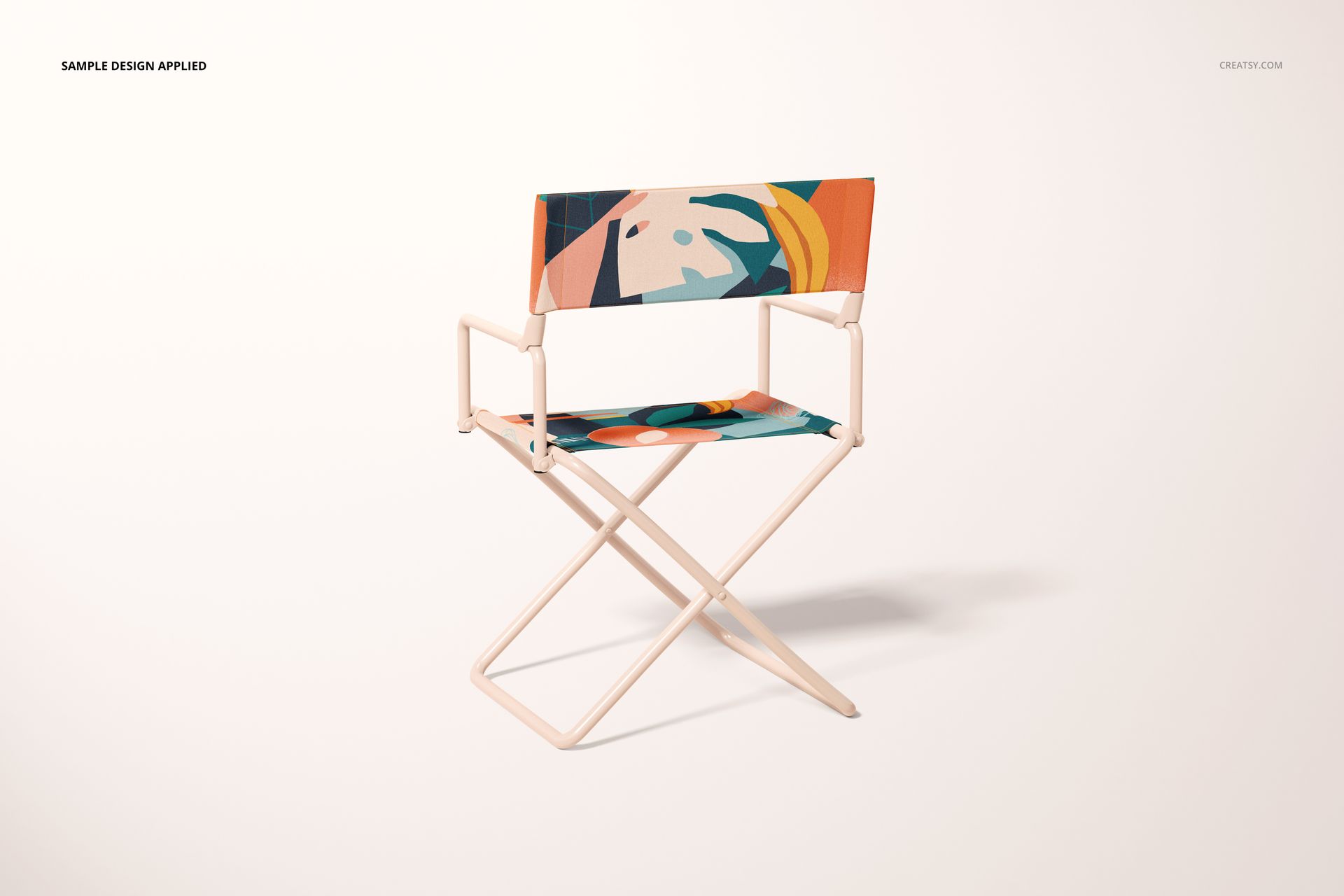
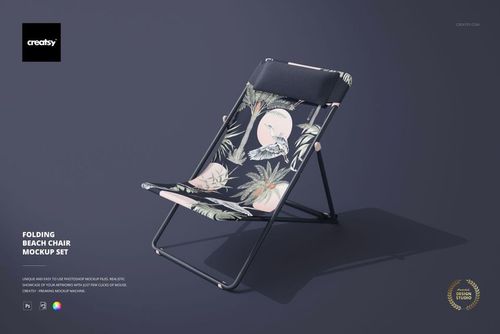
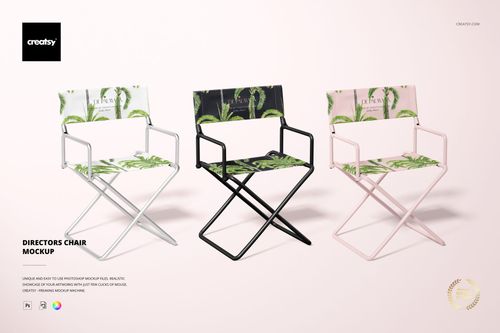
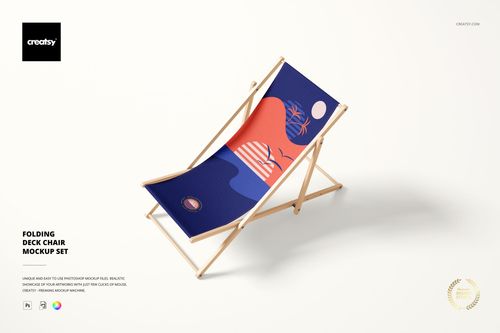
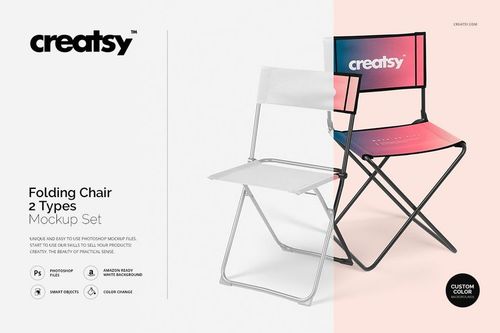
Turn flat artwork into a realistic folding director's chair presentation with six coordinated PSD views. Display patterns, illustrations and branding across the seat and backrest while preserving convincing fabric form, perspective, lighting and shadows.
The set is designed for consistent product galleries, portfolios, client approvals, catalogs and event concepts. Smart Objects simplify artwork replacement, while organized layers provide practical control over chair colors and background presentation.
Included Files
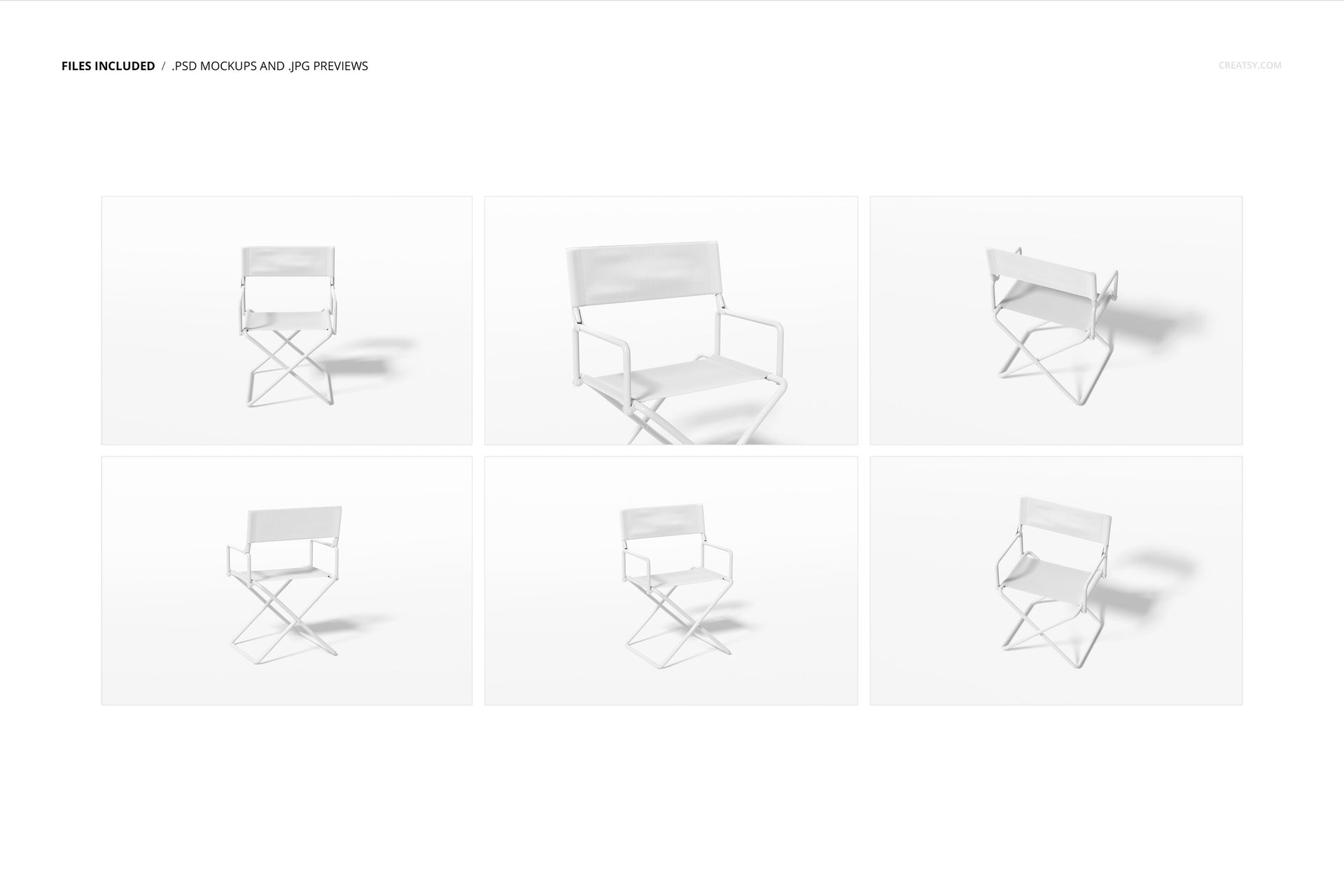
6 layered PSD mockup files at 6000 × 4000 px and 300 DPI
6 full-resolution JPG previews at 7500 × 5000 px
1 PDF user manual
13 files in total
Six distinct chair views
Smart Objects for seat and backrest artwork
Organized Photoshop layers
Six Chair Perspectives
Use front, angled and elevated compositions to show how one design works across the complete chair. The six viewpoints add visual variety while maintaining the same product structure, making comparisons between patterns and colorways easier to understand.
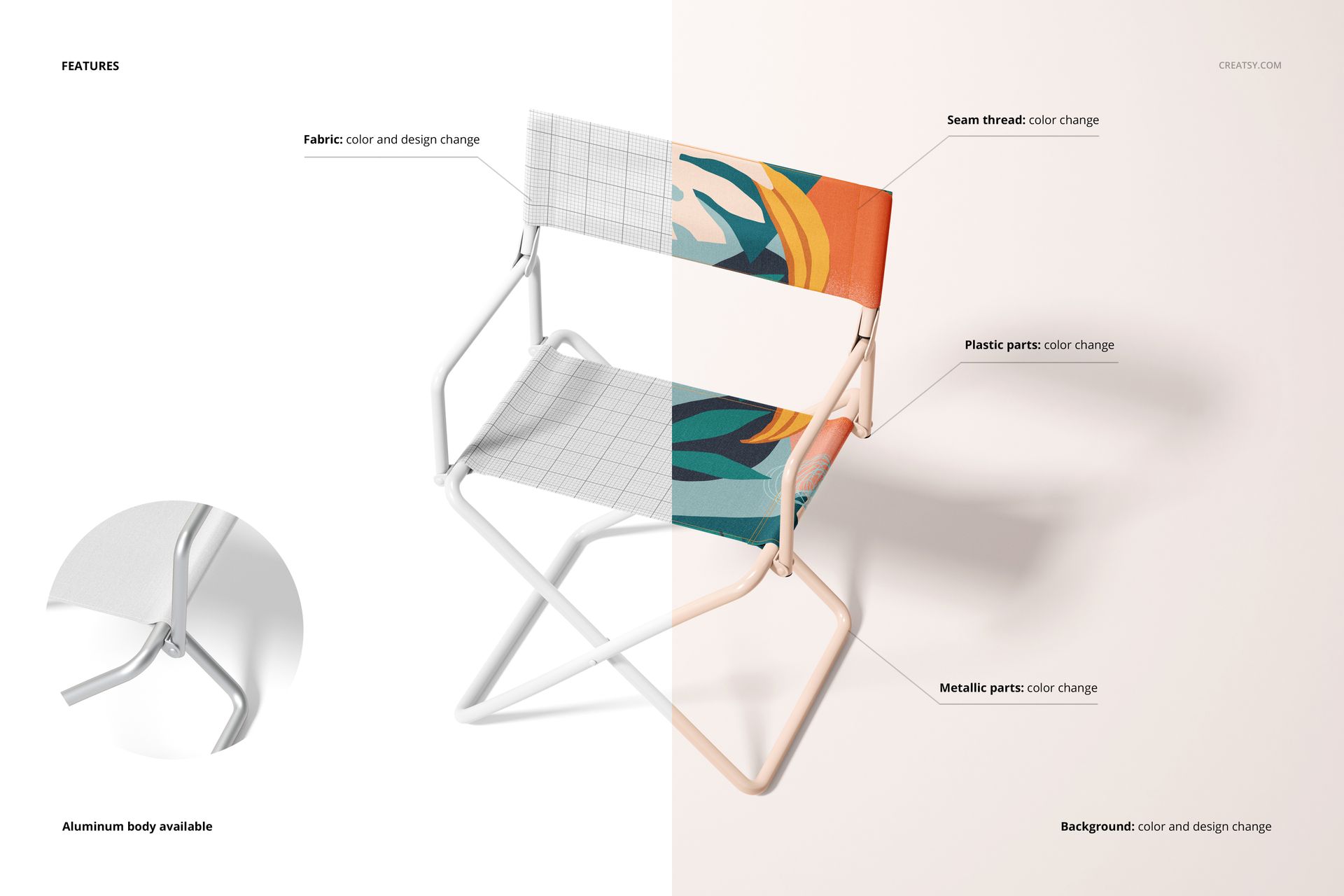
Customizable Components
Replace the seat artwork
Replace the backrest artwork
Adjust chair colors to complement the design
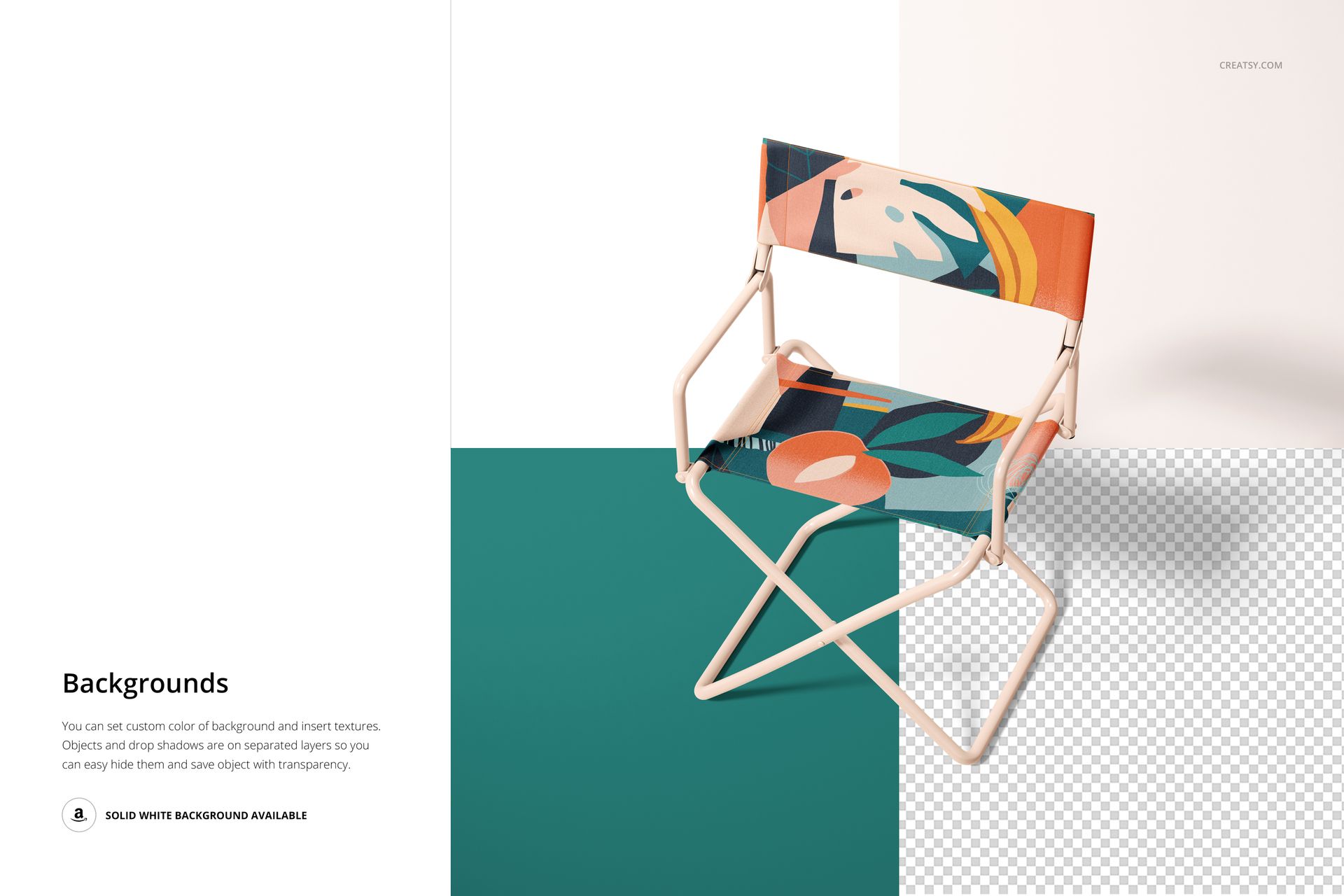
Set a custom background color or design
Create clean white-background product images
Control organized objects and shadows where available
Smart Object Workflow
Open the designated Smart Object, place a pattern, illustration or brand graphic and save it to update the chair. Review the design across all six views, adjust colors and the background, then export a coordinated image series.
Ideal Uses
Surface pattern and textile portfolios
Outdoor furniture product listings
Event, festival and hospitality branding
Film set and production chair concepts
Trade show and promotional presentations
Ecommerce galleries, catalogs and social campaigns
Sample Artwork Credit
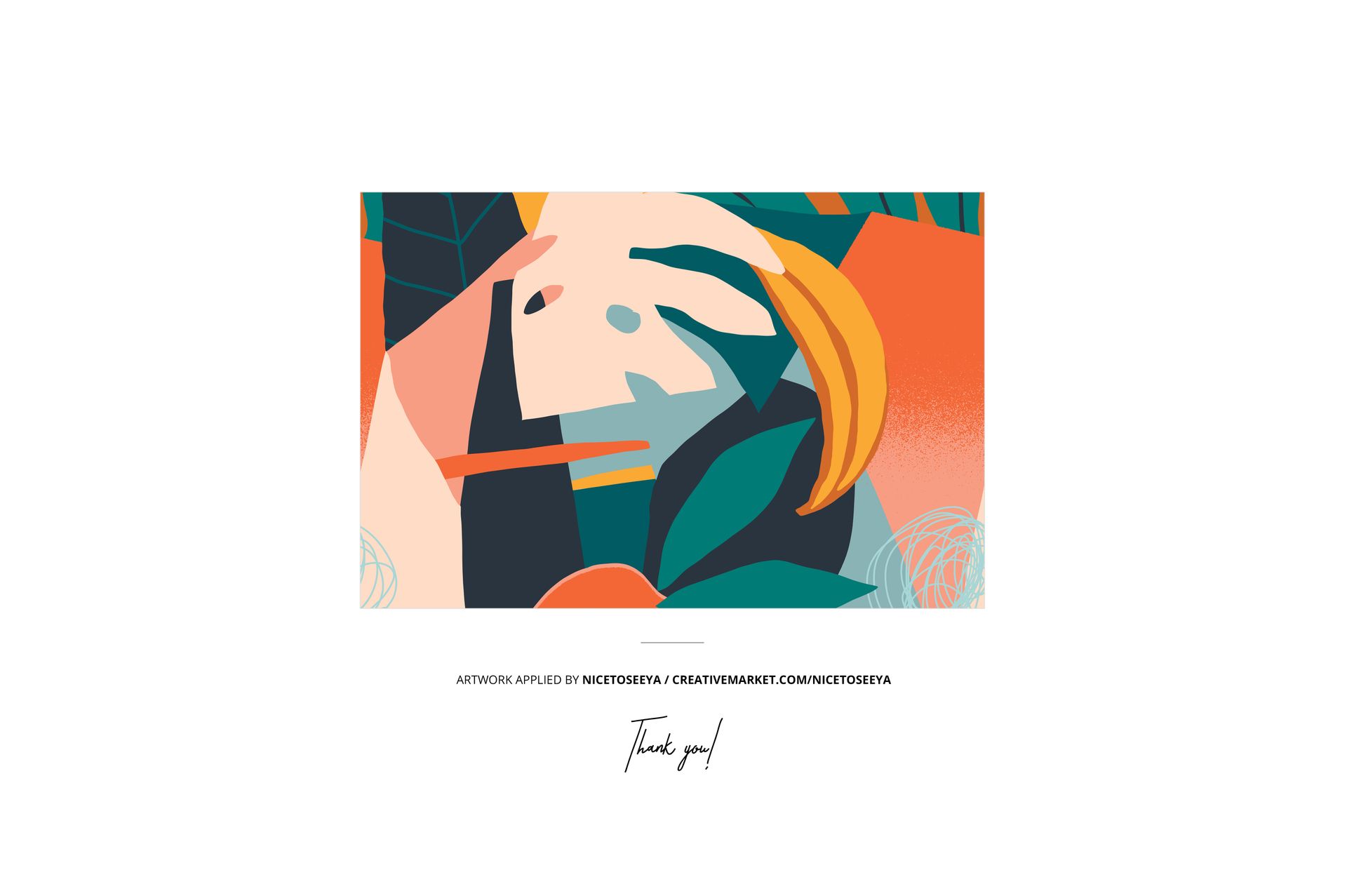
The sample artwork displayed in the previews is by Nicetoseeya. View the artist profile at https://creativemarket.com/nicetoseeya The artwork is shown for demonstration purposes only and is not included in the download.
This is a digital mockup set, not a physical director's chair.