Short Flat Tin Can in Hand Mockup Set
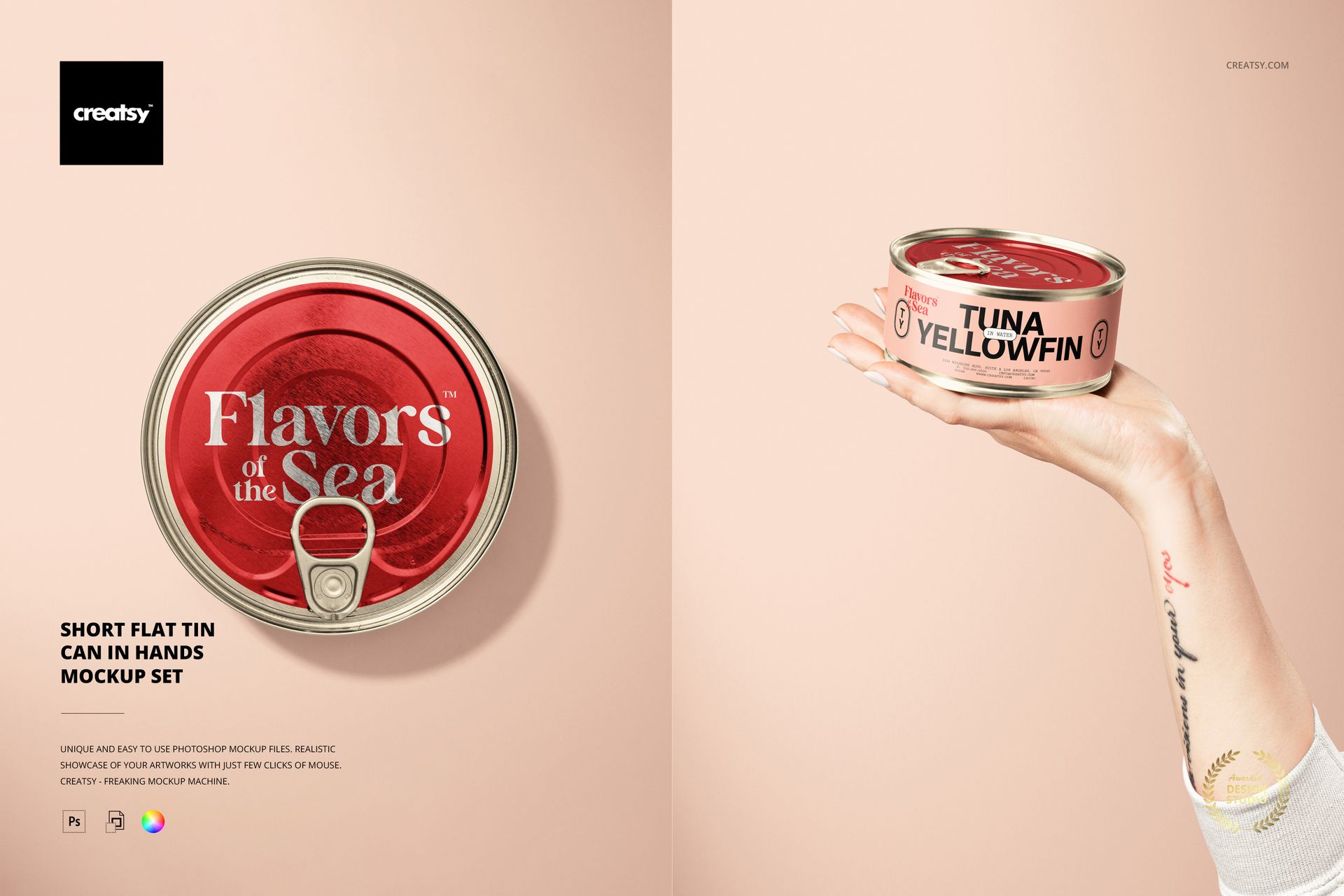
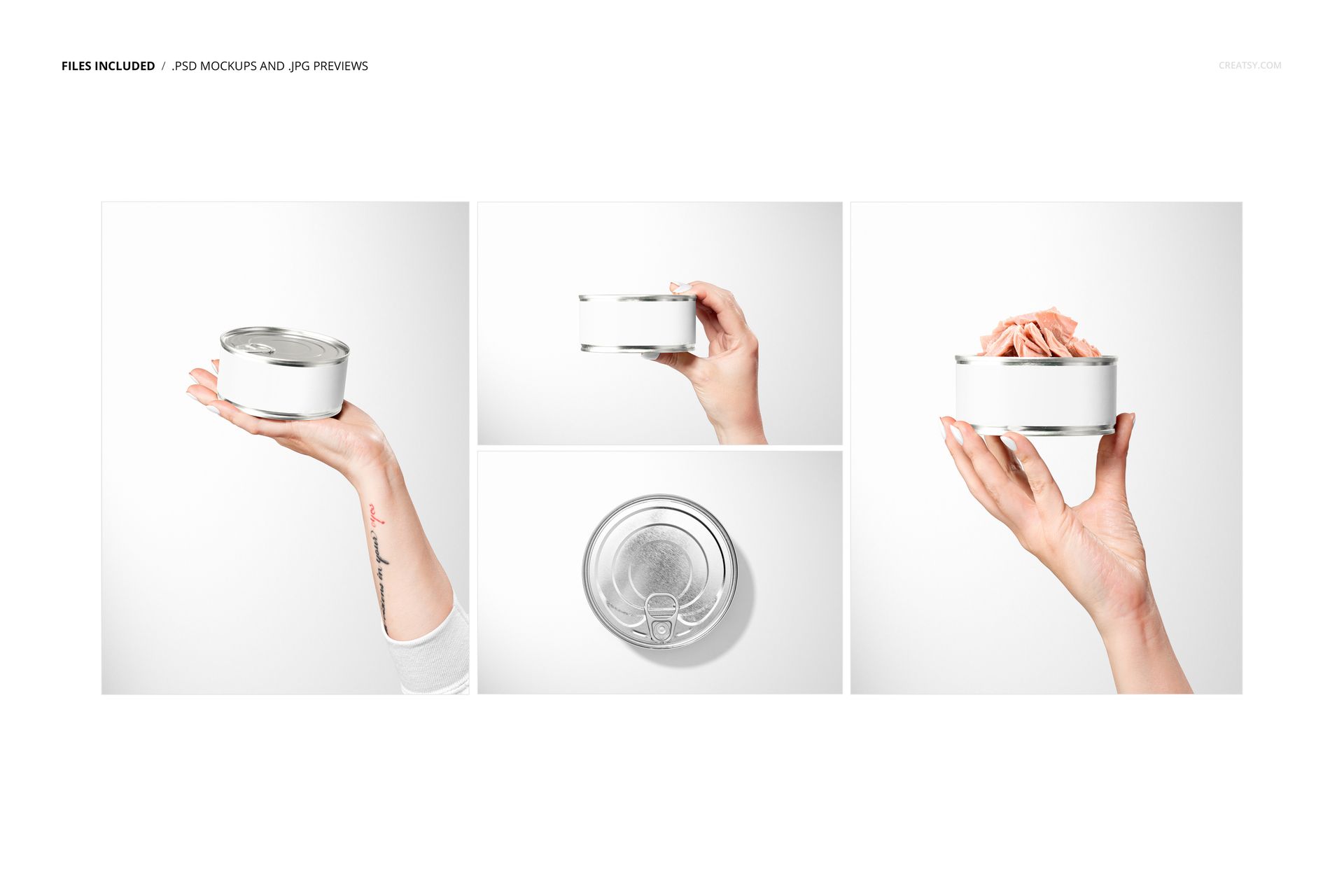
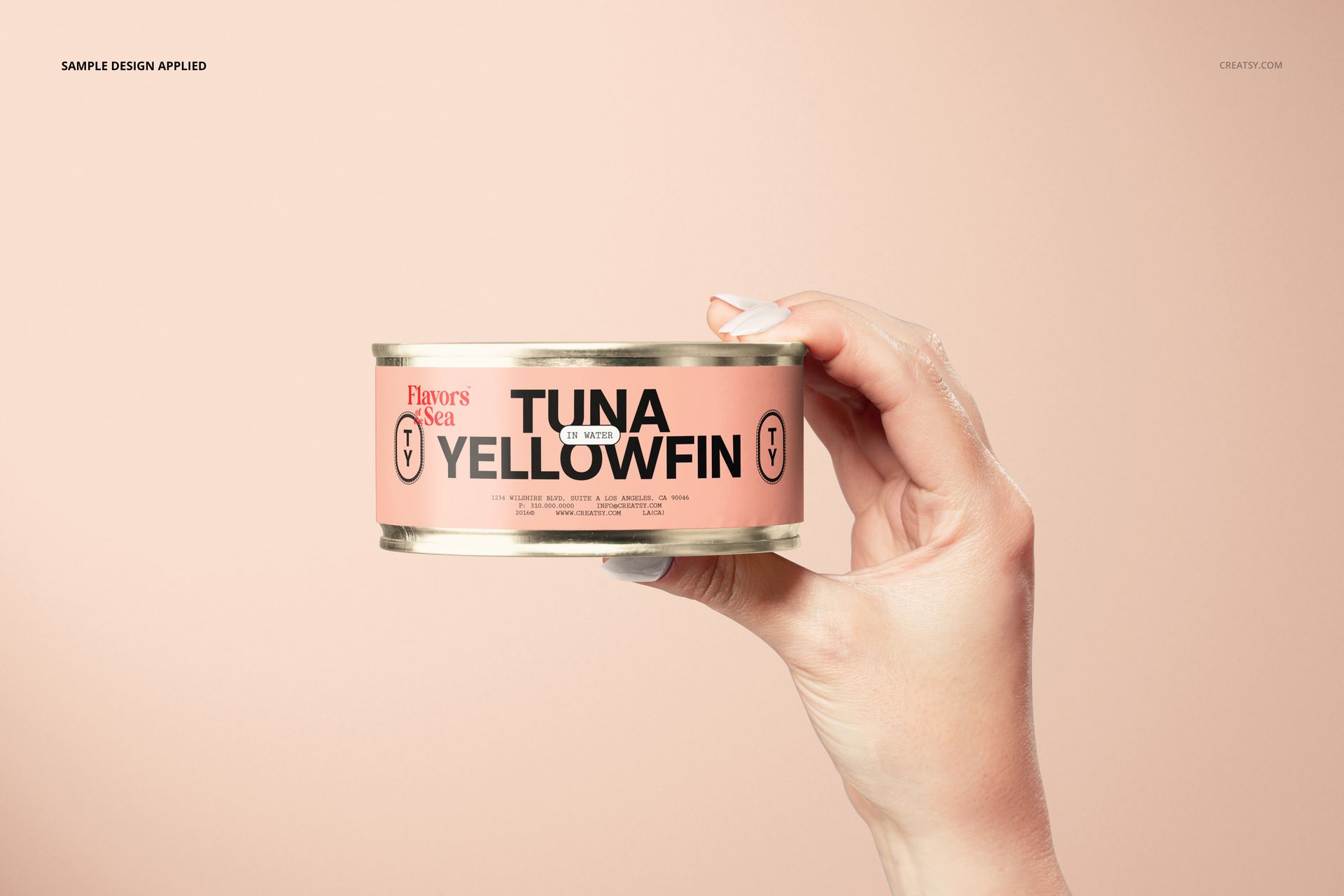
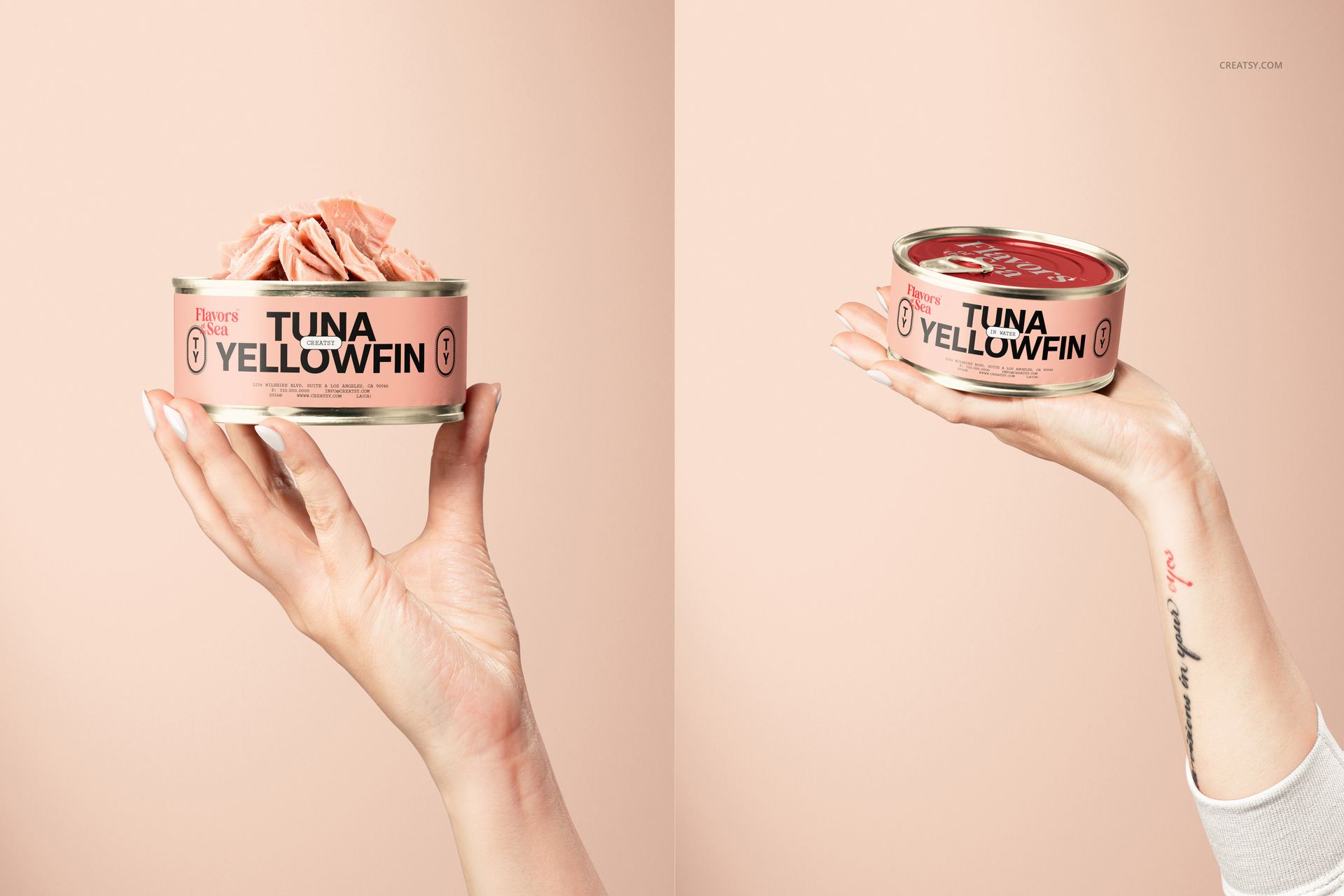
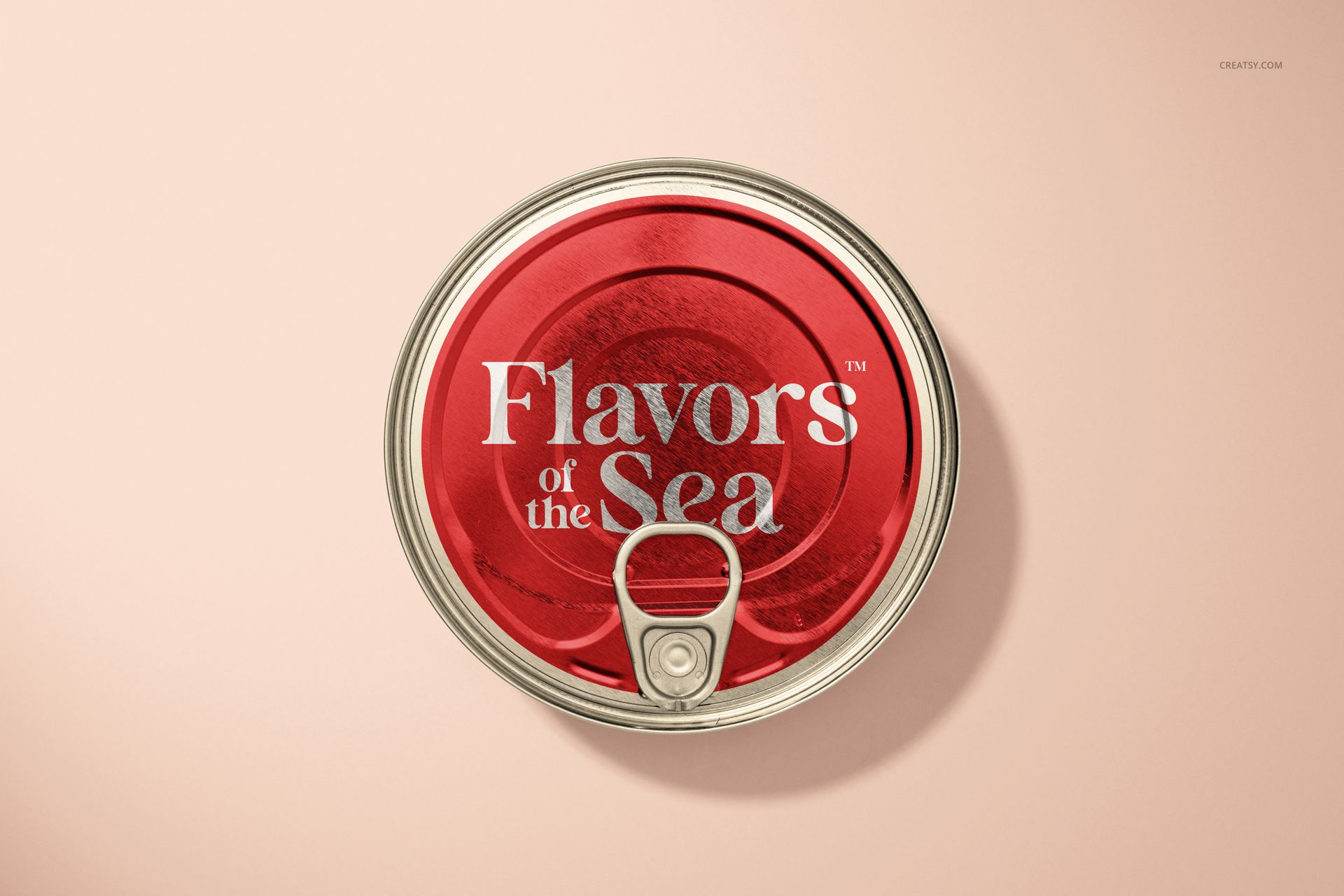
See how a compact food-can identity reads when someone holds it. This short flat tin can mockup set combines three hand-held views with an isolated top view, including closed-can presentations and an open can with tuna visible. The round lid and low sidewall give you two distinct surfaces for a coordinated canned-food design.
What Is Included
4 layered PSD mockup scenes at 300 DPI: 4480 × 6000 px for portrait views and 6000 × 4000 px for landscape views.
4 JPG thumbnail previews and 1 PDF user manual; 9 files in total.
Closed-can views, an open tuna-can presentation and an isolated lid view.
Coordinate the Lid, Label and Hand-Held Scene
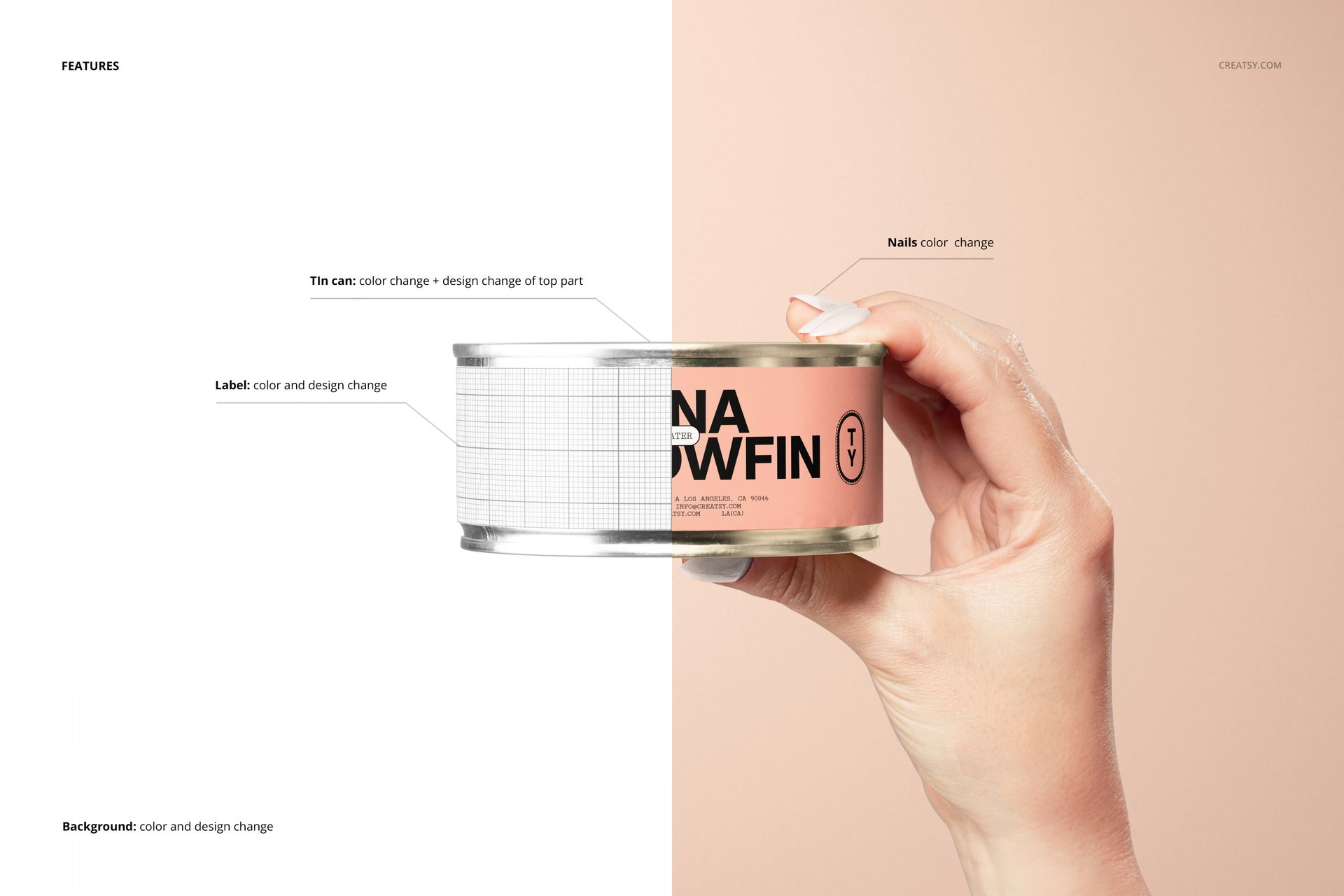
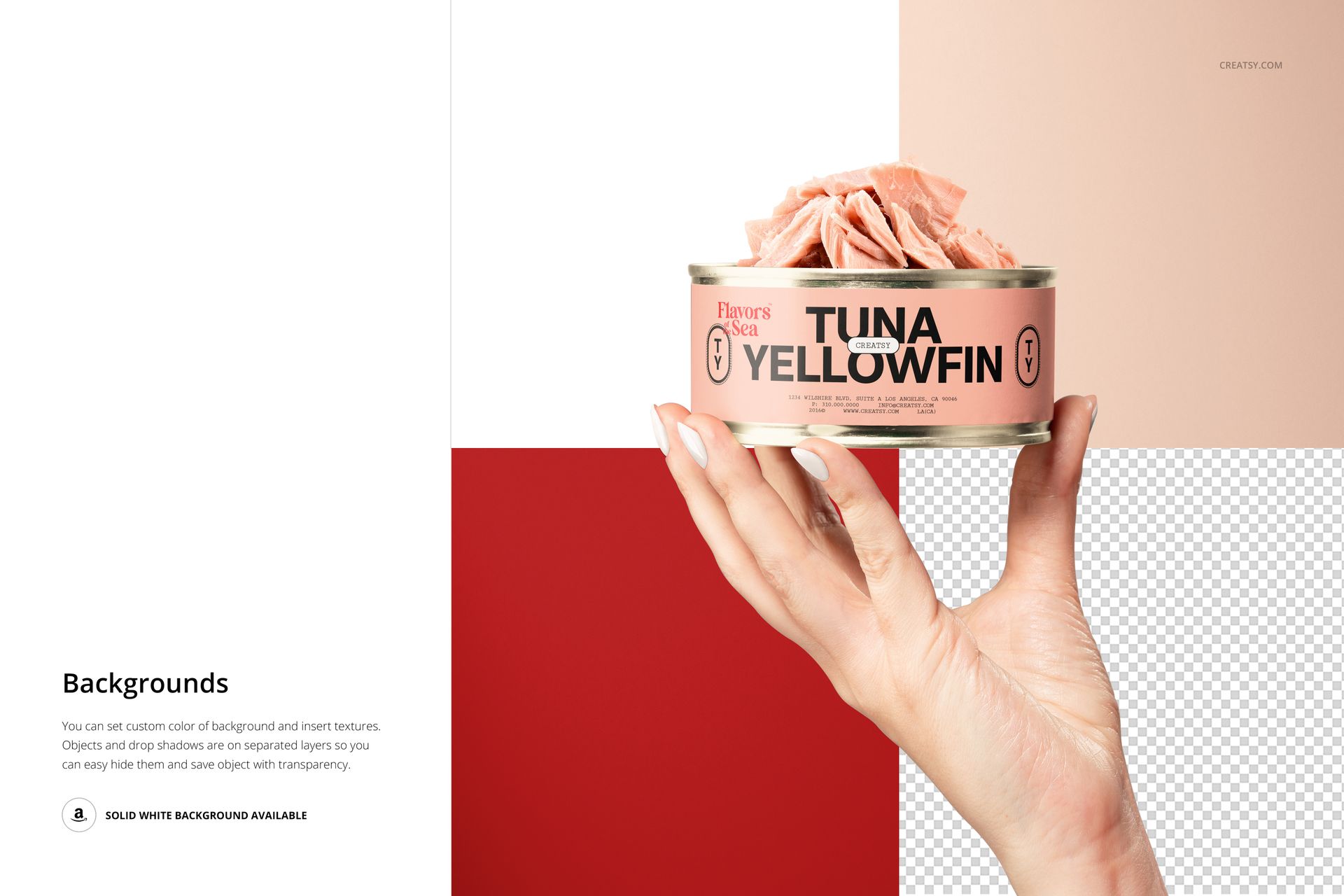
Change the metal color, add artwork to the top of the can and customize the side label color and design. Nail-color controls help coordinate the hand-held images with the packaging palette. Set a custom background color, insert your own texture or use the demonstrated transparent-background option; objects and drop shadows are on separate layers.
Easy Smart Object Editing
Use Adobe Photoshop CS6 or newer, or Photopea. Open a PSD, replace the label or lid artwork through its Smart Object and save the edited object. Adjust the available color layers, then repeat the artwork placement in the other scene files you want to use.
Perfect For
Tuna and specialty canned-food branding concepts.
Packaging studios developing round food-can labels and lid artwork.
Deli brand portfolios, client approvals and product campaign visuals.
This is a digital mockup set, not physical packaging. Sample graphics shown in the previews are not included.