Sardine Fish Tin Can Mockup Set
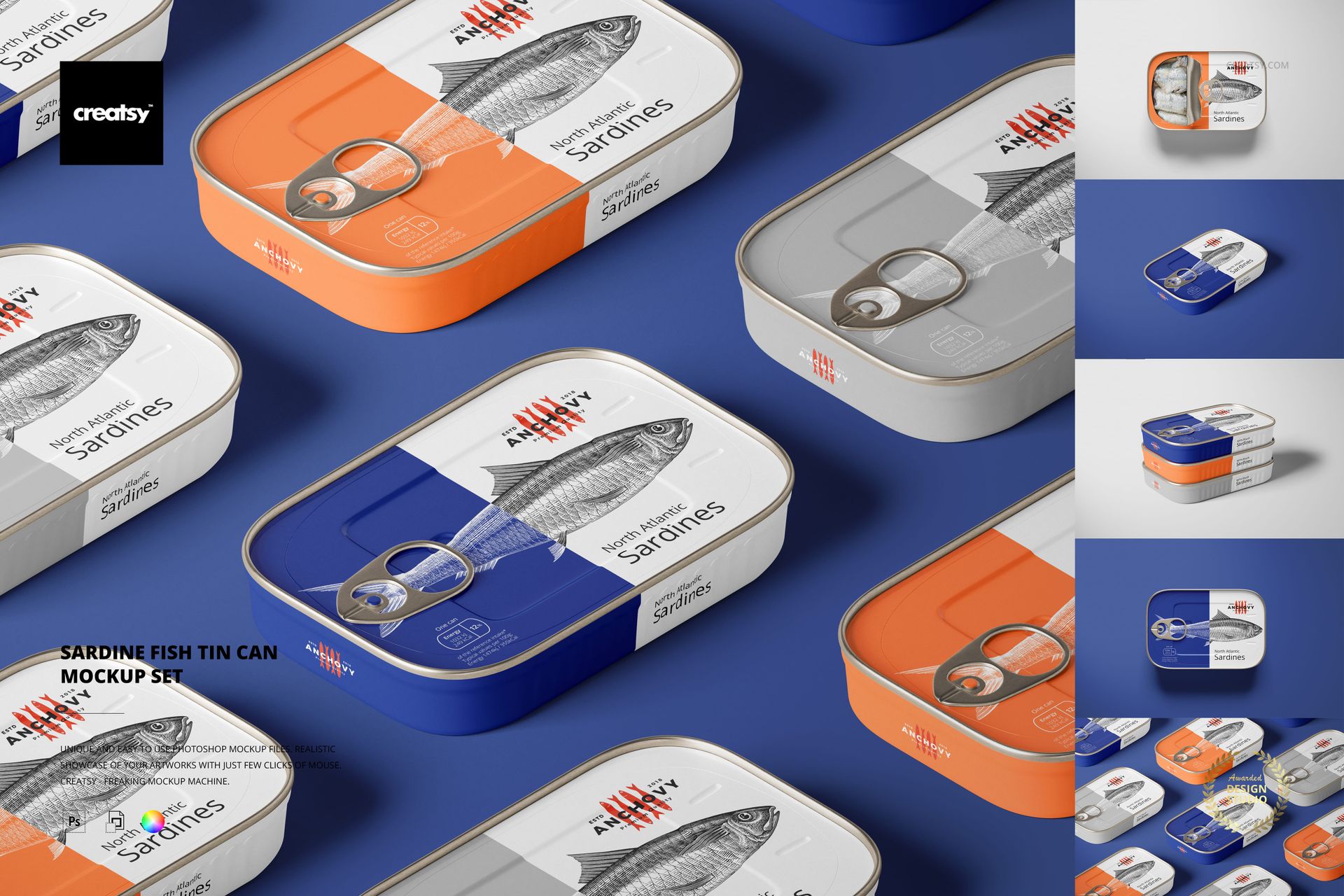
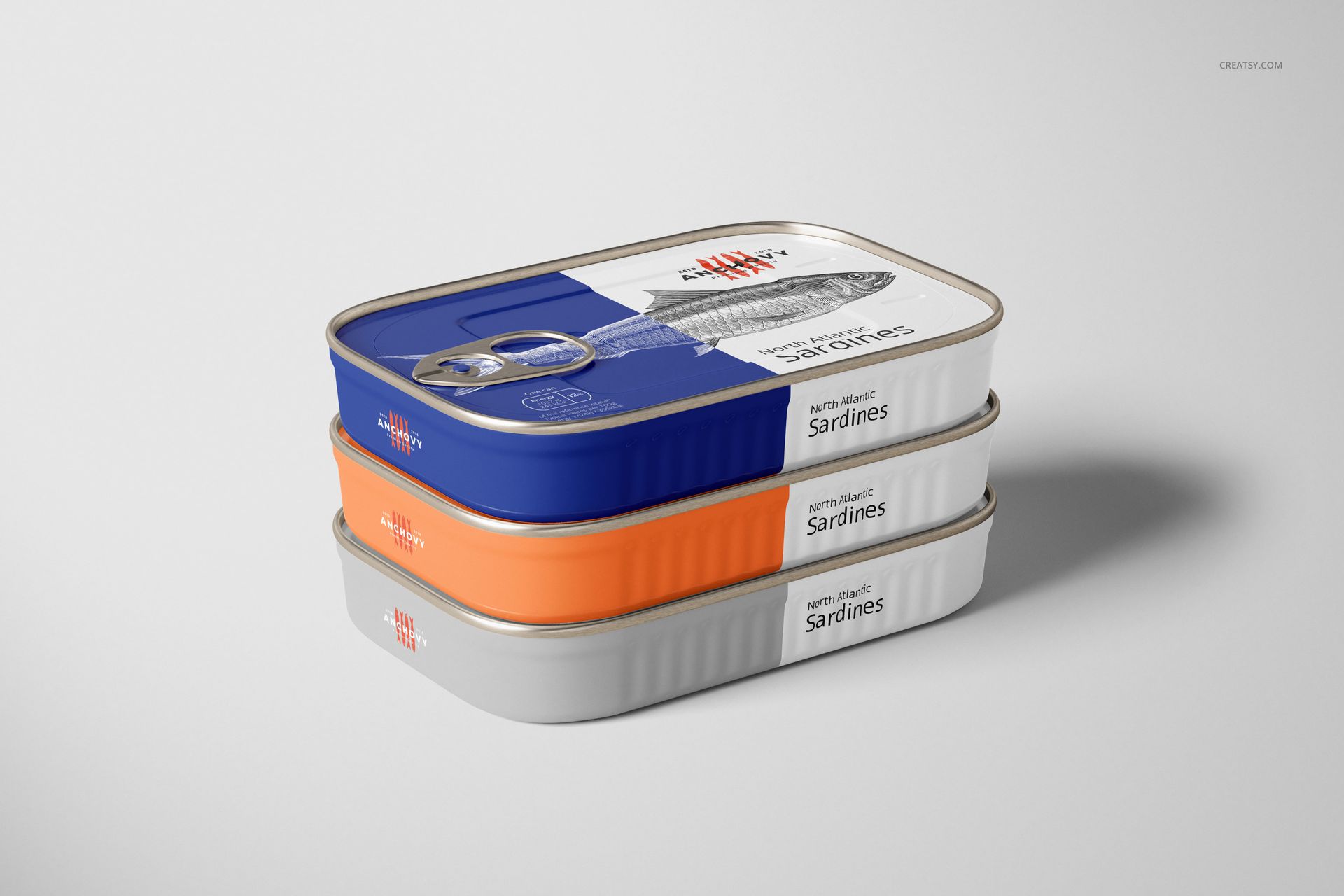
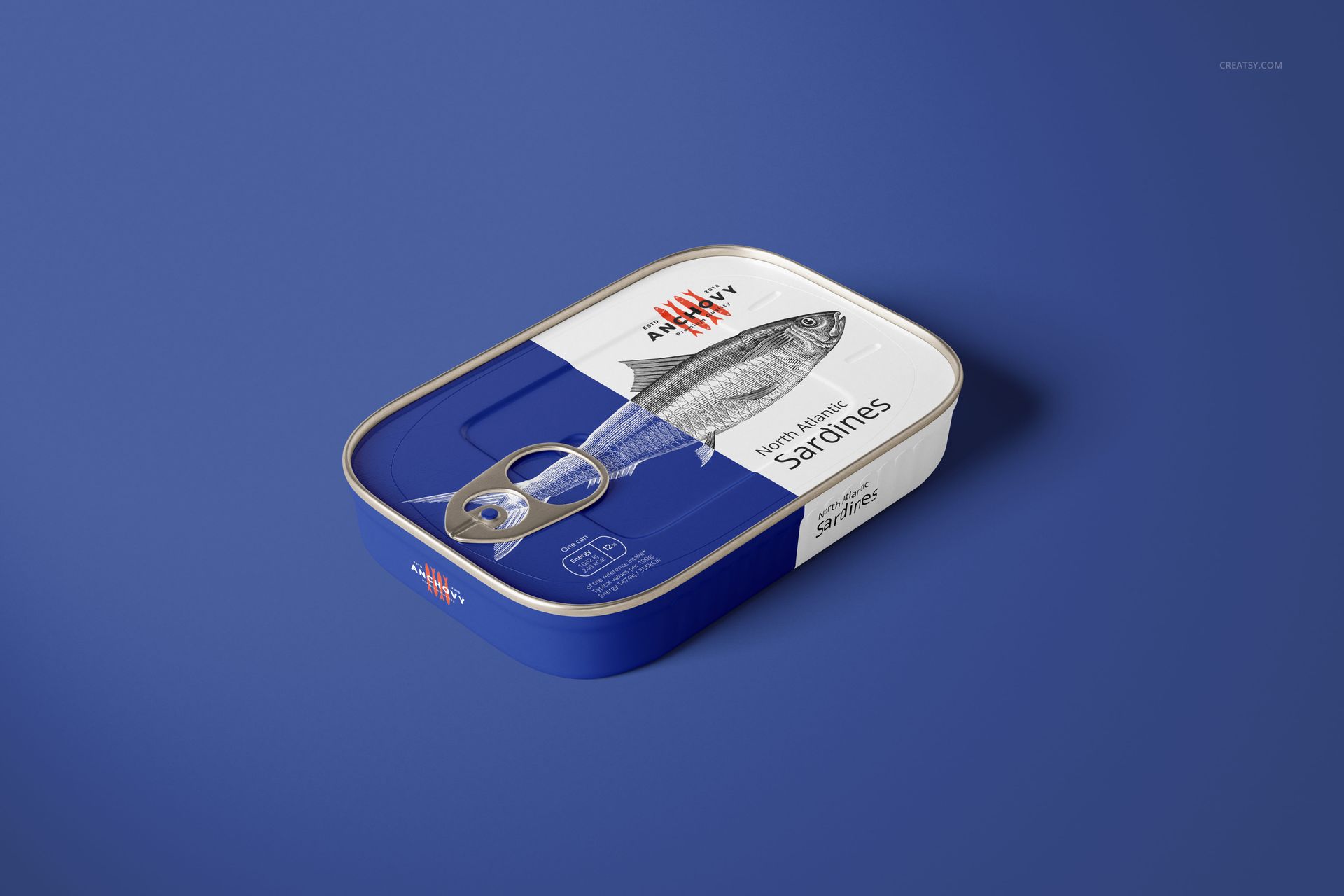
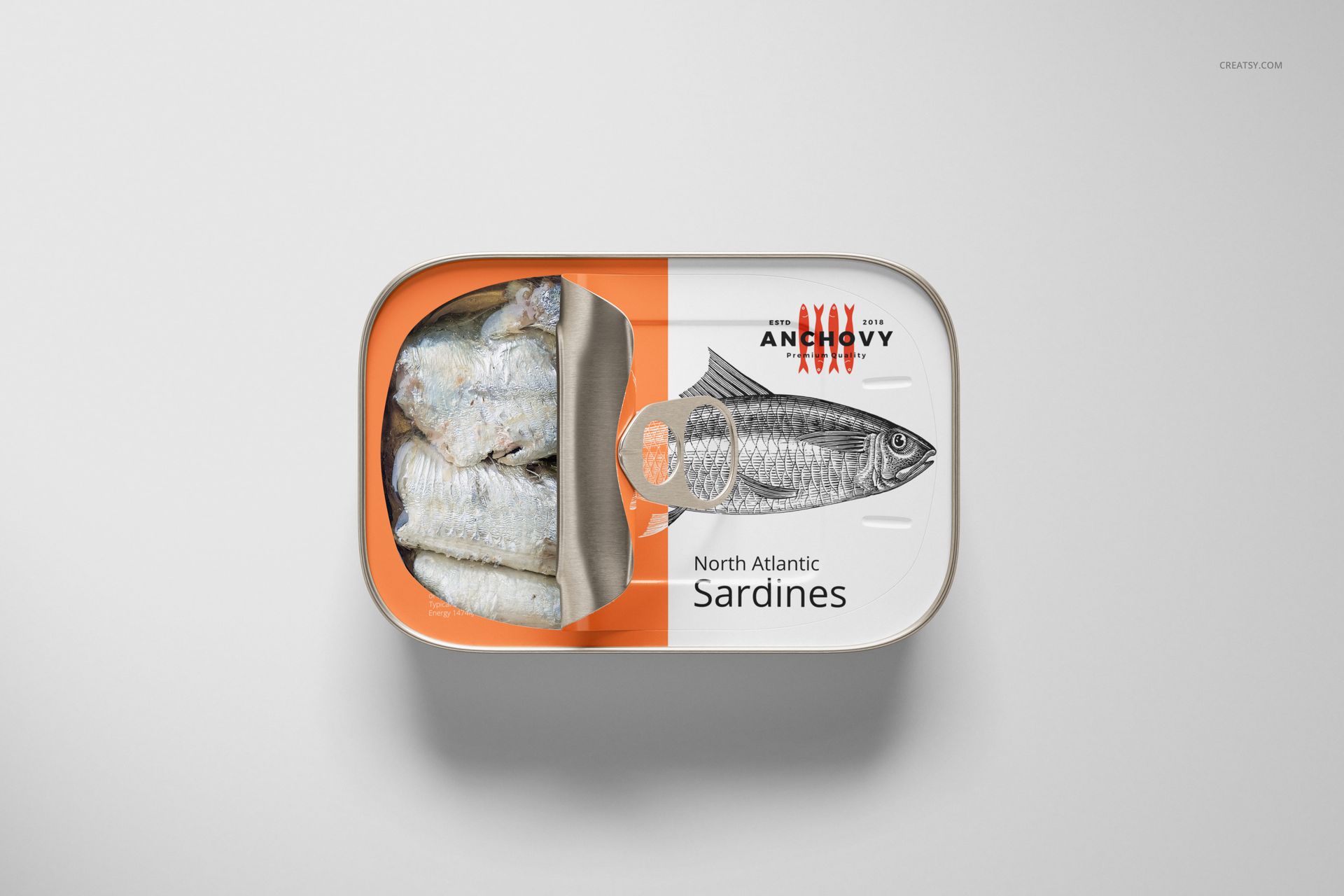
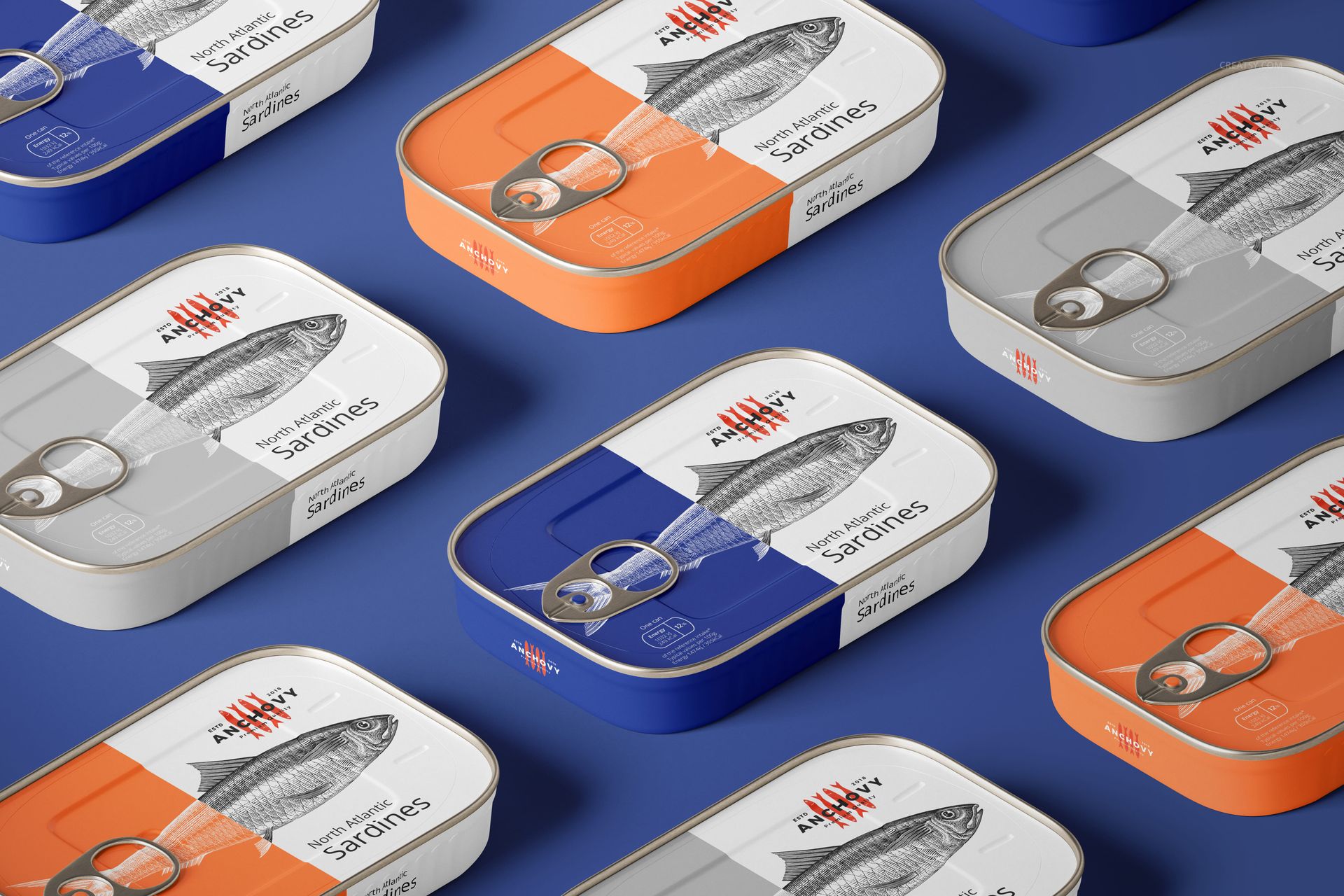
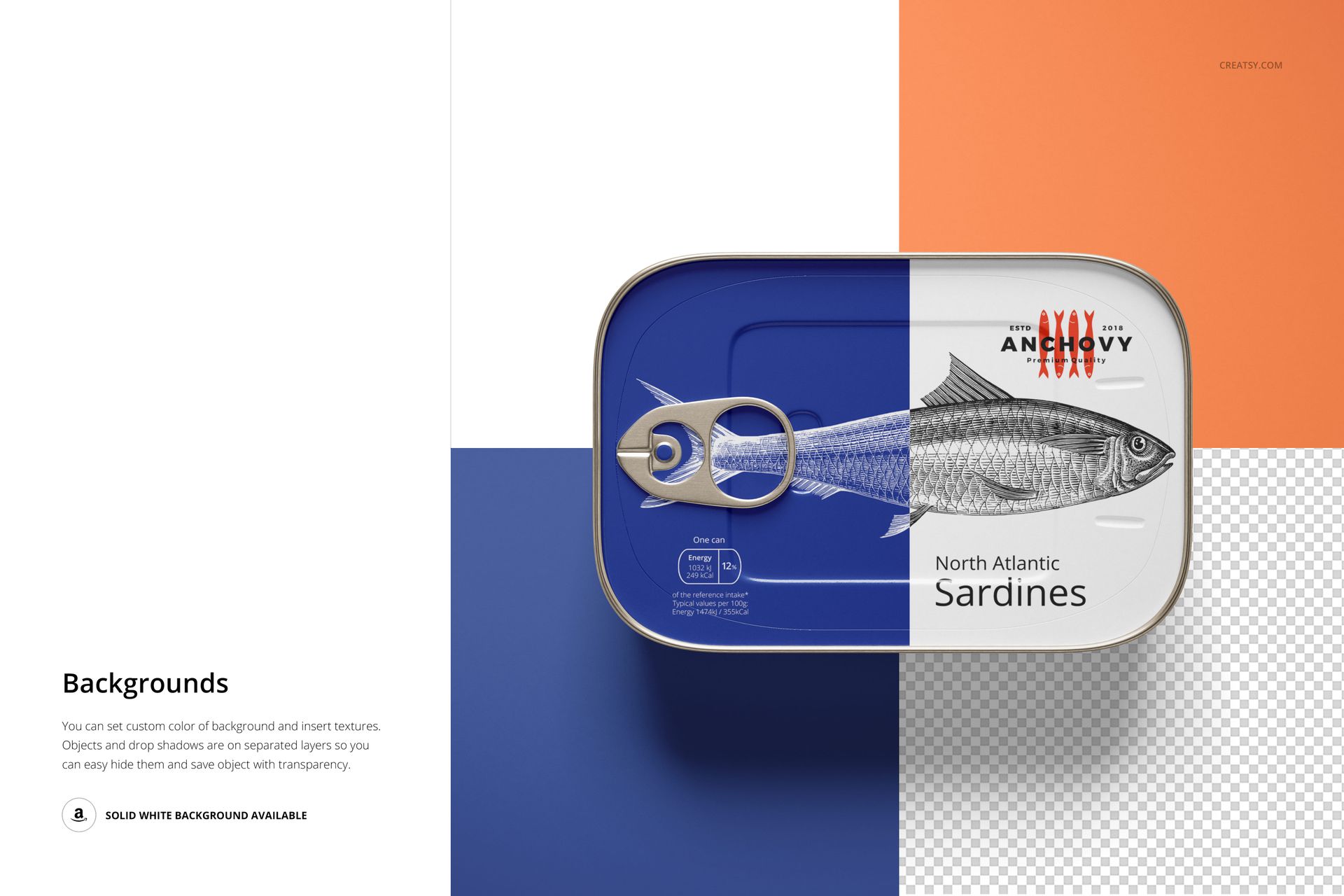
Small tins need a clear identity in a compact space. This rectangular sardine can mockup set presents your seafood packaging across five PSD scenes, including closed cans, a partially opened tin with fish visible, a three-can stack and a repeated arrangement. Rounded corners, metal edges and pull tabs give the artwork a recognizable canned-food setting.
What Is Included
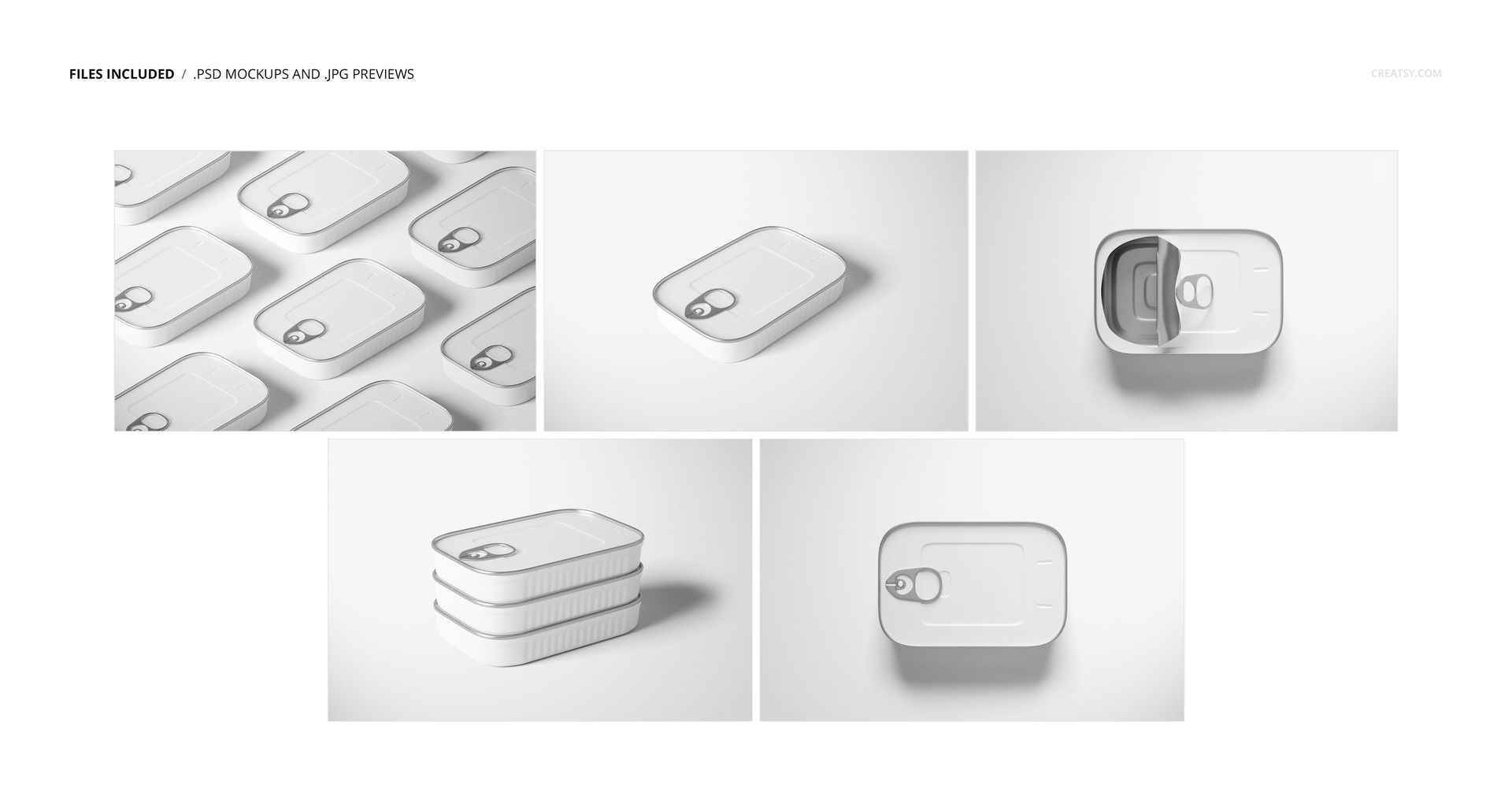
5 layered PSD mockup files at 6000 × 4000 px and 300 DPI.
5 JPG thumbnail previews at 512 × 341 px, 10 files in total.
Top and angled views, a partially opened can, a stack and a multi-can composition.
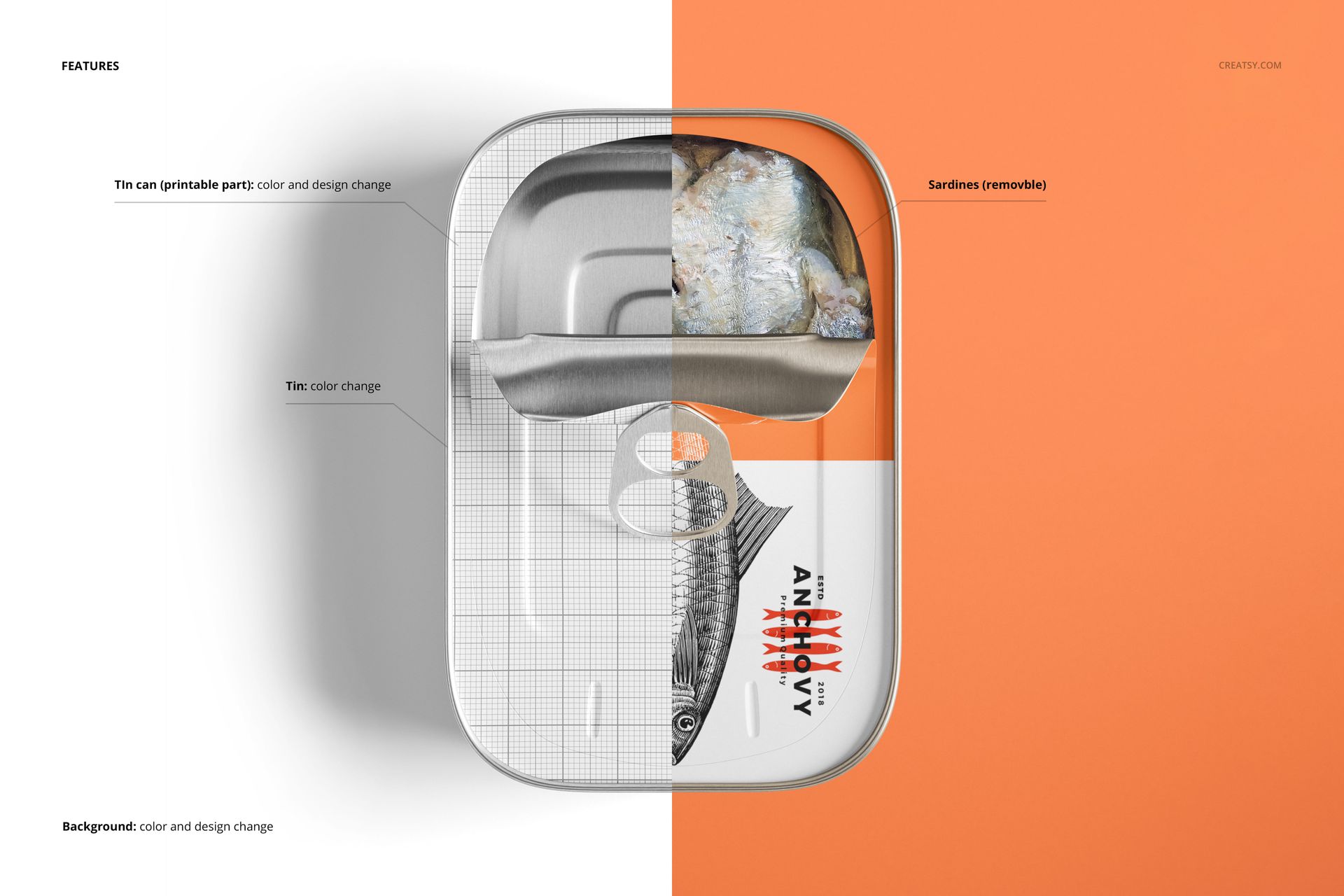
Organized layers with editable artwork and color controls.
Make a Small Tin Read as a Complete Brand
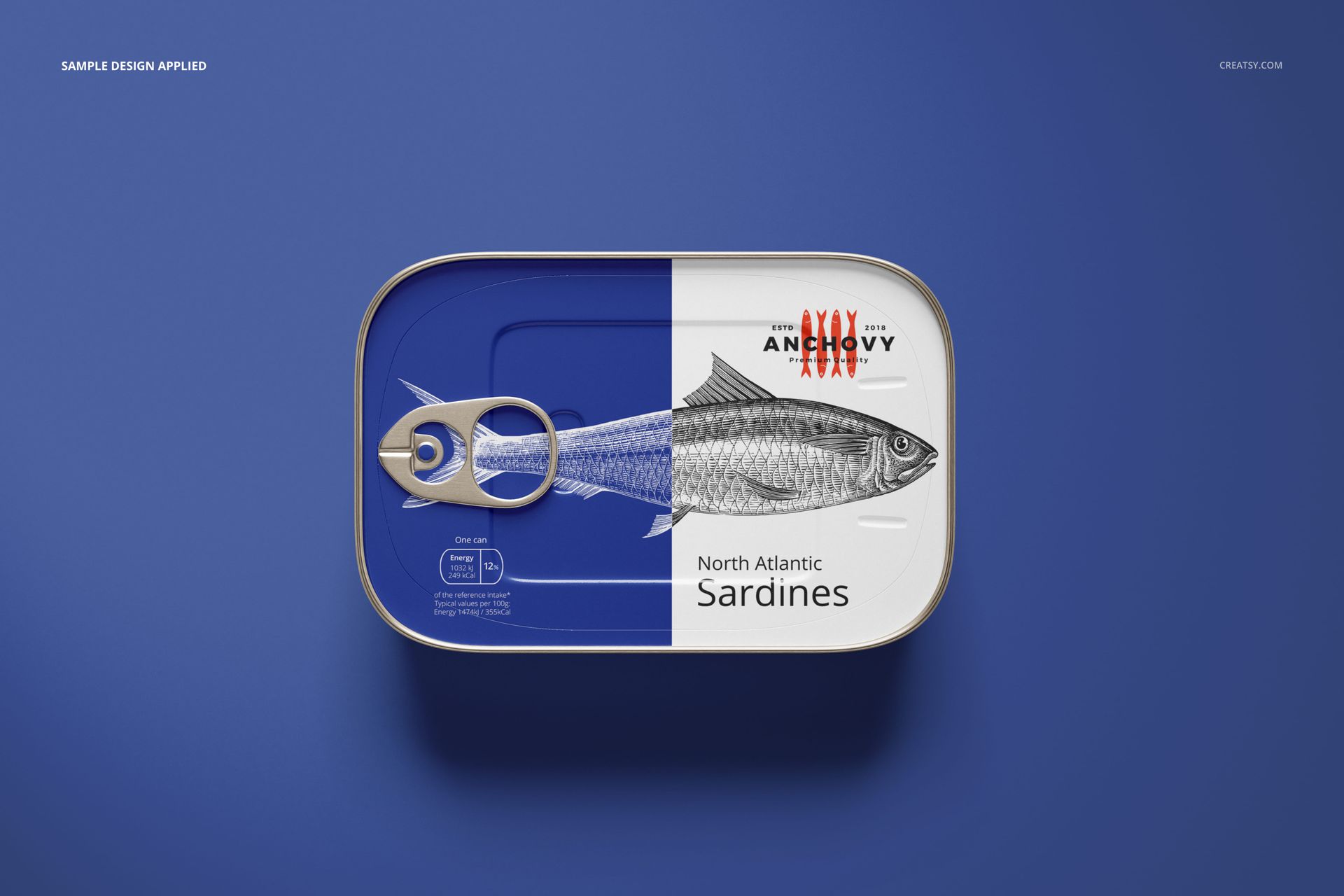
Use the lid design to establish the product name, illustration and color system, then inspect the angled and stacked views to see how the identity carries onto the visible sides. The open-can scene adds food context, while the repeated layout helps you compare a coordinated range.
Easy Smart Object Editing
Edit the files in Adobe Photoshop CC2020 or newer, or Photopea. Replace the artwork through Smart Objects, save the edited object and adjust the available color layers. Review the pull-tab area and rounded corners before exporting your chosen presentation.
Perfect For
Sardine brands and specialty tinned-fish packaging concepts.
Seafood illustrators and packaging design studios.
Deli collections, brand portfolios and client presentations.
This is a digital mockup product. Physical cans and the sample artwork or patterns shown in the previews are not included.