Vinyl Record on Beach with Waves Behind Mockup
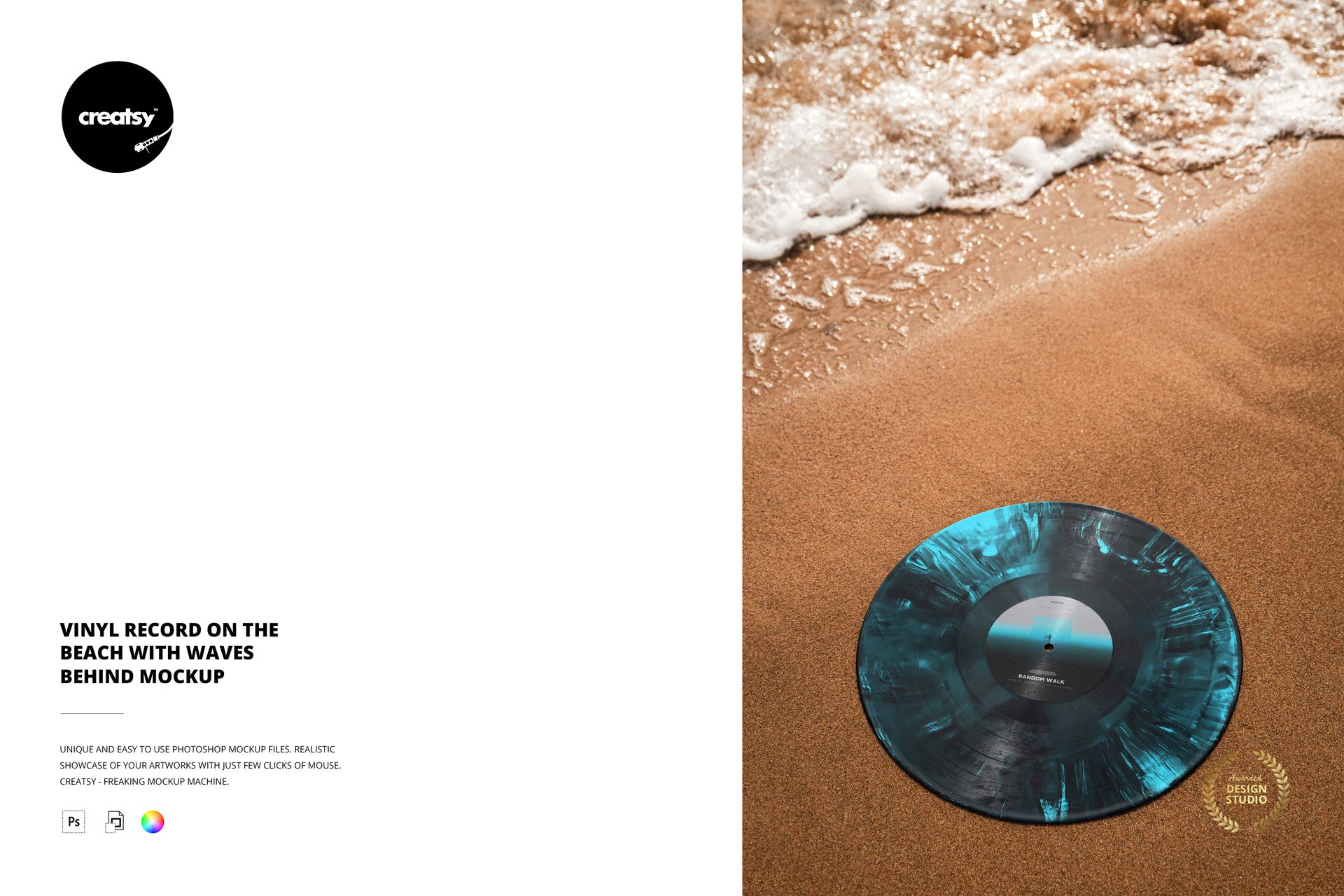
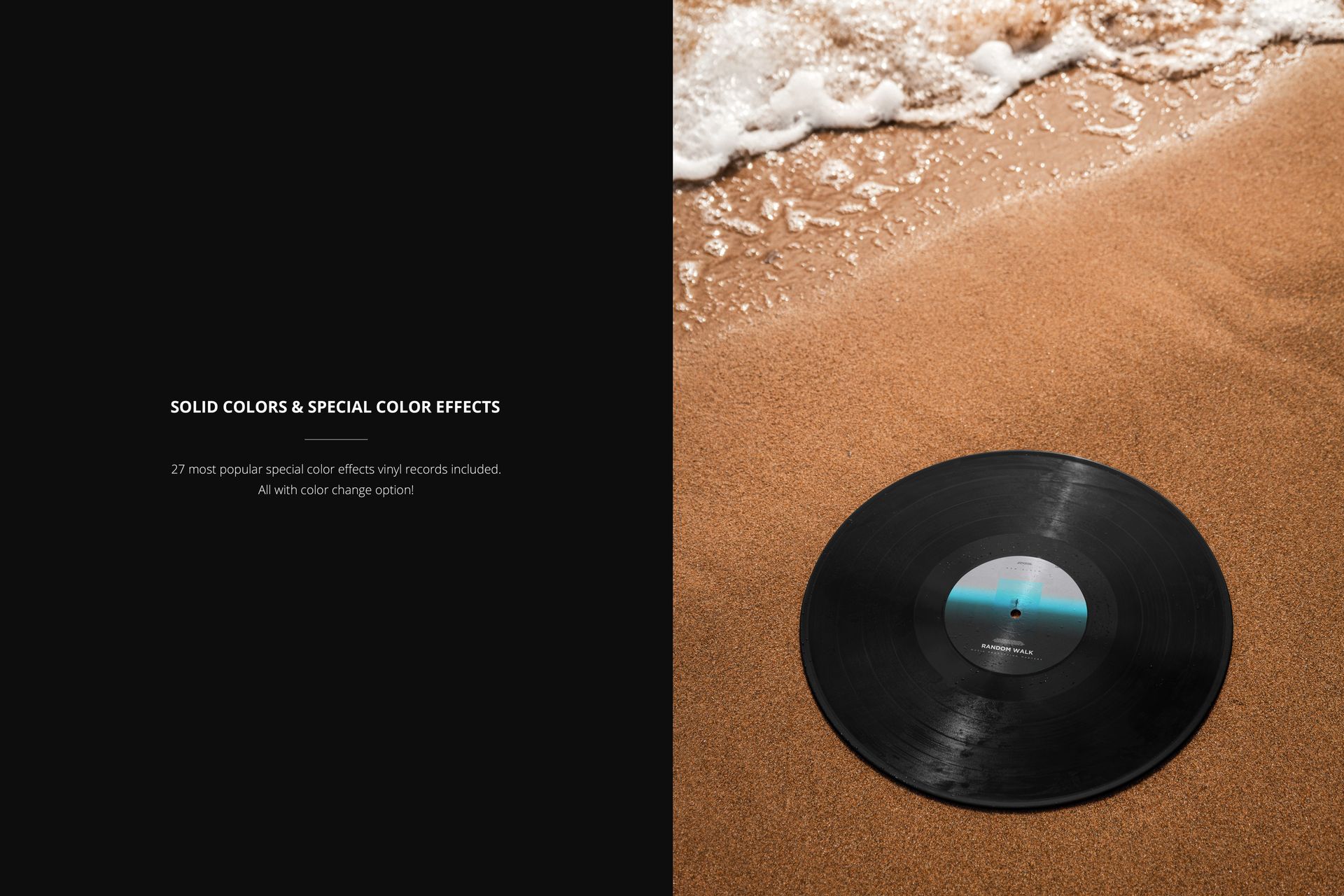
Bring the label and vinyl color treatment closer without losing the beach setting. This overhead composition shows a record lying on warm sand, with foamy water running across the upper part of the portrait frame. The disc fills more of the image than the wider Sandy Beach scene, making it a useful choice for presenting a distinctive pressing concept.
What Is Included
1 layered PSD mockup plus 1 JPG preview, 2 files in total.
One portrait scene at 300 DPI with a close overhead record view.
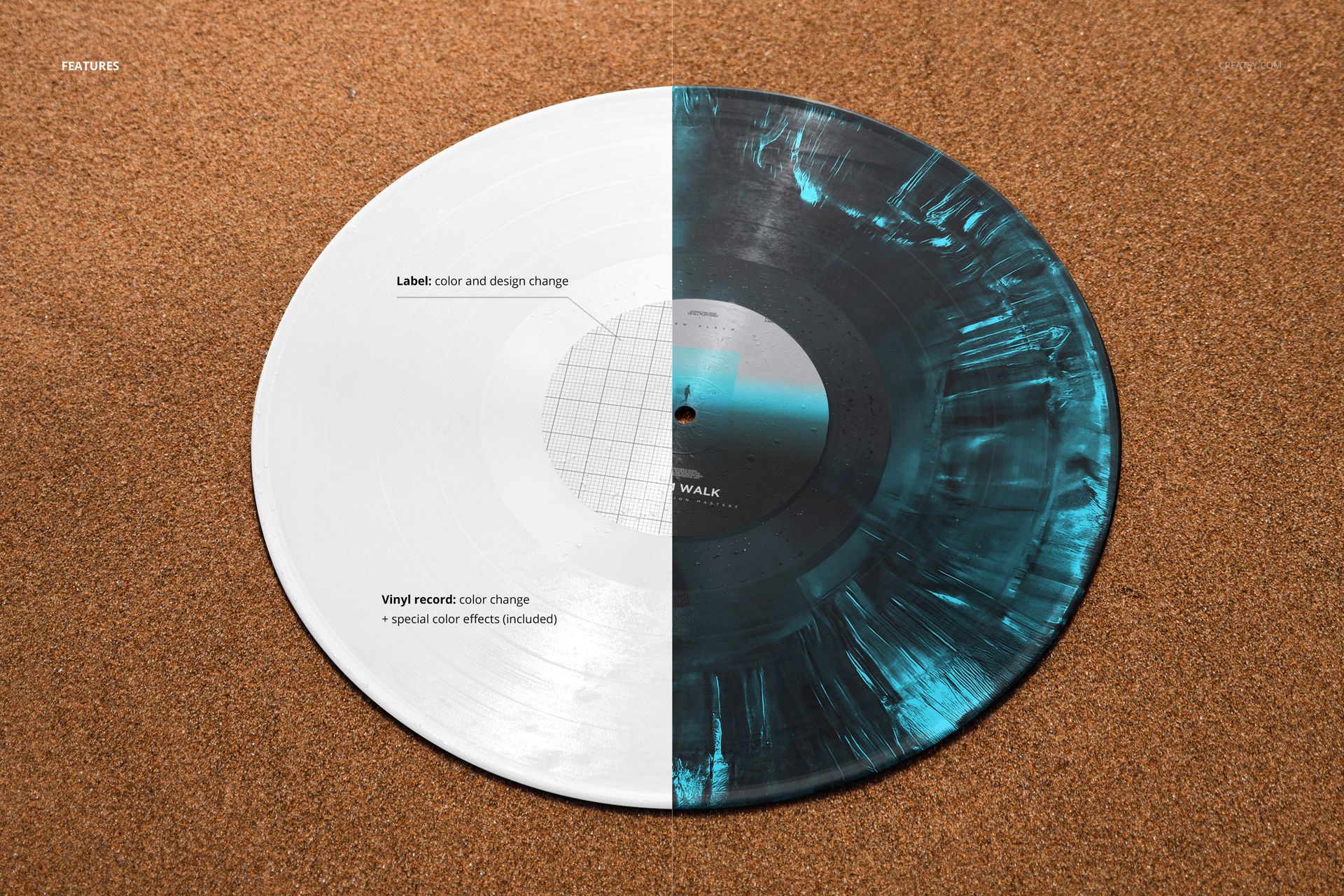
Editable center-label design and color.
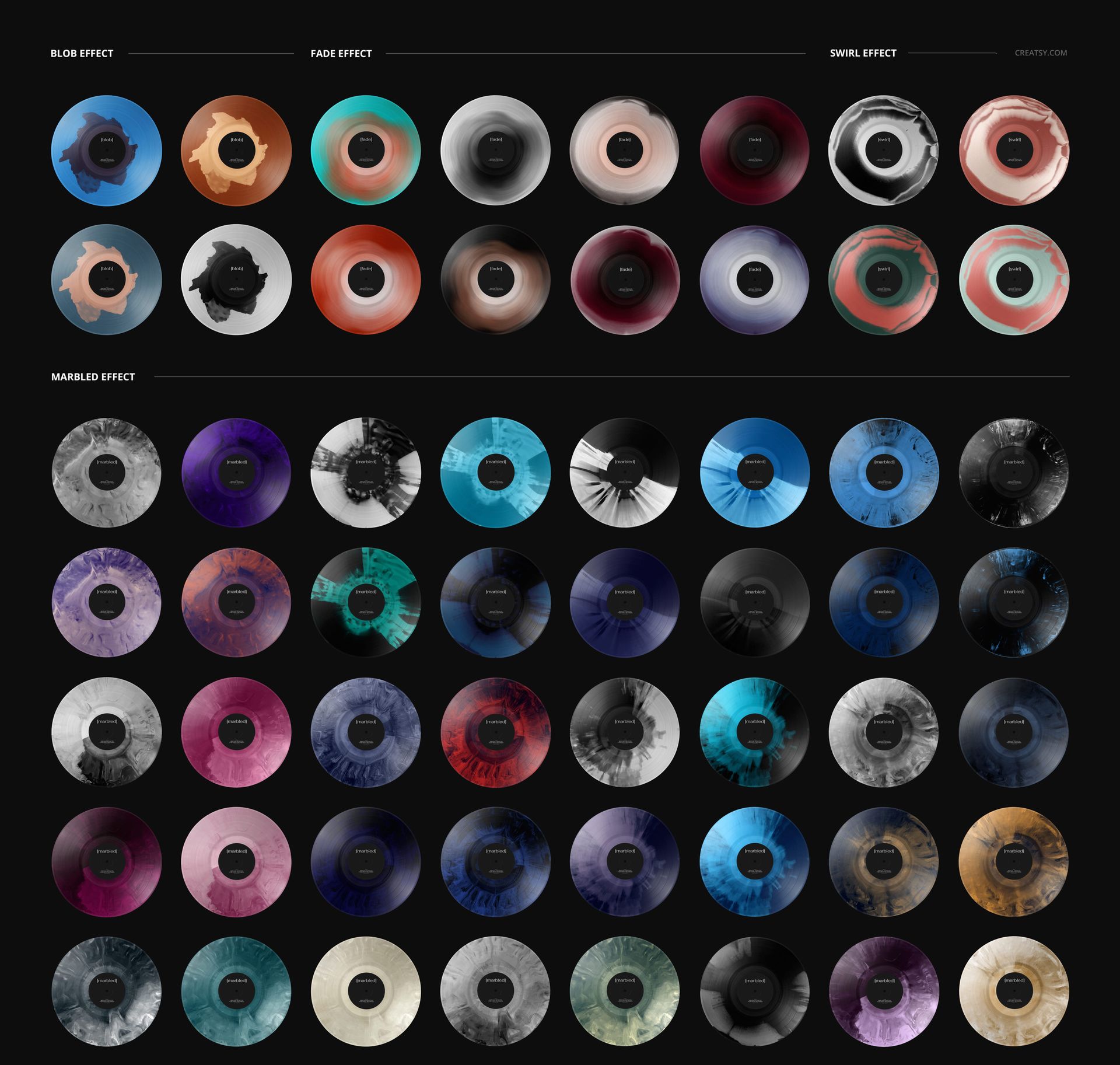
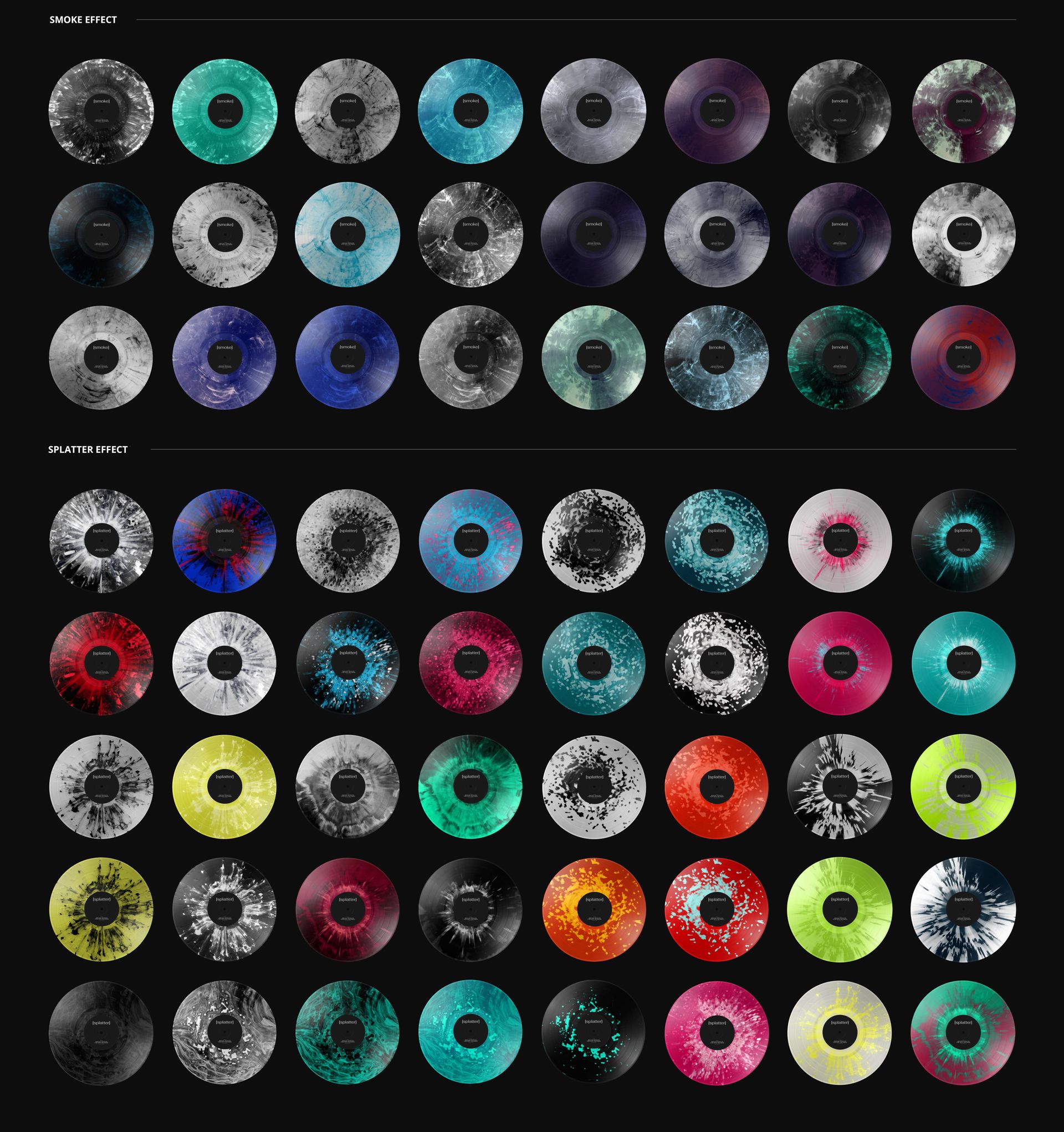
Adjustable vinyl colors, solid-color options and 27 special color effects.
A Closer Look at Color and Texture
Use the larger disc area to compare a marbled blend, a smoke effect or a sharp splatter treatment alongside the label. The warm sand provides a contrasting setting for cool palettes, while the surf adds a recognizable shoreline detail without placing the record against the sky.
Easy Smart Object Editing
Open the PSD in Adobe Photoshop or Photopea and add your label artwork to the Smart Object. Save the object to update the scene, then use the organized layers to tune the vinyl colors and included effects. Export a finished image after checking the label at your intended viewing size.
Perfect For
Suited to record labels, musicians and music branding designers preparing edition comparisons, release gallery images and portfolio presentations with a coastal theme.
Digital mockup only. No physical vinyl, manufacturing template or example artwork from the previews is included.