Glass Bottle Mockup Set v.1
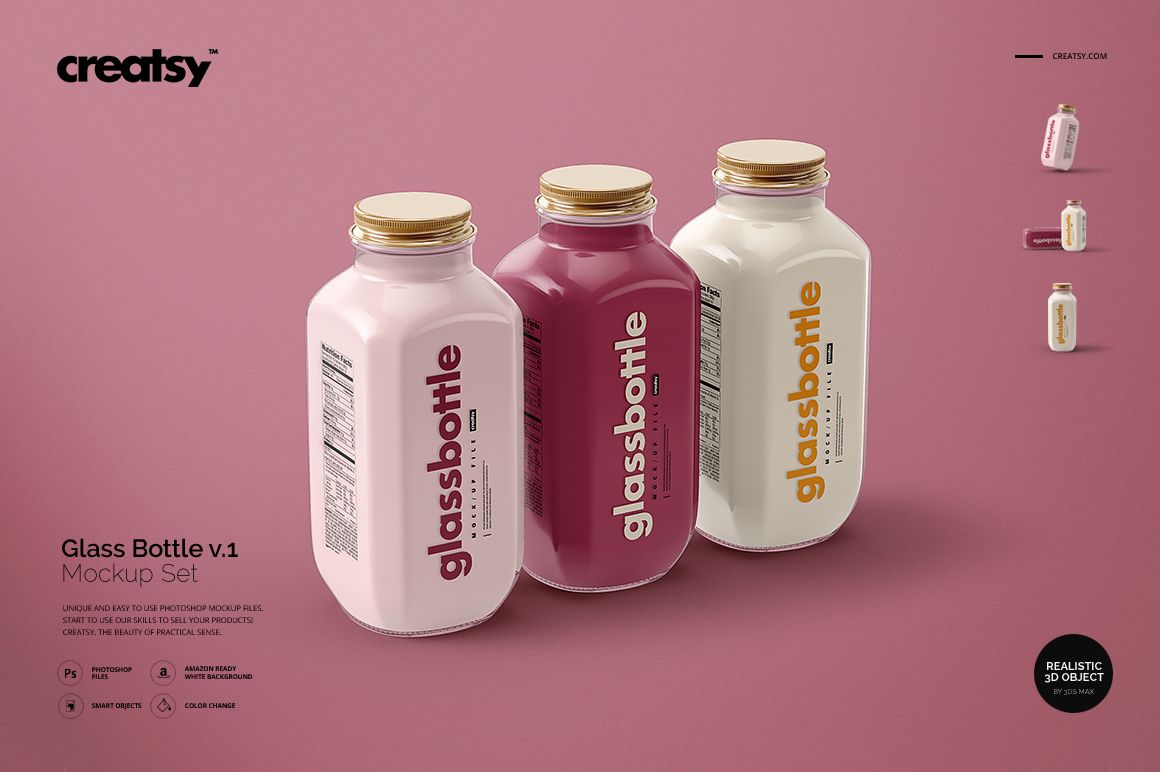
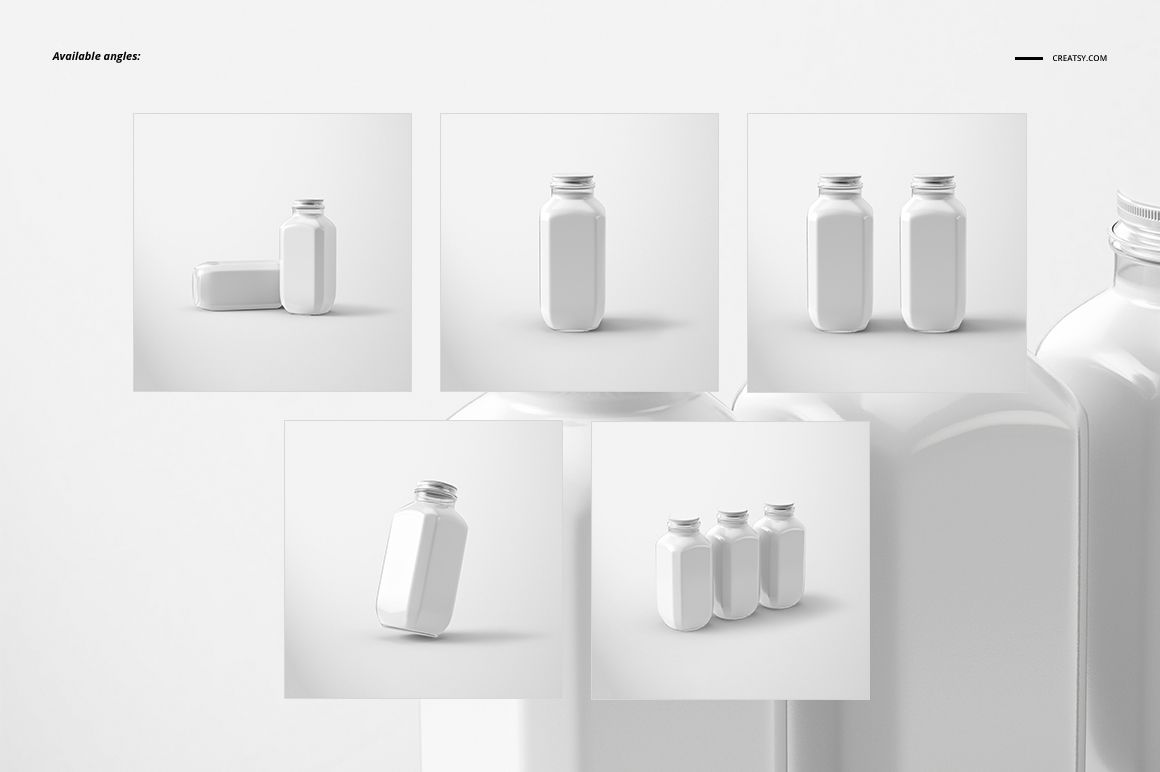
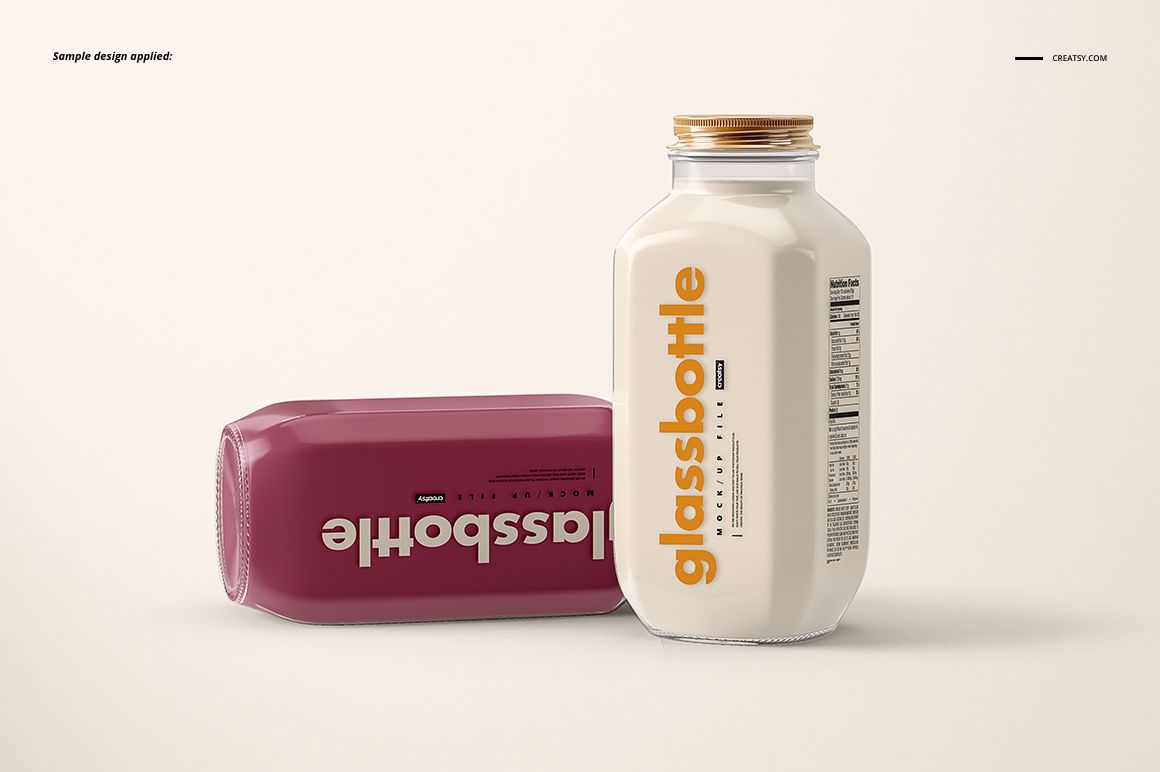
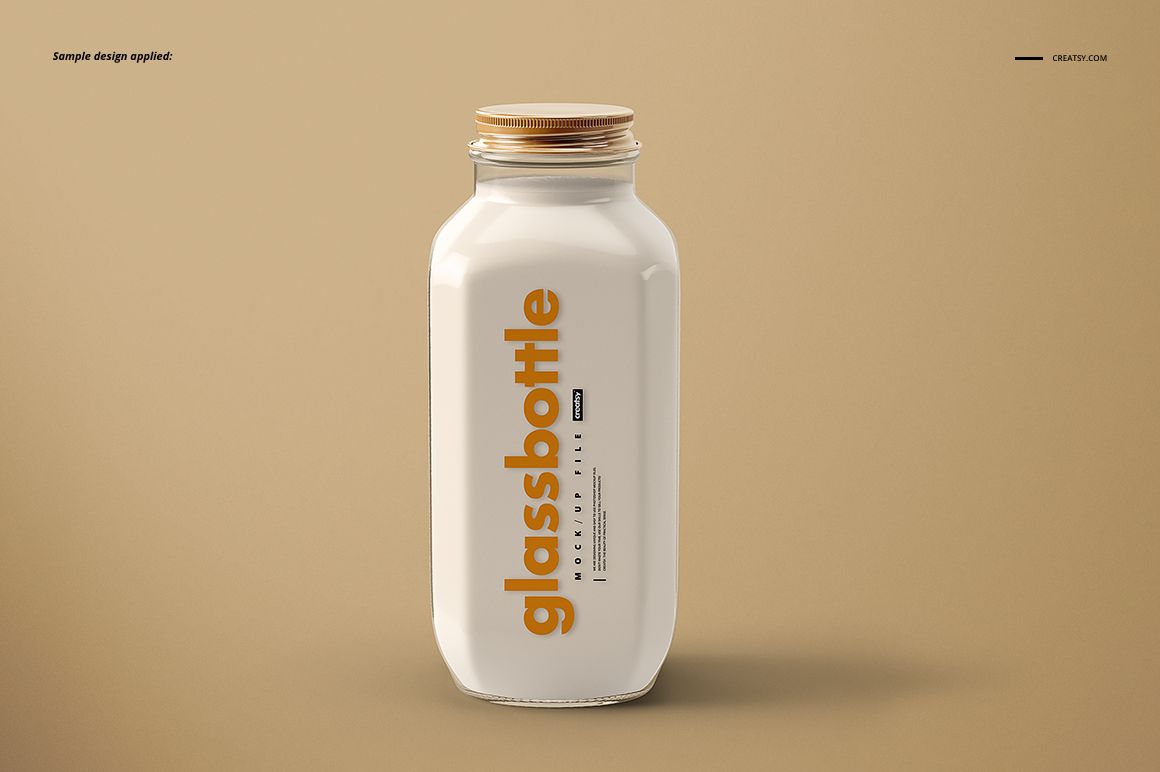
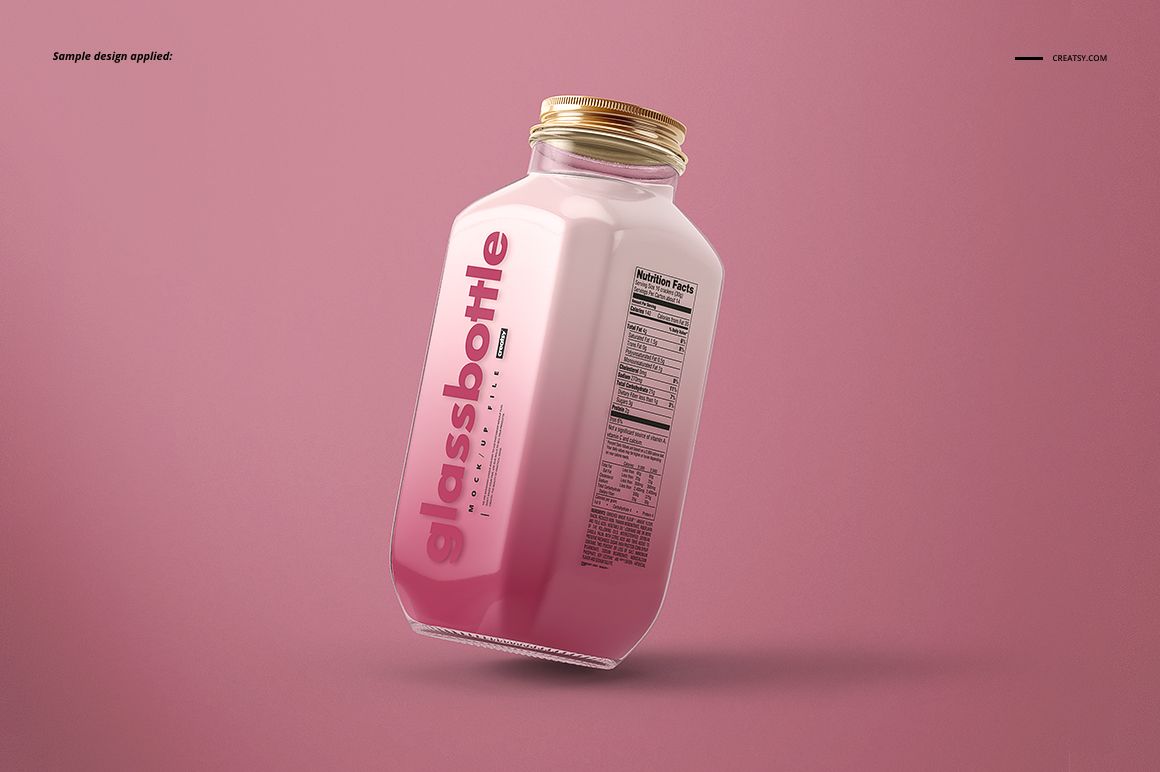
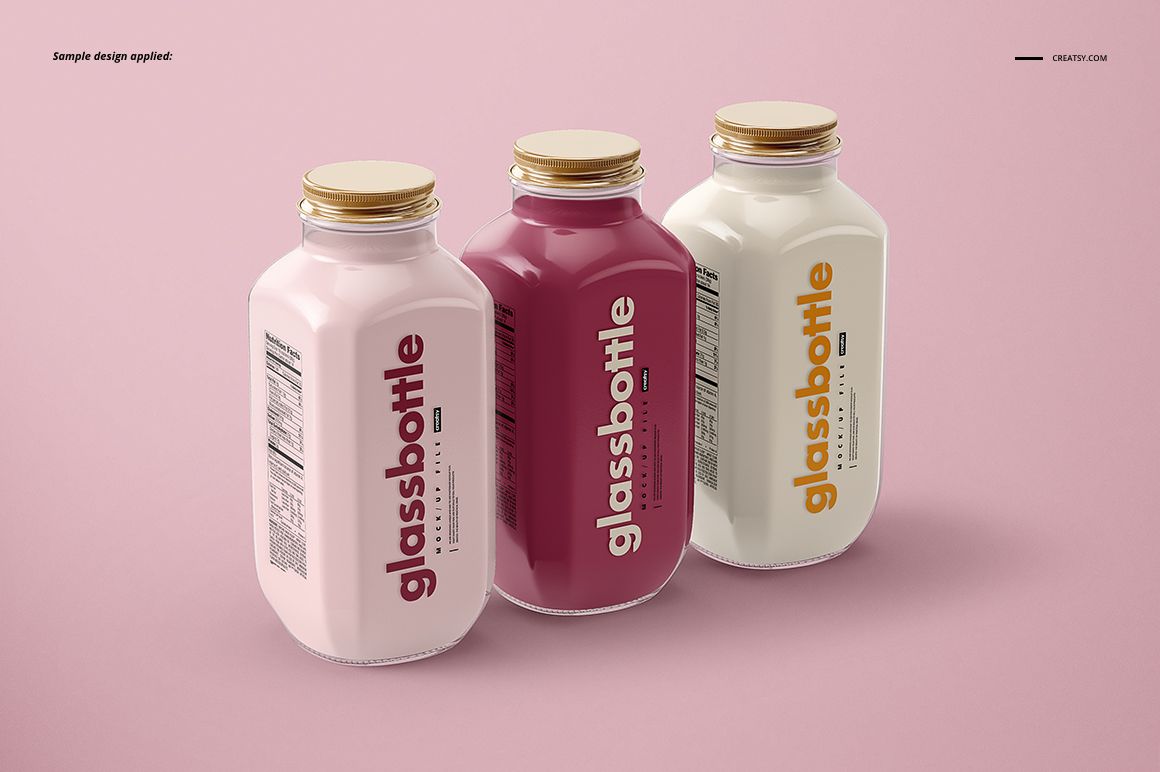
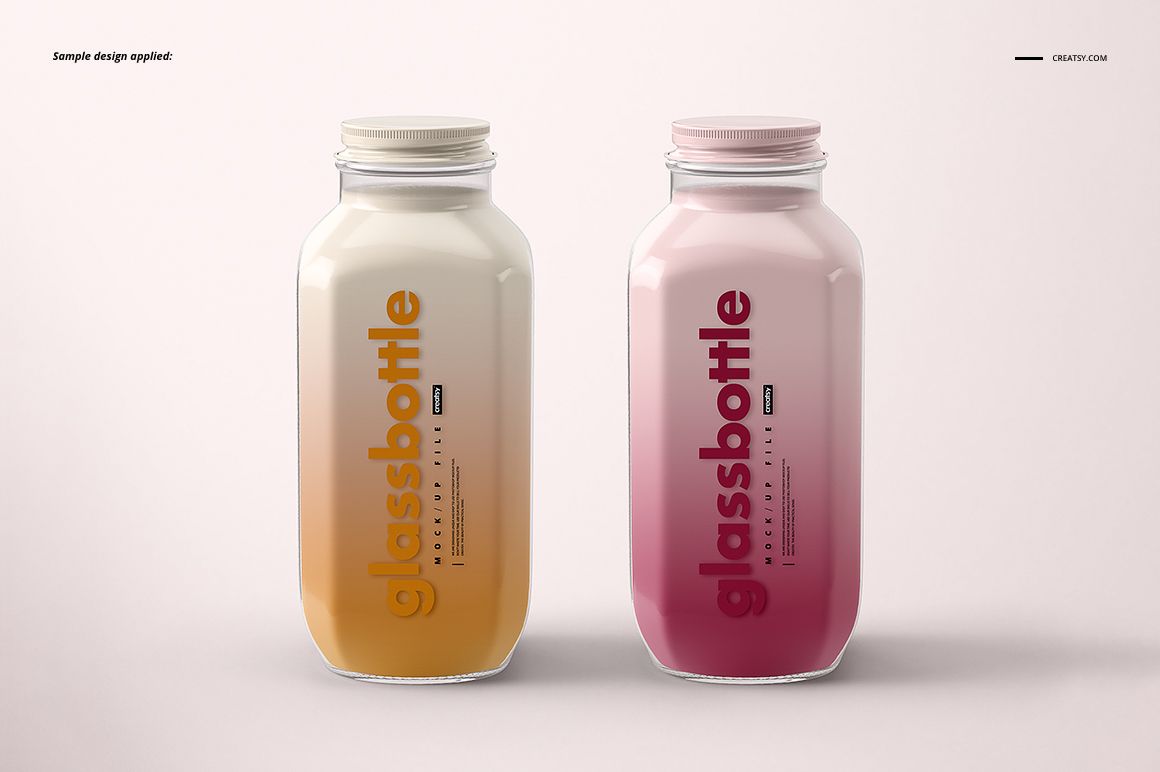
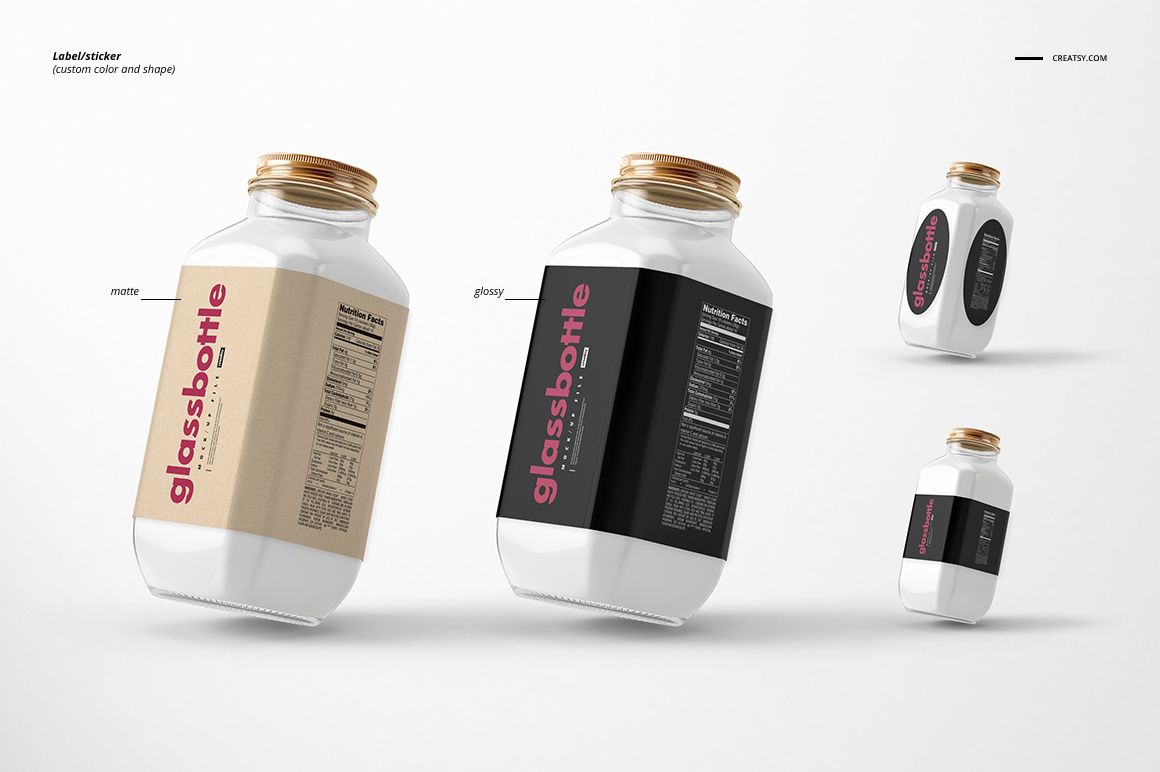
Flat front and side faces give this glass bottle a distinct packaging canvas. Across five square PSD scenes, you can present a beverage label as a single hero design, an upright pair, a three-bottle range, a tilted view or a standing-and-lying composition.
This flat-sided glass bottle mockup set is useful for judging how a prominent front mark works beside supporting information on the adjacent face.
What Is Included
5 layered PSD mockup files, each 4000 × 4000 px at 300 DPI.
5 JPG preview images and 1 JPG guide, 11 files in total.
Five prepared bottle compositions in a square format.
Flat Faces, Label Finishes and Cap Options
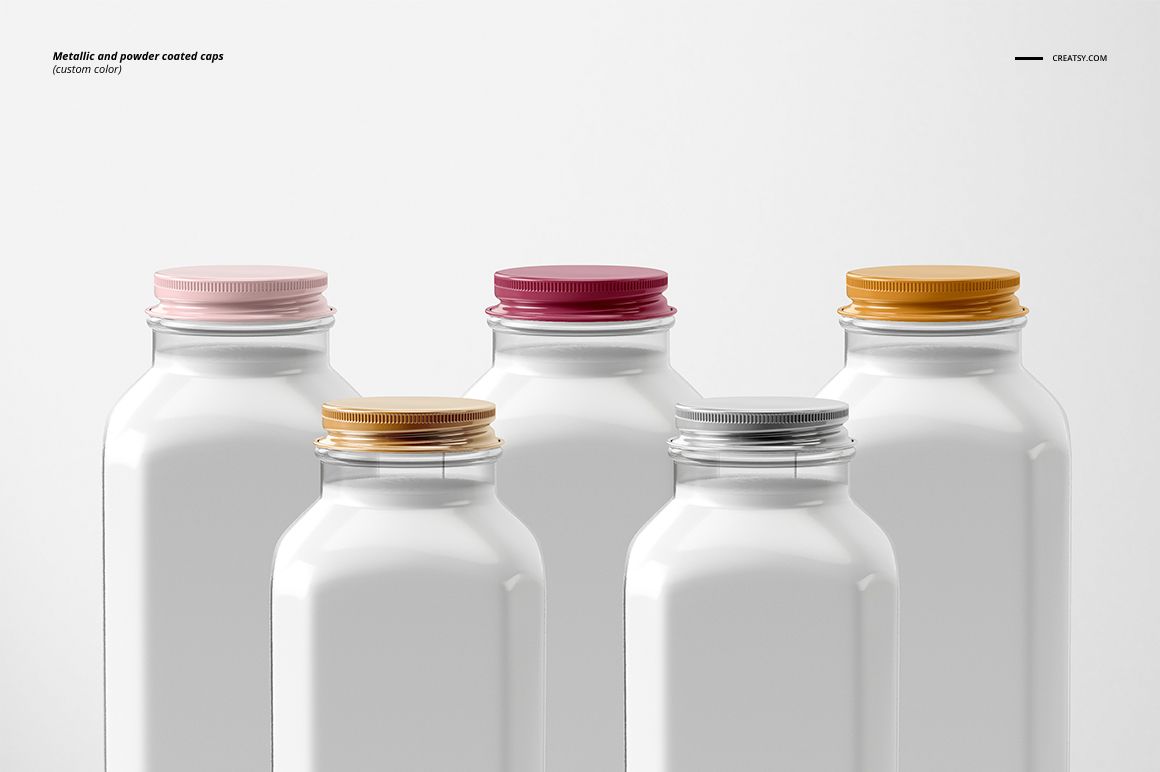
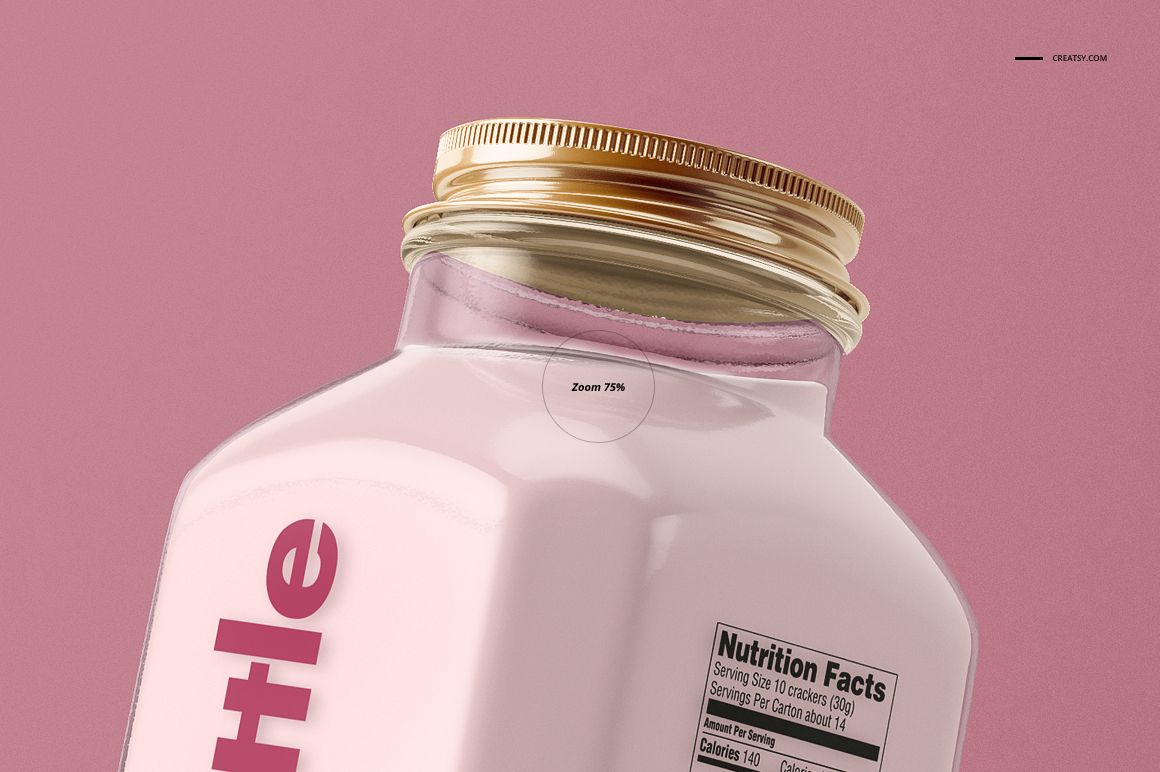
The bottle combines a squared body with softened edges, angled shoulders and a ribbed screw cap. The previews demonstrate matte and glossy labels, custom label colors and shapes, plus metallic and powder coated caps in custom colors. Use these options to compare a restrained label with a larger wraparound treatment.
Easy Smart Object Editing
Use Adobe Photoshop CS6 or newer. Open a PSD, locate the artwork Smart Object, place your label design inside it and save the object to refresh the scene. Adjust the available color and finish layers, using the included JPG guide for the file's controls.
Perfect For
Milk, smoothie and juice branding concepts.
Front-and-side label layout reviews.
Beverage range presentations and packaging design portfolios.
This is a digital mockup set, not a physical bottle product. Sample artwork shown in the previews is not included.