Glass Bottle Mockup Set v.2

ID: 1637245269 | Updated: Nov 12, 2022

Product Details

Glass Bottle Mockup Set v.2

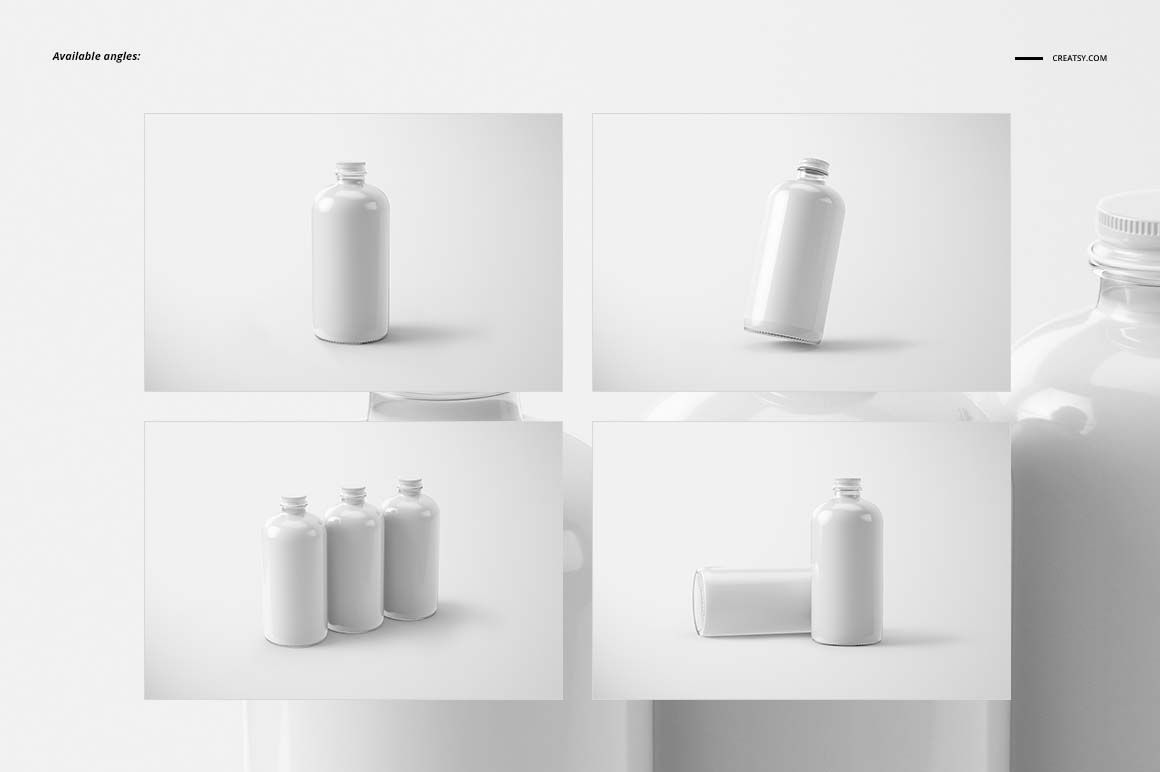
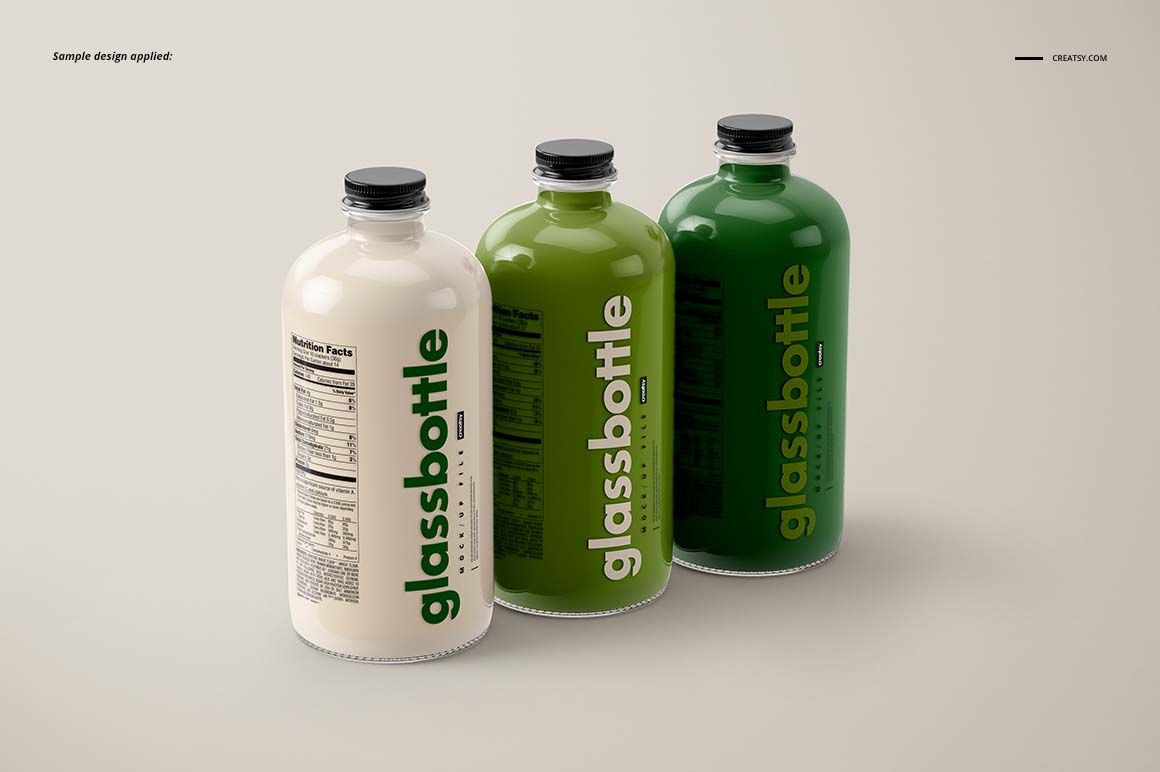
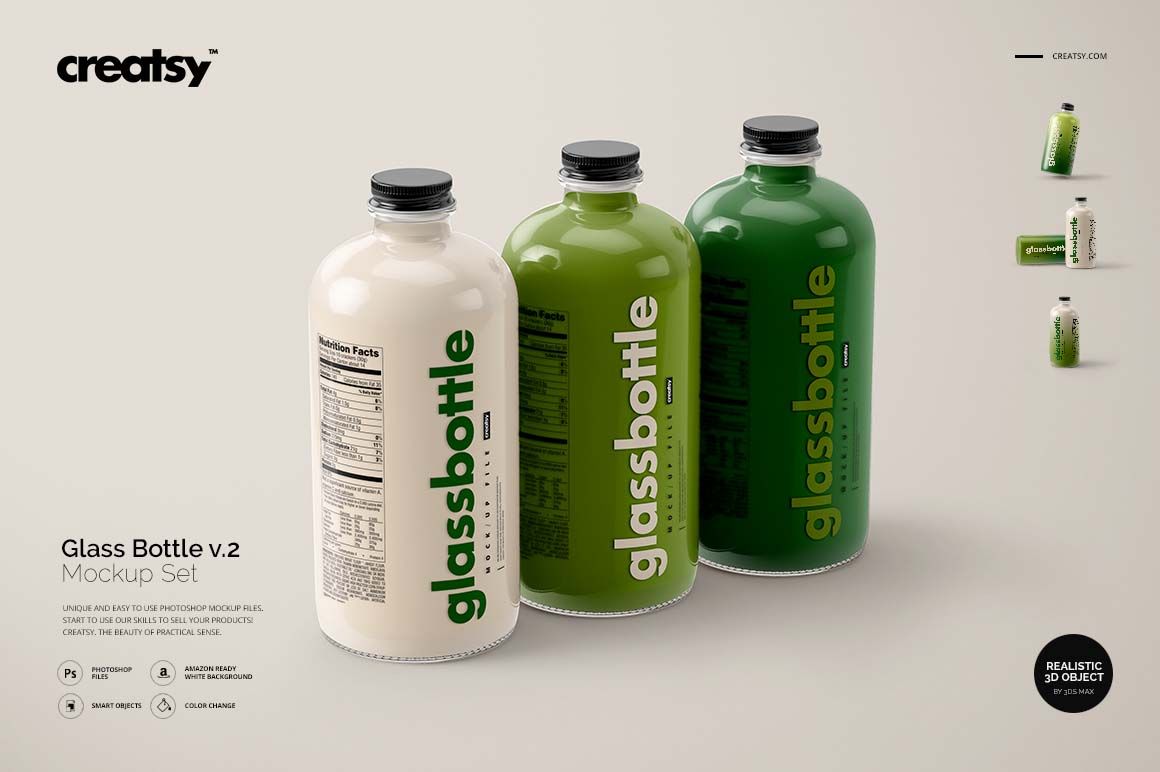
Round glass changes how a label is seen: the front stays prominent while the artwork curves toward the sides. This round glass bottle mockup set gives you four landscape PSD scenes for exploring that relationship, from a single upright bottle to a three-bottle beverage range.

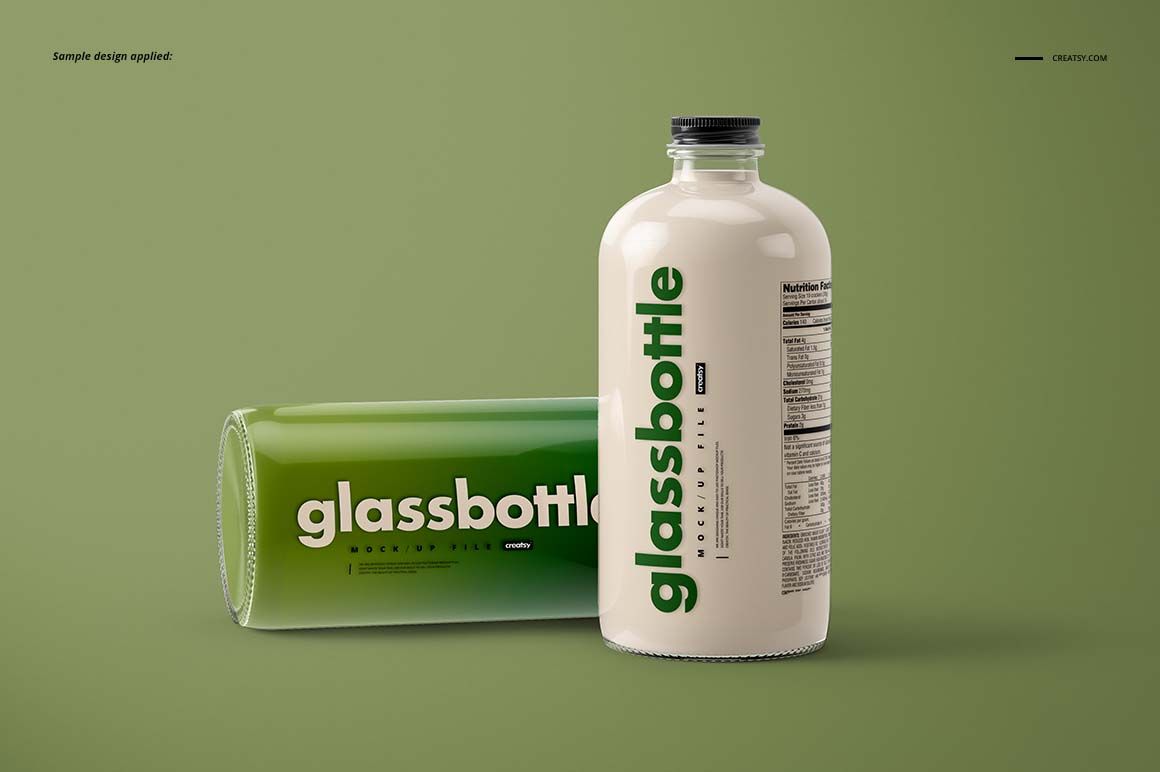
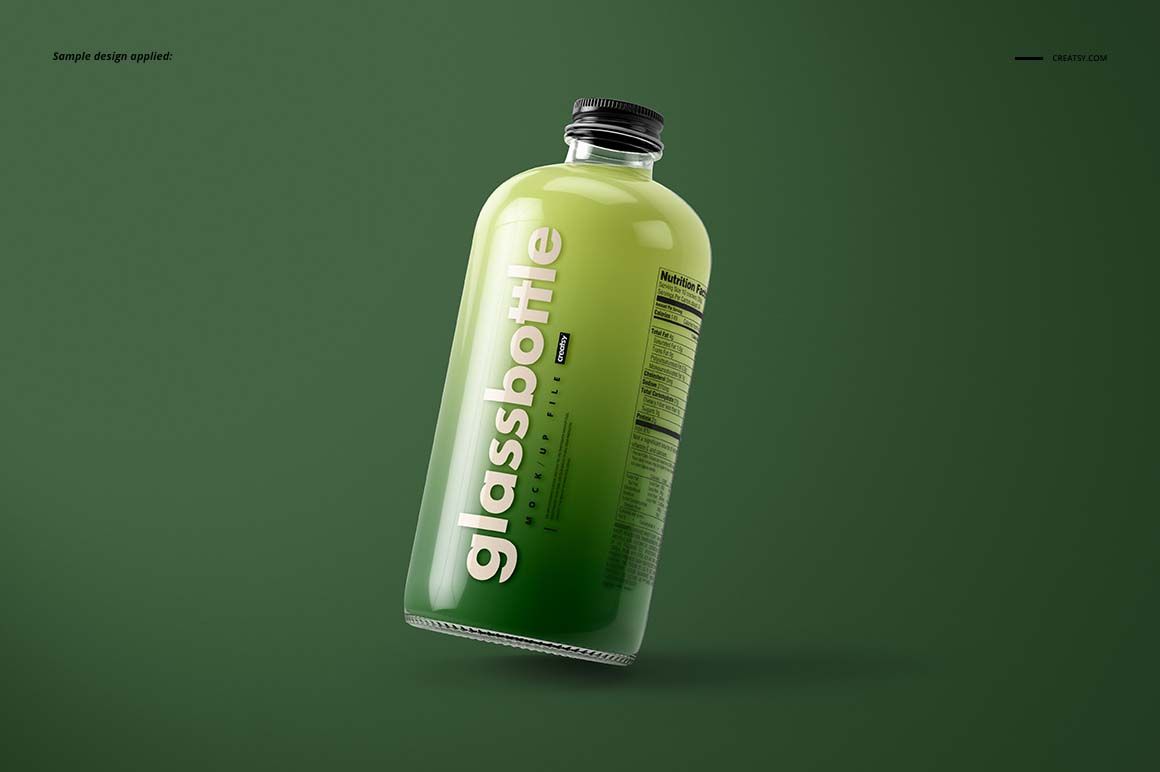
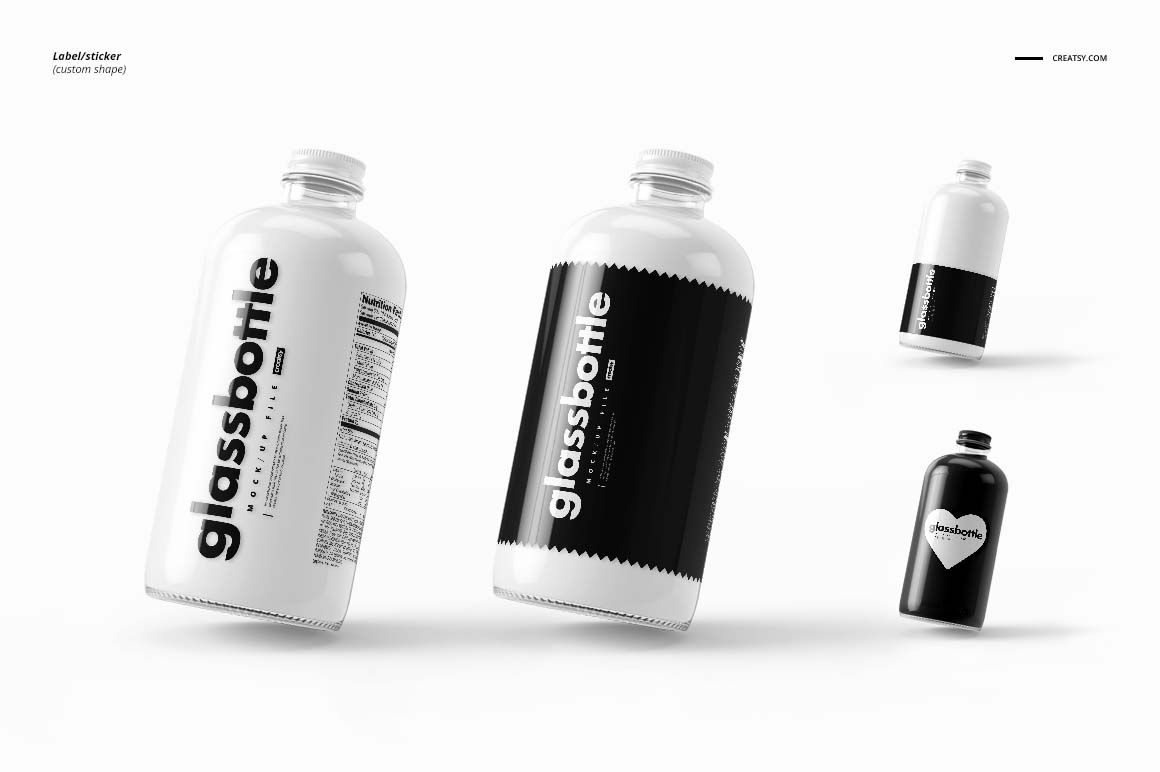
The 3:2 canvases also include a tilted bottle and an upright-and-horizontal pair, offering different ways to present one packaging identity.

What Is Included

  • 4 layered PSD mockup files, each 5250 × 3500 px at 300 DPI.

  • 4 JPG previews and 1 TIF guide, 9 files in total.

  • Four prepared landscape compositions featuring a cylindrical glass bottle.

Curved Glass and Custom Label Shapes

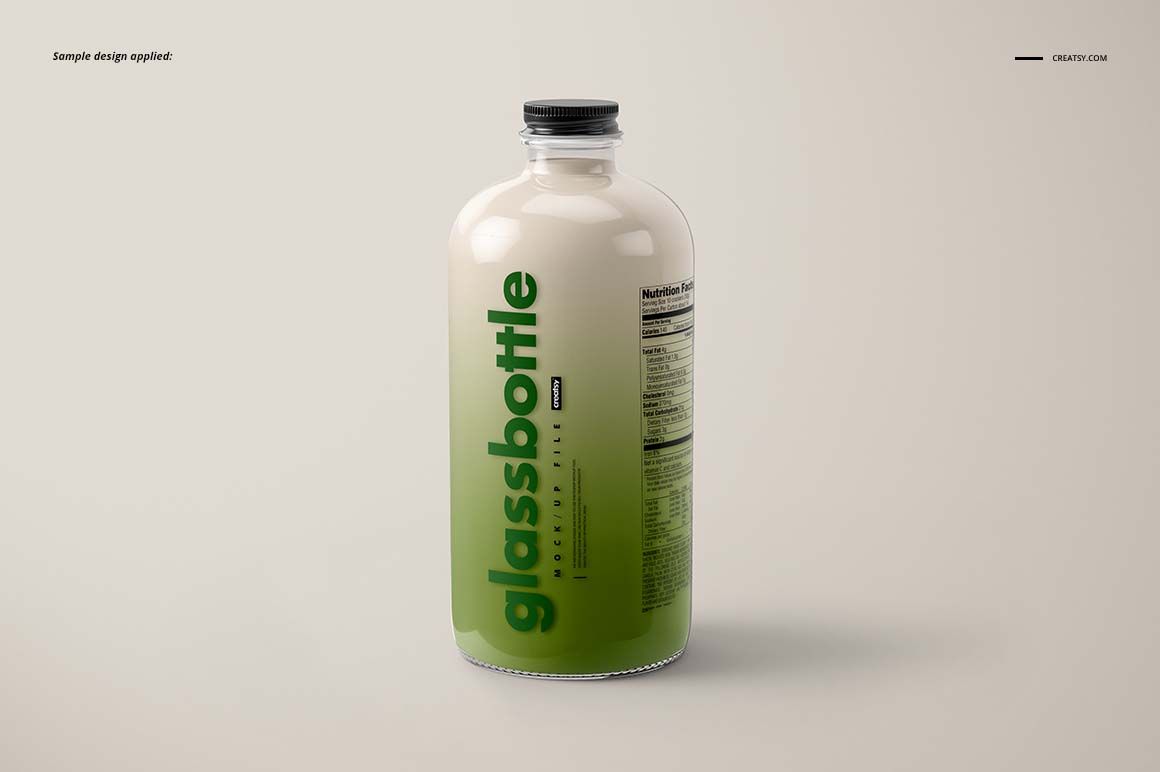
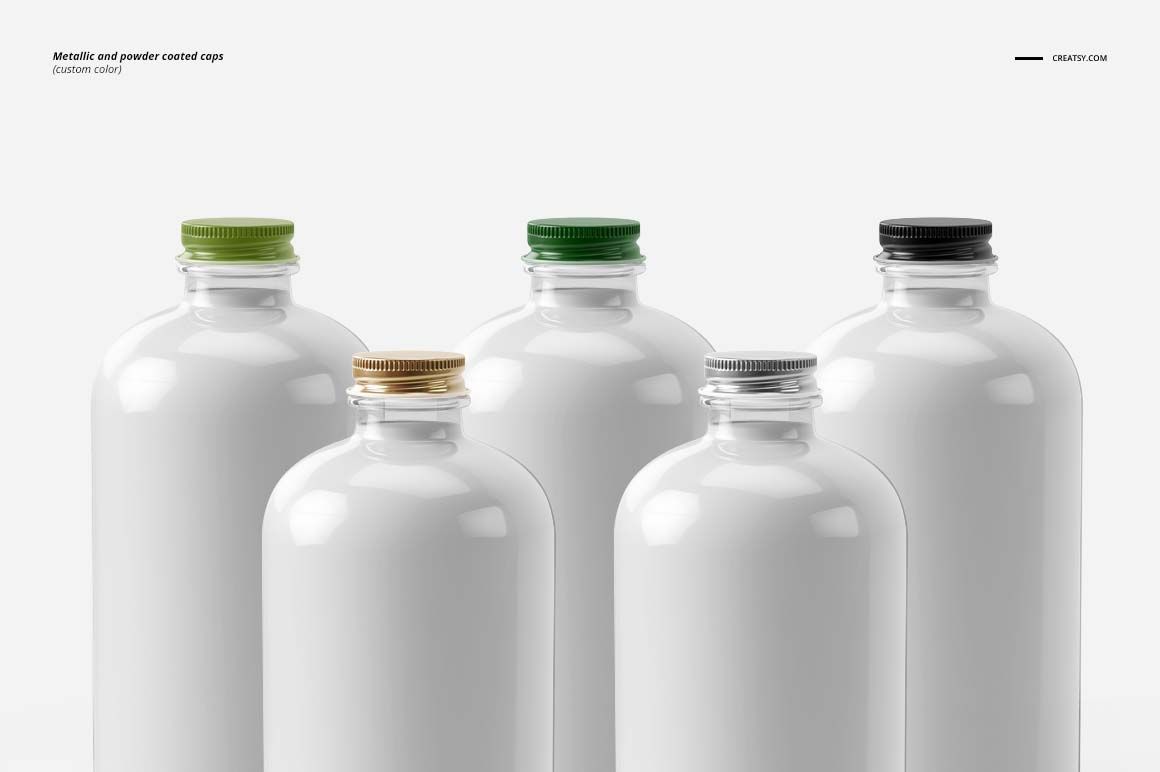
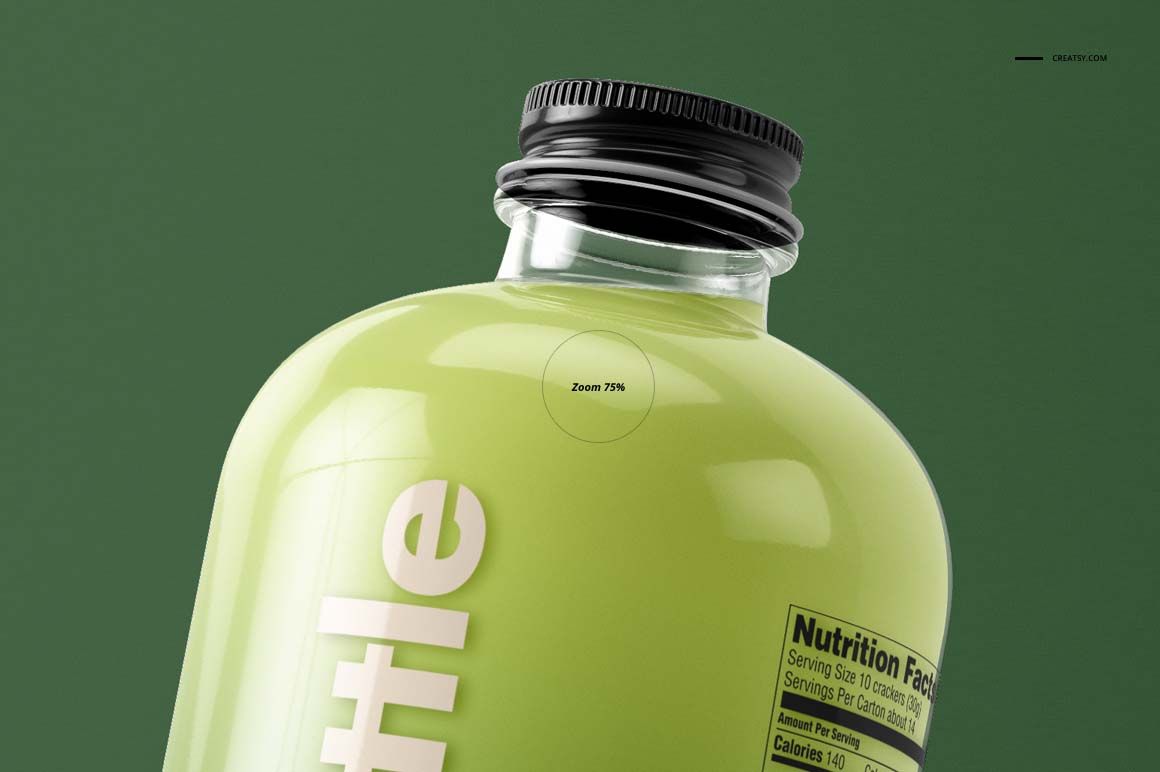
Rounded shoulders, a cylindrical body and a ribbed screw cap define the bottle silhouette. Customize the label artwork, colors and shape, and compare metallic or powder coated caps in custom colors. The previews demonstrate several label silhouettes, including a smaller shaped sticker and a larger wraparound design.

Easy Smart Object Editing

Open a PSD in Adobe Photoshop CS6 or newer. Find the label artwork Smart Object, open it, add your design and save the object to update the bottle view. Use the organized layers for the available color and cap adjustments, with the included TIF guide as a reference.

Perfect For

  • Juice, smoothie and other bottled beverage concepts.

  • Custom label shape and cap color presentations.

  • Landscape portfolio images and coordinated drink-range proposals.

This digital product contains mockup files, not physical bottles or beverages. The example artwork in the previews is not included.

File details

Compatibility
Adobe Photoshop
Package size
1.05 GB1.05 GB|1.13 GB1.13 GB
Files type
.psd, .jpg, .tif
Files size
5250x3500
TEST FOR FREE

MEET THE SHOP

Creatsy logo

Creatsy

Poland
4.7 (679)

Bring your ideas to life.

We're a family-run studio in Katowice, Poland, making PSD mockups by hand since 2016. Everything in this shop starts in our own studio. We shoot the photography, build the 3D, and put together every Smart Object PSD ourselves - then we test it, organize the layers, and only ship it once it actually works...
GO TO SHOP

HOW IT WORKS

3 clicks. That's it.

No tutorial needed. If you can copy-paste, you can use this.

  1. 1OpenDouble-click the smart object inside the PSD - in Adobe Photoshop, or free in your browser with Photopea.
  2. 2PasteDrop in your pattern, print, or artwork. Any design, any style.
  3. 3SaveHit save and the mockup wraps it in for you - shadows, folds, and lighting included.

FROM IDEA TO IMAGE

Built for real workflows

Get the label signed off before the print run Wrap your design onto the box, pouch, or bottle and show the client exactly what ships.

See it on the product, not a swatch Drop your file into the smart object and the scene's lighting and folds wrap around it, so you judge the real thing before you commit.

Smart Objects

Edit once and you're done. Your artwork drops into a smart object and the mockup updates itself - no masking, no warping by hand.

Perfectly Organized

Named layers and folders you can actually navigate. Find what you need, change what you want, and get out fast.

Print-Ready

High-resolution files built to hold up on screen and in print. Exact size and DPI are in this product's Details above.