Vinyl Record Placed on the Rocks in Front of the Ocean Mockup
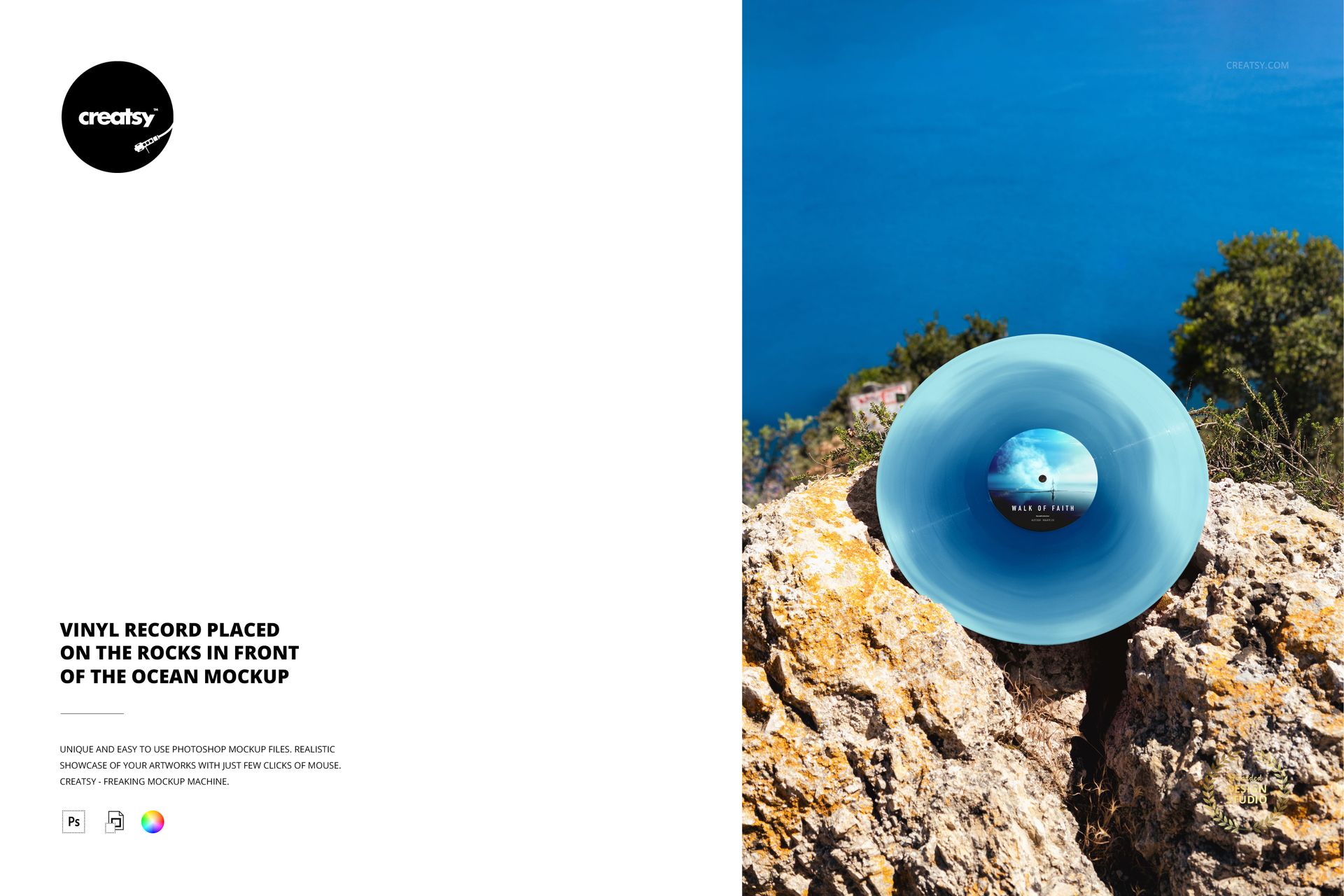
A vinyl record rests between rugged coastal rocks, with deep blue water filling the background. The close, nearly face-on view keeps the center label and disc treatment prominent, while patches of greenery and sunlit stone add texture around the smooth circular form. This portrait composition is a focused way to present a colored edition in an outdoor setting.
Let the Record Color Lead
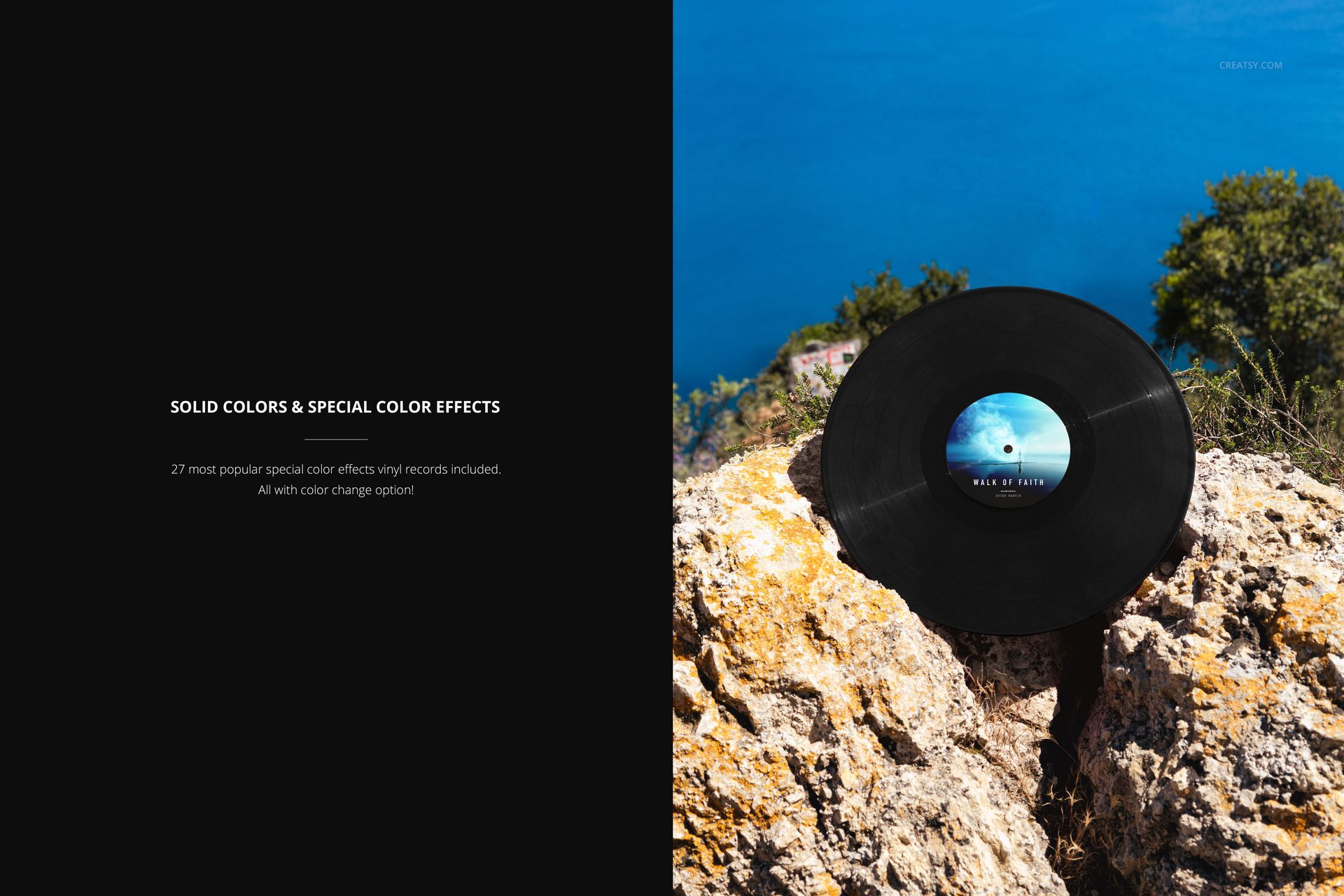
Contrast a pale disc with the blue sea, or try a darker treatment against the bright rock. Because the record occupies much of the foreground, the scene helps clients compare the character of solid colors and special effects without losing sight of the label artwork.
What Is Included
1 layered PSD with one portrait record scene at 4000 × 6000 px and 300 DPI.
1 JPG preview, 2 files total.
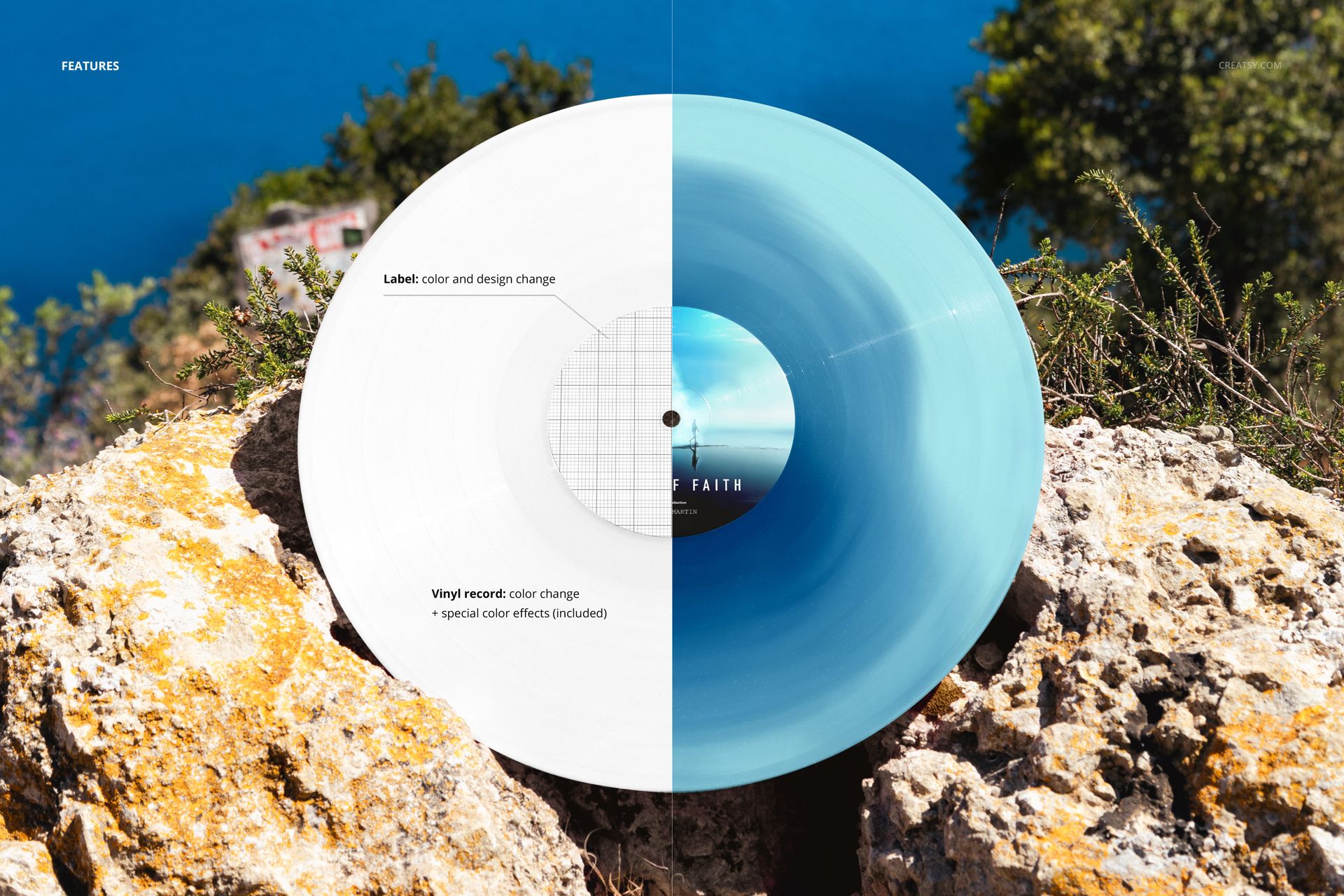
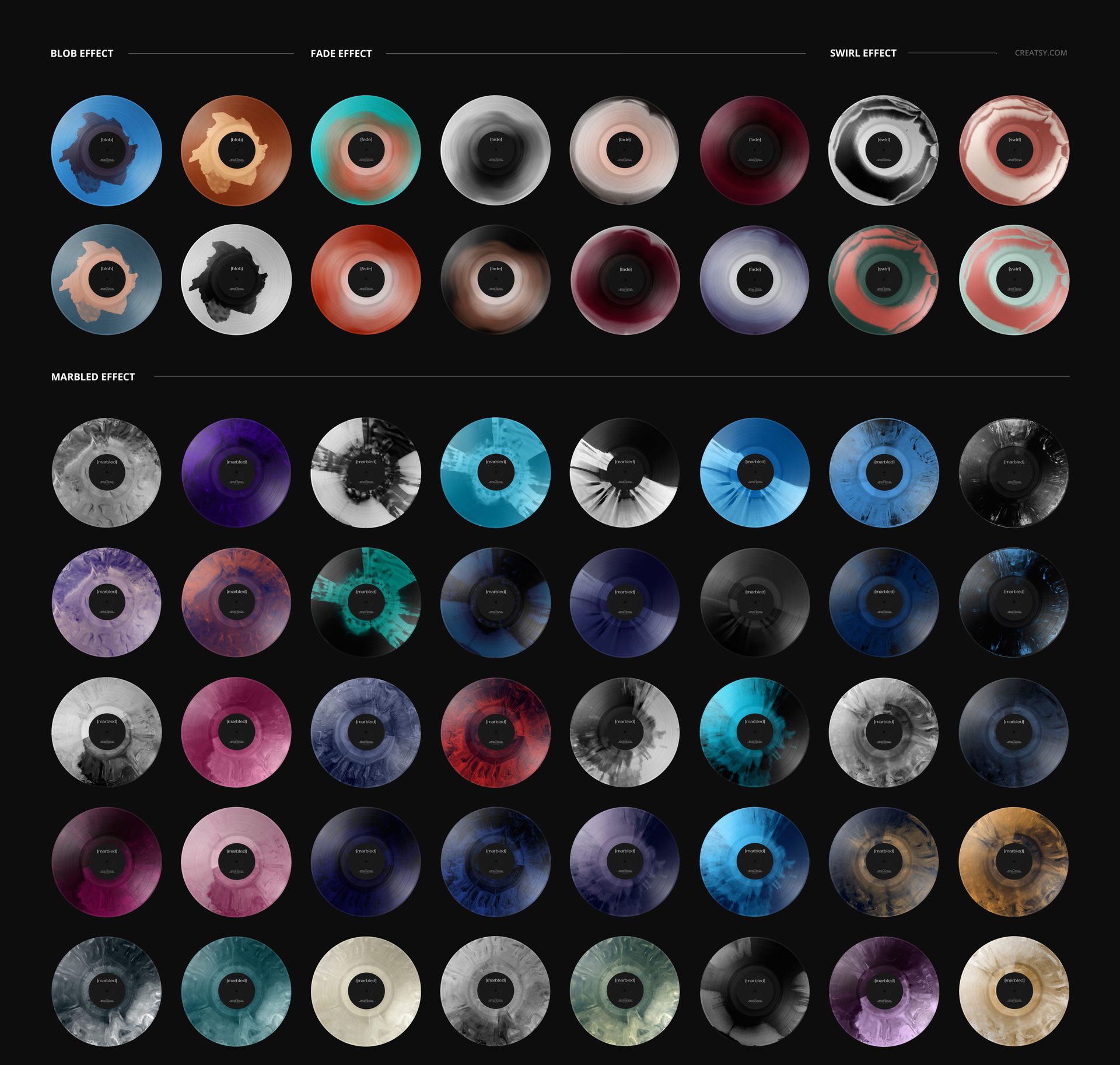
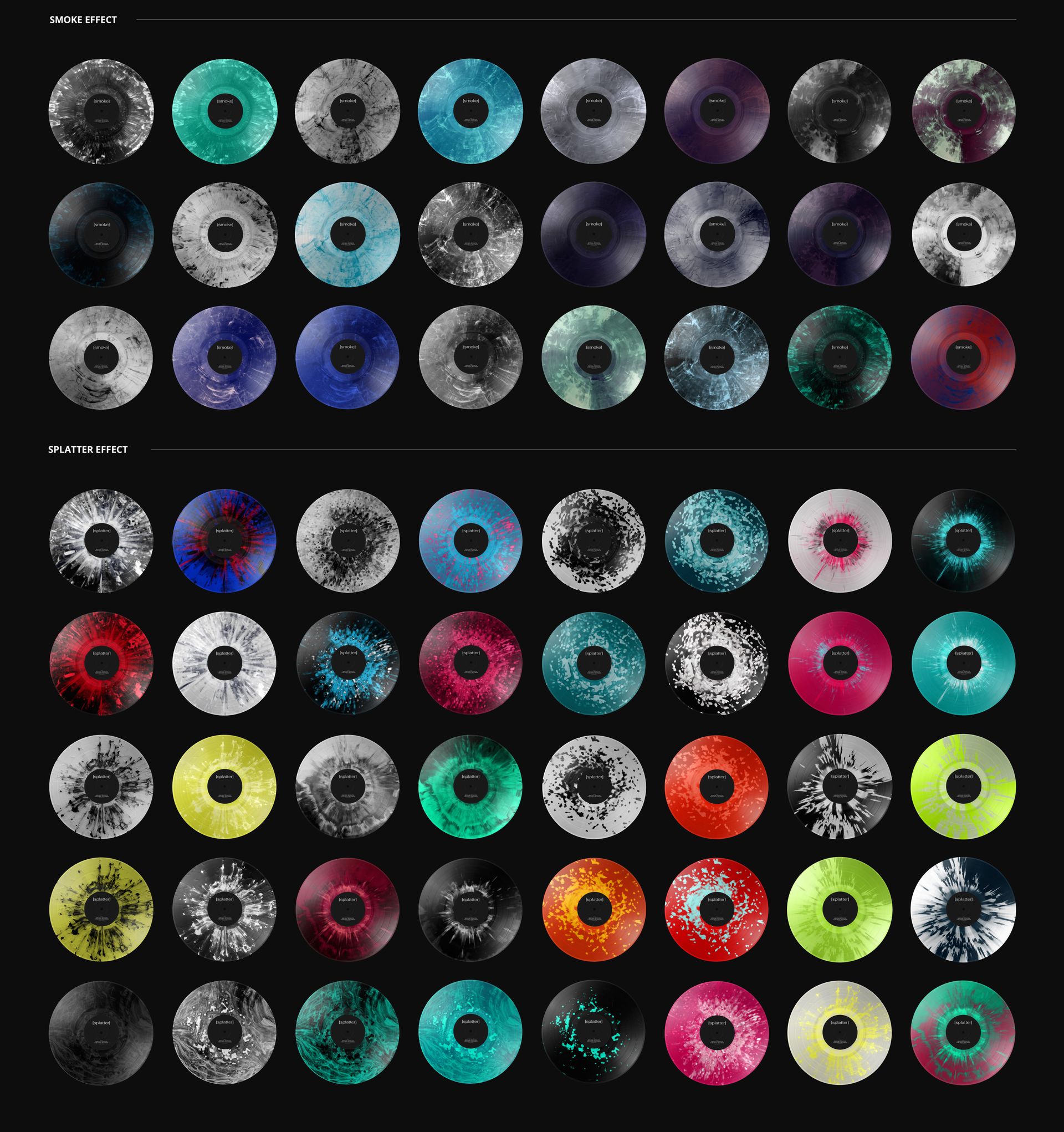
Editable center-label color and design, adjustable record color and 27 special effects.
Organized layers, compatible with Adobe Photoshop and Photopea.
Easy Smart Object Editing
Add your artwork to the label Smart Object and save it to update the scene. Set the disc color and explore blob, fade, swirl, marbled, smoke or splatter treatments through the included layers. Export the chosen version for a release presentation or portfolio.
Perfect For
Use this composition for record-label proposals, colored vinyl announcements and music artwork projects that pair a close product view with a coastal backdrop.
This is a digital mockup. A physical record and the sample artwork used in the previews are not included.