ID: 1345812821 | Updated: Sep 8, 2025

Product Details

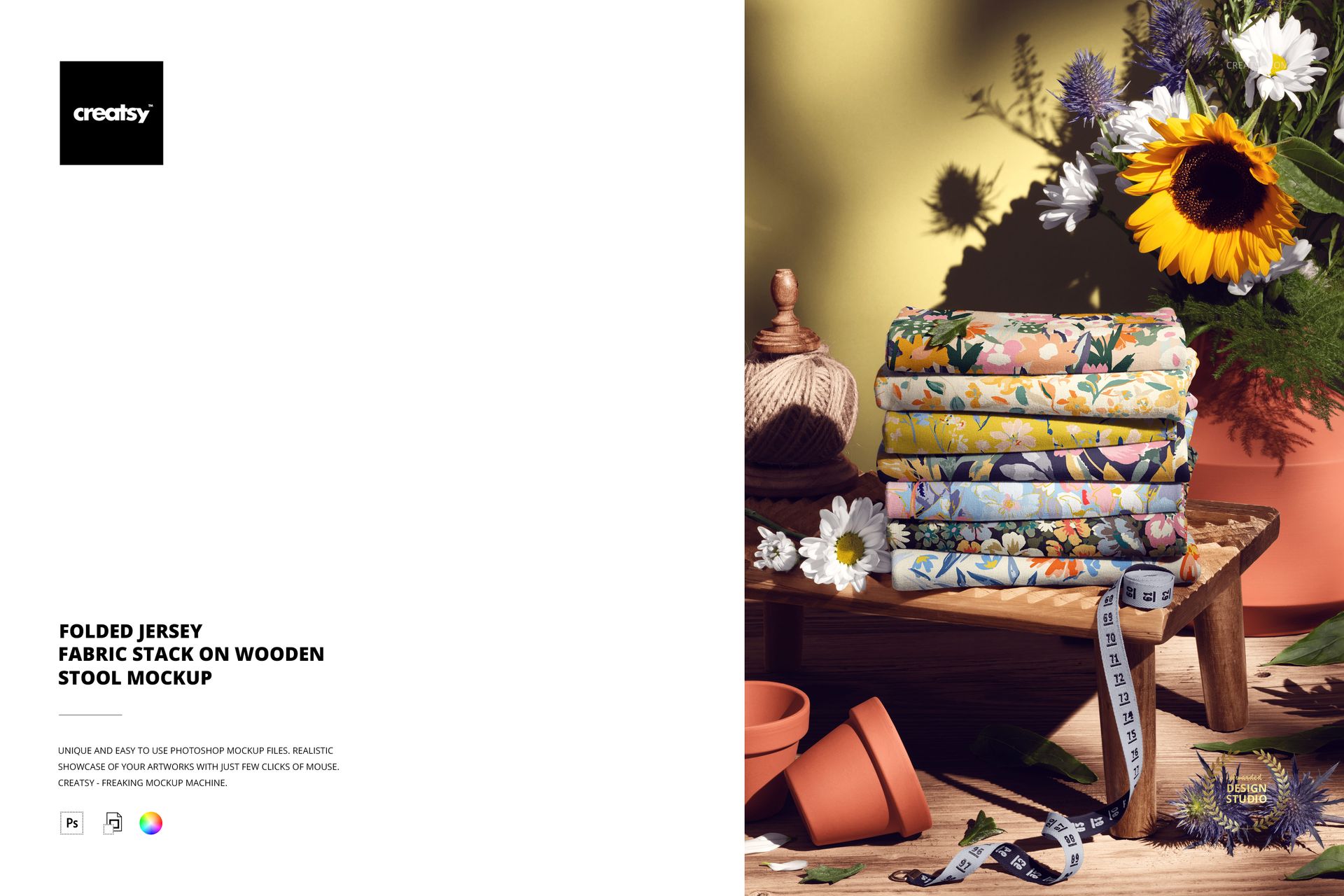
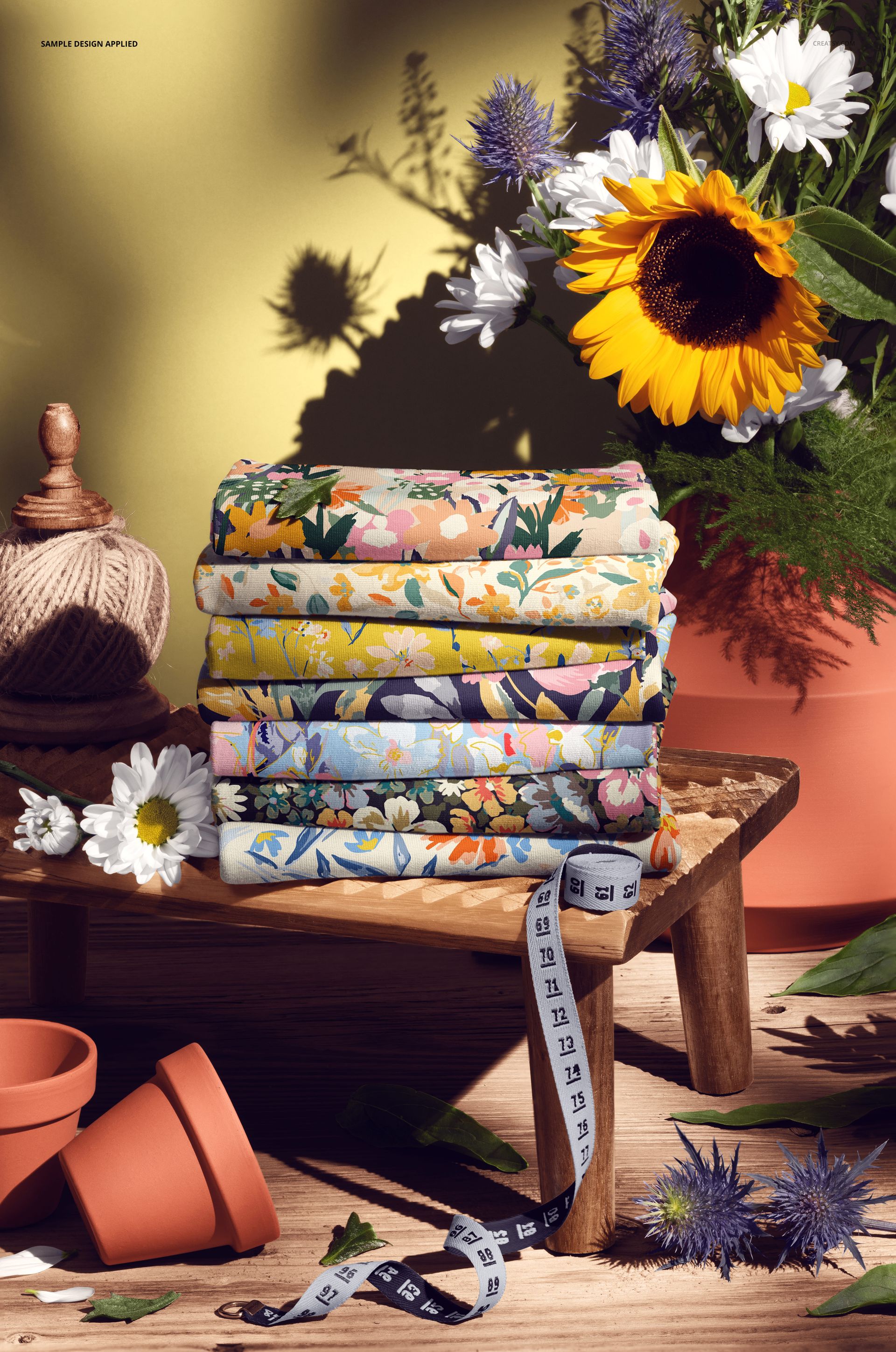
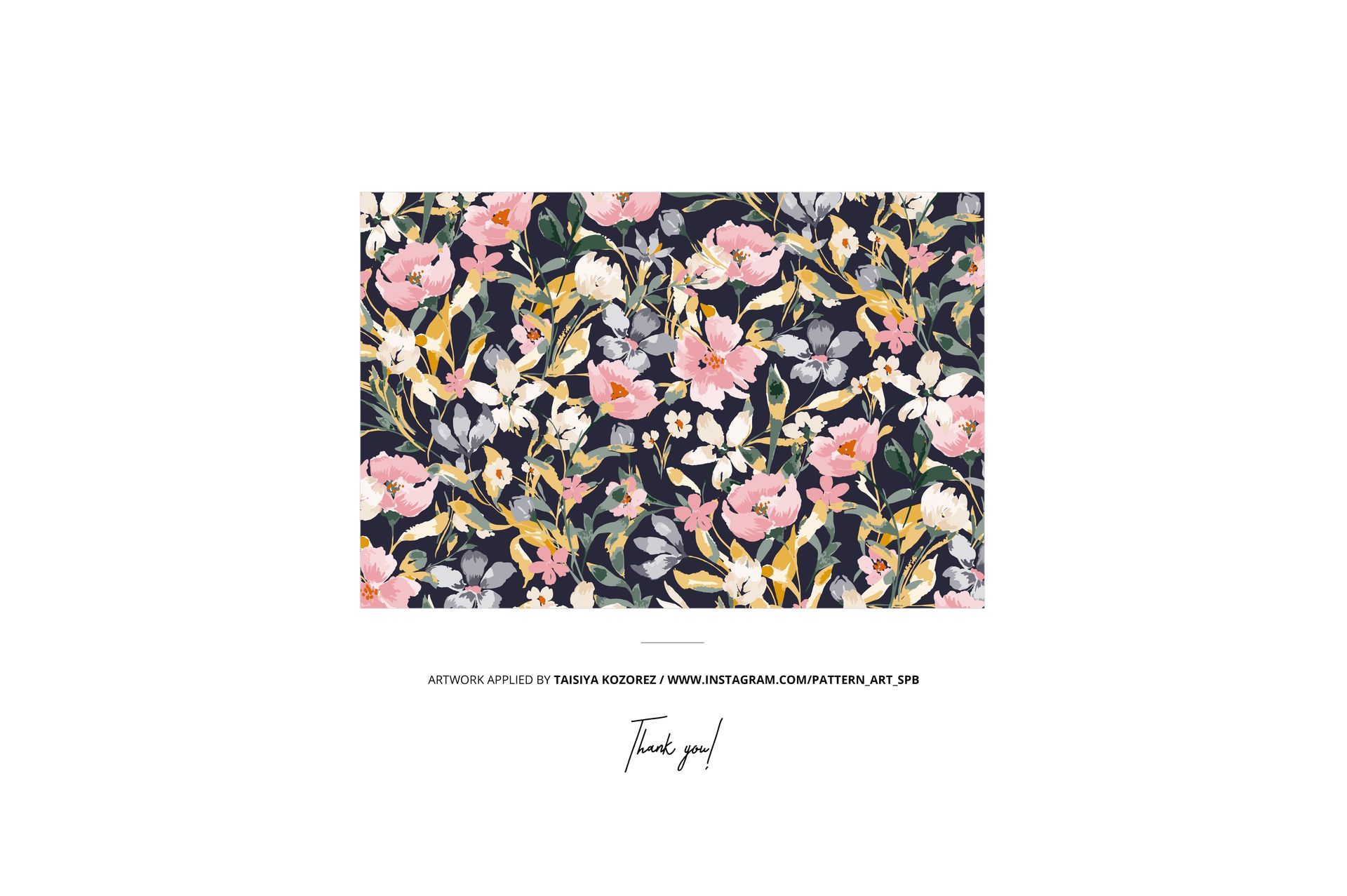
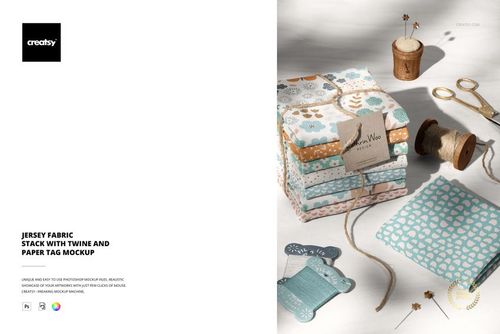
A stack of folded jersey fabric sitting on a wooden stool, photographed at close range under studio lighting. The folds catch light and shadow in a way that reveals the weight and drape of the material, and the wooden stool beneath adds a warm, artisan quality to the composition. This is the kind of image that stops a pattern buyer mid-scroll because it looks like something from a textile studio rather than a digital mockup. The smart object layer wraps your design across every visible fold, maintaining pattern continuity across the stacked layers so the repeat reads naturally even where the fabric bends and overlaps. The example pattern shown in screenshots is by Taisiya Kozorez (@pattern_art_spb) and is not included in the download.

The Stool Changes Everything

Most fabric mockups lay material flat or drape it over a neutral surface. Placing a folded stack on a wooden stool shifts the entire context: suddenly the fabric looks like a product in a maker's studio, a curated shop display, or a lifestyle photoshoot. That context matters because it transforms your pattern from a design asset into a desirable object. The warm wood grain contrasts with the soft jersey, the stacked folds suggest abundance and quality, and the overall composition tells a story that a flat swatch never could. For social media especially, this styled-product aesthetic dramatically outperforms clinical fabric presentations.

How the Smart Objects Handle Folds

The smart object maps your pattern across the entire stack, including the curved surfaces where fabric folds over itself. The design maintains accurate scale and alignment from one fold to the next, so a continuous repeat looks unbroken even at the fold lines. This is especially important for patterns with geometric elements or defined motifs, where misalignment at a fold would break the illusion. The jersey knit texture remains visible throughout, affecting how colors render and giving the surface that characteristic soft, slightly matte finish that distinguishes jersey from woven materials.

Customization Options

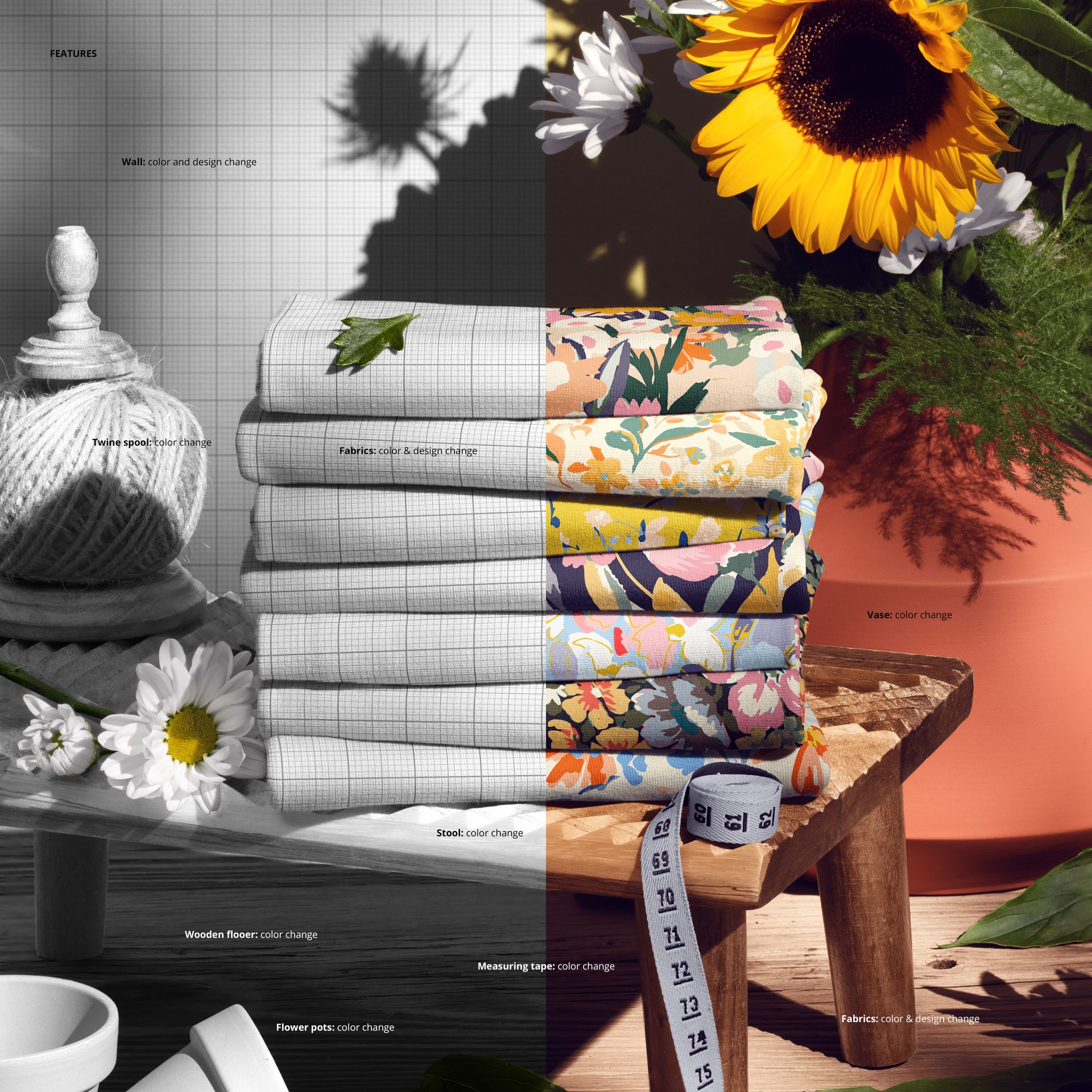
Double-click the smart object to open the design canvas and place your pattern, illustration, or print artwork. Save, and the stack updates with your design wrapped across every fold. The adjustment layers give you control over brightness, contrast, and color temperature, letting you simulate how the same print looks under warm tungsten versus cool daylight. Swap designs rapidly to compare colorways, test scale variations, or build a seasonal collection presentation where each image uses the same atmospheric stool setting but carries a different pattern.

What You Get

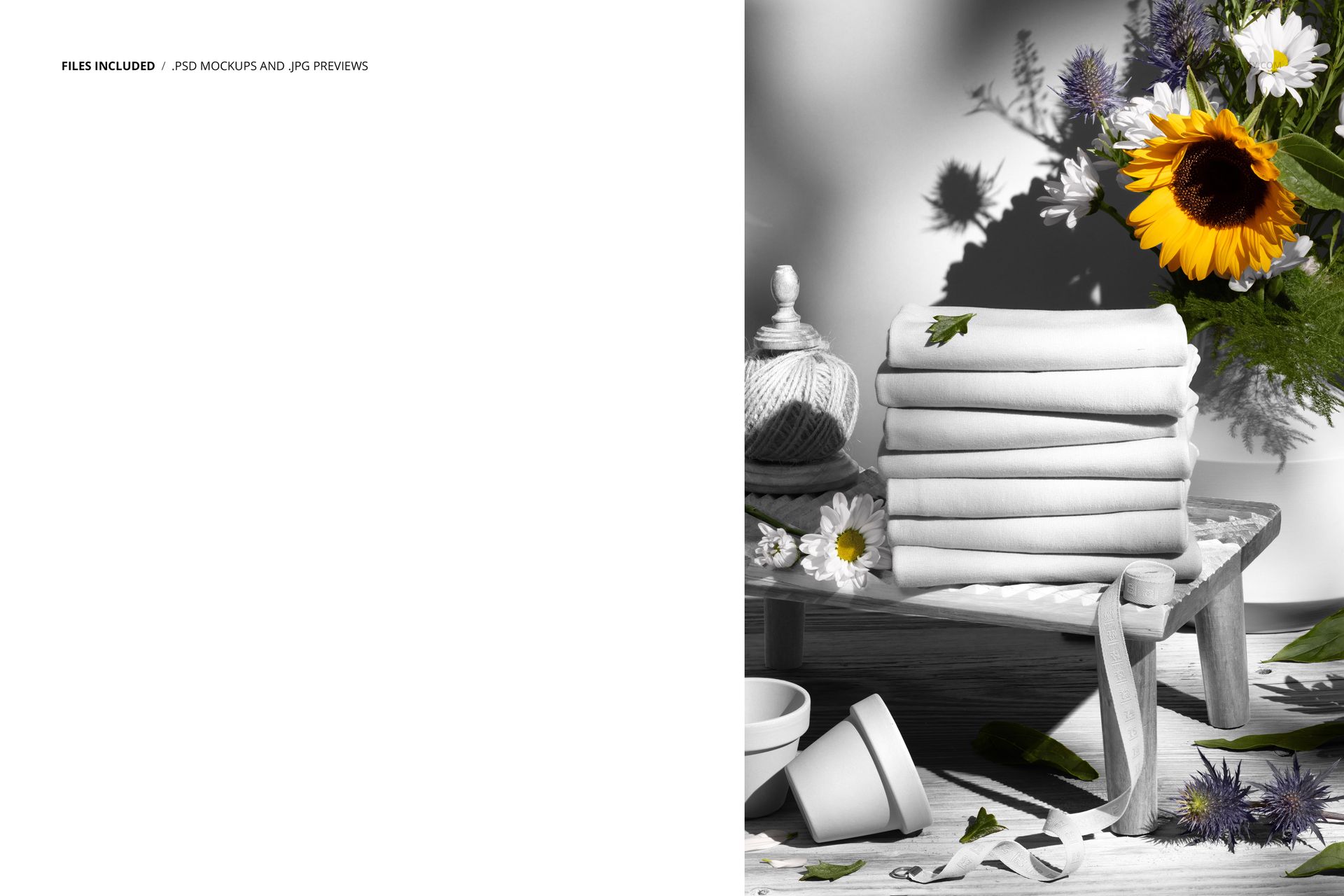
One layered PSD file at 6000x4000 pixels, 300 DPI, RGB color mode. The download is 324.89 MB. Inside the file: smart object layers for the fabric design, adjustment layers for lighting and color control, and organized layer groups. Compatible with Adobe Photoshop CC 2020 or newer and Photopea (free browser-based editor). The wooden stool, background, and fold arrangement are fixed elements from the original photograph.

Built For

Textile designers who sell patterns on Creative Market, Spoonflower, or directly to manufacturers and want product images that look editorial rather than technical. Print-on-demand sellers building Etsy or Shopify stores around jersey fabrics who need listing images that communicate quality and craftsmanship. Fashion brands sourcing prints for T-shirt lines, loungewear, or activewear collections who use mockups to evaluate how a pattern reads on actual jersey before ordering strike-offs. Interior stylists and prop houses creating mood boards where fabric stacks serve as visual anchors in lifestyle compositions.

File details

Compatibility
PhotopeaAdobe Photoshop
Number of files included
2
Package size
324 MB324 MB|340 MB340 MB
Files type
.psd, .jpg
Files size
6000x4000
TEST FOR FREE

Made with Creatsy

Real designs. Real customers. See how creatives use Creatsy mockups to turn their artwork, branding, and product ideas into polished visuals.

MEET THE SHOP

Creatsy logo

Creatsy

Poland
4.7 (651)

Bring your ideas to life.

We're a family-run studio in Katowice, Poland, making PSD mockups by hand since 2016. Everything in this shop starts in our own studio. We shoot the photography, build the 3D, and put together every Smart Object PSD ourselves - then we test it, organize the layers, and only ship it once it actually works...
GO TO SHOP

HOW IT WORKS

3 clicks. That's it.

No tutorial needed. If you can copy-paste, you can use this.

  1. 1OpenDouble-click the smart object inside the PSD - in Adobe Photoshop, or free in your browser with Photopea.
  2. 2PasteDrop in your pattern, print, or artwork. Any design, any style.
  3. 3SaveHit save and the mockup wraps it in for you - shadows, folds, and lighting included.

FROM IDEA TO IMAGE

Built for real workflows

Skip the photo shoot Show your artwork on the real product type for approvals or listings - no studio, no model, no sample.

See it on the product, not a swatch Drop your file into the smart object and the scene's lighting and folds wrap around it, so you judge the real thing before you commit.

Smart Objects

Edit once and you're done. Your artwork drops into a smart object and the mockup updates itself - no masking, no warping by hand.

Perfectly Organized

Named layers and folders you can actually navigate. Find what you need, change what you want, and get out fast.

Print-Ready

High-resolution files built to hold up on screen and in print. Exact size and DPI are in this product's Details above.