Poolside Cold Drink Can in Ice Bucket Mockup
Great beverage packaging should do more than display a label. It should make the viewer feel the temperature.
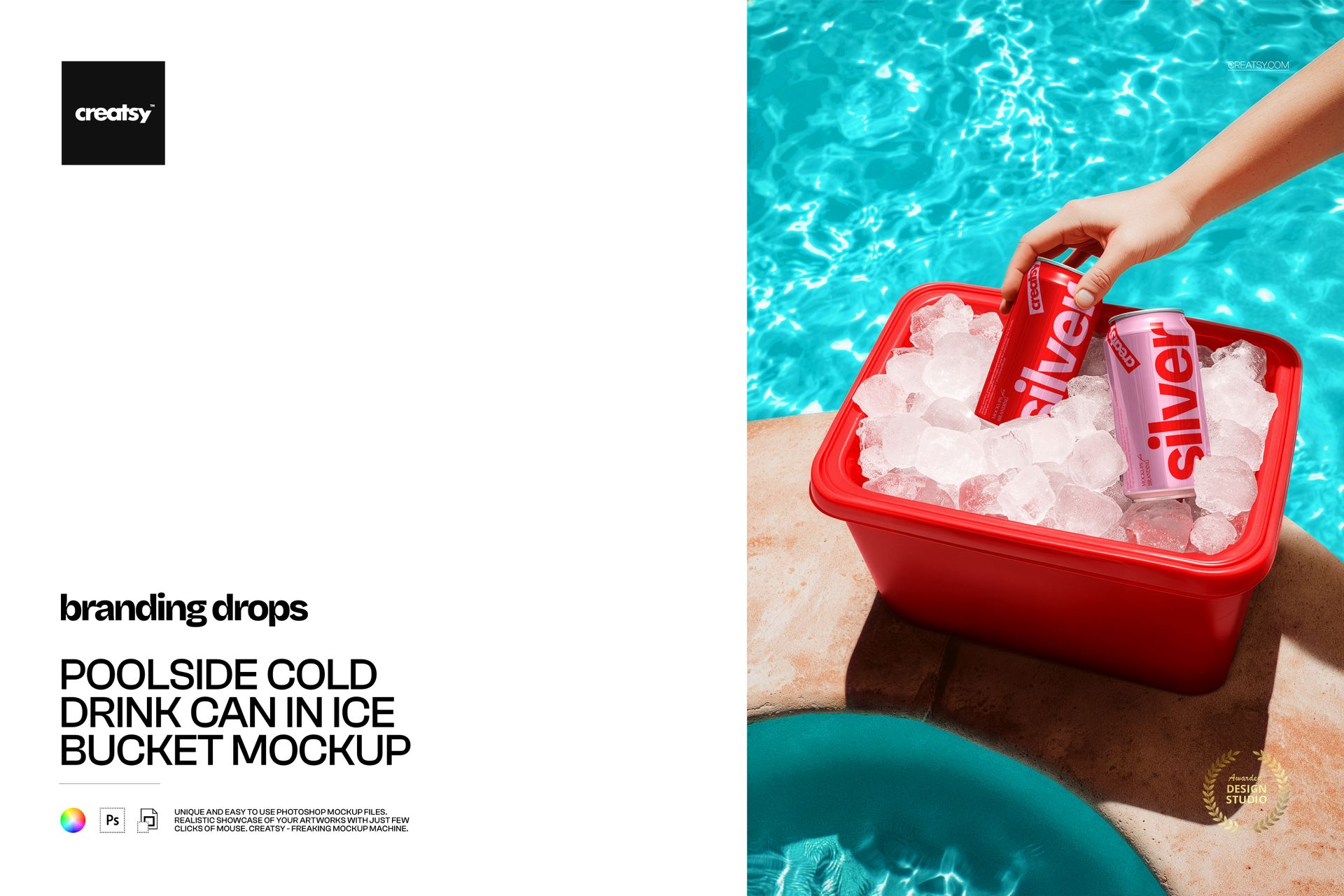
This Poolside Cold Drink Can in Ice Bucket Mockup places your can design inside a bright summer moment: chilled drinks resting in an ice-filled bucket beside a blue swimming pool, with a hand reaching in to take one. The combination of water, ice, sunlight and human interaction creates the atmosphere of a real beverage campaign rather than a standard studio preview.
Use it to present a new soda, sparkling water, beer, hard seltzer, energy drink, canned cocktail or ready-to-drink beverage in a setting that immediately communicates refreshment.
Sell the Feeling, Not Only the Packaging
A customer may notice the label first, but the mood around the product often makes the image memorable.
The poolside setting gives your branding a clear occasion. It suggests summer afternoons, hotel stays, beach clubs, outdoor events, vacations and relaxed social moments. This makes the mockup especially useful when you need to communicate not only what the drink looks like, but also where it belongs and how it should feel.
The hand reaching for the can adds movement and a natural focal point. It also gives the product a recognizable sense of scale, helping the final image feel more relatable and campaign-ready.
Made for Summer Beverage Campaigns
This scene is a strong fit for:
Summer drink launches
Limited-edition beverage packaging
Pool party promotions
Hotel and resort campaigns
Beach club menus and advertising
Sparkling water branding
Craft beer and alcohol-free beer concepts
Hard seltzer packaging
Canned cocktail launches
Energy drink promotions
Soda and soft drink campaigns
Outdoor event marketing
Seasonal social media content
Hospitality beverage presentations
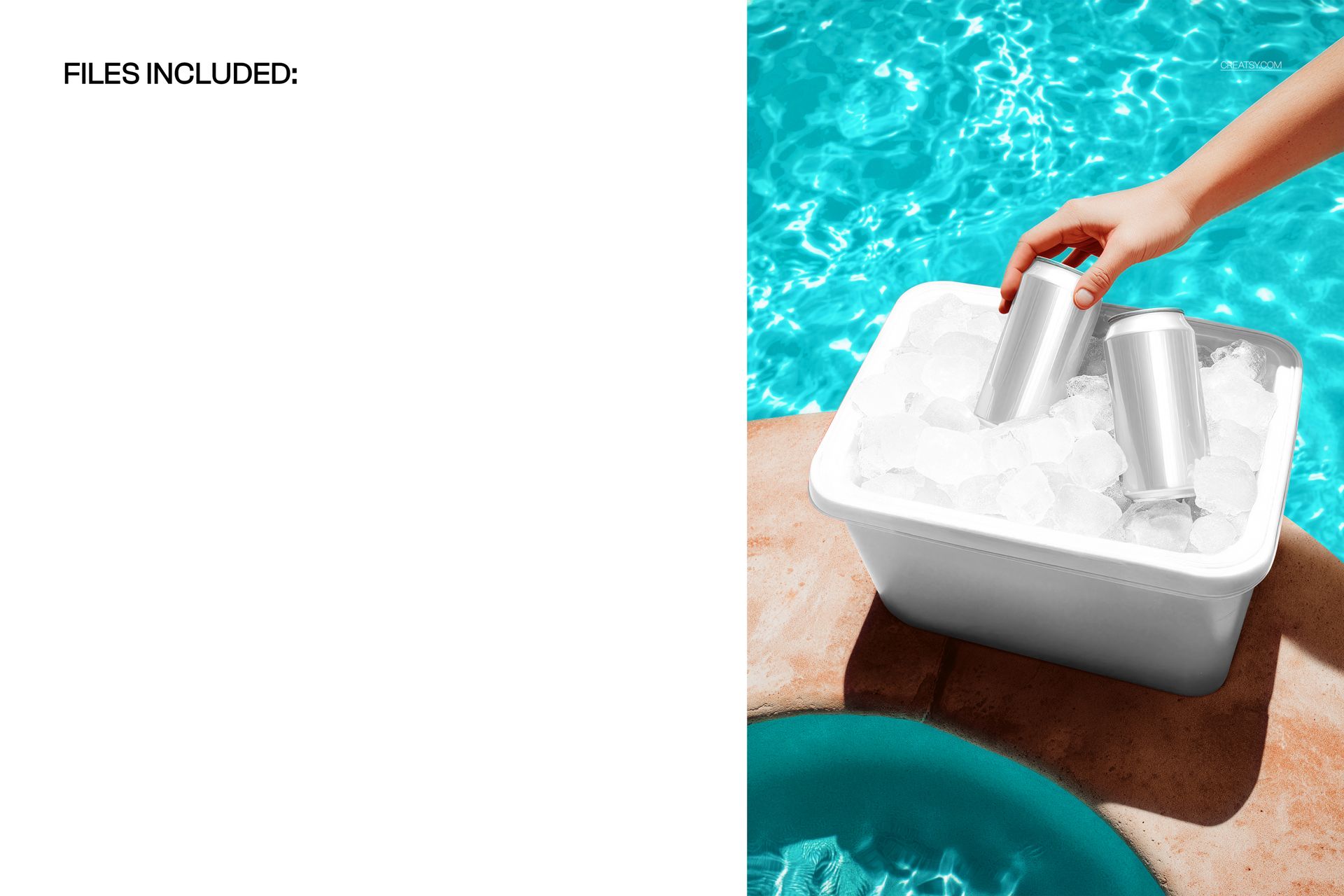
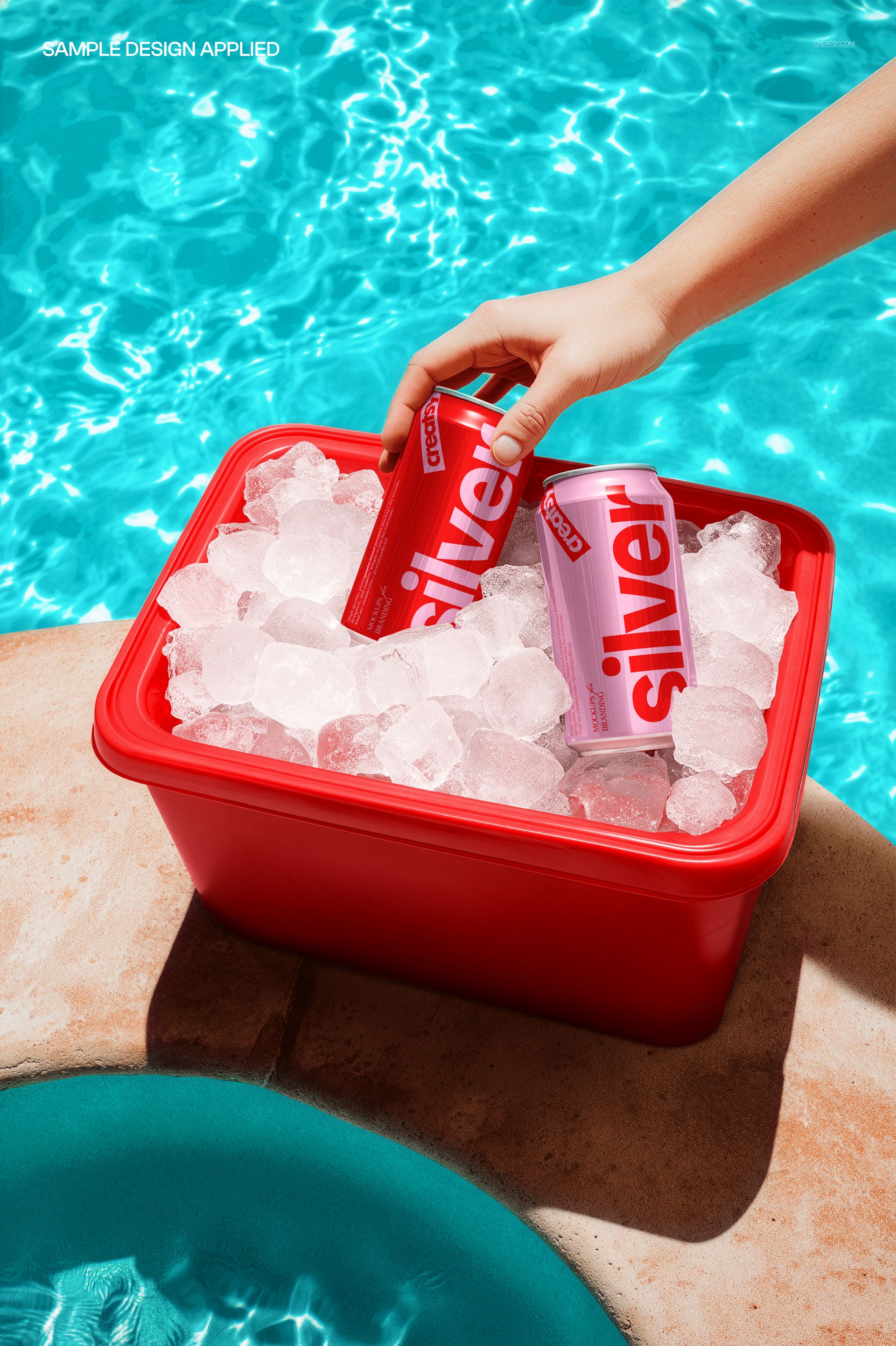
The scene can support both clean, understated branding and bright, high-energy packaging. Preview images show silver cans in a white bucket as well as a more vibrant variation with a red ice bucket, demonstrating how the setting can work with different visual directions.
A Lifestyle Mockup with a Clear Product Focus
Lifestyle scenes can sometimes become too busy, making the packaging difficult to read. This composition keeps the can as the main subject while still providing enough context to tell a story.
The pool creates a recognizable summer background. The ice bucket communicates that the beverage is cold and ready to serve. The hand introduces a real interaction with the product. Together, these elements help turn a flat label design into a complete advertising visual.
Use the final image for:
Beverage brand presentations
Packaging design portfolios
Campaign concept boards
Website hero images
Product launch announcements
Instagram and Pinterest content
Paid social advertising
Newsletter banners
Restaurant and hotel promotions
Client approval presentations
Digital beverage catalogs
Seasonal landing pages
Explore Different Beverage Identities
The mockup gives you room to test how your design performs in a strong lifestyle environment.
Try bold typography for a modern soda or energy drink.
Use a restrained palette and minimal logo for premium sparkling water.
Add fruit illustrations for a flavored seltzer or canned cocktail.
Apply expressive artwork to a craft beer or limited summer release.
Create several coordinated can variations for a wider product range.
Because the scene already communicates freshness, your artwork can focus on the individual personality of the brand.
Easy Smart Object Editing
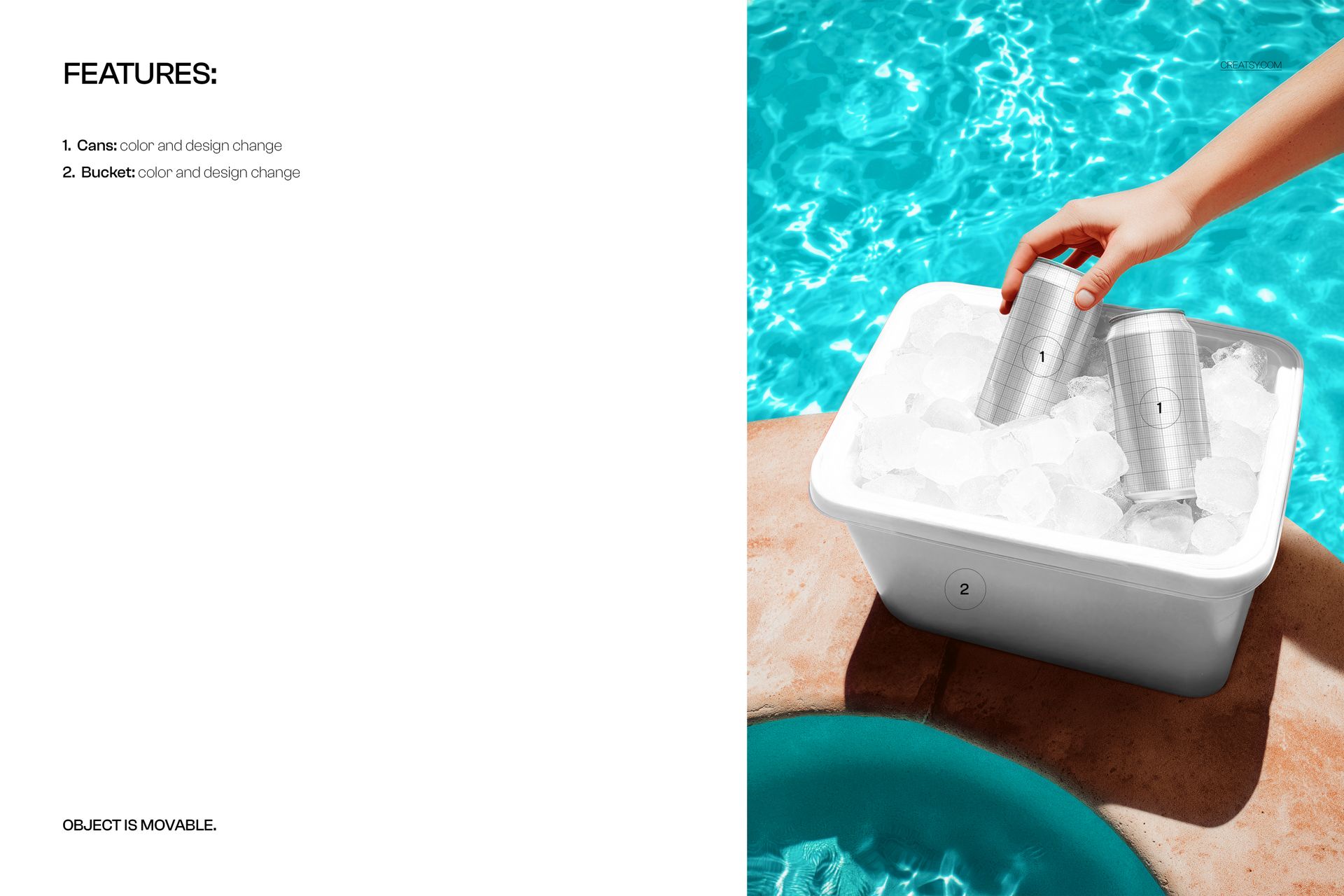
Open the PSD in Adobe Photoshop or Photopea, double-click the Smart Object, paste in your can artwork and save. The mockup places your design into the existing scene while retaining its lighting, perspective and natural presentation. The file also uses clearly organized layers and folders for a more efficient workflow.
This allows you to compare label concepts, test color directions and prepare polished campaign visuals before arranging a photoshoot or producing printed cans.
File Specifications
Part of Branding Drops Mockup Bundle
Pack includes 1 PSD file
2 files included in total
File types: PSD and JPG
PSD dimensions: 5300x3500 px
Resolution: 300 DPI
Compatible with Adobe Photoshop CC2020 or newer
Compatible with Photopea
Smart Object editing workflow
Well organized layers
Screenshots show the available scene and presentation variations