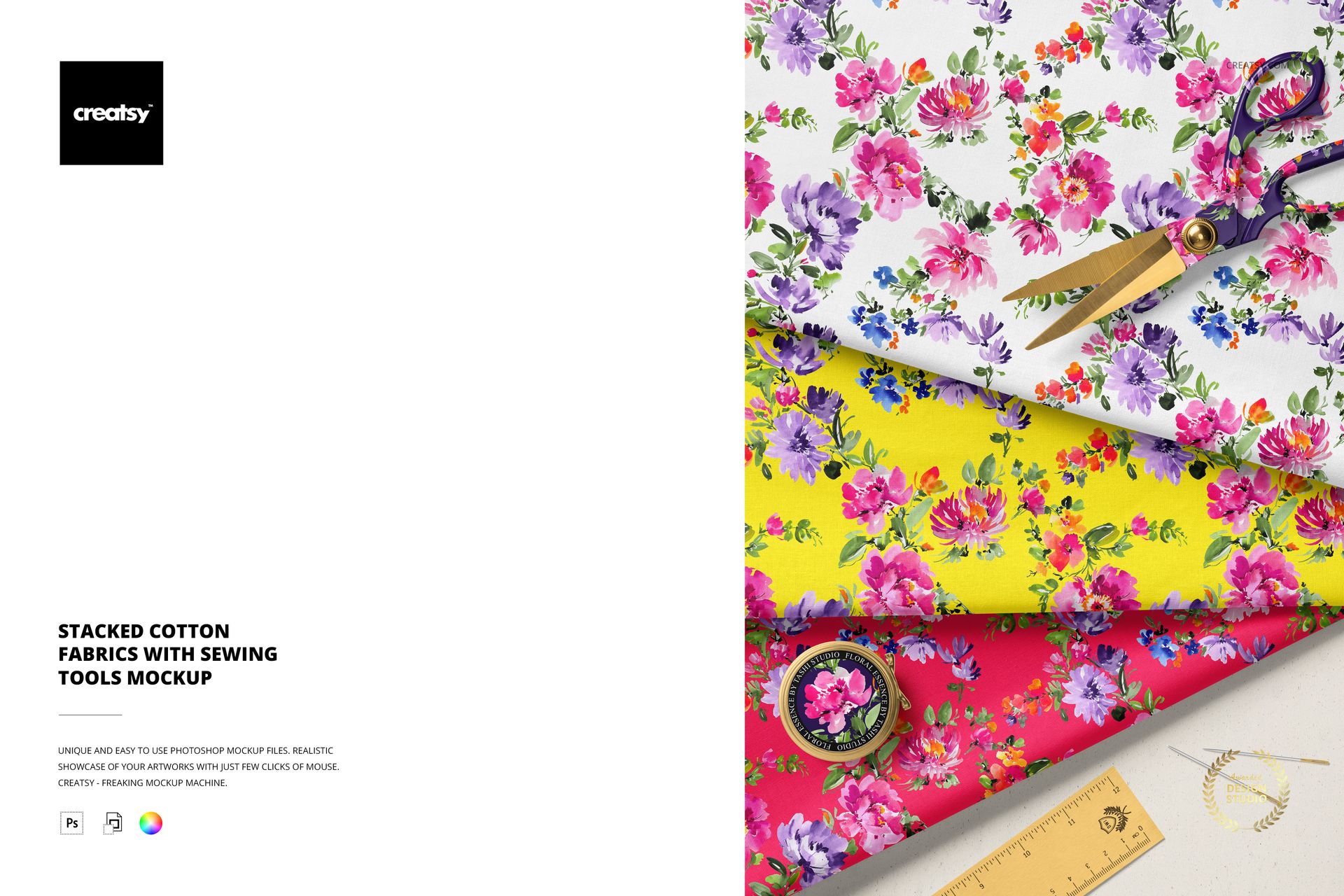
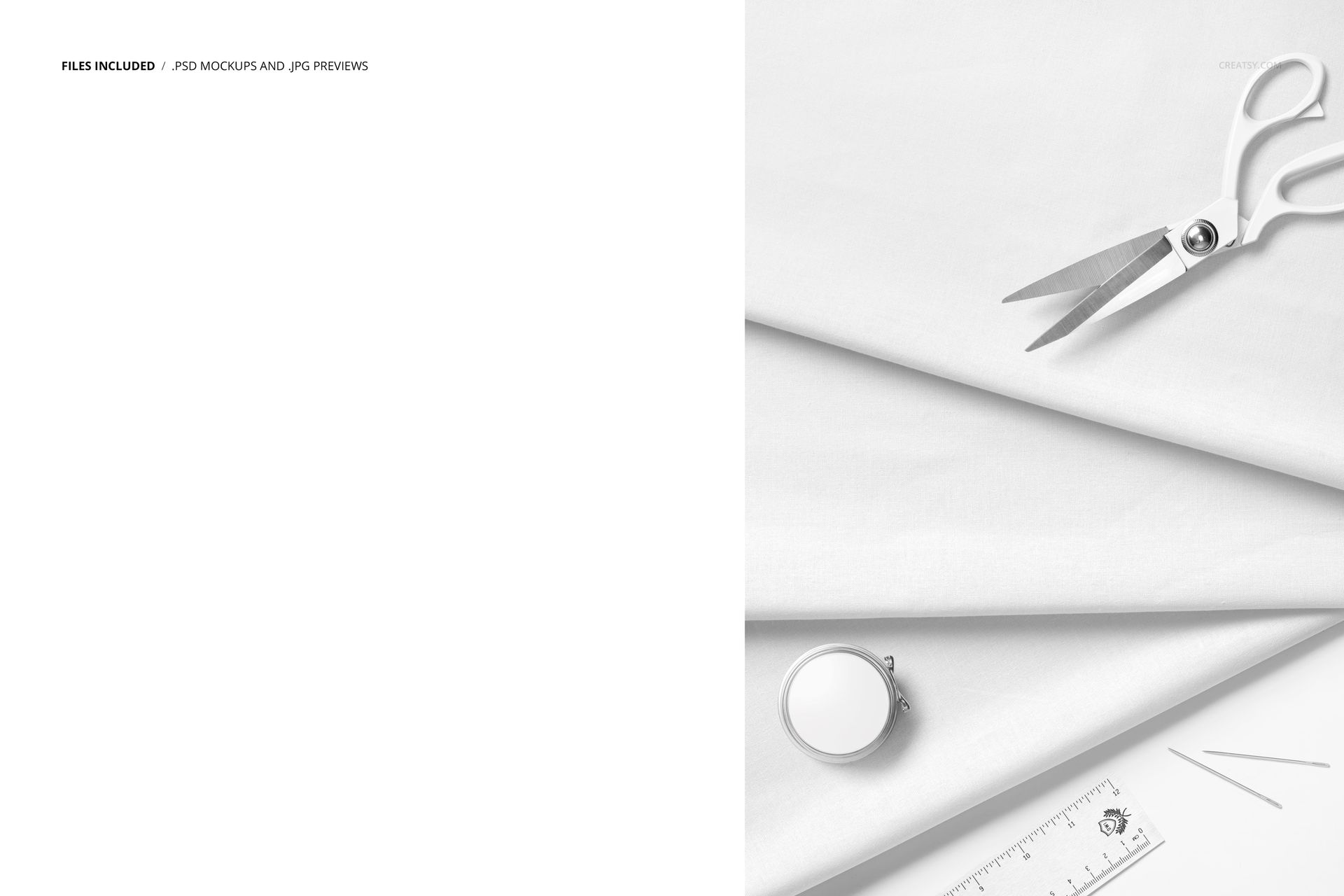
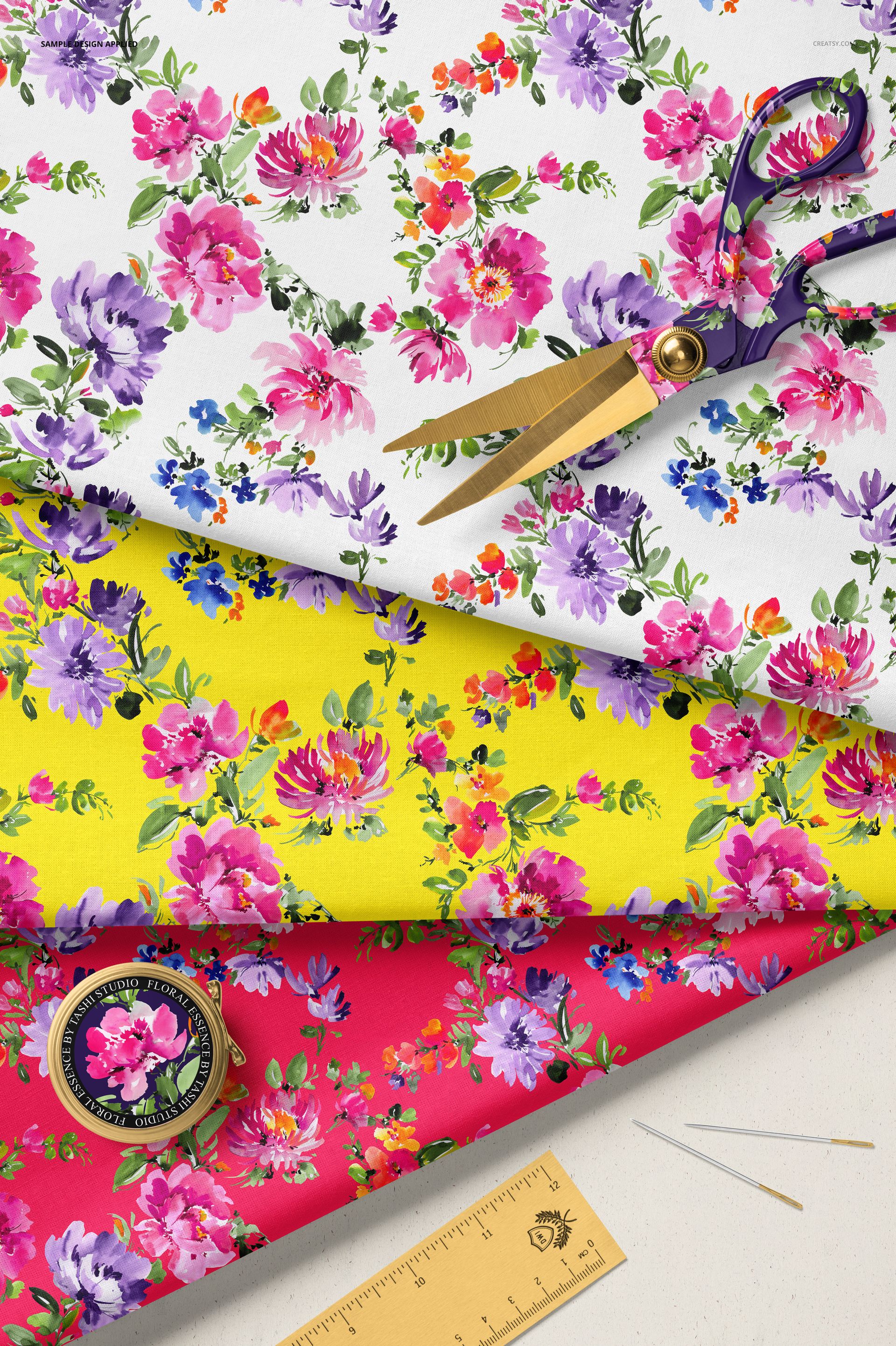
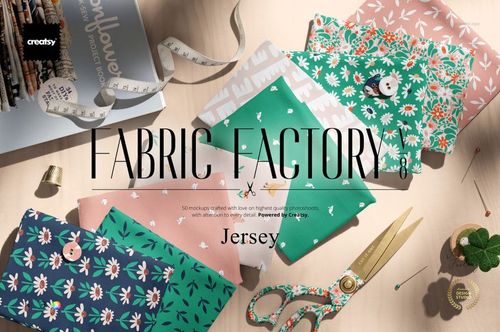
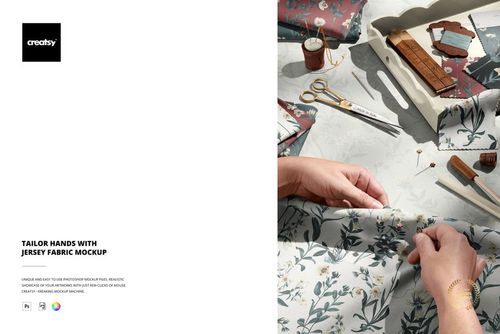
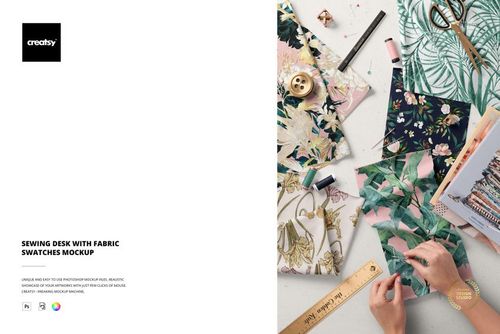
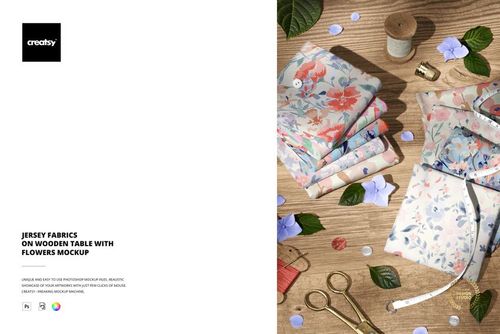
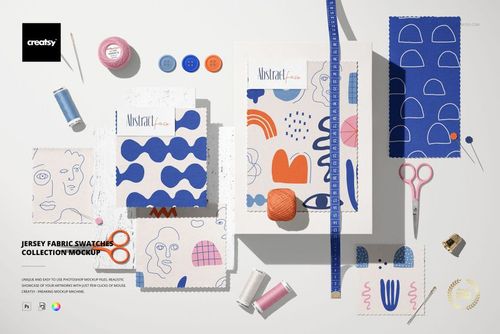
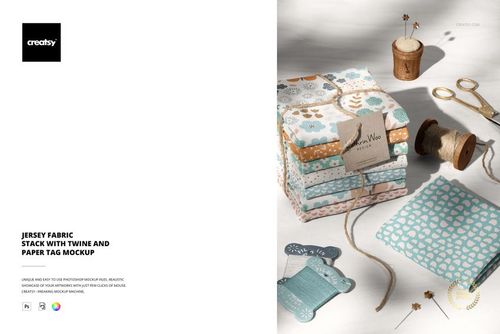
One PSD file at 4000 x 6000 pixels and 300 DPI in portrait orientation. Stacked cotton fabrics arranged with sewing tools - scissors, pins, measuring tape, thread - placed around the fabric as if a project is about to begin. The sewing tools are not decorative accessories. They are the instruments that will transform this fabric from raw material into a finished product, and their presence in the composition communicates that this fabric is functional, workable, and ready to be cut. The file opens in Adobe Photoshop CC 2020 or newer and in Photopea, the free browser-based PSD editor.
The Workbench Before the Cut
There is a specific moment in every sewing project when the fabric is laid out, the tools are gathered, and the first cut has not yet been made. This mockup captures that moment of anticipation. The fabric is still whole, still full of possibility, still capable of becoming any of the dozens of projects the viewer might imagine. That pre-project energy is more compelling for product photography than a finished garment because it invites the viewer to project their own intentions onto the fabric. A finished dress shows one outcome. Fabric with sewing tools shows every possible outcome.
Tools as Context Anchors
Sewing tools provide instant visual context that eliminates the need for explanatory text. A stack of fabric by itself could be anything - upholstery material, quilting squares, display swatches, or scrap remnants. A stack of fabric next to scissors and measuring tape is specifically fabric about to be sewn. That contextual clarity helps online fabric retailers communicate the intended use of their product without relying on category labels or product titles. The tools tell the story that the text does not need to repeat.
Smart Object Integration
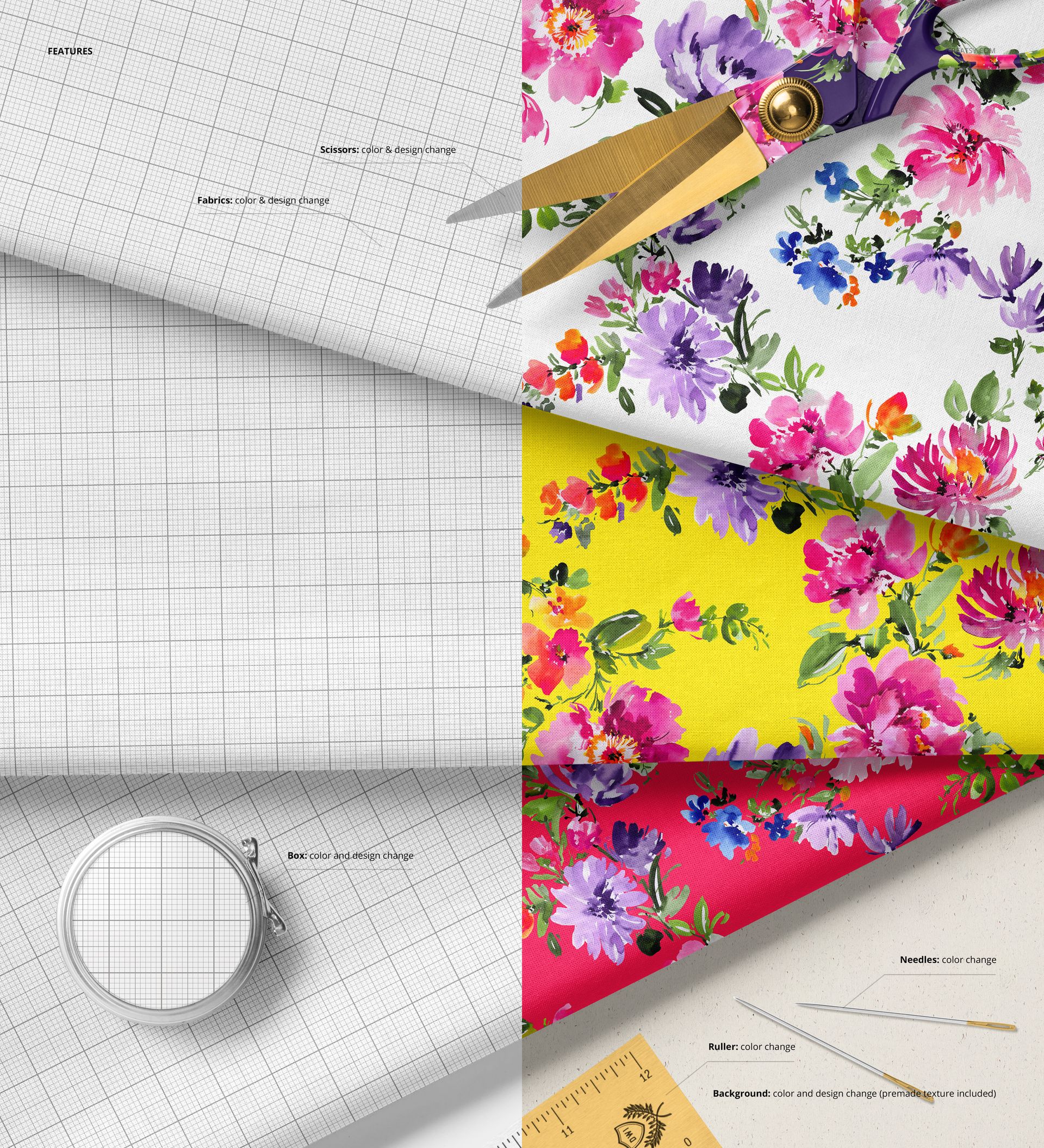
The PSD file contains smart object layers for the fabric surfaces on each stacked piece. Double-click the smart object thumbnail in the layers panel, place your textile pattern, printed design, or woven texture into the canvas, and save. The main document updates with your pattern mapped onto the stacked fabric surfaces, preserving the natural fold shadows, the slight color shift where layers overlap, and the edge texture where the cut fabric meets the sewing tools beside it.
Multiple Patterns in One Composition
The stacked arrangement means multiple fabric surfaces are visible simultaneously, each with its own smart object layer. This allows pattern designers to present coordinating designs, colorway variations, or complementary prints within a single image. For textile brands launching collections where fabrics are designed to work together - quilt fabric lines, coordinating apparel fabrics, matching home textile sets - this multi-surface mockup demonstrates collection coherence in one photograph rather than requiring separate images for each fabric.
Technical Specifications
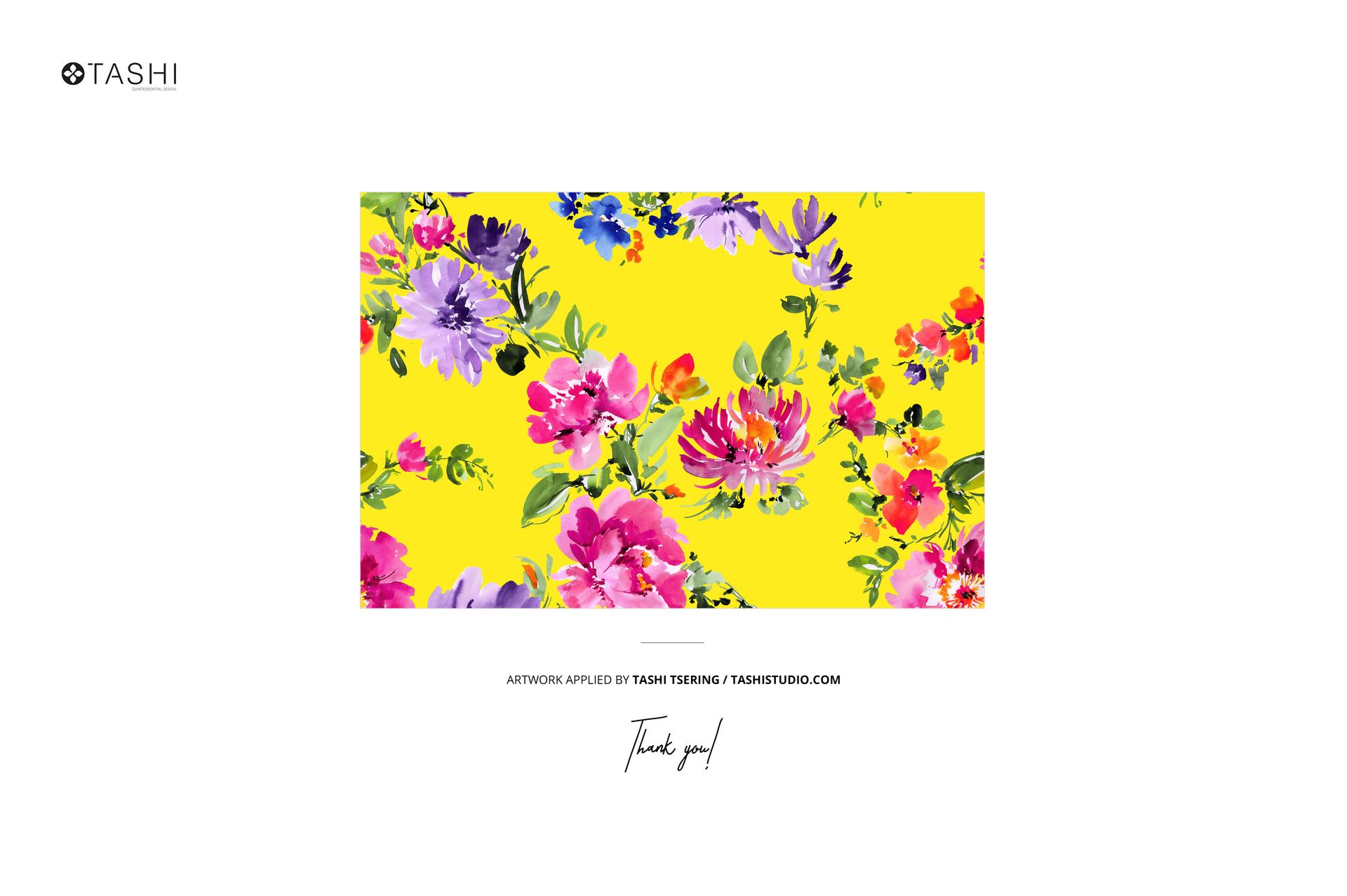
The single PSD file measures 4000 x 6000 pixels at 300 DPI in portrait orientation. The download weighs 441.79 MB. Layers are organized and labeled for efficient navigation between individual fabric smart objects, sewing tool elements, shadow layers, and background surface. The portrait format suits Pinterest pins, Instagram feed posts, and printed catalog pages without cropping. Pattern applied on mockups by Tashi Studio (not included in the download).