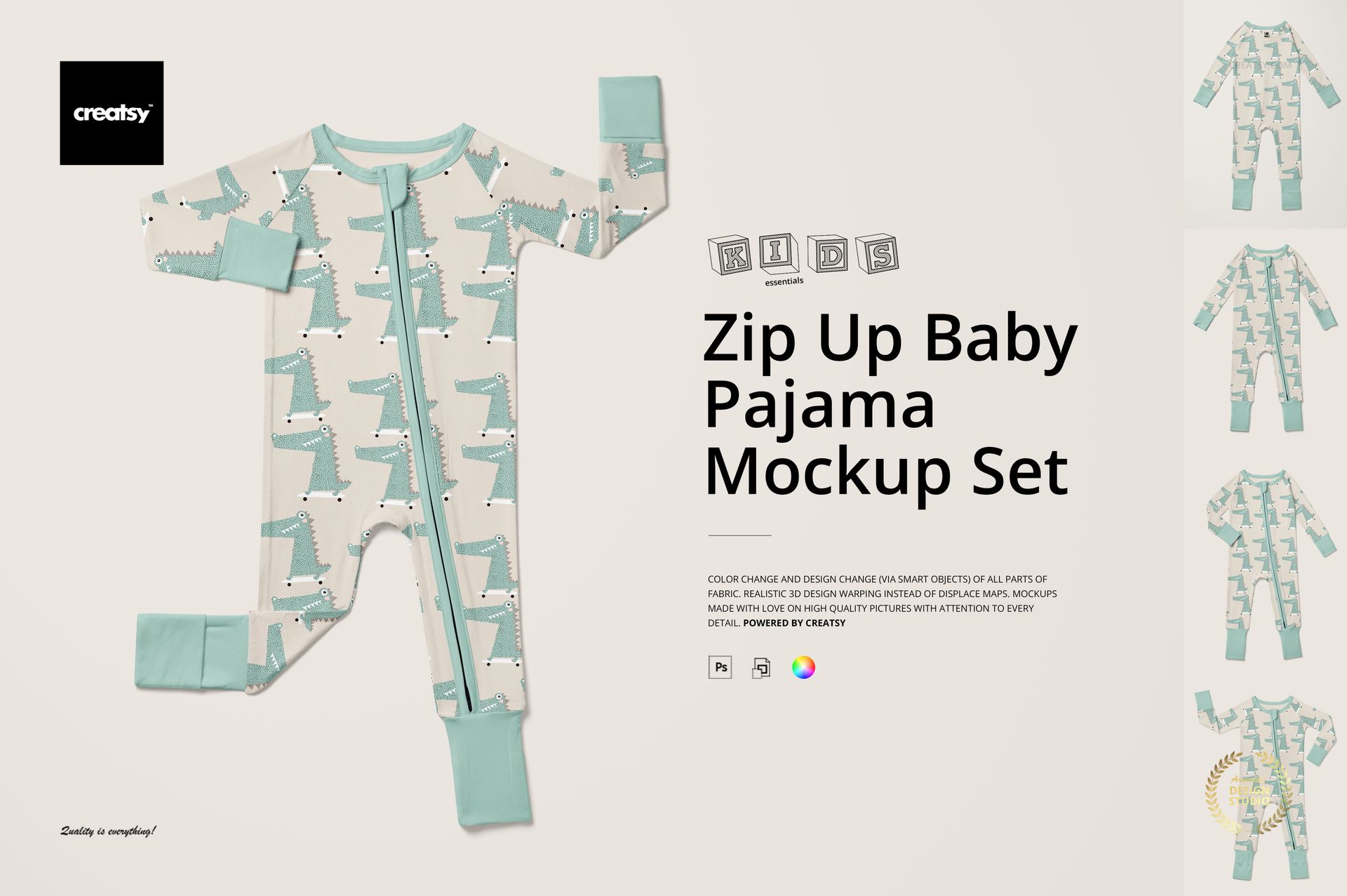
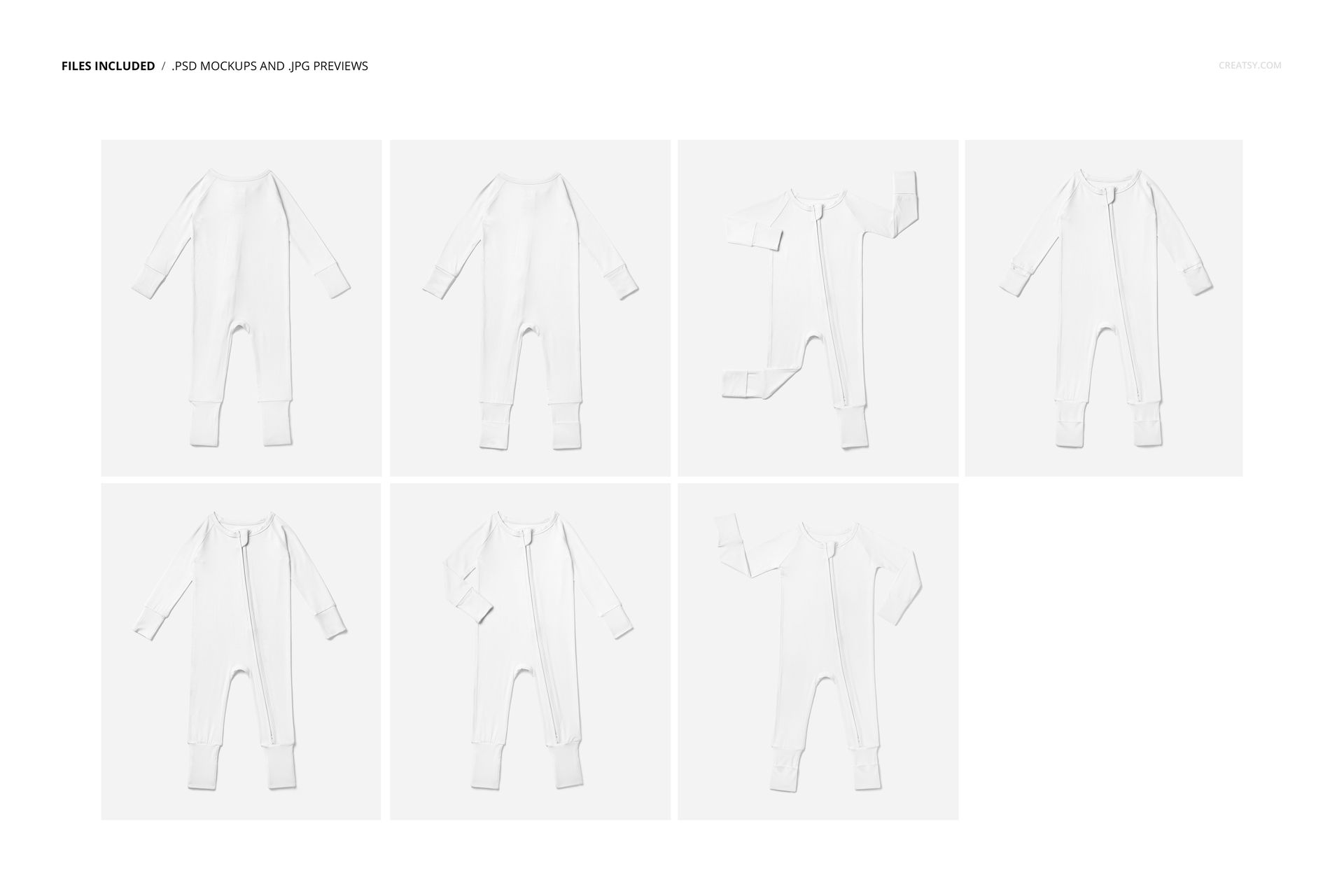
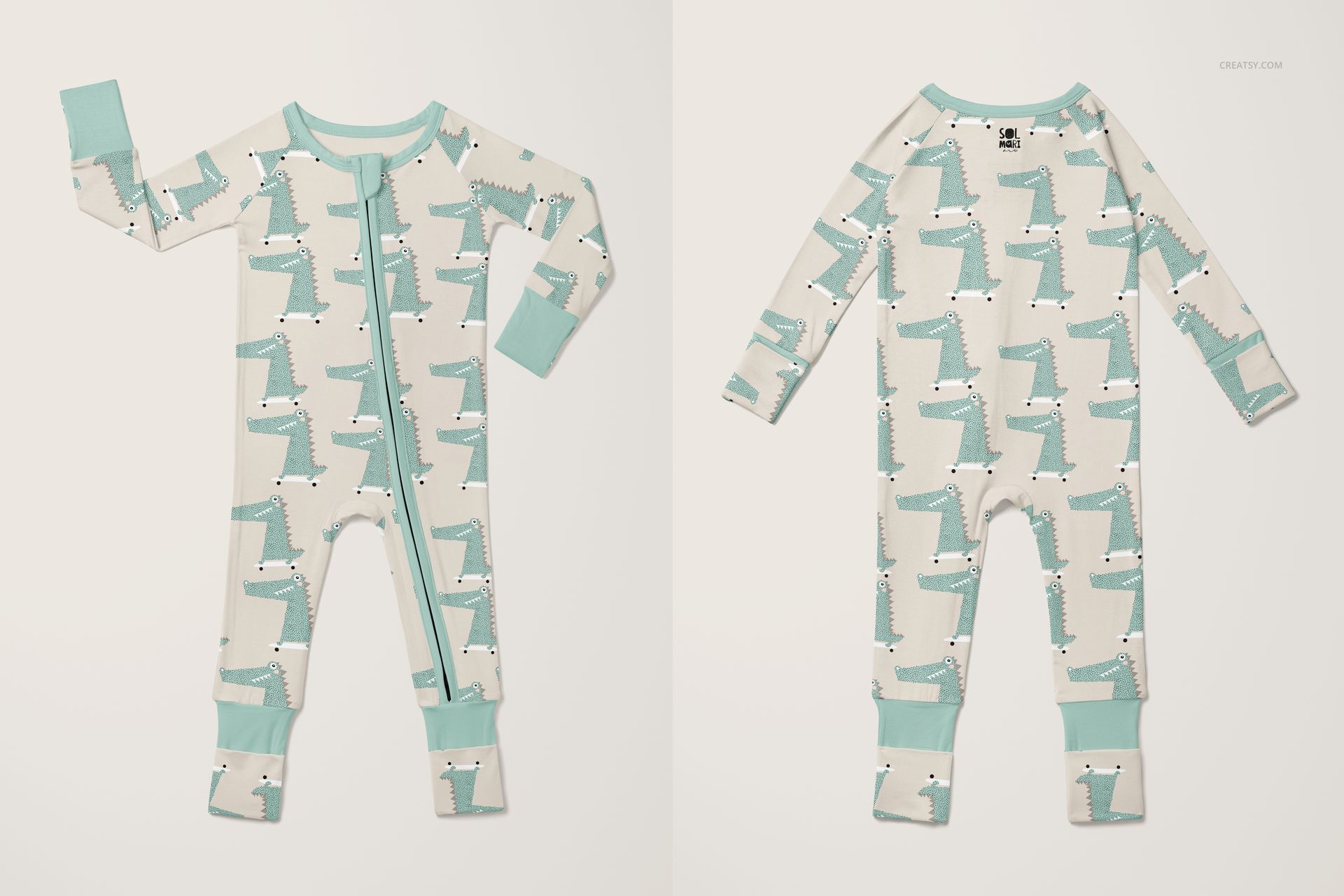
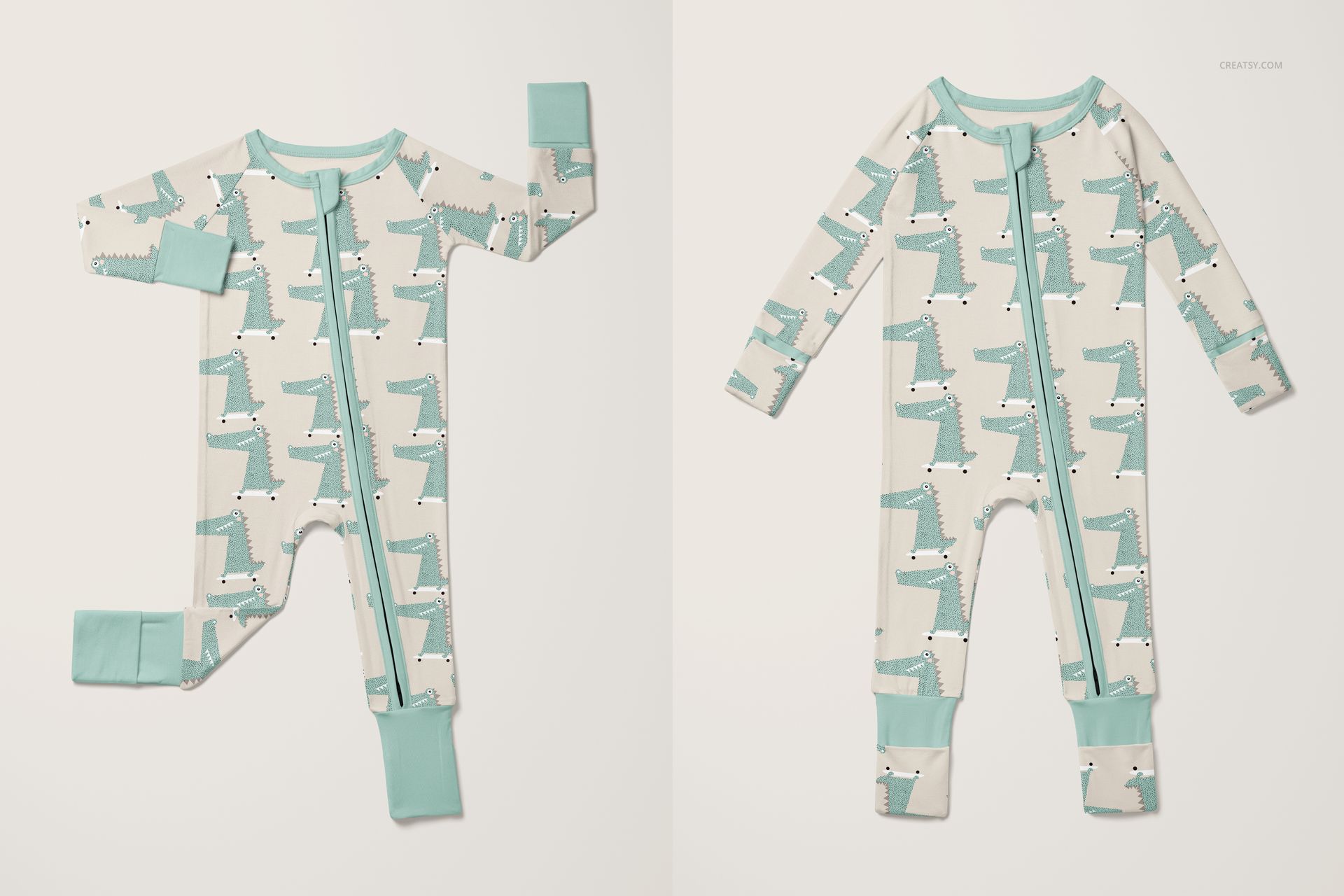
The Zip Up Baby Pajama Mockup Set puts your pattern, illustration, or brand artwork onto a classic infant zip-up sleeper - the garment style that new parents reach for every single night. Zip-up pajamas are the default choice for baby sleepwear because they are faster to close than snaps or buttons during late-night diaper changes, and this mockup lets you show your design on that exact product in photorealistic detail. The set includes 7 PSD files at 6000x5000 pixels, 300 DPI - ready for product listings, social media, and print catalogs.
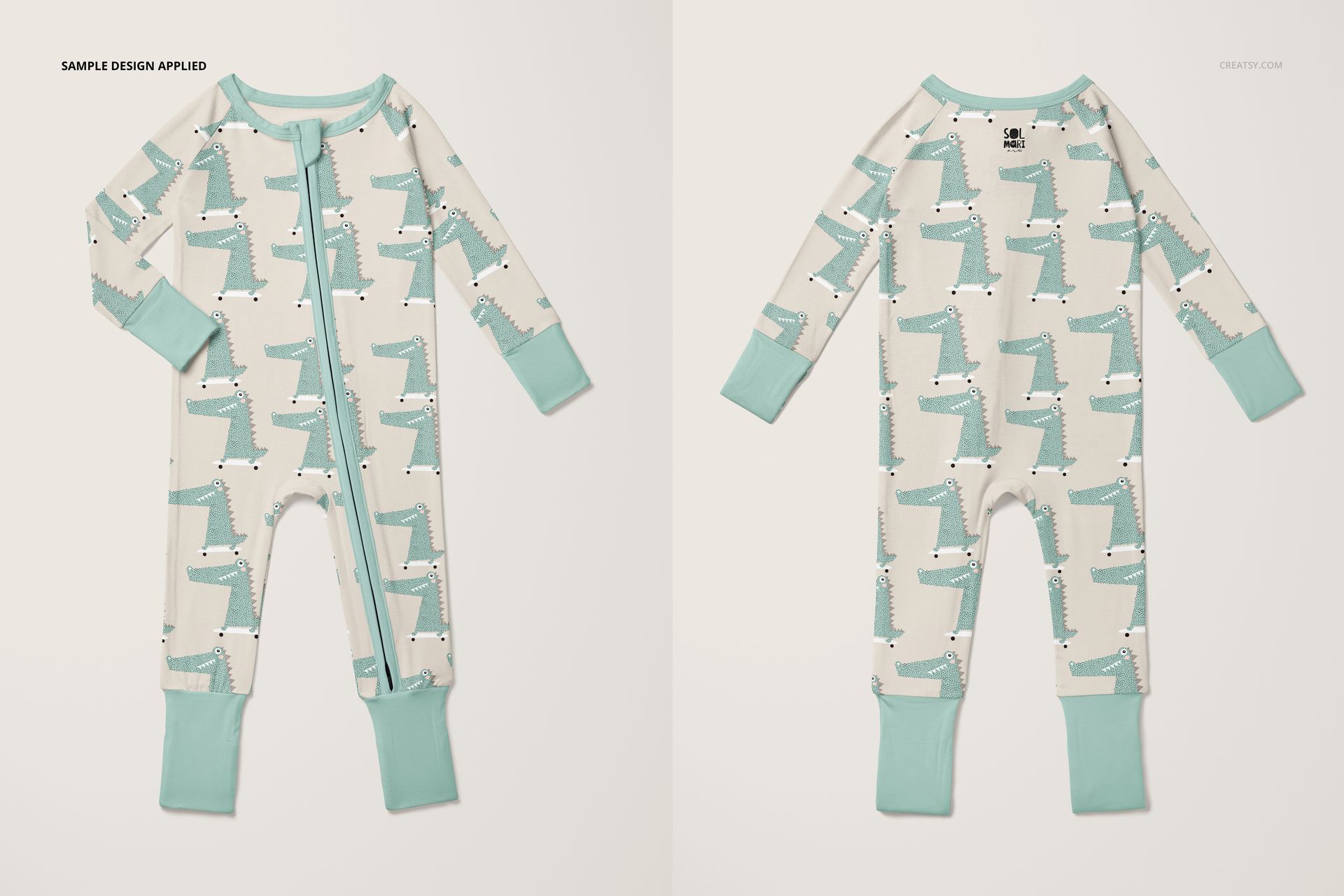
Each scene captures the zip-up sleeper from a different perspective: full front and back flat lays, close-up views of the chest and print area, folded arrangements, and multi-angle compositions that show how the pattern wraps around the garment. Seven scenes give you more than enough visual variety for a complete product listing, a social media launch series, or a wholesale line sheet presentation.
Why a Zip-Up Baby Pajama Mockup
Zip-up sleepers are the single most purchased item in infant clothing. Every new parent buys multiple sets, and gifting drives even higher volume. For surface pattern designers and babywear brands, this means the zip-up pajama is a category where strong product visuals directly influence purchasing decisions. Buyers on Etsy, Amazon, and Shopify scroll through dozens of listings - the ones with photorealistic mockups consistently outperform flat pattern swatches or basic digital overlays. This mockup delivers that photorealistic quality without the cost and time of a physical sample and photographer.
The 6000x5000 pixel resolution at 300 DPI is high enough for both digital and print use. Crop to square for Instagram thumbnails, export at full resolution for zoom-enabled product pages, or use in printed catalogs and lookbooks without any quality loss.
What Is Included
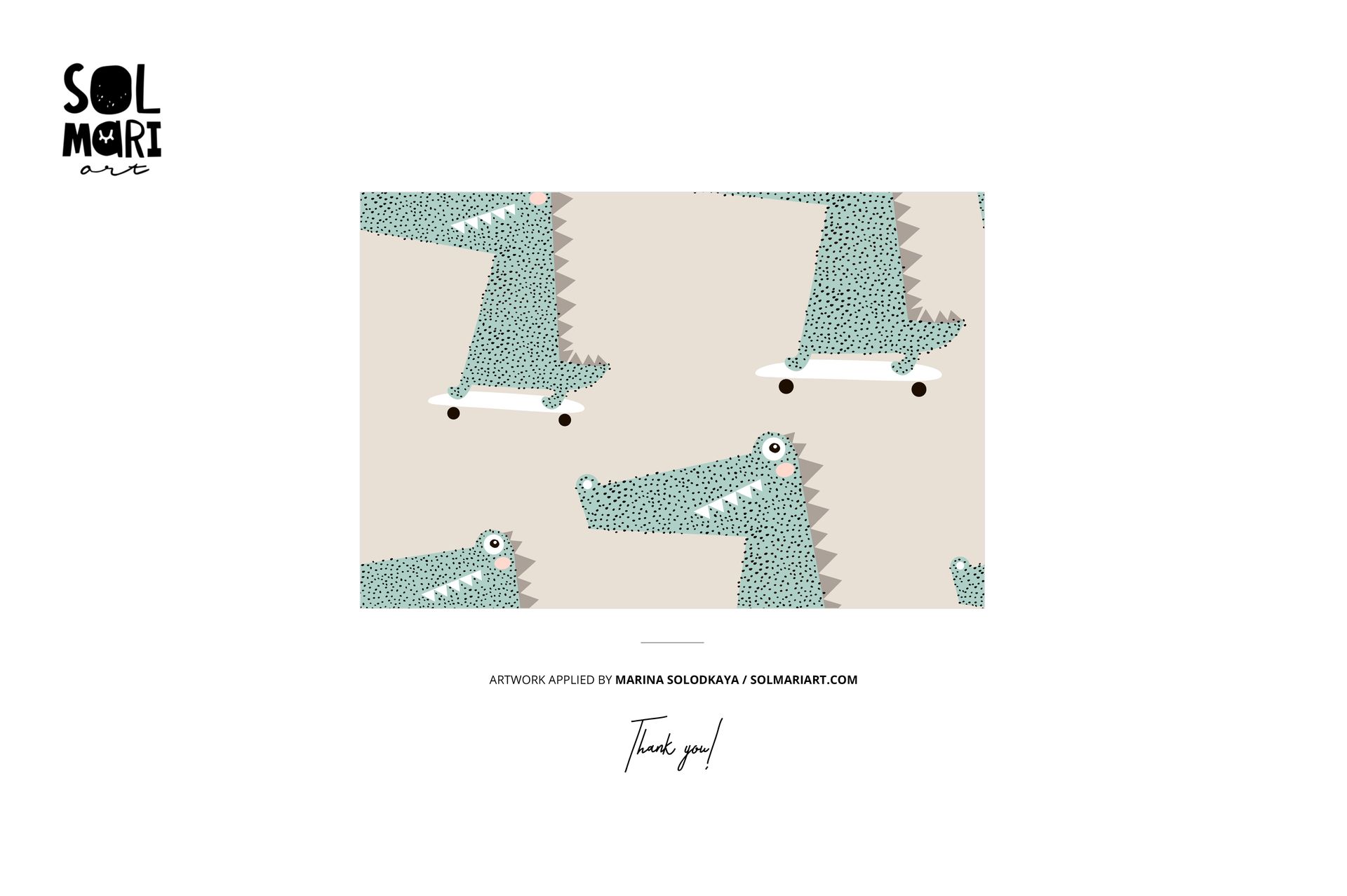
7 layered PSD files, each at 6000x5000 pixels, 300 DPI. Multiple views of the zip-up baby pajama: front flat lay, back flat lay, close-up details, folded views, and multi-angle compositions. Smart object layers for easy design placement - double-click, paste your artwork, save. Organized and labeled layer structure for fast navigation. Total download size: approximately 1.97 GB. Compatible with Adobe Photoshop CC 2020 or newer and Photopea (free browser-based editor). Preview designs by Solmari Art (solmariart.com) are shown for demonstration only and are not included in the download.
What You Can Customize
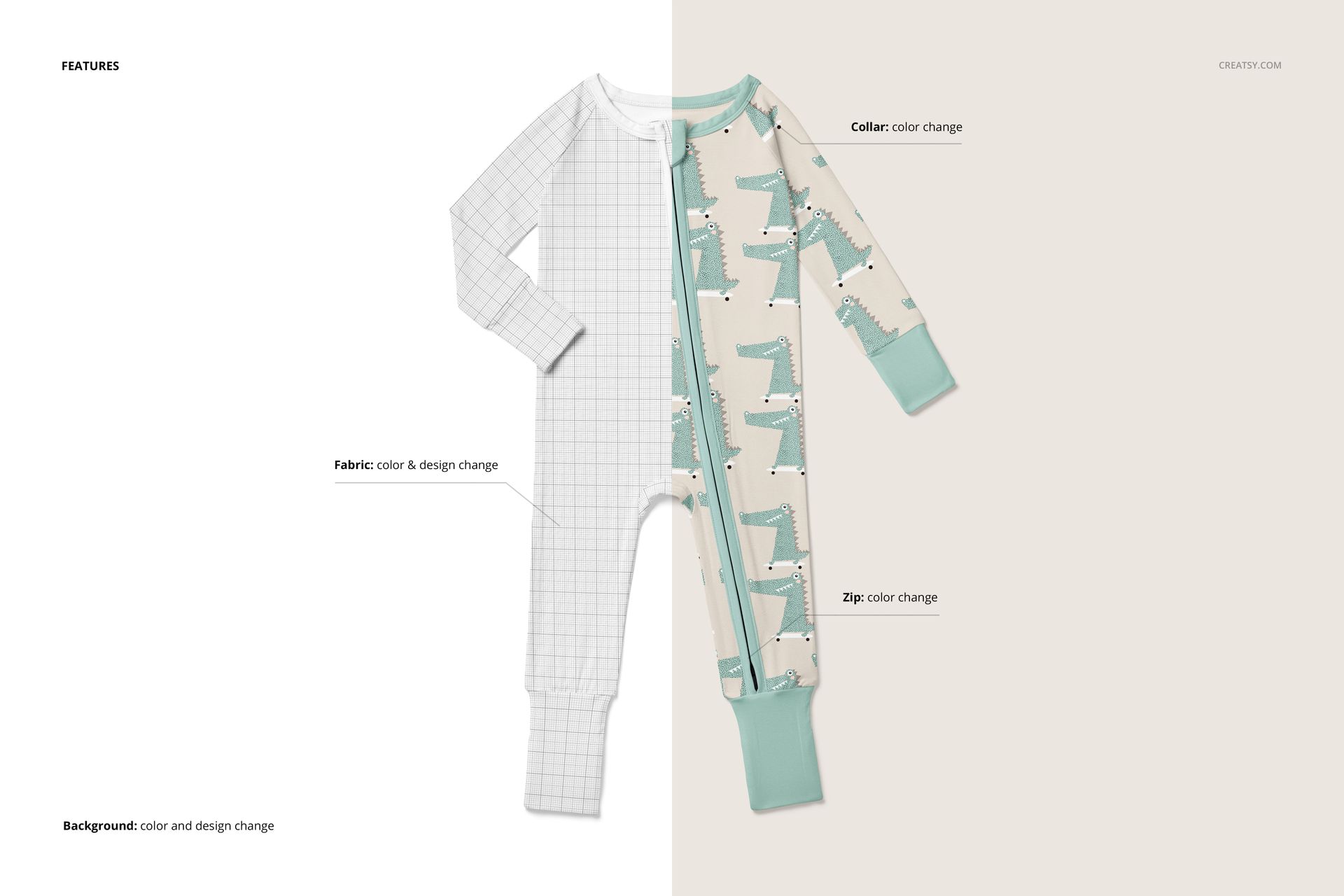
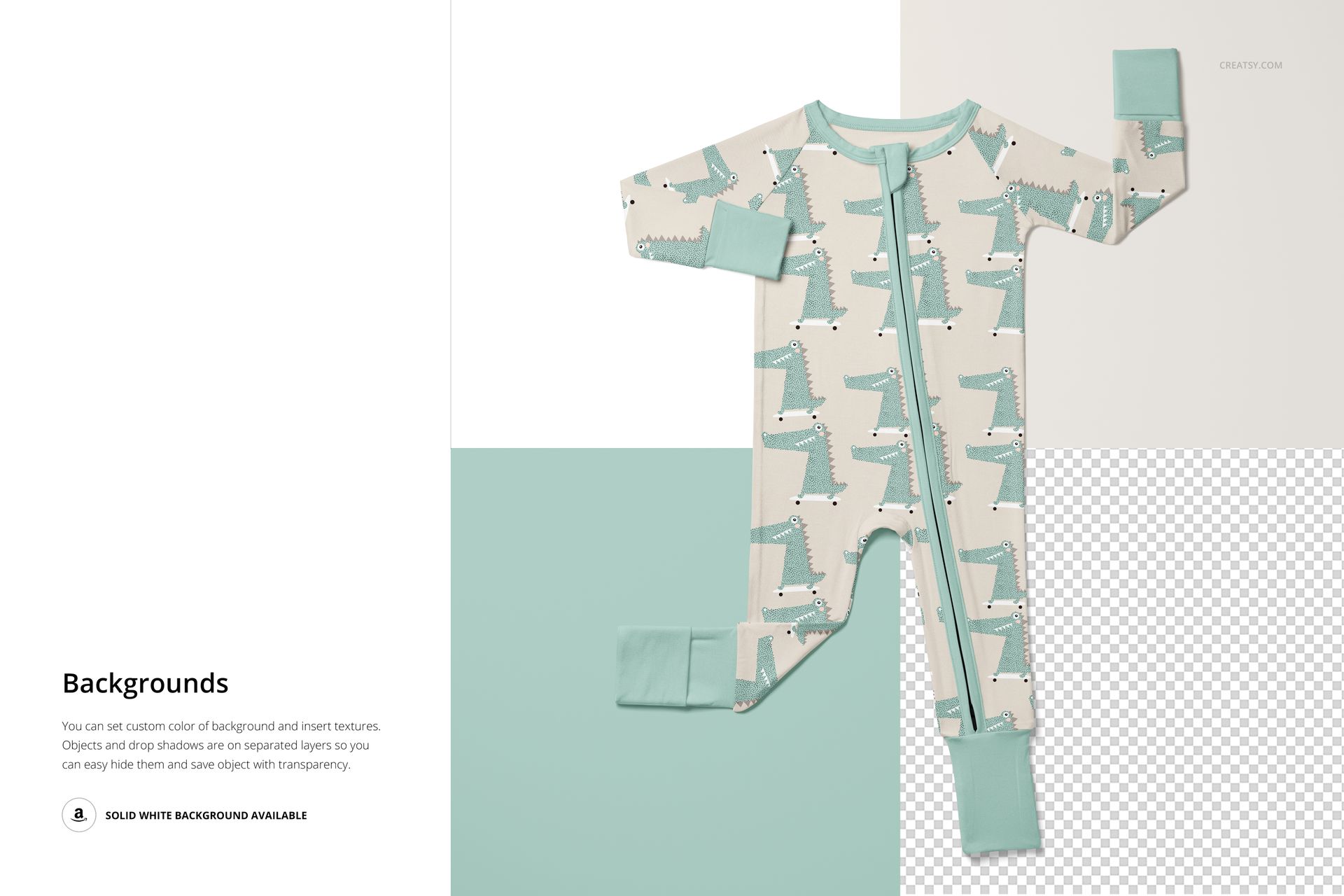
Place any pattern, illustration, typography, or graphic design onto the pajama through the smart object layer. The mockup handles fabric texture, wrinkles, seams, and shadow rendering automatically, so your design looks like it was actually printed on the garment. Test all-over repeat patterns, placement prints on the chest area, coordinating prints on sleeves versus body, and different colorways across the 7 scenes. Compare light backgrounds versus dark backgrounds to see which presentation style works best for your listing.
Who This Mockup Is For
Surface pattern designers creating baby textile or sleepwear collections. Print-on-demand sellers listing infant pajamas on Etsy, Shopify, or Amazon. Baby clothing brands preparing product visuals before manufacturing samples. Illustrators and lettering artists showing applied product work for licensing portfolios. Branding designers building visual identity presentations for infant apparel labels. Gift shop buyers evaluating new product lines for their stores.
File Specifications
Format: PSD (Adobe Photoshop). Number of files: 7 PSD scenes. Resolution: 6000x5000 pixels at 300 DPI. Download size: approximately 1.97 GB. Layer structure: organized layers with smart objects. Compatibility: Adobe Photoshop CC 2020+, Photopea. Design credit: preview artwork by Solmari Art (not included in download).