Paper Wallpaper Mockup Set v.3 - 6 PSD Files
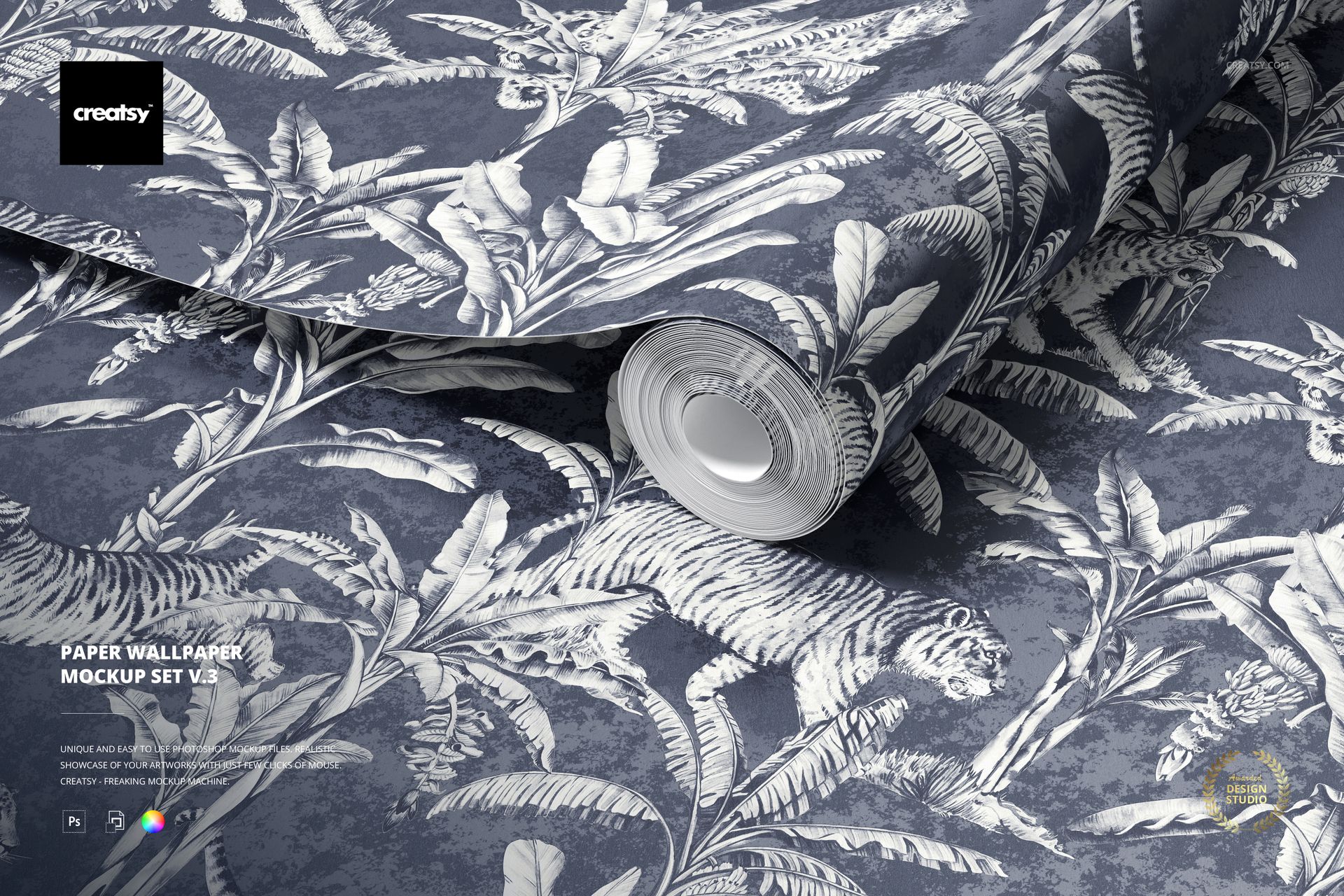
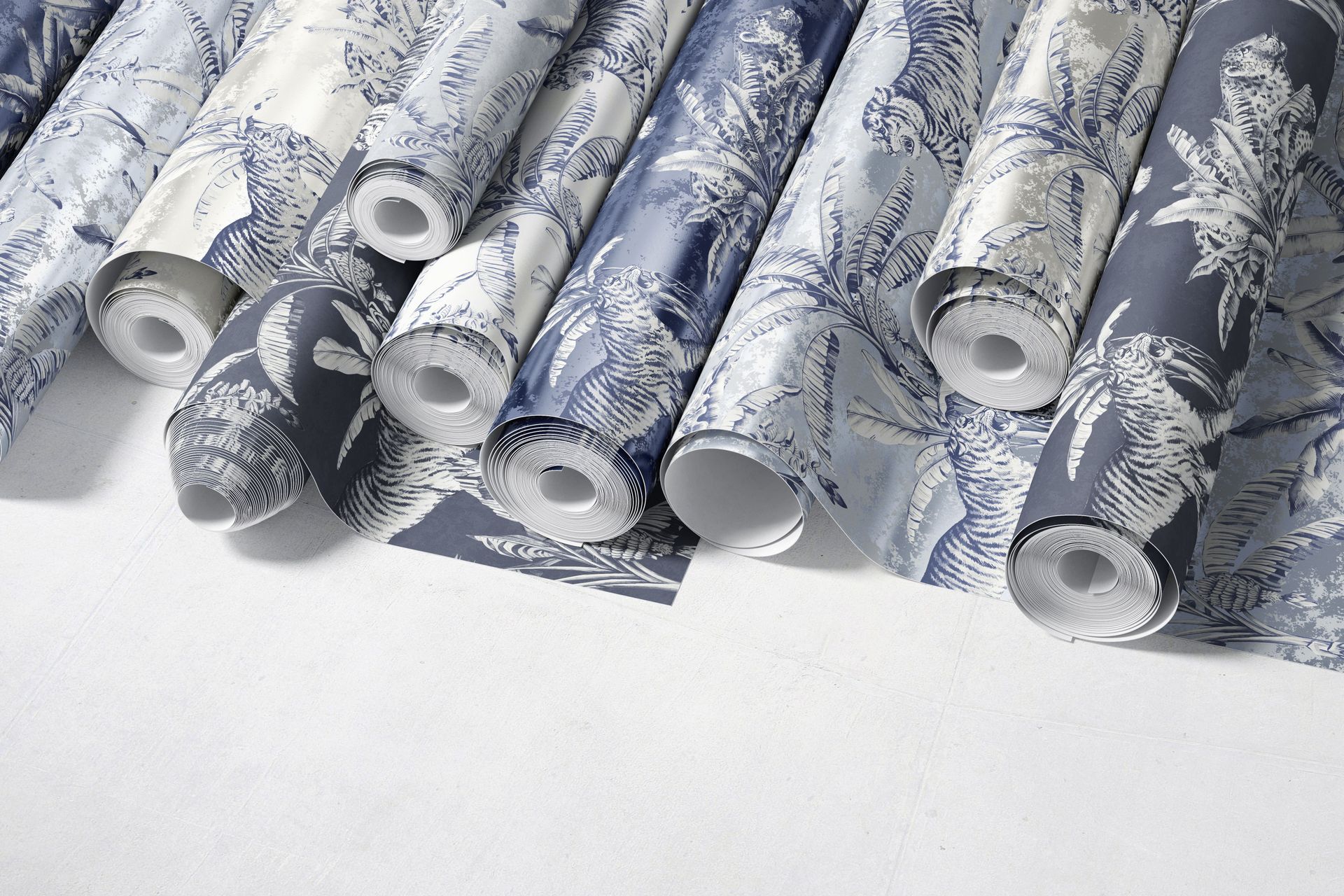
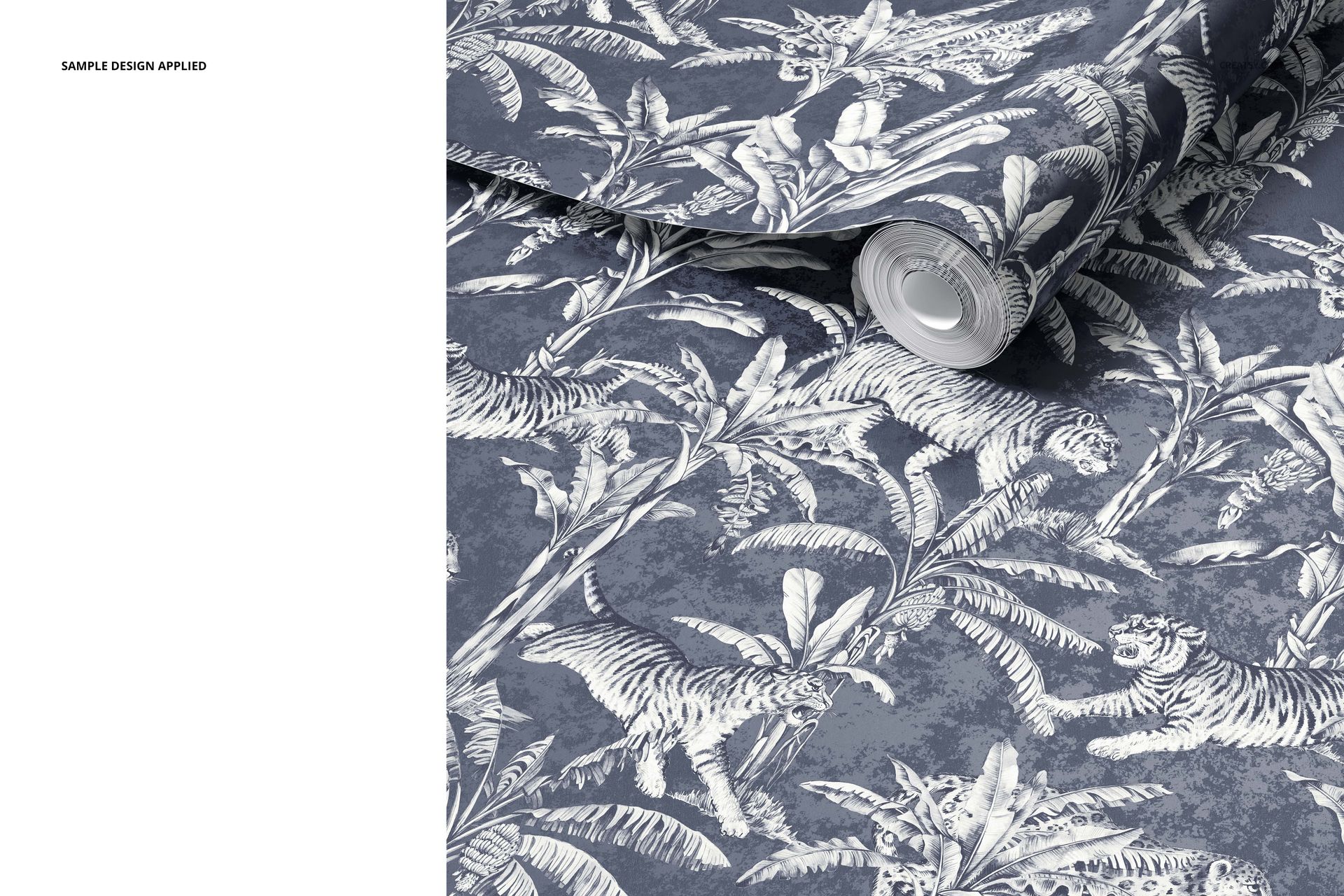
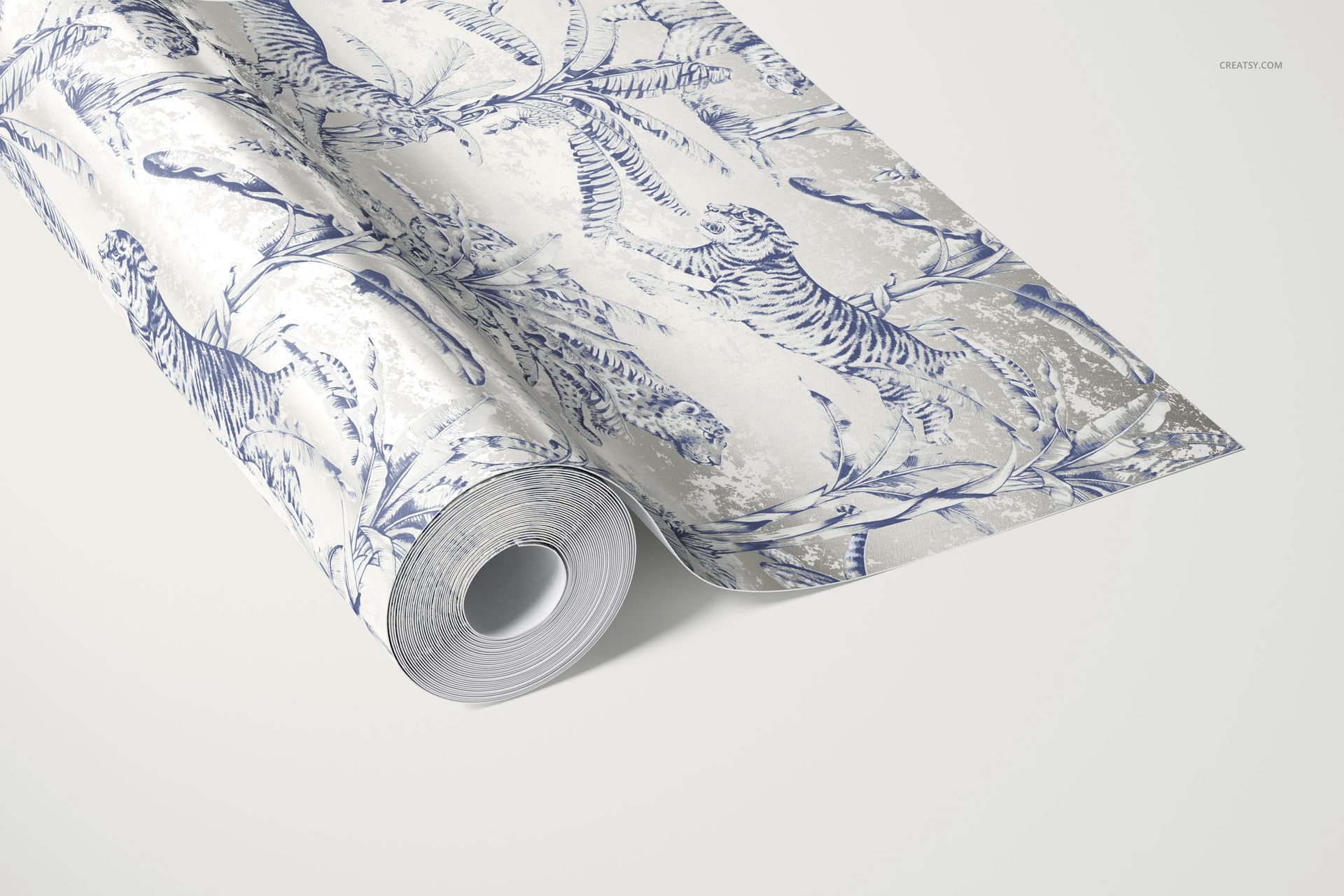
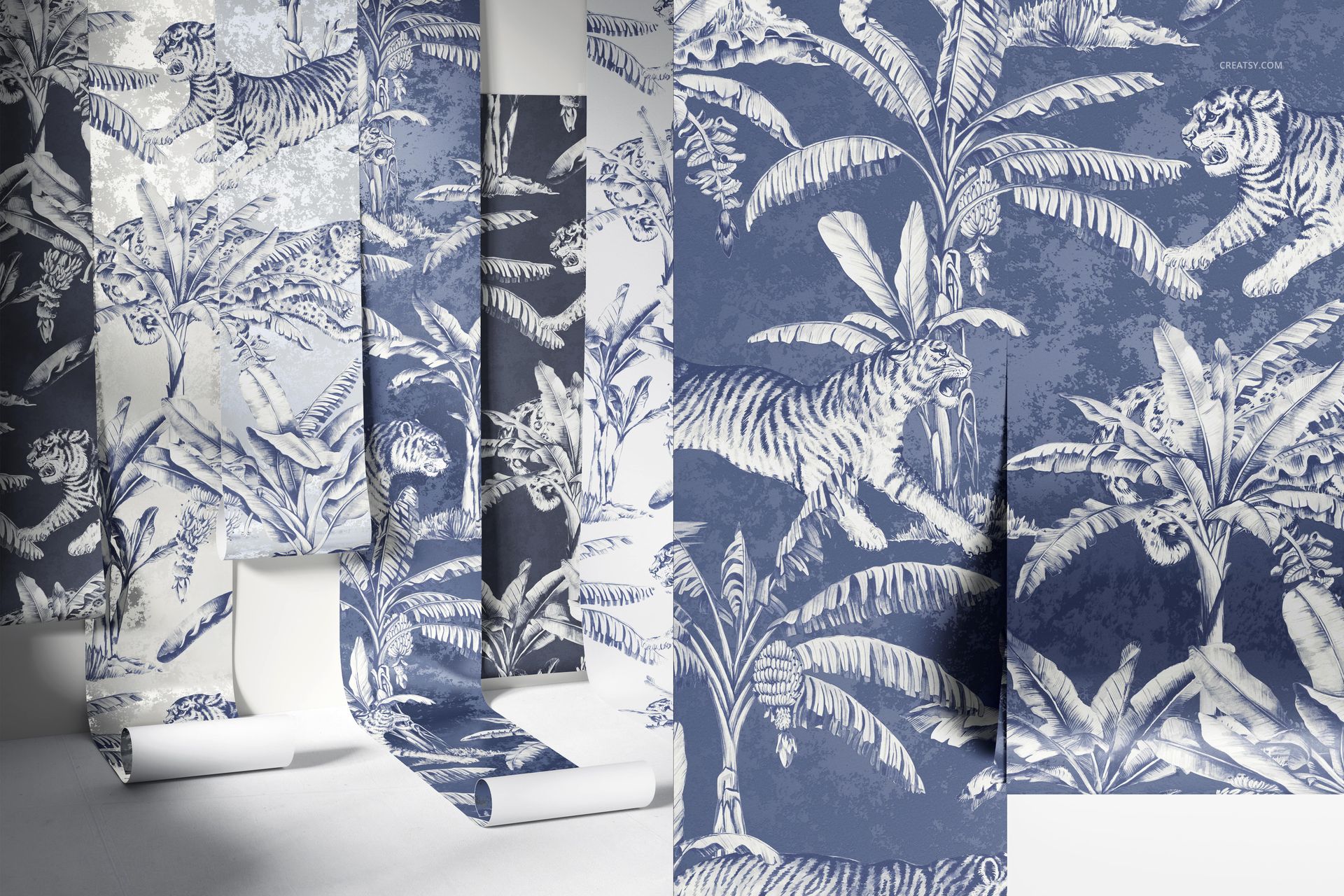
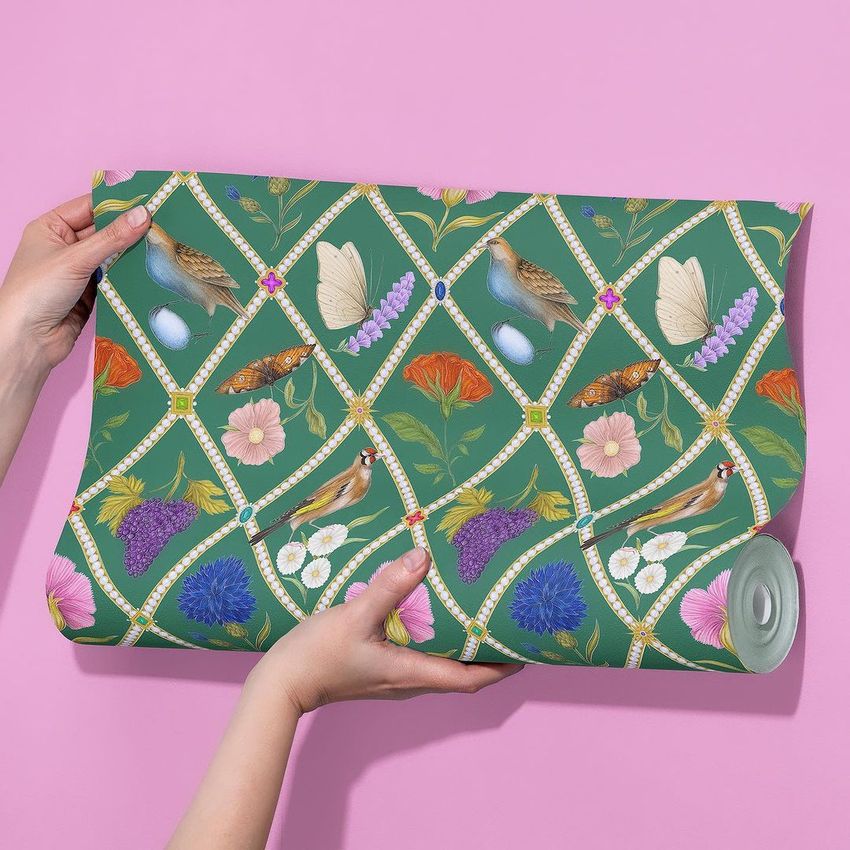
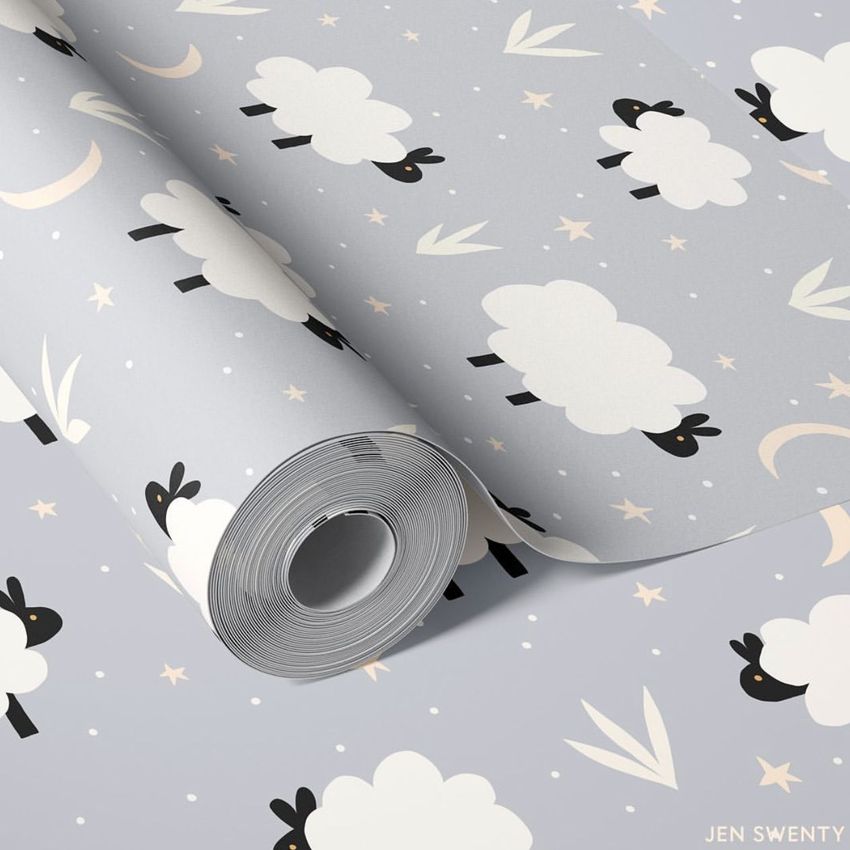
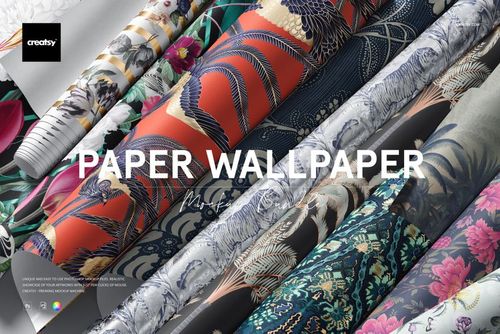
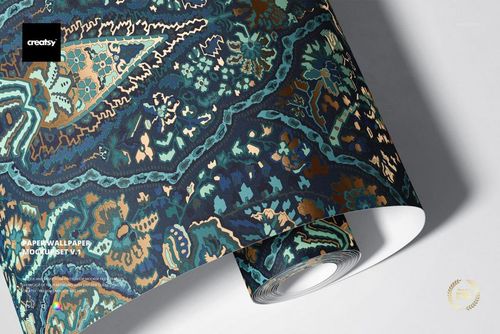
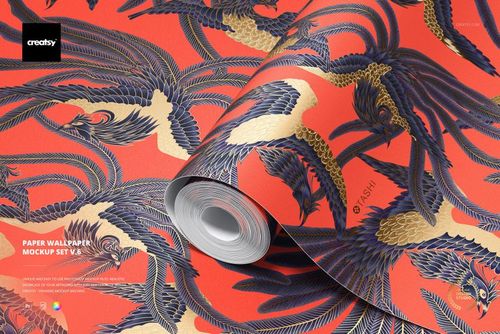
Present wallpaper designs on realistic paper rolls, sheets, and close-up textures before committing to production. This mockup set includes 6 high-resolution PSD files showing paper wallpaper in real-world contexts - rolled on surfaces, held in hand, unrolled to display the full repeat, and photographed at close range for paper texture and print detail. Each scene was built from actual paper wallpaper photography, capturing the surface finish, fold behavior, and weight of real wallcovering stock. Whether you design surface patterns, develop a wallcovering line, or sell custom wallpaper online, these mockups deliver professional imagery in under a minute per file.
Why This Mockup Set Works
Paper wallpaper has a matte-to-subtle-sheen surface quality and a stiffness that differs from vinyl or non-woven substrates. These mockups capture that material character because they were shot with real paper stock, not rendered in 3D. When you place your design through the smart object layer, the pattern wraps across the wallpaper surface with accurate curve behavior on rolls, realistic fold lines on sheets, and genuine paper texture visible at close range. Interior designers and retail buyers see exactly how the product would appear on actual wallcovering material, making these mockups useful for product listings, client presentations, and wholesale catalog pages.
What Is Included
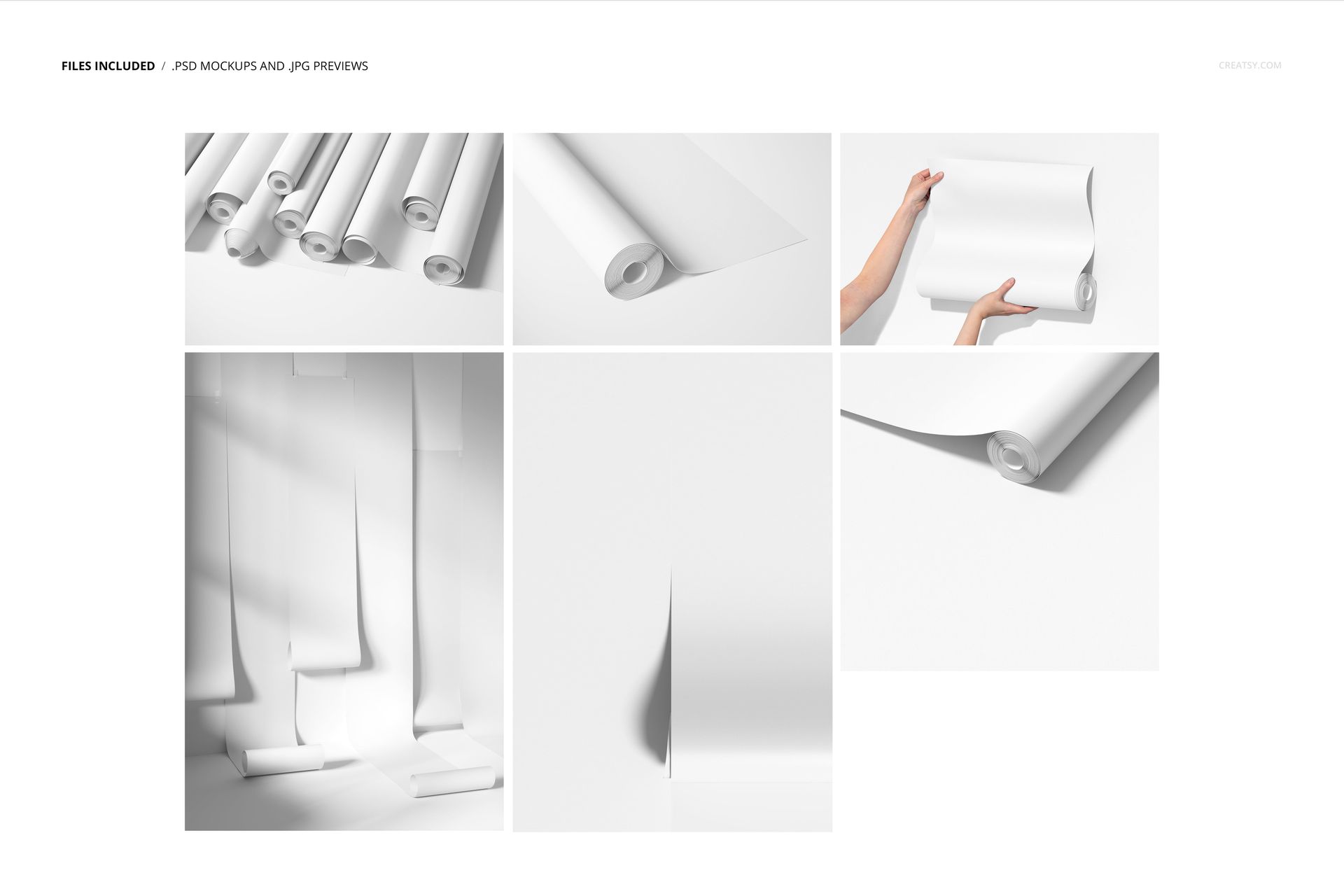
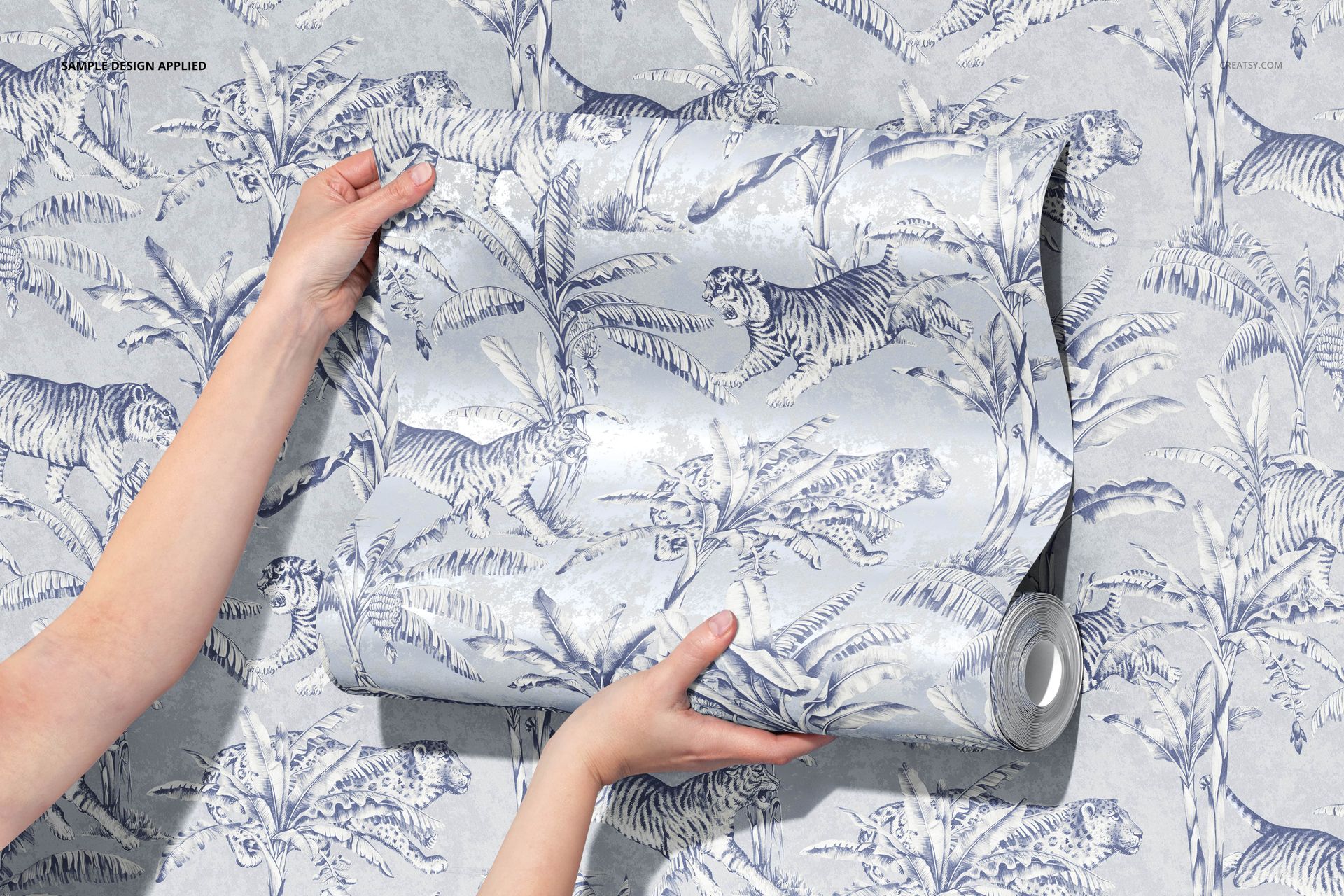
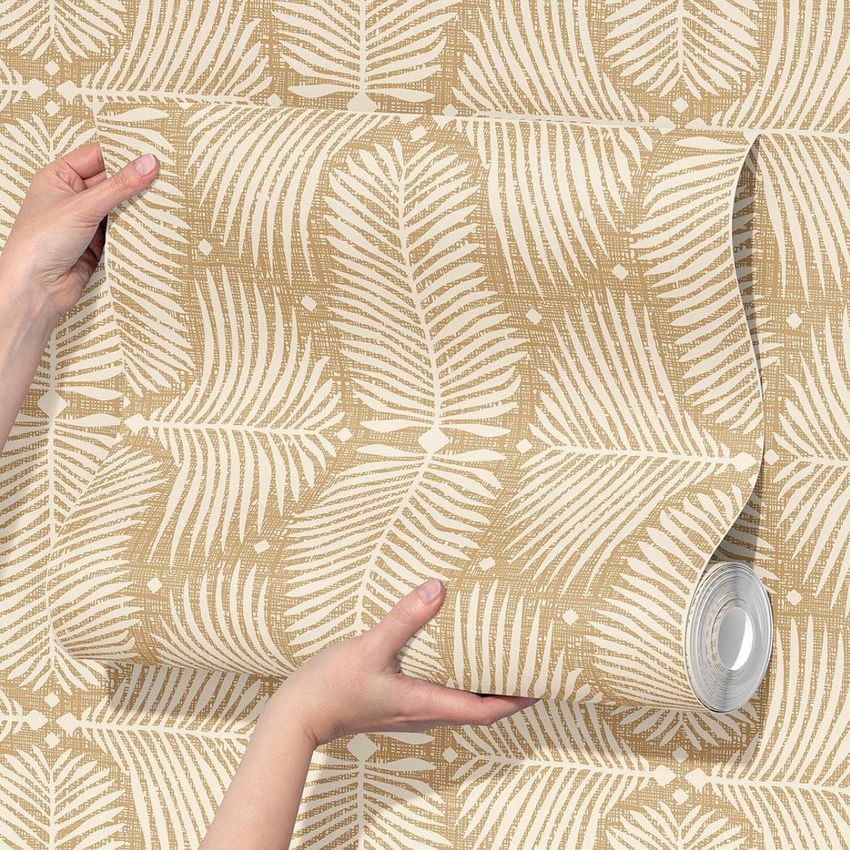
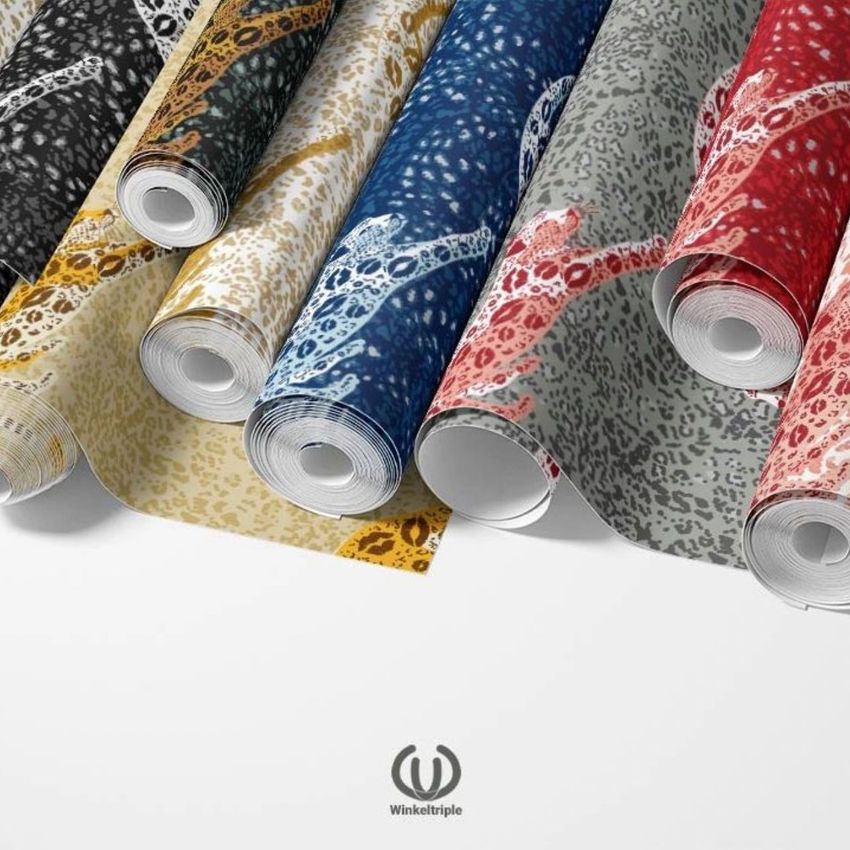
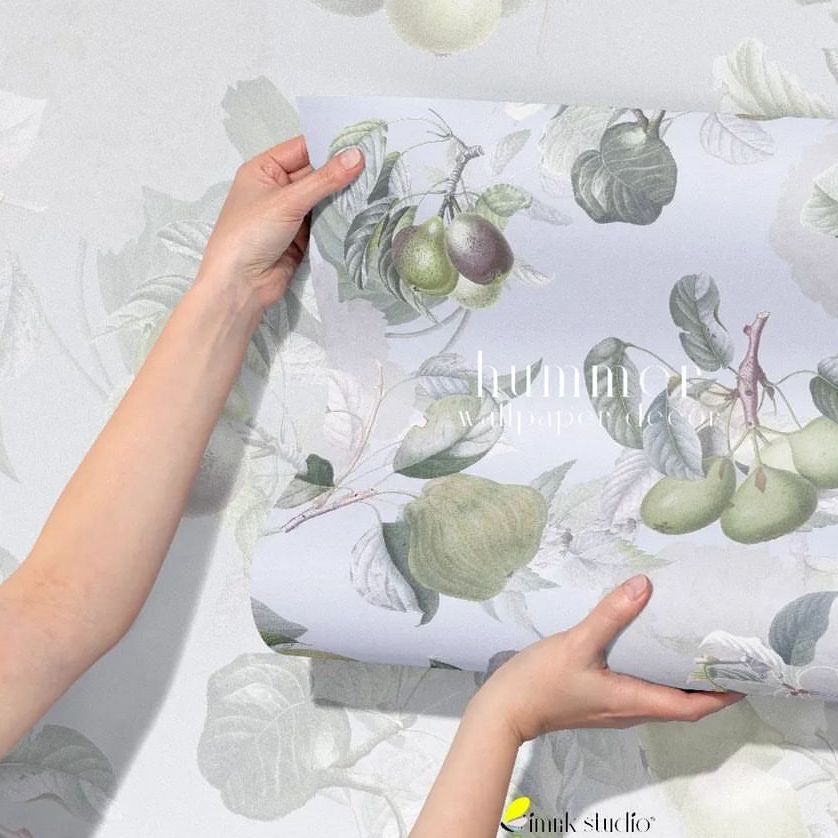
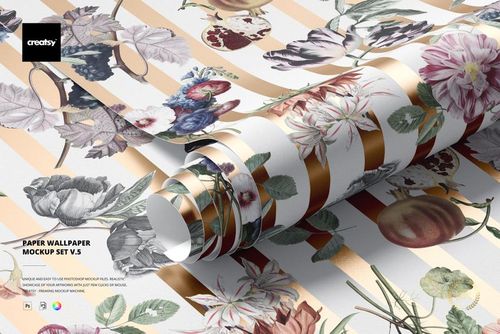
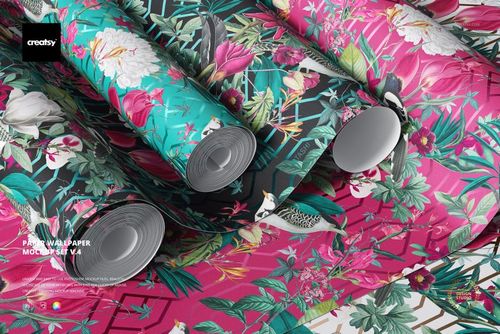
The set delivers 6 PSD mockup files at approximately 6000x4000 pixels and 300 DPI. You get rolled wallpaper compositions showing the cylindrical form that customers encounter in retail, flat and partially unrolled views displaying the full repeat pattern, hand-held poses demonstrating scale and paper weight for lifestyle product photography, and detail close-up shots that reveal print quality and paper grain. A user manual PDF is included to guide you through the layer structure and design placement workflow.
What You Can Customize
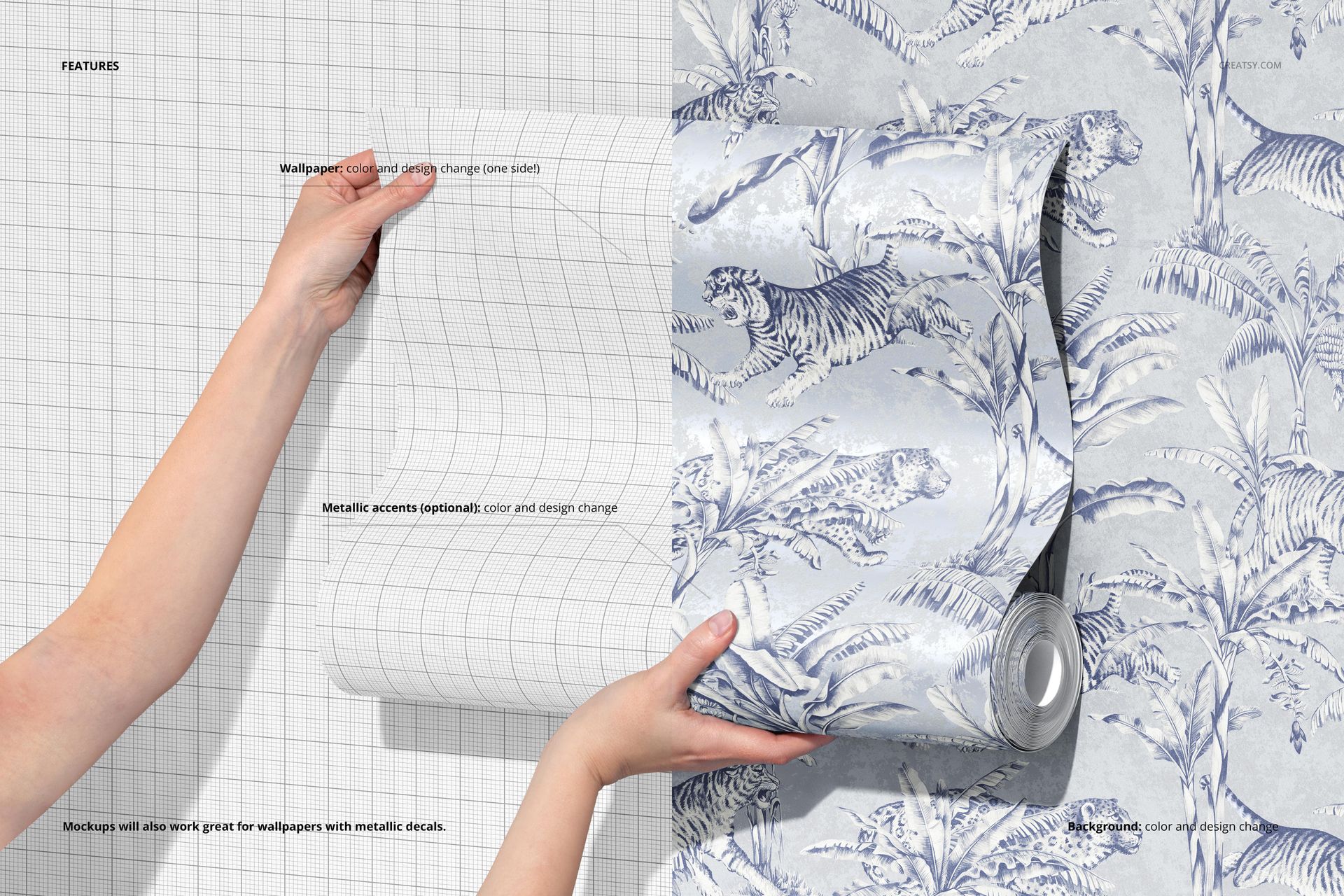
Every PSD uses labeled smart object layers for one-step pattern placement. Drop your wallpaper repeat, artwork, texture, or solid color into the designated layer, and the mockup wraps it across the paper surface with correct perspective and material deformation. Background colors and surfaces are editable, allowing you to match brand palettes, create clean e-commerce product shots, or build styled interior-themed compositions. The smart object handles design scaling and perspective mapping automatically.
Who This Mockup Is For
Surface pattern designers presenting wallpaper collections to manufacturers or licensing partners. Wallcovering brands previewing new colorways and pattern scales before production. Interior designers showing clients how a wallpaper would look before ordering samples. E-commerce sellers creating product listings on Etsy, Shopify, or wholesale platforms. Print-on-demand sellers testing wallpaper designs before inventory commitments. Home decor brands building catalogs and marketing materials for new wallcovering lines.
File Specifications
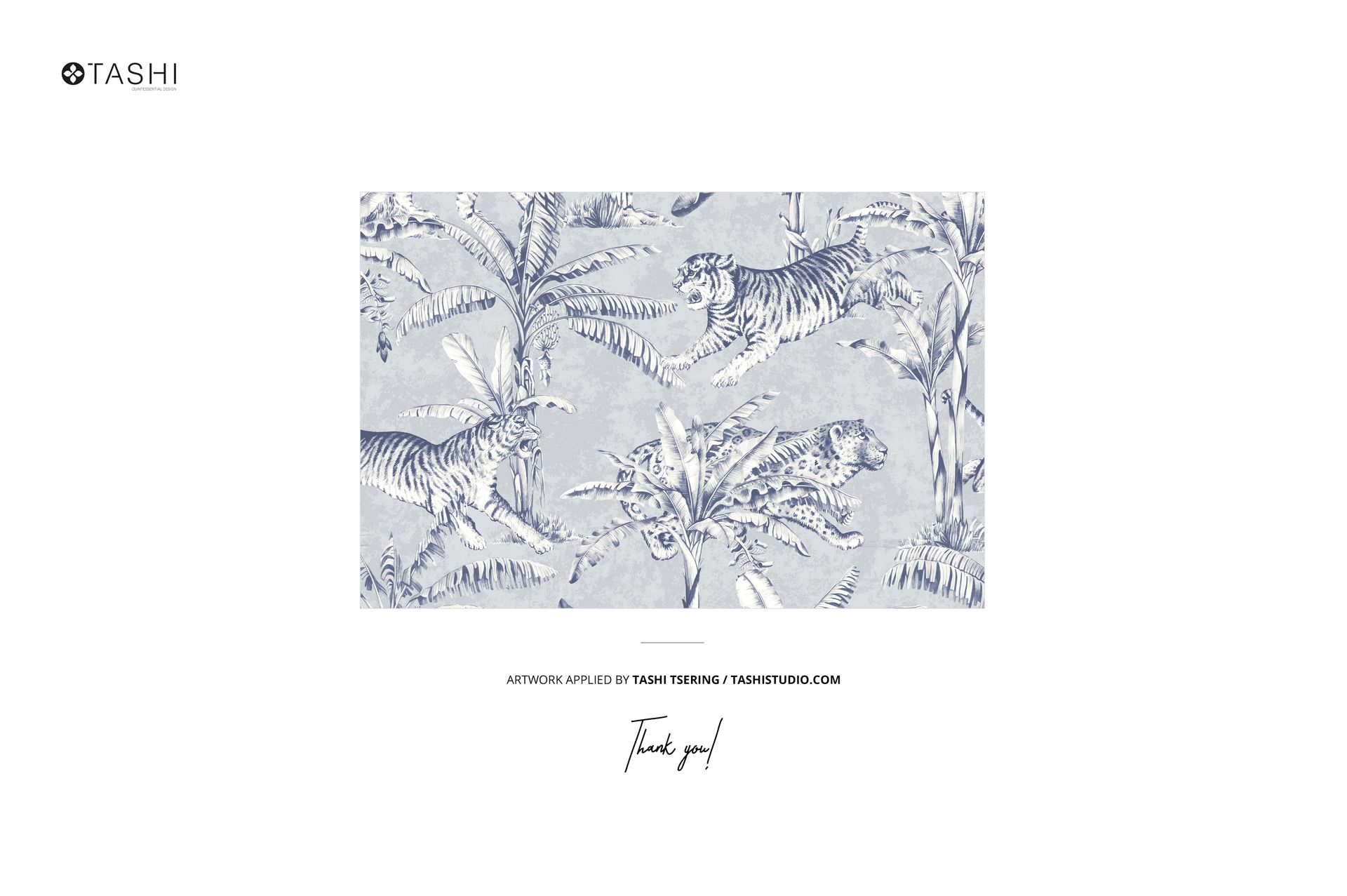
Format: PSD (Adobe Photoshop CC2020 or newer). Files: 6 mockup scenes. Resolution: ~6000x4000 px at 300 DPI. Layers: well organized with labeled smart objects. Includes User Manual PDF. Total download: 556.27 MB. Preview artwork by Tashi Tsering (TSTUDIO) is not included.











Love this mock-up. So easy to use and my patterns look amazing on the surfaces.
Thank you so much! We’re so glad you found the mockup easy to use and that your patterns look amazing on it. Your support means a lot to us.