Contrado Hard Wooden Base Coaster Mockup Set
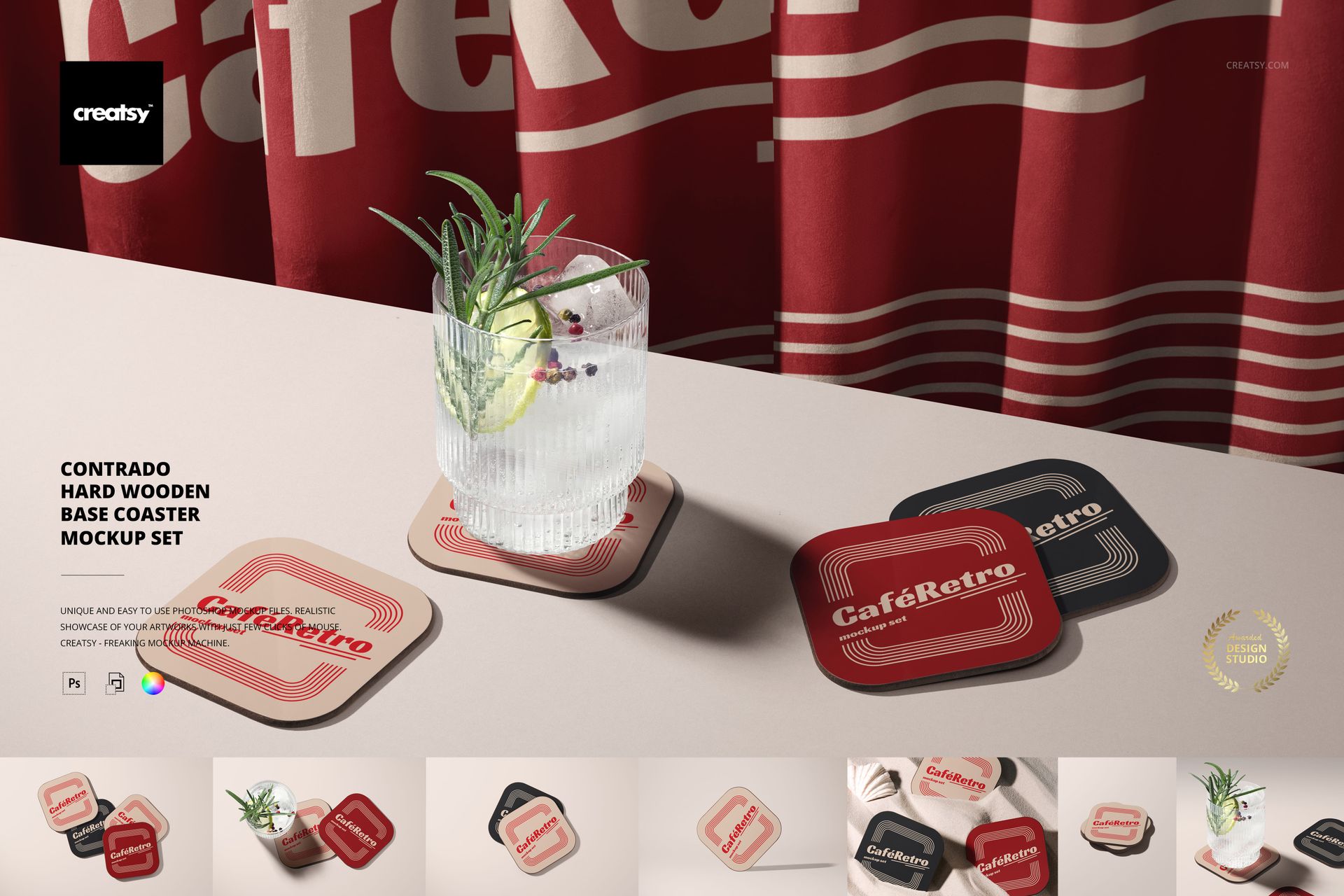
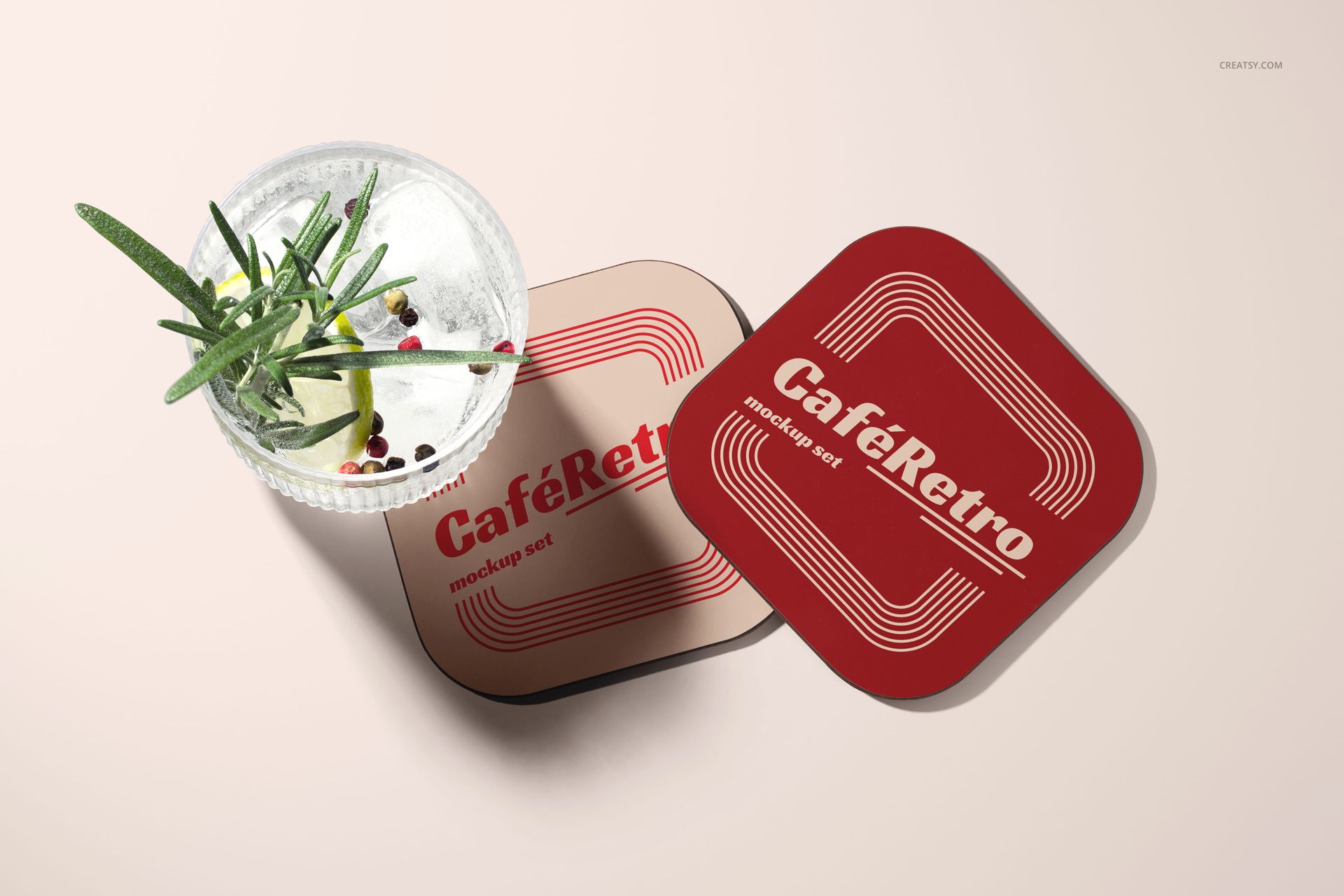
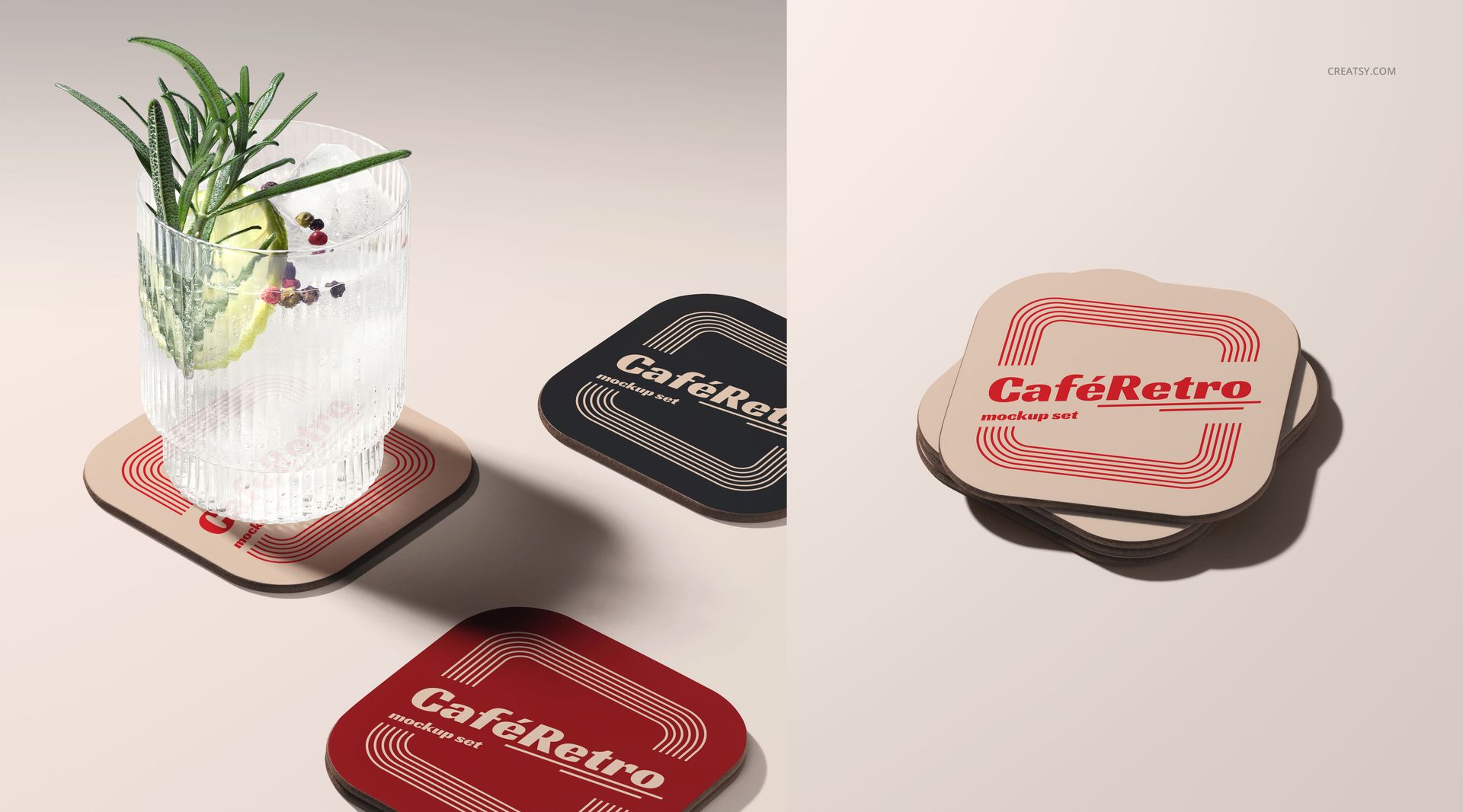
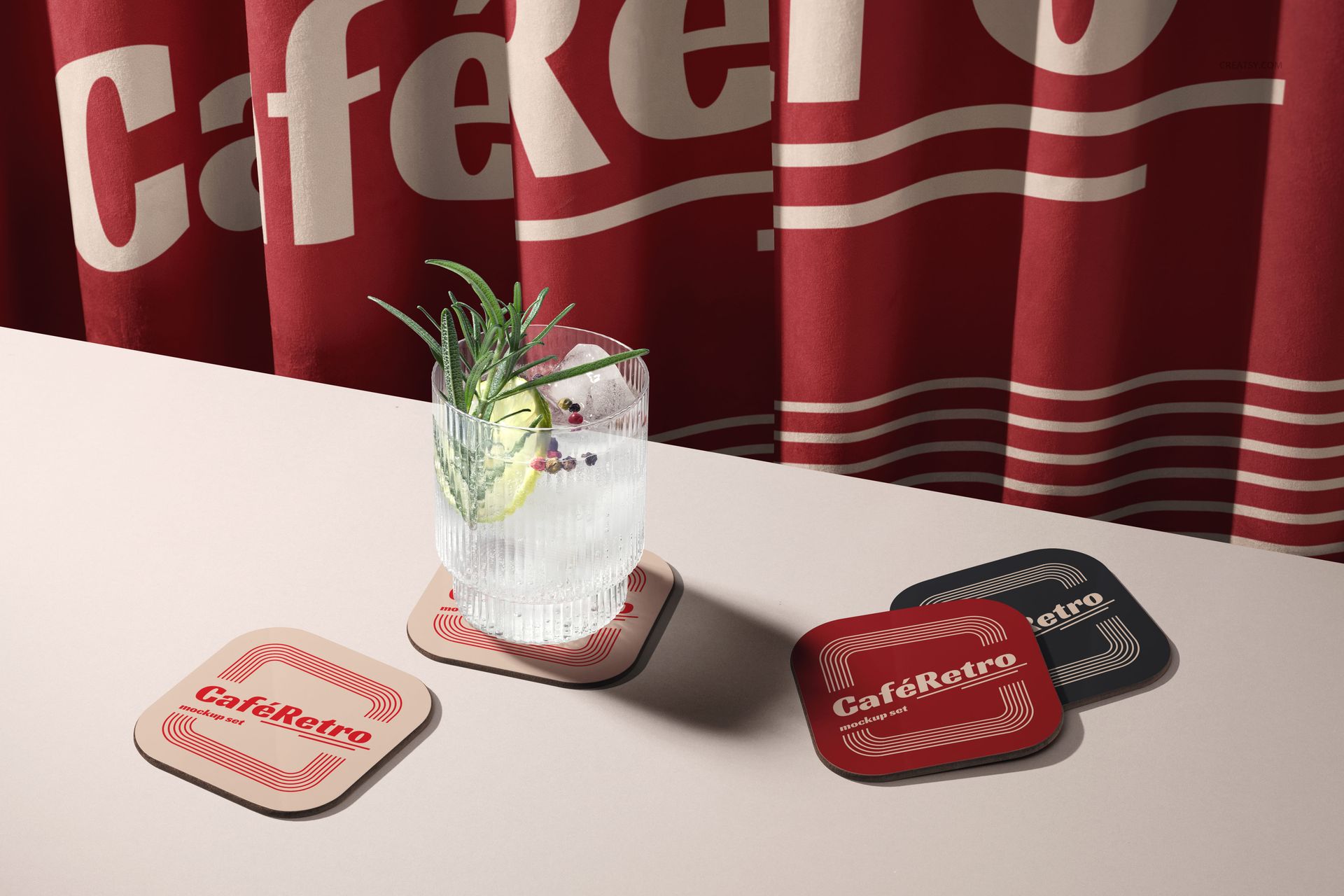
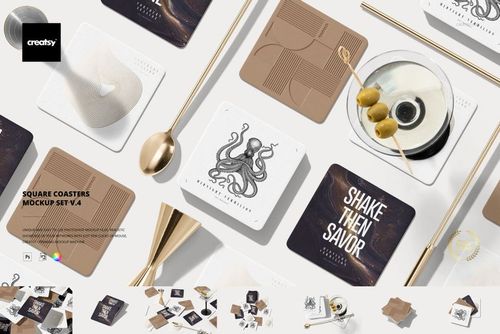
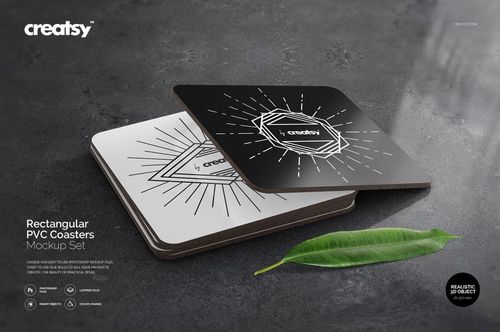
Step into the timeless elegance of café culture with our Contrado Hard Wooden Base Coaster Mockup Set. Designed to reflect a vintage yet versatile aesthetic, this mockup set creates the perfect stage for showcasing branding projects with character. From upscale bistros to cozy coffee shops, these coasters instantly bring a polished, inviting atmosphere to your presentation.
A Taste of Retro Charm
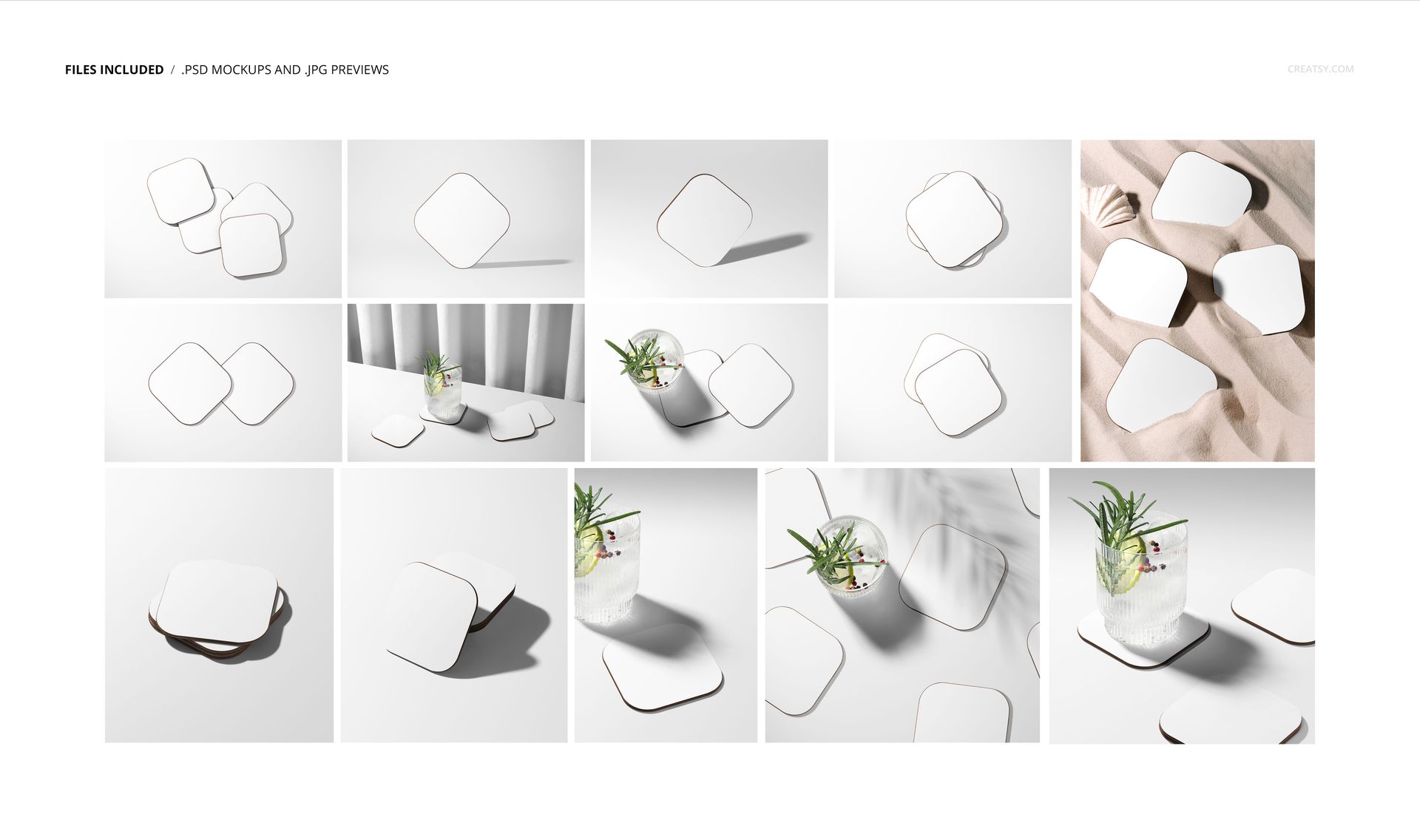
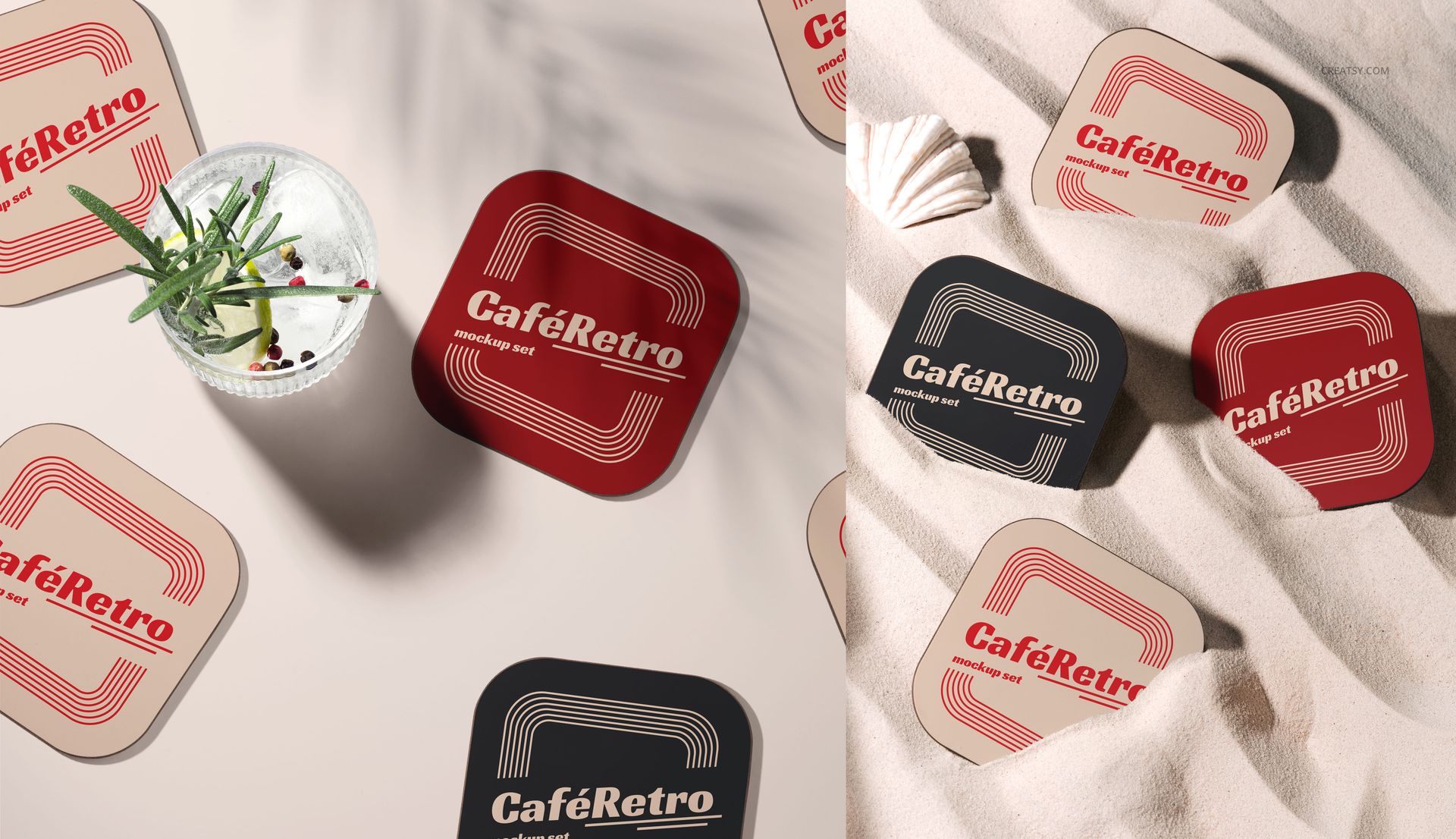
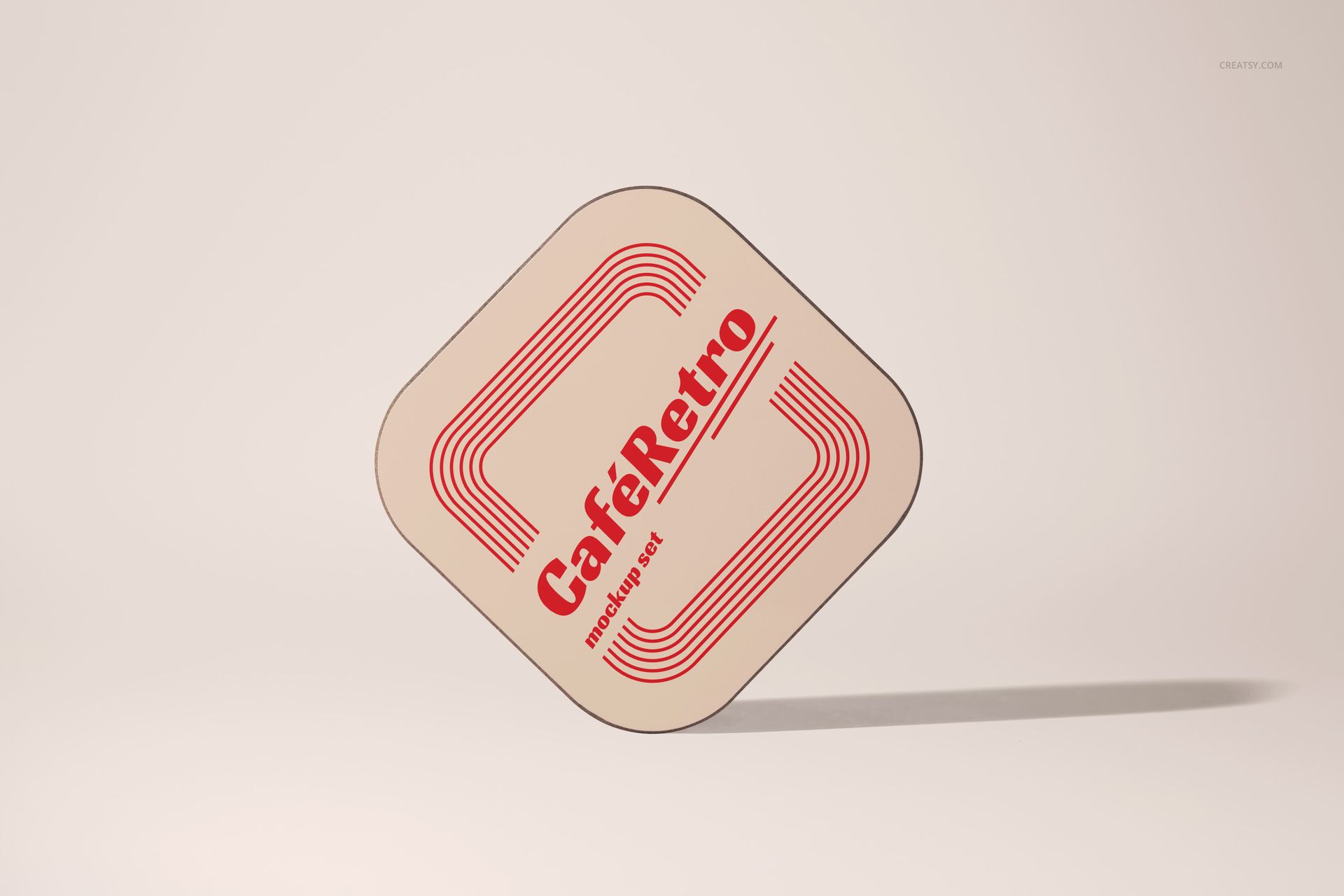
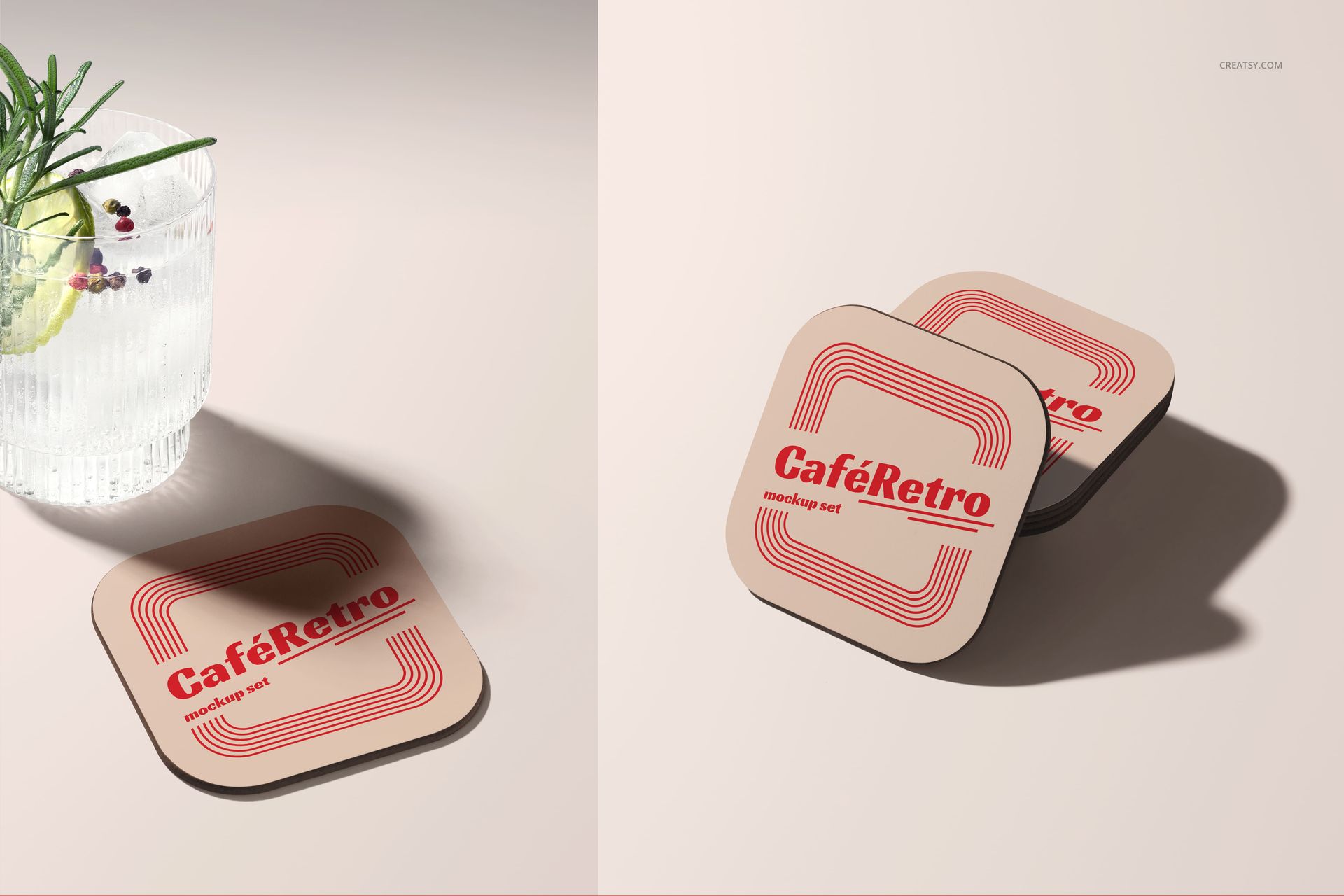
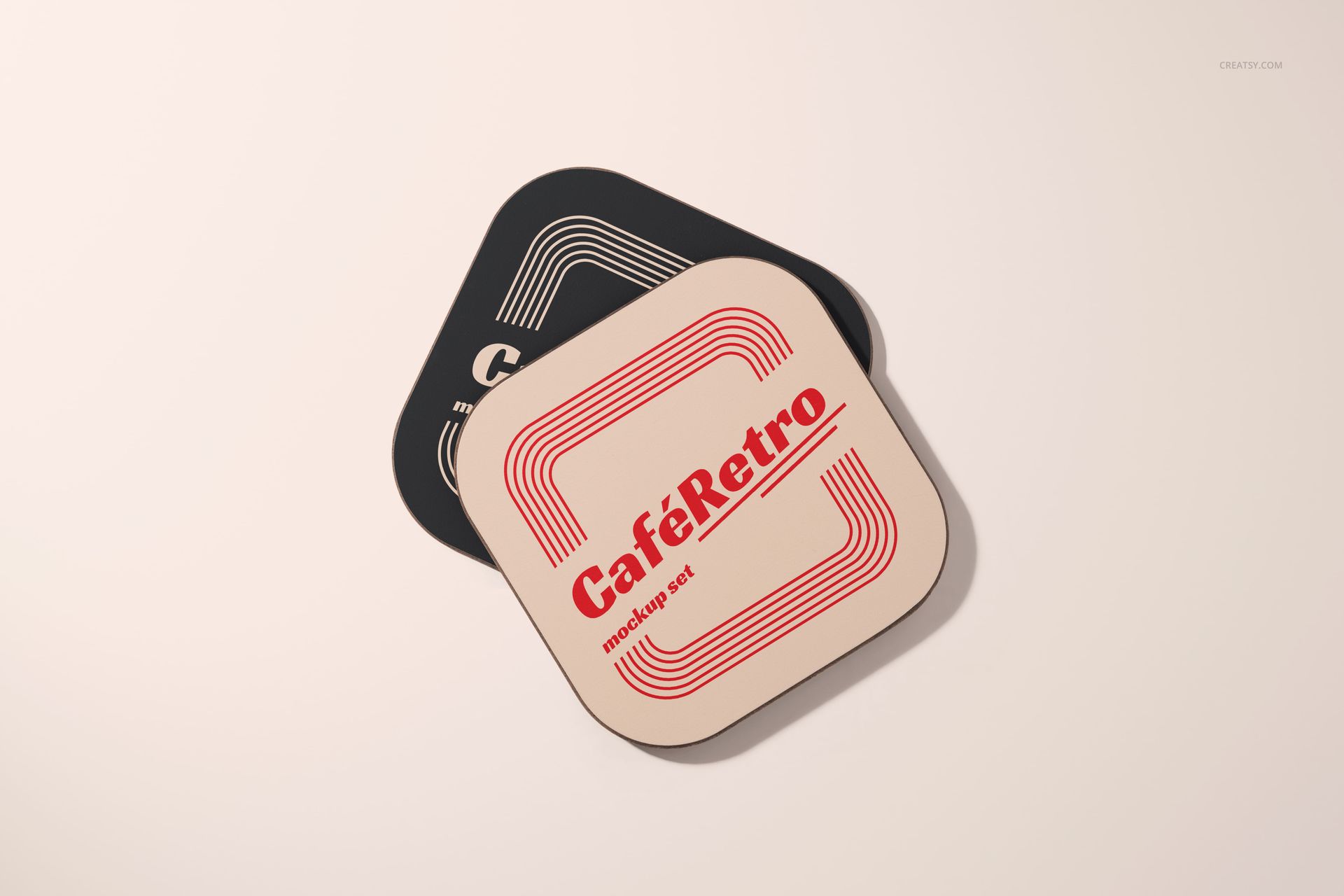
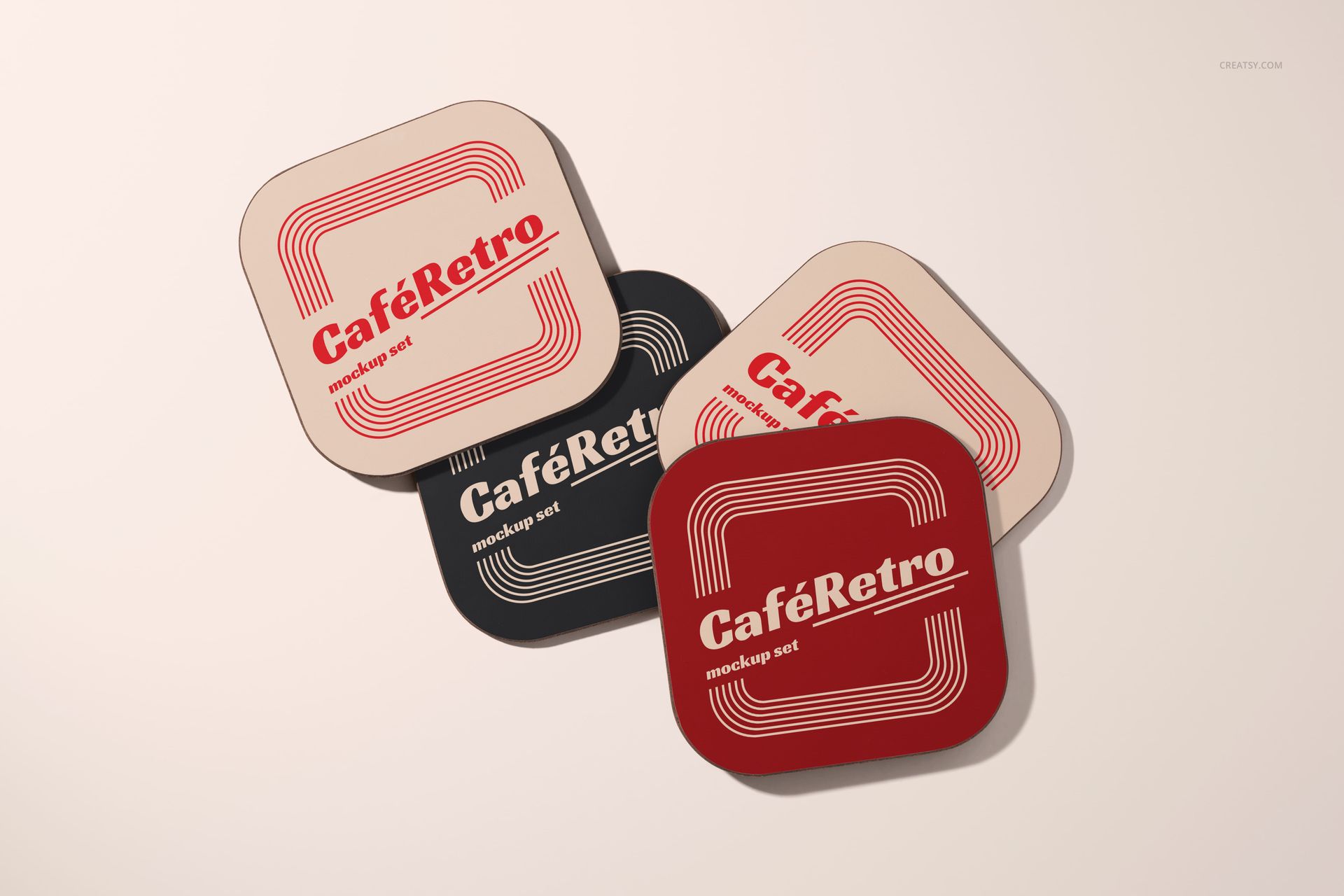
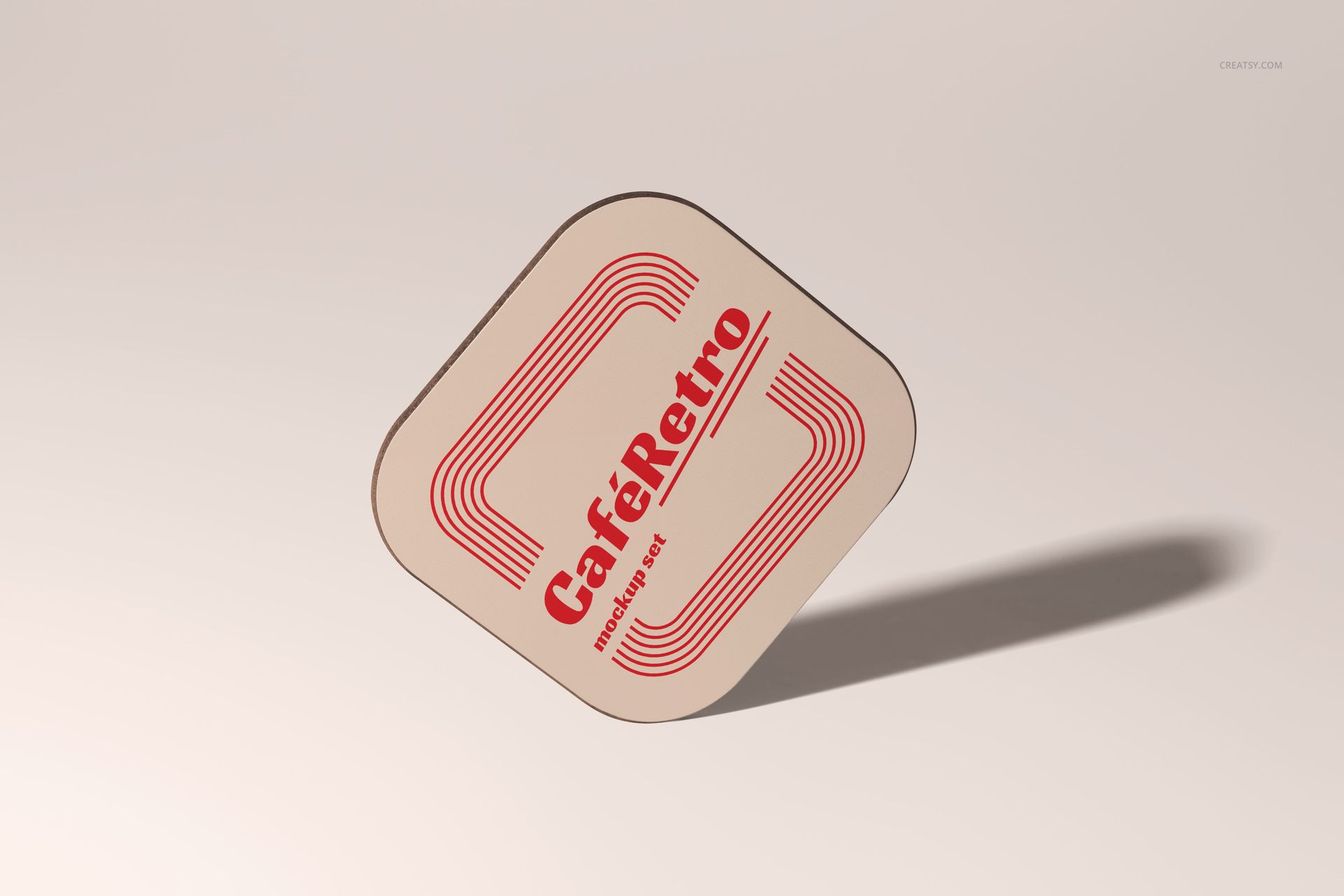
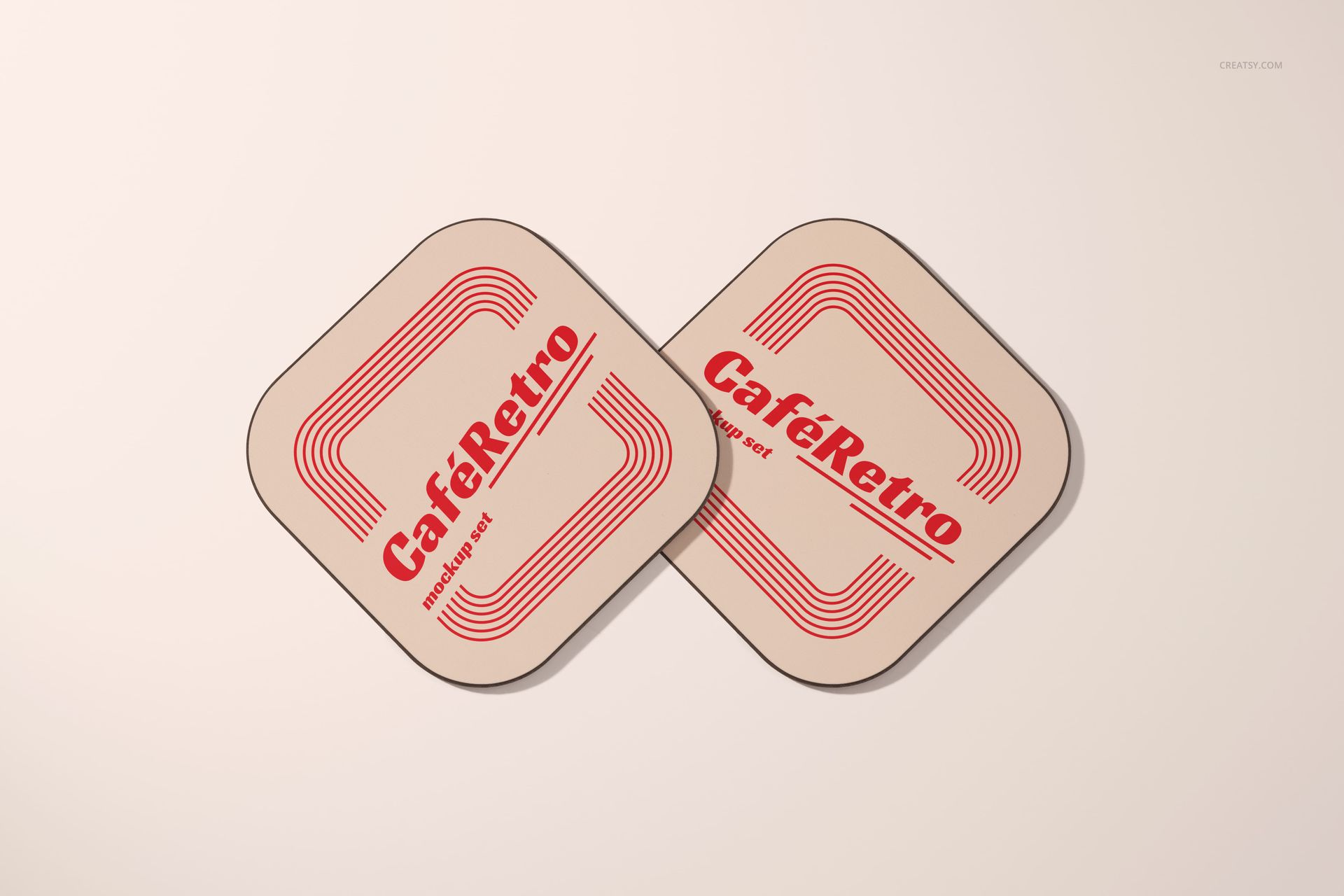
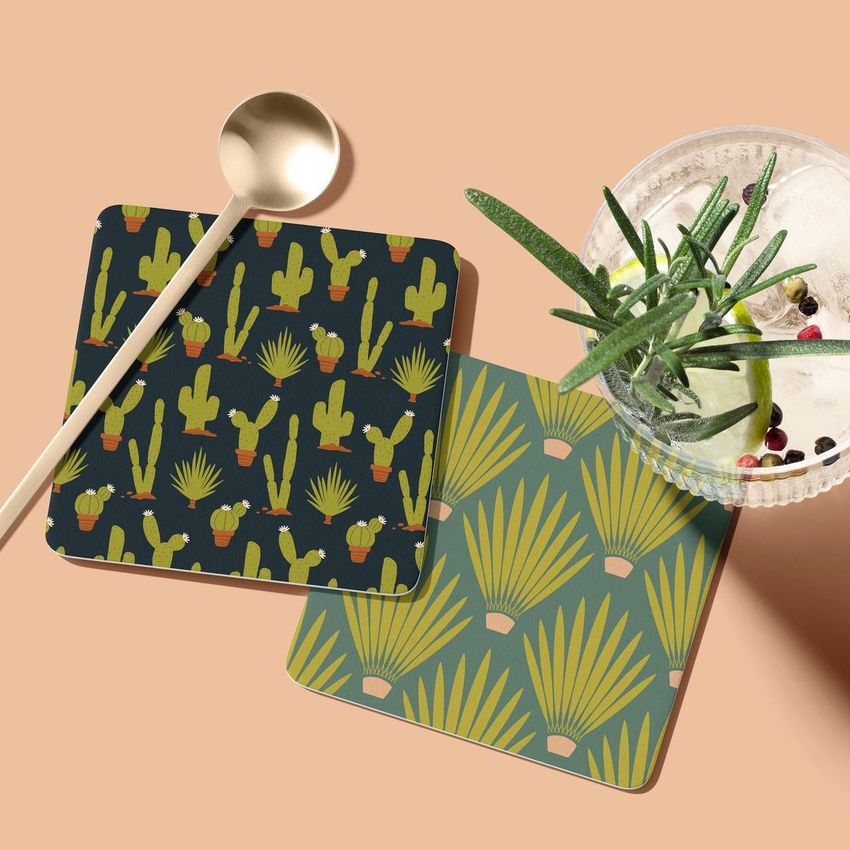
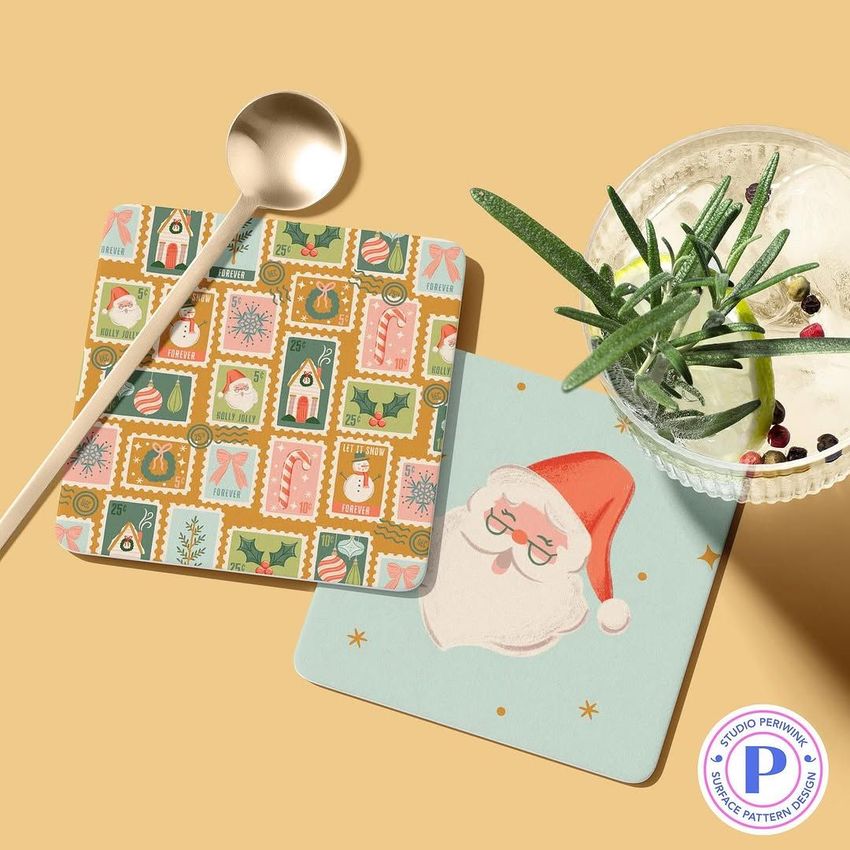
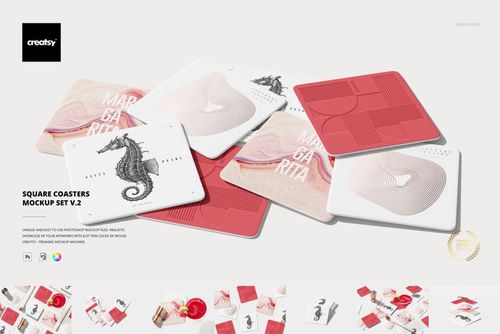
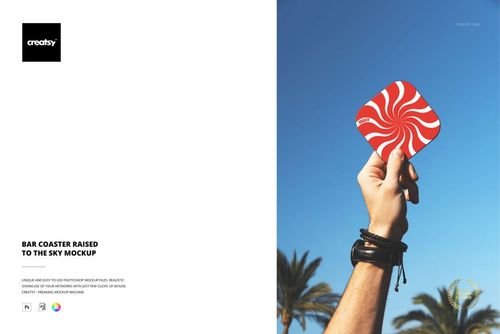
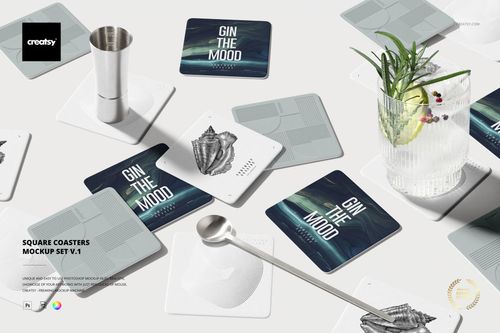
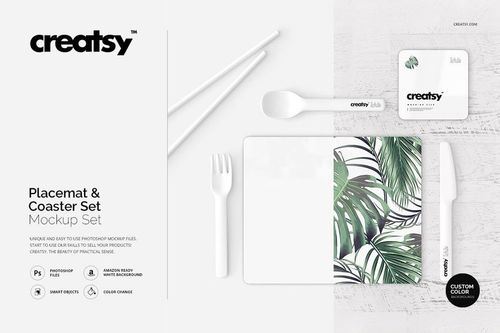
Inside the set, you'll find 14 expertly crafted PSD files, each displaying square coasters with subtly rounded edges in a range of dynamic settings. Whether scattered across a sandy backdrop or positioned beneath a chilled cocktail glass, every file is built to highlight your designs in authentic and engaging contexts. Choose from single, paired, or group layouts – each offering a distinct perspective that fits your creative goals.
Personalization Made Simple
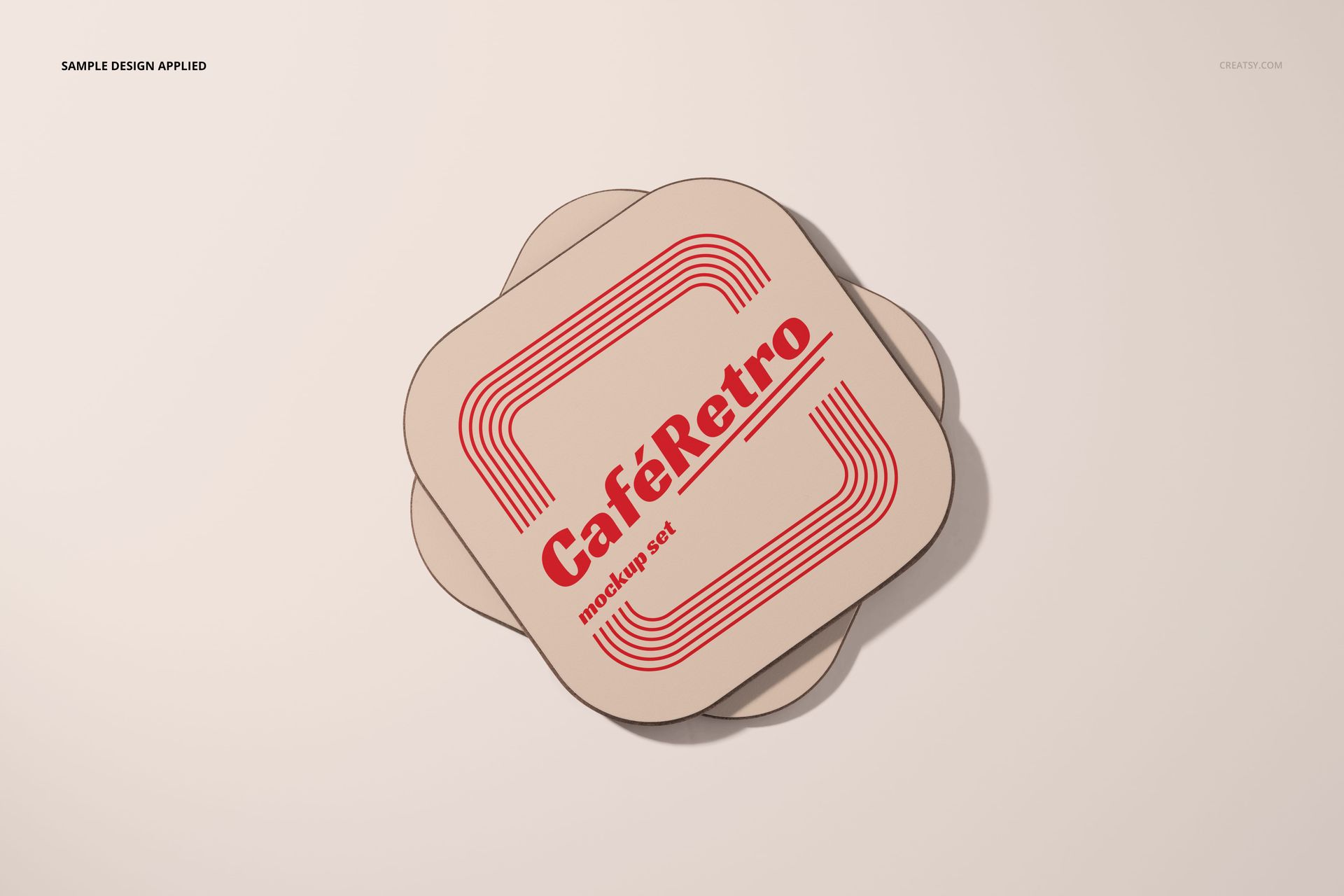
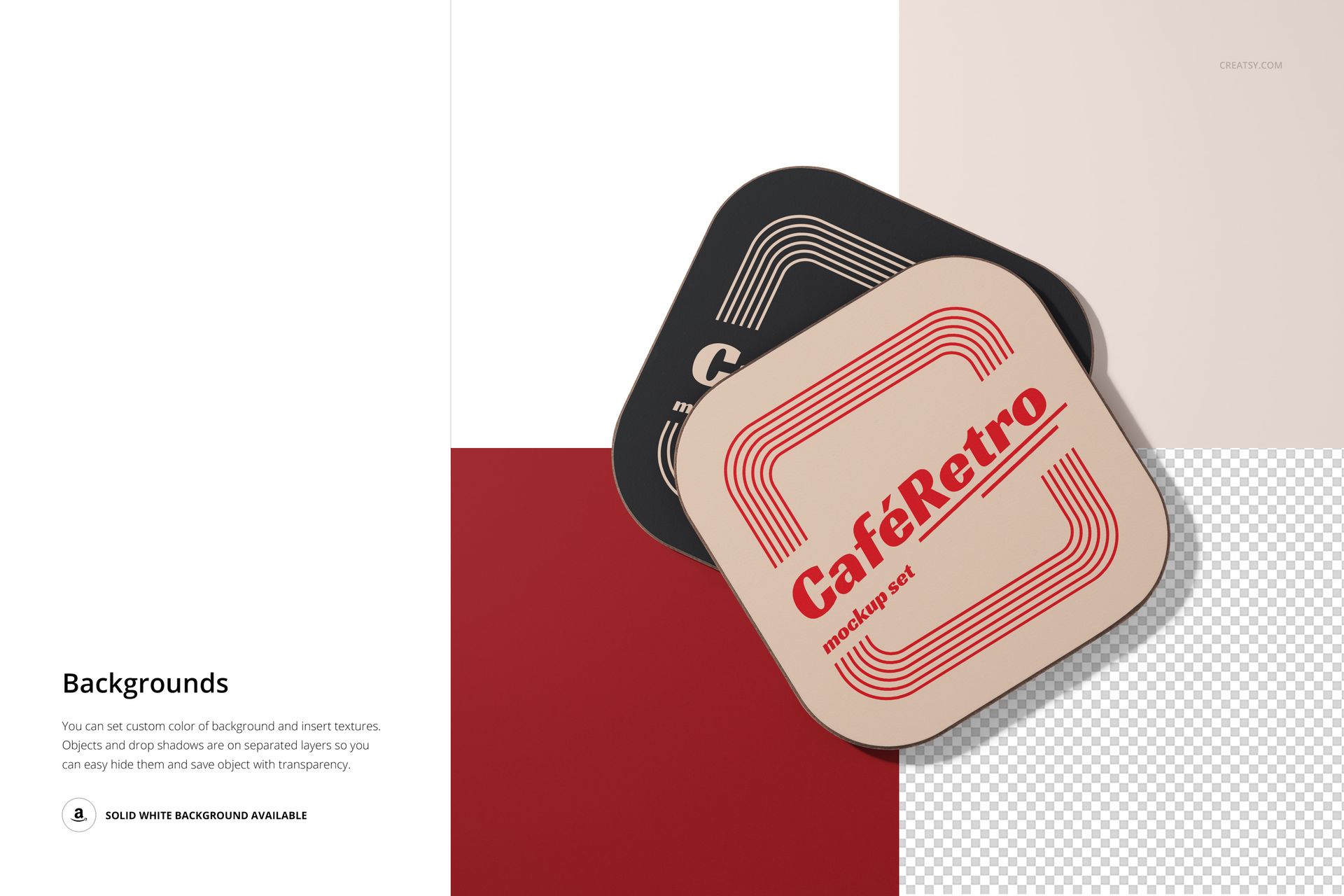
You can fully customize the coasters by adding your own branding, logos, and graphics. Adjust shadow elements for dramatic or subtle lighting, and modify the background colors or patterns to match your brand’s visual language. The high level of detail and realism ensures your final result will look ready for both a design pitch and a real-world product preview.
Files work in Photoshop (min. version CC2020) and in free online editor: Photopea.com;
Pack includes 14 .psd files: 6000x4000 px, 300dpi;
Check screenshots for all the features;
Well organized layers.