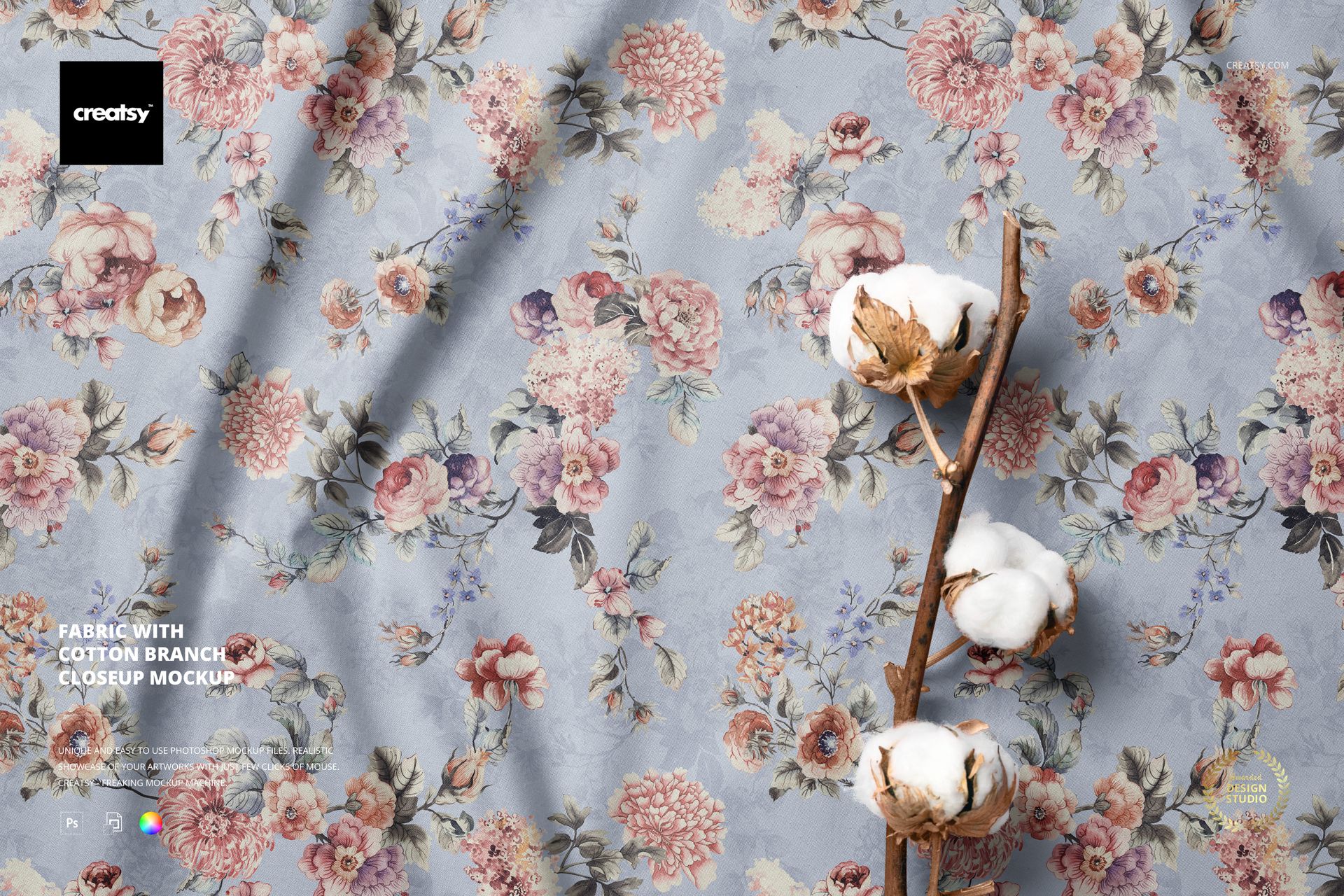
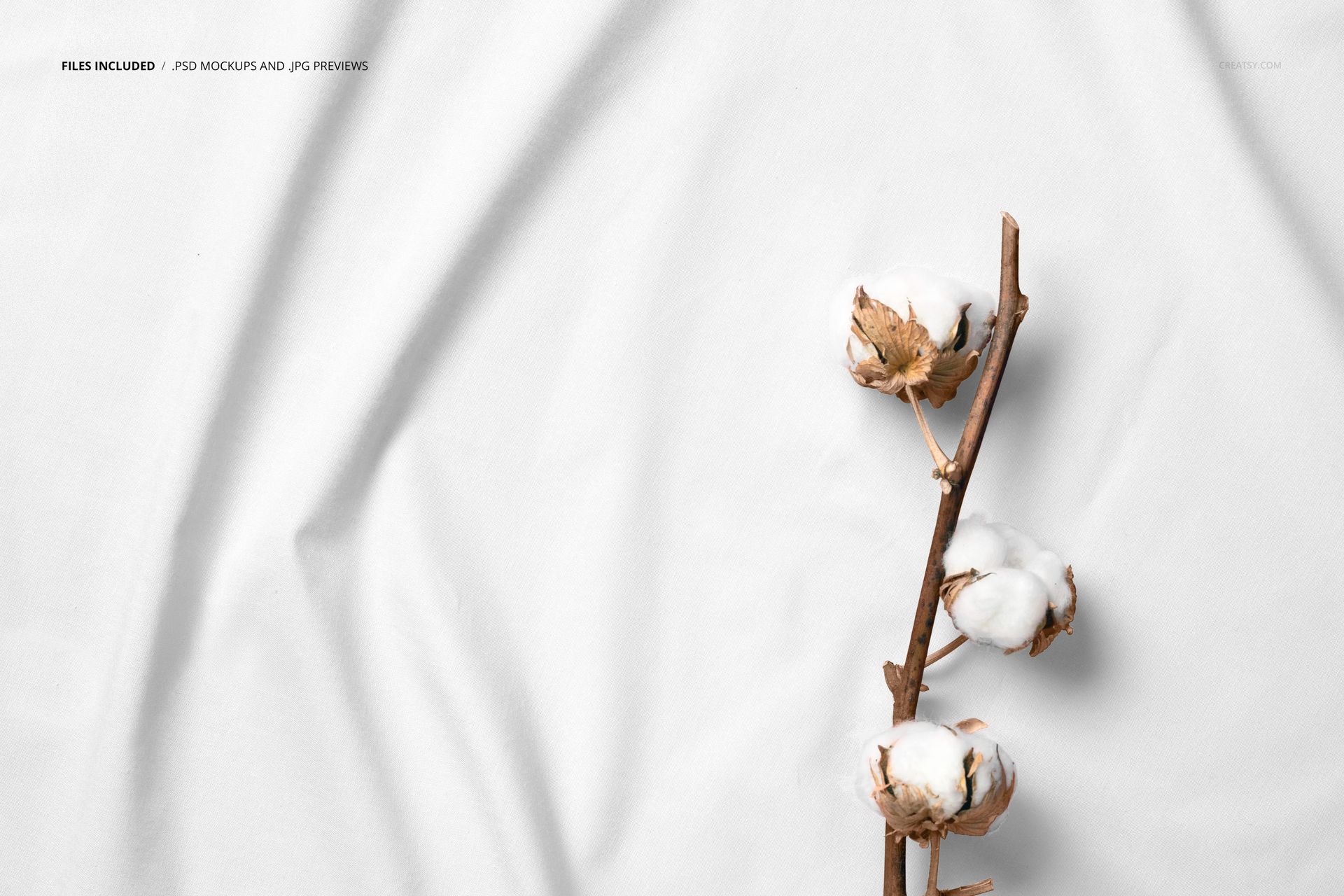
One PSD file at 6000 x 4000 pixels and 300 DPI. A close-up view of fabric with a cotton branch resting on the textile surface. The cotton branch is not random decoration - it is the raw material sitting on top of its own finished form. The fibers in the branch and the fibers in the fabric are the same substance at different stages of processing, and that visual connection between raw and refined is what makes this mockup work for textile brands, organic fabric lines, and natural fiber collections. The file opens in Adobe Photoshop CC 2020 or newer and in Photopea, the free browser-based PSD editor.
Raw Material as Styling Prop
The cotton branch serves double duty in this composition. As a styling element, it adds organic texture and visual interest to the fabric surface. As a narrative device, it tells the viewer that this fabric has a natural origin. That second function is increasingly valuable as consumers demand transparency about material sourcing and production methods. An organic cotton brand does not need to write a paragraph about fiber sourcing when the cotton branch in the photograph already communicates the message visually. The branch is proof of concept resting on top of the product.
The Closeup Advantage
Fabric mockups shot from a distance show drape, color, and general appearance. Fabric mockups shot in closeup show weave structure, thread density, surface texture, and the way light moves across individual fibers. For textile designers who need to demonstrate fabric quality rather than fabric color, the closeup perspective communicates craftsmanship in a way that wide shots cannot. A customer looking at this mockup can almost feel the texture through the screen because the closeup reveals the physical structure that determines how the fabric feels in the hand.
Smart Object Integration
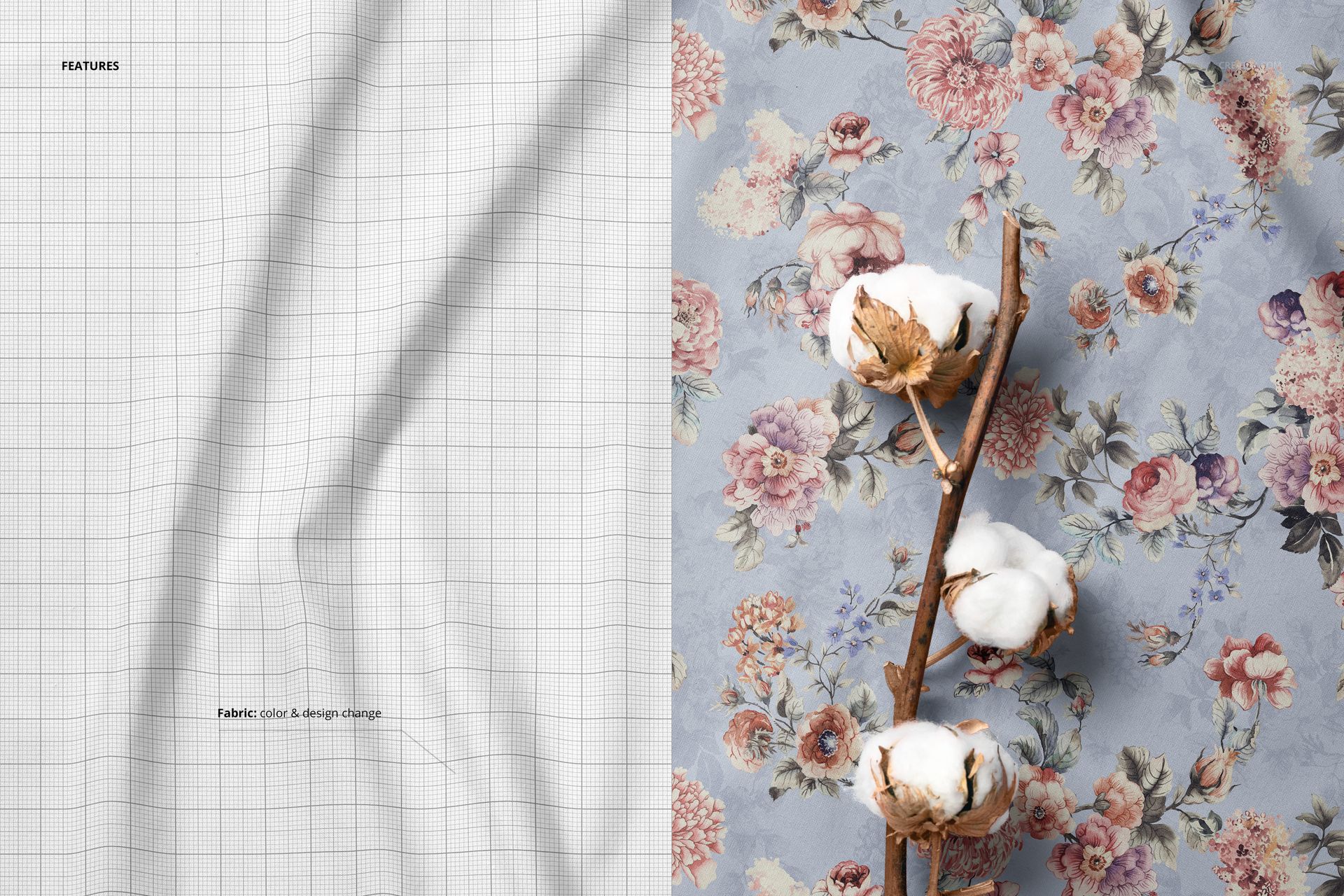
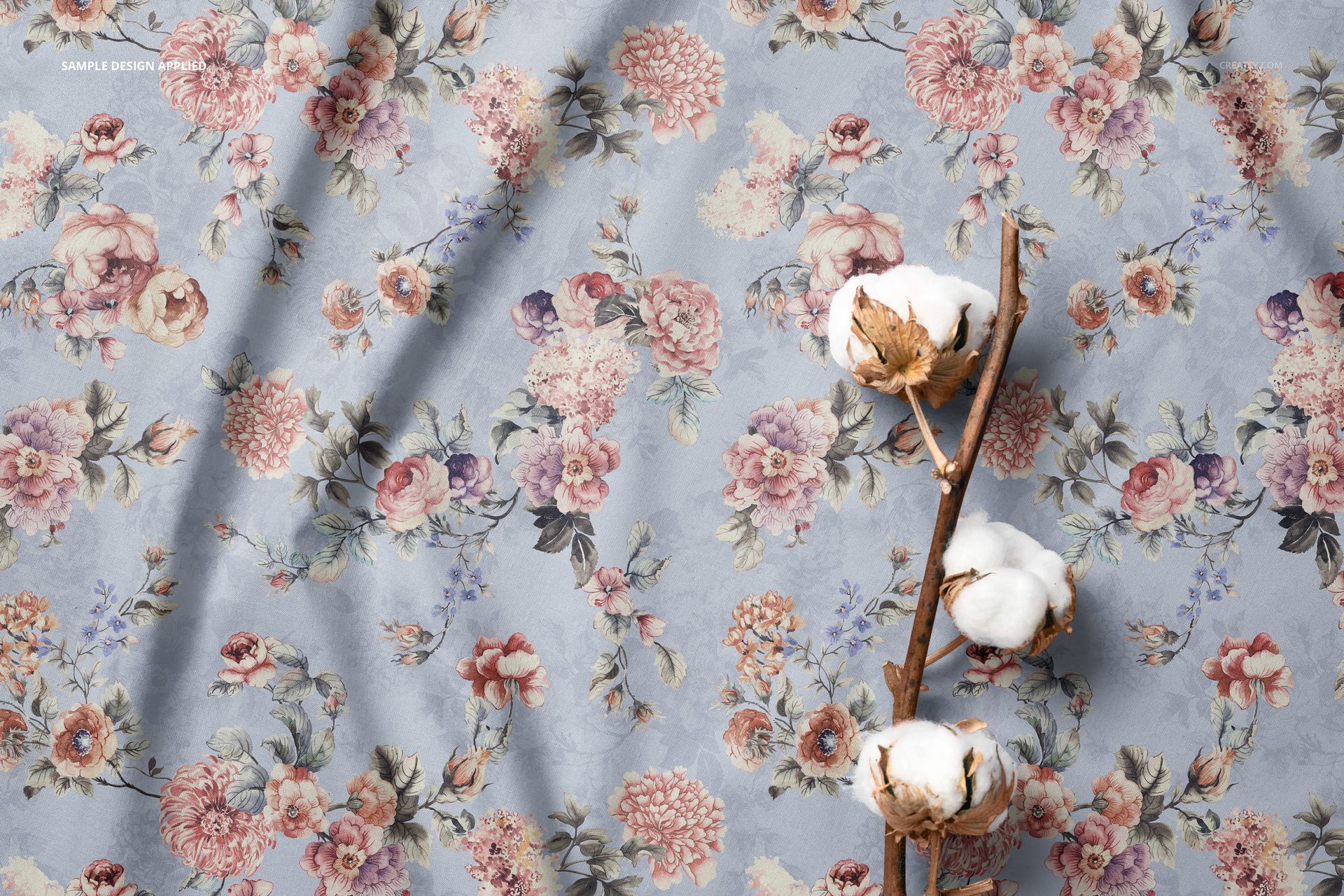
The PSD file contains smart object layers for the fabric surface. Double-click the smart object thumbnail in the layers panel, place your textile pattern, woven design, or printed fabric artwork into the canvas, and save. The main document updates with your pattern mapped onto the fabric surface, preserving the natural creases, the thread-level texture that makes the pattern look woven rather than printed on a flat surface, and the shadow variations where the cotton branch rests on the textile.
Textile Brand Photography
Fabric brands selling directly to consumers through Etsy, Shopify, or their own websites need product photography that communicates fabric quality through a screen. The standard approach is a flat swatch photograph on a white background. This mockup replaces that clinical presentation with a lifestyle composition that communicates quality, naturalness, and material integrity without a single word of copy. The cotton branch acts as a visual trust signal - it says this fabric comes from something real, something that grows, something with a verifiable origin.
Technical Specifications
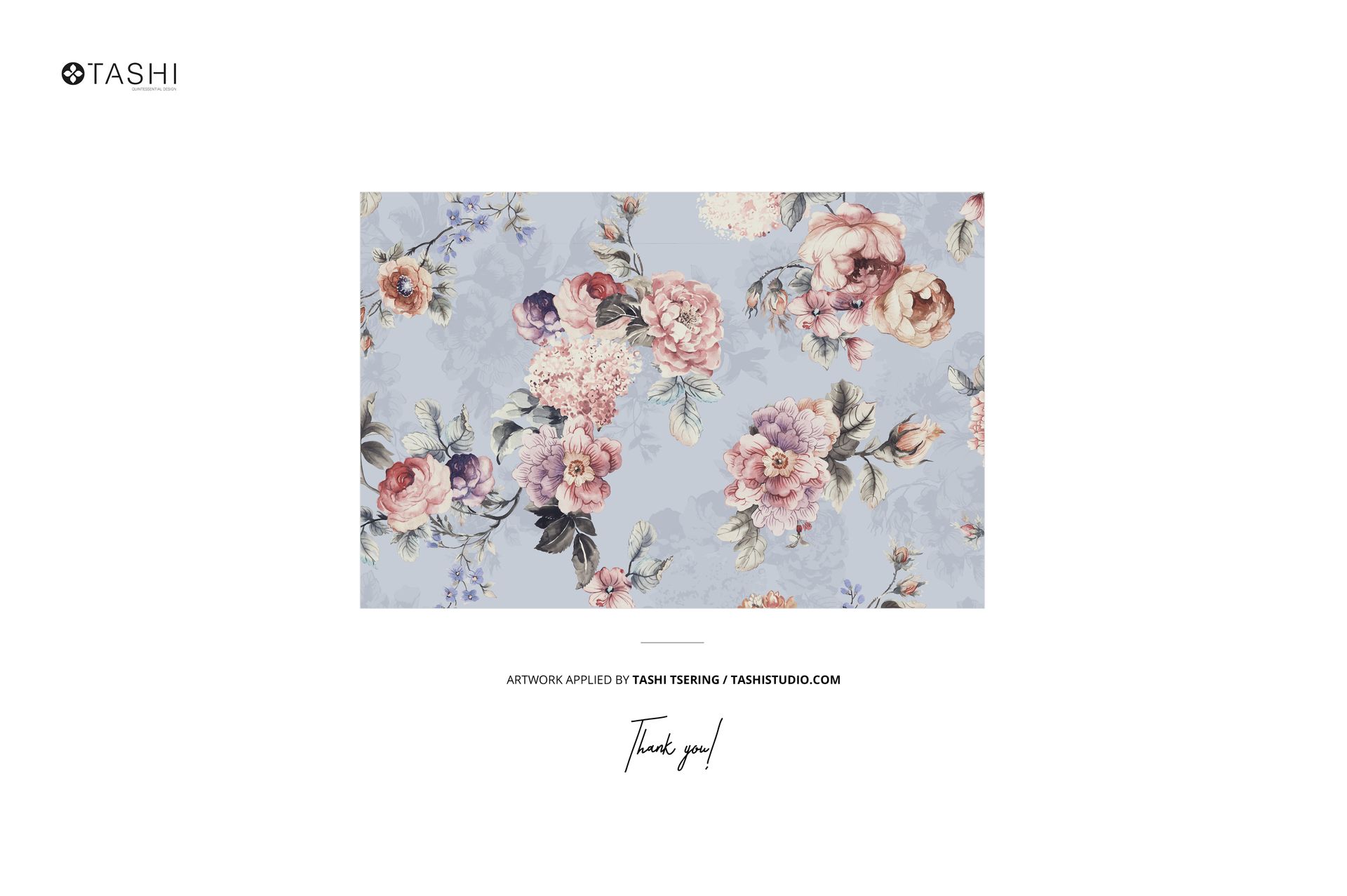
The single PSD file measures 6000 x 4000 pixels at 300 DPI in landscape orientation. The download weighs 326.84 MB. Layers are organized and labeled for efficient navigation between the fabric surface smart objects, cotton branch elements, shadow layers, and lighting adjustments. The high resolution captures individual thread structure at full zoom, making this file suitable for both digital product listings and printed textile catalogs where fabric detail is critical. Example pattern by Tashi Studio (not included in the download).